
Have you ever wondered if your home is truly secure? The Yale Smart Lock does more than just secure your door, it actively works to keep you informed. It uses strong encryption and smart sensors to protect your entryway and connects with Google Home for real‑time updates. Imagine having a digital guard that alerts you every time someone comes or goes.
The lock automatically secures your door, and its energy‑efficient design means that even if you sometimes forget to lock up, you can relax knowing your home is safe. This smart lock is a solid choice for anyone looking to boost their home security while adding a touch of modern style to their entryway.
Essential Features & Security Benefits of the Yale Smart Lock
The Yale Smart Lock works with Google Home using Matter, offering a secure and simple way to control your door. Its slim, modern look in Snow, Ash, and Matte Black fits easily into any home décor while adding a stylish security edge.
At its heart, the Yale Smart Lock rolls out strong security basics. It uses advanced encryption to keep all communication safe between the lock and your devices. Built-in sensors check your door’s status and record every entry, and live alerts let you know as soon as someone comes or goes.
Operating on Thread wireless, this smart lock is energy efficient; your standard AA batteries can last up to 12 months. It also has an automatic locking feature that kicks in after a set time, ensuring your door is always locked even if you forget. Plus, Vacation Mode shuts off the keypad when you're away, keeping unauthorized users out.
You can create up to 250 unique access codes, making it easy to give temporary or scheduled entry to visitors or service personnel. With its combination of smart features and reliable security measures, the Yale Smart Lock is a solid choice for anyone looking to boost home protection.
yale smart lock Offers Superior Home Security
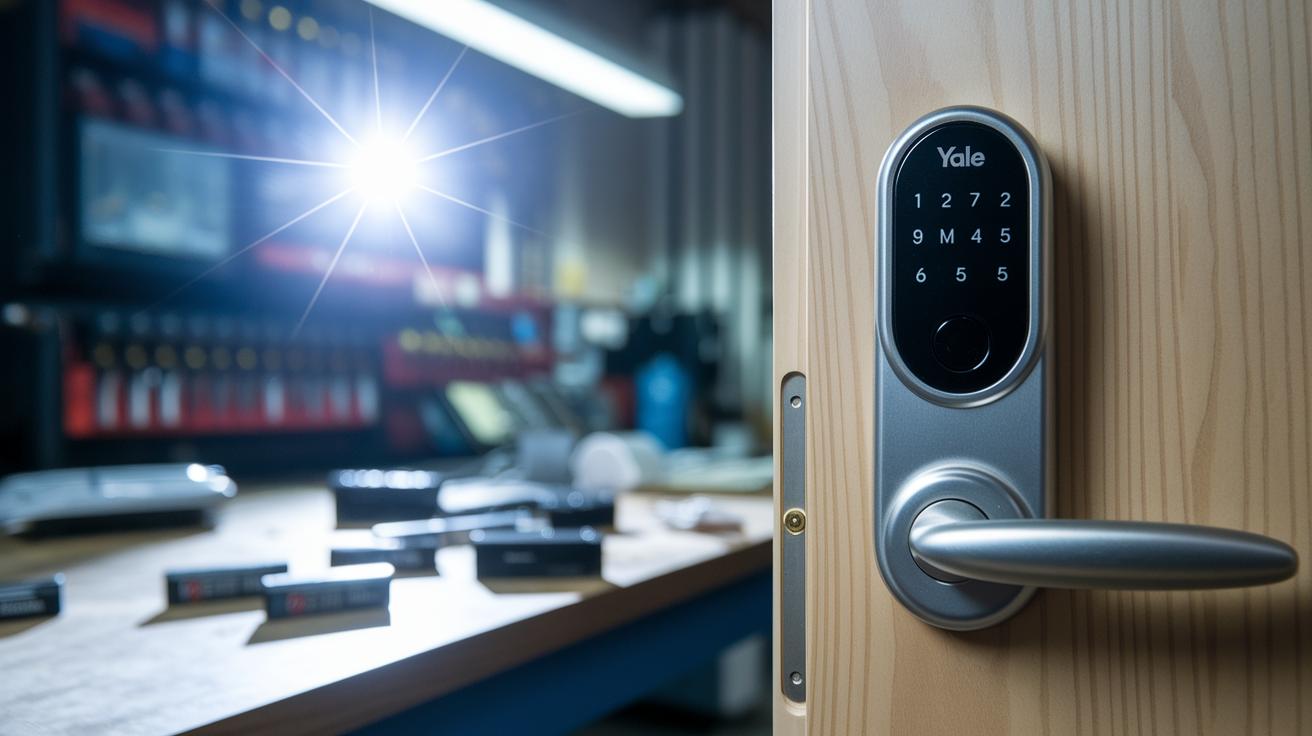
Start by unpacking your Yale Smart Lock and checking that you have all parts: the lock unit, strike plate, screws, and batteries. Take a moment to verify nothing is missing before you move on.
Next, install the batteries as indicated in the battery compartment. Attach the deadbolt to your door and secure the strike plate on the door frame. A handy tip: lay out all the pieces like you would check ingredients for a recipe to make sure everything is in place.
Once the mechanical setup is done, use the lock’s touchscreen to calibrate the latch throw. Follow the on-screen steps so the latch lines up perfectly with the door frame for smooth operation.
Now, connect your lock to Google Home using Matter/Thread. Open the app, tap the “+” icon, and select Yale Smart Lock from the list. In simple terms, tap "+", choose "Add device", and then pick Yale Smart Lock to start the pairing process. This method gets your lock joined to your smart home network easily, enhancing your home security.
After pairing, use the app to adjust settings like automatic locking intervals and Vacation Mode to tailor your security just the way you like it.
Yale Smart Lock Compatibility with Smart Home Systems
The Yale Smart Lock fits right into your smart home setup, letting you manage it easily with the Google Home app. With just one tap, you can lock or unlock your door and even view your Nest Doorbell feed from the Favorites screen. This hands-on control makes keeping your home secure both simple and effective.
Built on the Matter standard, this lock works smoothly with hubs like Apple HomeKit and Amazon Alexa. That means it's ready to adapt as new smart devices come out, so you'll always have the latest features at your fingertips.
Pairing the lock is a breeze. Just open your Google Home app, tap the plus sign, and select Yale Smart Lock from the list. Follow the on-screen steps and you'll have it connected quickly, with useful options like scheduled and remote unlocking coming online soon after setup.
If you need access beyond your local Thread mesh, Yale offers an optional Wi-Fi Bridge. This extra accessory lets you control your lock from anywhere, adding flexibility and peace of mind when you're on the go. Plus, with integrated voice commands, managing your smart home becomes even more convenient.
Power Management & Battery Life of the Yale Smart Lock
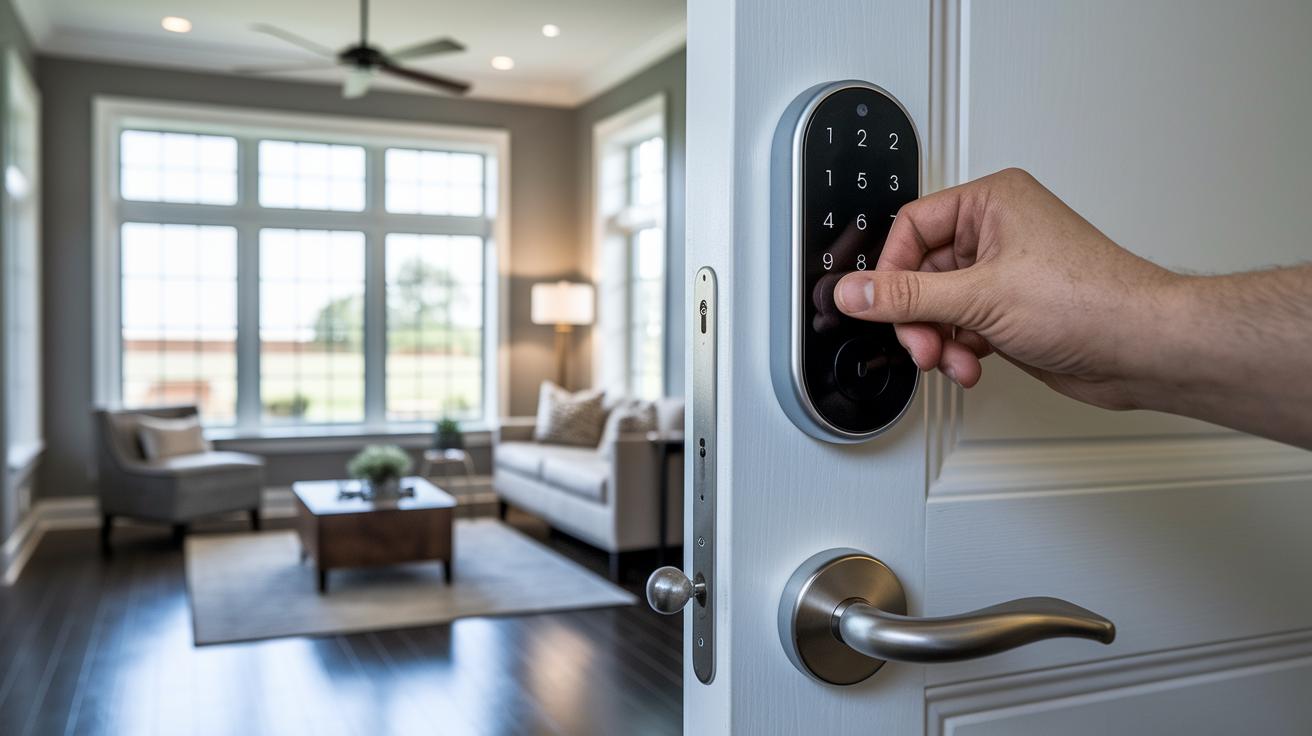
The Yale Smart Lock is built with a Thread radio that uses very little power. That means standard AA alkaline batteries can easily last for up to 12 months. You also get low-power alerts right on the lock’s touchscreen and via Google Home notifications, so you'll know ahead of time when it's time for a battery change.
For the best results, change all four batteries at once. When you do, take a moment to wipe the battery contacts clean; keeping them free of dust or residue helps maintain a steady connection.
To boost battery life even more, turn on the energy-saving mode in the app. This option shuts off the LED wake-on-approach when it isn't needed, cutting down on extra power use. Adjusting these settings means you worry less about unexpected power loss and can trust your lock to keep working reliably for up to a year.
Paying attention to these simple steps keeps your smart lock powered and dependable, so you can focus on enjoying your home's enhanced security and seamless integration.
Security & Access Control Features of the Yale Smart Lock
The Yale Smart Lock gives you strong, flexible protection with easy code management. You can add, remove, or schedule up to 250 unique access codes per lock. This lets you set temporary or timed codes for visitors or service providers, like giving a cleaner a code that only works on cleaning days.
Live activity logs track every lock and unlock event. These logs show which code opened the door and when, making it simple to review activity via the Google Home app if something seems off.
Optional two-factor authentication adds another layer of security by requiring an extra app notification confirmation. Along with secure Matter encryption, this keeps every transaction private and tamper resistant. Plus, Vacation Mode disables the keypad until you decide to reactivate it, ensuring your home stays secure when you're away.
Key benefits include:
- Up to 250 flexible access code configurations
- Real-time activity logs for clear tracking
- Optional two-factor authentication for extra protection
These features provide practical, precise control over your home or office entries, keeping you informed and secure every step of the way.
Comparing Yale Smart Lock Models & Pricing
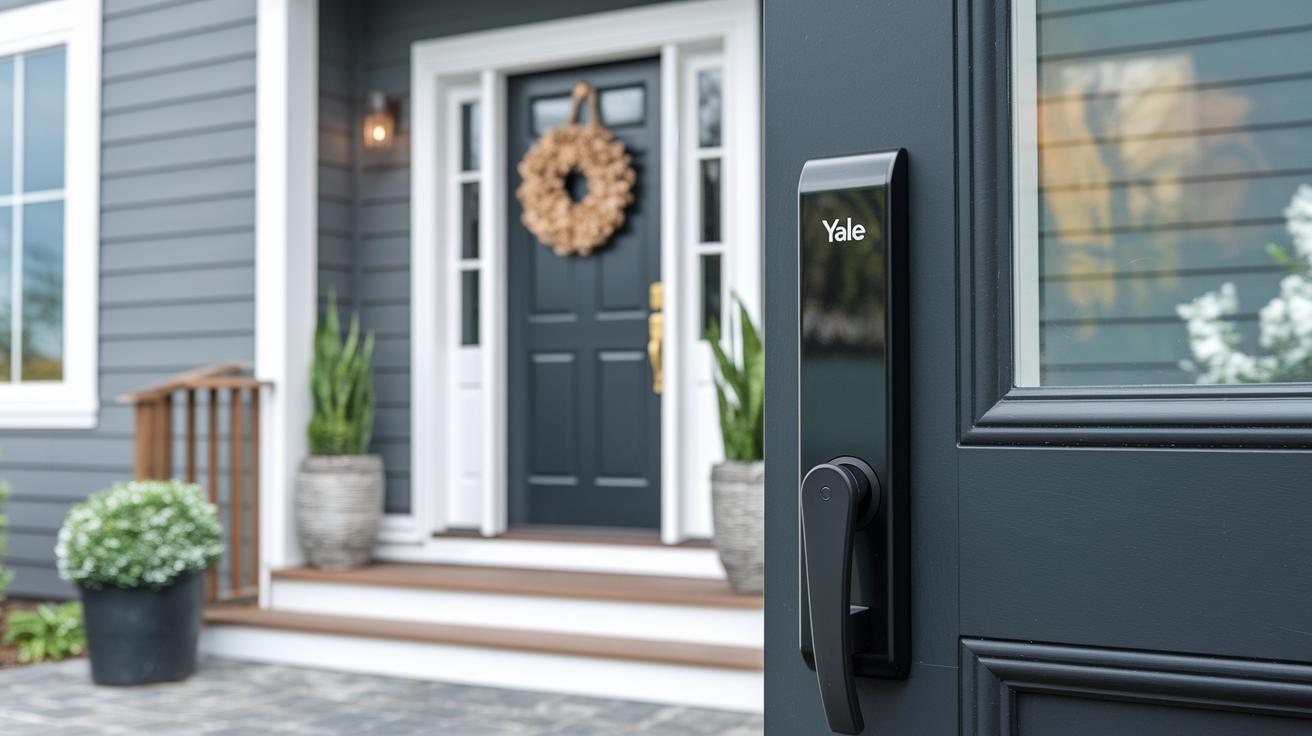
When it comes to Yale smart locks, each model is designed to fit different home setups and budgets. The Yale Assure with Matter is all about a simple, steady connection using Thread (a mesh network tech) that can keep its battery going for up to 12 months. It’s available in Snow, Ash, and Matte Black and has the Google Home Preferred label, making it a solid pick for anyone using Google Home.
The Nest x Yale Lock is geared toward those who want to grow their smart home setup gradually. It needs a Wi-Fi Bridge to work remotely, which adds a small step to the setup but ensures smooth integration with your existing network. Although it comes with a slightly higher price tag, its robust performance makes it a strong contender for full smart home control.
Then there’s the Yale Assure Lever, which stands out with its touchscreen lever handle design. This modern keyless option keeps things simple and secure, perfect for those who love a stylish twist on home entry.
| Model | Connectivity | Finish Options | Price |
|---|---|---|---|
| Assure with Matter | Thread | Snow, Ash, Matte Black | $249 |
| Nest x Yale Lock | Wi-Fi Bridge required | Snow, Ash, Matte Black | $279 |
| Assure Lever | Touchscreen lever handle | Snow, Ash, Matte Black | $269 |
Overall, these Yale models blend secure design with varied connectivity options, letting you pick the right fit for your modern home while keeping safety and smart integration in mind.
Troubleshooting & Maintenance for the Yale Smart Lock
If your Yale Smart Lock isn’t working right, whether the touchscreen feels frozen, Thread pairing isn’t working, or the latch seems off, start with simple checks before trying more involved fixes.
For a hardware reset, follow these steps:
- Remove the batteries from the lock’s battery compartment.
- Press the reset button found on the back cable pack.
- Replace the batteries and let the lock reboot.
If the issue seems to be with the app, try these:
- Force-quit the Google Home app and then restart it.
- Run through the Matter setup flow again to re-pair your device.
- Make sure your phone’s operating system is updated so the app works smoothly.
Keeping up with regular maintenance can help avoid many problems:
- Do a battery check every three months to make sure the cells are providing enough power.
- Check the latch alignment at least once a year to ensure smooth operation.
- Use the Google Home app to install firmware updates for better performance and security.
Also, take a moment to learn the error codes shown on the touchscreen. They help point out the problem:
- E1 means it’s time to change the battery.
- E2 shows a connectivity issue, usually with Thread pairing.
- E3 indicates a hardware glitch that might require a reset.
- E4 highlights an alignment problem that may need a mechanical adjustment.
These troubleshooting tips are designed to help you quickly solve common issues and keep your lock running reliably.
User Reviews & Expert Opinions on the Yale Smart Lock
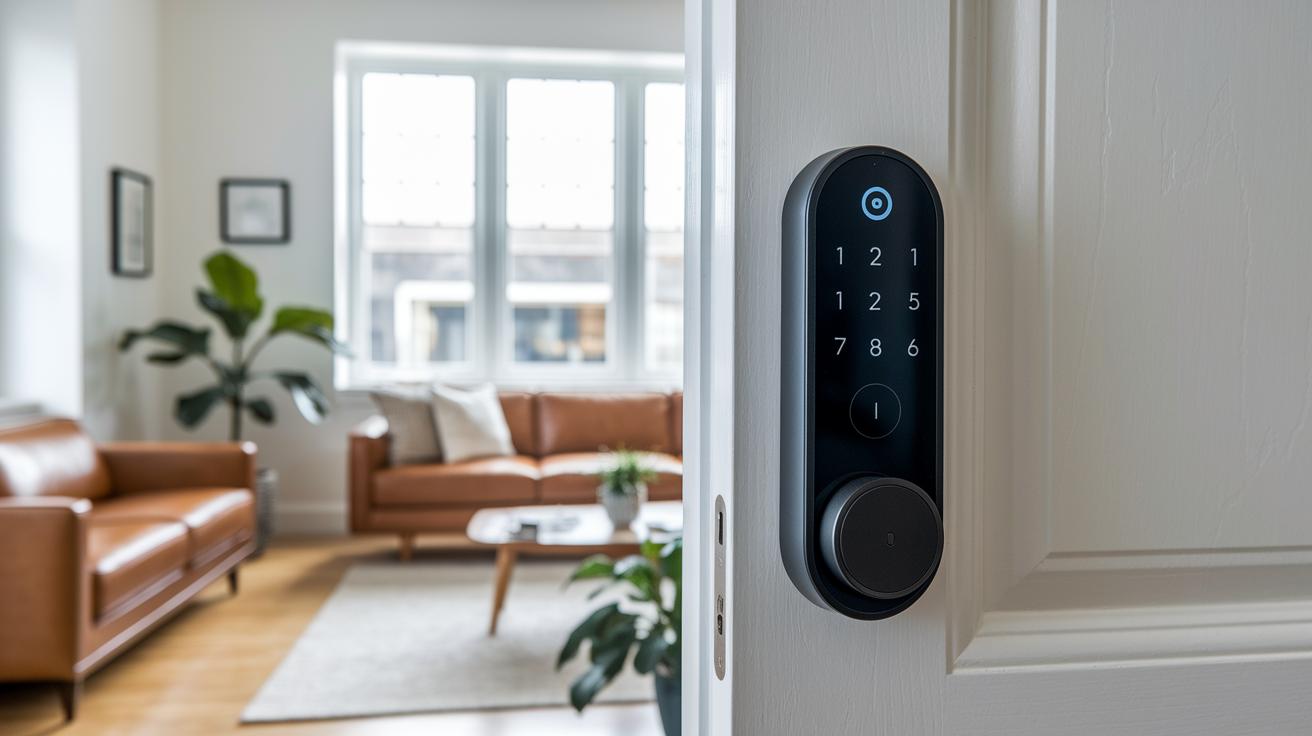
Users love that this lock works effortlessly with Google Home, making everyday routines smoother for a connected home. Many appreciate that its AA batteries can last for nearly 12 months, so you rarely need to worry about changing them.
Experts also commend the lock’s slim design and modern finish. It fits nicely with devices like the Nest Doorbell, adding a stylish touch to your smart home setup while working seamlessly with your other tech.
Some users have noticed slight delays when pairing with Thread in larger homes, but most find that these issues are minor compared to the overall performance. App notifications get mixed reviews, yet customers say that when any problems do pop up, the support team is quick to help. Plus, the two-year warranty offers extra peace of mind with a straightforward claim process.
Key highlights include:
- Reliable Google Home integration and nearly one-year battery life.
- A slim, modern design that complements other smart home devices.
- Responsive customer support backed by a two-year warranty.
Final Words
In the action, we reviewed the Yale Smart Lock’s standout features and security benefits. We covered hands-on installation, smart home integration with Matter and Thread, effective power management, and useful troubleshooting tips. The guide also compared different models, pricing, and shared real user feedback for a balanced perspective. This comprehensive look shows that a yale smart lock delivers reliable performance and robust protection. Embrace these insights with confidence as you enhance your home’s security and smart connectivity.
FAQ
What information does the Yale smart lock manual provide?
The Yale smart lock manual provides step-by-step installation instructions, setup guidance, troubleshooting tips, and maintenance advice especially for battery replacement and pairing with smart-home systems.
What features does the Yale smart lock app offer?
The Yale smart lock app enables remote control, custom access code management, live activity alerts, and low-power notifications, making it easy to monitor and manage your lock from anywhere.
How long does the Yale smart lock battery last?
The Yale smart lock battery lasts up to 12 months with typical AA alkaline batteries, and the lock sends low-power alerts to notify you when a battery replacement is needed.
How do I reset a Yale smart lock?
The Yale smart lock can be reset by removing the batteries, pressing the reset button on the back cable pack, and then reinserting the batteries to restore it to default settings.
What common problems do Yale smart locks have?
Common problems include unresponsive touchscreens, Thread pairing failures, and latch misalignment, which can usually be resolved with routine maintenance and firmware updates.
What are the disadvantages of a smart door lock?
Smart door locks may depend on network connectivity, be prone to occasional app glitches, incur higher upfront costs, and require periodic battery replacements and firmware updates.
What is Yale Smart Lock 2?
Yale Smart Lock 2 refers to an upgraded model with enhanced connectivity, security protocols, and a redesigned interface for improved ease of use and performance.
What insights do Reddit discussions provide about Yale smart locks?
Reddit discussions highlight real user experiences, noting praise for Google Home integration and battery longevity alongside shared troubleshooting tips for common issues.
How does ADT integrate with Yale smart locks?
Yale smart locks can be integrated with ADT security systems, allowing combined monitoring and control, and coordinating access alerts within your overall home security setup.
How does the Yale Smart Lock with Key function?
The Yale Smart Lock with Key offers a key-based entry as a backup, ensuring reliable access even if digital functions or batteries fail.
Where can I buy a Yale smart lock at Best Buy?
Yale smart locks are available at Best Buy for both in-store and online purchase, where you can compare models and check pricing and feature details to suit your needs.