
Ever noticed how your home lighting sometimes feels dull and uninspired? With a smart dimmable plug, you can easily change the brightness, set up a schedule, and even track your energy use with a simple voice command or tap on your phone. This handy device upgrades ordinary lights into a feature that adjusts to your mood all day long. Read on to learn how it can make your space feel smarter and more inviting.
How Dimmable Smart Plugs Enable Adjustable Lighting with Smart Plug Functionality
A dimmable smart plug works like your regular plug but with an extra twist: you can smoothly adjust the light brightening instead of just turning it on or off. You can control your lights from anywhere using an app or even with your voice. Thanks to Matter compatibility (which helps different devices work together), it easily fits into your smart home setup so you can set the perfect light level for any occasion. This means you aren’t stuck with one fixed brightness but can change it to match your mood or need.
• Remote brightness control: Change your light levels from any location.
• Voice activation: Use smart assistants for easy, hands-free control.
• Scheduling: Set your lights to follow your daily routines.
• Energy monitoring: Track your power use to stay efficient.
• Versatile compatibility: Works with a wide range of bulbs and smart home systems.
These devices combine plug and dimmer features so you don’t need to swap out fixtures or buy special bulbs when you want a change. They are more flexible than ordinary smart plugs, which only turn your lights on or off.
With this dual functionality, you get the best of both worlds: convenience and fine control. Whether you want a soft glow for a relaxed evening or bright light to help you focus on work, these plugs let you adjust your lighting exactly how you like it. They slip right into your smart home routines, making them a must-have piece for any modern setup. In short, these smart plugs fill the gap between basic power control and full custom lighting, meeting everyday needs while also saving energy.
Comparing Dimmable Smart Plugs to Standard Smart Plugs

Dimmable smart plugs do more than just turn devices on and off. They let you fine-tune brightness, which standard plugs simply don't offer. Many of these plugs come with built-in Wi‑Fi, so you can set them up without extra gear. Some models, however, still rely on a hub if you're after extra routines and coordination.
- On/off control versus adjustable brightness settings
- Energy savings through fine-tuned voltage versus simple power switching
- Designed to work best with certain devices (like LED or incandescent bulbs) versus broader device support
- Quick, hub-free installation versus hub-required units for more complex home setups
If you’re looking for something that lets you quickly tweak light levels, say, to create the perfect ambiance at dinner, a hubless dimmer plug is a smart choice. On the other hand, if you're building a full smart home ecosystem that manages several devices together, a plug that works with a hub might be the better pick.
dimmable smart plug Energizes Home Lighting
When setting up your smart plug, start by checking that it can handle your lamp's power needs. For instance, the TP-Link Tapo Smart Wi‑Fi Lamp Dimmer Kit P135 supports up to 5A on LED loads. Pick a spot where the plug stays dry and away from extreme temperatures to work safely.
-
Verify Device Compatibility and Proper Placement
Check your lamp to make sure its power draw fits within the plug's limits. For example, if your lamp uses 5A for an LED, use a plug rated for that load. Also, install the plug near a dry, unobstructed outlet. -
Plug into a Suitable Indoor Outlet and Confirm Bulb Type
Insert your smart plug into an easily accessible indoor outlet. Ensure the light connected is an LED or CFL that falls within the plug's capacity. This step helps prevent overload and extends the device’s life. -
Connect to Wi‑Fi Using the Manufacturer’s App
Open the brand’s app and follow the on-screen prompts. For example, select "Add Device" and wait for the plug to blink until it syncs with your network. Many models, such as the DEWENWILS dimmer, complete this process in about two minutes. -
Customize Dimming Settings, Schedules, and Scenes
Set your preferred brightness levels and create lighting routines directly from the app. Whether you need a gentle wake-up light or a cozy movie-night setting, you can easily tailor the experience. -
Reset the Plug if It Loses Connection
If your plug isn’t responding, use the reset option as described in the user manual. Holding down the reset button for a few seconds will restore factory settings so you can reconnect without trouble.
Integrating Dimmable Smart Plugs with Your Smart Home Ecosystem
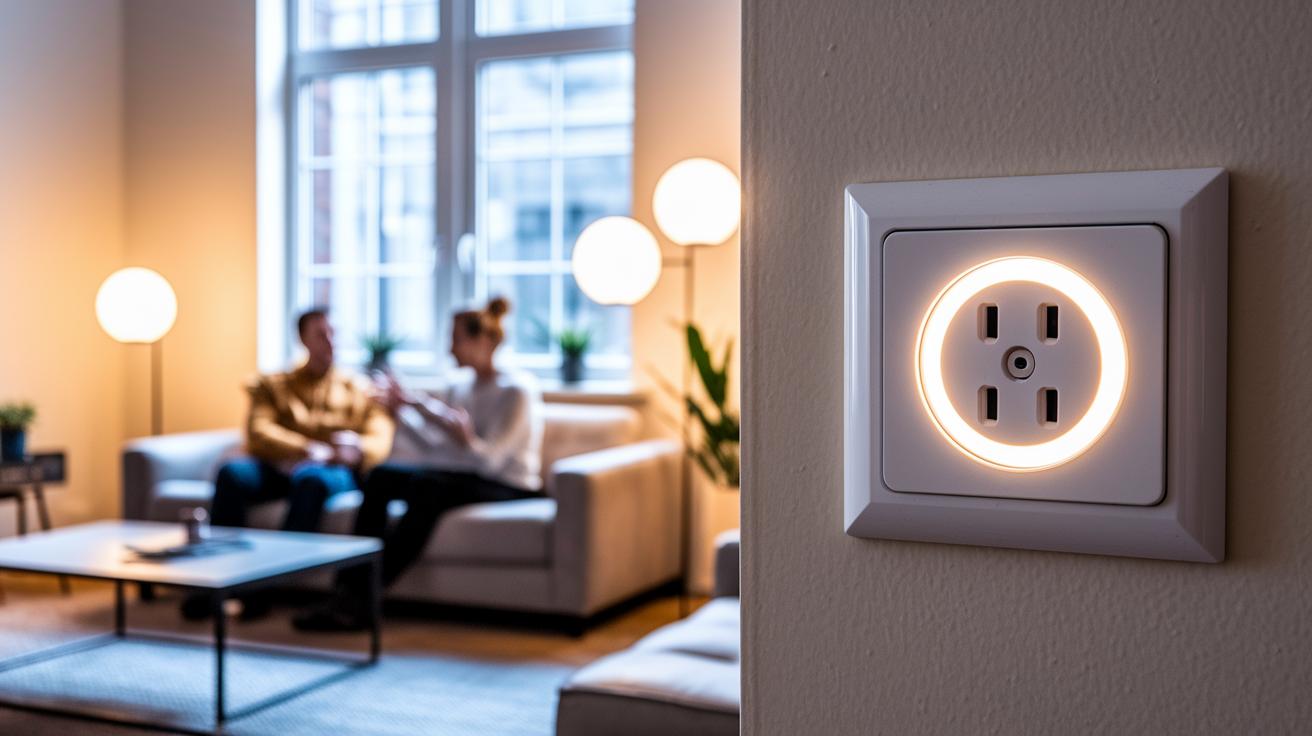
If you're looking for a simple upgrade to your home's lighting, dimmable smart plugs make it a breeze. They easily connect with popular voice assistants like Alexa and Google Home using Matter for reliable lighting control. Brands such as TP-Link and Leviton work across different systems to bring all your devices together as one harmonious setup. You’ll even find built‐in tips during setup to help you create voice commands and custom lighting scenes.
Here’s how to get started:
- In the Alexa app, enable the dimmer plug skill, let the app discover your device, and assign it to a room.
- Open Google Home, add a new lighting adapter, and follow the setup prompts.
- Use a Matter-compatible controller to commission the plug, ensuring unified control.
- Test your voice commands to adjust brightness and activate preset scenes.
Following these steps, your dimmable smart plug will blend right into your smart home, giving you effortless control over both ambient and task lighting.
Key Features and Technical Specifications of Dimmable Smart Plugs
Modern dimmable smart plugs let you control power and brightness in one small, handy unit. They work with LED bulbs, giving you both on/off control and smooth, stepless dimming. This means you can easily adjust your home lighting from a distance. For example, the TP-Link Tapo Smart Dimmer Plug Kit supports up to 150 W of LED load across two outlets, so you can power several lights without a hitch. Similarly, the Leviton D23LP-1BW works with LED and CFL bulbs up to 5 A and is Matter-compatible, making it simple to integrate into many smart home systems. Then there’s the DEWENWILS Matter Plug-in Dimmer, which offers precise stepless adjustment for dimmable LEDs up to 75 W and incandescent bulbs up to 200 W, and it’s ready to go in about two minutes.
These plugs are designed to fit right into your smart home setup with features like energy monitoring, scheduling, and clear load capacity details. Whether you’re setting the mood for a relaxing evening or need the right brightness for a work task, knowing these specs helps you choose the best option for your space. The table below sums up the key specifications and special features so you can make an informed decision when upgrading your home lighting.
| Manufacturer | Model | Load Capacity | Dimming Range | Special Feature |
|---|---|---|---|---|
| TP-Link | Tapo Smart Dimmer Plug Kit | 150 W LED | 1–100% | Dual-outlet |
| TP-Link | P135 Wi-Fi Lamp Dimmer | 5 A LED | 5–100% | No hub required |
| Leviton | D23LP-1BW | 5 A LED/CFL | 1–100% | Matter-compatible |
| DEWENWILS | Matter Plug-in Dimmer | 75 W LED, 200 W Incandescent | Stepless | 2-minute setup |
Practical Applications of Dimmable Smart Plugs in Home and Office
Dimmable smart plugs give you adjustable brightness so you can set the perfect lighting for any moment. With remote control via an app and options for scheduling changes, these plugs let you easily manage energy use in any room. If you choose a Matter-capable model, you can switch from bright task lighting to a soothing glow in seconds.
These plugs work great in everyday settings, such as:
- Creating a cozy movie night vibe in the living room
- Gently easing awake in the bedroom with a gradual light increase
- Providing focused task lighting for a home office or remote workstation
- Setting the mood on a patio for evening get-togethers
- Automatically reducing power during busy periods
For example, a TP-Link kit can instantly power up your desk lamp or floor light, while DEWENWILS offers smooth, stepless dimming to perfectly match your mood. In real life, these devices not only add comfort but also reduce energy costs by lowering light intensity when full brightness isn’t needed. Their simplicity and versatility make them a smart, practical addition to both home and office lighting scenes.
Troubleshooting Common Issues with Dimmable Smart Plugs
We know it’s a pain when your smart plug isn’t working right. If your dimmable smart plug struggles with Wi‑Fi dropouts, an unresponsive app, or delayed firmware updates, try these friendly steps to get things back on track while keeping your setup safe.
- Check that your Wi‑Fi signal is strong and you’re using the correct network band.
- Restart both your smart plug and your router to clear any temporary glitches.
- If the plug remains unresponsive, remove it from the app and then re-link it.
- Open the manufacturer’s app and install any available firmware updates.
- Make sure the device connected to the plug stays within its rated power load.
- If needed, perform a factory reset following the proper reset procedure.
Following these steps should stabilize your device and ensure a smooth, wireless dimming experience. Enjoy a hassle-free smart home setup!
Best Matter-Compatible Dimmable Smart Plug Models
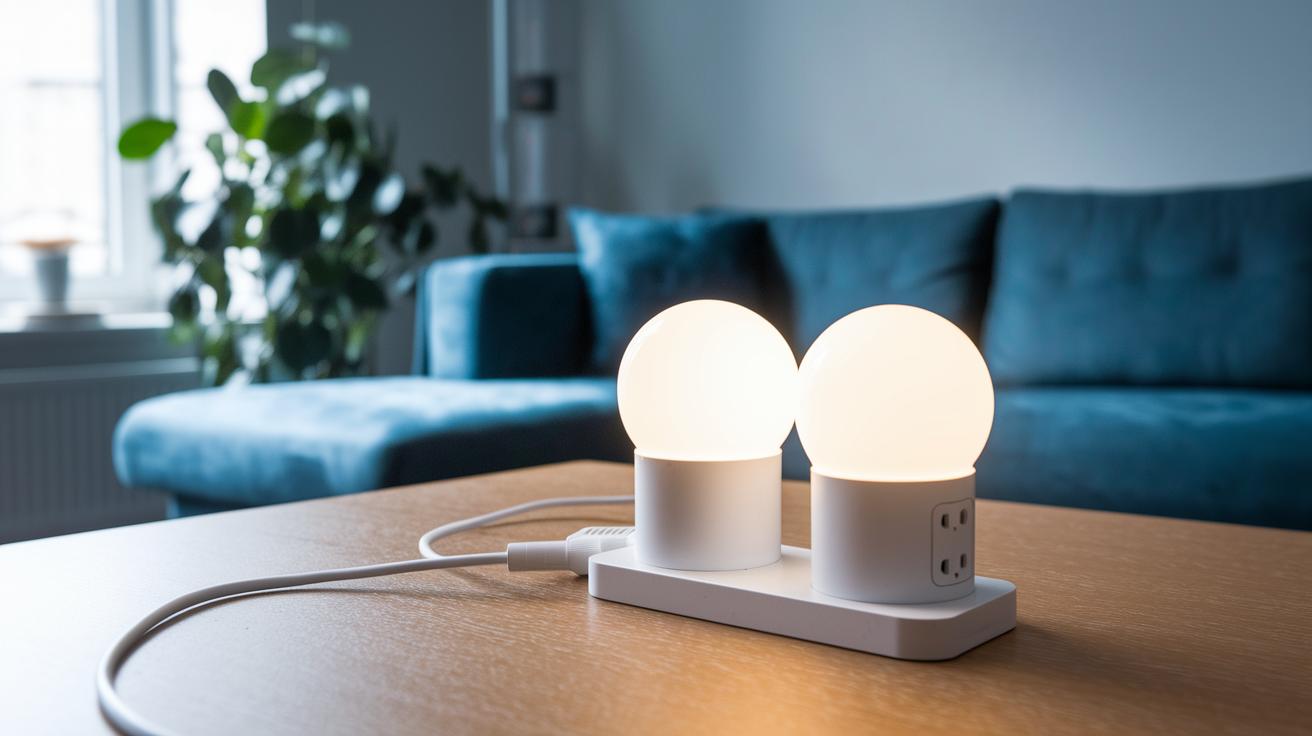
Matter-compatible dimmer plugs let you control your lights with adjustable brightness while using a regular plug. They blend smart dimming features with a simple setup, making it a great addition to your home lighting. If you’re after a smart plug that supports Matter, the TP-Link Tapo Smart Dimmer Plug Kit stands out. It has two outlets and can handle up to 150 W of LED load, perfect for rooms where several lights need to be dimmed.
For those who want a plug that works well with a variety of bulbs, the Leviton Decora Smart Dimmer Plug Wi‑Fi 2nd Gen supports LED and CFL bulbs up to 5 A. It fits right into your smart home and responds to voice commands with ease. If keeping costs low is important, the DEWENWILS Matter Plug‑in Dimmer offers smooth, stepless dimming in a compact package. Set it up in about two minutes, and you get all that for just $25.
Each of these models is designed to work with different setups and budgets. They offer a flexible approach to lighting control with the advanced Matter protocol, allowing you to create a smart and personalized environment.
| Model | Price | Key Feature |
|---|---|---|
| TP‑Link Tapo Smart Dimmer Plug Kit | $, | Dual‑outlet, 150 W LED capacity |
| Leviton Decora Smart Dimmer Plug Wi‑Fi 2nd Gen | $, | Matter‑compatible, LED/CFL support |
| DEWENWILS Matter Plug‑in Dimmer | $25 | Fast two‑minute setup, stepless dimming |
Final Words
In the action, we showed how a dimmable smart plug brings smarter control and stepless brightness adjustment to your home lighting. We covered everything from benefits and real-world comparisons to setup tips and integration with popular smart home systems. A quick troubleshooting section helped clear the common hurdles, while practical applications highlighted its value in different settings. Use this guide to make your home brighter and more efficient, and enjoy the ease of managing lighting with a dimmable smart plug.
FAQ
What is the best dimmable smart plug?
The best dimmable smart plug offers both on/off and smooth brightness adjustments, letting you control light intensity remotely, schedule lighting scenes, and integrate with your favorite smart home systems.
How does the Kasa dimmable smart plug work?
The Kasa dimmable smart plug combines simple on/off control with adjustable brightness to let you manage lighting levels through the Kasa app, making remote and voice-controlled adjustments easy.
How does a HomeKit dimmable smart plug integrate with Apple devices?
A HomeKit dimmable smart plug integrates seamlessly with Apple’s ecosystem, allowing you to adjust brightness with Siri voice commands and control lighting scenes within the Home app.
What are the benefits of a Zigbee-enabled dimmable smart plug?
A Zigbee-enabled dimmable smart plug connects reliably to a Zigbee hub, offering stable, adjustable brightness control along with energy monitoring and scheduling for your lighting needs.
What functions does a dimmable outlet plug provide?
A dimmable outlet plug merges standard outlet functions with adjustable brightness control, letting you regulate light levels on connected devices without needing a separate dimmer.
How does the Leviton Decora Smart dimmer plug perform?
The Leviton Decora Smart dimmer plug supports Matter compatibility, delivers variable brightness control, and works with multiple smart home platforms to help create custom, energy-efficient lighting scenes.
Can you dim lights using a smart plug, including Kasa and Alexa-enabled models?
Smart plugs with dimming capabilities adjust brightness levels when paired with compatible bulbs. Many models, such as Kasa dimmers, support voice controls via Alexa, allowing you to dim lights simply by speaking.