
Ever wished you could control your home gadgets without leaving the couch? With a smart plug, you can. These handy devices let you switch off a lamp, TV, or any other appliance straight from your phone. They even work with voice commands, so you can control them with little more than a simple shout. In this guide, we’ll explain how smart plugs work, highlight their benefits, and point out what to watch for when you decide to upgrade your home control setup. Get ready to make everyday living a bit easier with a system that listens to you.
Essential Guide to Smart Plugs with Remote Control
A smart plug with remote control is a handy device you plug into your wall outlet. It lets you turn your connected gadgets on or off using an app on your smartphone. That means you can switch off a lamp or TV without having to get up. Imagine turning off a hard-to-reach floor lamp with just a tap on your screen.
These plugs do more than just power on and off. Many of them work with voice assistants like Alexa and Google Home. You can simply say, "Alexa, turn off the living room lamp," and it will listen. Some models even help save energy by cutting power to devices that draw electricity even when they’re not in use.
Setting up these plugs is really simple. For example, IKEA’s smart plug gets connected in under a minute. After linking to your Wi-Fi with its app, you can schedule when devices power on or off, reset a frozen TV, or even have appliances run by themselves when you are away. It makes managing energy at home a breeze.
Using a smart plug with remote control makes daily tasks easier and helps your home run more efficiently. Whether it is for your everyday lights or larger appliances, the mix of remote control, voice commands, and energy monitoring means a smarter home is just a tap away.
Key Features of Remote-Controlled Smart Plugs

Remote-controlled smart plugs make home management much simpler. You can control devices just by talking to your smart speaker. For example, say "Turn off the lamp," and the plug will handle it for you. You can also set routines, like TP-Link’s Away Mode, which automatically powers devices on or off at certain times.
Some models, such as the Kasa Slim (EP25), track energy use in kilowatt-hours, while others like the Tapo TP25 log only the run time. Many plugs include overload protection that cuts power when too much load is detected, helping to prevent accidental damage. If you need a plug for outdoor use, look for ones with an IP65 rating to handle the weather. For those with limited outlets, the Kasa Smart Wi-Fi Power Strip (HS300) turns one socket into six individually controlled outlets, though the USB ports usually do not work with remote control. Budget-friendly mini plugs offer full Wi-Fi control in a compact design, though they may not support every ecosystem such as Apple Home.
Overall, these smart plugs combine ease of use, safety, and energy efficiency, fitting right into a remotely managed home setup. Always check the features to make sure they meet your needs.
Comparing Top Smart Plugs with Remote Control
| Model | Main Advantage | Compatibility | Drawback |
|---|---|---|---|
| TP-Link Kasa Smart Wi-Fi Plug Slim (EP25) | Real-time kWh monitoring and Away Mode | Works with Alexa and Google Home | Only available in two- or four-pack bundles |
| TP-Link Kasa Smart Wi-Fi Plug Mini (EP10) | Compact design that’s budget-friendly | Works with Alexa and Google Home | Does not support Apple Home |
| TP-Link Tapo TP25 Outdoor Plug | Dual outlets built with IP65 weather resistance | Integrates with standard smart home apps | Measures run time rather than complete energy usage |
| TP-Link Kasa Smart Wi-Fi Power Strip (HS300) | Six individual outlets with energy monitoring | Works with Alexa and Google Home | USB ports cannot be controlled remotely |
| TP-Link Tapo P306 Smart Wi-Fi Outlet Extender | Offers extra outlets and USB ports with a multifunction design | Seamlessly fits into major smart home systems | Only the smart outlets can be controlled remotely |
If you need detailed energy tracking, the EP25 gives you real-time data that helps keep an eye on power use throughout your day. On the other hand, for a more compact and affordable option, the EP10 might suit you, even though it lacks support for Apple Home. This comparison lays out each model’s key features and one main drawback, making it easier to decide which smart plug fits your needs best.
smart plug with remote control: Effortless Home Command
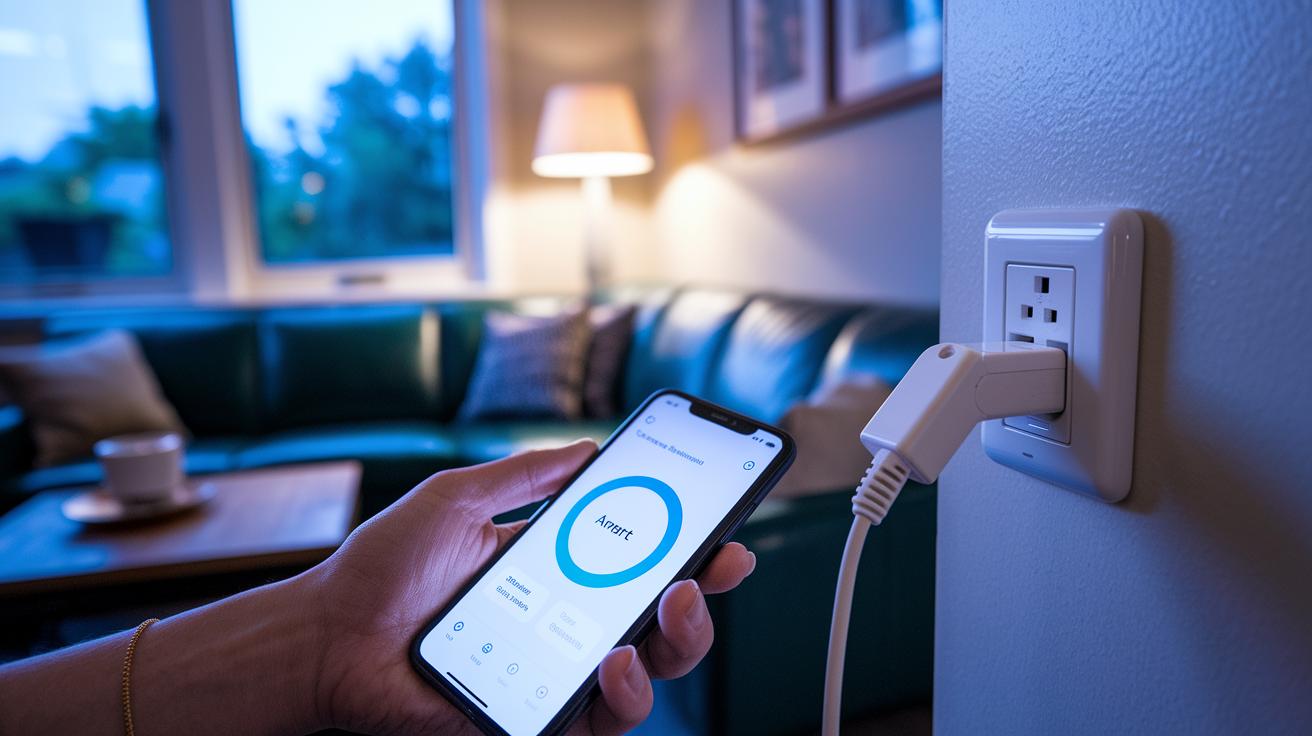
Setting up a remote-controlled smart plug is a breeze. Many models, like IKEA’s plug, complete the initial setup in under 60 seconds. With TP-Link Kasa and Tapo plugs, you start by downloading their dedicated apps, which lets you directly manage your devices and monitor energy use. Usually, the process involves connecting the plug to your 2.4 GHz Wi-Fi network and tweaking the settings to match your home environment. And if you have a plug that works with Zigbee or Z-Wave, you can pair it with a compatible hub like Philips Hue or Smart Life to unlock even more features.
Follow these simple steps for a smooth installation:
- Unbox the smart plug and plug it into your outlet.
- Install the companion app (such as Kasa, Tapo, or Smart Life).
- Follow the app’s instructions to join your 2.4 GHz Wi-Fi network.
- Name the plug by assigning it to a specific room and adjust basic settings.
- If your plug supports it, connect to a Zigbee or Z-Wave hub for advanced control.
Once you’ve completed these steps, you’ll have your smart plug up and running, making it easy to control your home devices from anywhere. Whether you’re just getting started with home automation or looking to add some extra convenience, this plug makes it effortless.
Integrating Smart Plugs with Voice Assistants and Home Hubs
Alexa and Google Home Integration
Most Wi-Fi smart plugs work right out of the box with voice assistants. For example, with TP-Link Kasa or Tapo plugs, you just enable their skill in Alexa and follow the setup steps in the app. In Google Home, add your plug as a new device, and you'll be able to control it with your voice. A simple tip: use the plug’s app to assign a room name. That way, you can easily say, "Alexa, turn off the living room lamp" or "Hey Google, power down the kitchen appliance." Remember, smart plugs used to mean manually switching each device, but now, a few words can control your entire home.
Hub and App Pairing
If your smart plug uses protocols like Zigbee or Z-Wave (wireless standards for connecting smart devices), you'll need a hub for a unified control experience. For example, IKEA’s smart plug can pair with the Dirigera hub, and many devices work well with the Smart Life app. Pairing usually starts by searching for nearby devices in the hub’s app, after which you can assign each plug to a specific room. This setup gives you one central place to schedule on/off times or create custom scenes for a fully automated home.
Troubleshooting and Advanced Control Techniques
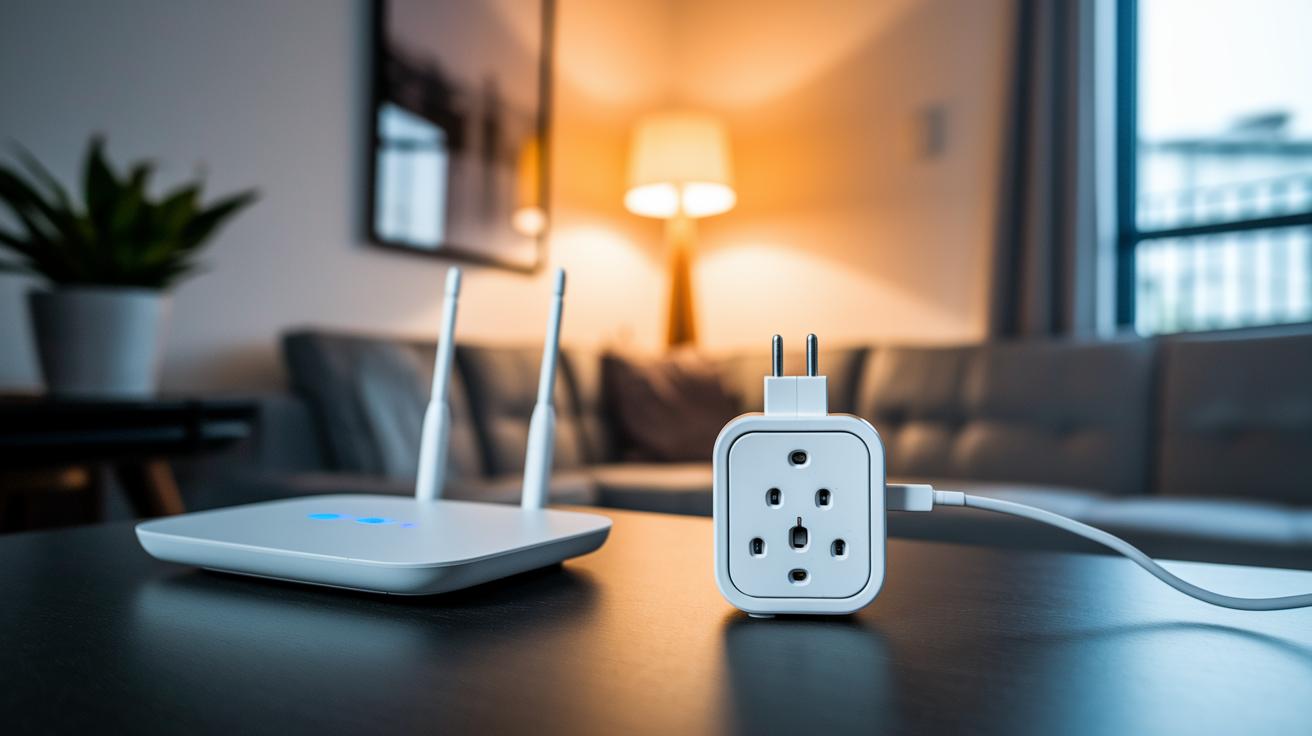
If your smart plug starts acting up, a quick restart might do the trick. Unplug it for a few seconds and then plug it back in; this simple step often clears up minor glitches. Also, double-check that the plug is hooked up to a strong 2.4 GHz WiFi network because a weak connection there is a common culprit behind these issues.
If the plug still struggles to stay online, open the vendor's app and check its firmware. Updating to the latest version can iron out connectivity bugs and boost overall performance. In many cases, keeping the firmware current is the key to a stable connection.
For those who enjoy advanced automation, take advantage of the built-in Scenes or Automation tabs. These features let you set up group toggles and scheduled actions, making it easier to manage multiple devices with a more reliable command setup.
Here’s a quick checklist:
- Restart the plug to clear any glitches.
- Ensure it has a strong 2.4 GHz WiFi signal.
- Update the firmware using the vendor’s app.
- Verify hub pairing and check your signal range.
Following these steps will help keep your smart home running smoothly and your remote control reliable.
Buying Considerations for Remote-Controlled Smart Plugs
Look at the cost per plug along with the pack size to get the best deal. Sometimes buying in a bundle for several rooms lowers the overall price. For example, one option might include a two-year warranty while another offers lifetime support.
Make sure your smart plug works with your current voice assistant or home hub, like Alexa, Google Home, or another system. This avoids extra setup and helps you manage your devices easily.
Choose smart plugs that offer detailed energy monitoring if you plan to track your electricity use. Accurate kilowatt-hour readouts provide more useful information than just basic runtime data.
Check for safety certifications and the right IP rating for how you plan to use the plug. Models certified by groups like Intertek ensure safe daily operation, and an IP65 rating means the plug can handle outdoor conditions.
If you connect via power strips, make sure you know which outlets and USB ports support remote control. This helps you avoid any setup issues later.
Also, consider warranty options and long-term support. Look for products with extended warranties and reliable customer service, and watch for new features like better security protocols in remote management.
Final Words
In the action, this guide walked through the setup and practical use of smart plugs with remote control. We highlighted hands-on installation steps, compared leading models, and explained key features like scheduling and energy monitoring in everyday use. The review also shared tips on linking these plugs with voice assistants and tackling common connectivity issues. With clear insights on performance, safety, and cost, you now have the tools needed to choose a smart plug with remote control that fits your unique home setup. Enjoy smarter power management every day.
FAQ
What does a wireless smart plug with remote control do?
A wireless smart plug with remote control lets you switch appliances on and off from anywhere using a remote, smartphone app, or voice assistant like Alexa or Google Home.
How does a smart plug with both remote and app functionality work?
A smart plug with remote and app functionality allows you to control devices via a physical remote and a mobile app, giving you flexible options to manage power and set schedules.
Can smart plugs be controlled remotely?
Smart plugs can be controlled remotely through Wi‑Fi connectivity, enabling you to switch devices on or off and schedule operations from anywhere using a compatible app.
What should you avoid plugging into a smart plug?
You should avoid high-wattage appliances, such as space heaters or air conditioners, because they may exceed the plug’s power rating and create safety risks, so always check the specifications first.
What are the disadvantages of smart plugs?
The disadvantages of smart plugs include reliance on Wi‑Fi, potential security concerns, occasional compatibility issues with certain voice assistants or hubs, and limits on energy monitoring features.
What differentiates various TP‑Link Kasa smart plug models?
Different TP‑Link Kasa models vary in features—for example, some offer real‑time energy monitoring, others come in compact designs, and power strips may have multiple controlled outlets; each targets specific smart home needs.
How do outdoor smart plugs with remote control function?
Outdoor smart plugs with remote control are built with weatherproof features, allowing you to safely manage exterior devices like lights or garden tools remotely while withstanding outdoor conditions.
How does the Google Home smart plug app work?
The Google Home smart plug app lets you manage connected plugs through the Google Home system, enabling voice commands and remote control to easily organize your smart home devices.