
Ever wanted your home to respond to your voice? The Amazon Smart Plug turns any outlet into a smart device that works with Alexa. It fits neatly into any room and makes controlling lights and appliances effortless, even when you're not at home. This budget-friendly gadget brings home automation within reach so you can set timers and monitor energy use from your smartphone. Enjoy a more convenient way to manage your home.
amazon smart plug Overview: Features, Specs & Benefits
Amazon’s Smart Plug makes home automation simple and affordable. Launched in 2018 for $24.99, this compact plug easily connects to your home Wi‑Fi network (2.4 GHz, 802.11 b/g/n) and handles outlets rated up to 15 A. Its small size, measuring 2.36″×1.38″×1.77″ and weighing just 4.8 oz, lets it fit nicely in any room. Plus, it’s UL‑certified for indoor use and works right with Alexa, so you can convert regular outlets into smart ones without extra gadgets.
This plug is a great pick if you want to upgrade your home control setup without buying a full hub. It lets you schedule timers and control appliances remotely using your smartphone. Whether you’re setting custom lighting moods or making sure devices power down when you’re away, it helps you save energy and manage your everyday tasks with more ease.
- Key Specs:
- Wi‑Fi: 2.4 GHz (802.11 b/g/n)
- Voltage/Amperage: Supports outlets up to 15 A
- Size: 2.36″×1.38″×1.77″
- Certification: UL‑certified for indoor use
- Primary Benefits:
- Voice control with Alexa
- Flexible scheduling options
- Remote access via the mobile app
- No extra hub required
amazon smart plug Installation Guide: Wireless Outlet Setup
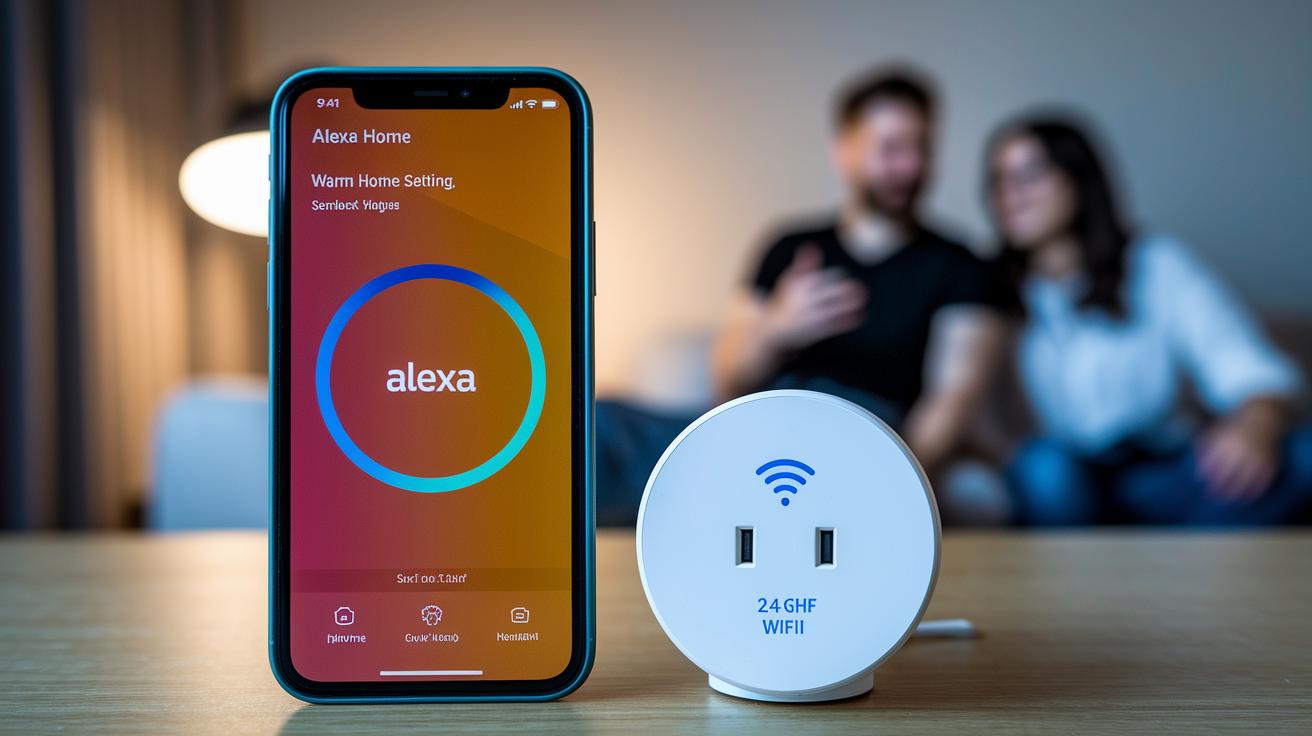
Before you start, make sure you have everything ready. You’ll need a smartphone with the latest Alexa app installed and a steady 2.4 GHz Wi‑Fi connection. With these basics in place, setting up your smart plug is straightforward.
- Plug the smart plug into any available wall outlet.
- Open or update the Alexa app on your smartphone, whether you're on Android or iOS.
- In the app, go to the Devices section and tap the plus icon, then select Plug.
- Press and hold the button on the smart plug until its LED starts blinking slowly.
- Choose your 2.4 GHz network from the list and enter your Wi‑Fi password.
- When the LED changes to a solid blue, give your smart plug a custom name for easy identification in the app.
For a helpful visual guide, check out the official Amazon activation video. It walks you through each step to make sure your wireless outlet setup is a success.
amazon smart plug: Brighten Your Home Life
The amazon smart plug only works with Alexa, so you can't use it with Google or Siri. Setting it up is easy. Once you've connected the plug to your home Wi-Fi and added it to the Alexa app, just say "Alexa, discover devices" and it will appear automatically. You can easily assign the plug to a specific room or group, which makes it simple to control everything from your lamp to a fan using only your voice. This easy setup helps you build smart routines for your everyday tasks.
Here are some sample voice commands you might use:
- "Alexa, turn on lamp"
- "Alexa, discover devices"
- "Alexa, schedule outlet off at 10 PM"
- "Alexa, add plug to living room group"
- "Alexa, set plug to timer mode"
You can also build custom Alexa routines that include the plug. For example, you can pair it with a motion sensor or other smart device to automate your home based on time or activity. This means you can set up your home to be a little more automatic, making daily life just a bit more convenient.
amazon smart plug Remote Operation: Mobile App Control

You can control your smart plug from anywhere using the Alexa app on your iPhone or Android device. It lets you switch appliances on or off remotely, adjust your dashboards, and even set triggers based on your location. This makes it effortless to manage several devices and update settings quickly, whether you're busy or out of the house. Every plug acts like a small home automation hub that fits right into your daily routine.
- Restart a router to fix connection issues
- Turn on lights before you arrive for extra security
- Start brewing your coffee as you wake up
- Control grouped devices with a single tap for simplicity
Remote control works as long as both your smart plug and smartphone have an internet connection. This way, your commands travel smoothly from the app to the plug, giving you reliable control no matter where you are.
amazon smart plug Scheduling & Automation Features
The Alexa app lets you set up one-time or regular on/off schedules with a few easy taps. You can also use countdown timers and triggers that follow the sunrise or sunset. This makes it simple to have your appliances, from lights to heaters, turn on or off at just the right moment. It not only saves energy but also helps keep your day running smoothly.
- Choose the time and how often you want the plug to turn on or off.
- Set a countdown timer to power a device down after a set period.
- Use natural light triggers like sunrise or sunset to automatically sync your devices.
You can also connect the plug with Alexa routines. This lets you mix its scheduling with other smart gadgets or voice alerts, making your home automation work seamlessly as part of your everyday routine.
amazon smart plug Troubleshooting and Device Reset Methods
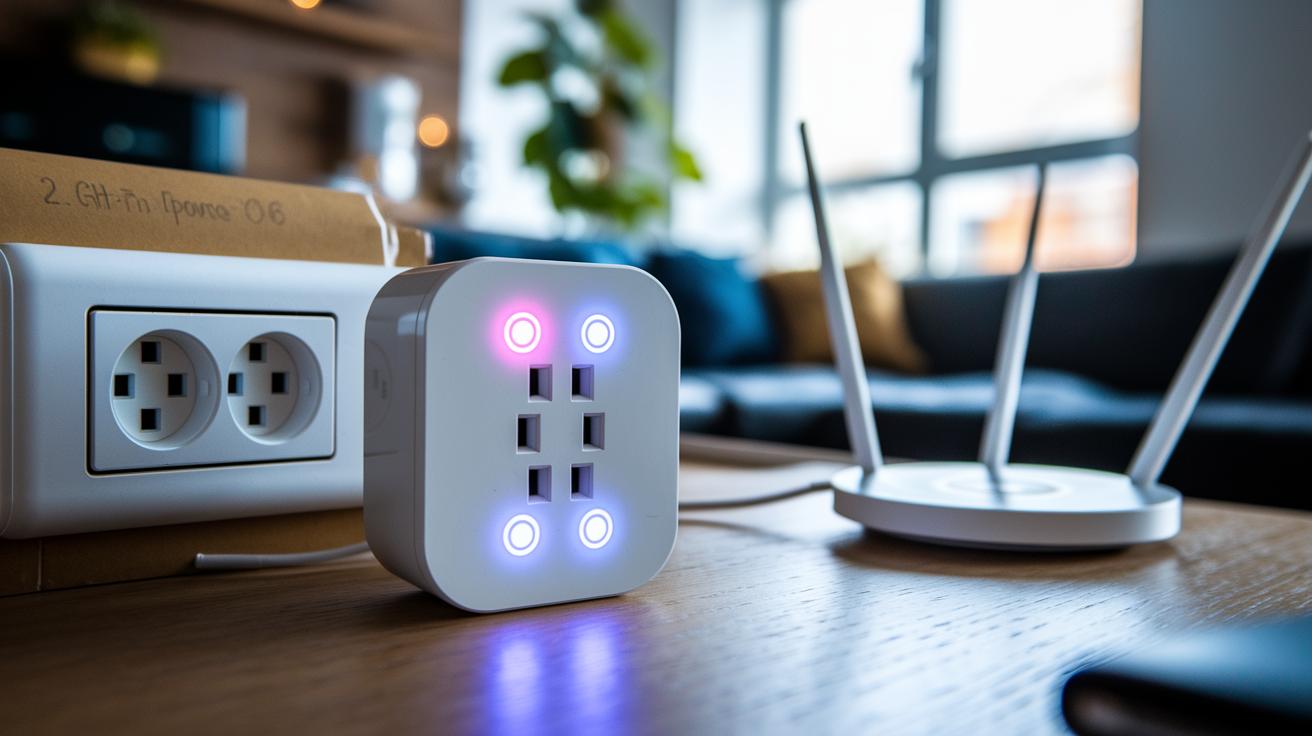
If your Amazon smart plug isn’t doing its job, don’t worry, there are a few clear steps you can take to figure out what's wrong. Sometimes a weak Wi‑Fi signal, using the wrong network band, or a small mistake in the Alexa app can cause the issue. By checking the LED lights and following a few simple fixes, you can get the plug working right again.
- Look at the LED display to see if the plug is in setup mode, connected, or showing an error.
- Make sure your Wi‑Fi is set to 2.4 GHz, as the plug works only on that frequency, not the 5 GHz network.
- Unplug the device for 10 seconds and then plug it back in. This power-cycle can clear up any temporary glitches.
- To reset the plug completely, hold down the button for 12 seconds until you see the LED flash. Then, add the device back through the Alexa app.
If the plug still has trouble connecting, try moving it closer to your router and away from other electronics that might interfere with the Wi‑Fi signal. A stronger connection often fixes problems like sudden dropouts or slow responses.
- Blinking yellow means the plug is in setup mode.
- Solid blue means the plug is successfully connected.
amazon smart plug Price Comparison & Value Analysis
Smart plugs come in all shapes and sizes with different features and price tags that help you decide what fits best in your home. The Amazon Smart Plug costs $24.99 and works flawlessly with Alexa for quick voice commands, although it doesn't show you how much energy your devices use. If keeping an eye on energy is important to you, the TP-Link Kasa Mini at $17.99 offers energy tracking along with voice control, no extra hub needed. Meanwhile, the Wyze Plug is a budget-friendly pick at $14.99, providing basic scheduling features, and the Gosund Plug keeps things simple with on/off control for just $9.99.
Each of these plugs meets a different need. Some users might lean toward saving money with basic functions, while others appreciate the solid and hassle-free voice support that comes with the Amazon Smart Plug. For anyone who relies on dependable smart home control and voices their tech commands to Alexa, Amazon's plug remains a strong contender.
| Plug Model | Price | Energy Monitoring | Hub Required | Voice Support |
|---|---|---|---|---|
| Amazon Smart Plug | $24.99 | No | No | Yes |
| TP-Link Kasa Mini | $17.99 | Yes | No | Yes |
| Wyze Plug | $14.99 | No | No | Yes |
| Gosund Plug | $9.99 | No | No | Yes |
amazon smart plug User Reviews & Reliability Insights
The amazon smart plug has earned an average rating of 4.4 out of 5 stars from over 100,000 reviews. Users love how it turns a regular outlet into a smart one with a setup that takes only about one minute. It integrates seamlessly into home automation systems and works great with Alexa, giving a quick response to voice commands.
• One-minute setup
• Stable connection
• Instant Alexa response
Some users have mentioned a few issues. They note that the plug can disconnect during heavy network use, only works on 2.4 GHz networks, and does not show energy consumption details.
Independent tests further back up its reliability. With a failure rate of less than 1% over six months, the amazon smart plug proves to be a dependable choice for anyone wanting to add simple, voice-controlled features to their home setup.
Final Words
In the action, this article traced through the amazon smart plug’s features, installation steps, voice integration, remote control, scheduling automation, and troubleshooting. We showed how to set up the plug through the Alexa app, create routines, and even compare price points. Real-world insights and user tips help simplify the process. Enjoy the convenience and efficiency this device brings to your home automation without skipping on practicality.
FAQ
How do I set up an Amazon Smart Plug?
The Amazon Smart Plug setup involves plugging it in, opening the Alexa app, pressing the plug’s button until its LED blinks, and following the in-app instructions to connect to your 2.4 GHz network.
What does the Amazon Smart Plug do?
The Amazon Smart Plug manages power at your home by letting you control devices remotely, set schedules, and use voice commands through Alexa for an effortless smart home experience.
How do I use the Amazon Smart Plug with Alexa?
The Amazon Smart Plug partners with Alexa by linking in the Alexa app, allowing you to control connected devices by voice commands like “Alexa, turn on the lamp” and include them in routines.
How do I reset or reconnect an Amazon Smart Plug?
The Amazon Smart Plug reset involves power cycling or holding the button for about 12 seconds until the LED flashes, then you can reconnect it through the Alexa app by following setup prompts.
Are there different package options such as a 2 pack or models like the hd34bx for the Amazon Smart Plug?
The Amazon Smart Plug comes in various bundles including 2-packs, and model codes like hd34bx refer to specific device variants, which may differ in packaging details.
Can the Amazon Smart Plug be integrated with Home Assistant?
The Amazon Smart Plug is built for Alexa integration, and while it is not officially supported by Home Assistant, users report community-driven solutions to enable some level of integration.
What do users on Reddit say about the Amazon Smart Plug?
Reddit discussions on the Amazon Smart Plug highlight its quick setup and stable performance, though some users discuss occasional connectivity issues and limited advanced app features.
hello world
hello world
finasteride experience reddit
finasteride experience reddit
will doxycycline treat infected pimple
will doxycycline treat infected pimple
doxycycline 100mg for kennel cough
doxycycline 100mg for kennel cough
doxycycline hyclate nausea relief
doxycycline hyclate nausea relief
bupropion therapeutic dose
bupropion therapeutic dose
toradol short term pain relief
toradol short term pain relief
avanafil food interaction risks
avanafil food interaction risks
vardenafil medication conflicts
vardenafil medication conflicts
augmentin basic overview
augmentin basic overview
penicillin allergy swelling
penicillin allergy swelling