
Ever imagined a little plug could change the way your home works? The Wyze Smart Plug shows that even a small addition can make a big difference. With a simple plug-in setup and clear LED lights indicating power and connection, you quickly turn a regular outlet into a smart control hub. It works with Alexa and Google Assistant, which means you can control your devices more easily, streamlining your daily routines without breaking the bank. This smart plug makes it affordable and simple for anyone to experience home automation.
wyze smart plug Brightens Your Smart Home
The Wyze Smart Plug is a neat, compact gadget that makes your home smarter without any fuss. It lets you control your devices from anywhere and set routines that fit your daily life. By simply plugging it in, you can turn an ordinary outlet into a smart one without spending a lot or overcomplicating things.
This little plug measures 1.5" x 2.7" x 1.2" and features a three-prong outlet along with a manual power button. It connects via a built-in 2.4 GHz Wi-Fi radio and even uses Bluetooth during the initial setup with the Wyze app. The LED indicator is very straightforward: it stays off when powered down, glows solid blue when active, flashes slowly while connecting to Wi-Fi, and blinks rapidly during pairing. Editors picked this plug for its simplicity, compatibility, and great value.
At only $14.99 for a two-pack, it’s a budget-friendly way to bring smart technology into your home. It works well with major smart systems like Alexa and Google Assistant, making it a solid choice for most users. This blend of small size, low cost, and reliable performance makes it perfect for anyone looking to upgrade their home without breaking the bank.
Wyze Smart Plug Setup Guide: Installation and App Configuration
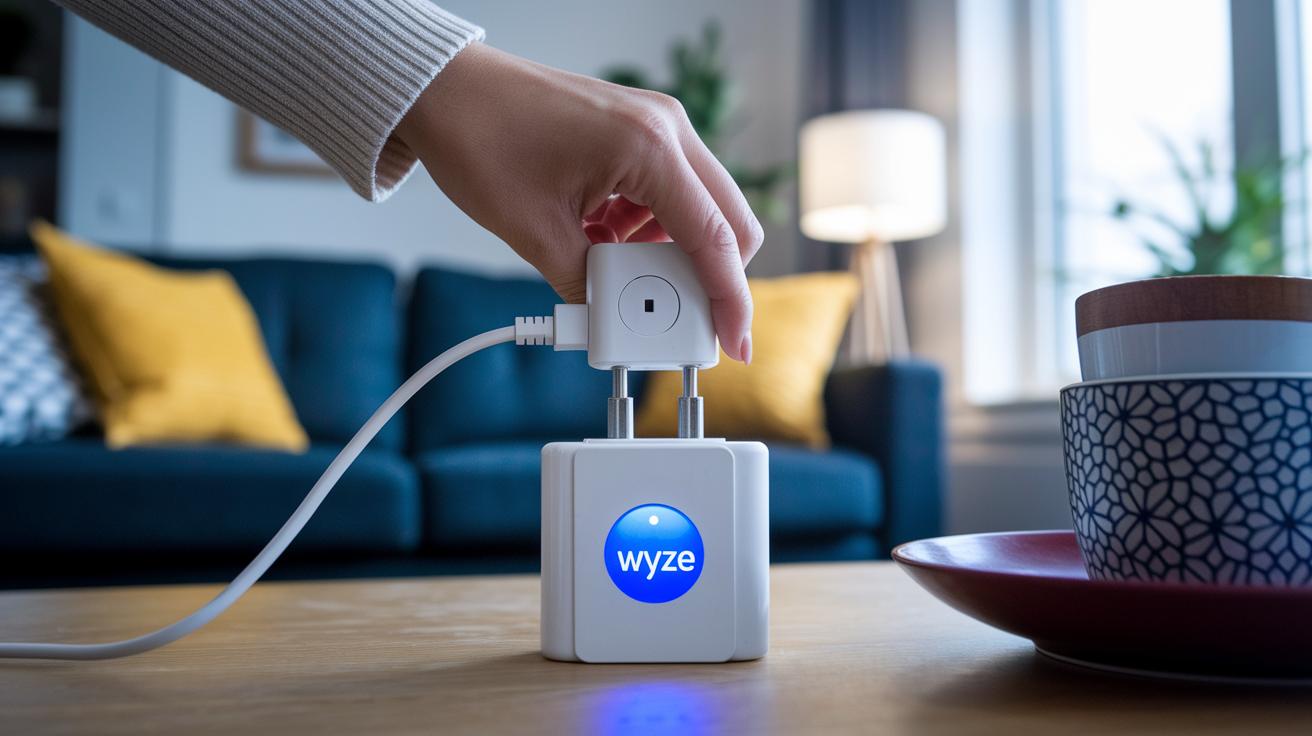
Start by getting your Wyze Smart Plug ready for a quick setup using the Wyze (YZ) mobile app. New plugs automatically flash blue when you power them on, signaling that they are in pairing mode. For older models, simply press and hold the side button until the light goes out, then watch for it to flash again with a click, confirming it's ready. Remember, use a 2.4 GHz Wi-Fi network since 5 GHz can cause pairing issues.
- Plug in your device and look for a blue flashing light if it's new. For older plugs, press and hold the side button until the light shuts off, then starts flashing after a click.
- Open the Wyze (YZ) mobile app and go to the "Power and Lighting" section, then tap on "YZ Plug."
- Hit the plus icon to add a new device and follow the instructions on screen.
- Choose your 2.4 GHz Wi-Fi network and enter your network password.
- Wait as your plug connects; the LED will eventually settle, indicating a stable connection.
- Once paired, give your plug a name (like "Living Room Lamp") to keep your setup organized.
After these steps, check the device list in the app to confirm your plug appears with its new name. This ensures you can easily control it remotely and manage its settings from the app.
Wyze Smart Plug App Features and Scheduling Capabilities
The Wyze app makes it simple to tailor your smart plug to fit your home setup. You can quickly rename your plug to something like "Kitchen Light" or "Desk Fan," which makes it easy to tell each device apart. Plus, you have the option to turn the plug's indicator light on or off so you can keep your look as clean as you want.
Adjusting the plug’s name or LED settings takes only a few taps. This intuitive design helps you stay in control without any hassle.
The scheduling feature is built to match your lifestyle. You can set specific on and off times for your plug, crafting a routine that works for you. And if you're away, Vacation Mode randomly toggles the plug to simulate your presence, boosting your home security while helping save energy.
Additionally, the app supports rule-based automation. You can create routines that work with other Wyze devices or even connect with third-party IFTTT applets, making it easy to build a smart home that feels truly connected.
Wyze Smart Plug Voice Control Integration
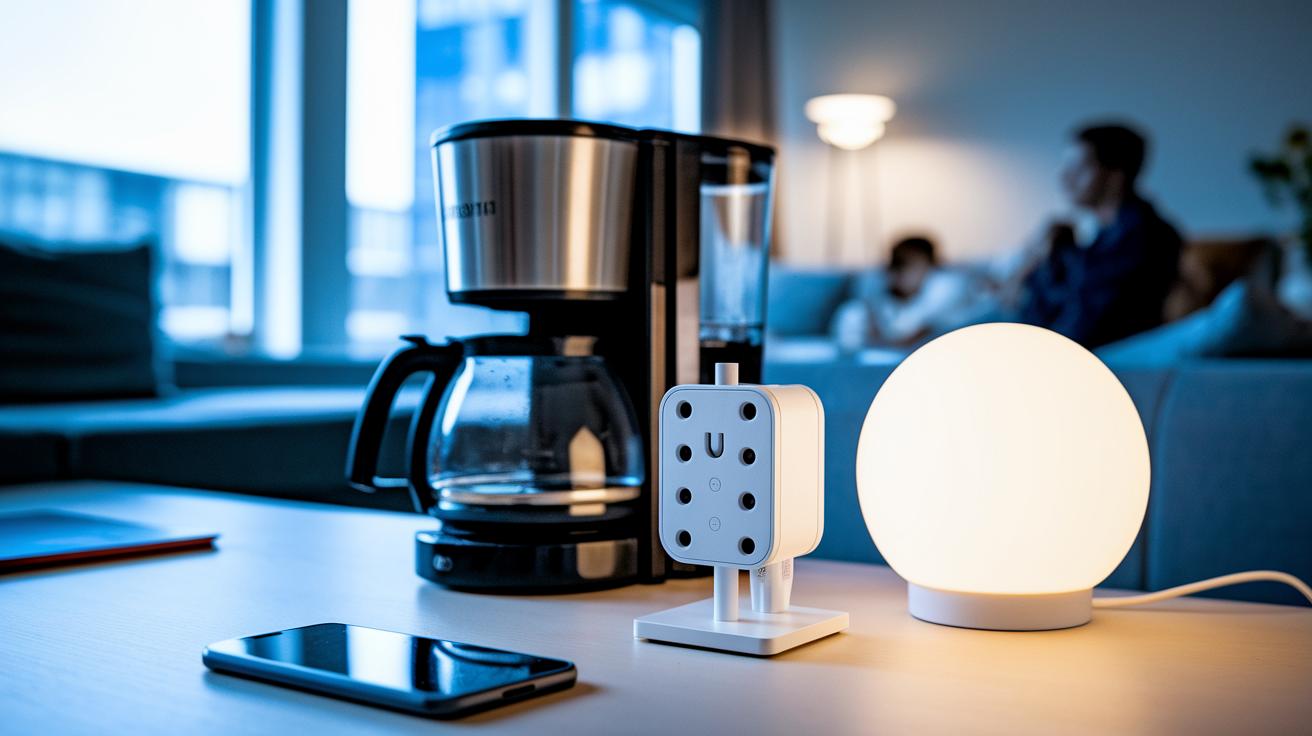
Voice control makes your home smarter and simpler. When you connect your Wyze Smart Plug with popular assistants like Alexa or Google, turning devices on and off is as easy as speaking a command.
For Alexa, open the app, enable the Wyze skill, and log into your Wyze account. With Google Home, add the Wyze service through the app. A few quick taps confirm the setup, and soon your plug appears in your device list for fast, reliable control.
After setup, just say something like “Alexa, turn on the coffee maker” or “Hey Google, power off the living room lamp.” It’s a hands-free way to manage your home, adding convenience to your everyday routine.
Wyze Smart Plug Troubleshooting and Reset Procedures
When you see the plug's LED blinking, it's giving you a hint about what's going on. A slow blue blink means the plug is having trouble connecting to Wi‑Fi, while a fast blink shows it's ready to pair. These signals help you figure out if there's a Wi‑Fi problem or if the plug is set for a reset.
For older plugs, start a hardware reset by holding down the side button until the LED goes dark. Keep pressing until you hear a click and then see the light start flashing again. That click tells you the reset worked and the plug is now in pairing mode. Many users have cleared ongoing connection issues this way. Just a reminder: steer clear of a 5 GHz network during setup, as it can mess with the pairing process.
If you still have network issues after the reset, try performing a network reset through the Wyze app. Alternatively, unplug the outlet and plug it back in to reset the network connection, helping the plug latch onto the right 2.4 GHz network.
Wyze Smart Plug Performance and Reliability Review
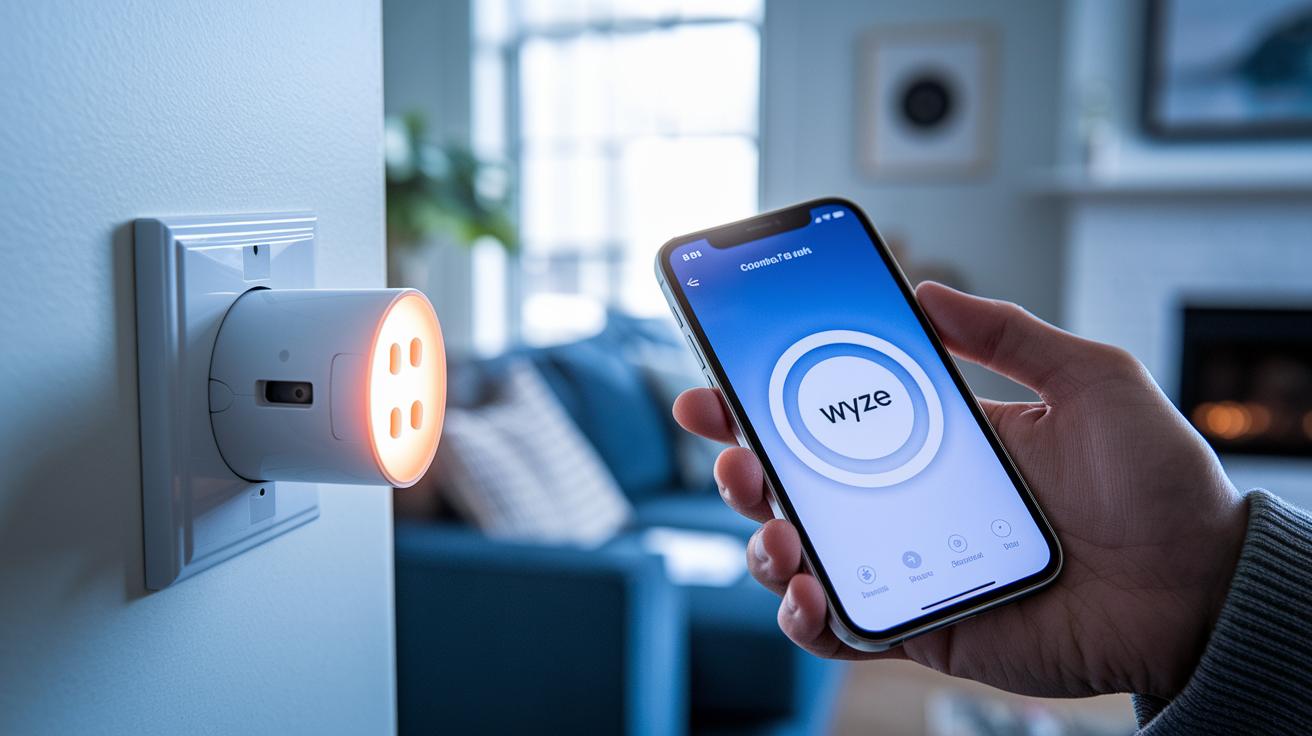
Over the past year, we've put the Wyze Smart Plug through real-life tests and found it to be impressively reliable. Whether you use the Wyze app on your phone or control it with Alexa or Google, you'll often see responses in under one second. This fast reaction makes everyday tasks, like turning on a lamp or starting your coffee maker, feel both natural and efficient. Its steady connectivity and smooth integration into common smart home systems make it a smart, budget-friendly choice for anyone looking to automate their space.
Updates are a breeze too. Firmware upgrades roll out over the air using the Wyze app, so you get performance and security improvements without any hassle or interruptions.
One thing to remember, though, is that the plug doesn't offer built-in energy-usage tracking. While some higher-end models include this feature for those who want to monitor power consumption, the plug’s quick responses and solid performance more than make up for it at its price point.
Wyze Smart Plug vs. Competing Models Comparison
Wyze offers a smart plug that stands out with a low price and compact design. At just $14.99 for a two-pack, it fits easily into your home without crowding neighboring outlets. Many competitors cost between $15 and $20 and tend to be bulkier, which can block adjacent sockets.
Both options work well with Alexa and Google Assistant. That said, many rivals add features like real-time power-usage reporting, which can help you keep a closer eye on energy consumption.
| Feature | Wyze Smart Plug | Typical Competitor |
|---|---|---|
| Price | $14.99 for two-pack | $15–20 for similar pack |
| Power-Usage Reporting | No | Yes, real-time metrics |
| Dimensions | 1.5″ × 2.7″ × 1.2″ | Bulkier design |
| Voice-Assistant Support | Alexa & Google | Alexa & Google |
The Wyze plug's small footprint makes everyday installation a breeze. It is ideal for those who want a cost-effective way to add basic smart home control without unnecessary extras. However, if you need detailed energy tracking, you might prefer a model that offers power-usage reporting.
Overall, the Wyze Smart Plug delivers a straightforward solution that meets modern smart home needs without breaking the bank.
Wyze Smart Plug Use Cases for Home Automation
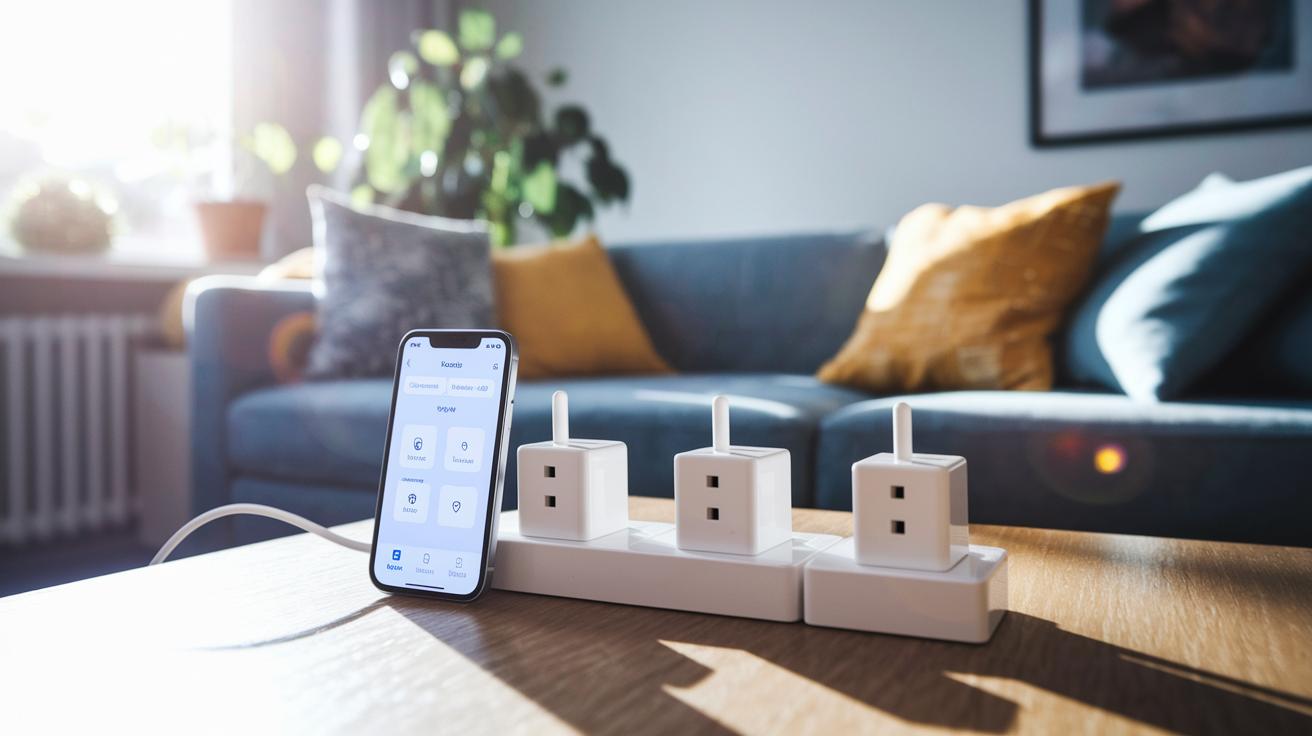
The details for using the plug in your home automation setup are now included in the Wyze Smart Plug App Features and Scheduling Capabilities and the Wyze Smart Plug Voice Control Integration sections. This update helps keep the information clear without repeating content.
Final Words
In the action, we reviewed the Wyze Smart Plug from its features and design to hands-on setup and app configuration. We covered the physical form, connectivity details, and voice-control pairing, offering a full look at its functionality.
We broke down its affordable pricing, simple installation, and integration with major home systems. This review shows that quick response and reliable performance make the wyze smart plug a smart choice for home automation.
Enjoy exploring its seamless setup and everyday benefits.
FAQ
How do you set up a Wyze smart plug?
The Wyze smart plug setup involves plugging it in to power, waiting for the blue LED to flash, then following the Wyze app instructions on a 2.4 GHz network to complete pairing.
How does the Wyze smart plug work?
The Wyze smart plug works by connecting to your Wi‑Fi with a 2.4 GHz radio, allowing direct control via the Wyze app, voice assistants, and scheduled routines for connected devices.
What should you not plug into a smart plug?
The smart plug should not power high‑watt devices like space heaters or air conditioners, as these appliances exceed the plug’s rated electrical capacity and can pose a safety risk.
Does the Wyze smart plug support outdoor use?
While standard models are designed for indoor use, the outdoor version features dual outlets and energy monitoring but should only be used in sheltered areas to avoid weather damage.
What functionalities does the Wyze plug app offer?
The Wyze plug app enables device setup, renaming, on/off control, scheduling timers, adjusting LED settings, and integrating with other smart home devices for complete management.
Can the Wyze smart plug integrate with Home Assistant?
Yes, the Wyze smart plug can integrate with Home Assistant through community-supported plugins, allowing it to work with broader home automation setups and customized automation routines.
How can you schedule the Wyze smart plug?
The scheduling feature in the Wyze app lets you set on/off times and routines, including a Vacation Mode to simulate occupancy and automate daily tasks effortlessly.
Does the Wyze smart plug offer energy monitoring?
Standard Wyze smart plugs do not include energy monitoring; however, the outdoor version comes with dual outlets and built‑in energy monitoring to track device consumption more closely.
Is Wyze owned by Amazon?
Wyze is an independent company and is not owned by Amazon, although its products are compatible with major voice assistants like Alexa and Google Assistant.
What does a Wyze smart plug review typically cover?
A Wyze smart plug review usually covers setup ease, app performance, voice assistant integration, design, reliability, and overall value, emphasizing its affordability for a smart home upgrade.
Is the Wyze smart plug available at Home Depot?
Though Wyze products are mostly sold online and through select retailers, availability at Home Depot can vary by location, so checking with your local store is recommended.
What other popular Wyze smart home products are available?
Wyze offers a range of products, including smart bulbs with customizable LED colors, indoor/outdoor security cameras, light switches, programmable thermostats, and battery-powered cams, all made for easy integration.
stendra price philippines
stendra price philippines
semaglutide dose diabetes
semaglutide dose diabetes
sémaglutide effets indésirables
sémaglutide effets indésirables
finasteride proscar
finasteride proscar
sildenafil newborn
sildenafil newborn
orlistat walmart
orlistat walmart
ketoconazole therapeutic uses
ketoconazole therapeutic uses
ivermectin safety reference
ivermectin safety reference
ivermectin PK analysis
ivermectin PK analysis
sildenafil logistics price impact
sildenafil logistics price impact
avanafil mechanism effect summary
avanafil mechanism effect summary
avanafil online safety essentials
avanafil online safety essentials
vardenafil vs sildenafil PK
vardenafil vs sildenafil PK
vardenafil caution conditions
vardenafil caution conditions
orlistat mechanism process
orlistat mechanism process
online safety compliance
online safety compliance
augmentin vs amoxicillin for sinusitis
augmentin vs amoxicillin for sinusitis
additional tadalafil information
additional tadalafil information
tadalafil exposure over time
tadalafil exposure over time