
Ever thought a tiny plug could change the way you use energy at home? The Kasa Smart Plug lets you control two outlets and see your energy use in real time. That means you can cut down on wasted power and keep your bills lower. Its weatherproof design makes it a great fit for any modern home. In this post, we’ll show you how this neat little device makes it easy to manage your gadgets and monitor power use, proving that smart living can be both efficient and affordable.
kasa smart plug: Overview and Key Features
The Kasa Smart Plug gives you two outlets in one weatherproof design, and you can control each outlet separately. This means you can manage two different devices from a single plug. It also lets you track energy use in real time and over time. If you're curious about your device's power draw, the app provides a clear chart that shows the average wattage.
The plug's design is very practical but has one drawback: it might block nearby sockets above or below it, so check your wall layout before installing. Still, its low standby power, about 1 W, helps keep energy use low and can even trim your monthly bill. Think of it as quietly working in the background, much like a sensor in sleep mode.
After connecting it to your Wi-Fi, you'll see a solid white LED light. That little light reassures you that everything is set up correctly. Plus, its energy-monitoring feature logs both current and past readings, so you can easily spot any trends. Many users are surprised to learn how much power their idle devices were using until they saw the energy tracking.
Overall, the Kasa Smart Plug combines simple dual-outlet control with smart energy-saving features in a compact design built for modern home setups.
kasa smart plug Installation and Setup Guide

Follow these easy steps to get your Kasa smart plug connected. It takes less than 10 minutes for most users and around 15 minutes if you're new to this.
- First, check that you have a steady home Wi-Fi network (2.4 GHz is best), a fully charged smartphone, and the Kasa app installed from your app store. This helps the plug connect without any glitches.
- Next, plug it in at your chosen spot. If you want it to stay in place, grab the mounting anchor, cable strap, and screw that come with it. Just be sure not to block any neighboring outlets if you're using several devices.
- Open the Kasa app and tap the "Add Device" button so the app can find your new plug.
- Your phone will display a list of Wi-Fi networks. Look for the plug's temporary network name and select it to connect.
- When prompted, enter your home Wi-Fi password. This lets the plug use your home network.
- Keep an eye out for a solid white LED light on the plug. It means the plug has successfully connected.
- Now, rename your plug in the app and choose a unique icon or photo so you can easily tell which device it controls.
- Lastly, use the app's on/off switch to test the plug. Once it responds, you're all set to enjoy smooth control over your connected devices.
kasa smart plug Smart Home Integration and Voice Control
The Kasa Smart Plug connects smoothly with popular voice assistants like Amazon Alexa, Google Assistant, and SmartThings. You can use simple voice commands to control connected devices without a hub. Just note, HomeKit users will need to look elsewhere as it doesn’t work with Apple’s system.
Alexa Outlet Pairing
Getting started with Alexa is really simple. Open the Alexa app and enable the Kasa skill. When asked, quickly link your Kasa account with a voice-pin confirmation. After that, Alexa finds your plug on its own. For example, say “Alexa, turn on the living room lamp” to see it in action. The pairing is quick and keeps things straightforward.
Google Home Sync
The setup for Google Home is just as easy. In the Google Home app, add your Kasa device using Home Control and let the app take care of discovering it. You can then rename the plug and assign it to a room that makes sense for you. Try saying “Hey Google, switch off the porch lights” and enjoy how smoothly it works. This simple connection makes everyday device management feel modern and efficient.
kasa smart plug Elevates Smart Living

The Kasa Smart Plug brings smart home control with built-in energy tracking, and it does so without a hefty price tag. The dual-outlet model, which lets you control two outlets separately, is priced around $48.88. If you're looking for something more affordable, the single outlet version usually goes for about $19.99, with some deals even dropping to $15 per unit. There’s also a basic version with energy tracking that typically sells for about $30. Each option offers a cost-effective way to upgrade your home, making the Kasa plug a strong contender among similar products.
When you're checking out other smart plugs, it helps to compare key features like price, HomeKit support (Apple’s smart home system), and unique extras. The table below shows four options to give you a quick look at the main differences:
| Device | Price | HomeKit | Notable Features |
|---|---|---|---|
| Kasa Smart Plug w/ Energy | $30–$49 | No | Energy monitoring, dual outlets |
| Belkin Wemo Insight | $35 | No | Detailed power reports |
| TP-Link Smart Plug Mini | $18 | No | Space-saving design |
| iDevices Switch | $40 | Yes | HomeKit support |
This side-by-side comparison makes it easier to see where each plug stands in terms of price and function, helping you pick the one that best fits your home setup and budget.
kasa smart plug App Functionality and Energy Monitoring
The Kasa app makes it really simple to manage your smart plug. Once you connect your device, you can give it a custom name and choose an icon or photo. For example, you might call one "Living Room Lamp" and use an image that reminds you of it.
You can also group plugs together and set timers so they turn on or off automatically. Want your coffee maker to start at sunrise? Just set it up in the app and forget about it. The app lets you control your plugs from anywhere, whether you're at home or out and about.
The app even shows your energy use. A dashboard keeps track of real-time power draw, and it even shows you that your plug uses about 1 W in standby. Daily and monthly charts highlight how much energy you're using. For instance, you might notice your living room lamp uses more power in the evenings, which could help you adjust its schedule to save energy.
All these features work together to give you complete control over both convenience and energy efficiency in your smart home.
kasa smart plug Troubleshooting and Reset Procedures
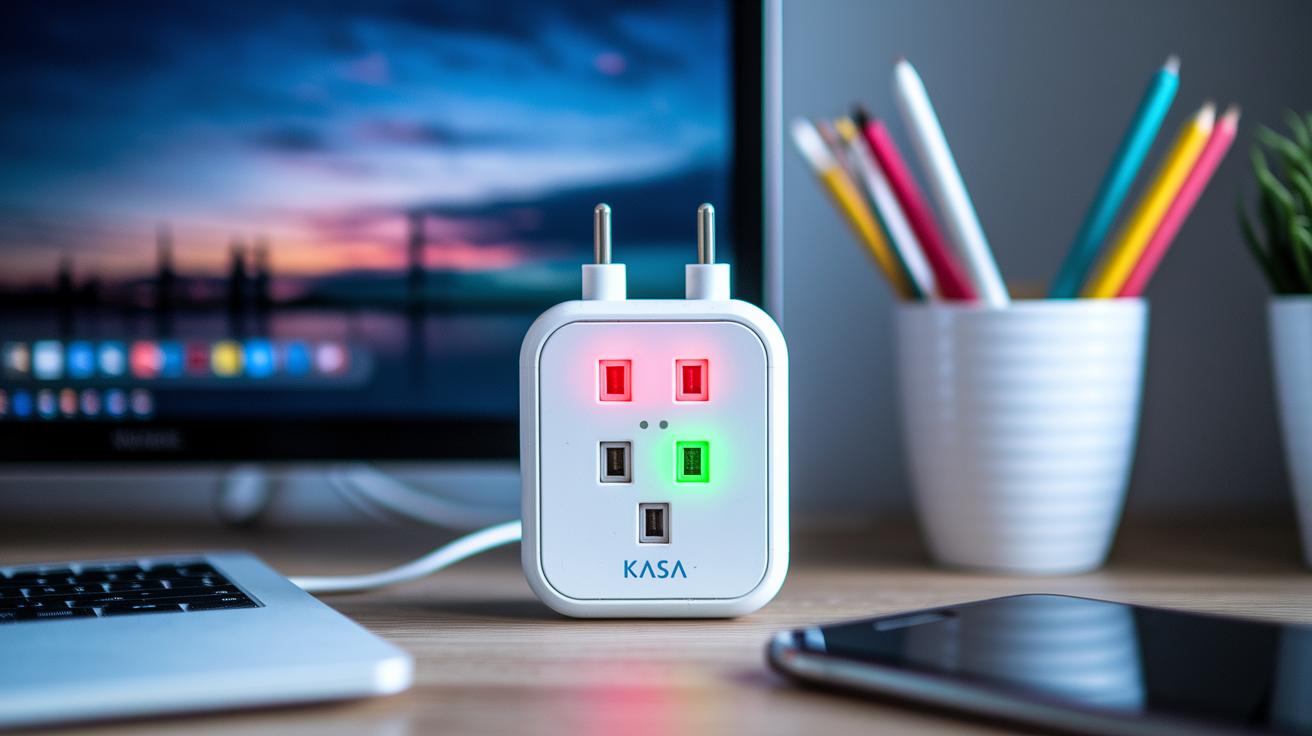
If your Kasa Smart Plug is having trouble connecting to Wi‑Fi or acting up with connection issues, try these easy steps. The plug uses LED signals to show you what's wrong, and a proper reset often fixes most problems.
Factory Reset Steps
- Hold down either outlet button for 10 seconds. A quick tip: watch for a fast blink of red and green lights. This means the reset has started.
- Wait until the LED stops flashing red and green and turns a steady white. This steady light means the device has rebooted and is ready to pair again.
- Once it resets, connect to the plug’s temporary Wi‑Fi network and enter your home Wi‑Fi details in the Kasa app.
- Note that you only ever need to press one button at a time; there’s no need to press both together.
Connectivity Error Fixes
- Check that your home Wi‑Fi is working well and that the plug is connecting to the 2.4 GHz band. A quick hint: make sure your phone is also on 2.4 GHz before diving deeper into troubleshooting.
- Make sure you’ve entered the correct Wi‑Fi name (SSID) and password in the app to avoid simple mistakes.
- Think about where the plug is placed. If it’s too far from your router or near devices that cause interference, try moving it or adjusting your router’s location to boost the signal.
- Try a simple power-cycle: unplug the plug for about 10 seconds and then plug it back in to refresh the internal connections.
- Finally, check that your Kasa app is updated to the latest version. This can rule out any temporary firmware issues.
Following these steps should help get your smart plug back to normal without needing professional help.
kasa smart plug Customer Reviews and Satisfaction
Early testers find that setting up the plug is a walk in the park, with many finishing the process in under 10 minutes. The app makes it easy to name outlets, schedule on and off times, and monitor energy use without any hassle. Voice control also works great; you can simply say, "Alexa, turn on the living room lamp," and it responds immediately. Energy monitoring stands out too, as the app shows both live wattage and past usage charts to help you see how much power you're using.
On the downside, several users have noticed that the plug’s larger design can block nearby outlets, especially when used in a duplex configuration. This can be tricky if you’re working with a cramped power strip or limited wall outlet space. Overall, while the plug earns praise for its performance and ease of use, its size has drawn mixed reviews.
-
Pros:
- Setup in under 10 minutes
- Easy-to-use app for scheduling and monitoring
- Live energy data with historical charts
- Reliable hands-free voice control
-
Cons:
- Bulky design can cover adjacent outlets
- Not a fit for compact power setups
- Limited options for placement
- Can feel cumbersome in tight spaces
Final Words
In the action, we explored how the kasa smart plug brings everyday convenience with its easy setup and energy monitoring. The guide walked through installation, smart home voice control, pricing comparisons, and troubleshooting. We also saw genuine user reviews that highlight strengths like quick pairing and clear app controls while noting room for improvement in design. The plug remains a solid pick, offering reliable performance that can simplify your home automation setup. Enjoy the practical benefits and smooth integration this smart plug offers.
FAQ
What does the Kasa Smart Plug app do?
The Kasa Smart Plug app lets you manage and control your plug remotely by guiding you through setup, scheduling, monitoring energy use, and integrating voice commands with platforms like Alexa and Google Assistant.
How do I connect my Kasa Smart Plug?
The connecting process for your Kasa Smart Plug involves downloading the Kasa app, selecting “Add Device,” connecting to the plug’s temporary Wi‑Fi, and entering your home network details until a solid white LED confirms the connection.
How do I reset my Kasa Smart Plug or change its Wi‑Fi network?
The reset process for your Kasa Smart Plug involves holding the outlet button for 10 seconds until the LED blinks red and green, after which you can re‑pair the plug to a new Wi‑Fi network using the Kasa app.
Can I use the Kasa Smart Plug outdoors or with different models?
The Kasa Smart Plug range includes an outdoor model, which offers two individually controllable, weatherproof outlets, and the compact Smart Plug Mini, ensuring various options for different home automation needs.
Has Kasa been discontinued?
The Kasa product line remains active and supported by TP‑Link, with ongoing updates and a variety of models available to suit different home automation and energy monitoring requirements.
What should you not plug into a smart plug?
The devices you should avoid plugging into a smart plug include high‑power appliances or equipment that exceed the smart plug’s rated capacity, as this might cause overload and potential safety issues.
What models are available in the TP‑Link Kasa range?
The TP‑Link Kasa lineup offers models like the Smart Plug Mini EP10, hs200 Wi‑Fi Light Switch, energy‑monitoring plugs such as kp125mp2 and kp115, and others like the ep25p4 and HS105—each designed for varying home automation scenarios.