
Ever wondered if you could run your home with just a bit of conversation? With voice control smart plugs, you simply speak to switch your appliances on and off. Imagine settling in for a cozy evening as your lights dim exactly when you want them to, or enjoying a busy morning when your coffee maker gets a head start without you lifting a finger.
These devices not only make everyday actions more convenient but also help you keep an eye on energy use. They work with popular voice assistants, adding a touch of straightforward, practical tech to make your life a little easier.
Why Voice Control Smart Plugs are Essential for Home Automation
Voice-controlled smart plugs are game changers for today’s homes. They let you switch appliances on and off with just your voice, so you don't have to leave your comfy spot. Imagine turning off lights, running a fan, or even starting your coffee maker hands-free, it's ideal for busy mornings or when you're juggling lots of tasks.
These plugs usually cost between $12 and $35 and handle up to 15 A/1800 W of power. They hook up directly to your home’s 2.4 GHz Wi-Fi without needing extra equipment. Some newer models even add Bluetooth, Zigbee, Thread, or Matter support, so they work smoothly with systems like Google Home, Apple HomeKit, and Amazon Alexa. This means you can set up home automation quickly; plug it in, say a command, and you're all set.
You can also schedule these devices to turn on or off automatically. That means you can have your lights switch off at bedtime or your coffee maker start at a preset time without any hassle. Many smart plugs even show you how much energy you’re using, which helps you adjust your routine and maybe lower your electric bill.
In short, voice control smart plugs make home automation simple and efficient. They combine ease, smart features, and connectivity into one little device, making them a must-have for modern living.
Voice Control Smart Plug Compatibility with Major Voice Assistants
Amazon Alexa Integration
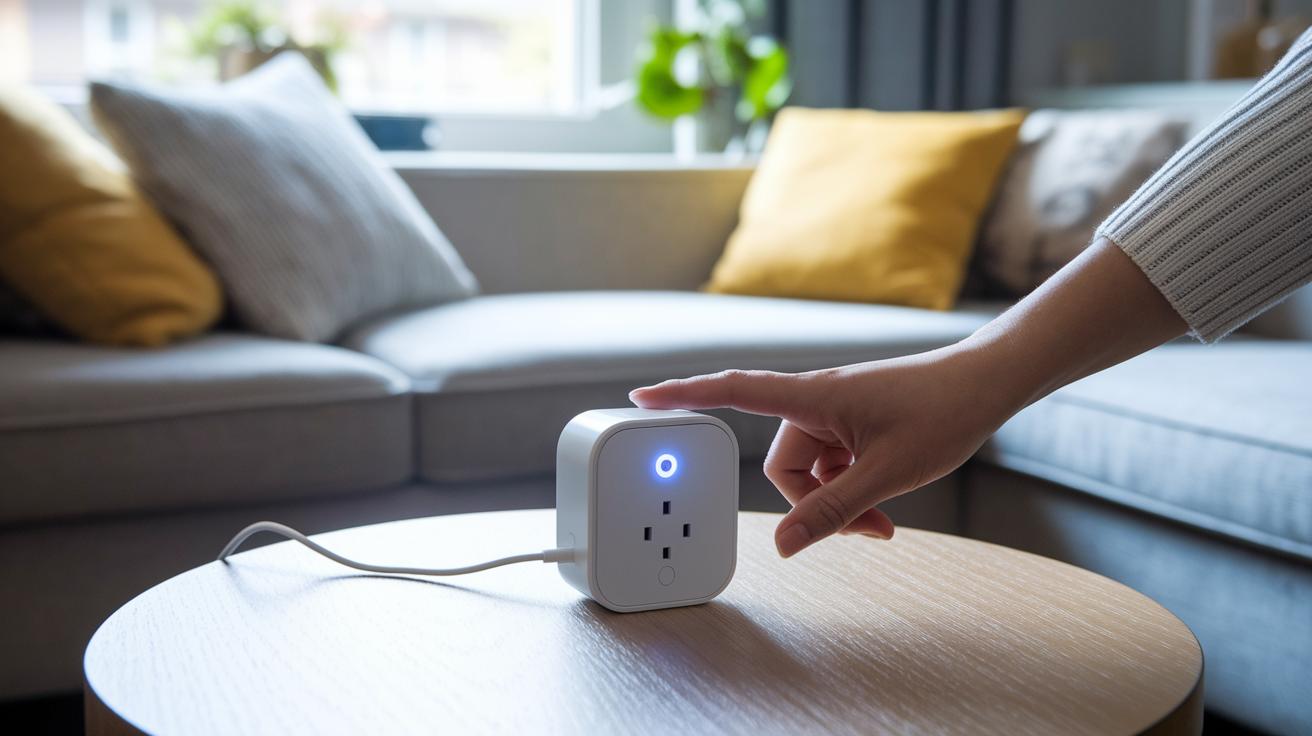
Pairing your smart plug with Alexa is really simple and doesn't need any extra hub. Just download the Alexa app, add your smart plug, and plug it in. When you press the pairing button and see the LED flashing, the app will find it automatically. A quick tap to enable the plug's skill, maybe giving you a prompt like "Say, Alexa, turn on the living room lamp," is all it takes. This hassle-free setup means you can control your devices with your voice right away, making daily tasks a bit easier.
Google Assistant Support
Connecting the smart plug to Google Assistant is just as easy. Open the Google Home app, add the device, and follow the on-screen steps to finish pairing it. Once your smart plug appears on your dashboard, you can even group it with other devices. This makes it possible to set up routines that manage multiple actions at once. Imagine saying, "Hey Google, I'm leaving" and seeing several devices turn off automatically.
Apple HomeKit via Matter
If you're all in with Apple, Matter certification makes linking the smart plug with HomeKit a breeze. Simply scan the QR code or enter the setup code in the Home app, and your plug will be ready for voice control using Siri. Now you can easily say things like "Hey Siri, switch off the heater" with no need for extra hardware. This smooth connection helps you manage your smart home with ease.
Voice Control Smart Plug Setup Guide: Step-by-Step Configuration
First, make sure you've downloaded the companion app and that your phone is connected to your home’s 2.4 GHz Wi‑Fi. Unpack your smart plug, plug it into an outlet, and press the pairing button until its LED starts flashing. That flashing light is your signal that the plug is ready to connect. Next, open the companion app and follow the simple on‑screen instructions to add your new device. You might even see a prompt like, "Hold the pairing button until the LED flashes, then watch for your plug to appear in the app."
Once your plug is connected to Wi‑Fi, pair it with your favorite voice assistant. If you're on an Android device, open your assistant's app to link devices or manage skills. iPhone users can use the Home app or adjust Siri settings by scanning a QR code or entering a code manually. Finally, try a basic command, say, "Alexa, turn on the lamp", to check that everything is working as expected. If you run into any issues, consult the model-specific tips in your manual.
Technical Specifications of Voice Control Smart Plugs

Voice-controlled smart plugs are handy devices that make managing your home a breeze. Most plugs come with a capacity of 15 A/1800 W, which means they can safely handle your everyday appliances. They also pull less than 1 W when not active, keeping energy use low. And with voice commands responding in under a second, controlling your devices feels almost instantaneous.
These plugs offer a variety of connection options. The majority run on Wi‑Fi (usually on the 2.4 GHz band), while others add Bluetooth, Zigbee, Thread, or Matter to the mix. This means they work easily with setups from Amazon, Google, or Apple. Some top models, like the Shelly Gen4 Smart Plug, go further by allowing scripting and real‑time energy monitoring. This extra feature lets you adjust and automate your energy use based on what’s happening right then.
| Model | Power Rating | Connectivity | Voice Assistant Compatibility | Energy Monitoring |
|---|---|---|---|---|
| Shelly Gen4 Smart Plug | 15 A/1800 W | Wi‑Fi, Bluetooth, Zigbee, Matter | Alexa, Google Assistant, Siri | Real‑time with scripting |
| EIGHTREE Smart Plug | 15 A/1800 W | Wi‑Fi, Bluetooth | Alexa, Google Assistant | Basic energy stats |
| Amazon Smart Plug | 15 A/1800 W | Wi‑Fi | Alexa | None |
| Kasa Smart Plug | 15 A/1800 W | Wi‑Fi | Alexa, Google Assistant, IFTTT | Usage tracking |
| Govee Dual Smart Plug | 15 A/1800 W | Wi‑Fi, Bluetooth | Alexa, Google Assistant | Energy monitoring |
These details offer a clear look at how smart plugs can combine versatile connections with smart energy management, making them a practical choice for modern homes.
Top Voice Control Smart Plugs Reviewed and Compared
The EIGHTREE Smart Plug is super easy to set up. It uses a simple Bluetooth connection through the Smart Life app so you can quickly pair it with devices like lamps or small fans without needing extra hardware.
Next up is the Amazon Smart Plug, which is built just for Alexa users. It works directly with the Alexa app, so you can control your devices by voice without the need for a separate hub.
The Kasa Smart Plug offers more options. Its app lets you schedule routines, set timers, and even activate an away mode. This gives you detailed energy management and convenience for everyday use.
If you need a compact solution, the GHome Mini might be the one. It supports both Alexa and Google Assistant, keeping your smart home setup consistent even if you switch platforms.
For those watching their budgets or needing multiple outlets, the KMC Mini 4-pack is a great deal. It offers several plugs that all respond well to voice commands. Similar value is found with the Govee plug, which connects using Wi-Fi or Bluetooth to adapt to different network conditions.
Finally, the Kasa 15 A model stands out with its IFTTT compatibility. This feature lets you create custom routines that go beyond simple on/off commands. Each plug in this group brings unique features that help you easily build a smart home that responds to your voice while fitting different needs and budgets.
Voice Control Smart Plug Pricing and Value Analysis
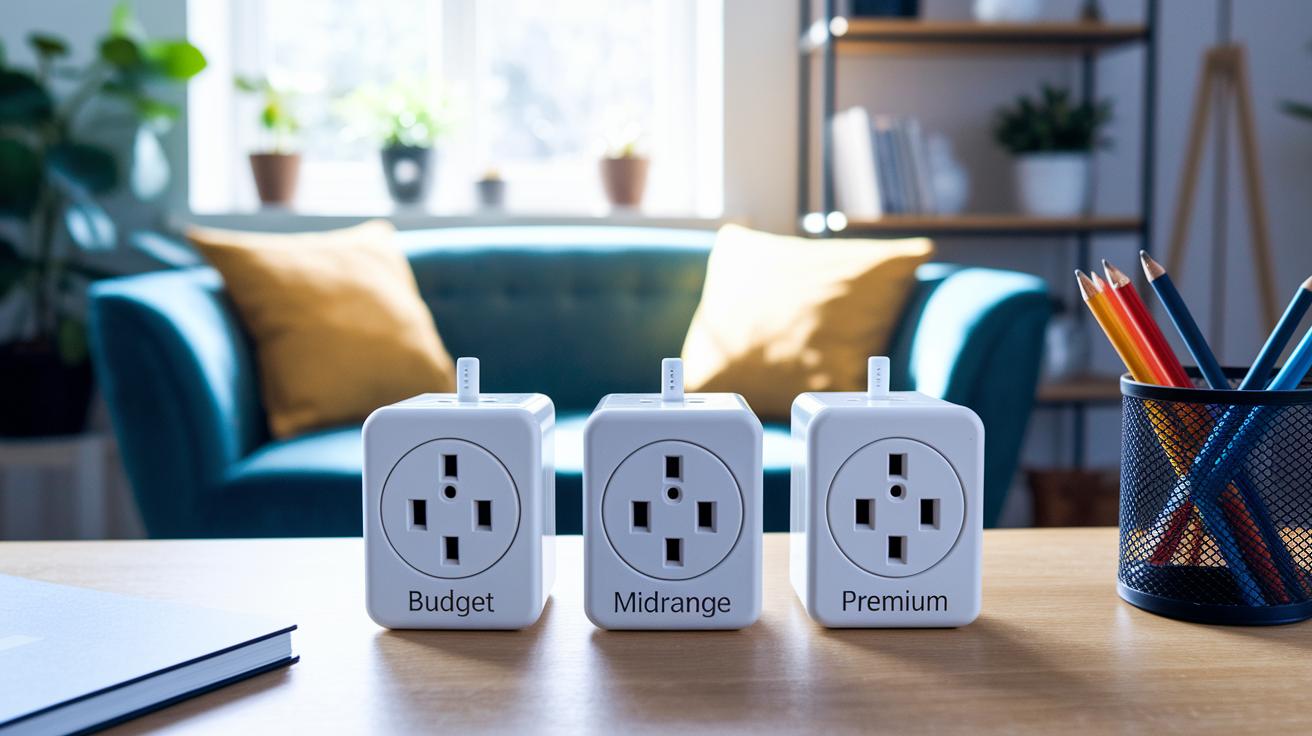
Voice-controlled smart plugs come at various price points to fit different needs and budgets. If you're new to smart home automation, entry-level options around $12, like those from Emporia or TP-Link Tapo, offer simple on/off controls with basic voice command support. They keep things straightforward without extra frills.
For those looking for a bit more from their plugs, mid-range models priced between $20 and $26 step it up with useful extras such as scheduling, timers, and even basic energy monitoring. Well-known options from Kasa or Govee strike a solid balance between cost and enhanced features that simplify daily home management.
If you're ready to invest more, premium smart plugs generally range from $23 up to $35. These models, including Matter-certified choices from Leviton or Emerson SmartVoice, support multiple connection methods like Zigbee or Bluetooth and deliver robust energy tracking. This makes them a smart pick if you need real-time energy insights and want your plug to work with several voice assistants.
By weighing your budget against the features you need, you can easily choose between a basic plug that gets the job done and a more advanced option that helps create a truly energy-efficient home.
Troubleshooting Voice Control Smart Plug Issues and Tips
If your voice-controlled smart plug is acting up, it can be really annoying when it just won't connect or follow your voice commands. One common problem is a WiFi pairing failure. This might happen if your plug doesn’t see your 2.4 GHz network or if there’s too much signal interference nearby. Another issue is when your voice assistants like Alexa or Google Home don’t respond. Often, a quick app refresh or a firmware update can solve this.
Sometimes, your smart plug might drop its connection, especially when your network is very busy. In these cases, a simple reset can re-establish the link between the plug and your voice service. You can also try moving the plug away from other devices that might interfere with its signal, or double-check that it’s connected to a stable WiFi network. And if nothing else works, disconnecting and reconnecting the voice assistant skill can do the trick.
Final Words
In the action, we explored what makes a voice control smart plug a handy addition to your home automation setup. We broke down the benefits of hands‑free control, detailed the setup process, and reviewed key specs and pricing to match your needs.
You got clear steps for troubleshooting common issues and tips for seamless integration with major voice assistants. It feels good to see practical advice that helps make smart home decisions easier.
FAQ
What is a voice control smart plug?
The voice control smart plug is a Wi‑Fi device that allows you to manage connected appliances with voice commands via digital assistants like Alexa, Google Assistant, or Siri. It supports scheduling and energy tracking for efficient use.
How do I set up a voice control smart plug?
The setup for a voice control smart plug involves downloading the companion app, plugging in the device, and holding its pairing button until the LED flashes. Next, connect to your 2.4 GHz Wi‑Fi and link it to your digital assistant.
Which apps support voice control smart plugs on an iPhone?
Apps such as Alexa, Kasa, and Smart Life support voice control smart plugs on iPhone. They guide you through setup, provide manuals, and let you configure scheduling and voice command features.
What are the disadvantages of smart plugs?
The disadvantages of smart plugs include potential Wi‑Fi interference, limited power ratings, and occasional unresponsiveness. They may require frequent updates and troubleshooting to maintain smooth connectivity.
Do smart plugs work with Siri?
Smart plugs that are Matter‑certified and support Apple HomeKit can work with Siri. These plugs integrate with the Home app, allowing you to control connected devices using Siri voice commands.