
Ever wonder if your doorbell is really doing its job when it comes to home security? In today's smart home world, a video doorbell can really change the game. We tested the best video doorbells to see how clear their videos are, how long their batteries last, and whether they fit your budget. In this review, we cover models that capture sharp images, give you cost-effective choices, or work without monthly fees. Keep reading to find the video doorbell that best boosts your home safety and meets your needs.
Top-Rated Video Doorbells: Essential Buyer Picks
We put these video doorbells through their paces by checking how well they work, what they cost, and how they’re powered. We looked at things like video clarity, battery life versus needing a wired connection, and any extra fees you might face. Some models shoot crisp 2K footage while others nail the basics without breaking the bank. There’s a perfect option for every need, whether you’re into easy DIY setup, want to skip monthly fees, or are watching your budget while still getting reliable smart home integration.
| Model | Best For | Price | Power Type | Subscription |
|---|---|---|---|---|
| Google Nest Doorbell (battery) | Overall performance & integration | $150 | Battery | Yes |
| Blink Video Doorbell 2nd Gen | Budget option | $36 | Battery | Yes |
| Eufy Video Doorbell E340 | Subscription-free users | $120 | Battery | No |
| Arlo 2K Video Doorbell (2nd gen) | DIY enthusiasts | $60 | Battery | Yes |
| Tapo D225 Video Doorbell | No monthly fees with advanced features | $85 | Battery | No |
The Nest doorbell really shines with its sharp 2K detail and battery that lasts, especially when used with other Google products. Blink is the go-to if you’re on a tight budget and still want the must-have features. For those who prefer no monthly charges, the Eufy doorbell is a great choice. DIY fans will love the straightforward install of the Arlo 2K, which also offers high-resolution video. Finally, the Tapo D225 is ideal if you want advanced detection features without any subscription fees, balancing smart security with smart spending.
Performance Features in Video Doorbell Reviews
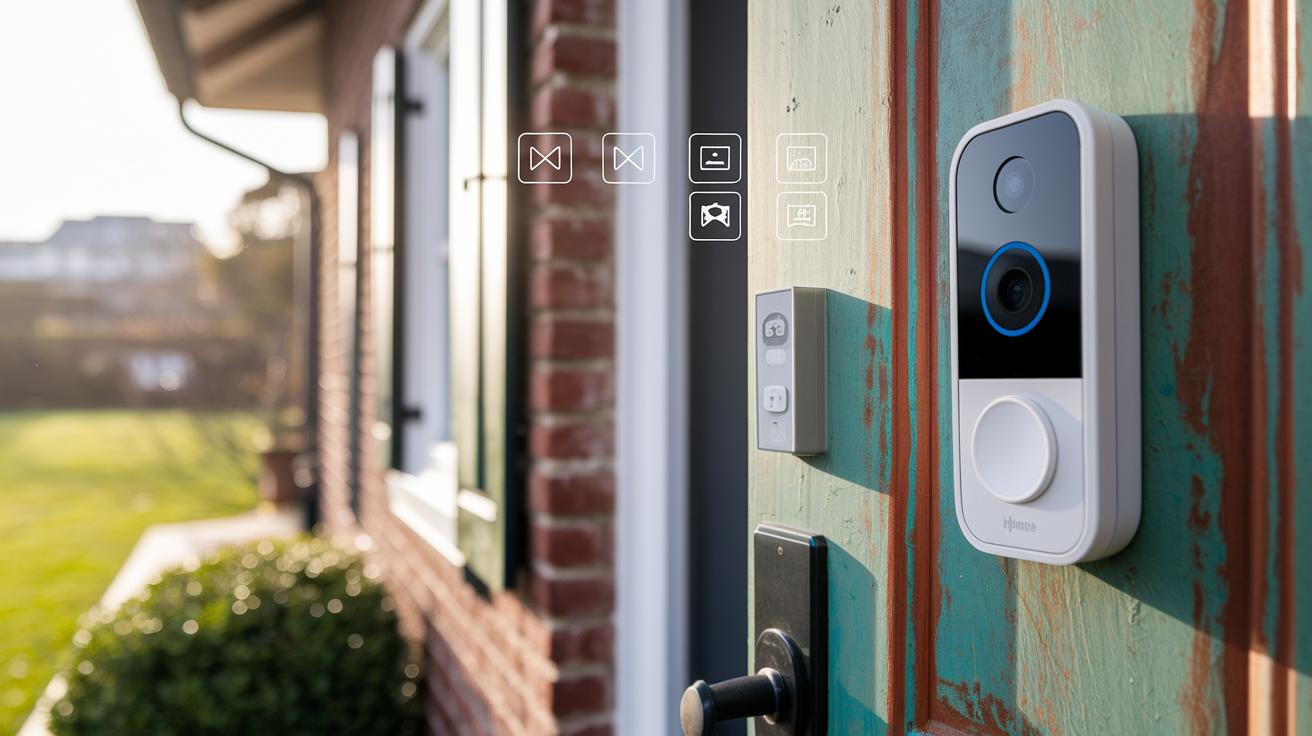
When choosing a video doorbell, clear video, a wide view, and crisp audio are key. We tested these devices over two weeks to see how well they perform in real everyday situations. High-definition video captures all the details you need, and a wide view ensures you notice every visitor. Plus, clear two-way audio lets you easily chat with delivery drivers or unexpected guests.
- Resolution: Devices deliver from 1080p up to 4K, meaning you get different levels of detail.
- Aspect Ratio: Some models, like the Ring Battery Doorbell Plus, use a 1:1 ratio so you see the visitor head to toe.
- Field of View: Most doorbells cover between 130° and 150°, giving you a broad view.
- Motion Detection: Customizable zones help reduce false alerts while still catching real movement.
- Night Vision: Infrared LEDs keep images clear even in low light, so nighttime is well covered.
- Two-Way Audio: There's noticeable variation, making it important to choose one that fits your communication needs.
These features combine to shape how well your doorbell protects your home. A high resolution paired with a wider view helps you see finer details, whether it's day or night. Sharp visuals let you identify faces and check package details, while accurate motion detection means fewer annoying alerts from passing cars or animals. And good audio ensures you can quickly respond to any activity at your door, even if you're not home.
Installation and Power: Wired vs. Battery Doorbells
Wired doorbells connect to your home’s electrical system and indoor chimes so you never have to worry about frequent recharges. They do need careful wiring, and if your setup is tricky, you might want to call a professional. On the other hand, battery doorbells are easy to install with basic tools and offer the flexibility to mount them anywhere. Keep in mind that battery doorbells require a recharge from time to time, models like Ring can last for several months, while Nest models typically run from one to six months. Plus, many battery models from brands such as Reolink and Tapo offer local microSD storage for an easy wireless setup.
Wired Doorbell Installation Steps
- Switch off the power supply to keep things safe.
- Remove your old doorbell or cover plate to access the wiring.
- Attach the doorbell wires to the correct terminals.
- After securing the wiring, test the indoor chime to make sure it works.
Battery Doorbell Installation Steps
- Unbox your doorbell and collect the mounting hardware.
- Follow the manual to install or insert the battery.
- Align the doorbell with the mounting bracket on your door.
- Secure it firmly and connect it to your home Wi-Fi.
Both setups generally require a screwdriver, a drill for mounting (especially important for wired doorbells), and a level to ensure everything lines up correctly. Wired doorbells might also need a voltage tester, whereas battery models usually only need basic hand tools. Typically, battery models can be set up in about 30 minutes, while wired doorbells might take one to two hours, especially if professional help is involved. These options work great in rental settings where a non-permanent installation is a plus.
Video Doorbell Plans: Subscription and Storage Guide
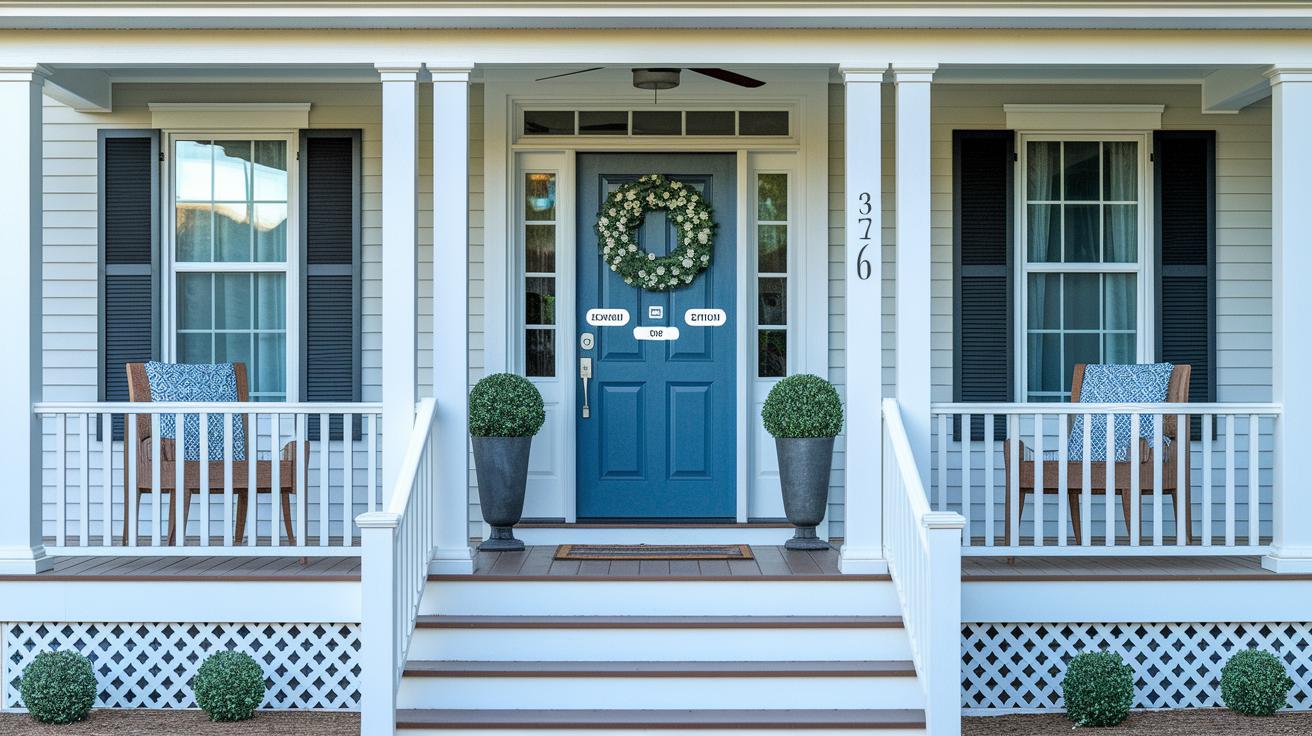
Video doorbells come with a range of monthly fees. For example, Ring Protect charges $5 per month while services like Arlo and Nest Aware may cost $8 per month. These fees cover cloud storage that keeps your clips for about 30 to 60 days, but they can add up in the long run. Some models, like the Eufy E340 and Tapo D225, use a local microSD card for storage, so you can skip recurring fees altogether. Just keep in mind that a few systems might need extra hardware, such as a Sync Module or network-attached storage, to fully enjoy local backup.
- Ring Protect: $5/mo, retains video for 30 days and pairs only with Ring devices
- Arlo Service: $8/mo, offers 60-day cloud storage and works with Arlo products
- Nest Aware: $8/mo, provides 30 to 60 days of video history, built for Nest devices
- Eufy E340: No monthly fee, uses an onboard microSD card for storage
- Tapo D225: No monthly fee, supports local video storage with a microSD card
For homeowners looking to cut down on recurring costs, local storage is a smart choice. With devices that support microSD storage, you can keep your video records without the hassle of monthly subscriptions.
Smart Home Compatibility and App Functionality
Modern video doorbells work best when they can connect easily to your other smart devices. Many of these doorbells now support well-known systems like Amazon Echo Show (£89.99) and Google Nest Hub Max (£159), which means you get an instant live view when the doorbell rings. For example, brands such as Ring and Reolink work with both Alexa and Google Assistant, letting you see who’s at the door without having to grab your phone. On the other hand, the Logitech Circle View is limited to Apple HomeKit, so it's only for those who are fully into the Apple ecosystem.
The mobile app is a key part of managing your doorbell. How quickly you can see a live view or get a notification often depends on the quality of your dual-band Wi-Fi connection, ensuring that everything runs smoothly for you.
| Feature | Description |
|---|---|
| Live view latency | The speed at which the camera feed appears after you activate it |
| Alert customization | Your ability to set up personalized notifications |
| UI design | How clear and user-friendly the app interface is |
| Firmware-update process | How straightforward it is to install updates for new features and security |
When choosing a video doorbell, matching it to your smart home setup is important. Consider which voice assistants you use and how you prefer to interact with your smart display. If you're an Apple user, a HomeKit-compatible device might be best. Meanwhile, Android and Google fans might get more value from models that offer strong support for Alexa and Google Assistant.
Consumer Reliability and Feedback on Video Doorbells
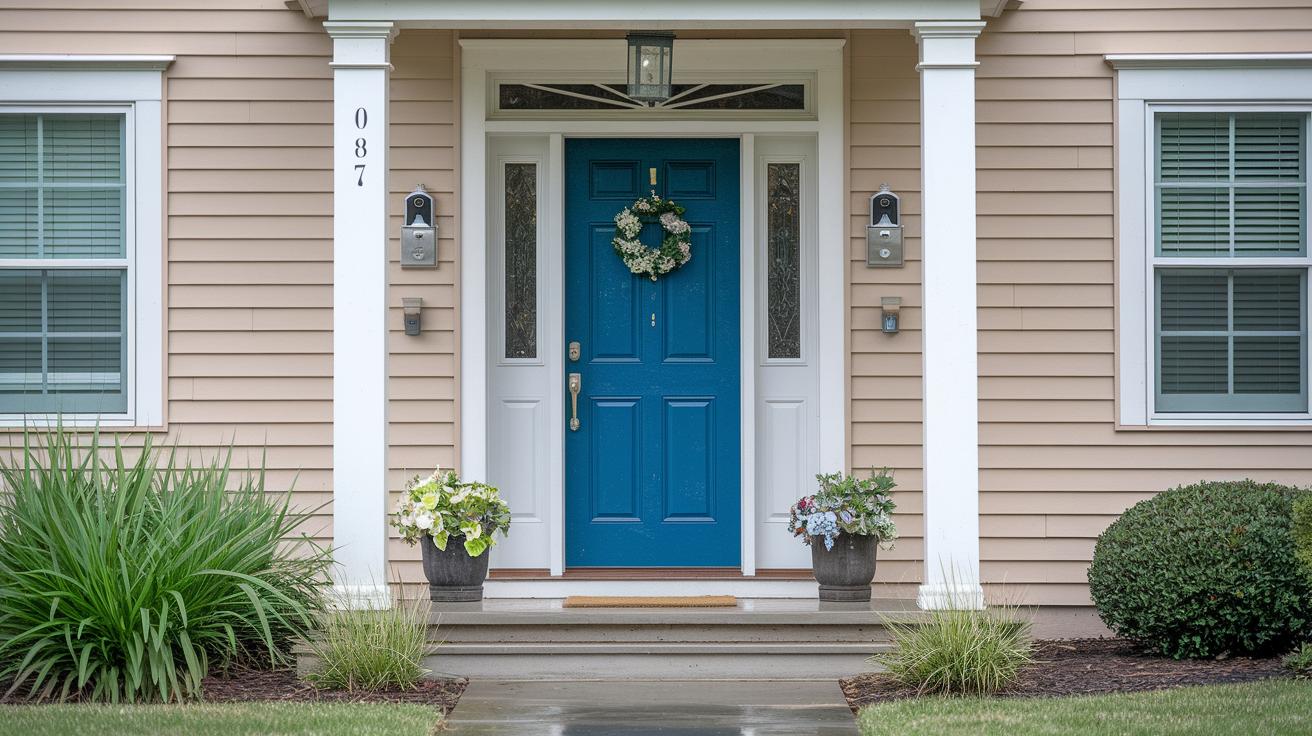
Over a two‑week period of everyday testing, we learned a lot about how these video doorbells perform. We set up each doorbell at a typical height and noticed that most of the time, the motion alerts were spot‑on and the video feeds were clear, even when the weather was normal. Many users saw accurate movement detection, though a few experienced a few false alerts in heavy rain, especially with models that had lower protection ratings. Feedback also showed that local storage options (like onboard or microSD storage) worked well, letting users avoid hidden subscription fees. However, data privacy varied from one brand to another. Overall, these doorbells performed reliably and reacted quickly, giving us a clear view of their strengths even under challenging conditions.
- Weather Resistance: Many users liked that the doorbells kept working well even in tough weather.
- False Alerts: Some reported occasional false activations in heavy rain.
- Subscription Costs: Users felt frustrated by unexpected recurring fees on some models.
- Local Storage: The option for onboard or microSD storage without extra fees was a big plus.
- Privacy and Encryption: While some models protected user data strongly, others could do better.
Strong privacy features and solid build quality are key for long‑term satisfaction. When a doorbell protects both your home and your personal information, you feel more secure in your investment. Reliable hardware and clear video, even in rough weather, make these devices a trustworthy part of your home security system.
Final Words
In the action, you saw how top-rated video doorbells stack up in performance, installation, smart home integration, and consumer reliability. We broke down key specs, compared budget options with premium ones, and explored subscription versus local storage to help you decide quickly and confidently.
The article wraps up with a clear look at each model's strengths, making these video doorbell reviews a practical guide for a secure, connected home. Enjoy finding the doorbell that fits your lifestyle perfectly.
FAQ
What is the best doorbell camera without subscription?
The best doorbell camera without subscription is considered to be the Eufy E340, offering high-quality video capture and local storage that eliminates recurring fees for a cost‑effective security solution.
What do video doorbell reviews in consumer reports reveal?
Video doorbell reviews in consumer reports highlight models like the Google Nest Doorbell for top‑notch resolution and performance, while budget and DIY options such as Blink and Tapo variants also score high in reliability.
What doorbell camera models offer subscription features?
Models like the Google Nest Doorbell and Arlo 2K include subscription plans that provide cloud storage and advanced alerts, giving users continuous updates and remote monitoring benefits.
How do Bell Guard doorbell camera reviews compare to other cameras?
Bell Guard doorbell camera reviews show robust performance with clear video quality, though its overall value may vary based on subscription service requirements and compatibility with existing security setups.
What sets the Eufy E340 and Tapo D225 apart from other doorbells?
The Eufy E340 and Tapo D225 stand out by delivering HD video clarity, easy installation, and local storage options that remove the need for subscription fees while ensuring dependable security monitoring.
How do the Google Nest Doorbell and Indoor/Outdoor Cam benefit homeowners?
The Google Nest Doorbell and Indoor/Outdoor Cam benefit homeowners with features like 2K resolution, extended battery life, and smart home integration, making them strong choices for comprehensive security.
What is known about the Sekoda doorbell camera?
The Sekoda doorbell camera is recognized as an emerging option that delivers solid security features and reliable performance, although more consumer feedback will help clarify its overall market placement.