
Ever thought about a door that does more than just open? The Ultraloq smart lock combines solid safety with everyday ease. You can choose from fingerprint access, voice commands, smartphone control, a backlit keypad, or even a traditional key, so getting through your door is simple and secure. Its built-in Wi‑Fi means you can control it remotely, and it fits neatly into your smart home without needing extra hubs. Here are five practical benefits that make the Ultraloq smart lock a great pick for keeping your home safe.
5 ultraloq smart lock perks for secure living
Ultraloq smart locks combine modern ease with solid security in a way that really works for everyday life. First up, unlocking options are plentiful. You can use a speedy fingerprint scan, voice commands, your smartphone, a backlit keypad, or even a classic key. One user shared, "I pressed my finger and the sensor recognized me in under 0.5 seconds," showing just how fast and reliable the biometric feature is.
Next, the lock comes with built-in Wi-Fi that connects directly to your home network without the need for an extra hub. This means you can easily control your lock remotely, wherever you are.
It gets better with strong smart home integration. The lock works with Apple HomeKit, Alexa, Google Assistant, SmartThings, and IFTTT, so it fits right in with your current setup.
Value is another key point. There are two pricing options: the HomeKit-enabled version at $249.99 and a Wi-Fi only model at $199.99. This tiered pricing lets you choose the option that best suits your needs and budget.
Lastly, the lock has earned an Editors’ Choice award by replacing the older Ultraloq U‑Bolt Pro with better features and a refined design. Each of these perks adds up to a secure, user-friendly solution for modern living.
- Versatile unlocking options: fingerprint, voice, smartphone, keypad, and key
- Hub-free Wi-Fi for effortless remote access
- Integration with major smart home platforms
- Two competitive pricing models
- Award-winning improvements and design
The Ultraloq smart lock is a compelling choice for anyone looking for enhanced security paired with smart home convenience.
Installation Guide for the Ultraloq Bolt Fingerprint Smart Lock: Step-by-Step Instructions
Hardware Setup
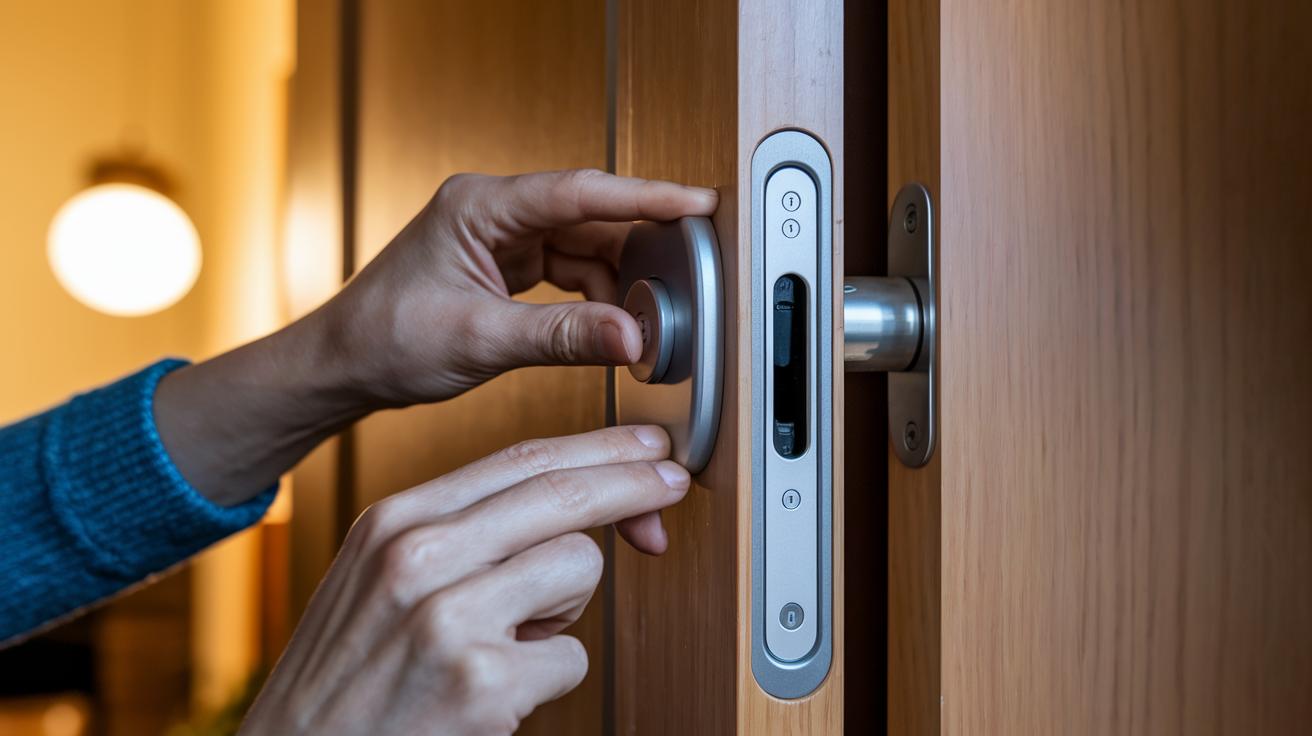
First, take out the old deadbolt and strike plate from your door to clear the area. Next, install the new deadbolt and the matching strike plate provided in the package. Make sure the deadbolt lines up with the door frame so it works smoothly. Then, fasten both the outside and inside covers with the mounting plate and screws that came with it. Carefully attach the data cable, keeping it tucked away where it won’t get in the way. Lastly, insert four AA batteries into the compartment. I did this all in one go and the lock powered up immediately.
UHome App Configuration
Next, open the UHome mobile app to continue with the setup. Begin by entering the Program Code from your manual and create an Admin code to have full control over the settings. Pick the correct deadbolt direction based on how your door swings. If your lock has an integrated door sensor, pair it to enable handy features like auto-lock when the door closes. Finally, connect the lock to your home Wi-Fi through the app for remote access and alerts. Although it might sound high-tech at first, each step is laid out simply to get your lock secure and ready to use.
Mobile Control for the Ultraloq Bolt Fingerprint Smart Lock: App Features & Connectivity
The UHome app is a trusted tool that guides you through the setup process while keeping your connection secure. It walks you through adding remote unlock and lock features so you can control your door from anywhere using cloud-encrypted commands.
The app works well on both iOS and Android. It makes adding multiple user profiles simple – one tester mentioned that assigning profiles for family members with just a few taps cleared up any confusion about home access.
Real-time low-battery alerts ensure you’re never caught off guard, and the interface shows the door sensor status so you can check if your door is locked from anywhere. Plus, remote unlocking prevents lockouts if you forget your keys or need to give temporary access to someone.
Overall, the UHome app offers clear, practical, and secure control of your Ultraloq Bolt, making smart access easy for everyone.
Security Advantages of the Ultraloq Bolt Fingerprint Smart Lock: Biometric & Encryption
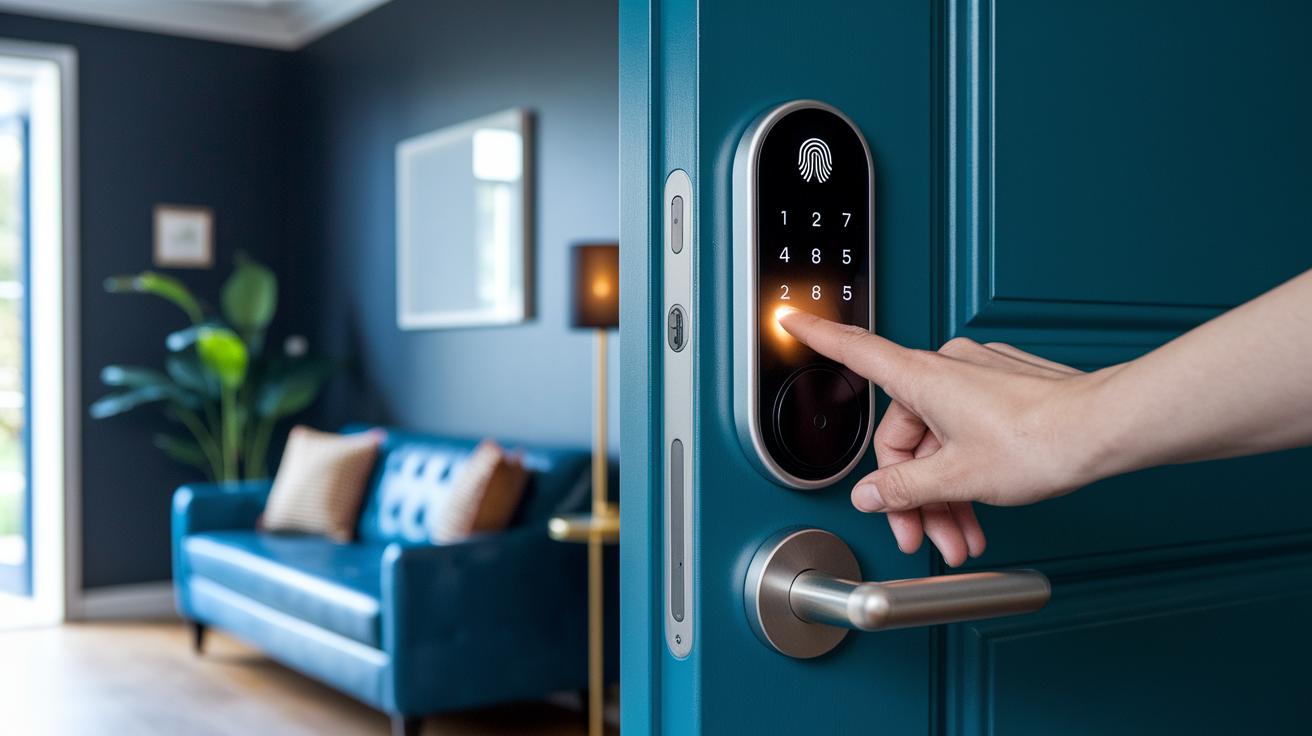
The Ultraloq Bolt offers a super-fast fingerprint sensor that reads your print in under 0.5 seconds, letting you unlock your door quickly and securely. When you place your finger on the sensor, it reacts almost instantly so you can get in without waiting around.
It also comes with a backlit keypad where you can enter a PIN code between 4 and 8 digits. This gives you another way to prove your identity. And if you ever prefer not to use your fingerprint or PIN, there’s a manual key option that adds an extra layer of reassurance.
The lock’s built-in Wi-Fi uses 128-bit AES encryption to keep your data safe. In simple terms, this means that any information transmitted over your network is well-guarded against intruders. Plus, the smart door sensor makes sure the lock automatically engages when you close the door, reducing the risk of accidentally leaving it unlocked.
Another perk is its touchless operation. With voice commands, you can lock or unlock it without even touching the device, which is a handy feature for busy hands. Overall, by combining fingerprint, PIN, smartphone control, and voice activation, the Ultraloq Bolt creates a multi-method security setup. This approach ensures that if one method is not enough, another stands in to protect your home.
Ultraloq Bolt Fingerprint Smart Lock vs Schlage & Yale: Comparative Feature Table
Choosing the right smart lock can be tricky. We looked at factors like how easy it is to install, whether you need a hub, which smart home systems are supported, the ways you can unlock it, and the overall price. The Ultraloq Bolt impresses with a hub-free Wi-Fi setup and works with HomeKit, Alexa, Google Assistant, and more. It lets you unlock the door with a fingerprint, keypad, smartphone, voice, or a traditional key.
The Schlage Arrive is really simple to set up and focuses on solid security, although it lacks extras like a door-status sensor and built-in alarm. On the other hand, the Yale Assure Lock 2 offers a rugged design with a Wi-Fi hub for connectivity, but you must use a username and password for remote access. Below is a clear side-by-side comparison:
| Feature | Ultraloq Bolt | Schlage Arrive | Yale Assure Lock 2 |
|---|---|---|---|
| Installation Ease | Step-by-step instructions with integrated hardware and software setup | Simple installation with minimal steps required | Robust setup; may need extra app configuration |
| Hub Requirement | Works over Wi-Fi without a hub | No hub needed | Needs a dedicated Wi-Fi hub |
| Platform Support | HomeKit, Alexa, Google Assistant, SmartThings, IFTTT | Supports major smart home platforms with a few limitations | Runs mainly via a Wi-Fi hub with limited remote access |
| Unlock Methods | Fingerprint, keypad, smartphone, voice, key | Keypad and smartphone control | Keypad and app-based; requires a username and password |
| Price | $249.99 (HomeKit) / $199.99 (Wi‑Fi only) | Moderately priced | Premium pricing that reflects its design and features |
This side-by-side guide helps you decide which lock fits your needs, whether you value simple installation, fewer extra gadgets, broad smart home support, flexible unlocking options, or price.
Maintaining & Troubleshooting Your Ultraloq Bolt Fingerprint Smart Lock
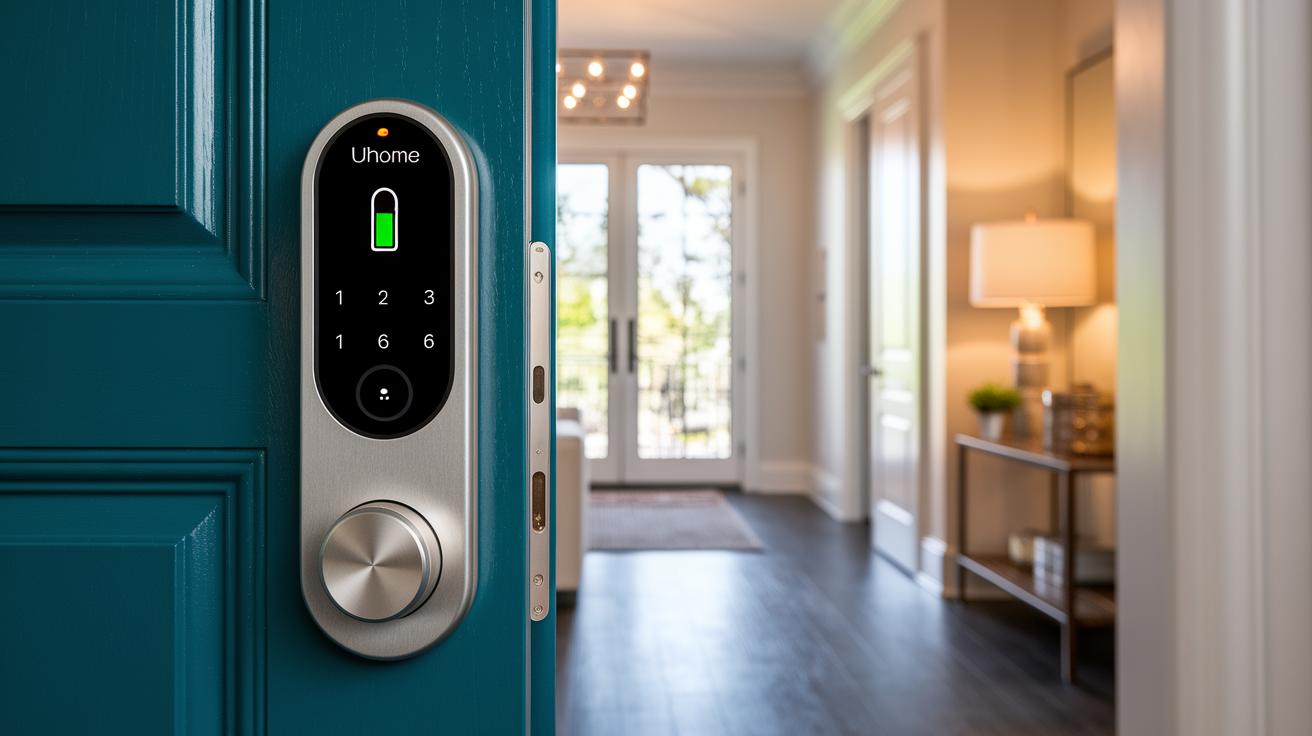
Keep your Ultraloq Bolt running smoothly with a few easy maintenance steps. Start by changing the four AA batteries every 6–12 months and watch for low battery alerts on the UHome app so you never get caught off guard.
Firmware updates are delivered over the air through the UHome app. When you see an update notification, just follow the prompts. This simple step keeps your lock secure and operating at its best.
If you experience ongoing issues, a factory reset might do the trick. Press and hold the Program Code button for 10 seconds to reset the lock. Afterward, reconnect it to your home Wi-Fi and re-enter your Admin code. One tester noted that re-pairing with Wi-Fi immediately cleared up a frustrating connectivity lag.
For connectivity hiccups, try restarting both the lock and the UHome app. If delays continue, re-pair your lock with your Wi-Fi network – much like rebooting a slow smartphone can help restore a smooth connection.
- Replace four AA batteries every 6–12 months
- Update firmware via UHome over-the-air
- Reset by holding the Program Code button for 10 seconds, then reconnect and re-enter your Admin code
- Restart and re-pair to fix connectivity issues
Following these steps should help keep your Ultraloq Bolt reliable and secure every day.
Final Words
In the action, we covered the ultraloq smart lock's specs, pricing, and advanced security features.
We walked through its straightforward installation and easy-to-use UHome app setup.
We also reviewed its mobile control and compared it to leading competitors, while providing troubleshooting and maintenance tips.
Each section provided clear, practical advice to help you decide if this lock fits your budget and needs.
Enjoy the peace of mind that comes with solid security and reliable performance.
FAQ
How do I unlock my Ultraloq smart lock?
The unlocking process uses fingerprint scanning, voice commands, smartphone control, or a backlit keypad, offering multiple options for secure, convenient entry.
How does the Ultraloq smart lock perform?
The smart lock features fast fingerprint recognition (under 0.5 seconds), multiple access methods, reliable encryption, and an integrated door sensor, making it a strong option for modern smart homes.
How do I change the code on my Ultraloq smart lock?
Changing the code involves using the device’s keypad or the accompanying app to update the PIN, helping maintain ongoing security and ease of access management.
Where can I find the Ultraloq smart lock manual?
The manual comes with the lock and is also available on the manufacturer’s website, offering detailed instructions for installation, setup, and troubleshooting.
What is the Ultraloq U Bolt?
The Ultraloq U Bolt is a model equipped with Bluetooth-enabled fingerprint and keypad access, combining multiple unlock methods in a secure and user-friendly design.
What features does the Ultraloq app offer?
The Ultraloq app allows remote unlocking, manages multiple user profiles, sends low-battery alerts, and supports Wi-Fi and smart home integrations with platforms like HomeKit, Alexa, and Google Assistant.
How do I install the Ultraloq smart lock?
Installing the lock involves removing the old deadbolt, mounting the new one with the provided strike plate and components, inserting batteries, and finalizing the setup via the UHome app.
How do I reset my Ultraloq smart lock?
Resetting the smart lock requires holding the Program Code button for 10 seconds; afterward, reconnect to Wi-Fi and re-enter the Admin code using the UHome app to restore factory settings.
Can Ultraloq operate without Wi-Fi?
Ultraloq smart locks work locally using biometric, keypad, or key override methods, while Wi-Fi enhances remote control and smart home connectivity through the app.
What is the security level of Ultraloq smart locks?
Ultraloq locks offer strong security through fast biometric recognition, multi-factor authentication, and 128-bit AES encryption with an integrated door sensor for auto-lock functions.