
Ever wondered exactly how much power your appliances are using? What if you could control your devices with an app that shows real-time energy use? Smart plugs with energy monitoring let you do just that. They transform a regular outlet into a control center that tracks power draw and protects against overload. In this article, we explain how smart plugs work, discuss their benefits, and show you how they can make your daily routines smarter and more cost-efficient.
Overview of Smart Plugs with Energy Monitoring
Smart plugs with energy monitoring let you control almost any appliance with your phone, tablet, or even your voice. They turn an ordinary outlet into a smart device that shows you how much power your appliance uses right away.
The setup is very simple. You just plug your appliance into the smart plug, insert it into a normal wall socket, and connect it to your Wi-Fi using the app. Some versions even offer clear energy graphs and special features for things like outdoor equipment or pool gadgets.
- Real-time energy tracking
- Potential savings on your monthly bill
- Extra safety with overload protection
- A step toward a greener lifestyle
These plugs blend convenience with real-time energy insights, making them a handy addition to any home. They help you keep an eye on your energy use, schedule appliances when rates are lower, and protect your devices from overloading. Not only can they cut your electricity bill, but they also encourage eco-friendly habits. They’re a smart, affordable option if you’re looking to upgrade your home’s efficiency in the future.
Key Technical Specifications of Energy Monitoring Smart Plugs
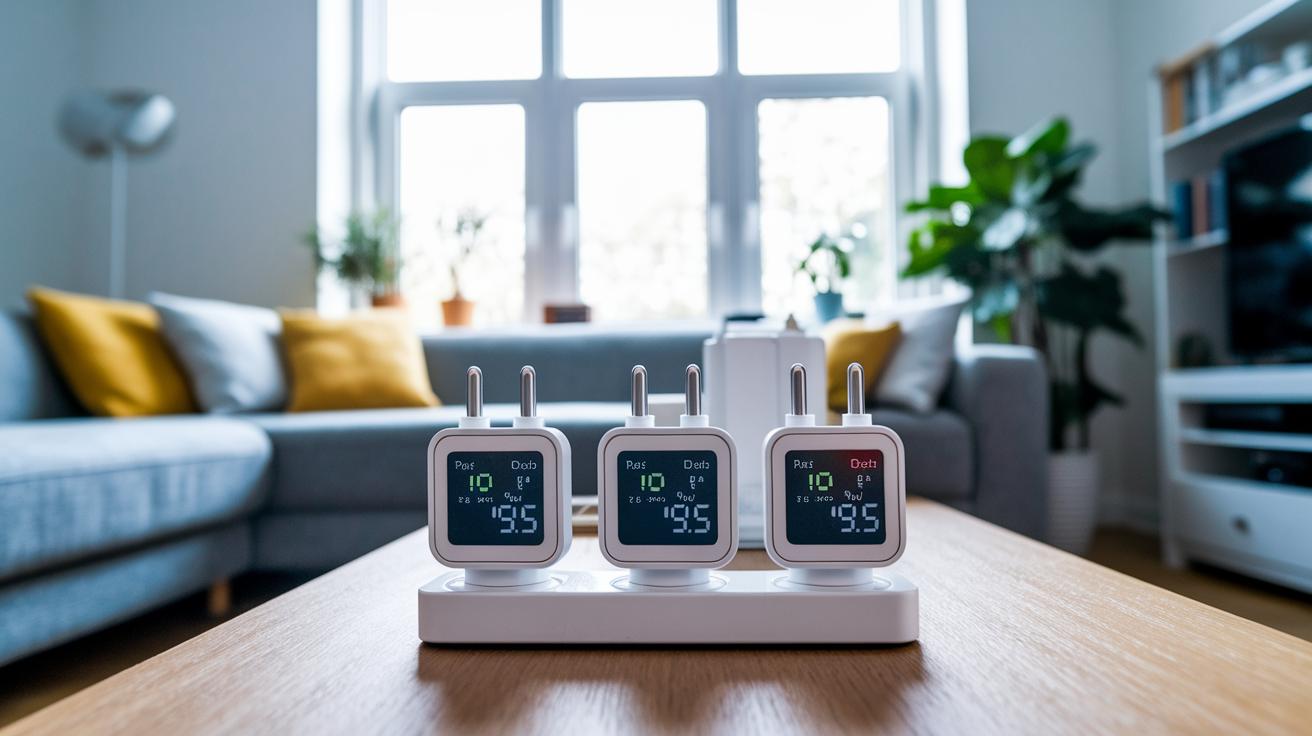
Today’s smart plugs bring together simple connectivity and smart energy tracking. They connect using popular options like Zigbee 3.0, Z-Wave, or Matter and display real-time numbers for power, current, voltage, and overall energy use. They even keep your settings during power cuts, so your schedules stay exactly where you left them.
These plugs are built to handle heavy appliances. Some models support up to 16 A (3,680 W) and include overload protection for extra safety. For outdoor use, look for options with IP44-rated, rubberized housings and protective lids to keep them working in wet weather. A few Matter-enabled models might need a firmware update to access extra metering features, which then lets them work smoothly with either Wi-Fi or Thread.
| Spec Category | Example Value |
|---|---|
| Protocol | Zigbee 3.0 (Aqara SP-EUC01) |
| Load Capacity | Up to 16 A (Moes WP-EUD-WH-MS / Nous A1T) |
| Integration | Z-Wave (Aeotec Smart Switch 7 with configurable reporting) |
| Outdoor Build | IP44-rated housing (Ledvance SMART+ protective lid) |
| Firmware & Metering | Matter-enabled (Eve Energy, Meross MSS315 after update) |
These details show that energy monitoring smart plugs are built to be precise and tough. They are a reliable choice for anyone who wants to manage power use with ease, whether you are setting up a busy home or a full smart home system.
How to Install and Set Up a Smart Plug with Energy Monitoring
-
App Pairing: If you're using a Wi-Fi plug, start by downloading the vendor's app on your smartphone or tablet. Open the app, scan the QR code on your plug, and follow the simple steps to connect it to your home network. Then, give your plug a clear name so you can easily manage it when you have more than one device.
-
Hub Integration: For smart plugs that use Zigbee, connect them through your ZHA or Zigbee2MQTT hub. If you have a Tasmota-flashed model, use its web interface to input your Wi-Fi credentials and complete the sensor setup. In the case of Matter plugs, such as those from Eve Energy or Meross MSS315, you’ll need to perform a quick firmware update via their app to unlock the energy metering features.
-
Sensor Calibration: Once your plug is connected, plug in an appliance with a known wattage. This step calibrates the energy monitoring sensor and checks that power, current, and voltage readings match the expected numbers. It also makes sure that the plug correctly saves any scheduling settings in case there is a power outage.
If you run into issues like spotty connectivity or calibration mismatches, try turning the device off and back on, then repeat the calibration to restore accurate performance.
Comparing Top Smart Plugs with Energy Monitoring
Below is a table that lists popular smart plugs along with key details like wireless protocol, power capacity, energy tracking features, and a standout benefit. This layout makes it easy to compare how each plug handles real-time power data, scheduling, and integration with your smart home devices.
| Model | Protocol | Load Capacity | Energy Features | Unique Capability |
|---|---|---|---|---|
| Govee Energy Monitor Plug | Wi-Fi | Standard | Real-time power data and scheduling | Clear mobile dashboard |
| Kasa HS110 | Wi-Fi | Moderate | Consumption tracking and cost estimation | Seamless app automations |
| TP-Link Tapo P110M | Wi-Fi | Average | Per-hour usage charts | Alexa/Google Home voice control |
| Emporia Plug Energy Monitor | Wi-Fi | Standard | Detailed analytics with scheduling | Affordable four-pack at $35 with proven appliance control |
| Aqara SP-EUC01 | Zigbee | High | Measures power, current, voltage, and energy | Maintains settings through power outages |
| Matter Compatible Energy Plug | Matter/Thread | Standard | Energy metering after firmware update | Native integration with Matter controllers |
Each model offers a blend of connectivity and energy monitoring features designed to help you manage consumption more effectively. Whether you need immediate power readings, precise cost estimates, or a plug that meshes smoothly with broader home automation, this comparison can point you toward the best match for your needs.
Integrating Energy Monitoring Smart Plugs into Your Smart Home
Smart plugs that track energy use help bring all your devices together into one simple system. They let you see and control gadgets running on Wi‑Fi, Zigbee, Z‑Wave, or Matter from a single dashboard like Home Assistant, Alexa, or Google Home.
Zigbee Integration
Zigbee plugs connect seamlessly with Home Assistant using ZHA or Zigbee2MQTT. For instance, the INNR SP 240 not only tracks energy use but also boosts your network as a repeater and remembers its default power-on setting. This means fewer headaches and a steadier home network.
Z-Wave Integration
Z‑Wave devices, such as the Aeotec Smart Switch 7, use Z‑Wave JS to exchange secure commands. They offer clear two‑way energy reporting, helping you keep an eye on consumption with real‑time updates that are both accurate and reliable.
Matter and Thread Integration
Matter-enabled plugs like Eve Energy and Meross MSS315 work straight out of the box once firmware metering is turned on. Their built-in Thread capability helps reduce delays and makes it easy to integrate these plugs into your modern smart hub setup.
Voice Control and Automation
Voice commands let you monitor and manage energy use hands‑on. You can ask about current usage, switch off devices if they’re drawing too much, and kick off energy‑saving routines. Here are some quick examples:
- Ask, "What is the current energy usage?"
- Command, "Turn off the smart plug if consumption exceeds 1000 watts."
- Say, "Activate energy-saving mode."
- Request, "Set the plug to default power-on state."
- Tell it, "Report today's energy cost."
Maximizing Energy Savings with Smart Plug Data
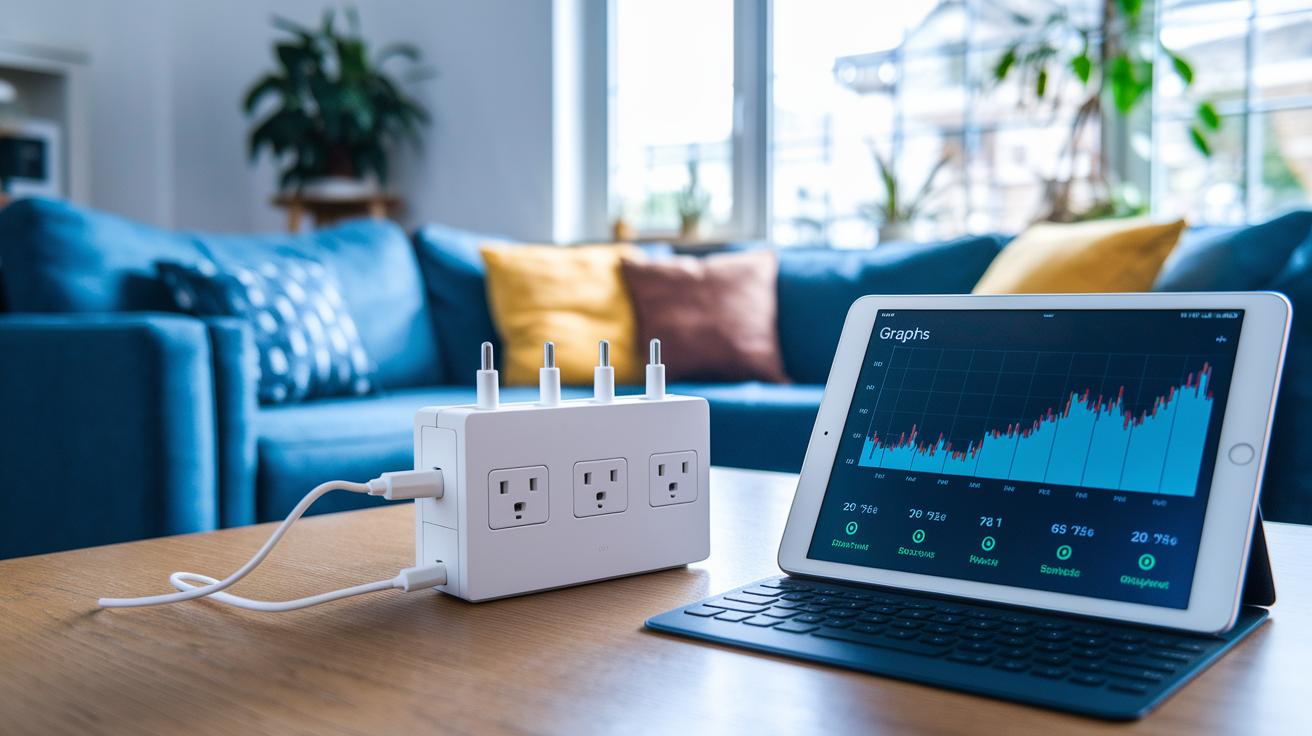
Smart plugs let you trim energy use by tracking device power in real time and scheduling when they run. With this simple setup, you can reduce a device’s active time by up to 30% as smart plugs automatically turn off or pause appliances during non-peak hours.
Live graphs show exactly which devices, like space heaters and dehumidifiers, use the most power. A built-in cost calculator helps you estimate your monthly bill using local kWh rates. You can set on/off routines to power down devices when they're not needed, while automation even delays high-draw appliances during peak cost periods. Bonus reports combine all this data to give you easy-to-follow tips for a more efficient home.
Troubleshooting Common Issues with Energy Monitoring Plugs
-
Firmware Update: If your plug isn't showing accurate energy data, check if it needs a firmware update. Some models, like the Meross MSS315, require an update to fix missing readings and unlock new metering features. A quick update through the app could set things right.
-
Calibration Check: Over time, your plug's measurements might drift. To test this, plug in an appliance with a known wattage and see if the power, current, and voltage match your expectations. This simple check helps confirm that your device still provides reliable energy insights.
-
Connectivity Test: Unstable Wi‑Fi can mess with data reporting. If your smart plug isn’t syncing as it should, try repositioning your router or adding a mesh node for a stronger signal. A stable connection means more accurate real‑time data and a smoother experience on your control dashboard.
-
Safety Reset: Some plugs, such as the Moes WP-EUD-WH-MS and Nous A1T, might trigger overload protection even when it’s not needed. Power cycling the device resets the safety feature while keeping your programmed schedules intact, thanks to built‑in memory.
Final Words
In the action, we covered everything from setup and key specs to energy-saving benefits and troubleshooting. We broke down real-world performance and compared top models to show how a smart plug with energy monitoring can simplify your home management.
Key benefits include:
• Real-time consumption tracking
• Accurate cost estimation
• Enhanced safety features
• Eco-friendly energy savings
This hands-on review offers clear insights that help you decide confidently while setting the stage for smarter, more efficient living.