
Ever wonder if your appliances might be using energy when they shouldn't? Smart plug timers let you set schedules for your devices so they only run when you need them. It’s like having a digital helper that cuts down on wasted power and saves you money. In this guide, we break down how smart plug timers work, go over their benefits, and show you how to set them up for an energy-smart home.
Smart plug timer: Embrace Energy Efficiency
Smart plugs help you control everyday appliances easily with your smartphone. With a simple tap, you can set timers and recurring schedules for things like lamps, coffee makers, and electric blankets. This means you don't have to worry about turning them on or off manually.
Most apps that work with smart plugs use easy slider or calendar layouts to let you set one-time or repeating schedules. This simple setup means your devices only run when you need them. It cuts down on wasted energy and keeps your home running smoothly and automatically.
- Open the app and sign in or create an account.
- Follow the on-screen steps to connect your smart plug.
- Go to the timer or scheduling section using the calendar or slider tool.
- Pick the exact on/off times for your appliance, either as a one-time event or a repeating schedule.
- Save your schedule and test it to be sure everything works properly.
By using a programmed timer, you save energy and avoid leaving devices on by accident. This method lowers wasted standby power, which can add a lot to your electricity bill. With these schedules, your home runs only when you need it to, saving you money and making everyday routines easier.
Comparing Timer Features in Top Smart Plug Models
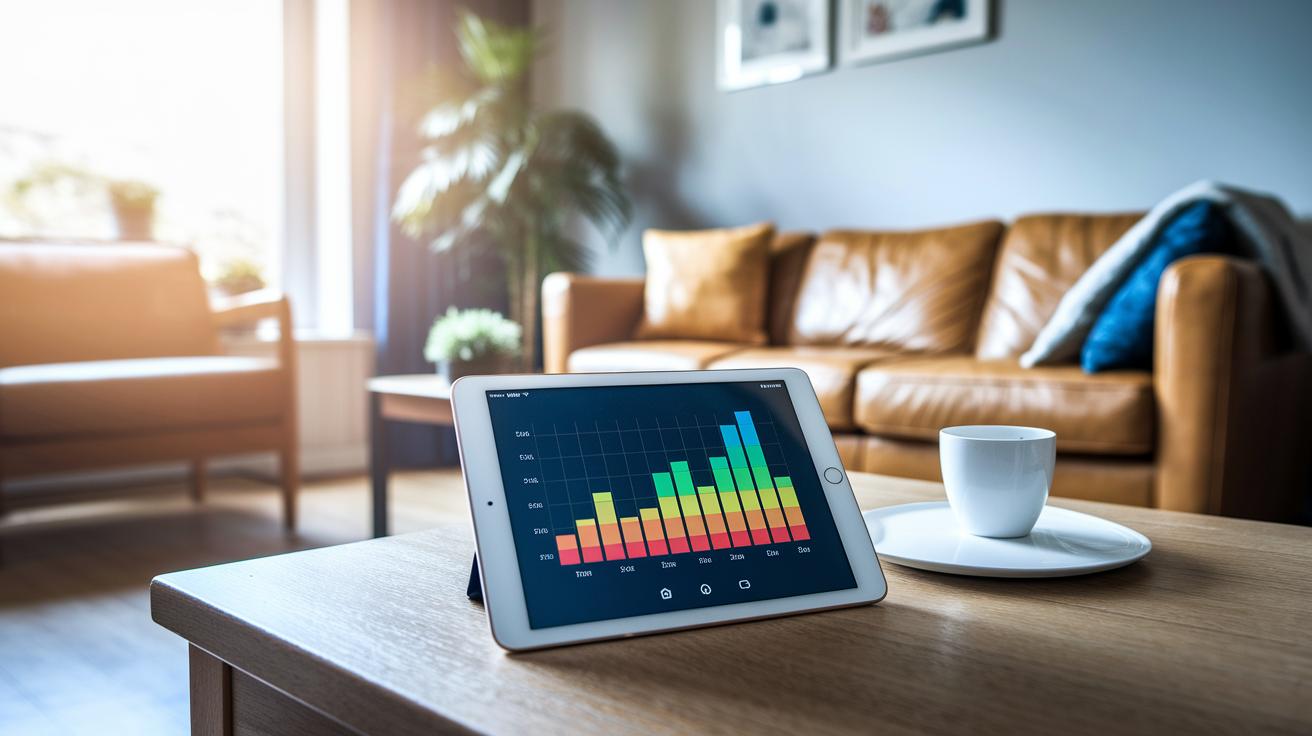
Smart plugs today offer a variety of timer options that fit different home automation needs. Some plugs, like the TP-Link Tapo P110, come with clear energy graphs and easy scheduling tools. Others stick to a basic on/off routine that works without any extra bells and whistles.
| Model | Timer Features | Energy Monitoring | App Compatibility |
|---|---|---|---|
| TP-Link Tapo P110 | Clear scheduling and energy graphs | Yes | Android, iOS |
| TCP Wi-Fi Smart Plug | Programmable on/off routines | No | Android, iOS |
| Eve Energy (HomeKit) | Encrypted Siri-controlled timer | Detailed logs | HomeKit |
| Meross IP44 Outdoor Smart Plug | Weather-resistant outdoor scheduling | No | Android, iOS |
| Tapo P100 / Energenie MiHome | Basic app-driven scheduling | No | Android, iOS |
Each model shows a slightly different approach to managing your home power needs. If you need detailed energy tracking with graphs and data, the TP-Link Tapo P110 might be the best pick. On the other hand, the Eve Energy offers secure control through HomeKit and Siri for those who value privacy. For outdoor use, the Meross IP44 is built to handle weather and moisture, and basic options like the Tapo P100 provide simple on/off control for everyday tasks.
Step-by-Step Outlet Timer Setup Walkthrough in Companion Apps
Ready to simplify your daily routine? Companion apps from trusted brands like TP-Link, Meross, and Smart Life let you set up outlet timers with just a few taps. You can quickly create one-tap schedules or set a one-off countdown timer, making everyday tasks hassle-free. Some apps even work with IFTTT, adding extra triggers to brighten your smart home setup.
Getting started is simple. Install the app and follow the basic steps to create an account and pair your smart plug. With remote access built-in, you can tweak your schedule from anywhere. Here’s how to get your smart plug running on automatic:
- Account Setup: Log in or register to unlock all timer features.
- Device Pairing: Use the pairing option to connect your smart plug to your Wi-Fi.
- Schedule Creation: Go to the timer section and choose the days and times for your plug to turn on or off.
- Verification: Run a local test to make sure your settings work.
- IFTTT Integration: If the feature is available, link your app with IFTTT for extra automation.
- Remote Testing: Finally, test your schedule from a different location to check that remote control works.
Tip: Always double-check your Wi-Fi connection and app permissions to avoid missed triggers and keep your smart plug timer reliable in everyday use.
Using Voice-Activated Scheduling for Smart Plug Timers
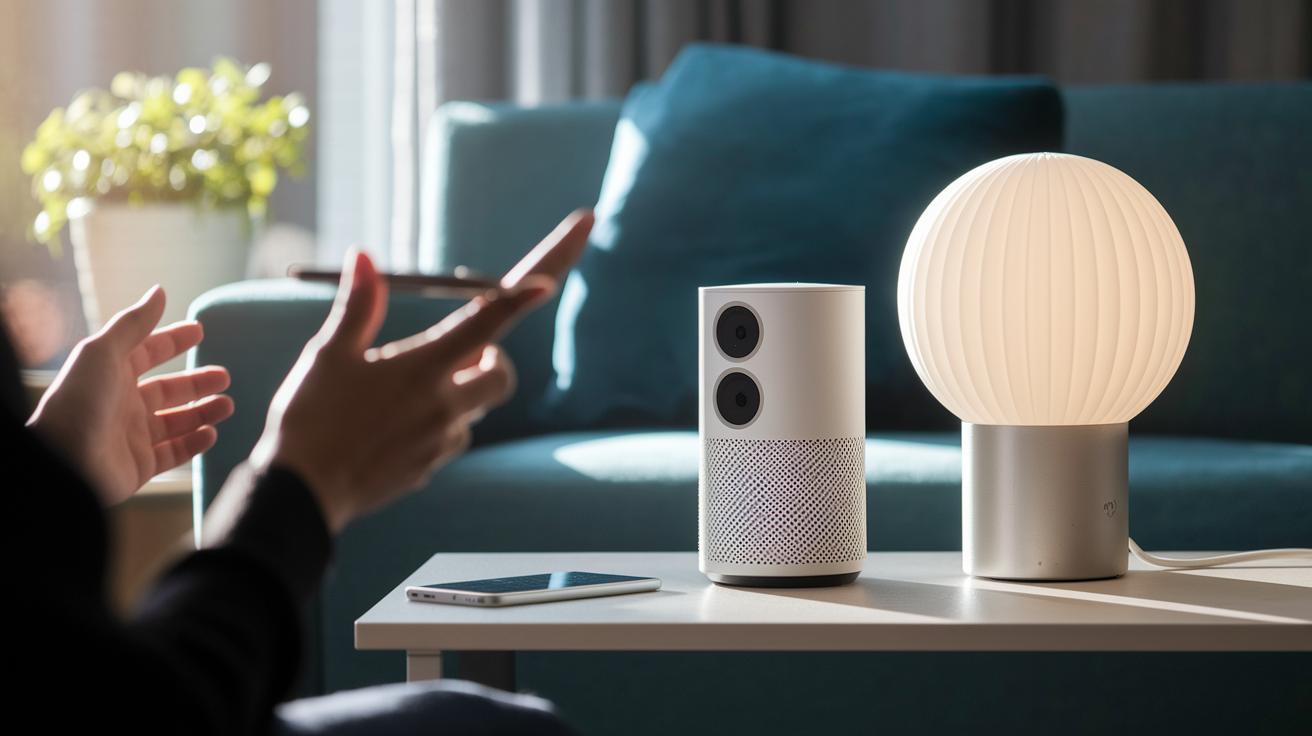
Voice-activated scheduling makes controlling smart plugs effortless. You can use Amazon Alexa, Google Assistant, or Siri to run your devices without ever touching your phone. This feature easily fits into your everyday routines so your lights, fans, or appliances turn on and off automatically when you need them.
Alexa Scheduling
To set it up with Alexa, open the Alexa app and enable the skill for your smart plug brand. Follow the instructions to pair your device. Once connected, you can build routines with simple voice commands. For instance, just say, "Alexa, shut off the fan at 10 PM." This method streamlines your day and reinforces your smart home automation.
Google Assistant Timer
The process with Google Assistant is just as simple. Open the Google Home app, add your smart plug, and assign it to a room. After pairing, you can set up voice commands straight from the app or by speaking to your device. A command such as "Hey Google, turn off the heater in 30 minutes" makes scheduling hassle-free.
- “Alexa, turn off the living room lamp at 10 PM.”
- “Alexa, set the timer to power down the coffee maker tomorrow morning.”
- “Hey Google, switch off the fan in 45 minutes.”
- “Hey Google, schedule the porch light to turn on at sunset.”
Installing and Weatherproofing Outdoor Smart Plug Timers
When you set up an outdoor smart plug timer, it’s important to mount it securely and protect it from moisture. Models like the Meross IP44 Outdoor Smart Plug come with water resistance and built-in scheduling, making them perfect for managing exterior outlets. With the right installation, you reduce the chance of water damage and keep the plug safe from heavy rain that could affect short cables.
- Mounting Position: Pick a spot that shields the device from heavy rain while still giving easy access to power.
- Seal Checks: Check seals and gaskets regularly to keep water out and prevent leaks.
- Cable Management: Use clips or ties to secure short cables and keep them safe.
- App-Based Remote Control Checks: Test the remote control using the companion app every now and then to ensure the scheduling stays on point.
For outdoor lighting, it helps to set your timers for dusk and dawn or based on weather updates to boost efficiency and avoid wasting power. By mounting your plug correctly and using remote control features, you can reliably manage your outdoor devices, saving energy and keeping your automation hassle-free.
Smart plug timer: Embrace Energy Efficiency
Smart plugs aren’t just a cool gadget, they can really lower your energy bill. Believe it or not, devices left on standby can add up to 16% of your electricity costs. By setting up programmable schedules, you can automatically cut power to appliances when they're not in use, which saves energy and money.
- Standby Cutoff: Instead of leaving devices in standby mode, use timers to turn them off completely. This simple trick reduces unnecessary power use.
- Off-Peak Scheduling: Run your appliances during off-peak hours when energy rates are lower. This keeps your bill down and lessens the demand on the power grid.
- Vacation Modes: When you’re away, set an extended off schedule to ensure no energy is wasted on forgotten gadgets.
- Usage Data Review: Check real-time energy stats on models like the Tapo P110. This helps you fine-tune schedules and discover even more ways to cut energy use.
By using smart energy timers through their companion apps, you can continually improve your energy management. Automating on and off cycles based on your daily routine and real-time data makes it easy to reduce wasted power, keeping your home energy efficient and your bills in check.
Troubleshooting Timer Activation and Scheduling Errors
Smart plug timer problems can really test your patience. Often, a weak Wi-Fi connection or missing app permissions means your plug misses the scheduled commands. Even trusted models like the 4Lite Wiz can act up during the first setup. A simple reset or a quick firmware update usually solves the problem. Keeping a steady Wi-Fi signal and making sure all app permissions are correctly set can go a long way toward making sure your schedules run smoothly.
| Issue | Fix |
|---|---|
| Network interruption | Reboot your router or move the plug closer to it |
| Outdated firmware | Update the plug’s firmware through the app |
| App permission errors | Check and grant the necessary permissions |
| Initial misfires (4Lite Wiz) | Reset the plug and set it up again |
Regular maintenance is key to keeping your timer working reliably. Always check your network signal and update your settings to avoid any schedule slip-ups. If you continue to see problems, doing a full reset might clear out any hidden issues. Keeping a log of any error messages and what changes you try can help if you need further help later. By following these steps, your smart plug timers should work as planned, saving you energy and keeping things automated without any hiccups. Also, be sure that your smart plug app is updated to the latest version to get the best performance possible.
Advanced Scheduling: Custom Programming and Automation Techniques
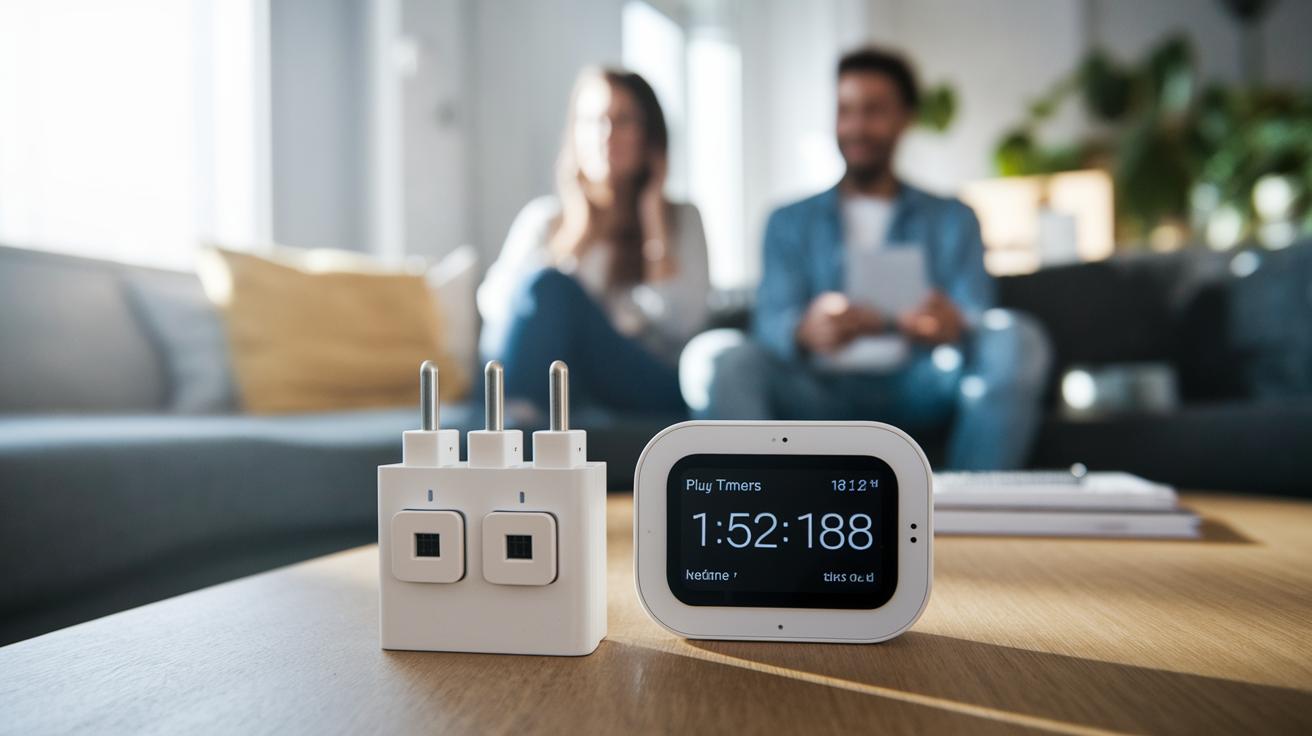
Smart plugs are no longer just simple on/off devices. They’ve grown into smart gadgets that can adjust themselves based on real-world conditions. With custom programming features and new scheduling methods, these advanced smart plug timers let you control your home’s power with impressive precision. They work with sensors, home hubs, and even third-party services to save energy without you lifting a finger. For example, they can use data like temperature or natural light to decide when to switch devices on or off, making them a smart choice for energy-conscious homes.
- Sensor triggers: Turn devices on or off when integrated sensors detect motion, temperature changes, or different light levels.
- Geofence-based schedules: Use your smartphone’s GPS to automatically control devices when you leave or enter a set area.
- IFTTT-driven routines: Create custom applets that link your smart plug to online services and live data for smart actions.
- Thread/Matter integration: Enjoy quick and reliable scheduling with protocols found in products like the Eve Energy plug.
- Mechanical bot automation: Use tools like the SwitchBot Bot to add a timer routine to non-smart switches.
Home automation is changing fast. Instead of sticking to set times only, smart systems now use real-life data and predictions to adjust schedules. As these technologies improve, programmable systems are turning into full energy management solutions that boost efficiency and add convenience throughout your home.
Final Words
In the action, we walked through programming your smart plug timer with practical steps and clear comparisons. We covered how to schedule everyday routines, use voice commands, and even tackle outdoor setups, all while keeping energy savings in focus. Our guide offered hands-on tips and troubleshooting advice to help you overcome any setup issues. Enjoy the ease of managing your devices and make your home even smarter with this simple, effective approach.
FAQ
What is a smart plug timer app?
The smart plug timer app lets you schedule your plug’s on/off routines from your smartphone, offering hands-off control and improved energy management.
What does the smart plug timer manual explain?
The smart plug timer manual explains how to set up schedules, configure settings, and troubleshoot common issues, making it easier to automate your devices.
What is the best smart plug timer available?
The best smart plug timer combines reliable scheduling, detailed energy monitoring, and a user-friendly app, with models like TP-Link Tapo P110 often standing out.
Why might my smart plug timer not be working?
A smart plug timer not working can signal connectivity issues, outdated firmware, or misconfiguration in the app, so checking these factors usually resolves the problem.
What is a smart timer plug for outdoor use?
A smart timer plug outdoor is designed to handle weather conditions while allowing you to schedule devices like lights, ensuring automated control and energy savings outside.
How do I set up a Defiant smart plug and timer?
The Defiant smart plug setup involves pairing the device with its Hubspace app, following specific instructions for configuration and scheduling functions as detailed in the manual.
Can I set a timer to turn off my smart plug?
Setting a timer on a smart plug lets you program it to switch off (or on) at a designated time, automating your daily routines without manual intervention.
What are some cons of using smart plugs?
Some cons of smart plugs include potential Wi-Fi connectivity issues, limited functionality outside the app’s features, and the need for regular firmware updates to maintain performance.
What features do Defiant and Leviton smart plug models offer?
Defiant and Leviton smart plug models offer various features, including Wi-Fi or Bluetooth connectivity, weatherproof designs for outdoor use, and built-in timers for automated control.