
Ever wondered if your home is truly safe? With Wi‑Fi smart locks, you control protection right from your phone using fingerprint scans, PIN codes, and wireless commands. These devices fit seamlessly into your smart home setup while keeping out unwanted guests.
In this guide, we explain how to pick the best Wi‑Fi smart lock by looking at key factors such as security, connectivity, and design. We also include hands-on tests that show you exactly how each lock performs, so you can feel confident about the level of protection you get.
Essential Factors When Choosing a Wi‑Fi Smart Lock
When you’re looking at a smart lock, start by checking how secure it is. Look for models that feature AES-256 encryption and modern verification methods like fingerprint plus PIN entry. Many devices now blend biometrics with traditional keys, so whether you use a digital key or rely on wireless control, you’ll have strong protection. I tried one with a fingerprint sensor and keypad combo, it opened right away and made me feel instantly at ease.
Next, think about connectivity. Prices can range from about $100 to over $200 depending on extra features such as built‑in Wi‑Fi, voice control, tamper alarms, and push or email notifications. Most units install in 10 to 25 minutes using a Phillips screwdriver and fit standard pre‑drilled holes. If you want to hook it up with your smart home setup, make sure it works with Alexa, Google Home, or even Siri. Some models let you pair them by scanning a QR code in the companion app, making setup a breeze.
Also, consider compatibility and design. Decide if you need a retrofit model that attaches to your existing deadbolt or a full‑replacement option that might offer benefits like a built‑in video doorbell or support for Apple HomeKey. Multiple authentication options, whether it’s biometric, PIN, NFC, or a traditional key, boost both ease of use and security.
Lastly, balance the cost with the features you really need. Paying a little more might be worthwhile if it means faster connectivity and greater integration with your smart home, ensuring your lock ticks both the security and convenience boxes.
smart lock wifi Installation and Setup Guide
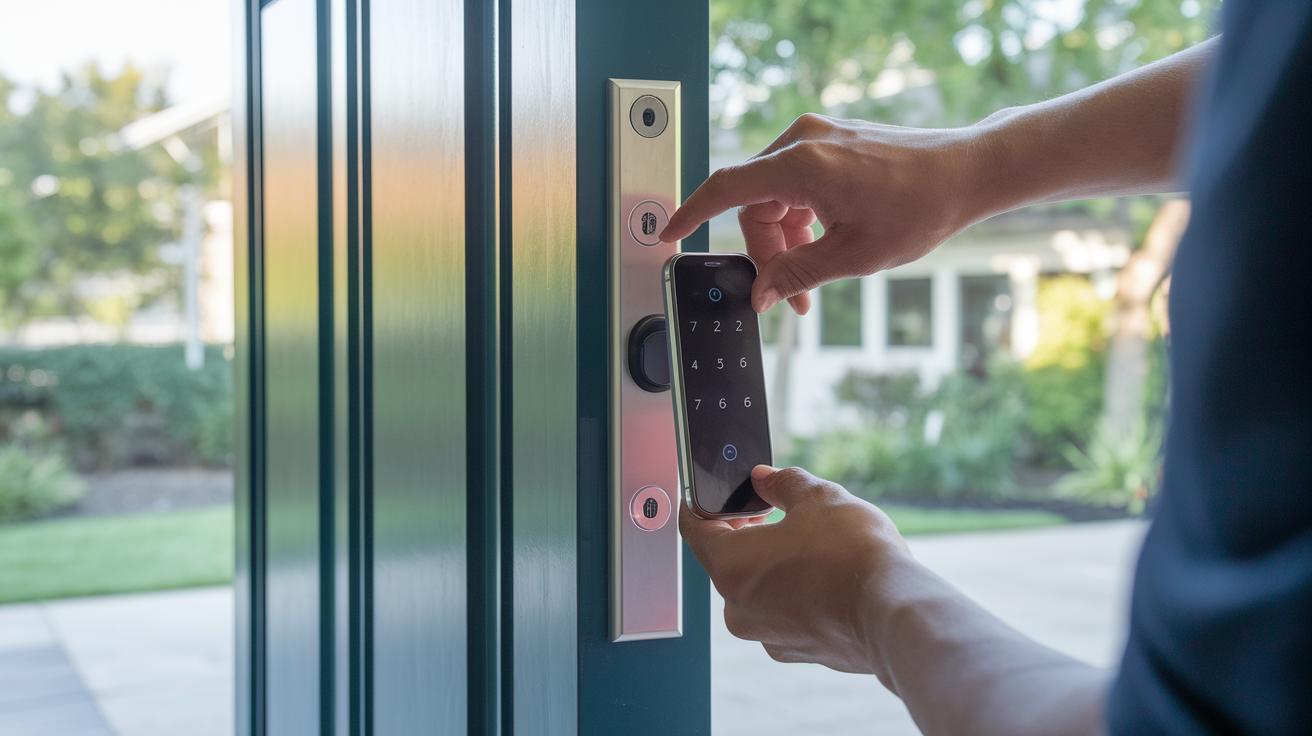
Before you start installing your Wi‑Fi smart lock, decide if you want to retrofit your current deadbolt or replace it entirely. Most smart locks fit standard pre-drilled holes and can be set up in about 10 to 25 minutes using a Phillips screwdriver. For instance, if you're installing the August Wi‑Fi Smart Lock, use the provided template to mark where the screws go so the lock sits right in line with your door frame.
Here’s a simple checklist to follow:
- Remove your old deadbolt and clean the mounting surface.
- Test-fit the new smart lock to make sure it lines up correctly.
- Securely attach the mounting bracket and double-check that all screws are tightened.
- For budget options like the Proscenic L60, add the optional hub (about $29.99) if you need remote access.
After you secure the hardware, switch on the lock and open its companion app on your smartphone. The pairing process usually means scanning a QR code on the device and connecting it to your home Wi‑Fi network. It works much like syncing a new gadget, quick and straightforward. If the setup seems slower than expected, ensure that the door area has a strong, interference-free Wi‑Fi signal.
If you run into connectivity issues, try restarting both the lock and your router. Many users find that a simple reboot clears up minor glitches. It can also help to check for firmware updates and confirm that the app connection is secure. With these clear instructions and handy troubleshooting tips, both home DIYers and seasoned pros can easily enjoy a smooth and safe smart lock installation.
smart lock wifi Security Features and Protocols
Smart locks protect your home with robust encryption techniques that keep your data secure. They rely on AES-256 encryption along with TLS/SSL protocols to ensure that wireless communications are kept private. By combining these with access cipher methods, unauthorized entry becomes extremely difficult. For example, many models use dual verification, like a fingerprint scan paired with a PIN, to add an extra layer of security.
Most smart locks also meet industry standards such as UL 294. This means they follow strict physical and electronic access guidelines, giving you peace of mind that your door's security is up to date. In addition, manufacturers often include features like push notifications for tampering and constant door-status monitoring so you're alerted immediately if something seems off.
It’s always a good idea to check for firmware updates via the companion app. Keeping your firmware current patches security vulnerabilities and ensures your lock stays protected. Sometimes, updating is as simple as scanning a QR code.
Lastly, reviewing the manufacturer’s cybersecurity notes from time to time can help you spot any potential weak spots and verify that features like dual verification are working as intended. In a world where even a small oversight can pose risks, maintaining strong encryption is key to smart lock safety.
smart lock wifi Smart Home Integration and Compatibility
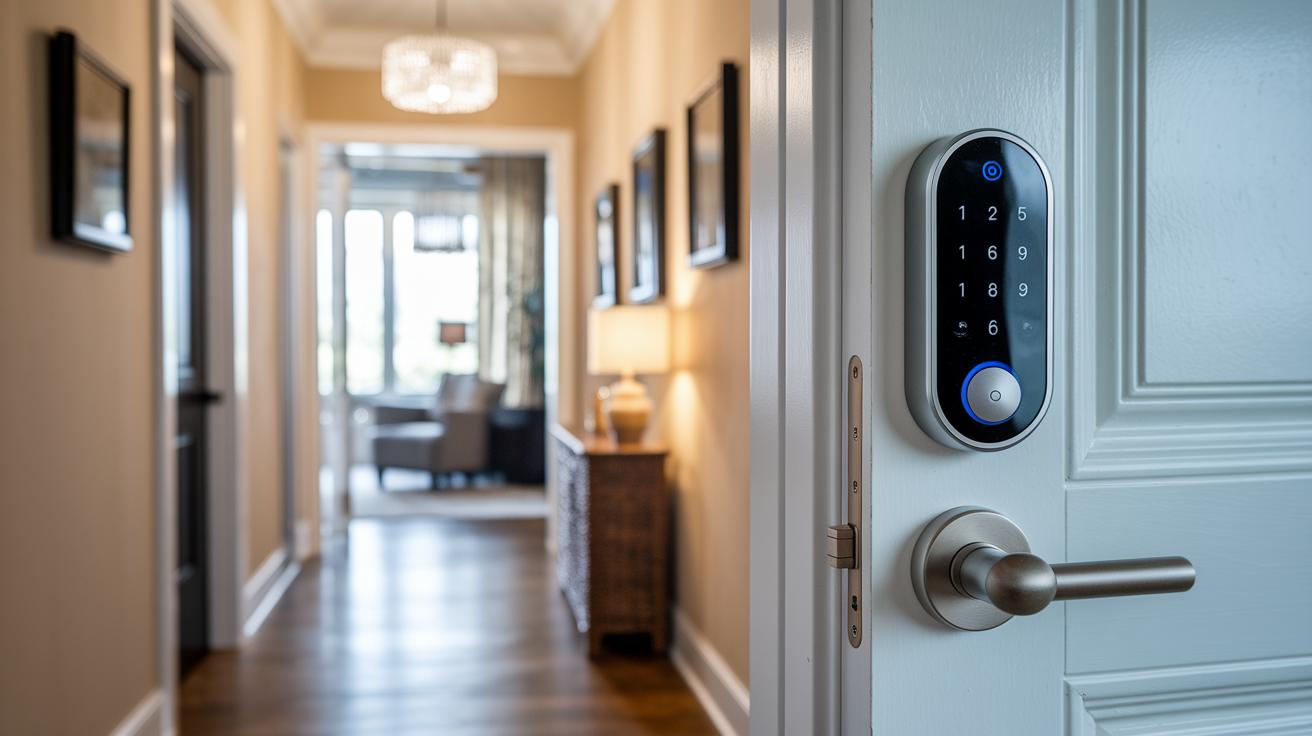
Many of today’s top smart locks work smoothly with your favorite smart-home systems, making it super easy to connect everything together. For instance, locks from August, Schlage, Eufy, and Yale pair nicely with Amazon Alexa so you can simply tell Alexa to lock or unlock your door. It’s as simple as speaking to a friend.
Google Home users aren’t left out either. These locks also listen to Google Assistant, which means you can add your door to your everyday digital routines without a hitch. And if you're an Apple fan, you’ll find that many models support Siri through HomeKit. Some advanced options, like the Lockly Visage Zeno Series, even throw in features like dual-infrared facial recognition and Apple HomeKey support. It’s all about making your connected life easier.
If you’re looking to retrofit an older door lock, options such as the August Wi-Fi Smart Lock or Yale Approach Lock are available. Just note they need a companion Wi-Fi hub to work their best with your smart home setup. On top of that, many of these locks work with Samsung SmartThings and IFTTT, letting you mix and match with devices like video doorbells to boost your home’s security and convenience.
smart lock wifi: Experience Ultimate Protection
Battery life is vital to keep your smart lock working reliably. Most locks using AA alkaline batteries will last for several months, while those with lithium-ion packs can offer around three months of power. However, if your lock keeps reconnecting to Wi-Fi or uses video recording features, you might notice the battery draining faster. For example, some August lock users see shorter runtimes, and Eufy devices may lose power quicker because of their interior displays.
It helps to follow a regular maintenance routine that includes firmware updates. Updating via the companion app not only fixes bugs but also improves security. A quick firmware check after installing your lock, and again occasionally, will keep it running smoothly and make sure your battery lasts as long as possible.
If your smart lock starts acting strange or loses connection, try these steps for battery replacement and troubleshooting:
- Inspect the battery compartment for any corrosion or loose connections.
- Replace the batteries according to the manufacturer’s guide.
- Reset the lock to clear any connection issues and secure the pairing.
For ongoing issues, also check for signal interference by ensuring your router isn’t blocked. Keep an eye on battery levels in the app and stick to the manufacturer’s recommended maintenance schedule.
smart lock wifi Top Wi-Fi Smart Lock Models Compared
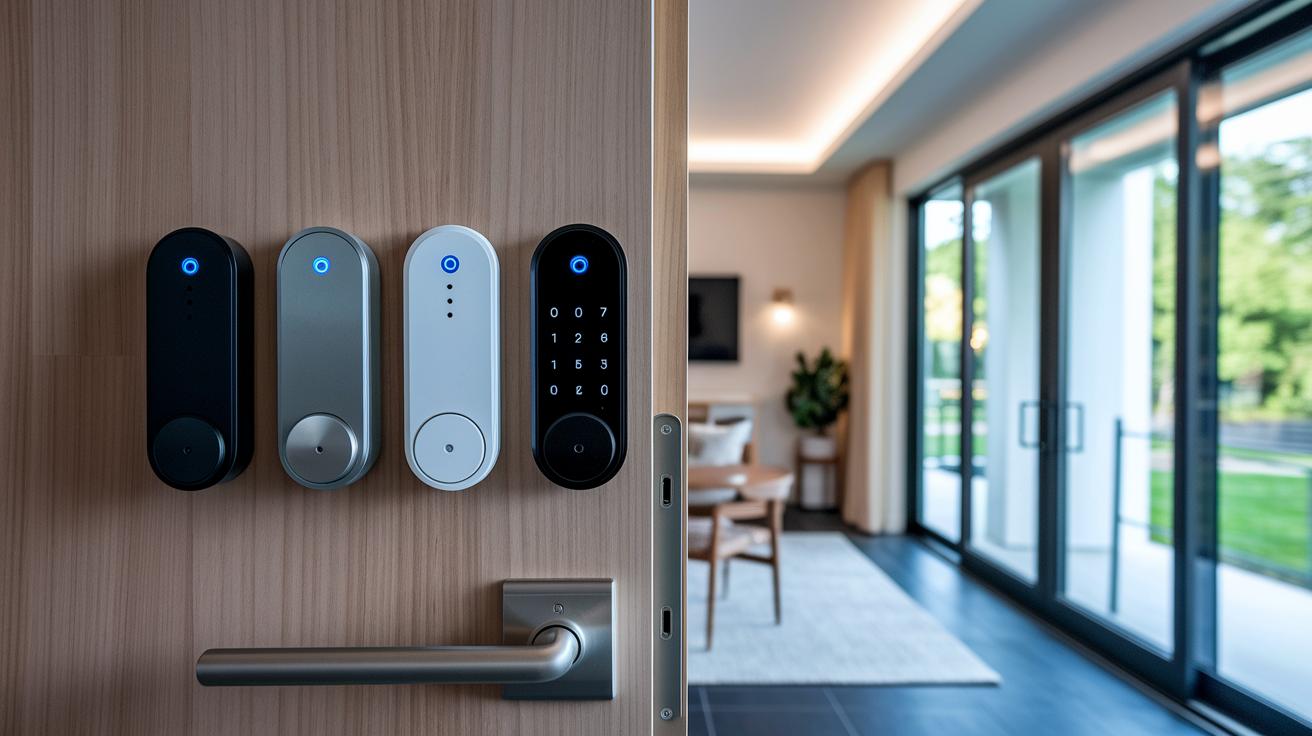
When picking a smart lock, it really helps to see all the top choices side by side. We looked at security, ease of mobile access, and reliable performance so you know exactly what to expect. Think about the price, main features, support for voice assistants like Alexa or Google, and battery life when you decide which one to buy.
The Ultraloq Bolt Fingerprint is priced at $139.99. It comes with built-in Wi-Fi and a fingerprint sensor for fast, secure access, though it doesn’t support Matter. Next up, the Lockly Visage Zeno Series at $348 impresses with dual-infrared facial recognition, a keypad, and a fingerprint scanner. It works with HomeKey, Alexa, Google, and Siri, making it a good fit if your home is already smart.
For renters, the August Wi-Fi Smart Lock is a great retrofit option at $169. It includes a door-status sensor and supports Alexa, Google HomeKit, and IFTTT. Some users have noticed that its battery life isn’t the longest. Meanwhile, the Eufy FamiLock S3 Max at $349.99 blends palm scanning and a touchscreen keypad with a 2K video doorbell and extra onboard storage for added versatility.
The Lockin Veno Pro, also at $349.99, offers both palm and fingerprint scanning. It features 2K video and a lithium-ion battery that should last up to three months, with an optional solar panel for even longer use. Lastly, the Yale Assure Lock 2 at $164.33 gives you the option of Bluetooth or Wi-Fi connectivity along with HomeKit support, though some might wish for better battery longevity.
| Model | Price | Key Features | Compatibility | Battery Life |
|---|---|---|---|---|
| Ultraloq Bolt Fingerprint | $139.99 | Wi-Fi, fingerprint, keypad | Alexa, Google | 3–6 months |
| Lockly Visage Zeno | $348 | Facial recognition, fingerprint | HomeKey, Alexa, Google, Siri | 3–6 months |
| August Wi-Fi Smart Lock | $169 | Retrofit, door sensor | Alexa, Google, HomeKit, IFTTT | 1–2 months |
| Eufy FamiLock S3 Max | $349.99 | 2K video doorbell, palm scan | Alexa, Google | 2–4 months |
| Lockin Veno Pro | $349.99 | Palm & fingerprint, video | Alexa, Google | Up to 3 months |
| Yale Assure Lock 2 | $164.33 | Keypad/touchscreen | HomeKit | 2–4 months |
This comparison lays out the main features and user ratings to guide you in choosing the right smart lock for your home.
Final Words
In the action, we broke down vital points like installation ease, solid security, seamless smart home integration, and consistent maintenance tips. Each section examined features from battery life to compatibility, giving you a hands-on look at top models. This guide armors you with real-world insights for choosing the best smart lock wifi system for your needs.
Enjoy enhanced home security and the confidence that comes with a well-informed decision.
FAQ
What is a smart lock wifi app?
The smart lock wifi app is a mobile application that lets you remotely control and monitor your Wi-Fi-connected door lock. It provides functions like locking, unlocking, and receiving notifications on your phone.
Which is the best smart lock wifi?
The best smart lock wifi depends on your needs and budget. Top options like the August Wi-Fi Smart Lock and Schlage smart lock wifi offer strong security, easy installation, and smart home integration for reliable keyless entry.
What are the key features of the August Smart Lock?
The August Smart Lock features a retrofit design that attaches to existing deadbolts, Wi-Fi connectivity for remote control, real-time door-status sensing, and compatibility with popular smart home assistants for seamless integration.
How does the August Wi-Fi Smart Lock function?
The August Wi-Fi Smart Lock functions by connecting to your home Wi-Fi network, allowing remote access and control via its companion app. It also offers door-status updates, ensuring you know if the door is locked or unlocked.
What are smart door locks?
Smart door locks are electronic locking devices that use wireless connectivity like Wi-Fi or Bluetooth to provide keyless entry. They offer remote control through apps and integrate with smart home systems for enhanced security.
What is a WiFi deadbolt lock?
A WiFi deadbolt lock is an electronic locking system that connects to your home network, offering remote operation, status monitoring, and advanced encryption to provide secure, convenient keyless entry for your door.
How does a WiFi door lock with camera work?
A WiFi door lock with a camera combines keyless entry with a built-in camera to capture and stream video of visitors. It enhances home security by allowing remote monitoring and verifying who is at your door.
What features does a Schlage smart lock wifi offer?
The Schlage smart lock wifi offers secure keyless entry with remote control via its app, integrates with smart home platforms, and provides robust encryption and tamper alerts for reliable protection and user convenience.