
Ever thought about upgrading your home security to something both simple and smart? The Nest smart lock makes it easy to manage your door with just a tap on your phone. You can set up custom codes for family and friends, giving you full control over who enters your home. It even keeps a record of every visit, so you always know who’s coming and going. Plus, it works well with Google, Apple, and Alexa, fitting right into your smart home setup. We explain how this smart lock brings everyday security together with modern convenience.
Smart Lock Nest Integration: Features & Compatibility
The Nest x Yale Smart Lock with Nest Connect makes home security simple and smart. You control it right from your phone, so you can check your door, even while picking up groceries. It integrates with Nest Secure alarm systems and lets you create custom passcodes and lock your door with a single tap.
This updated Yale lock now supports Matter connectivity. In plain terms, it works not only with Google Home but also with Apple Home and Alexa. It uses a protocol called Thread (a low-power wireless network) to create a strong, reliable link with your other smart devices. Although its modern white and gray design fits many homes, keep in mind that it might not match every door due to hardware differences and possible price bumps from tariffs.
- Smartphone control via the Nest app
- Custom passcode creation
- Keyless deadbolt mechanism
- Access history logging
- One-touch locking
- Auto-lock scheduling
The system supports Google Home, Apple Home, and Alexa, which means you can stick with your favorite smart home ecosystem. It works closely with Nest Secure, giving you a seamless digital entry that not only simplifies access but also keeps a record of every interaction. With improved security features and thoughtful design, this smart lock brings everyday convenience and peace of mind to modern living.
Installing Your Nest Smart Lock: Step-by-Step Setup

Step 1: Remove your old deadbolt and tidy up the door. Clear away any debris or leftover hardware so you have a smooth surface. Keep a basic toolkit handy to unscrew and take out the old parts without harming the door.
Step 2: Place the Nest Connect bridge near a power outlet. Keeping it close ensures a steady power supply and a strong wireless signal for remote control through your Nest app.
Step 3: Mount the smart lock on the interior side of your door. Follow the instructions closely to line it up with your door’s deadbolt mechanism. A snug fit means the lock will work properly without needing extra wiring.
Step 4: Insert four AA batteries into the lock and check that the LED indicator shows the right color or pattern. This little light confirms that the power is good and the installation is on track.
Step 5: Set up your Wi-Fi connection in the Nest app. All you need is your Wi-Fi password. The app walks you through selecting your network and entering the details to get your lock connected.
Step 6: Pair the lock with Nest Secure and try out the lock and unlock functions using the app. Run a few tests to make sure it responds quickly and connects well.
Finally, check the installation diagram in the downloadable PDF manual. It offers a clear visual guide for mounting positions, any wiring (if needed), and the overall setup so you can complete the process confidently.
Smart Lock Nest Security Features: Advanced Door Protection
Strong authentication keeps your home secure. Administrators can quickly create temporary or permanent passcodes and track every use with clear logs. This real-time event recording makes it easy to spot unusual activity, like unexpected entry attempts.
| Feature | Benefit |
|---|---|
| Unique Passcode | Set custom codes that last as long as you need for controlled access |
| Access History | Instant logs let you review who entered and when for quick security checks |
| Auto-Lock | The door locks itself after a set time, giving you extra peace of mind |
| Remote Control | Lock or unlock from afar with commands that are protected by strong encryption |
High-grade encryption like AES-256 secures every remote command, ensuring your actions remain tamper-resistant even when you're away. Combining real-time logs with encrypted remote control offers an extra layer of defense, perfect for quick emergency access or lockdown situations.
Comparing Smart Lock Nest with August and Yale
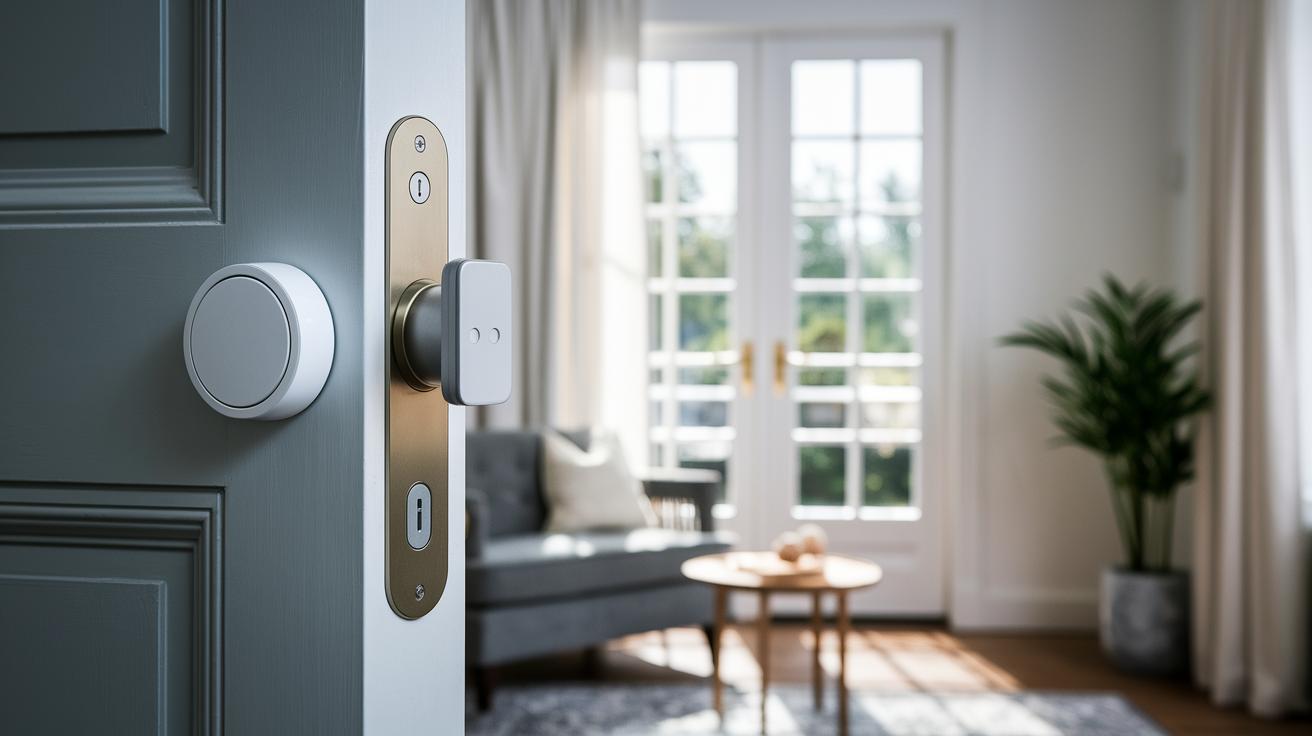
The original Nest x Yale lock came in a variety of finishes like rubbed bronze and satin nickel, giving you options to match different home decors. The new Yale model, however, only offers white and gray. While this clean and simple design looks modern, it might not work with every door style. If you valued a range of finish choices before, this change might feel a bit limited.
When you look at the features, each system takes a different approach to smart security. Nest Secure integrates tightly with Nest alarm systems, providing clear access logs and an interface that fits seamlessly into your home setup. In contrast, the August Smart Lock Pro + Connect (3rd Gen) adds extras like DoorSense, an auto-unlock option, and support for Z-Wave, giving you a unique way to see what's happening at your door.
Connectivity is another important area of difference. Nest relies on Matter and Thread (protocols that boost speed and add security in a Google Home setup) to keep everything connected. August uses Z-Wave and Bluetooth, which helps it work with a wide range of smart home devices. These differences might change how reliably each lock performs in your own smart home.
Tariff-driven price increases have pushed up the cost of the latest Yale lock compared to some other options. Plus, the speed of firmware updates and ongoing support could affect the long-term value you get, making it an important point to consider when comparing locks like the August Smart Lock.
Pricing for Your Nest Smart Lock: Plans & Purchase Information
When it launched, the Nest x Yale Smart Lock was priced at $229. Due to recent tariff changes and rising global costs, the comparable Yale model now runs between $249 and $269. Even though the price has increased, this lock still delivers strong security, Matter-enabled connectivity, and smooth smart home integration.
For the latest pricing and options, get in touch with Teltex. You can email them at sales@teltex.com or call 888-515-8120. Their customer portal also lets you track orders, manage wish lists, and access special promotions and financing offers to keep you up to date with market trends.
Troubleshooting Smart Lock Nest: Common Issues & Solutions
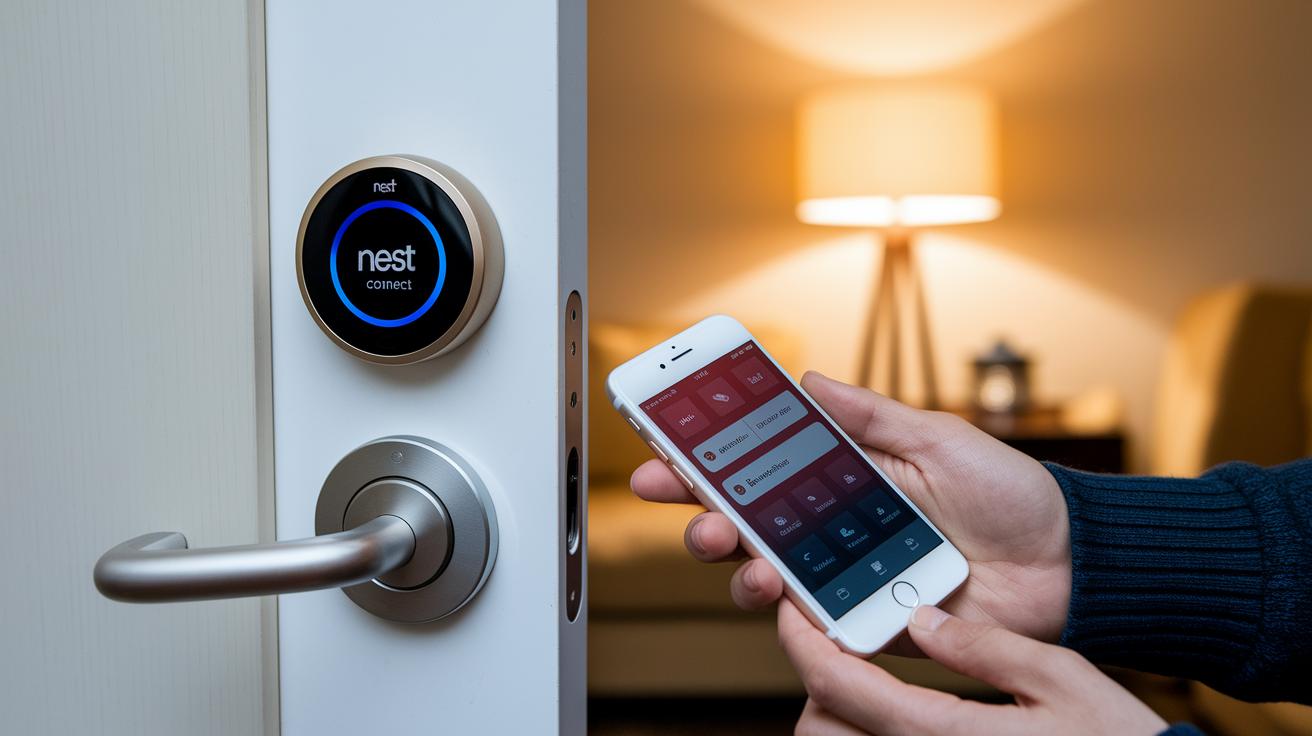
If your smart lock isn't connecting or the Nest app isn't syncing, start by rebooting your Nest Connect hub. Unplug it for a few seconds and then plug it back in. You can also reset your Wi-Fi settings to help stabilize your connection. Sometimes, restarting your router clears up interference and brings your lock back online, ensuring smooth communication between your devices.
If the reboot doesn't help, try a factory reset. Press and hold the reset button on the lock's interior module for 10 seconds to restore its default settings. Keep an eye on low battery alerts in the app, which usually show up about 72 hours before the batteries are depleted, and remember to replace the four AA batteries every 6 to 12 months. You can also reinitialize the lock using the Nest app and follow the pairing guide to fix any persistent pairing issues and get your smart lock working properly again.
Final Words
In the action, we've covered everything from smart lock nest integration features and step-by-step setup to security enhancements and comparisons with competitors.
We detailed how the Nest x Yale Smart Lock brings smartphone control, unique passcodes, and auto-lock scheduling to your door, while also comparing pricing and troubleshooting tips.
All in all, the review shows how this system balances innovation and everyday use. Positive performance and clear benefits make the smart lock nest a strong contender for practical home security.
FAQ
Frequently Asked Questions
Q: What information can I find in the Nest smart lock manual?
A: The Nest smart lock manual provides step-by-step setup instructions, battery replacement guidelines, and detailed product features including installation tips and app configuration to help users easily integrate the lock with their Nest systems.
Q: What is the Nest x Yale Lock and what does it offer?
A: The Nest x Yale Lock combines Yale’s design with Nest Connect’s capabilities, offering smartphone control, unique passcodes, keyless entry, access history, one-touch locking, and auto-lock scheduling for a secure digital entry system.
Q: How does the Smart Lock Nest app work with the system?
A: The Smart Lock Nest app lets you manage your smart lock remotely, view access history, configure settings, create unique user codes, and control locking functions, all from a user-friendly interface on your smartphone.
Q: Is the Nest smart lock or Google Smart Lock being discontinued?
A: Reports indicate that there have been concerns about discontinuation for models like the Nest x Yale lock. Current indications show ongoing support, but future status should be confirmed by official announcements.
Q: What is the role of Nest Connect in the smart lock system?
A: Nest Connect acts as a wireless hub that links your smart lock to Wi‑Fi, enabling remote management, app-controlled settings, and integration with Nest Secure for enhanced home access control.
Q: What does Yale Smart Lock with Matter offer for smart home compatibility?
A: Yale Smart Lock with Matter uses the Matter standard to easily integrate with platforms like Google Home, Apple Home, and Alexa, and employs Thread protocol for improved security and reliable connectivity.
Q: Does a Nest door lock with a camera exist and what are its benefits?
A: Yes, some Nest-integrated door locks include camera functionality for visual verification of visitors, providing additional security and the convenience of remote video monitoring through the app.
Q: What smart lock works with Nest systems?
A: The Nest x Yale Lock is engineered to work seamlessly with Nest systems, offering secure, keyless entry and smart home integration through the Nest app and Connect hub.
Q: What are some downsides of smart locks, including Nest-compatible models?
A: Downsides can include potential hacking risks, dependency on stable Wi‑Fi connections, battery maintenance, and compatibility issues with older door hardware or non‑supported smart home ecosystems.
Q: How do the various Yale Assure Lock models compare in terms of touchscreen features?
A: Yale’s range—including the Assure Lock Touchscreen Deadbolt YRD226, Assure Lock 2 with Wi‑Fi and Touchscreen Keypad, 2‑Plus with Home Keys, and SL Touchscreen Deadbolt—offers varied interfaces and connectivity options to suit different smart home setups.