
Ever thought a simple voice command could change your mood? With Alexa smart lights, you can easily adjust your home’s atmosphere with just your voice. Imagine telling Alexa to dim the lights when you settle in for a movie or brighten up your room on a dull morning. In just a few words, you can set the perfect brightness, schedule your lights, and create an environment that fits every moment. This guide explains how voice-controlled lights simplify daily tasks while adding a personal touch to your space.
Alexa Smart Lights: Key Benefits and Compatibility
Alexa-compatible smart lights use your home WiFi and the Alexa app's Devices screen for setup. You can control them easily with voice commands like "Alexa, turn on the living room light." This hands-free approach simplifies daily tasks and lets you set a cozy mood in just a few words.
Many homeowners love these lights because they work well with other smart home gadgets. Instead of hunting for a switch, you can adjust the brightness, change the color, or set a schedule simply by talking to Alexa. One tester said, "I just said, 'Alexa, set the mood,' and my living room instantly felt like the perfect movie setup." Even a quick phrase can transform your space, adding both convenience and a personal touch.
These bulbs typically connect to standard 2.4 GHz networks, making setup a breeze. Once you get them integrated, you can group multiple lights in the Alexa app and control them all at once. Whether you're in a quiet study or a busy kitchen, they adapt to your desired settings. Plus, they offer handy extras like energy monitoring and easy remote control from your phone.
Learn more about what smart lights are by checking out this link: What are smart lights
smart lights with alexa Brighten Your Day
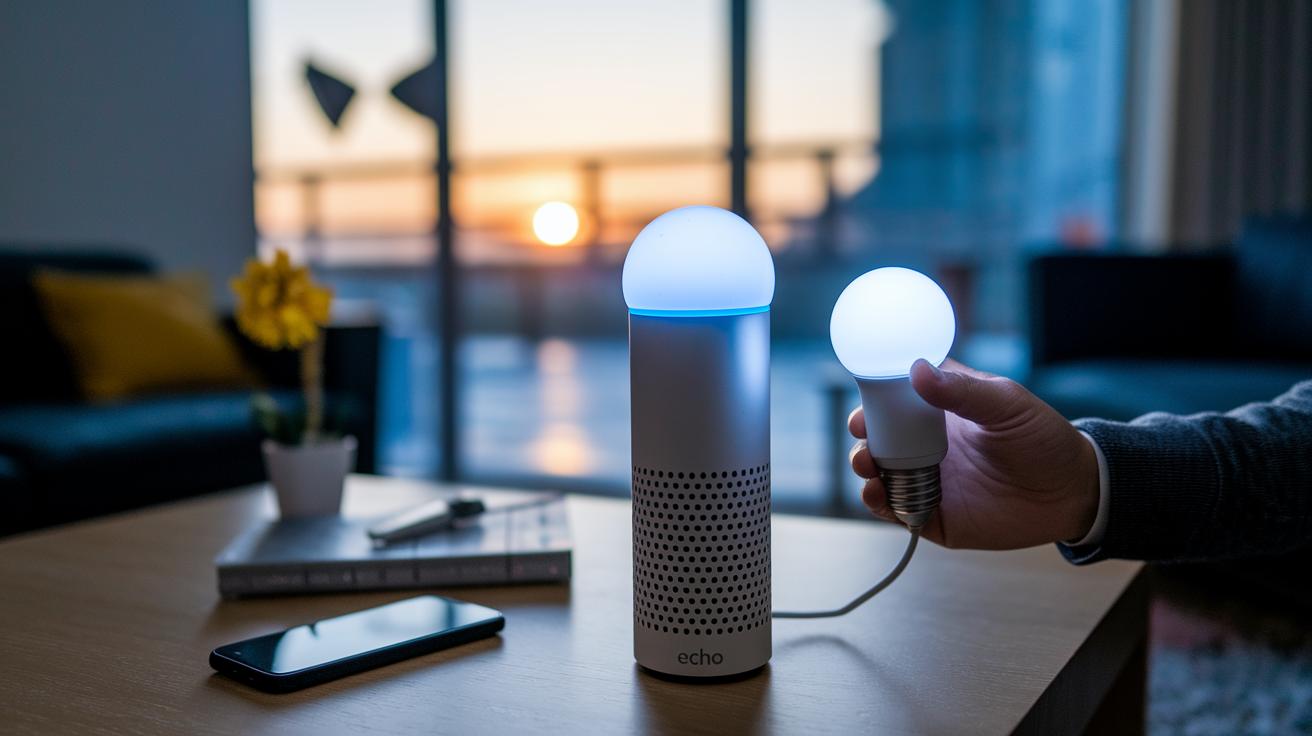
Getting your smart bulb working with Alexa is simple when you follow a few easy steps. First, plug in your bulb and ensure that both your Echo device and the bulb are connected to the same 2.4 GHz Wi-Fi network. Next, install the Alexa app on your smartphone and sign in with your Amazon account. The app will need permission to access your Wi-Fi settings, which makes it easier to connect your devices.
Linking Bulbs to Wi-Fi and Amazon Alexa
Open the Alexa app and go to the Devices tab. Tap the plus sign and select Add Device. Choose Light from the options, then pick your bulb’s brand and model from the list. Follow the on-screen steps to complete the setup. One tester mentioned, "I plugged in my smart bulb, opened the Alexa app, and in no time, my living room lights were ready, all with just a few taps." Make sure your bulb shows as active in the app before you continue.
Grouping, Naming, and Organizing Lights
To make control even easier, group your bulbs by room. In the Alexa app, select a room from the preset list such as Living Room, or create your own custom group. Naming your group lets you use simple voice commands like "Alexa, turn off Living Room" or "Alexa, dim Living Room to 50%." This grouping is especially handy when you have multiple bulbs in one area. Follow these steps and you’ll enjoy a smooth, hands-free experience that brightens your day with minimal hassle.
Top Alexa-Enabled Smart Light Bulbs Comparison
We tested a range of Alexa smart lights to see how they hold up in everyday use. The Philips Hue lights surprised us with their flexibility, letting you adjust white tones and choose from 16 million colors. Plus, the Bluetooth and Wi-Fi setup is a breeze.
For those on a budget, the WiZ Color & Tunable White A19 offers excellent features with a direct Wi-Fi connection. It delivers great color variety without costing a fortune.
The Wyze Bulb Color brightens up any room with vivid, transforming hues. One of our testers mentioned that while its colors pop, it may sometimes lose connection briefly.
For energy savers, the TP-Link Kasa Smart Bulb adds fun multicolor modes along with built-in energy monitoring via the Kasa app. This feature helps you keep an eye on power usage and costs.
In the mid-range, the Yeelight Smart LED Bulb is a hit. Users love its stronger build and steady connectivity, making it a reliable choice without the premium price tag.
At the premium end, the LIFX A19 stands out with top-tier color accuracy and brightness. It works without an extra hub, which simplifies setup while still delivering amazing performance.
Each bulb comes with its own perks, from simple installation with the Alexa app to standout color options. Whether you’re considering price, color variety, or a special feature, there’s a smart bulb that fits your needs and budget.
| Model | Color Options | Price | Key Feature |
|---|---|---|---|
| Philips Hue White and Color Ambiance A19 Starter Kit | Adjustable white & 16 million colors | High | Easy Bluetooth/Wi-Fi setup |
| WiZ Color & Tunable White A19 | Tunable white & color | Budget-friendly | Direct Wi-Fi connection |
| Wyze Bulb Color | Vivid colors | Mid-range | Bright output, occasional connectivity drops |
| TP-Link Kasa Smart Bulb | Multicolor | Moderate | Built-in energy monitoring via Kasa app |
| Yeelight Smart LED Bulb | Flexible color options | Mid-range | Improved build quality and stable connectivity |
| LIFX A19 | 16 million colors | Premium | Outstanding color accuracy and brightness without a hub |
Grouping, Naming, and Organizing Lights
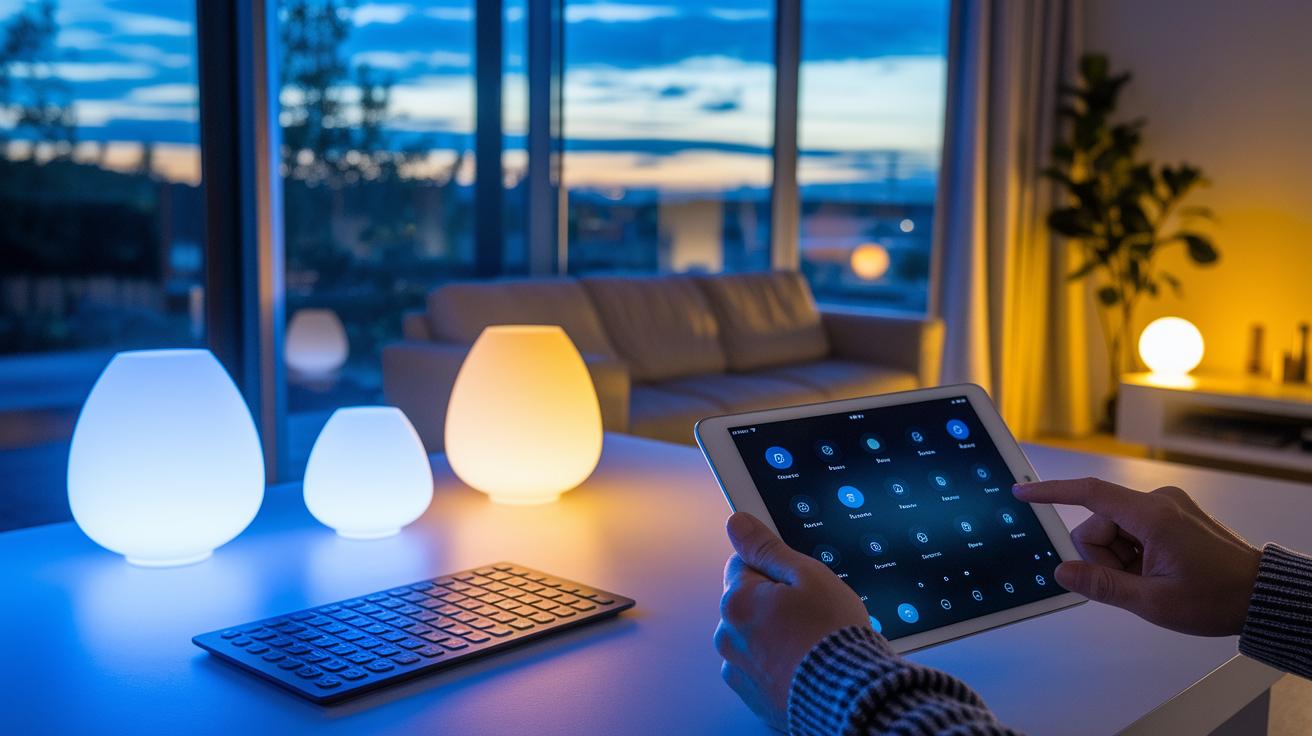
Set up your smart lights by grouping them into rooms using the Alexa app. This makes it easy to control multiple lights with a single command when your hands are full. For example, if you name a group "Living Room," one voice command will adjust every light in that space at once. Here are some common commands you might use:
- Alexa, turn on [Group Name] lights.
- Alexa, turn off [Group Name] lights.
- Alexa, dim [bulb name] to 50%.
- Alexa, set [bulb name] to blue.
- Alexa, brighten [Group Name] lights to full.
Smart Lighting Scenes, Schedules, and Routines with Alexa
Alexa smart lighting lets you reshape your day with custom light settings and automatic control. You can schedule your bulbs to turn on or off at the right moments – like having them slowly brighten at 7 AM to wake you gently or dim as bedtime approaches. It's a great way to stick to a routine and even cut down on energy use when you're not around.
After grouping your bulbs in the Alexa app, you can create personalized scenes that fit your mood. Imagine switching to "movie mode" where the lights set a cozy, soft glow, or "reading" mode that gives you sharp, comfortable brightness. One tester shared, "I just say, 'Alexa, movie time,' and the lights change instantly." This means you can set the vibe without adjusting every single light.
Alexa also offers an Away Mode to boost your home's security. This feature randomly turns lights on and off when you're not home, making it seem like someone is there and discouraging potential intruders.
Setting up these routines is a breeze. Just open the Alexa app, go to the routines section, and tailor your lights to your needs. Whether you want to enhance your room's atmosphere or add a safety net, smart lighting with Alexa has you covered.
Troubleshooting Common Alexa Smart Light Issues

If your Alexa smart lights start acting up, it can throw off your whole day. Sometimes these bulbs lose their connection, lag, or even make weird buzzing noises. Here are five simple fixes to help you get things back in order:
- Reset your Wyze Bulb: If your bulb isn’t responding, turn it off and then on again three times. This quick power cycle can clear up temporary glitches.
- Stop the Magic Light buzzing: If your Magic Light bulb buzzes even when it’s off, check if there’s a firmware update available. If the noise doesn’t stop after updating, you might want to try a different model.
- Fix connectivity lag: Double-check that both your smart bulbs and your Echo device are on the same 2.4 GHz Wi-Fi network. A steady network connection helps reduce delays.
- Reboot your router: Slow response times might be due to internet issues. Restarting your router can bring back smooth performance for all your connected devices.
- Remove and re-add the bulb in the Alexa app: If you’re still having setup issues, delete the bulb from the app and add it back. This can help fix configuration problems and strengthen the connection.
Energy Efficiency and Cost Savings of Alexa Smart Lights
Alexa-integrated LED bulbs offer a smart way to lower your energy bills without sacrificing brightness. For example, a common A19 E26 bulb produces 800 lm while using only about 9 W compared to older, power-hungry alternatives. Over time, this smart switch can result in noticeable savings.
Many users love the TP-Link Kasa smart bulb for its built-in energy tracking. It shows how many watts you're using in real time, so you can clearly see where to cut back. This feature makes it easier to manage your budget while being kind to the environment.
You can also boost efficiency by setting up routines that turn off your lights during off-hours. This automation can reduce wasted power by as much as 30% by scheduling bulbs to power down when not needed, whether it’s during work hours or overnight. All in all, these affordable Alexa lights are a practical, eco-friendly investment that can help trim your monthly energy costs.
Final Words
In the action, we covered everything from smart lighting benefits and setup to comparing top bulbs and troubleshooting their common issues. We walked through configuring routines and scenes that boost convenience and energy savings.
This hands-on guide made clear how voice commands transform smart lights with Alexa into an efficient, user-friendly part of your home. Enjoy the improved ambiance and ease of control that come with these bright solutions.
FAQ
What do smart lights with Alexa reviews cover?
Smart lights with Alexa reviews highlight performance, ease of installation, voice control responsiveness, and real-world user experiences. They help buyers understand brightness levels, color options, and compatibility with Alexa routines.
What are wireless smart lights with Alexa?
Wireless smart lights with Alexa connect over Wi-Fi without extra hubs. They offer simple installation, remote control via the Alexa app, and the convenience of voice commands for a smoother smart home experience.
Which smart lights with Alexa are considered the best?
The best smart lights with Alexa combine vibrant colors, reliable connectivity, and user-friendly apps. Top brands like Philips Hue, TP-Link Kasa, and LIFX are often praised for their ease of use and consistent performance.
How can I manage smart lights using the Alexa app?
Smart lights with Alexa can be managed through the Alexa app by adding devices, naming groups, and creating routines. This lets users control brightness, colors, and schedules with simple voice commands.
How do smart light bulbs work with Alexa?
Smart light bulbs work with Alexa by connecting to your home Wi-Fi and linking through the Alexa app. They respond to voice commands for turning on/off, dimming, or changing colors, making home automation straightforward.
What smart light bulbs work with Alexa without a hub?
Many smart bulbs, like LIFX and certain models from TP-Link, connect directly via Wi-Fi. They eliminate the need for a hub by integrating directly with Alexa, simplifying setup and reducing extra hardware.
How can I set up Alexa lights for a room?
You set up Alexa lights for a room by grouping bulbs in the Alexa app under a specific name, like “Living Room.” This organization enables easy voice control to turn on, off, or adjust brightness collectively.
What does it mean if Alexa light bulbs are rated at 100 watt?
Alexa light bulbs rated at 100 watt typically refer to brightness equivalency. They deliver powerful illumination equivalent to a 100-watt incandescent bulb while using energy-efficient LED technology.
What are the disadvantages of using smart lights?
The disadvantages of smart lights include occasional connectivity issues, higher initial costs, and dependency on Wi-Fi and cloud services. Some users may also experience firmware bugs or slower response times compared to manual controls.
Do I need to pay a monthly fee for Alexa services?
Using Alexa for smart home control does not require a monthly fee. Basic voice commands and home automation features are free, although some premium skills or services may incur additional charges.