
Ever thought about lights that work a little smarter? Picture setting the perfect mood with just one tap or a quick voice command. Smart light systems let you adjust brightness, change colors, and even save energy using your smartphone. In this article, we explain how wireless LED bulbs, strips, and panels can boost your home lighting. You'll see how different setups connect easily with voice assistants like Alexa or Google Home, making it simple to control your lights exactly how you want.
Smart Lights System Essentials: Features, Compatibility, and Benefits
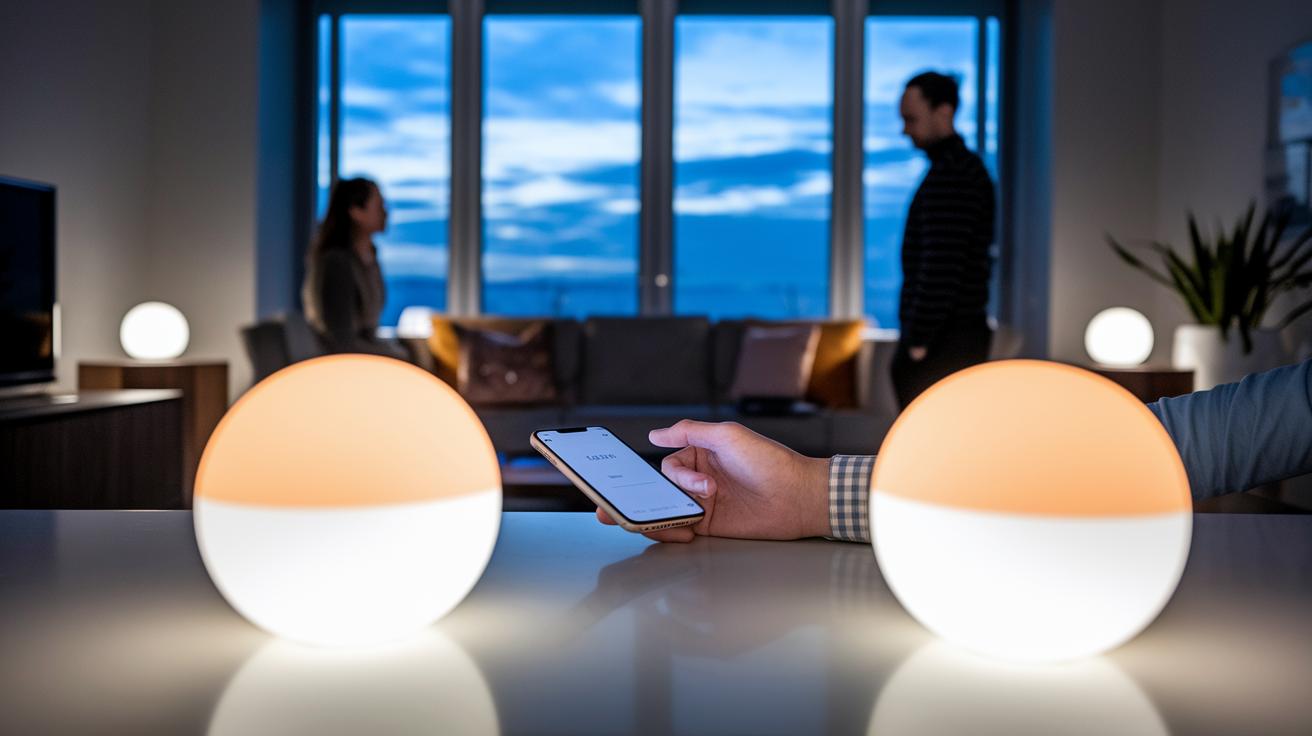
Smart lighting setups use wireless LED bulbs and fixtures to give you full control over your home’s lighting through a mobile app. You can easily adjust brightness, switch the lights on or off, and even change their colors. For more details about smart lighting, check out this guide at https://techtallyhq.com?p=424.
They connect smoothly with your smartphone apps and work with voice assistants like Alexa, Google Home, and Apple Home. It’s simple to adjust the room's mood by just tapping your screen or speaking a command.
These systems are built around energy-saving LED modules that use much less power than old-school bulbs. Some systems depend on a central hub, such as Philips Hue, while others connect directly over Wi-Fi (like Govee and GE Cync) or Bluetooth (for example, Nanoleaf Matter Essentials). This range of options means you can select a system that fits your needs and budget, while still enjoying features like remote control, scheduling, and grouping.
- Remote brightness control
- Color temperature adjustment
- Scheduling options
- Grouping for zones and scenes
- Voice activation compatibility
- Sensor automation features
Smart Lights System Options: Bulbs, Strips, Panels & Switches
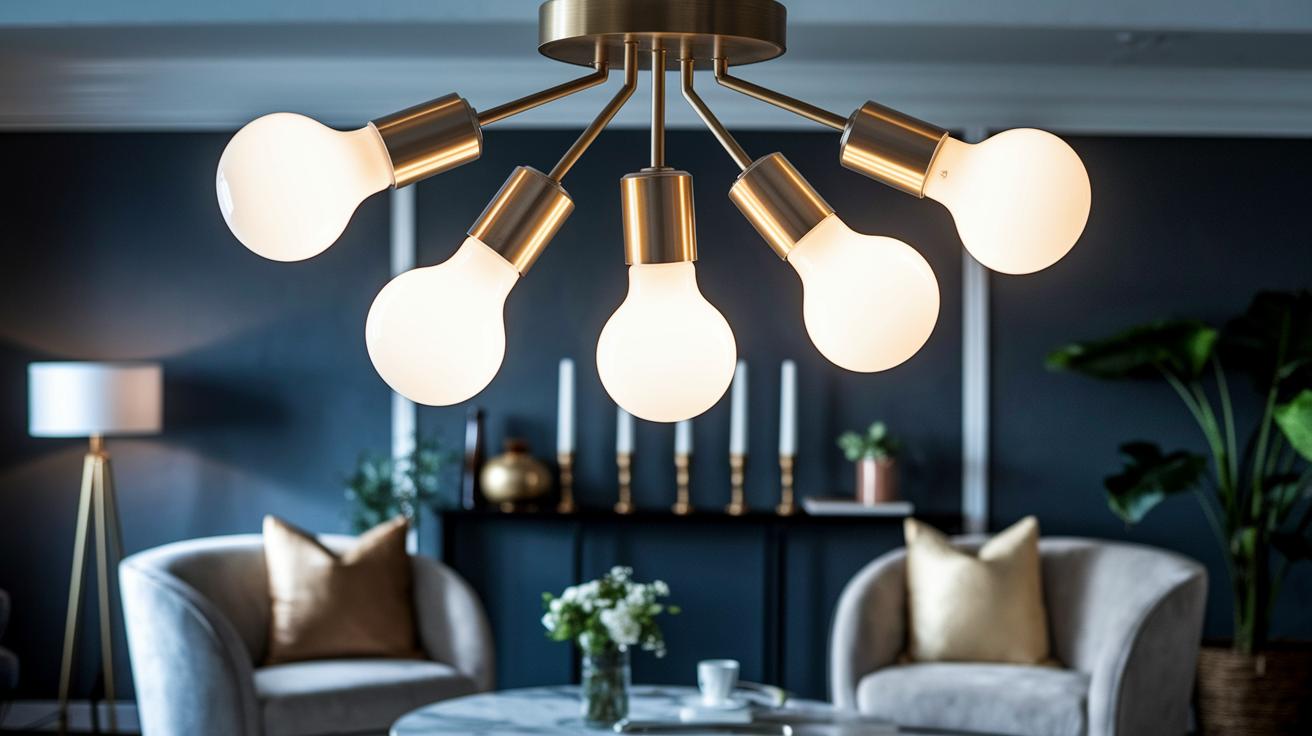
Smart Bulb Varieties
Smart bulbs are available in many shapes to fit your light fixtures. You can use standard A19 bulbs for everyday lighting or choose BR30 flood bulbs to brighten larger areas. GU10 bulbs work well for highlighting artwork or special features, while candle-style bulbs bring a decorative touch to chandeliers or wall sconces. For example, Govee Wi-Fi LED bulbs (E26 base) offer dependable lighting on a budget, and Lifx Color BR30 bulbs at about $27 give your living room a stylish boost. The Wyze Bulb White comes in a two-pack for around $25, making it a simple choice for lighting multiple rooms.
Light Strip Solutions
LED strip lights are great for when you want flexible, custom lighting. They can be cut to any length, which makes them perfect for both indoor and outdoor accents. The Govee LED Strip Light costs about $70 and features an IP rating that works well outdoors too. With an easy-to-use app, you can change colors, adjust brightness, and set up fun, dynamic lighting scenes that suit your mood.
Smart Light Panels and Fixtures
Smart panels like the Govee Mini Panel Lights (around $130) and Nanoleaf Matter Essentials can turn a plain wall into a lively display. They work nicely for creating attractive backlighting for your TV or adding a creative spark to any room.
Smart Switches and Dimmers
Smart switches and dimmers let you upgrade your current wiring without a lot of hassle. Options include in-wall switch modules, plug-in outlets, motion sensor switches, and no-hub dimmers. Just note that many of these setups need a neutral wire. While Philips Hue bulbs require a separate hub, most smart switches connect directly over Wi-Fi or Bluetooth, making installation easier for a connected home.
Smart Lights System: Radiant Home Control

Picking the right smart lighting system makes your home setup a breeze and keeps everything working together nicely. A system that connects well with your other smart devices lets you control your lights and more with ease.
When choosing between a hub-based option and one that connects directly, there are some key differences. Take Philips Hue, for example. It works great with Apple HomeKit using its dedicated Hue Bridge. This means solid integration, but you need to buy extra hardware. GE Cync bulbs, on the other hand, connect directly to your Wi-Fi and Amazon Alexa. They even sync with your music and offer different shades, all without needing extra gadgets. Many affordable brands work directly with Alexa and Google Home without a hub.
Nanoleaf Matter Essentials supports the new Matter standard, allowing devices from different brands to work together without hassle. With technologies like Wi-Fi, Bluetooth, Zigbee, and Matter, you can choose a system that fits your needs, whether you want a central hub or just a simple, direct connection.
Pairing your lights with voice assistants is usually a quick process. Just open the app, activate the right voice skill for Alexa, Google Home, or Apple Home, and follow the steps. A few simple commands later, your lights adjust just as you need them.
Smart Lights System Performance Metrics: Brightness, Color & Scheduling
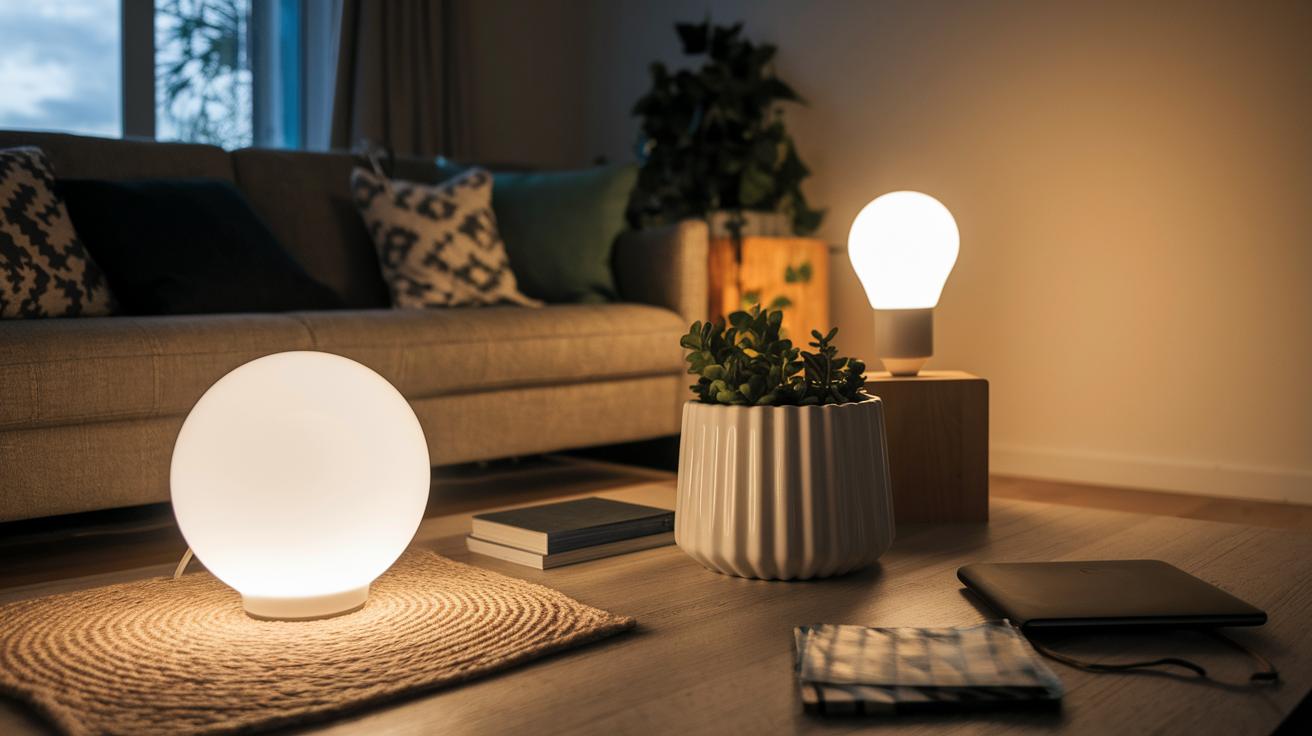
Everyday smart bulbs usually light up a room with about 800 lumens while using roughly 9 W, which is plenty for routine ambient lighting. Many models let you adjust the brightness remotely so you can set the perfect mood for a quiet evening or a lively gathering. Some bulbs even push past 1,100 lumens, making them a great pick when you want a burst of intense light or a striking accent for a special space.
Color is just as important as brightness. Most smart bulbs let you change color temperatures to suit your mood, from a warm 2,200 K glow that feels inviting to a cool 6,500 K light that mimics natural daylight. For example, Philips Hue bulbs are known for their natural-looking color, while GE Cync bulbs can mix up to four different shades at once. This means you can tailor your lighting to match the time of day or the activity at hand without any hassle.
Many smart lighting systems also offer programmable scenes and scheduled routines. You can use features like Hue's Twilight mode, which gradually brings on a soft sunrise to wake you up gently, or sync GE Cync and Govee bulbs with music to turn your room into a mini dance floor. These scheduling options help you set the right vibe automatically throughout your day.
Designing and Installing Your Smart Lights System: Step-by-Step Guide
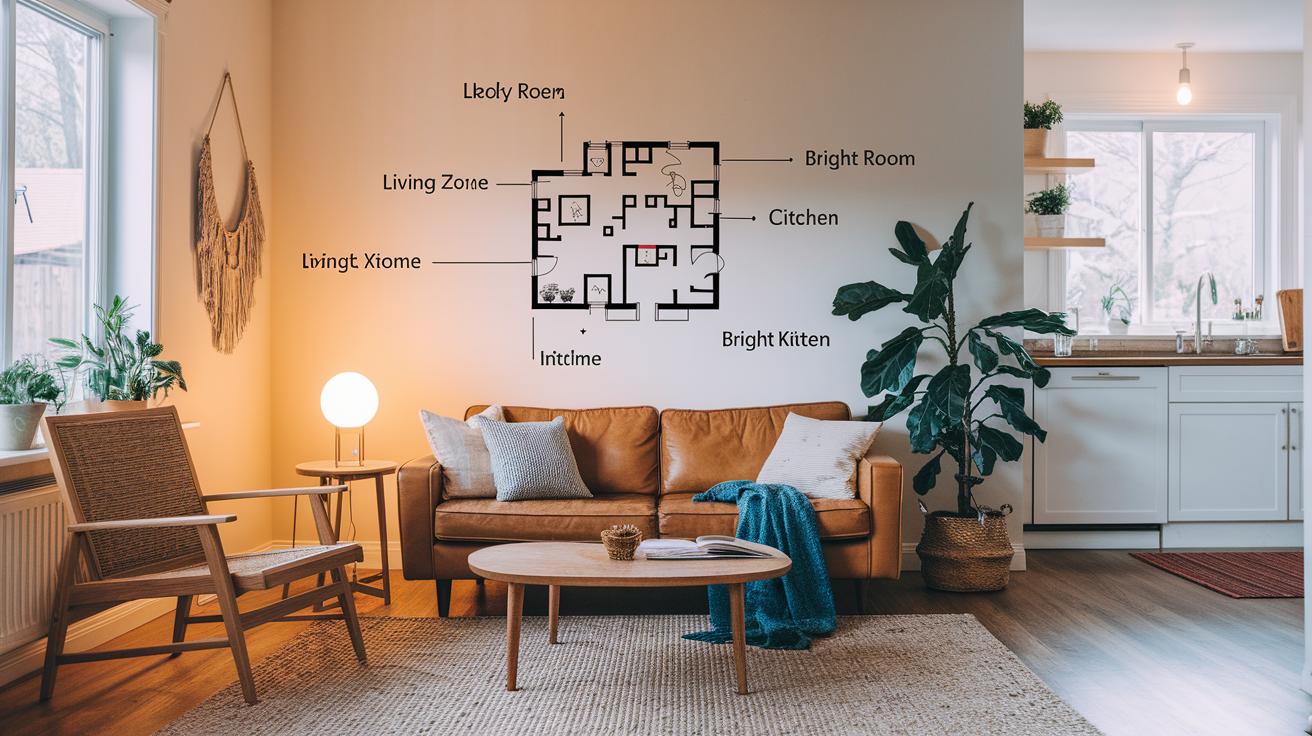
Begin by planning your lighting zones. Think about which parts of your home you want to control with smart lights, maybe the living room, kitchen, or hallways. Draw a simple layout that marks each zone so you can create the right mood for different areas. For example, group bulbs in your dining space to form a warm, unified feel or set up separate scenes for your home office and guest room.
- Turn off the circuit and install your fixtures or bulbs.
- Download the mobile app and follow the setup instructions.
- Connect your devices to Wi‑Fi or your smart hub.
- Organize your lights into rooms and groups within the app.
- Create schedules, set scenes, and link your voice assistant.
Once you complete these steps, it's time to check and fine-tune your system. Power on your fixtures and use the app to ensure each zone responds correctly to your commands. Watch out for any flickering, delays, or issues with voice control and adjust as needed. For example, if your Philips Hue bulbs aren’t syncing with the Bridge, try resetting and pairing them again. Also, make sure that sensors like motion or daylight detectors are mounted at the right angles to pick up changes effectively. You might test a preset schedule with a sunrise simulation or activate party mode with your favorite tunes.
This setup isn’t just about making the tech work; it’s about ensuring your lighting feels natural wherever you use it. Tweak settings like brightness, color temperature, and grouping based on your everyday experience. And if a smart switch isn’t responding properly, double-check the wiring, especially the neutral and load wires. Taking the time to verify your system means a smoother experience when you switch scenes with just a tap or a voice command.
Comparing Smart Lights System Brands: Philips Hue, Govee, GE Cync & Nanoleaf
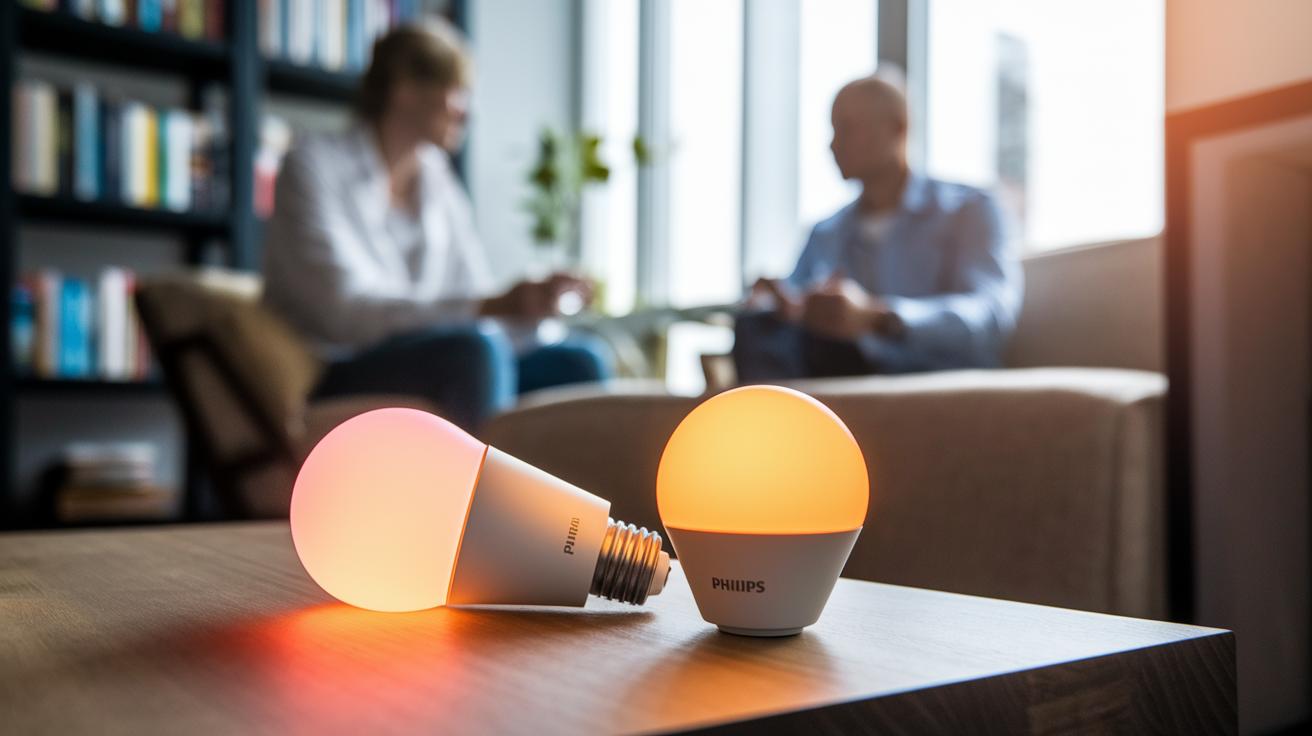
Philips Hue offers a high-end lighting experience with its White & Color Ambiance Bulb priced around $55. The bulb delivers natural, true-to-life colors with sunrise and sunset effects that gently wake you up or help you unwind. Although you need to set up a dedicated Hue Bridge, that extra step means you get reliable, unified control across your home. This option works best for those who are ready to invest a bit more for premium, consistent lighting.
Govee Wi-Fi LED bulbs give you a budget-friendly way to brighten multiple rooms. They come with an easy-to-use app that lets you change colors and group lights together for a coordinated look. Plus, you can sync the lights to music for a fun party vibe. While the color accuracy isn’t as precise as top-tier options, they remain a smart choice if you want creative, hands-on control without a hefty price tag.
GE Cync Lighting features a straightforward setup that connects directly over Wi-Fi to work seamlessly with Amazon Alexa. There’s no need for an extra hub, which makes getting started simpler. With support for multi-shade displays and music syncing, these bulbs are ideal if you prefer quick voice commands and hands-free operation.
Nanoleaf Matter Essentials steps into the future with Matter compatibility. This means it easily integrates with a wide range of smart home devices on one unified platform. Along with options like a 4D screen mirror and advanced panel kits, Nanoleaf delivers a design-focused lighting experience that adapts as smart home standards evolve. This is a great pick if you’re looking for a lighting system that grows with your tech setup.
Smart Lights System Energy Efficiency: Maximizing Savings
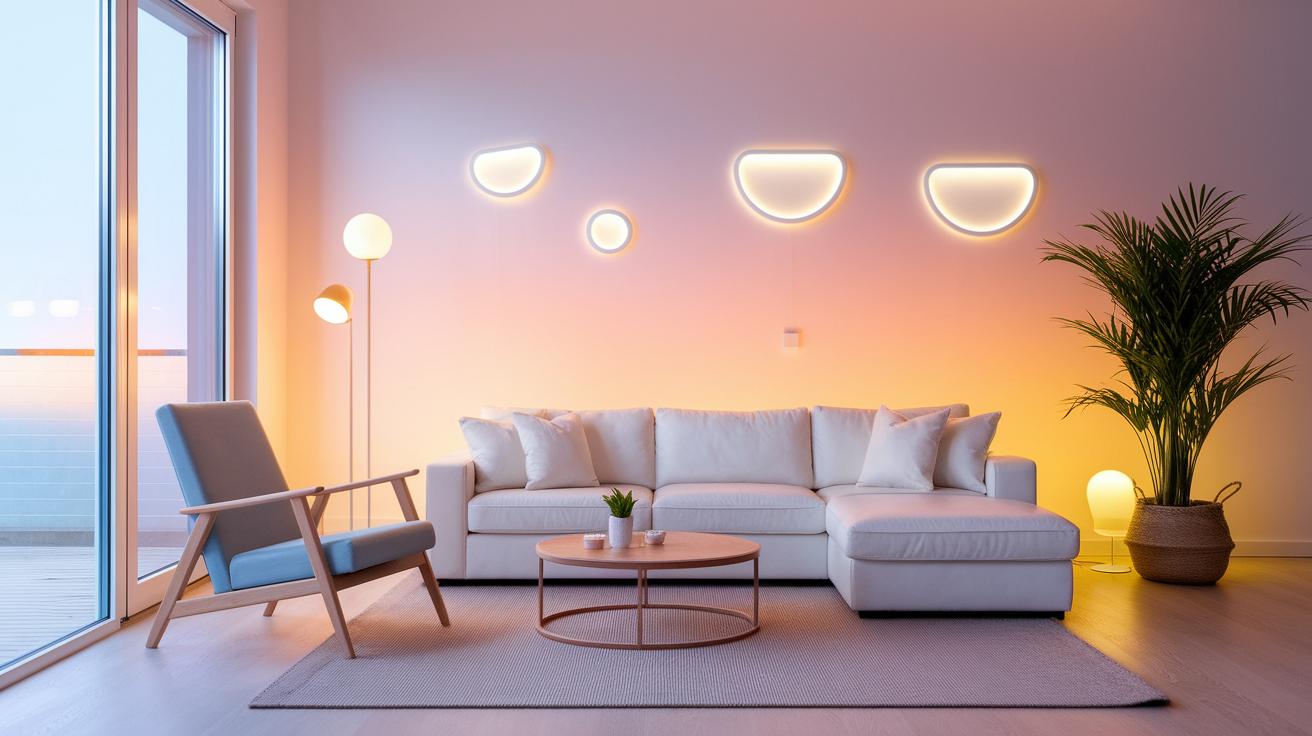
Smart light systems can really cut your power bill. They use LED modules that need 80-90% less energy than traditional incandescent bulbs, so you get plenty of light without wasting electricity. With smart dimming and schedule-based controls, your lights are only on when necessary. For example, Philips Hue’s Twilight mode gradually brightens to mimic a sunrise, giving you a natural wake-up call with minimal energy use.
These systems also come with sensors that detect daylight and motion. When a room fills with natural light, the lights dim or switch off automatically, stopping energy waste. By setting schedules, the lights can turn off during bright daytime and come back on only when darkness falls, ensuring continuous savings throughout the day.
Some setups even offer energy-use reports. You can check these to see your consumption patterns and tweak the settings for even more savings.
Troubleshooting Your Smart Lights System: Tips and Best Practices
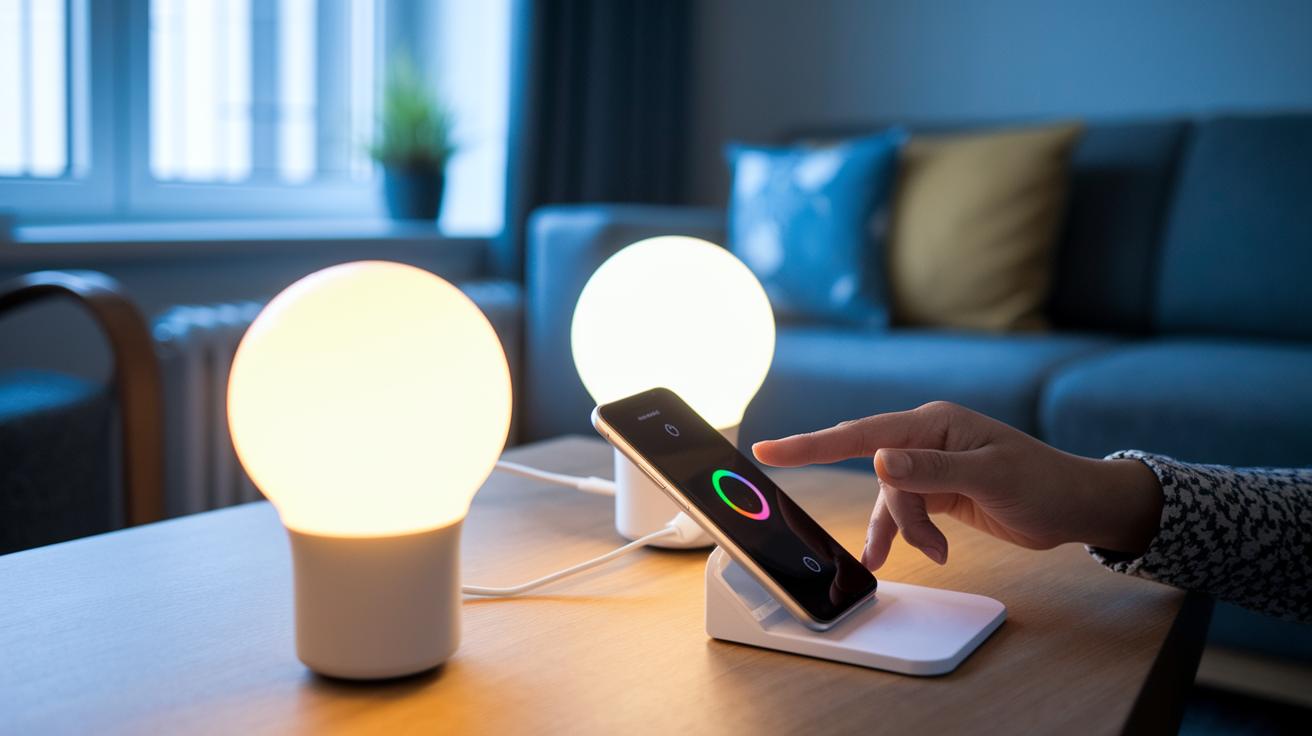
When you test your smart lights, check that the brightness you get matches what you expect by comparing the actual light output with the promised lumen level. Notice if the dimming works smoothly and if the colors display correctly so you catch any odd behavior early. Often, simply turning the bulbs off and on again clears up temporary glitches, and a quick reboot of your hub can set things right. These early steps help you figure out whether the problem comes from the hardware or the control app.
Make it a habit to update your system. Use the mobile app to install firmware updates as soon as they’re available; these updates fix bugs and ensure better compatibility with your lights and accessories. It also helps to check that your Wi-Fi signal is strong or that your Zigbee mesh network is set up properly. Sometimes, restarting your router or hub can restore a stable connection.
If your voice commands aren’t working as they should, try re-authorizing your smart home skill and double-check that your network details are entered correctly in the app. A small firmware update might also fix any integration issues. By following these steps, you can keep your smart lights running smoothly and efficiently.
Smart Lights System Automation and Future Trends
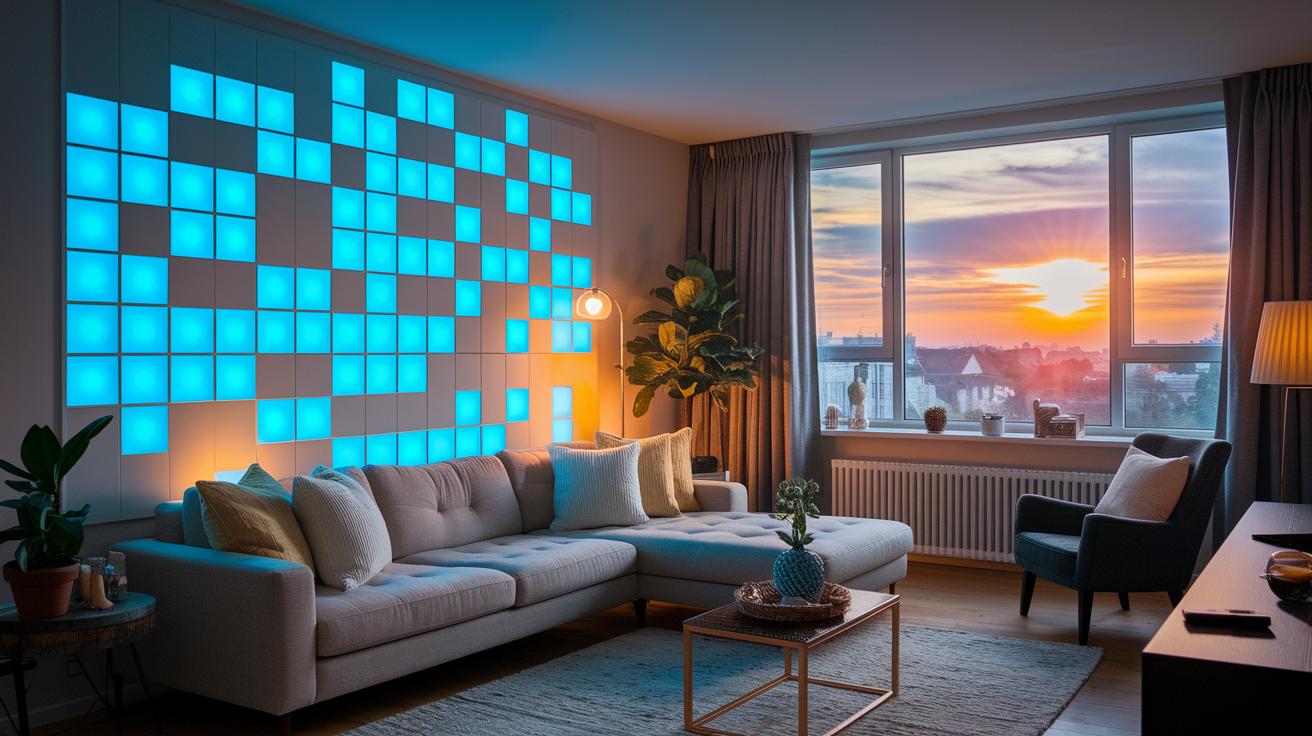
Matter-enabled devices like Nanoleaf Matter Essentials are changing the game for smart home lighting. They connect different smart devices on one smooth network and use cloud-based light settings that adjust automatically with your schedule. With AI-powered scene triggers, your lights change their mood effortlessly based on room activity or ambient conditions, keeping everything balanced and in tune with your life.
Cloud-based rules let you set up detailed scenes that change your room's lighting automatically. As more brands use this approach, you'll see apps that offer easy, dynamic configurations. The tech is designed to update almost instantly and keep your settings secure from unwanted changes, which makes controlling multiple devices simple and effective.
Next-generation smart lights will bring even cooler features, like dynamic color shifting that syncs with your favorite media and specialized panels for indoor gardening. Manufacturers are pushing the limits with cloud-driven automation and advanced sensors, making it easier than ever for your lighting system to learn and evolve with modern smart home trends.
Final Words
In the action, we reviewed smart lights system essentials, from wireless LED management and voice activation to energy-saving setups and practical troubleshooting tips. We covered various options, installation steps, and performance metrics to guide buyers in choosing the right setup.
Each section aimed to boost your confidence when integrating smart lights system into your home. This hands-on approach leaves you well-equipped to select a solution that fits your budget and lifestyle while lighting up your space with ease.
FAQ
Q: What is a smart lighting system for home?
A: A smart lighting system for home uses wireless LED bulbs controlled via a smartphone app, letting you adjust brightness, colors, and schedules effortlessly to suit your living space.
Q: Which smart lighting system is best for home?
A: The best smart lighting system for home offers simple setup, reliable integration with voice assistants, and energy efficiency, making it ideal for households seeking convenience and consistent performance.
Q: What is a smart home lighting system project?
A: A smart home lighting system project involves installing network-connected bulbs and fixtures that are managed with an app and voice commands, streamlining home automation with minimal hassle.
Q: What are LIFX smart lights?
A: LIFX smart lights are Wi-Fi-enabled LED bulbs known for their vibrant colors and direct connectivity, working seamlessly with various smart home platforms without requiring an additional hub.
Q: How can I use smart lights for outside my house?
A: Smart lights for outside your house include weather-resistant bulbs and fixtures that you can control remotely, providing customizable outdoor lighting for security and enhanced curb appeal.
Q: What are smart light fixtures for ceilings?
A: Smart light fixtures for ceilings combine LED technology with wireless control, allowing you to adjust brightness, color, and scheduling directly from an app or via voice commands from a central location.
Q: How does a smart light bulb app work?
A: A smart light bulb app connects to your bulbs over Wi-Fi or Bluetooth, enabling you to switch them on or off, adjust brightness and colors, and set schedules—all from your smartphone.
Q: What are smart lights?
A: Smart lights are LED bulbs and fixtures that communicate wirelessly, allowing you to remotely control lighting settings like brightness, color, and timing through smartphone apps or voice-enabled assistants.
Q: Do you need an electrician to install smart lights?
A: In most cases, you don’t need an electrician to install smart lights since they simply screw into existing fixtures and pair with your devices, although some smart switches may require professional wiring.
Q: What are the disadvantages of smart lights?
A: The disadvantages of smart lights include potential connectivity issues, higher initial costs compared to standard bulbs, and occasional software glitches that might require firmware updates for optimal use.