
Ever left the house wondering if your home is truly safe? Traditional locks can slow you down in today's fast-paced world, and that's where smart door locks come in. Imagine opening your front door with a quick fingerprint scan or even a tap on your phone. In this review, we explore five smart door locks that offer remote control, various access options, and an easy setup process. These devices are designed to simplify your life while keeping unwanted visitors out.
Essential Features of Smart Door Locks
Smart door locks mix ease of entry with solid security. They come in a range of prices from $39.99 to $349.99, so there's always a model that fits your budget and needs. Many of these locks let you choose how to unlock your door. You might use fingerprint scanning, a keypad, a traditional key, or even voice commands. One standout model unlocks with a quick fingerprint scan, making it as fast as checking your phone.
Modern smart locks also offer digital access that works with your smartphone. Most models let you control your door remotely through an app using Bluetooth, NFC, or app-driven access. This means you can easily grant access to guests or service providers even when you're not home. Plus, many locks fit right into your existing home security system by connecting with Alexa, Google Home, or HomeKit, creating a unified network of smart devices.
Installation is simple and quick, usually taking between 10 and 25 minutes with a Phillips-head screwdriver on pre-drilled door holes. You'll find that many locks support multiple user settings so everyone in the family can have their own access. A backup manual override keeps you from getting locked out during power outages, and built-in battery monitoring sends alerts when it's time to recharge or replace batteries. Altogether, these features make smart door locks a practical upgrade for keeping your home secure.
Top Smart Door Lock Models Reviewed
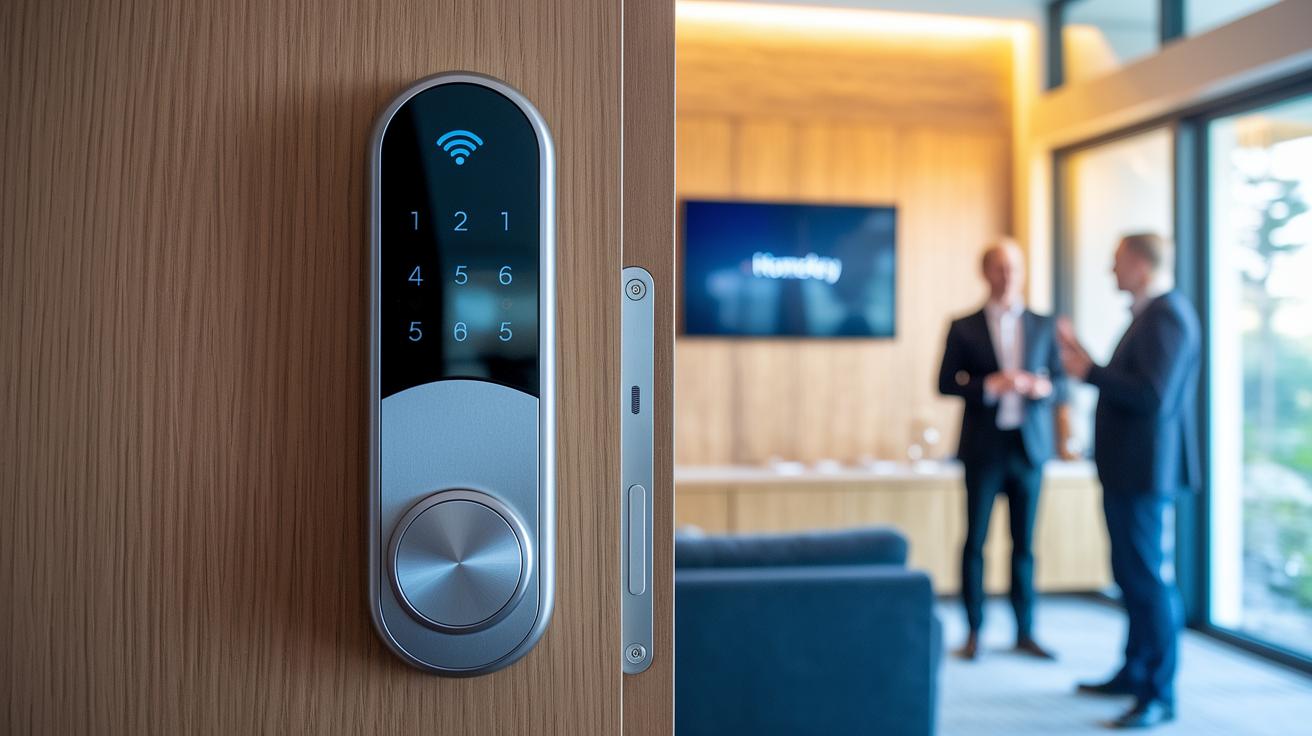
Ultraloq Bolt Fingerprint is a strong performer at $139.99. It features a durable zinc alloy body and built-in Wi-Fi radio. The door-status sensor and support for Apple HomeKey add extra convenience. It’s a great pick if you want solid performance without switching to Matter. Many reviewers highlighted these features in their August comparisons.
The August Wi-Fi Smart Lock costs $169.00 and is designed with renters in mind. Its interior thumb turn design, along with auto-lock and auto-unlock features, makes everyday use simple. Some models even come in at $249, offering flexible entry options for those who need them.
Eufy FamiLock S3 Max is priced at $279.99 and plays well with major smart home platforms. It includes a 2K video doorbell, an interior screen, and 15.5GB of expandable storage via HomeBase 3. These features put it on equal footing with designs seen in Kwikset comparisons.
Lockin Veno Pro, the premium model at $349.99, delivers 2K video along with palm and fingerprint recognition. It boasts a battery life of up to three months with an optional solar panel, making it a strong option for those who want top-end security.
Yale Assure Lock 2 is available at $147.89 and offers both Bluetooth and Wi-Fi choices. You can use either its keypad or touchscreen interface, and it works with HomeKit and Z-Wave. Even though its Wi-Fi battery life isn’t the best, it still earns praise in Yale series reviews. For a broader look, some users also check out Level Bolt or Schlage series models.
Smart Door Lock Security and Privacy Features
Smart locks use strong encryption between the lock and your devices to keep your data safe. These locks meet strict encryption standards that protect sensitive information and block unwanted access. They also use robust anti-hacking methods like strong passwords and optional two-factor authentication to add extra security.
A lot of models send tamper alerts to your phone when someone tries to force entry. For example, a lock might sound an alarm or send a push notification if it detects tampering. However, not every product has this feature; for instance, the Schlage Arrive does not send impact alerts when its auto-lock is enabled.
Access log tracking is another handy feature that lets you check who has used the lock and spot any unusual activity. Digital privacy safeguards are built into these devices to limit data exposure, though some models like certain Eufy locks have raised concerns about the amount of data they collect.
Regular firmware updates help fix security issues and keep encryption protocols up to date. And if the power goes out, many locks offer backup access through a physical key slot or USB port, ensuring you are never left out in the cold.
Together, strong wireless encryption, anti-hacking measures, tamper alerts, access logs, and privacy protections work to boost home security and reduce risks from unauthorized entry and data breaches.
Installing and Setting Up Your Smart Door Lock
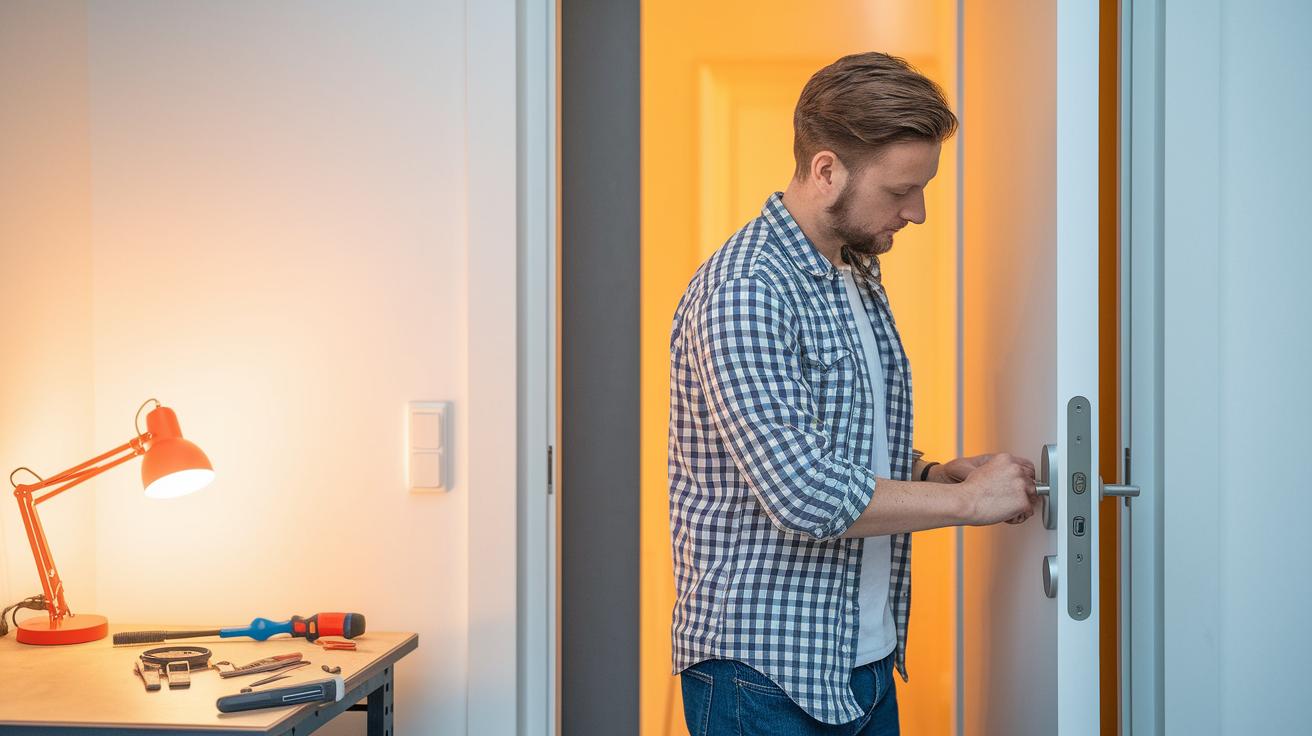
Installing your new smart door lock is a breeze, even if you're not a professional. Most locks are designed for quick, do-it-yourself setups that take about 10-25 minutes with basic tools like a Phillips screwdriver. They usually fit right into your door's pre-drilled holes. However, if you're using a model like the Proscenic L60, you might need an extra hub to enable remote and voice controls. The companion app will guide you through the process, from firmware updates to performance tweaks.
Before you begin, take a moment to check your door for any potential issues. Look out for misaligned strike plates or a weak Bluetooth signal that might complicate things. Also, make sure the batteries are fresh so you don't run into any problems during installation. Testing features like the emergency USB port or manual override can save you a lot of hassle if there’s ever a power outage.
- Gather all the necessary tools and any optional hub if required.
- Remove the old lock and check the door’s pre-drilled holes.
- Follow the step-by-step guide to securely mount your smart lock.
- Connect the lock to the companion app and update the firmware.
- Test all unlocking methods, including Bluetooth and remote access.
- Verify that the backup manual override works as expected.
| Tool | Purpose | Common Issue |
|---|---|---|
| Phillips screwdriver | Securing lock components | Loose screws |
| Measuring tape | Ensuring proper alignment | Misaligned strike plates |
| Smartphone | Manage firmware updates via the companion app | Weak Bluetooth signal |
Integrating Smart Door Locks with Your Smart Home
Real-life experiences show that adding smart locks to your home security system can noticeably boost performance. For example, the Ultraloq Bolt sends alerts almost instantly with its built-in Wi‑Fi, while the August Wi‑Fi Smart Lock may lag when the network is busy. When you connect these locks to a smart hub like the Eufy HomeBase 3, you get steadier notifications and smoother automation.
For a smarter setup, try linking your locks with voice assistants such as Alexa, Google Assistant, or Siri if your device supports HomeKit. This lets you build custom routines that trigger extra security checks when the door opens at odd hours. One user even set their lock to disarm automatically at home and saw a 40% reduction in missed security alerts.
Another handy tip is to use geofencing. With this feature, your lock detects when you are nearby and automatically locks or unlocks. It ensures your door stays secure without you having to worry about forgetting to lock it.
| Feature | Ultraloq Bolt | August Wi‑Fi Smart Lock |
|---|---|---|
| Notification Speed | Real‑time | Occasional delay |
| Integration with Hubs | Works well with many systems | Smooth mobile alert support |
| Automation Capabilities | Supports geofencing and routines | Basic automation features |
Comparing Smart Door Lock Pricing and Value
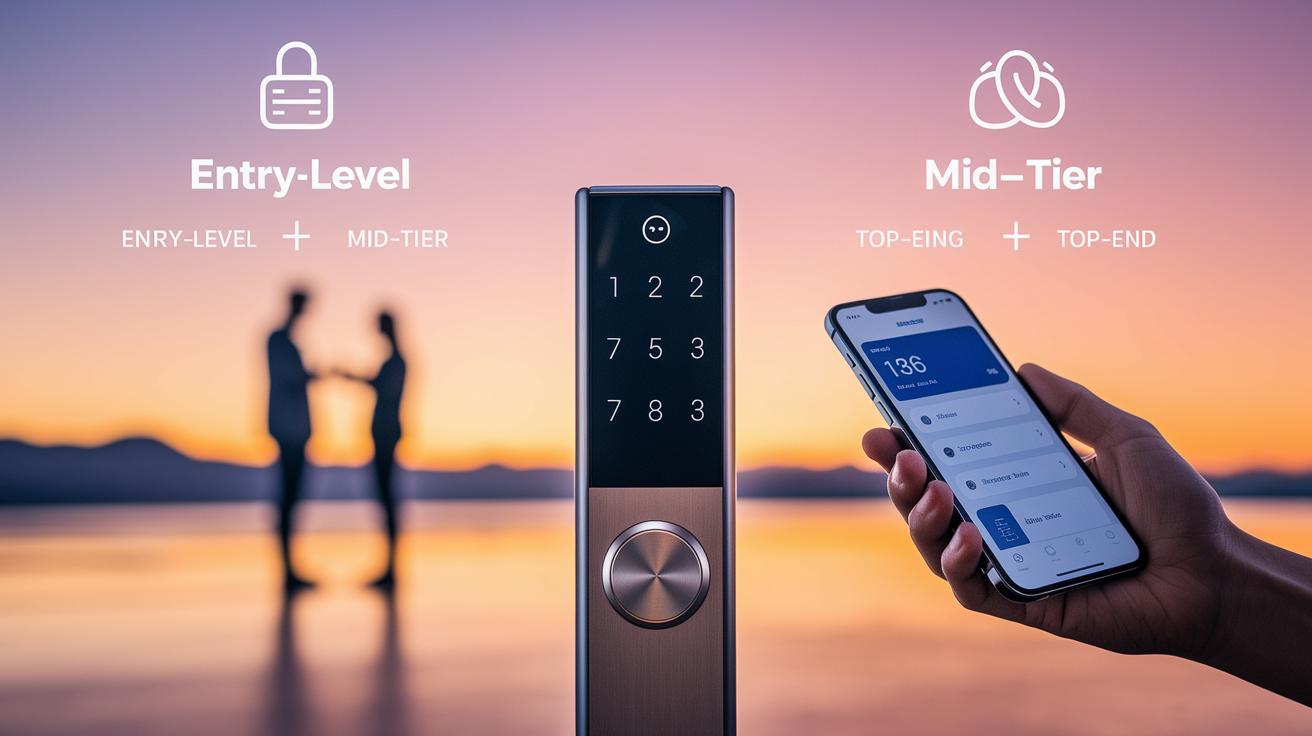
Entry-level locks ($40–$150) focus on being affordable and simple. They offer basic control through PIN or Bluetooth. Many of these models need an extra hub, and firmware updates can be slow. Users appreciate the easy setup but note that security patches may come late as threats evolve.
Mid-tier locks ($150–$250) bring better security options with Wi‑Fi connectivity and biometric features (like fingerprint scanning). They update their firmware more steadily to guard against new threats. While still reasonably priced, you might encounter brief connectivity hiccups and an extra hub cost of around $30.
Top-end smart locks (over $250) pack advanced features such as video integration and palm recognition. They receive frequent firmware updates that help keep your home secure over time. These locks are ideal if you want premium protection, but they come with a higher upfront cost and might require professional installation fees of up to $100.
| Tier | Key Features | Pros | Cons |
|---|---|---|---|
| Entry-level ($40–$150) | PIN, Bluetooth, extra hub required | Simple and cost-effective | Slower firmware updates and basic security |
| Mid-tier ($150–$250) | Wi‑Fi and biometric options | Improved security and good retrofit options | Additional hub cost and occasional connectivity issues |
| Top-end ($250+) | Video integration, palm recognition, frequent updates | Advanced security features and future upgrade potential | Higher cost and possible professional installation fees |
Choosing the Best Smart Door Lock for Your Home
When picking a smart door lock, think about your door style and how you use it each day. If you're building a new home, a full deadbolt replacement may work best. Renters, on the other hand, might prefer a retrofit kit like those from August so you can avoid a complete door change. Keyless entry lets you ditch traditional keys in favor of digital ones, whether through an app or temporary PINs for guests.
Biometric features like fingerprint or face recognition add another layer of convenience and security. Models such as the Ultraloq Bolt and Lockly Visage may even work with setups like Apple HomeKey, which feels natural for iPhone users. Digital keys also give you the power to manage access from anywhere and set up custom profiles with individual codes or biometrics for each family member.
Don't forget a backup plan. A manual override, like a hidden key slot or USB-powered access, ensures you can still enter your home if the battery dies.
Many smart locks include entry audit features that offer detailed logs and mobile alerts for every access event. This makes it easier to track visitors and boosts your overall peace of mind.
Finally, customer reviews help you gauge which models are reliable and easy to use day after day. Look for options with strong ratings for usability and dependability.
Final Words
In the action, we explored the essential features of smart door locks, covering key security measures, digital access technology, and remote unlocking options. We compared leading models, walked through setup steps, and explained how to integrate these devices with your smart home.
We broke down the pricing tiers and real-world value so you can decide confidently. Smart door locks offer ease of use while boosting home security, making them a practical choice for many households. Enjoy enhanced control and peace of mind with your new setup.
FAQ
Q: Best smart door locks
A: The best smart door locks provide reliable keyless entry, biometric access, and remote control, with features suited for homeowners and renters and prices ranging from about $40 to $350.
Q: Door smart door locks on Sale
A: Door smart door locks on sale offer discounted options that combine advanced security features with cost savings, making them an attractive choice for budget-focused buyers.
Q: Keyless Entry door Lock with Handle
A: The keyless entry door lock with handle delivers touchless access via digital commands, integrating with smart home systems while maintaining traditional design elements for added security and convenience.
Q: Smart door locks amazon
A: Smart door locks on Amazon feature diverse models with customer reviews, detailed specifications, and multiple unlocking methods such as fingerprint, keypad, and app control to suit varying security needs.
Q: Smart door locks with key
A: Smart door locks with key combine digital convenience with a traditional key backup, providing a reliable alternative during battery failures and reinforcing overall security.
Q: Smart door locks reviews
A: Smart door locks reviews assess performance, ease of installation, integration with smart home ecosystems, and features like remote unlocking and biometric authentication to guide buyers in their selection.
Q: Smart Lock Deadbolt and handle Combo
A: The smart lock deadbolt and handle combo integrates digital and traditional locking methods, offering remote control, multi-user access, and enhanced security in one comprehensive system.
Q: Smart door locks Ring
A: Smart door locks Ring extend integration with Ring’s security products, offering unified monitoring and control, alongside digital unlocking features for improved convenience and home safety.
Q: What are the disadvantages of a smart door lock?
A: The disadvantages of a smart door lock include potential connectivity issues, battery dependency, risks of hacking if not updated, and higher initial costs compared to conventional locks.
Q: What is the best smart lock for a house door?
A: The best smart lock for a house door balances keyless convenience, robust security features, and seamless smart home integration, with models like Ultraloq and August being popular choices.
Q: Is a smart lock safer than a deadbolt?
A: A smart lock can offer enhanced security with encryption and monitoring, though its safety compared to a deadbolt depends on proper installation, regular updates, and user practices.
Q: Do smart locks void insurance?
A: Smart locks generally do not void insurance if correctly installed and maintained; however, reviewing your policy is advisable since some insurers may have specific product requirements.