
Have you ever considered how a smart door lock might make your home safer and your daily life easier? We took a close look at three top models that combine modern technology with everyday practicality. These locks feature remote control, auto-lock, and the ability to easily connect with your smart devices. We break down their design, functionality, and overall value, helping you decide which one best fits your lifestyle and security needs.
Overview of Top Smart Door Lock Reviews
The August Wi‑Fi Smart Lock is our top overall pick. With built-in Wi‑Fi and a DoorSense sensor that checks if your door is fully closed, it stops itself from re-locking accidentally. Its dedicated app gives you clear, remote control and smart guest access management so you can track who comes and goes.
Next, the August Smart Lock 3rd Gen + Connect shines as the best value option. Its retrofit design fits easily onto your current deadbolt and offers simple Bluetooth control. You get straightforward app management and reliable guest access at an affordable price.
If you’re looking for a lock that meshes perfectly with your smart home system, the August Smart Lock Pro + Connect is the way to go. It builds on earlier models by adding support for Apple HomeKit and solid automation routines. With GPS-based auto‑unlock and auto‑lock features, it integrates smoothly into any connected home setup.
For those who prefer keyless entry, the Yale Assure Lock SL stands out. Its slim touchscreen offers a modern look without sacrificing user-friendliness, making front door interactions quick and hassle-free, even on your busiest days.
Lastly, the Yale Assure Lock Keypad is ideal if you like the feel of physical buttons. Its tactile push‑button entry delivers a familiar, reliable experience while also supporting voice activation. This blend of classic design with modern technology makes it a top choice for many.
Each lock brings its own strengths, so you can choose the one that best fits your home security needs.
In-Depth Smart Door Lock Reviews
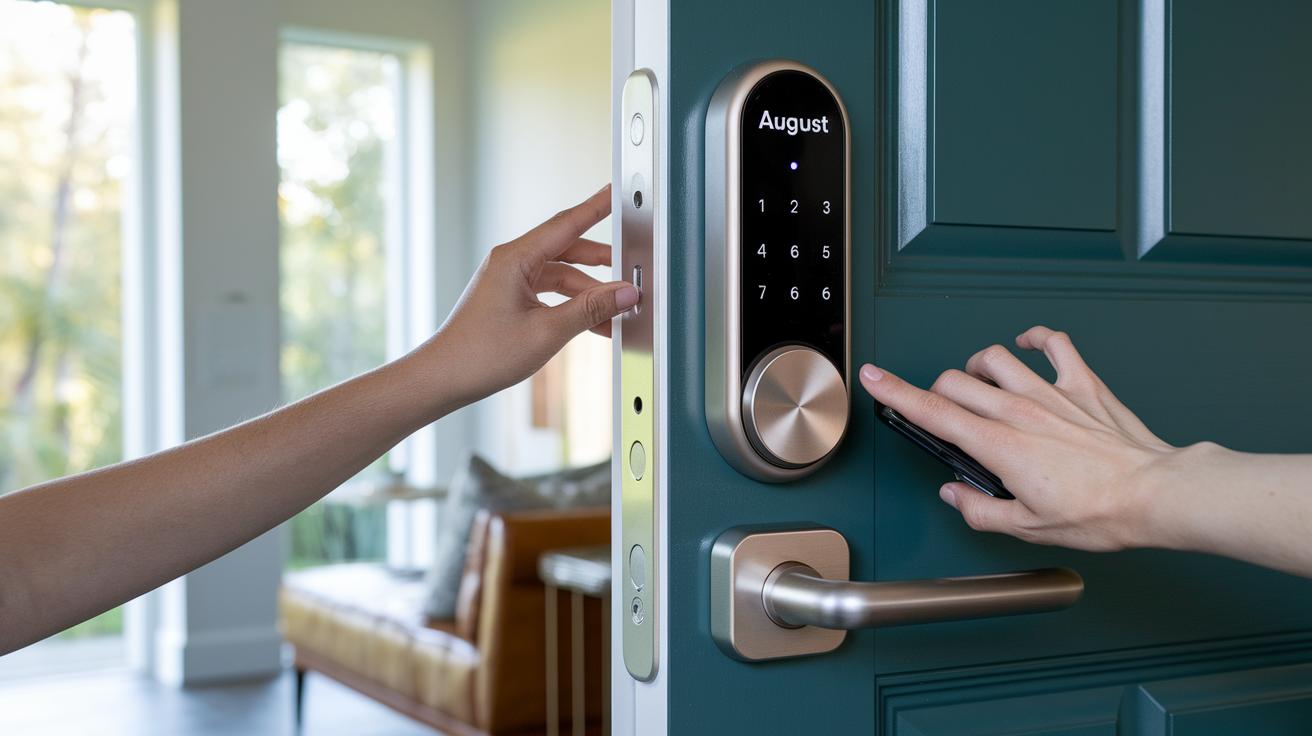
August Wi‑Fi Smart Lock
This lock comes with built‑in Wi‑Fi so you can control it without a separate hub. It has a DoorSense sensor (which checks if your door is fully closed) that stops the bolt from engaging if the door isn’t shut tight. It also features auto‑lock and auto‑unlock functions that adjust the door automatically. The app is clear and lets you manage guest access easily, though the higher battery use means you’ll replace AA batteries more often.
- Pros: No extra hub needed, reliable remote control
- Cons: Uses batteries faster
August Smart Lock 3rd Gen with Connect
This retrofit lock fits over your existing deadbolt and pairs via Bluetooth for quick access. It makes managing guest keys straightforward with its app. It’s simple to install and friendly on the wallet, but if you’re an Apple fan, note that it doesn’t support HomeKit.
- Pros: Easy installation, affordable price
- Cons: Doesn’t work with HomeKit
August Smart Lock Pro + Connect
Taking the earlier models a step further, the Pro version supports HomeKit and adds advanced automation routines. It uses GPS-based auto‑unlock to sense when you’re nearby, and DoorSense helps boost security. The setup is a bit more detailed, so you’ll need to spend a moment to get it just right.
- Pros: HomeKit compatible, smart automation features
- Cons: Setup can be more complex
Yale Assure Lock SL
This lock features a slim touchscreen and pairs easily with Bluetooth, giving it a modern, keyless design. An optional Yale Wi‑Fi Bridge can upgrade the lock for remote access if you want extra control over your door. It’s a neat option if you like a sleek look.
- Pros: Sleek design, optional remote connectivity
- Cons: Needs extra accessories for full remote functionality
Yale Assure Lock Keypad
If you prefer tactile buttons, this model uses physical push‑button entry and can work with a voice‑control module. It even integrates with the Apple Watch, blending traditional access with modern security.
- Pros: Reliable physical keypad, wearable integration
- Cons: Fewer smart features compared to touchscreen options
Eufy Smart Lock Touch
This lock stands out with its fingerprint reader for unlocks, making access both fast and secure. It automatically activates when the batteries are powered and also provides
Installation and Setup Guide in Smart Door Lock Reviews
August locks are built for quick upgrades. You can attach them to your existing deadbolt in under 10 minutes without needing to drill extra holes. All you need is a basic screwdriver. For example, when installing an August Smart Lock, you simply remove your old deadbolt, secure the new lock with its mounting hardware, and sync it with your mobile app. It’s a fast retrofit that upgrades your door without major changes.
On the other hand, Yale locks require you to replace the whole locking mechanism. This process usually takes between 15 and 25 minutes. A screwdriver or drill is necessary to remove the old lock and install the new Yale unit. When setting up models like the Yale Assure Lock SL or Keypad, you might also need to program the keypad to customize entry codes. Although this extra step takes a few more minutes, the provided user manual makes the process clear and straightforward.
Overall, you’ll follow these simple steps during installation:
- Remove your existing lock (whether it’s just the deadbolt or a full assembly)
- Use basic tools like a screwdriver or drill
- Follow on-screen instructions or manual guidelines for configuration
These clear steps mean you can boost your door security on your own, saving time and skipping the cost of professional installation.
Security and Auto-Lock Features in Smart Door Lock Reviews
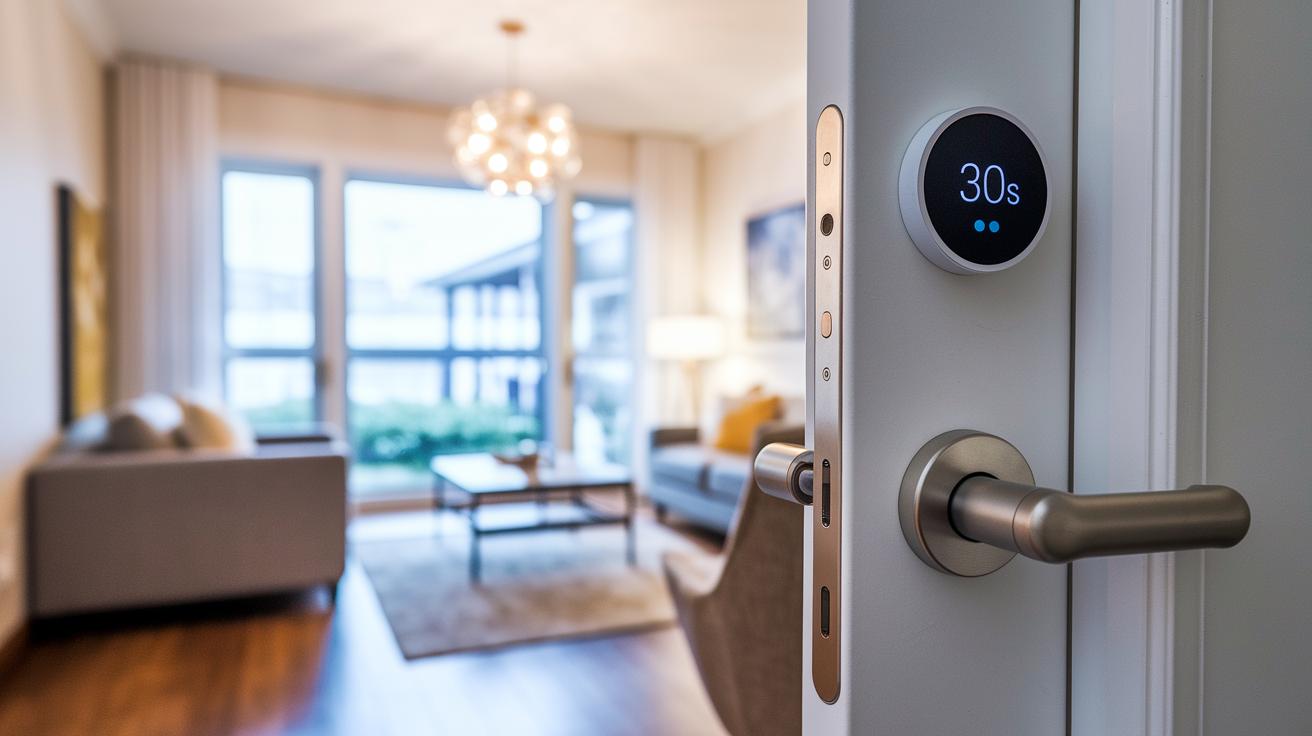
DoorSense technology helps make sure that your lock doesn't engage if the door isn't fully closed. In our tests, locks with DoorSense worked best when you shut the door with a firm push instead of a slow, careful close. That quick action helps the deadbolt lock right away.
Auto-lock timers change how you use your smart lock too. Some locks snap shut in about 30 seconds, giving you faster security. Others give you 60 seconds, enough time to adjust if the door isn’t quite lined up, without sacrificing safety.
The auto-unlock feature uses your phone’s GPS to unlock the door automatically. It usually works fine when you're within 30 feet of your door. However, expert tests show that GPS can sometimes be a bit off near that 30-foot range. The feature also turns off around 650 feet to prevent unwanted unlocking.
Encryption methods in these locks can also change their speed. Locks with AES-256 encryption offer great security with just a tiny delay, while those with AES-128 show a quicker handshake. This difference might slightly affect how fast the lock responds during data exchange.
Finally, a manual key remains a dependable backup if the lock’s automatic functions ever experience a hiccup.
| Feature | Performance Insight |
|---|---|
| DoorSense | Stops accidental locking by ensuring a firm door close triggers quick engagement |
| Auto-Lock Timer | 30-second timers secure quickly while 60-second timers allow for minor adjustments |
| GPS Auto-Unlock | Works well near the door; slight variation may occur around the 30-foot mark |
| Encryption Protocol | AES-256 offers strong security with a small delay compared to the faster handshake of AES-128 |
- Our tests show that a firm door close makes DoorSense work best.
- Choose your auto-lock timer based on your routine for either immediate security or a little extra adjustment time.
- GPS auto-unlock works reliably, though minor tweaks might help near the signal limits.
- Comparing encryption methods might help you decide whether you prefer a tiny bit more speed or extra data protection.
Smart Home Compatibility in Smart Door Lock Reviews
Every smart door lock we tested easily teams up with popular voice assistants like Amazon Alexa and Google Assistant. Just say a simple command like "Alexa, unlock my door" and you're set. It really makes your smart home setup feel complete.
The August Pro and August Wi‑Fi models push it further by working with Apple HomeKit. If you lean on Siri or have an Apple-focused setup, you'll appreciate how quick and simple it is. Picture wrapping up dinner and just saying, "Hey Siri, lock up", it's that smooth.
Meanwhile, the August Smart Lock 3rd Gen needs a Connect Bridge to work remotely. If being able to lock or unlock from afar matters to you, that little extra gadget might be worth it. Yale locks also impress by teaming up with wearable tech. With an optional module, they can sync with your Apple Watch, giving you speedy access right from your wrist.
- Easy integration with Amazon Alexa and Google Assistant
- Apple HomeKit support available with August Pro and Wi‑Fi models
- August Smart Lock 3rd Gen needs a Connect Bridge for remote control
- Yale locks can sync with Apple Watch using an optional module
Battery Performance and Reliability in Smart Door Lock Reviews
Most smart locks use four AA batteries. Typically, they last between 6 and 12 months. If your lock has built-in Wi‑Fi, it uses more energy, so you might find yourself replacing batteries around the 6‑month mark. On the other hand, locks that work with Bluetooth usually stretch battery life out to 9 or even 12 months.
Take the August Wi‑Fi Smart Lock, for example. Its constant Wi‑Fi connection means the battery doesn't last as long. Meanwhile, Bluetooth models like the August Smart Lock 3rd Gen + Connect stick around much longer. The Level Lock – Touch Edition really shines with a reported 12‑month lifespan, plus it sends handy app notifications when it’s time for a battery change.
Here's a quick look at typical battery life for some models:
| Model | Battery Life |
|---|---|
| August Wi‑Fi Smart Lock | ~6 months |
| August 3rd Gen + Connect | ~9 months |
| August Pro + Connect | ~10 months |
| Yale Assure SL/Keypad | ~8–12 months |
| Level Lock – Touch Edition | ~12 months |
Knowing these differences helps set your expectations for battery replacements. It also shows how different communication methods impact power use and overall convenience.
Design, Finishes, and User Experience in Smart Door Lock Reviews
Smart door locks are designed to enhance both security and home style with thoughtful finishes and user-friendly features. Take Level Lock, for example. Its compact build and finish options such as Matte Black, Polished Brass, Satin Chrome, and Satin Nickel allow it to sit quietly on your door while offering various ways to unlock. If you're into a modern look, Yale Assure Lock SL sports a minimal touchscreen that feels futuristic yet blends right into any décor.
Schlage Arrive offers a solid design with an all-weather, backlit keypad that lights up your entry even in low-light conditions. And then there's Smonet's ZNS-H001, which combines the familiar look of a traditional doorknob with smart technology, making it a great choice if you wish for a classic style with modern convenience.
Finish choices really matter, too. Some locks use high-gloss, metallic finishes that catch the light, while others opt for a matte finish that stays subtle. This not only affects how the lock looks but also how it handles different lighting conditions, especially if your door faces varying weather.
| Model | Finish Options | Footprint |
|---|---|---|
| Level Lock | Matte Black, Brass, Chrome, Nickel | 2.75″ wide |
| Yale Assure SL | Black, Satin Nickel | 3″ wide |
| Schlage Arrive | Gunmetal, Satin Nickel | 3.5″ wide |
| Eufy Smart Lock Touch | Silver, Black | 3″ wide |
| Smonet ZNS-H001 | Matte Black | 4″ diameter |
Ultimately, these locks prove that good design goes hand in hand with smart functionality, letting you choose the perfect balance of style and practical performance for your home.
Price Comparison and Value Analysis in Smart Door Lock Reviews
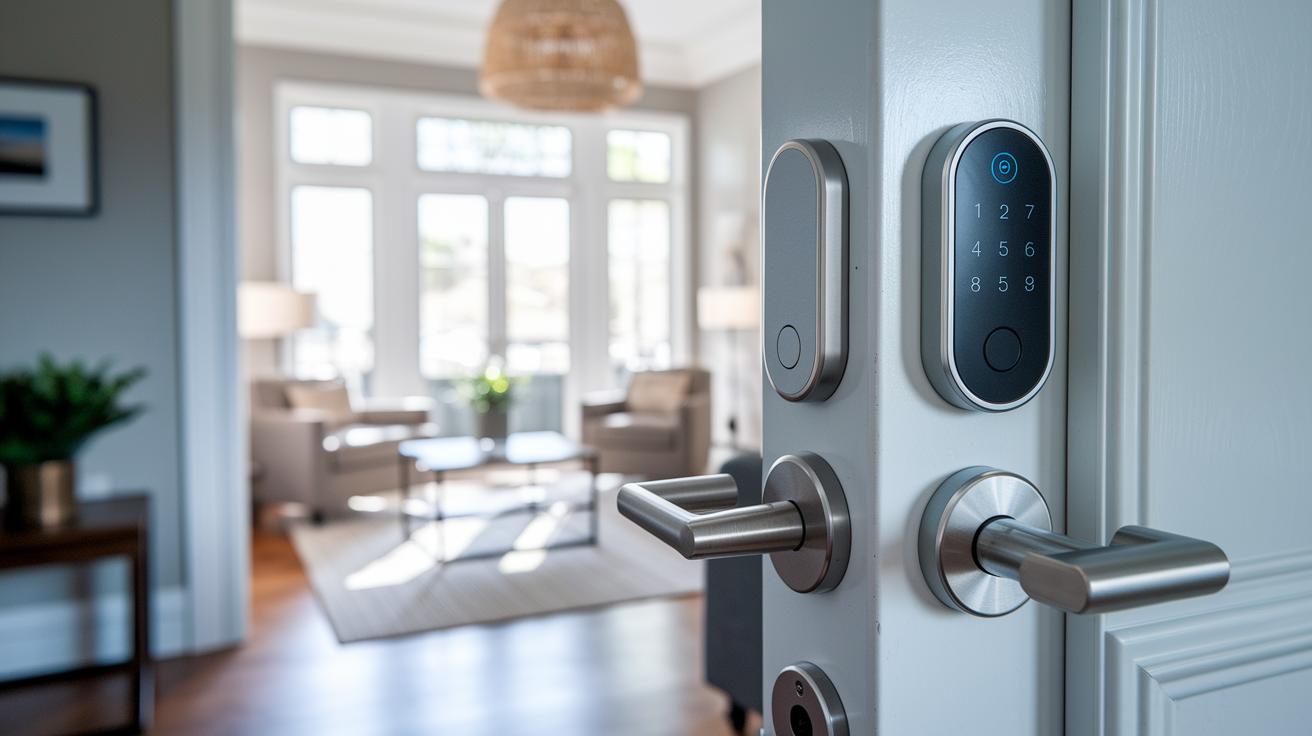
When picking a smart lock, matching the features to the price is essential. At the high end, the Level Lock is priced around $299. Its compact design and several access options make it a solid choice for users looking for both style and flexibility. The August Pro + Connect follows close at $279, offering premium features like HomeKit compatibility and GPS auto-unlock for a balanced smart home setup.
If you want strong performance without the highest price, the August Wi‑Fi Smart Lock is a smart pick at about $249. It comes with built-in Wi‑Fi and DoorSense technology, which is great for remote control and smart automation. Another option is the August Smart Lock 3rd Gen with Connect at roughly $199. It may not include all the bells and whistles, but it delivers reliable Bluetooth functionality and fits well as an easy retrofit.
Looking at Yale alternatives, both the Assure Lock SL and the Assure Lock Keypad are around $219 each. These options blend modern looks with reliable security, letting you choose between touchscreen controls and physical buttons. For those on a budget, models like the Schlage Arrive at $229, Eufy at around $169, and Smonet at about $149 provide the essential features you need in a smart lock without breaking the bank.
Pros and Cons Summary in Smart Door Lock Reviews
Our tests found that many smart locks nicely blend modern ease with solid security. For example, models like the August Wi‑Fi and August 3rd Gen shine with their simple retrofit install and a smart app that makes guest access a snap. Other options, such as the Eufy Smart Lock Touch and Ultraloq U‑Bolt, offer biometric entry (using body or fingerprint recognition) that adds an extra layer of peace of mind. The Yale Assure Lock SL impresses with its sleek design, and most locks now work with popular voice assistants like Alexa, Google Assistant, and even HomeKit or Apple Watch on select models.
But there are a few concerns to keep in mind:
- Some models have limited HomeKit support, which can make syncing with Apple devices a bit tricky.
- Wi‑Fi versions like the August Wi‑Fi Smart Lock may drain batteries more quickly.
- A few smart locks need a separate hub, adding extra cost.
- High-end models can carry a premium price tag that might not suit every budget.
Weighing these benefits and drawbacks can help you choose a smart lock that strikes the right balance between user-friendliness, modern design, and the security features you value most.
Final Words
In the action, we covered a snapshot of the top picks and detailed smart door lock reviews. We broke down installation steps, key security features, and smart home compatibility. We also checked battery life, design styles, and pricing to give you a full picture. The article outlined clear pros and cons so you can compare models like the August and Yale options. These smart door lock reviews make your decision process simple and offer practical insights for a safe, connected home.
FAQ
Smart door lock reviews Reddit
Smart door lock reviews on Reddit reveal real-world user experiences with installation ease, reliability, and performance. They often highlight common troubleshooting tips and share honest insights from everyday use.
Smart door lock reviews Consumer Reports
Smart door lock reviews from Consumer Reports offer objective testing and reliability scores. They focus on security features, battery life, and ease of use, helping buyers compare models with confidence.
Best smart door lock reviews
Best smart door lock reviews compare top models by evaluating security, ease of installation, design, and compatibility. These reviews help shoppers find the ideal balance between advanced features and overall value.
Best smart door lock with handle
Best smart door lock with handle reviews assess models that merge smart technology with integrated door handles. They emphasize secure access, user-friendly design, and aesthetics that complement modern home decor.
Schlage smart door lock reviews
Schlage smart door lock reviews focus on models like the Arrive Smart WiFi Deadbolt. They discuss features such as backlit keypads, smart assistant integration, and robust security, ensuring a reliable solution for modern homes.
Smart door lock reviews Amazon
Smart door lock reviews on Amazon collect customer ratings and feedback on installation, durability, and performance. They provide a quick snapshot of real user experiences, helping buyers make informed decisions.
LOCKSTAR Smart door lock reviews
LOCKSTAR Smart door lock reviews highlight features like biometric access and user-friendly installation. Users share insights on performance and build quality, offering a practical overview of its reliability and security benefits.
Best smart lock Europe
Best smart lock Europe reviews spotlight models optimized for European markets, focusing on local compatibility, robust design, and ease of installation. They help buyers choose locks that perform reliably in various settings.