
Ever thought your doorbell could do more than just ring? The Reolink Doorbell Camera brings 2K HDR recording to the table, giving you crystal-clear visuals right at your doorstep no matter where you are. Its sleek modern design pairs with flexible power options so you can choose an easy wireless setup or a reliable wired connection. This smart doorbell keeps you linked to your home, offers instant alerts, and raises your security game, all without binding you to a cloud subscription. Let’s dive into how this device can truly enhance your home security.
Reolink Doorbell Camera: Overview and Key Specifications
If you need a doorbell that offers clear visuals and reliable alerts, the Reolink Doorbell Camera might be just what you're looking for. Its modern design features a shiny button and LED ring in either white or black, combining style with practical use. You can set it up without wires using its battery, or connect it to your existing doorbell wiring with an 8–24V connection.
This doorbell is built for those who want real-time alerts and crisp video capture. It works on both 2.4 GHz and 5 GHz Wi‑Fi networks to keep you connected. You can store recordings locally with a microSD card (up to 256 GB), and there’s an option for FTP/NAS storage, all of which means you aren’t forced into a cloud subscription. Plus, it’s Home Assistant certified, making it easy to integrate into your smart home setup.
- Resolution: 2K HDR recording at 2048×2048
- Field of view: 150°
- Power modes: Battery (wire‑free) or 8–24 V wired installation
- Storage: Supports microSD up to 256 GB with FTP/NAS options
- Weatherproof: Rated IP65 for outdoor conditions
This doorbell is a great fit for homeowners and renters who value privacy and durability. Its flexible installation and rugged design work well in many climates. If you want a hassle‑free video doorbell that records in high definition and offers versatile storage without recurring cloud fees, this model is a solid choice.
Reolink Doorbell Camera Battery Performance and Power Options
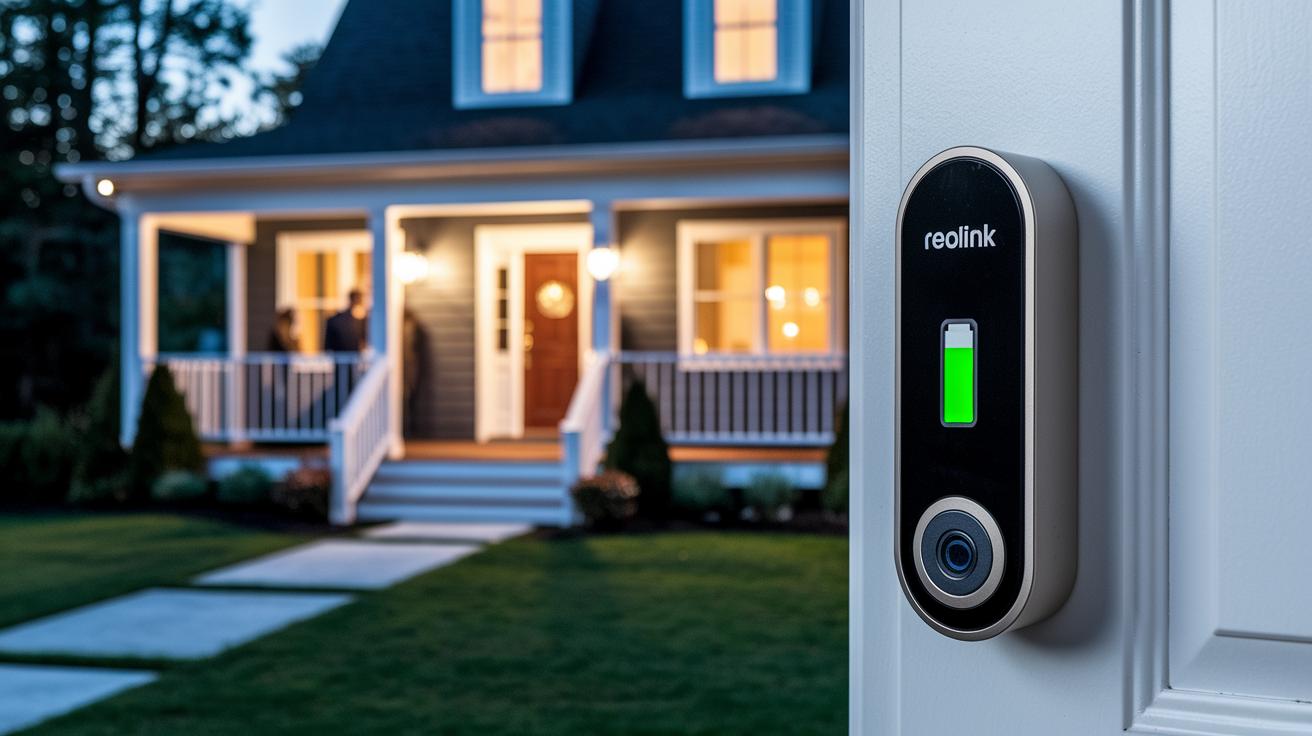
The Reolink Doorbell Camera offers solid battery life for everyday use. With normal home activity, you can expect the battery to last around three months. However, if you spend a lot of time watching the live feed, the battery drains faster and you'll need to recharge it more frequently.
This camera comes with a built-in rechargeable battery that charges via USB-C. That means if you're not using extra external power, you'll have to remove the device from its mount to plug it in. If nonstop monitoring is important to you, consider connecting it to auxiliary power for continuous uptime.
Here are some key points:
- Moderate use: About three months of battery life for typical activities.
- Heavy live-viewing: Extended streaming uses up the battery more quickly.
- Live viewing: Longer video sessions mean a shorter run time.
- External power: An extra wiring option keeps the camera running without relying solely on the battery.
- Wired mode: Hooking up to existing 8–24 V wiring takes the load off the battery.
- USB-C charging: Quick to top up but may require taking the camera off its mount.
Charging is straightforward, though it does mean a bit more work if you rely on the battery alone. Using an auxiliary power setup or wired installation can bypass the need to remove the device every time. If you want both high-quality video features and long battery life, choose the power mode that best fits your daily routine.
Reolink Doorbell Camera: Superior Clarity & Security
In daylight, this camera offers impressive video quality with clear details and natural colors across a wide 150° view. Its 2K HDR resolution (2048 by 2048) makes scenes vivid, so you can easily tell faces and objects apart even under bright sun.
| Feature | Specification | Performance Note |
|---|---|---|
| 2K HDR | 2048×2048 | Detailed image with balanced colors in daylight |
| Night Vision | Infrared | Delivers clear black-and-white footage in low light |
| Two-Way Audio | Up to 30 ft | Best clarity within 19 ft for smooth conversation |
The doorbell’s circular mask mimics a peephole look. While this design adds a stylish touch, it slightly limits the view compared to a full rectangular frame. Some may see this as a neat design detail, while others might prefer full-frame coverage.
- Two-way communication works reliably up to 30 ft, with the clearest audio within 19 ft.
- Audio quality can dip a bit when speaking at the edge of the effective range.
- There may be occasional tiny delays during live audio calls.
Step-by-Step Installation Guide for Reolink Doorbell Camera
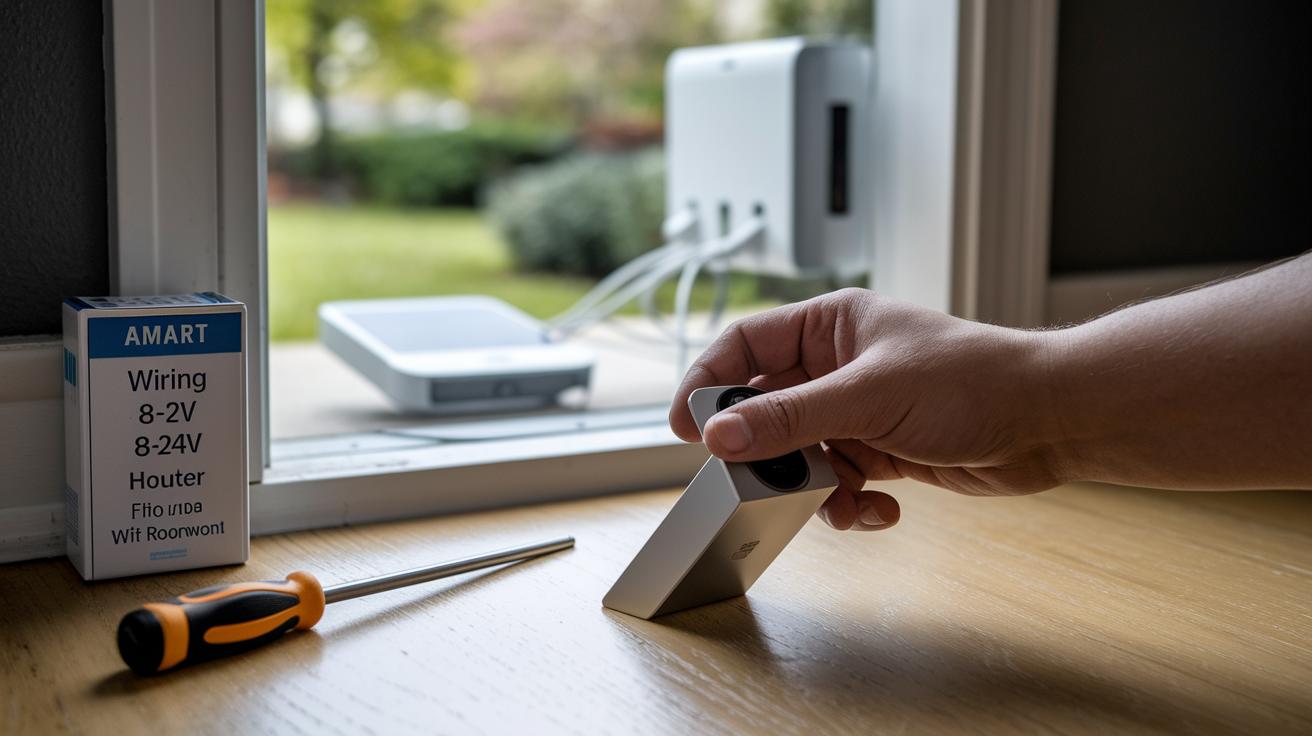
Before you start, gather all your mounting tools, a screwdriver, and the hardware from the box. Double-check that your doorbell wiring voltage is between 8 and 24 V if you plan on a wired install. Also, make sure your Wi‑Fi network (either 2.4 GHz or 5 GHz) is set up for an easy install.
- Pick the best spot for your doorbell. You want a location where the camera clearly shows your entrance.
- Use the angled wedge mount from the box to secure the doorbell in place.
- Open the Reolink app and scan the QR code on the device to start the setup.
- Choose your Wi‑Fi frequency (2.4 GHz or 5 GHz) when asked.
- For a wireless setup, insert the battery and make sure it sits properly.
- If you have doorbell wiring already installed, connect the wires within the 8–24 V range provided.
- If needed, use the supplied jumper wires to bypass the mechanical chime.
- Follow the app's step-by-step instructions to set your doorbell settings and finish pairing.
- Adjust the motion detection areas in the app so it covers the parts you want.
- Finally, check for any firmware updates in the app, complete the update, and give the doorbell a test ring to ensure it's working.
For the best performance, set up the doorbell so it faces visitors directly without obstructions. Make sure the camera covers both the front door and any side views where someone might approach. Handle electrical connections carefully, and if you're not comfortable with wiring, it might be best to call in a professional. This careful setup ensures you get clear visuals and improved security from your doorbell camera.
Reolink Doorbell Camera Smart Home Integration and App Experience
The Reolink Doorbell Camera fits right into your smart home. With Home Assistant certification, it joins your connected devices and lets you use voice commands through Google Assistant or Alexa to see who’s at the door without breaking a sweat.
You can use it to do handy tasks like starting a live view with your voice, activating the siren during live viewing, controlling notifications, and switching stream quality between “Clear” and “Fluent” to suit your needs.
The mobile app is user-friendly and makes setup a breeze. Its clean design lets you easily flip between high-resolution and low-bandwidth modes. On the downside, if you're deep into Apple HomeKit, this doorbell might not be your best fit.
Model Comparison: Reolink Doorbell Camera Battery vs. Wired Versions
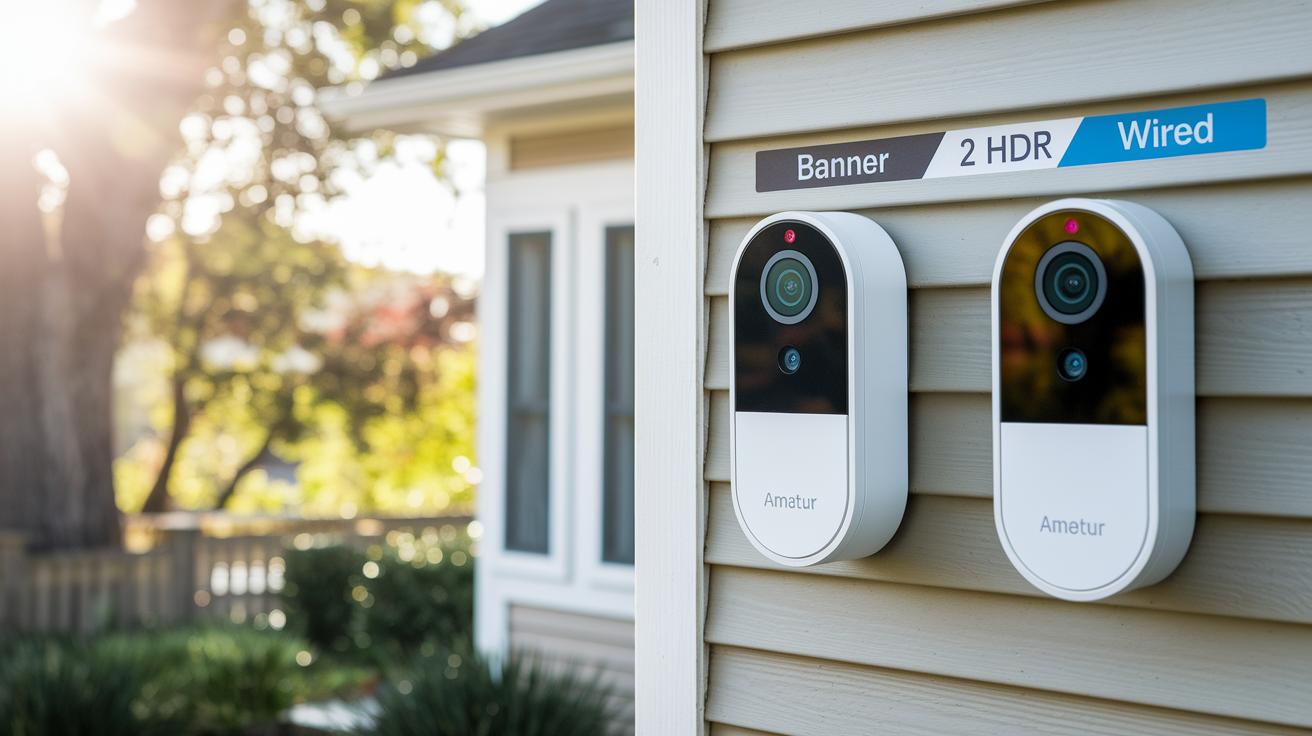
When picking a doorbell camera, your main decision revolves around how you want to power it. The battery model lets you place the camera anywhere without the clutter of wires, which is great if you want a clean look. On the other hand, the wired version stays powered all the time and even records a 6-second clip before motion starts, so you get fuller event coverage.
Both doorbells deliver clear 2K HDR video and have PIR motion sensors (sensors that detect movement). However, the battery model does not include the extra pre-roll clip, and the wired model does not have Power over Ethernet (PoE), a feature that lets the camera get power and data through the same cable.
| Model | Power | Pre-roll | Battery Life | Price |
|---|---|---|---|---|
| Battery V3 | Battery | No | Up to 3 months (moderate use) | $99.99 |
| Wired V3 | Direct Wired | 6 s buffer | N/A | $109.99 |
| Legacy Battery V2 | Battery | No | Comparable runtime | $89.99 |
| Legacy Wired V2 | Direct Wired | 6 s buffer | N/A | $99.99 |
| White Edition | Dual Option | Varies | Flexible | $104.99 |
For those who prefer a neat installation without the need for extra wires, the Battery V3 is a smart choice. Meanwhile, if you want to catch every moment before it happens, Wired V3 with its pre-roll feature fits the bill. The legacy models serve well if you're watching your budget, and the White Edition offers a stylish option with flexible power setups. Ultimately, your choice depends on whether you value simple setup or detailed event recording.
Reolink Doorbell Camera vs. Ring Pro 2 and Other Competitors
Reolink is a great pick if you value local storage and want to avoid monthly fees. It stores your footage directly on microSD cards or even FTP/NAS, keeping things private and affordable. Ring, on the other hand, focuses on cloud storage, which comes with its own set of perks like advanced AI-driven package detection and native HomeKit support for those already in that ecosystem.
- Cloud vs local storage: Reolink lets you save videos locally with no recurring costs, while Ring depends on cloud-based storage.
- AI features: Ring Pro 2 uses smart AI to detect package deliveries, adding a modern twist to doorbell security.
- Integration: Ring Pro 2 connects well with HomeKit and other smart systems. Reolink, meanwhile, supports Google Assistant and Alexa, offering more privacy-focused options.
- Pricing: Reolink is more budget-friendly, making it a solid choice if you want dependable performance without extra fees.
- Compared to Blink: Blink falls short with lower video quality and lack of local NAS options; Reolink delivers clearer images and flexible storage.
For those who want a straightforward, cost-effective doorbell that emphasizes privacy with local storage, Reolink is a smart choice. But if you need cutting-edge AI features and are deep into the HomeKit ecosystem, Ring Pro 2 might be the better fit for your home security setup.
User Reviews and Testimonials for Reolink Doorbell Camera
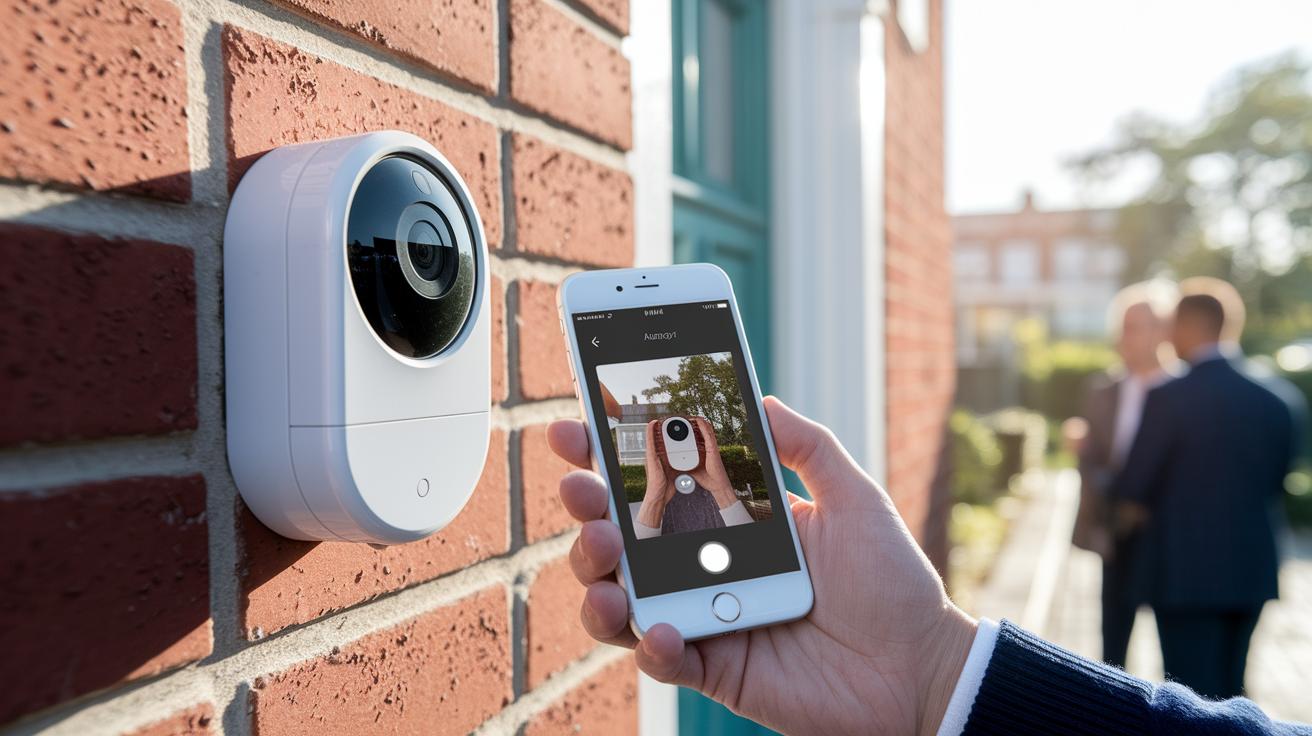
Many users have been happy with the doorbell camera's performance. They love its long-lasting battery, clear 2K video quality, and local storage that keeps recordings private. Reviewers on Amazon and Reddit mention that the sharp images and dependable alert system add a nice boost to home security. Yet, a few have noted minor issues, like missing very short movements because the device doesn't record a few seconds before a trigger. The app can also feel a bit clunky, sometimes showing slight delays during live viewing.
-
Pros:
- Long battery life that easily covers a typical day
- Crisp 2K video that delivers detailed footage, especially in good lighting
- Local storage that adds an extra layer of privacy
-
Cons:
- Occasionally misses very brief movements
- App interface can lag, causing minor delays in live video
- No Apple HomeKit support, which some users would prefer
Overall, while most customers appreciate the doorbell's strong performance and privacy-focused features, many are looking for improvements in motion detection consistency and a smoother app experience. Some are also hopeful that future updates might bring Apple HomeKit compatibility for easier integration with their smart home systems.
Troubleshooting and Maintenance Tips for Reolink Doorbell Camera
Before you start working on your doorbell, set up a proper workspace. Clear your view of the doorbell, ensure your internet connection is strong, and have the latest installation manual handy. Knowing common issues like Wi‑Fi dropouts or needing to clean the lens can save you a lot of time and hassle.
- Check the Wi‑Fi signal strength to be sure the doorbell is getting a strong connection.
- Update the firmware through the Reolink app to enjoy the latest performance improvements.
- Adjust the PIR (passive infrared sensor, which detects motion) zones in the app so motion detection works well in your area.
- Clean the camera lens and its outer casing to keep video quality clear, especially since it’s installed outdoors.
- Verify the jumper wiring if you need to bypass any issues with the mechanical chime.
- Test the notification alerts once you make changes to confirm they are working properly.
If you still face issues, have a look at the warranty and customer support guidelines from Reolink. Their support team is ready to help, ensuring your doorbell keeps running smoothly.
Pricing and Purchase Options for Reolink Doorbell Camera
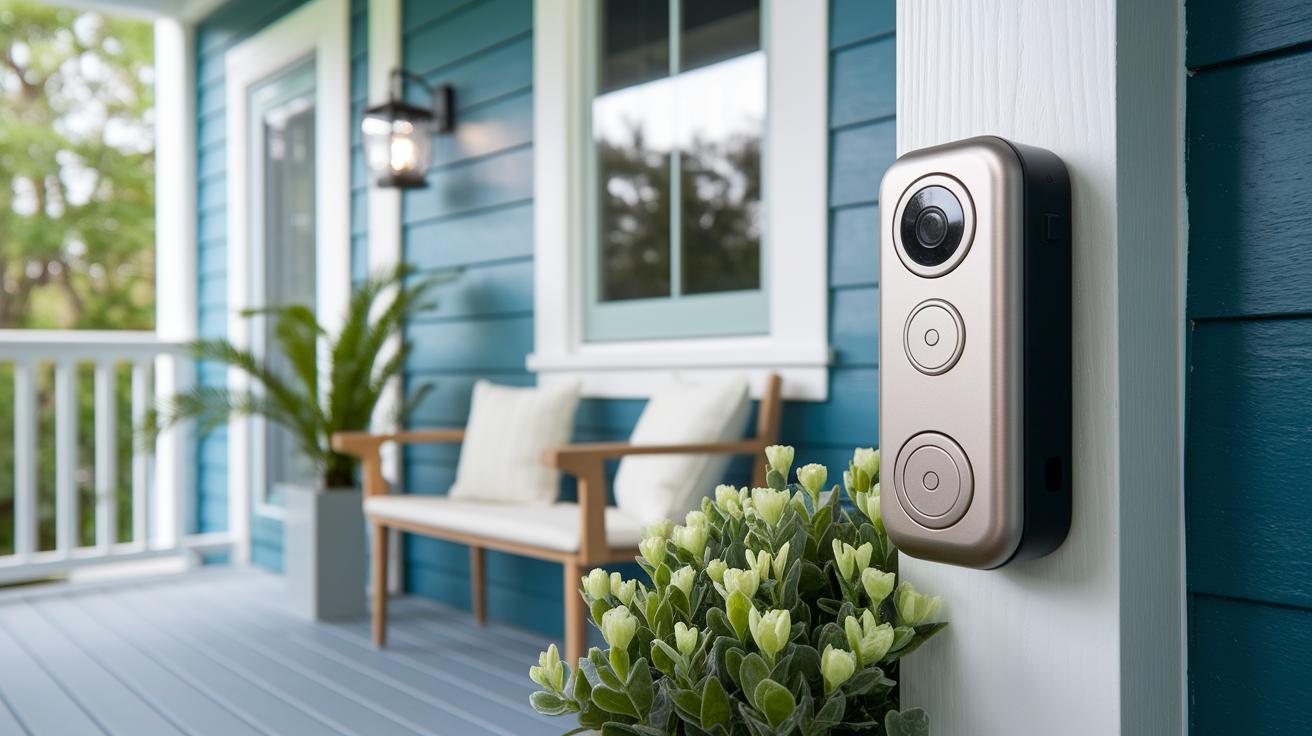
The battery version is priced at about $99.99, while the wired model comes in around $109.99. These prices put the Reolink doorbell in a competitive spot, perfect for anyone who wants a reliable doorbell without worrying about monthly fees.
There are a few extras you might consider:
- Wireless chime: $19.99 (US), £23.99 (UK), AU$49.99
- Optional cloud plan: Gives you thumbnail notifications, but you don't have to sign up for it.
- Extra mounts: Offered by some retailers if you want to ensure a sturdier installation.
You can find these models on Reolink's official website or through major online stores. Prices sometimes change during sales, so it might be worth keeping an eye out for a discount.
Final Words
In the action, we checked out the reolink doorbell camera from every angle. We broke down its design, key specs, battery stamina, installation steps, smart home ties, and compared it with other models. The review also shared real user feedback, troubleshooting tips, and pricing details to set the stage for an informed buy decision. Each section wrapped practical insights with clear guidance. The review leaves you with a solid sense of what the reolink doorbell camera can offer, making it a smart choice for your next smart home upgrade.
FAQ
Frequently Asked Questions
Q: How do I install the Reolink doorbell camera?
A: The Reolink doorbell camera installation starts by scanning the QR code with the app, selecting your Wi‑Fi network, and following on‑screen prompts to complete mounting and setup.
Q: Does the Reolink doorbell camera run on battery power?
A: The Reolink doorbell camera can operate on a rechargeable battery for wire‑free placement, or you can opt to hardwire it for continuous power and extended uptime.
Q: Why might my Reolink doorbell camera not connect or work properly?
A: Connection issues with the Reolink doorbell camera are usually due to weak Wi‑Fi signals or firmware errors, so verifying network strength and updating firmware often resolves the problem.
Q: What are users saying in Reolink doorbell camera reviews?
A: Reolink doorbell camera reviews note clear 2K HDR footage, flexible power options, and local storage, though some users have experienced minor connectivity or app performance concerns.
Q: What sets the Reolink Doorbell V3 apart?
A: The Reolink Doorbell V3 stands out with its modern design, dual power modes, bright LED ring, and 2K HDR recording, offering reliable performance in varied lighting conditions.
Q: Does Reolink offer a doorbell camera with 4K resolution?
A: Yes, some Reolink models, like the Argus 4 Pro, feature 4K resolution along with solar power and enhanced night vision, providing crisp video in both day and night conditions.
Q: Is a Reolink doorbell considered a good choice?
A: A Reolink doorbell is well regarded for its clear video quality, flexible power options, local storage, and user-friendly design, making it a strong contender in the smart doorbell market.
Q: Do I need a subscription to use a Reolink doorbell camera?
A: No, Reolink doorbell cameras operate without a mandatory subscription by offering local microSD storage, so you can enjoy security features without recurring fees.
Q: How does the Reolink doorbell camera compare to other smart doorbells on the market?
A: The Reolink doorbell camera offers competitive features like local storage, clear HDR video, and no obligatory subscription, making it a cost‑effective and privacy‑focused alternative to other smart doorbells.