
Ever wish your home had a burst of color? With Philips Hue smart lights, you can choose from 16 million colors to brighten every moment. Imagine a room that effortlessly shifts from a cozy sunset glow to a clean, crisp white with just a tap on your phone. In this post, we show you how Philips Hue makes modern, user-friendly lighting that fits your mood and lifestyle. Get ready to see how these lights can truly enhance every moment.
Philips Hue Smart Lights: Comprehensive Overview and Key Features

Philips Hue smart lights come in different forms like bulbs, light strips, and fixtures that work well in any room. They let you choose from 16 million colors, adjust the white light from warm to cool, and set up ready-made scenes so you can create the perfect mood anywhere. Just picture walking into a room where the lights smoothly change from a warm sunset hue to a crisp white, that is smart lighting in action.
These bulbs are known for a steady, flicker-free light and excellent color quality. They connect over a Zigbee mesh network (a special system for smart devices) instead of relying on your regular Wi-Fi. This means they need a hub, which keeps the lights stable even when your home network is busy. Imagine your lights working perfectly, no matter how many devices are online. That is the smart advantage of using a dedicated Zigbee network.
Recent tech updates let you customize different color zones on one product. This makes it easy to have one area set for work and another for relaxing at the same time. Philips Hue lights also integrate with many home automation systems. You can control them from your phone, and they work smoothly with platforms like SmartThings. Plus, they can be part of a larger smart setup when used with devices like the Hue Bridge Pro. Released in early September, the new Bridge Pro supports adding a second bridge, giving you more room to expand while still importing data from your current Hue Bridge.
All in all, Philips Hue is a great pick if you need a reliable and flexible smart lighting solution for your home.
Philips Hue Smart Lights Light Up Every Moment

Getting set up with your Philips Hue system is easy and stress-free. When you open the box, you’ll find a Hue Bridge, an Ethernet cable, and a power adapter. Simply unbox the kit, connect everything up, and you’re ready to control your smart bulbs and fixtures.
Start by attaching the Hue Bridge to your router with the Ethernet cable, then plug in the power adapter. Once everything’s powered, launch the Hue mobile app. The app walks you through the setup step by step, explaining how to add each smart bulb and fixture with clear instructions.
A recent update to the Hue Bridge Pro, released in early September, lets you migrate data from a second Hue Bridge. This means you can run your older hub alongside the new one, keeping your system connected without any interruptions.
Follow these simple steps to get going:
- Connect the Hue Bridge to your router using the Ethernet cable.
- Plug in the power adapter.
- Open the Hue app and follow the on-screen prompts.
- Scan or manually add each smart bulb or fixture.
- If you're upgrading, select “Migrate Bridge” in the app settings to import from your existing hub.
- Wait for any firmware updates to complete.
Before you know it, you’ll be enjoying smooth, smart control of your lighting.
Philips Hue App and Voice Integration for Smart Control
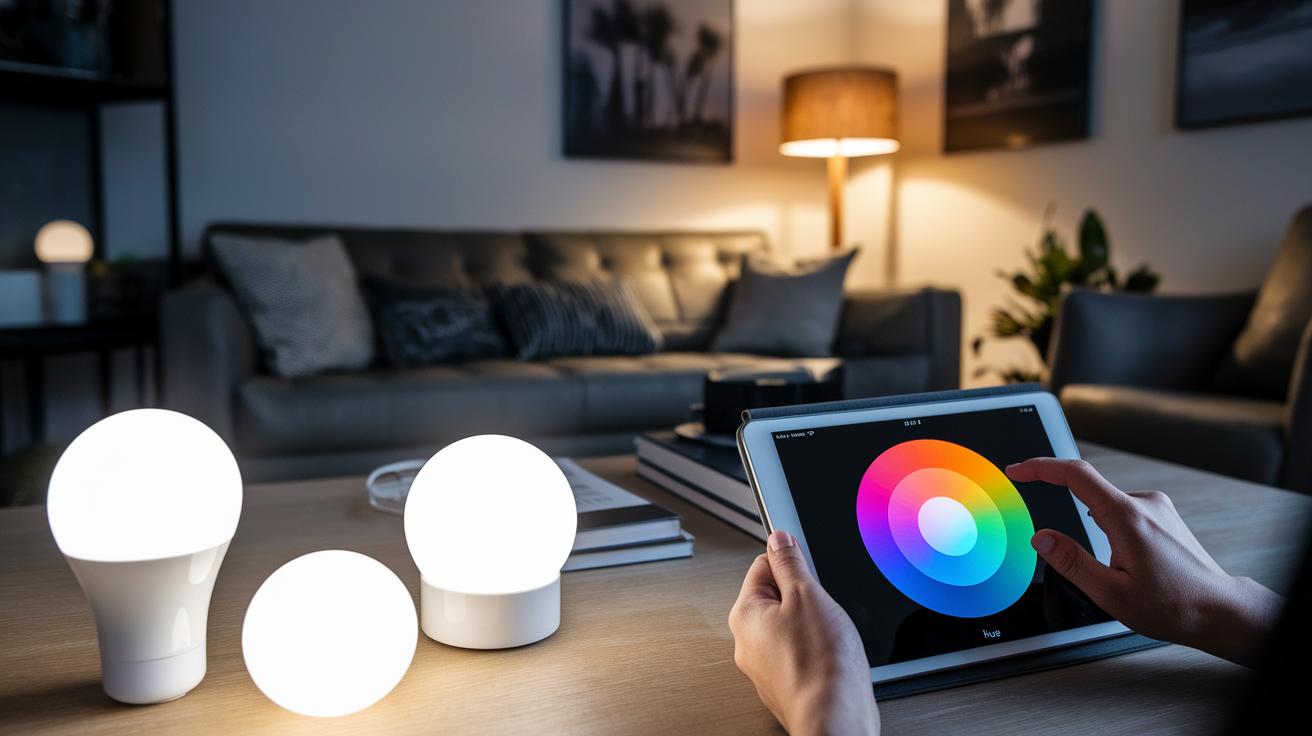
The Hue app makes controlling your lights a breeze. You can easily group your lights, create custom scenes, and set up routines that match your daily habits. Its clear design lets you tweak brightness, color, and mood with just a few taps, even when you're away from home. One user even said they use geofencing so their lights brighten automatically when they get home, showing just how handy remote control can be.
Hue bulbs run on Zigbee, which means you'll need a bridge to unlock all their features. But if you're only lighting one room, the Bluetooth mesh control offers a flexible option without extra hassle. And when it comes to voice control, it's all smooth sailing. Whether you ask Alexa, Google Assistant, or Siri to "turn off the lights," your setup responds instantly and stays connected.
For extra smart automation, platforms like SmartThings cut down the need for traditional wall switches. Pairing your bulbs with a smart switch, like the GE 45610WB, keeps them powered up all the time so your routines run without interruptions.
Philips Hue Performance: Color Quality, Flicker, and Sync Capabilities
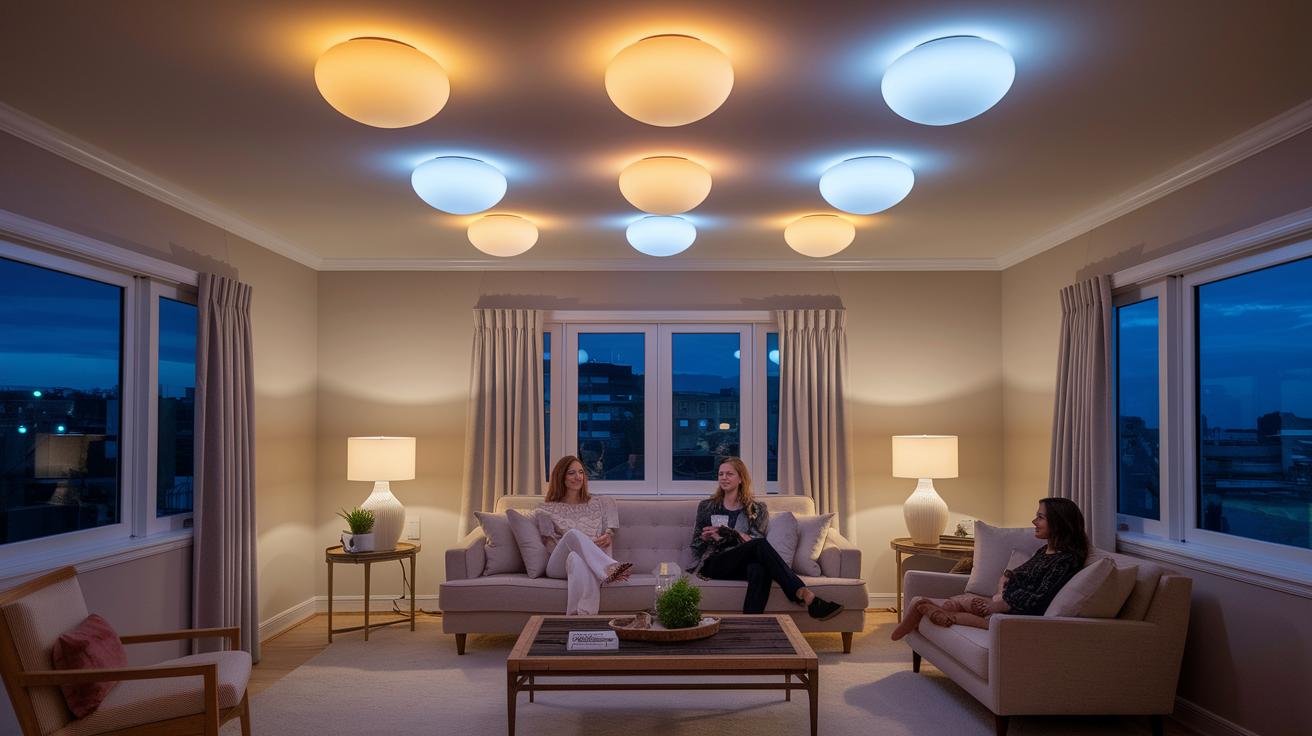
Philips Hue bulbs stand out for their dependable performance and realistic color output. They use 16-bit color control to deliver a wide range of hues with smooth changes perfect for movies or gaming setups. You can easily switch from a warm, cozy glow to a bright white, thanks to their tunable white light with color temperatures from 2000 to 6500 K. Plus, with up to 1600 lm in brightness, they work great whether you're setting the mood or need functional room lighting.
Flicker remains low at under 5%, offering a comfortable viewing experience even during long sessions. Unlike some competitors such as Eufy, which can suffer from intermittent issues, Philips Hue relies on Zigbee mesh connectivity for a steadier, more responsive performance. While you do need extra hardware for a Zigbee network, the trade-off is a system that handles syncing tasks consistently.
The Hue Sync apps make it simple to connect your lights with your movies, music, or games. This real-time syncing means your room lighting adapts seamlessly to on-screen actions or music beats. Plus, with energy savings up to 80% compared to incandescent bulbs, these lights deliver smart, efficient performance along with excellent integration for home entertainment and ambience.
Philips Hue Troubleshooting and Firmware Update Tips

If your Hue Bridge loses connection or some bulbs stop responding, first make sure both your bulbs and the Hue Bridge are running the latest firmware. Open the Hue app and check for update alerts , a clear notification can save you a lot of time.
Some users have run into migration errors with the Hue Bridge Pro when moving data from an older device. If that happens, try factory-resetting the affected bulbs and then re-pair them with the updated bridge.
Keep in mind that smart switches need to stay powered. Turning them off at the wall can disrupt your schedules and make the Zigbee network unstable. To avoid interference, place the bridge in an open spot away from thick walls or other electronics. Regularly checking your network can help you catch issues early, and a quick reset of a stubborn bulb usually fixes the problem.
Quick tips:
- Check for firmware updates in the Hue app.
- Factory-reset and re-pair any non-responsive bulbs.
- Keep smart switches powered and the bridge placed in a clear, open area.
Final Words
In the action, we walked through Philips Hue smart lights setup, control, performance, and troubleshooting tips. We checked out key features like customizable color ambience and low flicker performance, along with step-by-step guidance for setting up your bridge and bulbs.
We also looked at how these lights integrate with voice control and smart home systems. The review shows they are reliable and energy efficient, making them a great option. Enjoy the brighter, smarter, and more personalized lighting experience ahead.
FAQ
How do Philips Hue smart lights sync with your TV?
Philips Hue smart lights sync with your TV by connecting via the Hue Sync Box or Play HDMI Sync Box, which adjusts lighting dynamics in real time for a more immersive viewing experience.
How does the Philips Hue smart lights app work?
The Philips Hue smart lights app allows you to control, schedule, and group your lights, making it easy to create custom scenes and adjust colors from your smartphone.
What makes Philips Hue color bulbs unique?
Philips Hue color bulbs offer 16 million colors and tunable white options, providing dynamic ambient lighting that adjusts quickly via a stable Zigbee mesh network.
What exactly are Philips smart lights?
Philips smart lights refer to LED bulbs and fixtures that connect wirelessly for customizable ambient lighting, controllable via a mobile app or voice assistants for everyday convenience.
What about Philips Hue in the USA?
Philips Hue in the USA features widespread availability with localized support, seamless compatibility with popular voice assistants, and regular firmware updates to keep your system current.
How is a Philips Hue table lamp different?
A Philips Hue table lamp offers smart lighting in a compact, desk-friendly design, providing customizable brightness and color settings perfect for creating focused or ambient lighting.
How do Philips Hue gradient lights work?
Philips Hue gradient lights smoothly transition between colors, creating immersive effects with multiple hues blending across the lighting surface for enhanced mood settings.
Can Philips Hue lights be installed recessed?
Philips Hue recessed lights are designed for under-ceiling or integrated fixtures, offering a sleek installation that maintains the room’s aesthetics while providing smart lighting control.
What are the disadvantages of Philips Hue?
Philips Hue disadvantages include the need for a hub, a higher initial cost, and potential challenges with migrating data from older Hue bridges during updates.
What’s the difference between Philips Hue and Philips Hue Essential?
The Philips Hue lineup offers advanced color features and extensive compatibility, while Philips Hue Essential provides core smart lighting functions at a lower price point with a simpler feature set.
Why has Hue stopped working with Alexa?
Hue may stop working with Alexa due to firmware glitches, connectivity issues, or integration resets; updating firmware or re-pairing devices typically resolves the problem.
What is Philips Hue smart lighting?
Philips Hue smart lighting uses connected LED bulbs and fixtures that deliver customizable color and white light, managed via a mobile app or voice control for personalized ambience.
What is the Philips Hue Solo Lightstrip?
The Philips Hue Solo Lightstrip is a single, flexible LED strip designed for accent lighting that offers vibrant colors and easy customization through smart controls.
What is the Philips Hue Play HDMI Sync Box?
The Philips Hue Play HDMI Sync Box connects your TV to the Hue ecosystem, synchronizing lighting effects with your video content for a more engaging entertainment setup.
What sets Philips Hue Lightstrip Plus apart?
Philips Hue Lightstrip Plus delivers extended brightness and a wide color range with a flexible design, making it ideal for accent lighting in any room with smart control integration.
What are the benefits of the Philips Hue Play Light Bar?
The Philips Hue Play Light Bar offers adjustable, focused lighting that syncs with media content, enhancing home theater and gaming experiences with precision and vibrant effects.