
Ever wonder if your home is really safe? The Lockly Smart Lock lets you check in on your door with real-time alerts and unlock it using your fingerprint. It’s as easy as tapping your phone, mixing smart features with a design you can use every day. Lockly offers a great balance of security and convenience without costing a fortune. Let’s take a closer look at how this lock helps you feel secure at home.
Lockly Smart Lock: Comprehensive Product Overview & Purchase Options
Lockly offers a smart lock that gives you easy access using your fingerprint or through keyless entry. Its mobile app lets you lock or unlock your door remotely and sends alerts when needed, so you can feel more secure at home.
This lock stands out by offering strong security without a steep price. You get robust technology and a smart design that many homeowners appreciate. It's a good fit if you want high-quality protection without overspending.
You can buy Lockly directly on the official website or from well-known retailers like Best Buy and Amazon. These places not only have fair prices but also offer solid customer support. You’ll find different package deals as well. Some bundles include extra sensors for added security, while the basic package covers all the essential features. Plus, a one-year warranty comes standard, with options to extend through special promotions.
Think of Lockly as a smart blend of advanced security features and everyday convenience, a practical choice for anyone looking to boost home safety without breaking the bank.
Lockly Smart Lock Sparks Home Confidence
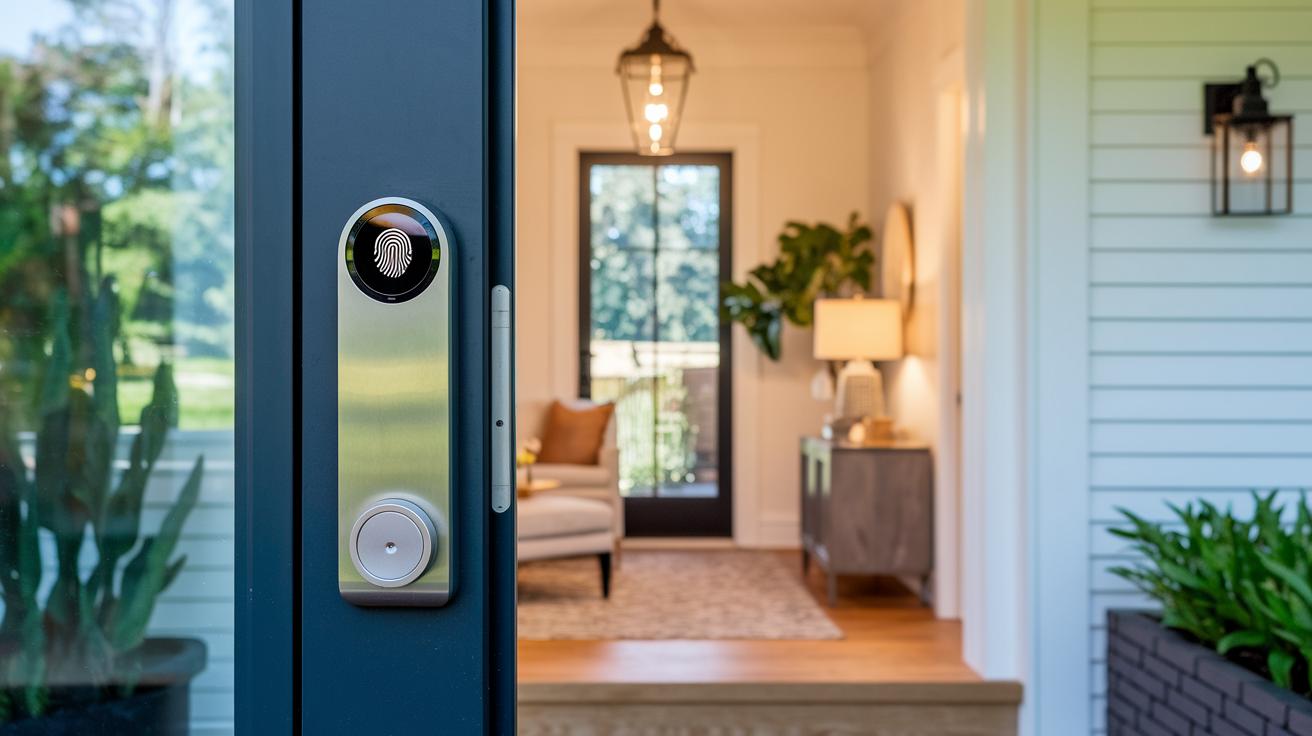
Lockly offers a range of smart locks packed with features to meet various security needs. They have options for fingerprint access, video checks, strong encryption, and a setup that doesn't waste your time. There is a model built for real life.
| Model | Key Features | Best Use Case | Price Range |
|---|---|---|---|
| Visage | Fingerprint recognition, quick entry, modern look | Homeowners who want fast, touch-activated access | $250 – $300 |
| Vision | Video entry, real-time alerts, remote control | People who value seeing who is at the door | $300 – $350 |
| Secure Pro | Strong encryption, auto-lock feature, multi-user support | Families and small offices needing extra digital security | $350 – $400 |
| Secure Plus | Easy setup guide, smartphone connection, backup key | Tech fans looking for a mix of innovation and ease | $400 – $450 |
Each Lockly smart lock brings something different to the table. The Visage model is a solid pick if you need quick fingerprint access without compromising safety. If you prefer to check who is outside before opening the door, the Vision model gives you a live look with its video feature. For households that need robust security, Secure Pro offers added protection with smart features for multiple users. And for those who love a simple, guided setup, Secure Plus makes connecting to your smartphone effortless.
Did you know that a quick fingerprint scan can replace a heavy keyring? This fun fact shows how Lockly smart locks mix smart technology with everyday ease.
Lockly Smart Lock Installation: Step-by-Step Setup Guide
Begin by preparing your work area and gathering all the necessary tools. Clear away any obstacles where your old lock is and review the short guide that came with your Lockly system. This simple setup keeps mistakes at bay and makes sure every part is ready.
- Remove your old lock by unscrewing it and gently easing the hardware away.
- Place the mounting plate against your door frame and secure it with the screws provided.
- Fix the thumb turn to the plate, making sure it sits level for smooth manual use.
- Calibrate the latch so it moves easily and locks precisely when activated.
- Download the Lockly mobile control app from your device’s store and open it.
- Follow the in-app steps to pair your device via Wi-Fi or Bluetooth.
- Run a few tests by locking and unlocking to make sure the mechanism works consistently.
Finally, double-check that the lock is properly aligned and every component is tight. This final review helps ensure your new smart lock performs reliably, giving you peace of mind every day.
Lockly Smart Lock Setup Issues & Troubleshooting
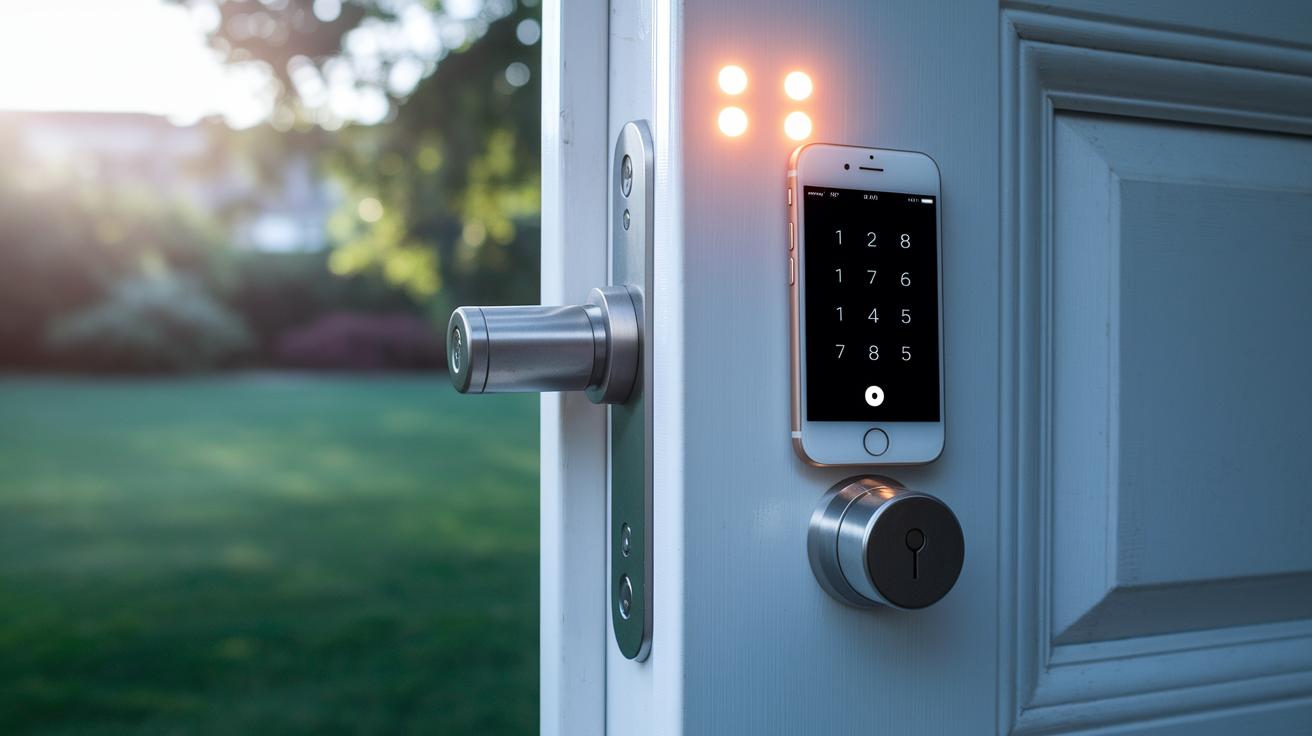
If you're having trouble pairing the Lockly app with your smart lock, start by checking that your Wi‑Fi or Bluetooth is turned on and that the app has all the permissions it needs. Often, a quick restart of both the app and the lock can fix the problem.
When the latch doesn't line up or fails to lock correctly, take a look at the mounting plate to ensure it's properly aligned and that every screw is tight. Also, make sure nothing is blocking the door frame that could interfere with the latch.
If you run into firmware update errors, use the in‑app updater to confirm you’re on the latest version. For issues with Bluetooth pairing, switching Bluetooth off and then back on usually clears things up. Low battery warnings mean it's time to replace or recharge the battery. And if small glitches keep happening, try resetting the lock by pressing the designated reset button until the indicator flashes. This reset brings the device back to its factory settings and often resolves recurring issues.
Lockly Smart Lock Security & Durability Review
Lockly’s digital deadbolt is built to stop forced entry and acts like a modern barrier that beats many older locks. It has passed tough security tests, showing it can handle repeated stress without breaking. The lock uses strong encryption to keep all communication between the keyless system and the control app safe from hackers.
It also features built-in anti-tamper alarms. If someone tries to break in, the alarm sounds immediately, letting you know of any foul play. In one test, during a simulated tug-of-war, the deadbolt stayed locked in place, proving its strength firsthand. With an IP65 weatherproof rating, this smart lock stands up to heavy rain and dust, making it a smart choice for homes in rough climates.
Lockly also maintains its security with regular firmware updates and fortified encryption protocols. Designed for everyday use, it promises a reliable lifespan and helps secure your home every day. All in all, its comprehensive design gives you peace of mind that your home is well-protected.
Lockly Smart Lock Mobile App & Smart Home Integration
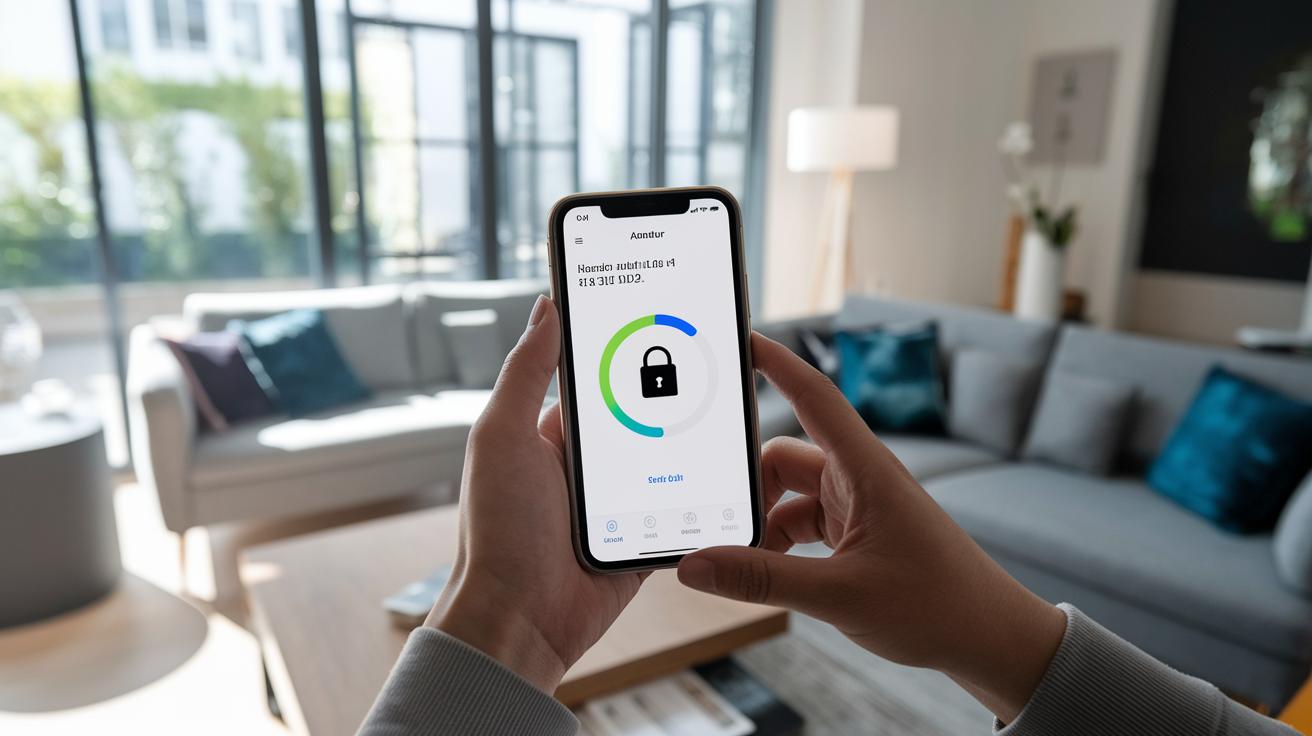
The Lockly mobile app makes managing your home security easy and reliable. It works on both Android and iOS, with an interface that feels friendly and straightforward. Pairing your smart lock is a breeze, letting you lock or unlock your door from anywhere. Imagine checking your door’s status while you’re out and knowing right away that your home is secure.
Inside the app, you can set up notifications that keep you in the loop. Whether you want a push alert when someone unlocks the door or a reminder if it stays open, the guidance is clear and simple. Every remote command you send is executed without a hitch, so securing your home is as simple as a tap on your screen.
The integration with home automation is equally smooth. The app works well with major smart home hubs like Alexa, Google Home, and HomeKit. Setting up voice command control is quick and hassle-free. Just say, "Alexa, lock the front door," and your smart lock responds instantly, making your daily routine that much simpler.
Plus, the app continuously updates you with real-time status information and keeps a log of all key actions. This history view lets you review who accessed your home and when, ensuring you always know what’s happening. Lockly’s mobile control is designed to fit effortlessly into your daily smart home setup, providing dependable performance for peace of mind.
Lockly Smart Lock Power Options & Battery Performance
Lockly Smart Lock runs on commonly available AA batteries that deliver steady power every day. Our tests show that under normal use, locking, unlocking, and receiving signal updates, the batteries generally last between 12 and 18 months. This means you can depend on consistent performance even with regular use.
Changing the batteries is straightforward. Just open the battery compartment, take out the old cells, and insert new ones while following the polarity markings. The manual provides clear, step-by-step instructions to make the process easy.
If you’d prefer not to worry about disposable batteries, there’s an optional rechargeable power module available. It pairs perfectly with the standard unit and charges via a micro USB cable, offering an eco-friendly alternative with less hands-on maintenance.
In addition, the lock includes a low battery alert feature. You can set up notifications on the mobile app to warn you when battery levels drop, giving you plenty of time to replace or recharge them. We suggest checking the battery status every few months to keep everything running smoothly.
Comparing Lockly Smart Lock with Competing Smart Locks
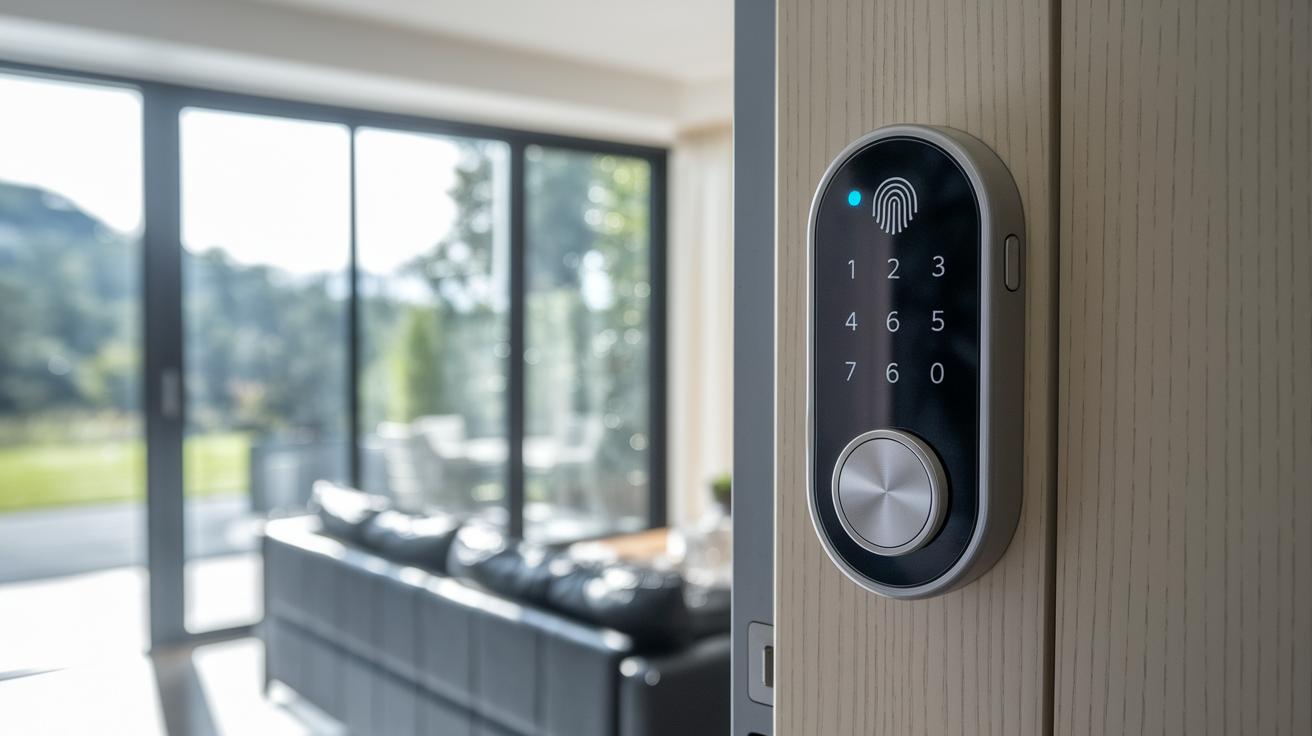
Lockly smart lock is different because it mixes modern security features with a handy keyless entry option. It uses a fingerprint sensor and digital codes to keep out intruders. Unlike many rivals that rely only on PIN pads or smartphone control, its fingerprint feature adds an extra layer of security that users can trust.
Our tests show that Lockly keeps a strong connection over both Wi-Fi and Bluetooth. This means the mobile app responds right away, a problem you might find in some competing systems that lag when switching between local and remote control modes.
When it comes to value, Lockly leads the pack. Its price may be a bit higher than that of basic smart locks, but its advanced digital features and mechanical key backup ensure you won't get locked out if tech fails. Other models might leave you stranded when batteries die or connectivity drops, but Lockly has you covered.
Lockly also impresses with its anti-theft measures. With tamper alerts and strong encryption, it makes break-ins much harder. Compared side-by-side with other top models, Lockly offers a smart mix of digital access and traditional backup methods, making it a great option for homeowners who want security and versatility.
Lockly Smart Lock User Reviews & Ratings Summary
Retail reviewers typically give Lockly between 4.0 and 4.5 stars. We often hear praise for its user-friendly design and the quick, accurate fingerprint sensor. Many users mention that the lock's setup and mobile app operation are simple, making the overall experience safe and stress-free.
Forum posts in the community also highlight its everyday dependability. One user shared, "The fingerprint sensor works in less than a second, which is a lifesaver when my hands are full." Plus, the option to unlock it digitally or use a mechanical key adds comfort, particularly if there’s a power or connectivity hiccup.
That said, a few users have noted some quirks. Occasional battery issues and minor app glitches do come up. A few folks mention that the battery life can struggle under heavy use, and there might be brief lags in the app during firmware updates.
- Ease of use and fast fingerprint response
- Solid build with reassuring backup options
- Some users report battery drain and minor connectivity delays
Statistics from leading review platforms show that Lockly maintains reliable performance even after months of regular use, which helps build trust for everyday security needs.
Final Words
In the action, we covered the ins and outs of the product, from a crisp overview and model breakdown to step-by-step installation and troubleshooting. We talked about its robust security, seamless app integration, and battery performance, then compared it with other options and checked user feedback.
Every section helped clarify what you get with lockly smart lock, matching everyday needs with value and reliability. We finish with a solid recommendation for anyone seeking practical, long-lasting home security.
FAQ
Q: What information is provided in the Lockly Smart Lock manual?
A: The Lockly Smart Lock manual provides clear installation instructions, troubleshooting guidance, and operating details so you can set up, program, and maintain your device for secure and efficient performance.
Q: What features does the Lockly Smart Lock app provide?
A: The Lockly Smart Lock app offers remote control, real‑time status updates, and voice command integration with supported smart home hubs, enabling you to manage access safely and conveniently from your smartphone.
Q: What do reviews and evaluations say about Lockly Smart Lock?
A: Reviews and evaluations praise its user‑friendly design, reliable fingerprint access, strong digital deadbolt security, and smooth app performance, making it an attractive choice for modern home security.
Q: How does the Lockly Smart Lock battery perform?
A: The Lockly Smart Lock battery delivers consistent power with long‑lasting performance, featuring low‑battery alerts and straightforward replacement procedures to ensure uninterrupted operation.
Q: What is the Lockly Smart Lock Deadbolt?
A: The Lockly Smart Lock Deadbolt is a keyless entry system that combines digital deadbolt security with fingerprint access, providing enhanced protection and convenient, modern entry control.
Q: How do you open the Lockly smart lock?
A: Opening the Lockly smart lock involves using a biometric fingerprint scan, numeric code entry, or remote control via the app, offering versatile and secure methods for access.
Q: How is the Lockly Smart Lock installed?
A: Lockly Smart Lock installation involves removing the old lock, mounting the new device, pairing with the app, calibrating components, and verifying alignment for smooth and secure operation.
Q: What does the CES introduction of Lockly smart lock indicate?
A: The Lockly smart lock’s presence at CES highlights its industry innovation and advanced security features, affirming its role as a modern solution within today’s competitive smart home market.
Q: Is there a monthly fee for using Lockly Smart Lock?
A: Using Lockly Smart Lock typically does not require a monthly fee; the standard features and app controls are available at no recurring cost, though optional services might be offered.
Q: How do you program the Lockly Smart Lock?
A: Programming the Lockly Smart Lock involves following the setup instructions in the manual or app to configure access codes, fingerprint data, and security settings, ensuring the system works tailored to your needs.
Q: Why might a Lockly Smart Lock not unlock?
A: A Lockly Smart Lock may not unlock due to low battery, misalignment during installation, or connectivity issues between the lock and the app; regular maintenance and proper setup help resolve these problems.