
Ever thought about having a door that's both smarter and safer? With the Kwikset smart lock, home security gets a major upgrade. Its built-in touchscreen keypad lets you lock and unlock with ease, and the auto-lock feature makes sure your door is secure after you leave. Changing access is a snap thanks to its rapid rekey technology, it’s as simple as switching out a battery. Plus, this lock works seamlessly with your smart devices, keeping your home secure without any extra fuss. Dive in to see how this smart lock could be the simple upgrade your home needs.
Kwikset Smart Lock Overview: Features, Models, and Key Benefits
Kwikset is designed for homeowners who want a secure, easy-to-use solution. Their lineup, Kevo Convert, Halo, Premis, and Aura, ditches traditional keys for a modern system that looks good and works smart. Their SmartKey rekey technology lets you quickly reset access without a locksmith. Imagine rekeying your lock being as simple as changing a battery, effortless and smart.
The lock’s auto-lock feature gives you peace of mind by automatically securing your door behind you so you never have to worry about leaving it unlocked. These locks proudly hold a BHMA Grade 2 ANSI certification, showing they meet strict strength standards for everyday use. With Z-Wave Plus integration, they work easily with devices like Alexa and Google Home, blending right into your smart-home routine. Plus, they're compatible with various conversion kits, meaning you can upgrade your existing lock without major changes.
Picture your door recognizing your smartphone as you approach, quick, smooth, and secure. Kwikset smart locks are built to simplify your daily routine while keeping your home safe.
| Feature | Benefit |
|---|---|
| SmartKey rekey technology | Quickly reset access without a locksmith |
| Auto-lock function | Automatically secures your door for peace of mind |
| BHMA Grade 2 ANSI certification | Proven everyday strength and reliability |
| Z-Wave Plus integration | Seamless connection with smart-home devices |
| Conversion kit compatibility | Easy upgrade of existing locks |
Kwikset Smart Lock Boosts Home Safety
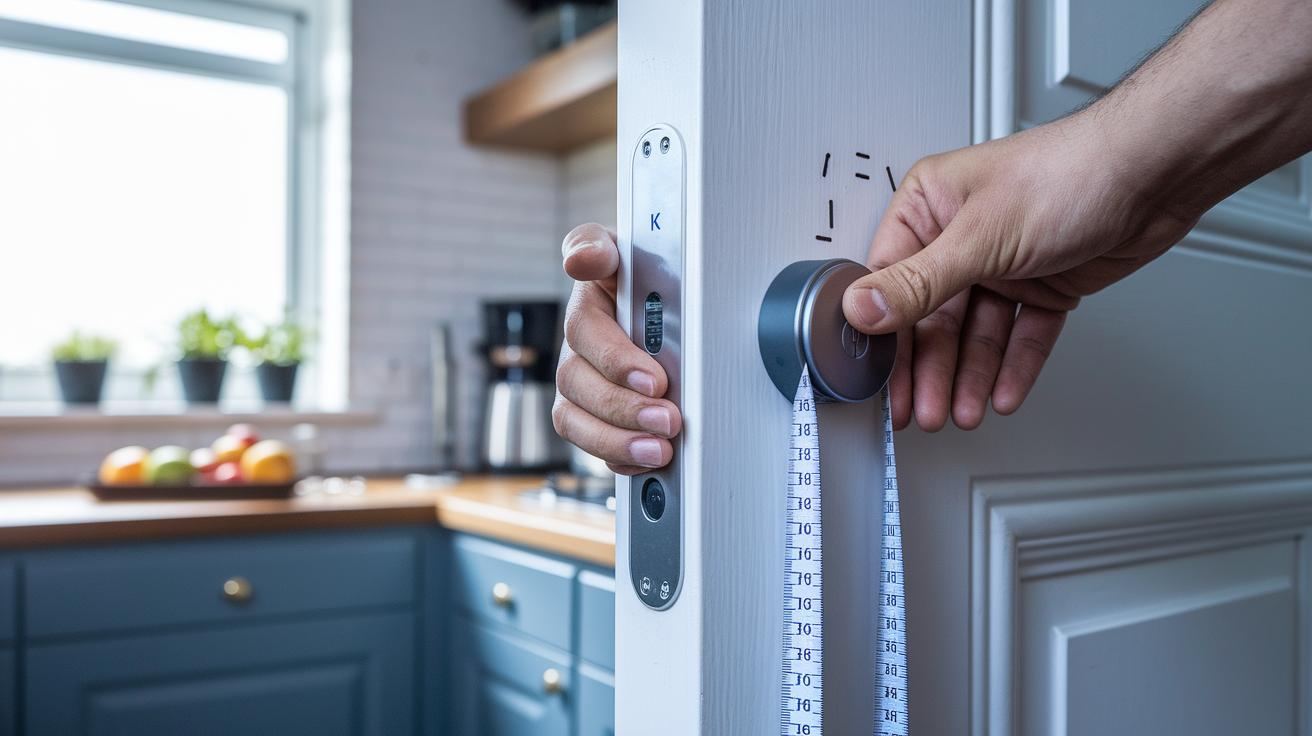
Installing the Kwikset digital deadbolt with its touchscreen keypad is a straightforward way to enjoy keyless convenience while improving your home's security. This guide offers clear, step‑by‑step instructions to help you update your door's safety using simple tools like a drill, screwdriver, level, and measuring tape.
Follow these six steps:
- Template drilling: Mark the recommended spots on your door and then drill precisely along the lock’s template.
- Latch alignment: Adjust the latch so it fits neatly with the strike plate, ensuring smooth operation.
- Keypad wiring if needed: Connect the wiring as directed to make sure the keypad works correctly.
- SmartKey rekey: Start the rekeying process to set up new access codes and secure your lock.
- Battery installation: Insert the batteries in the right direction as per the manufacturer’s guidelines.
- Test lock/unlock: Try both manual and keyless methods to confirm the lock responds properly.
Before you begin, gather all necessary accessories: drill bits, a level, measuring tape, screwdriver, batteries, and the full conversion kit. A quick demo video can also be really helpful. Follow these clear instructions to ensure your upgraded lock makes your home safer and easier to use.
Kwikset Smart Lock Security & Connectivity: Encryption, Automation, and Firmware
Kwikset smart locks use strong security methods to keep your home safe while still being user-friendly. They rely on 128-bit AES encryption (a method that turns data into a secret code) so that your information stays private. Plus, secure Z-Wave S2 pairing (a verified connection setup) means only trusted devices can interact with your lock. Our tests show that you must enter a username and password to access smart features, which boosts its overall protection.
Connecting your Kwikset lock with platforms like Alexa, Google Home, and SmartThings is simple. Once you set it up, much like pairing a new app on your phone, you can control the lock remotely and include it in your home automation routines.
Firmware updates add another layer of safety and convenience. You can easily update your lock through the Kwikset app or directly from your PC. This straightforward update process ensures you always have the latest security fixes and connectivity improvements, keeping your smart home running smoothly.
Kwikset Smart Lock vs. Competing Models: Schlage, Yale, Eufy Comparison
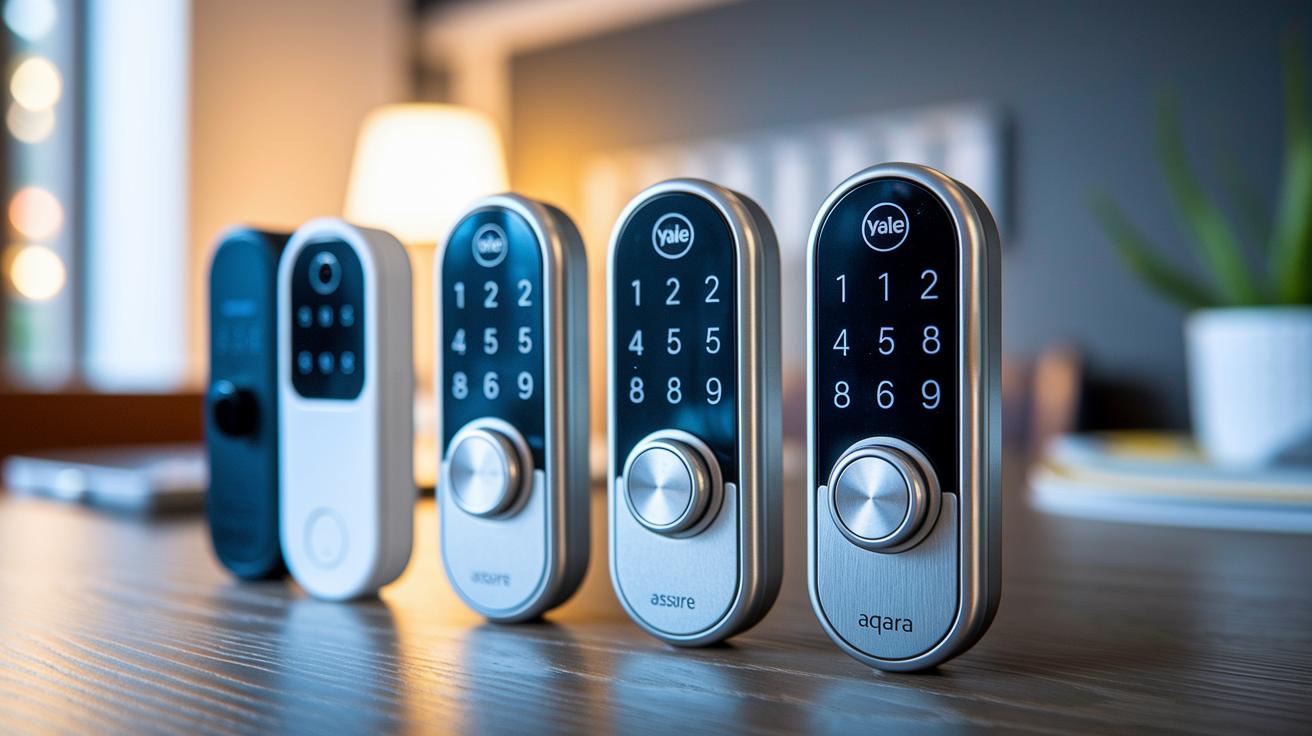
| Model | Key Features | Pros | Cons |
|---|---|---|---|
| Schlage Arrive Smart | Simple install, neat design, easy to use | Quick setup and attractive style | Missing built‑in sensors like tamper alarm and door-status check |
| Yale Assure Lock 2 | Sturdy build with smart features and stylish look | Robust construction and appealing design | The mounting plate sometimes causes alignment issues |
| Aqara Smart Lock U100 | Strong fingerprint reader; works with Apple Home | Dependable biometric access and integrated smart features | Uses a six-digit PIN that can slow you down |
| Eufy Smart Lock C34 | Built-in Wi‑Fi and Matter compatibility via a hub | Good choice for budget buyers with smart connectivity | Bulkier indoor unit and collects usage data |
| Yale Approach Lock | Deadbolt adapter that comes with a keypad and Wi‑Fi hub | Brings smart features to your current lock | Does not work with Apple Home, which cuts down on integration options |
| Schlage Encode Smart WiFi Lever | Lever-style design that is easy on the hands | Great for those seeking ergonomic and accessible entry | Lacks support for Apple Home, limiting some smart functions |
Kwikset shines by offering a smart lock that combines thoughtful rekey technology with smooth auto‑lock timing. It delivers both convenience and security without the hassles found in some competitors. For example, while the Schlage Arrive Smart misses essential sensors, Kwikset ensures you always know your door’s status. Yale locks bring a sense of solid design, but their alignment can be a headache during installation. Aqara impresses with its fingerprint recognition, yet Kwikset skips the cumbersome six‑digit code that slows you down. When looking at Eufy, you get a budget option that keeps you connected, though it raises some privacy questions by collecting usage data. Kwikset also outperforms the Yale Approach, which only adds smart features as an adapter, and it avoids the integration limits seen in certain lever-style models like the Schlage Encode. Overall, Kwikset mixes smart ease with robust security, making it a great pick for anyone who wants both reliability and user-friendly tech in their home.
Kwikset Smart Lock Troubleshooting & Maintenance: Battery, Reset, and Jam Fixes
Even the best smart locks sometimes need a little extra care. If your Kwikset stops connecting remotely, especially without its companion app, it’s a good idea to perform regular upkeep.
Start by changing the AA batteries safely. Turn off the lock using its manual override and remove the old batteries. When inserting new ones, match the positive and negative ends to the markings on the lock to avoid any damage.
If you spot an error code, try a hardware reset. Just hold down the reset button until the indicator light blinks; this often clears small software hiccups. For battery issues, make sure you’re using fresh, high-quality AA batteries. You can also extend battery life by dimming unnecessary display lights.
Sometimes a mechanical issue, like a stuck bolt, shows up because of slight misalignments or debris. Regularly cleaning the lock and the surrounding door area helps prevent jams. It’s smart to occasionally check that the door frame and lock parts remain properly aligned.
Some quick fixes for common error codes include:
- Check sensor connections and unplug and replug them if needed.
- Recalibrate the keypad by following the setup prompts again.
- Refresh the firmware using the system's diagnostic mode.
- Replace batteries if voltage drops below recommended levels.
- Adjust mechanical parts to ensure the bolt moves smoothly.
These steps help keep your Kwikset lock reliable and prevent recurring issues.
Kwikset Smart Lock Advanced Integration & Mobile Control
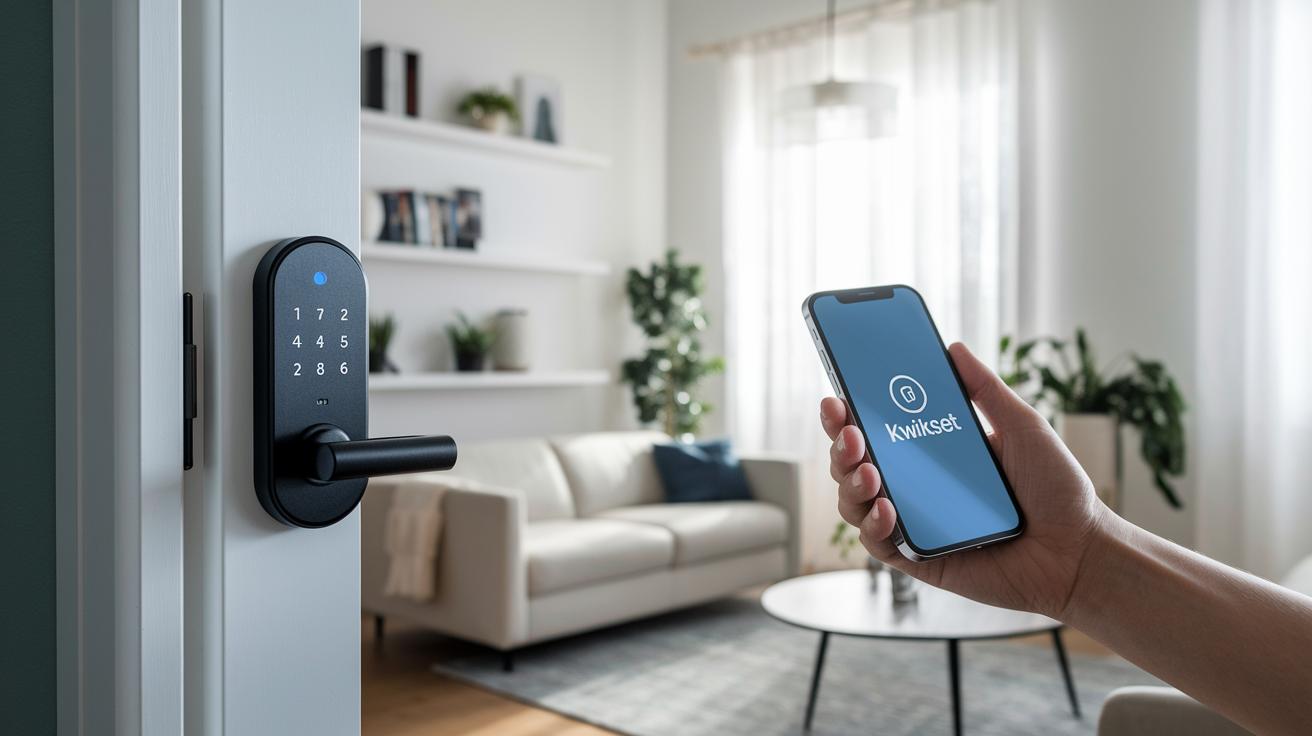
Pairing your Kwikset smart lock with the Kwikset app is fast and straightforward. When you set up the lock, simply enter your username and password so that only you and authorized users can access its smart features. Open the app, follow the on-screen steps, and connect your lock via Bluetooth. Once you’re connected, your credentials sync across all your devices through the cloud, so any change from your phone instantly appears on every linked device.
The process works great whether you use an Android or iOS device. Android users will enjoy a friendly interface with clear icons and simple menus, while iOS users benefit from smooth transitions and easy controls to lock and unlock remotely.
The app shines when it comes to managing multi-user access. With just a few taps, you can easily give family members or trusted friends their own entry rights. Plus, linking the lock with other smart home devices, like smart lights or thermostats, is hassle-free, letting you boost your home’s security and streamline your daily routines.
Kwikset Smart Lock Pricing, User Reviews & Support Resources
Kwikset offers a range of smart locks that fit different budgets. The Kevo Convert is usually around $200, the Halo is about $250, and the Premis and Aura models tend to fall between $300 and $350. These prices give you a clear idea of what to expect when shopping based on your budget.
Most major retailers give these locks high marks, with many user reviews averaging around 4.5 stars. Many customers appreciate how simple and reliable the locks are, especially when they work with your smart-home system. Some users also highlight the smooth rekeying and auto-lock features as real pluses.
Getting help with your Kwikset smart lock is easy. You can reach customer support by phone or email, and there’s a detailed FAQ section on their website. When you buy a Kwikset lock, you also get instructions on how to register your warranty online, which you can find in the documentation included or on their official site.
Key aspects include:
- Current MSRP by model
- Average star ratings from major retailers
- Dedicated customer support channels
- Streamlined warranty registration process
- Online resources for troubleshooting and further help
These features ensure you can enjoy the full benefits of your smart lock purchase.
Final Words
In the action, we examined the kwikset smart lock from every angle. We broke down its standout features, installation steps, and robust security methods. The review walked through its smart-home integration and compared it to other locks, while offering practical tips for troubleshooting and maintenance. We also touched on pricing and customer reviews to help you decide quickly. Every piece of information was aimed at making your buying decision smoother. Enjoy the reliability and modern ease that the kwikset smart lock brings to your home.
FAQ
Q: What does the Kwikset smart lock manual include?
A: The Kwikset smart lock manual includes setup instructions, safety guidelines, and troubleshooting tips to help users install and maintain the lock securely.
Q: How does the Kwikset smart lock reset code work?
A: Using the reset code on your Kwikset smart lock restores factory settings, allowing you to clear configurations and troubleshoot issues while keeping the lock’s security intact.
Q: Where can I find the Kwikset smart lock manual PDF?
A: The Kwikset smart lock manual PDF is available on the official support website, offering a digital version of the installation and troubleshooting guide for easy access.
Q: What type of battery does the Kwikset smart lock use?
A: The Kwikset smart lock uses AA batteries, which power the deadbolt and keypad, supporting reliable performance for your smart home security system.
Q: What troubleshooting steps are available for a Kwikset smart lock?
A: The troubleshooting guide provides steps for battery replacement, reset procedures, error code resolution, and fixing jams to ensure that your Kwikset smart lock runs smoothly.
Q: How does the Kwikset smart lock App function?
A: The Kwikset smart lock App enables remote control, updates, and user management by connecting your lock to your smartphone, making overall system management more convenient.
Q: What features does the Kwikset Smart Lock Deadbolt offer?
A: The Kwikset Smart Lock Deadbolt provides keyless entry, auto-lock functions, and advanced digital security, making it a solid choice for a secure, easy-to-install smart deadbolt.
Q: How do I change the battery in my Kwikset smart lock?
A: To change the battery, remove the battery cover, replace the old AA batteries with new ones, and test the lock’s function to ensure it is operating correctly.
Q: How do I program my Kwikset smart lock?
A: Programming your Kwikset smart lock involves following the steps in the manual or app, setting up user codes on the keypad, and verifying the setup with a test cycle.
Q: How do I change the 4-digit code on a Kwikset lock?
A: Changing the 4-digit code typically means entering the current code, navigating to the settings menu, inputting your new code, and confirming the change as per manual instructions.
Q: Which Kwikset locks are compatible with the App?
A: Models such as Kwikset Halo and other compatible smart locks work with the App, allowing remote control, firmware updates, and multi-user access managed through your smartphone.
Q: How do I connect my Kwikset to Wi-Fi?
A: Connecting your Kwikset to Wi-Fi involves using the App to pair your lock with a compatible hub or router and following the in-app instructions to activate its smart features.