
Ever worry about misplacing your keys? A keyless smart lock can help you forget that stress. Imagine unlocking your door with your phone or fingerprint while keeping a clear record of every entry. You can set up temporary codes for guests and get alerts in real time. This guide shows how these modern locks simplify your routine and improve your home security in a practical and safe way.
Key Benefits of a Keyless Entry Smart Lock for Your Home
Traditional keys are easy to lose or copy. With a keyless system, you can leave those old metal keys behind and cut down on the risk of lock picking or misplacing your keys. This smart technology makes everyday routines simpler and more secure.
Most smart locks let you control your door from your smartphone. You can use an app, keypad, NFC tag, or even a fingerprint sensor. They allow you to send temporary codes for guests and log every entry with real-time alerts. This means you can quickly grant access to friends, neighbors, or service people, all with a few taps.
Many models also offer a backup physical key and auto-lock features for extra peace of mind. They typically run on batteries for several months under normal use, so you don’t have to worry about constant maintenance. With robust encryption and secure firmware, these locks add another layer of protection. Plus, managing your door remotely means you’re always in control, even when you’re away from home.
Top Keyless Entry Smart Lock Models in 2025 Compared
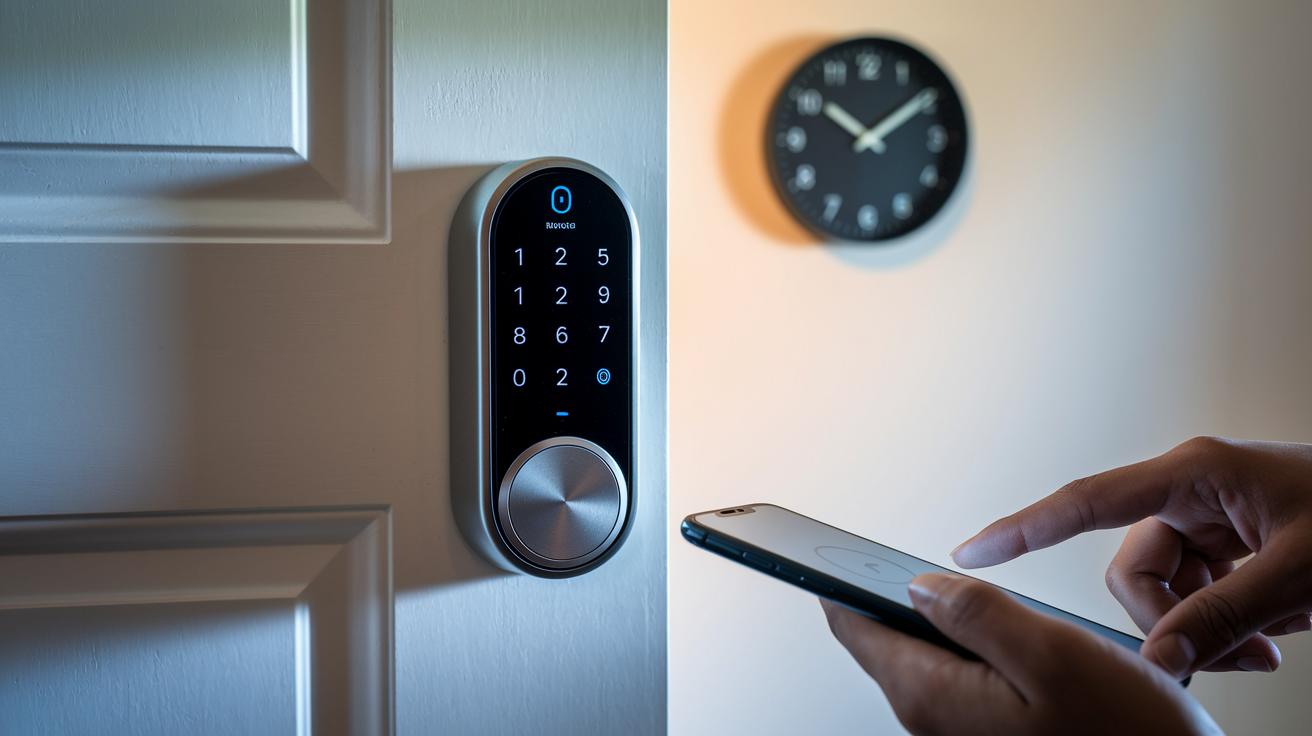
In 2025, smart locks have truly evolved. Buyers can now choose from models that let you lock your door remotely via an app, keep track of entries with digital logs, and more. Below, we look at six models, highlighting their perks and slight shortcomings to help match the right lock with your needs.
Schlage Arrive Smart WiFi Deadbolt
Schlage Arrive makes installation a breeze and offers an easy-to-use app for remote locking. It delivers reliable security for daily use. One thing to note is its lack of a tamper alarm and door-status sensor, which might leave some users wanting a bit more alertness.
Yale Assure Lock 2
This lock features a modern keypad and built-in Wi-Fi so you can manage it in real time. It requires a username and password to unlock the remote controls. If you choose to bypass the app, you lose some remote features, which could be a dealbreaker for some.
Aqara Smart Lock U100
Ideal for Apple Home enthusiasts, the Aqara Smart Lock U100 adds an extra layer of security with two-factor authentication and a responsive fingerprint reader. However, its reliance on a six-digit PIN may occasionally lead to input mistakes when compared to simpler codes on other models.
Eufy Smart Lock C34
A great option for those on a budget, the Eufy Smart Lock C34 provides direct Wi-Fi connectivity and Matter support when used with a hub. Its indoor design is somewhat bulky, and it gathers data to improve its service, which might not suit everyone.
Yale Approach Lock (w/ Wi-Fi + Keypad)
This retrofit adapter updates your existing lock by adding smart features through an included keypad and Wi-Fi hub. It makes upgrading simple, though its lack of compatibility with Apple Home might limit its appeal for users tied into that ecosystem.
Schlage Encode Smart WiFi Lever
Combining a lever-type handle with smart notifications, the Schlage Encode is perfect if you're looking to replace a door knob. While it keeps you updated on door activity through Wi-Fi, it doesn’t integrate with the Apple Home app.
| Model | Type | Price | Integration |
|---|---|---|---|
| Schlage Arrive Smart WiFi Deadbolt | Deadbolt | ~$200 | Wi-Fi (No tamper alarm) |
| Yale Assure Lock 2 | Deadbolt with Keypad | ~$190 | Wi-Fi |
| Aqara Smart Lock U100 | Fingerprint Deadbolt | ~$220 | Apple Home Integration |
| Eufy Smart Lock C34 | Smart Deadbolt | ~$180 | Wi-Fi (via Hub, Matter support) |
| Yale Approach Lock (w/ Wi-Fi + Keypad) | Retrofit Adapter | ~$210 | Wi-Fi (No Apple Home) |
| Schlage Encode Smart WiFi Lever | Lever-type Handle | ~$250 | Wi-Fi Only |
Step-by-Step Installation Guide for Keyless Entry Smart Locks
Before you begin, take a moment to look over the manual or watch an online video so you know what to expect. Make sure you have your Phillips-head screwdriver and any other tools the guide mentions.
- First, decide which type of installation you need. Are you updating a single-cylinder deadbolt or installing a touchless latch-style system? Remove any parts from your old lock before moving on.
- Next, use your Phillips-head screwdriver to take apart the existing setup. The manual will walk you through this process and let you know if drilling isn’t necessary for retrofit kits.
- Now, install your new smart lock following the instructions provided. Be sure to align the sensors correctly for touchless systems so that everything works at its best.
- Open the battery compartment and insert the recommended batteries. Then, complete the reset steps as detailed in your manual.
- Finally, pair your lock with its app by following the on-screen directions. Calibrate the sensors and test both the touch feature and the auto-lock function to ensure everything is working properly.
After you’ve finished these steps, take the time to test the lock thoroughly. Walk through its operation, check that the sensors are correctly aligned, and see how responsive the system is. If needed, adjust the settings while referring to online guides for any more complex fixes.
Core Security and Encryption Features in Keyless Entry Smart Locks
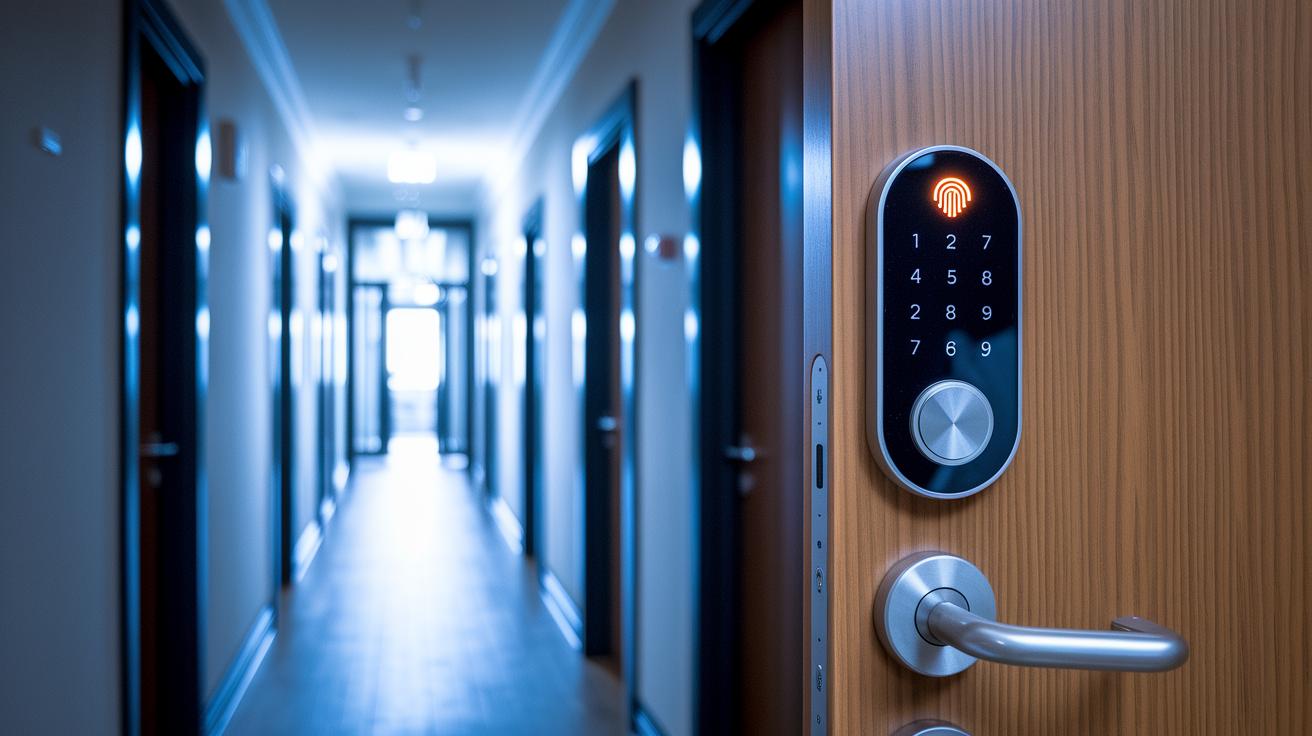
Modern smart locks blend a sturdy build with smart electronic defenses. They meet BHMA AAA standards, which means they’re built to resist tampering and physical attacks. They also use AES-128/256 encryption (a trusted method to scramble data) to secure your wireless communications. Plus, with both PIN and fingerprint verification, these locks add an extra layer of protection. A backup key rounds out the design, ensuring you’re covered if tech fails.
Many of these locks come with a built-in alarm and tamper sensors that alert you if the lock is disturbed. Imagine getting an instant notification if your door stays unlocked or if unusual activity pops up at your entry. Regular firmware updates seal off potential security gaps, keeping hackers at bay. This smart combo of alerts and updates makes sure you enjoy both strong physical protection and up-to-date digital security.
keyless entry smart lock: Enjoy Secure Home Access
Modern smart locks are designed to work with the systems you already use at home. They connect easily with Apple HomeKit, Google Home, Amazon Alexa, and Samsung SmartThings. Some models even support Matter through a hub, which makes it simple for devices from different brands to talk to each other. This means you can control your lock along with other smart door hardware all from one place.
- Unlock with your voice using routines set up with Alexa or Google Assistant.
- Automatically secure your home as geofencing senses when you leave the area.
- Check visitors in real time by pairing your smart lock with a video doorbell.
- Sync with other devices to create a unified security alert system.
- Enjoy cross-platform control with Matter bridging, keeping your devices connected no matter which app they use.
Looking ahead, smart locks will continue to improve. Manufacturers are working on new features so that, as home automation technology evolves, your lock will adapt and keep your home secure with seamless integration.
Pricing Tiers and Value Rankings for Keyless Entry Smart Locks
Smart locks come at many price points so there's an option for every budget. Budget models cover the basics, giving you reliable access without any extra features. Mid-range options add useful extras like compact keypads and strong wireless connections, while premium locks offer advanced integrations and stylish details. This range lets you balance everyday use with solid security and great reviews.
| Price Tier | Model | Key Features | Typical Cost |
|---|---|---|---|
| Budget | Ultraloq U-Bolt Pro w/ Wi-Fi | Basic smart access, Wi-Fi connectivity | $100 |
| Mid-Range | Yale Assure Lock 2 | Compact keypad, built-in Wi-Fi | $190 |
| Mid-Range | Eufy Smart Lock C34 | Direct Wi-Fi, cost-effective design | $180 |
| Upper Mid-Range | Schlage Arrive/Encode | Intuitive locking and smart notifications | $200–$250 |
| Premium | Level Lock Pro | Advanced home key integration, door-status detection | $349 |
Choosing the right lock means thinking about which features are most important for your home. Whether you need simple remote locking or a lock with top-rated smart features, compare these options to invest wisely in your home's security.
Maintenance, Battery Management and Troubleshooting for Smart Locks
Your smart lock depends on good battery life to work reliably every day. Typically, AA or CR123 batteries keep the lock running for 6 to 12 months, though heavy use might shorten that timeframe. Many locks even send out alerts when the battery is low so you can swap them out before any trouble arises.
- Make routine checks by recalibrating sensors and tightening screws to keep operations spot-on.
- Inspect the battery compartment for any signs of corrosion or loose connections.
- Use troubleshooting guides if you run into issues with Wi-Fi pairing, keypad re-registration, or motor jams.
- Keep your lock's security up to date by using over‑the‑air firmware upgrades.
- Explore user forums and manufacturer support sites for FAQs and video tutorials that can smooth out any hiccups.
Remember to sign up for firmware update alerts to always enjoy the latest security features. Joining online support communities may also provide useful tips, shared experiences, and detailed advice to keep your lock performing at its best.
Final Words
In the action, we saw a keyless entry smart lock simplify home security by replacing traditional keys with smart control and real-time updates.
This guide covered everything from DIY setup and price comparisons to robust security features and seamless home automation.
You learned how backup keys and long-lasting batteries add peace of mind while keeping everything user-friendly and reliable.
It all adds up to making your home safer and your life easier, an upgrade with clear benefits and a positive impact.
FAQ
What is the best keyless entry smart lock?
The best keyless entry smart lock offers secure, app-controlled access, real-time notifications, and guest codes, combining convenience and robust home security.
How does a keyless entry smart lock app improve door access?
The keyless entry smart lock app provides remote control, activity logs, and temporary access codes, making door security and management more practical and efficient.
What are the advantages of a keyless entry door lock with handle?
A keyless entry door lock with handle fuses design and functionality, letting you unlock your door securely without a physical key while maintaining an integrated, user-friendly operating experience.
Are door smart door locks available on sale?
Door smart door locks on sale provide a budget-friendly option without sacrificing essential features like remote control and secure keyless entry, offering great value for enhanced home security.
What benefits does a keyless entry door lock with a camera offer?
A keyless entry door lock with a camera adds visual verification by showing who’s at your door, integrating security and convenience for better control over entry access.
How does the August Smart Lock stand out?
The August Smart Lock stands out for its seamless smartphone integration, easy installation, and compatibility with major smart home systems, offering reliable and user-friendly keyless access.