
IKEA’s new smart lights might be just the upgrade your home needs. These budget-friendly bulbs are designed to work without extra gadgets, making it simple to brighten up every room. With more than 20 choices available, one option stands out: the Gömpyssling, which comes with a built-in motion sensor and a peel-and-stick design. This means setting it up is quick and easy, thanks to Matter compatibility. They combine a modern look with everyday practicality for a more efficient home experience. Imagine walking into a room that lights itself exactly how you like it, it's a game changer.
IKEA Smart Lights: Spark Joy at Home
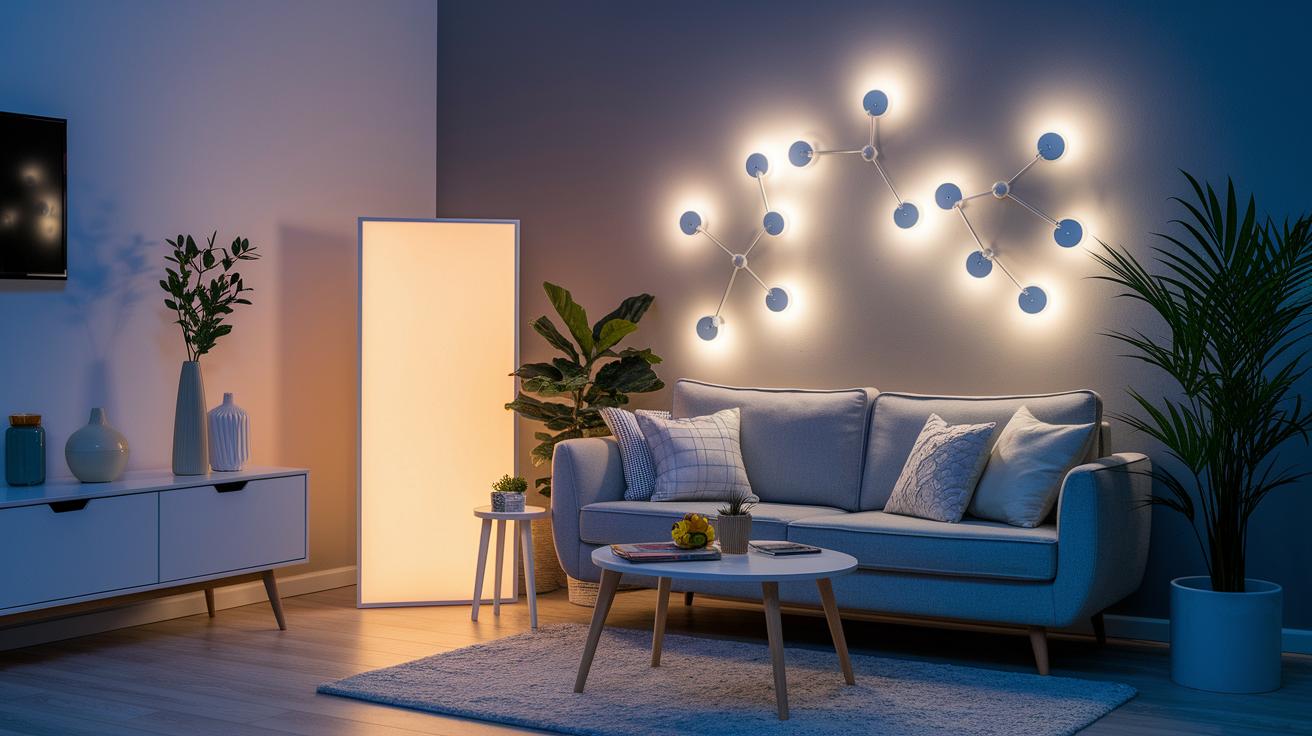
IKEA has just launched over 20 smart home lighting products that connect using Matter. These lights include bulbs, panels, and even the unique Gömpyssling. They’re designed for easy setup without needing extra hubs or special apps. This means you get a modern, budget-friendly way to light up your home with a simple, plug-and-play approach.
The Gömpyssling stands out with its neat features. It’s a battery-powered LED light that comes with a built-in motion sensor so it only turns on when someone is nearby. Each pack has two lights, and each one uses a single AA battery (not included). It stays lit for about 10 seconds after movement, ensuring your space is bright when needed while saving energy.
True to IKEA’s style, these smart lights are ready to go right out of the box. They even come with a peel-and-stick gel pad for flexible placement on any surface. This hassle-free design makes it simple to add smart lighting to your home without extra gadgets, making them a smart choice for anyone who wants modern lighting without the extra fuss.
IKEA Smart Lights Installation Guide
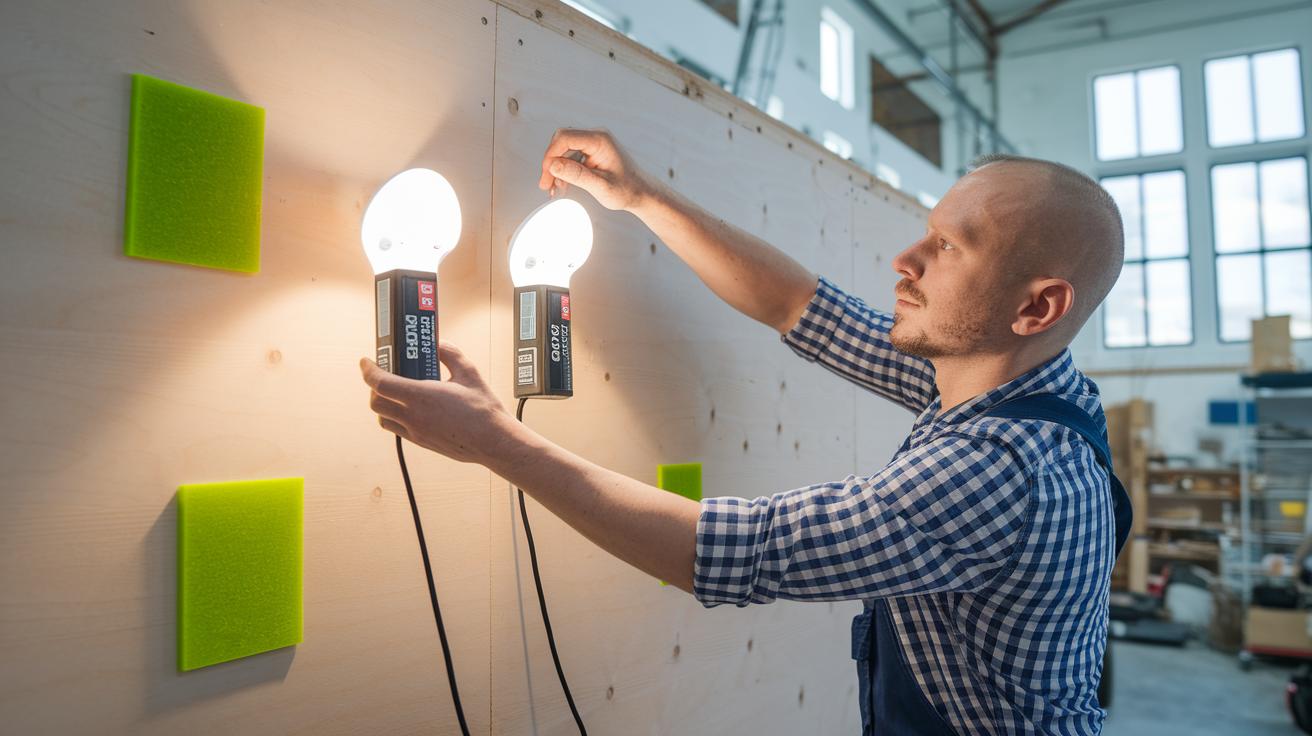
Before you start, make sure you have everything you need: one AA battery for each light and a clean spot to mount them. The lights have built-in Matter support, so there’s no need for any extra hub or app. This makes the setup fast and hassle-free.
Follow these steps:
- Unbox your lights and check that all items are there.
- Stick the included peel-and-stick gel pad on your chosen mounting surface.
- Put one AA battery into each light unit.
- Mount the light on the surface and press its power button to turn it on.
- Test the motion sensor by walking in front of the light. It should switch off about 10 seconds after you stop moving.
For the best experience, place your lights in busy areas like hallways, closets, or near stairs. The peel-and-stick design works well on smooth surfaces like walls or cabinet doors. Remember, battery life depends on how often the sensor is triggered, so pick spots with regular motion but not constant activity. Enjoy your new wireless lighting setup, simple, effective, and ready to brighten your space in no time.
Controlling IKEA Smart Lights with App and Voice Commands

Using the IKEA Home smart App
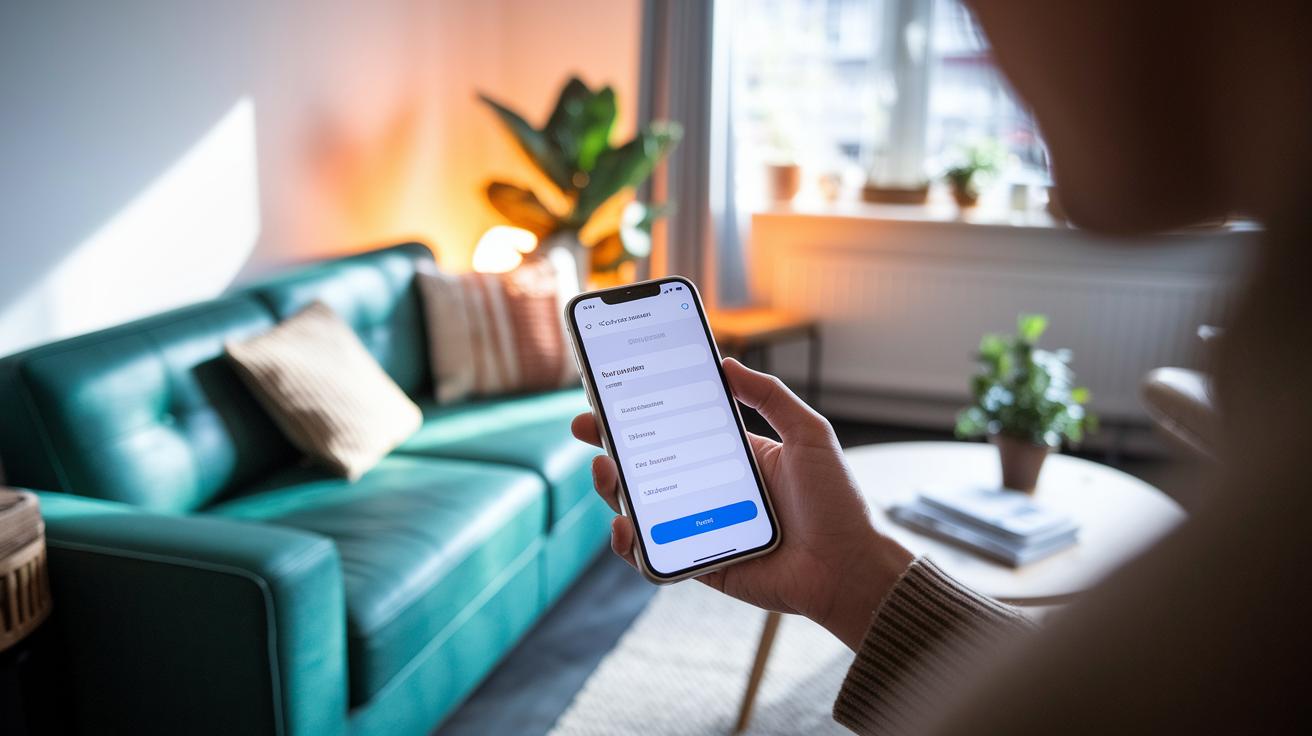
Start by downloading the IKEA Home smart app from your device’s app store. Once you open it, the app will guide you through setting up your lights. It automatically finds your Matter-connected smart lights without needing any extra hardware. You can update the firmware, check battery health, and adjust the motion timeout all from within the app. You can also group your lights by room or zone to control multiple lights at once. The app even lets you schedule when your lights turn on and off, so you can, for example, have your entryway lights automatically turn on just before you get home. This simple setup gives you much more control, allowing you to customize your lighting with just a few taps.
Pairing with Voice Assistants
Connect your IKEA smart lights with Google Assistant or Amazon Alexa for a completely hands-free experience. Thanks to built-in Matter support, pairing is as easy as scanning for devices in your voice assistant’s app, with no need for a separate hub. After pairing, you can set up voice routines that turn your lights on or adjust their brightness just by speaking. For instance, saying “Hey Google, turn on the living room lights” will immediately bring your lights to life. You can also group lights, change brightness levels, or activate scheduled scenes using simple voice commands. This integration makes controlling your home lighting feel natural and effortless.
Integrating IKEA Smart Lights into Your Smart Home Ecosystem
Voice Assistant Integration
If you use Google Home or Amazon Alexa, adding your IKEA smart lights is a breeze. Open the corresponding app, let it scan for Matter-compatible devices, and then assign your lights to specific rooms or groups. You can even set up simple routines that match your daily habits. When your router or hub supports Matter, your lights join a bigger network that works well with sensors, remotes, and other devices for smooth, unified control.
Apple HomeKit Integration
For Apple users, the process is just as simple. Open the Home app on your iPhone or iPad to see your IKEA smart lights appear in the accessories list. From there, assign them to your preferred rooms and create custom scenes that fit your lifestyle. You might set a gentle glow for the evening or bright light to help you kick-start your day. With HomeKit, your lights work in harmony with your other smart devices, making your home easier to control.
Advanced Features of IKEA Smart Lights

Recent firmware updates have cut sensor delay by about 20%, which means the lights now react almost instantly when they detect movement. In low-light tests, the sensors were even more accurate, reducing false triggers while still saving energy.
The design still lets you easily shift the lights around, but now the software fine-tunes the sensor response based on your surroundings. Updates via the IKEA Home smart app adjust the sensor’s sensitivity depending on ambient light, so you get quick illumination without wasting power.
IKEA Smart Lights vs Philips Hue: Side-by-Side Comparison
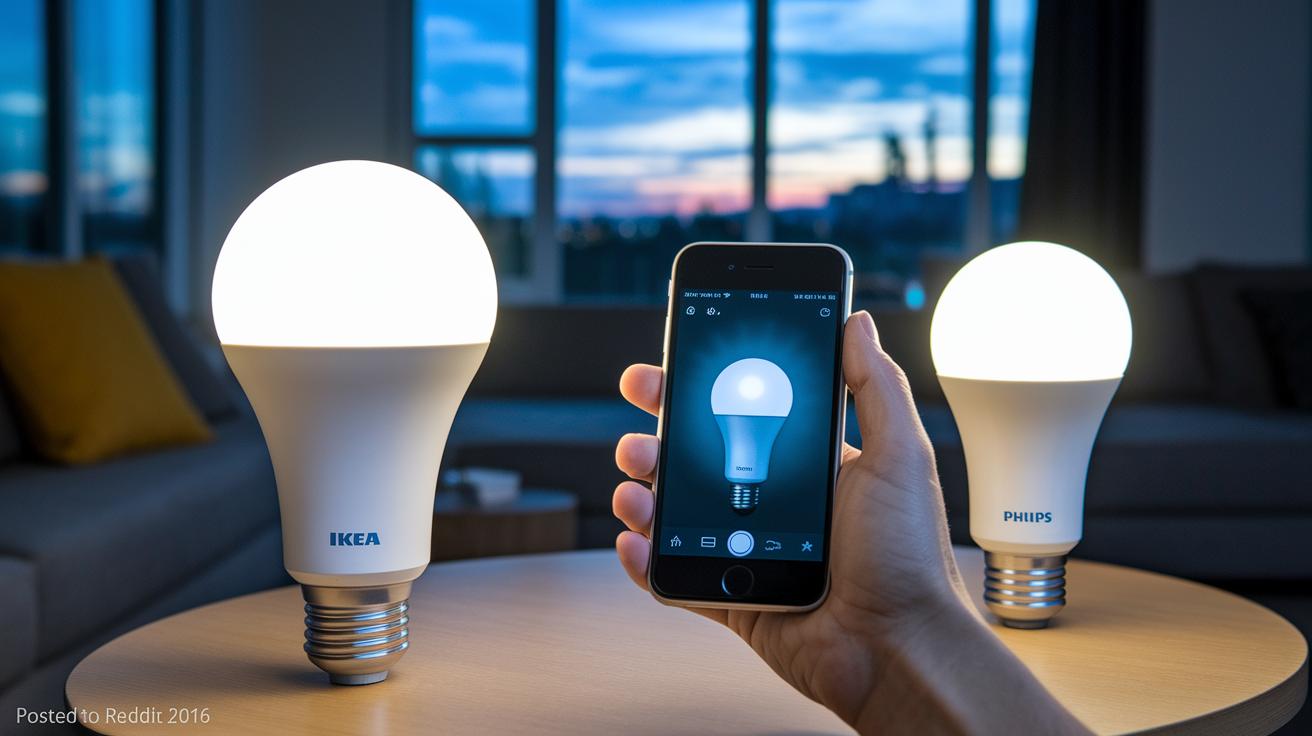
When weighing your smart light options, it comes down to what you need and how much you're willing to spend. IKEA’s smart lights are a budget-friendly pick. They work without a hub and run on batteries, which means there’s no extra hardware to buy. Philips Hue bulbs, in contrast, offer full RGB color and dynamic syncing that can really liven up your space, but they need the Hue Bridge and must be plugged into mains power to perform their best.
Both systems support Matter, so you can mix and match brands while keeping control in your hands, either through your smartphone or their dedicated app. Check out the table below for a quick look at their key differences to see which one aligns best with your needs.
| Feature | IKEA Smart Lights | Philips Hue |
|---|---|---|
| Power & Connectivity | Hub-free, battery-powered | Requires Hue Bridge and mains power |
| Price | Two-pack for around €20 | Single bulbs range €15–€30 |
| Lighting Options | White/warm-white only | Full RGB and dynamic syncing |
| Matter Support | Yes | Yes |
| Remote Control | Native control via smartphone | Control through Hue app and hub |
Troubleshooting IKEA Smart Lights & Best Practices
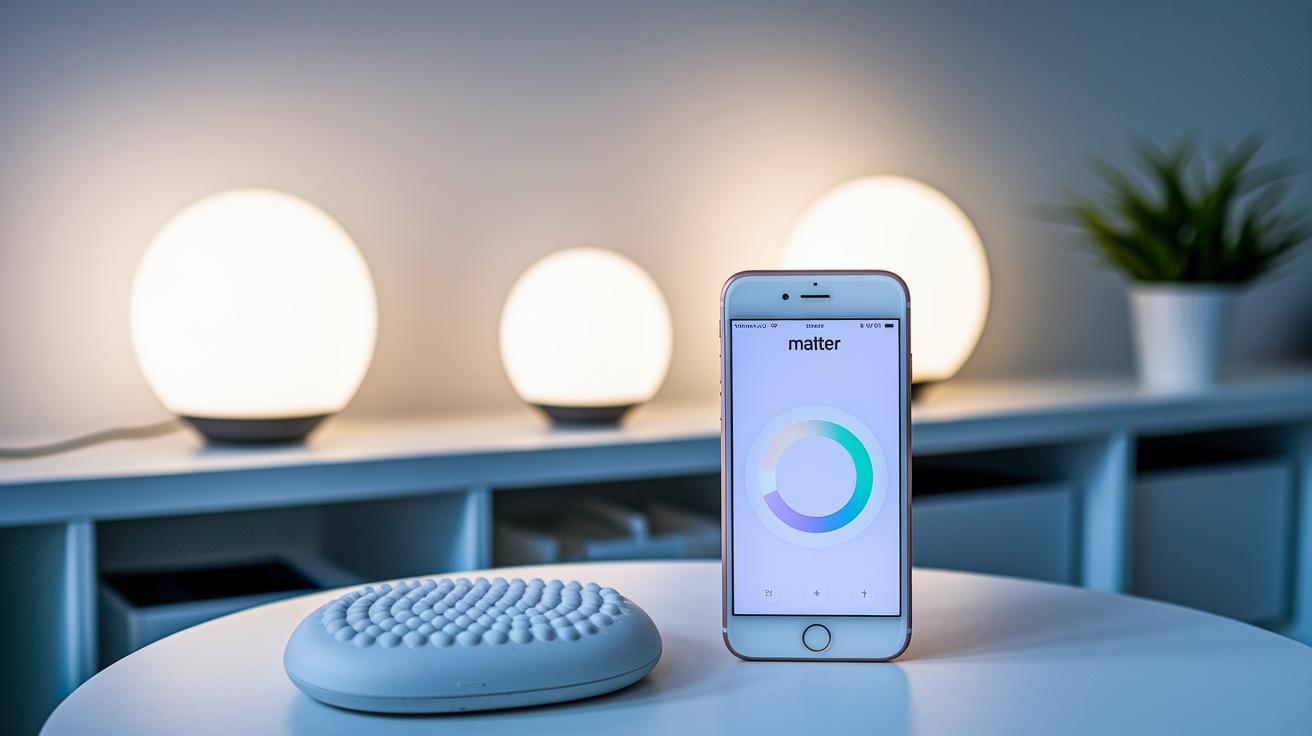
If your IKEA smart lights aren't working right, the fix is often simpler than you might think. You might have a gel pad that isn't sticking well, an AA battery that isn’t properly inserted, or even an issue where the app doesn't recognize the light. Sometimes these problems come up because the firmware is outdated or your router doesn't support Matter (a protocol that helps smart devices talk to each other). That can result in a light not coming on after a sensor trigger, flickering, or disconnecting unexpectedly.
Here’s a quick fix guide: First, reposition that peel-and-stick gel pad on a clean, smooth surface. Double-check the AA battery by removing it and then reinserting it to ensure a good fit. Next, confirm that your router supports Matter. If needed, update your lights’ firmware. If the light still doesn't appear in the app, try to re-pair it. These steps usually clear up any connectivity issues and help set things up without a fuss.
For long-term reliability, make it a habit to update the firmware monthly and test the lights in their mounted spots within the recommended motion range. Keep a few spare AA batteries handy, just in case. Regular checks like these can save you time and reduce the chance of daily hiccups.
Customer Feedback and Pricing for IKEA Smart Lights

Early users are buzzing about how simple it is to set these lights up. They love that you don’t need a hub or extra app – you just plug them in and they work. The motion sensor reacts quickly when it detects movement, and that reliability has made a big impression on many buyers who want smart lighting without a hefty price tag.
Community reviews also highlight the strong gel-pad adhesion. Users have found that it sticks well to various surfaces, from walls to cabinet doors. They appreciate how bright the LED is when you need it, though some have suggested future updates. Ideas like an adjustable timeout, more color choices, and even rechargeable battery packs show that while the lights work well now, there’s always room for more options.
At about €20 for a two-pack, these lights deliver great value. They offer all the smart features you need without requiring extra investments in hubs or complicated setups. This budget-friendly choice is perfect for anyone looking to add smart lighting without breaking the bank.
Final Words
In the action, we explored the latest lineup and installation steps, hands-on controls, and integration options with voice assistants and smart home systems.
We broke down key features like motion-activation, battery life, and flexible mounting that simplify the setup of ikea smart lights.
Real-world testing and user insights gave a clear picture of performance, pricing, and ease of troubleshooting. Positive feedback underscores that these lights deliver practical value for everyday smart home setups. Enjoy a hassle-free switch to a brighter home.
FAQ
What do reviews say about IKEA smart lights?
The IKEA smart lights review highlights a budget-friendly, Matter-connected system with reliable motion detection and easy installation. Users appreciate the no-hub design and straightforward setup for home lighting.
How does the IKEA smart lights app work?
The IKEA smart lights app lets you pair devices, update firmware, and manage settings like motion-timeout. It provides visibility into battery status and groups lights for convenient control—all without extra hardware.
How do IKEA smart lights integrate with Google Home and Alexa?
The IKEA smart lights integrate directly with Google Home and Alexa through Matter support. This setup allows voice commands and smart routines without needing an additional hub, making the process simple and user-friendly.
Can IKEA smart lights be used without a gateway or hub?
The IKEA smart lights work without a gateway since they feature built-in Matter connectivity. This plug-and-play design eliminates the need for extra hubs and makes installation quick and hassle-free.
What are the different types of IKEA smart lights available?
The IKEA lineup includes products like the Gömpyssling motion-activated LED light and other white or warm-white options. These types offer flexible mounting and energy-saving features ideal for various home settings.
How do IKEA smart lights work?
The IKEA smart lights work by utilizing battery power along with built-in motion sensors that keep the light on for 10 seconds after movement is detected, offering energy-efficient illumination for everyday needs.