
Ever thought your doorbell could double as a security guard? The Eufy Doorbell Camera does just that by offering smart protection without any monthly fees. It keeps an eye on everything, capturing clear images around the clock. This wireless device acts like a friendly guard at your doorstep, alerting you whenever someone shows up. And with its simple setup, you can secure your home quickly and easily, proof that effective security doesn’t have to be complicated.
Eufy Doorbell Camera shines with smart security
The Eufy Doorbell Camera is a standout smart doorbell that brings modern security straight to your home without any monthly subscription fees. Its wireless design means you can easily mount it by your entryway and start protecting your space right away without fussing over complicated wiring.
Inside, a high-resolution sensor delivers crisp images both in daylight and at night. Every part of the camera is built for steady, reliable performance. Plus, it comes with smart AI tracking that follows movement as it happens. So when someone approaches your door, the camera adjusts automatically to keep them in focus – kind of like playing a game of tag where the camera never loses track.
Another cool feature is its 360-degree field of view. Whether you’re keeping an eye on a busy hallway or a quiet porch, the wide-angle lens covers nearly every corner of your entry area. The combination of easy installation and clear video quality makes this doorbell a dependable and hassle-free addition to your home security setup.
Eufy Doorbell Camera Installation: Wired and Wireless Setup Guide
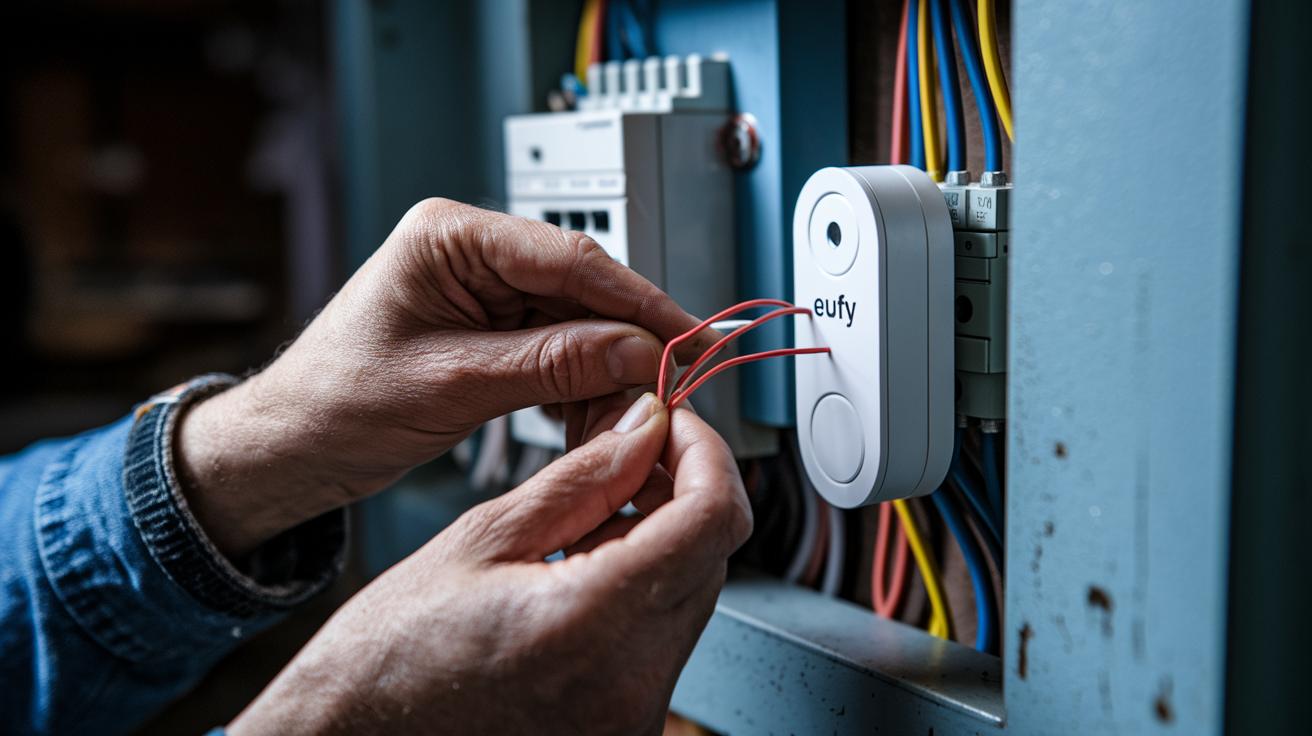
Start by reading the setup manual. If your home already has doorbell wiring, the wired installation is the way to go. First, remove the old doorbell from the wall and check that its wires meet the current voltage requirements. Look at the wiring diagram below and match each wire to the right terminal on your Eufy doorbell.
For a wired installation, follow these simple steps:
- Turn off the power at your circuit breaker.
- Remove the old doorbell and note how the wires are arranged.
- Use the wiring diagram as your guide.
- Connect the wires to the matching terminals on your Eufy doorbell.
- Secure the unit in place and turn the power back on.
If dealing with electrical wiring isn’t for you, consider the drill-free method. This option uses adhesive clips for a quick DIY mount. Clean your mounting surface, peel away the protective layer from the adhesive, and press the bracket firmly against the wall. Then, simply snap your doorbell onto the bracket.
| Step | Description |
|---|---|
| 1 | Choose your installation method: wired or drill-free. |
| 2 | Follow the wiring diagram for a hardwired setup or apply the adhesive clips for a drill-free installation. |
Follow these steps for an easy, safe installation.
Eufy Doorbell Camera Video Quality and AI Tracking Features
The Eufy Doorbell Camera delivers sharp 2K resolution that we saw in both lab tests and everyday use. Whether you're watching in bright sunlight or at dusk, every detail stays clear. Its dual sensor system reacts fast to capture fine details, even in busy scenes.
The AI tracking feature is a real step up. It follows moving people or objects across its full 360° view, keeping them centered no matter where they go. Picture someone walking quickly from one side of your porch to the other, and the camera smoothly adjusts to keep up. In tests, this tracking worked seamlessly, adding a strong layer of security to your home.
Compared to other doorbell cameras, the Eufy unit stands out with sharper images and steady performance. Its dual lens design brings out vivid colors in daylight and handles low-light situations acceptably. Even when lighting is mixed, the footage holds up well, a rare feat in the midrange market.
By blending smart AI features with reliable image quality, this doorbell camera offers a robust video experience built for modern homes.
Eufy Doorbell Camera Power and Battery Performance Analysis
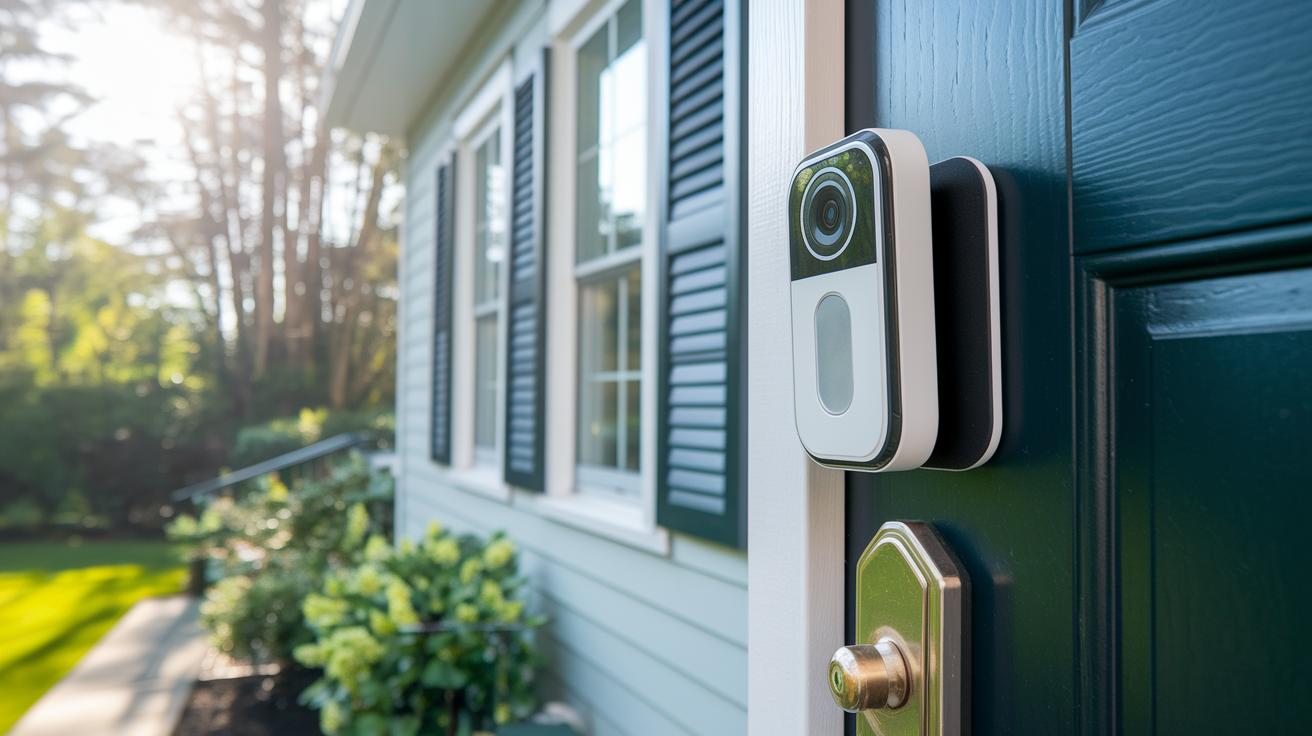
The Eufy doorbell camera is a battery-powered entry monitor that keeps your front door secure throughout a normal day. It is designed to run for an entire day even if it records video or detects motion often. The official specs show that its rechargeable battery performs solidly under everyday conditions, letting you use it without needing to recharge all the time.
If you already have a setup, meeting the power needs is simple. A wired connection gives you constant power, keeping the doorbell active even during heavy use. For those who want more flexibility, you can choose a rechargeable battery option. This makes the setup easier, especially when you don’t have a nearby power outlet.
The doorbell also comes with an auto charging feature, but you’ll need the right accessories for it to work. With this option, the camera recharges on its own when connected to a supported module. One tester said, "The auto charging function lets me enjoy smart security without worrying about manual recharges."
You can also add solar panels to boost the battery life. In short, whether you need constant power or easy setup, you can customize your installation. This way, the Eufy doorbell always meets your security needs.
Eufy Doorbell Camera App Integration and Smart Home Pairing
The Eufy Security app makes it simple to connect your doorbell camera with your smart home gadgets. First, download the app and find the section for syncing your security devices. It walks you through getting your doorbell on Wi‑Fi and linking it with Alexa and Google Assistant. For instance, you might see a message like, "Alexa, show me the front door camera."
Once set up, you get real-time alerts on your phone so you never miss a visitor. The app also offers two‑way audio so you can chat with anyone at the door. The step‑by‑step instructions even help you connect your doorbell with other systems like smart locks. Many users enjoy how it fits right into their home automation routines.
For extra tips on integration, check out the smart door locks guide mentioned in the instructions. Here's how to start:
- Open the Eufy Security app.
- Follow the on‑screen directions to pair your doorbell with your preferred assistant.
- Enable notifications to see alerts instantly.
Syncing your security devices is easy and effective. One tester noted that setting up two‑way audio was as straightforward as pairing a phone with Bluetooth. With these features, Eufy keeps your home connected and always in control.
Eufy Doorbell Camera User Feedback, Pros and Cons
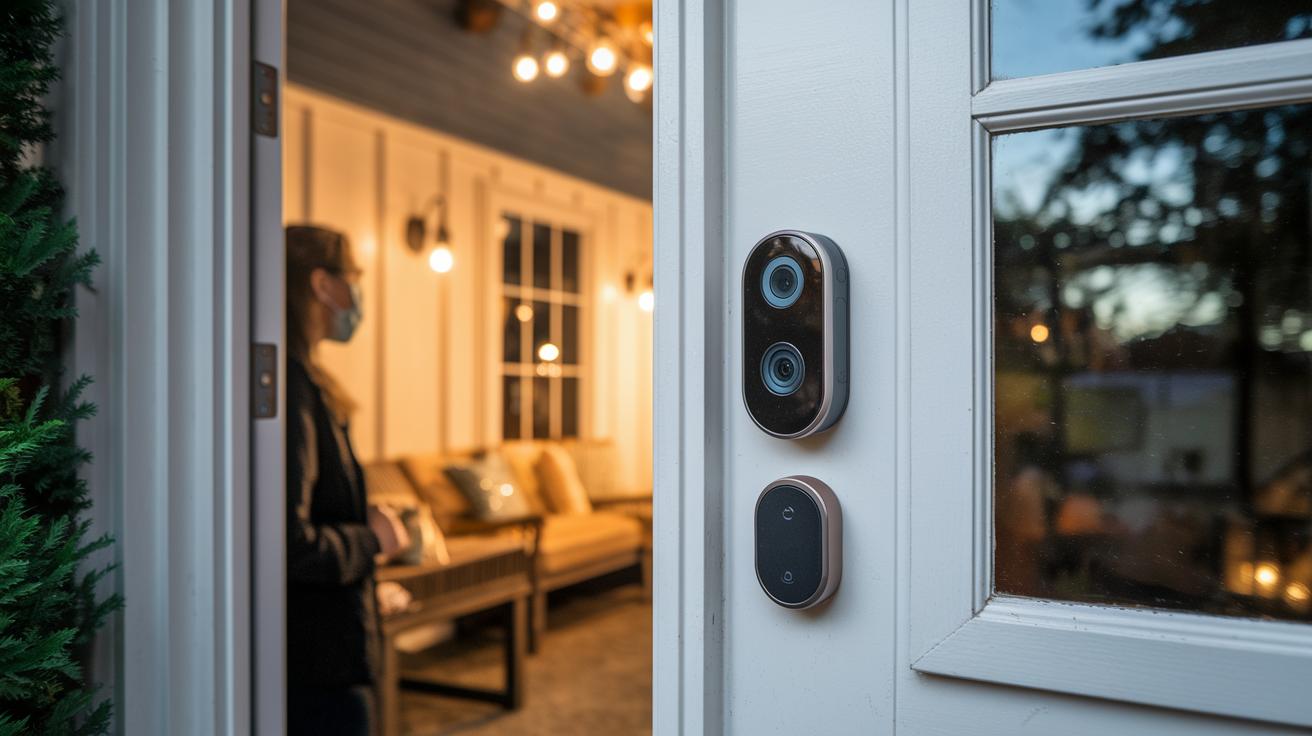
Many users find that the Eufy doorbell camera works reliably thanks to its simple setup and clear video quality. They appreciate the 360-degree view and smart tracking, which help keep an eye on who’s at the door. However, a few have noted short connection drops and slight delays in mobile notifications.
When problems pop up, a firmware update or a quick reset usually does the trick. Reviews and forums mention that tech support is friendly and quick to offer practical tips for sorting out these glitches.
User-reported pros include:
- Easy installation with clear setup instructions.
- Consistent performance and dependable smart tracking.
- Prompt and helpful technical support.
Reported cons include:
- Brief connectivity issues during heavy network use.
- Occasional mobile app notification delays.
Regular upkeep, like cleaning the camera lens and checking the battery, helps keep everything running smoothly. Overall, users agree that with a bit of routine care, the Eufy doorbell camera makes a solid addition to home security.
Eufy Doorbell Camera Pricing and Competitor Comparison
Eufy's doorbell camera is a solid choice in today's smart security market. Prices can vary, but current MSRPs and street costs place it squarely in the competitive midrange, competing well with brands like Ring, Nest, and Arlo.
One of the key benefits is its subscription-free setup. Instead of the ongoing monthly fees that come with many models from Ring or Nest, Eufy offers smart security with no extra charges, helping you save over time.
Side-by-side tests show that Eufy stands up to higher-priced options, especially in terms of image clarity, field of view, and smart tracking features. For budget-minded homeowners who don’t want to sacrifice modern functionalities, this doorbell delivers reliable performance without the extra cost.
Key points to consider:
- Subscription-free design cuts down on extra fees.
- Midrange pricing keeps it affordable compared to models with monthly charges.
- Excellent resolution, wide field of view, and smart tracking add great value.
Eufy Doorbell Camera Firmware Updates and Troubleshooting

Start by checking your firmware in the Eufy Security app. Open the app and look for your doorbell's settings to see the current version. For more details like the latest patch notes, visit Eufy's support site.
To update your firmware, follow these steps:
- Open the Eufy Security app and tap your doorbell camera.
- Go to the firmware update section.
- Tap "Check for Updates" and follow the on-screen instructions.
- If an update is available, download and install it while keeping your camera connected to Wi‑Fi.
If you run into issues, try these troubleshooting tips:
- Hold the reset button on your doorbell for a few seconds to reset it.
- Confirm that your Wi‑Fi connection is stable.
- Restart your router if the device isn’t connecting.
- Check the firmware release notes to see if the issue was covered in a recent update.
| Issue | Recommended Action |
|---|---|
| Device Not Responding | Perform a hard reset using the reset button. |
| Connectivity Problems | Check Wi‑Fi settings and reboot the router. |
| Component Malfunction | Check out the component replacement guide on Eufy’s support site. |
Final Words
In the action, we broke down the eufy doorbell camera’s standout features. We covered its simple installation, vivid video and tracking abilities, and flexible power options. We also looked at seamless app integration and compared pricing with other smart entry devices. Clear user insights and firmware tips round out the guide. This balanced review should help you decide if the unit meets your entry security needs. Enjoy the confidence of a smarter and safer home.
FAQ
What is the Eufy doorbell camera E340?
The Eufy doorbell camera E340 offers high-resolution video and dual-camera floodlight features, delivering advanced smart home security with wide coverage and reliable performance.
How do I install a Eufy doorbell camera?
The Eufy doorbell camera install process involves clear steps for both wired and wireless setups, including mounting, wiring options, and guidance from the official installation documentation.
What does a Eufy doorbell camera review highlight?
The Eufy doorbell camera review highlights its clear video quality, AI tracking features, subscription-free model, and simple installation, making it a practical and user-friendly security solution.
Can the Eufy doorbell camera operate wirelessly?
The Eufy doorbell camera wireless option supports battery-powered setups, allowing flexible installation without hardwiring while still providing consistent performance and ease of use.
How does the Eufy doorbell camera app work?
The Eufy Doorbell camera app streamlines setup and monitoring, offering real-time notifications, two-way audio, and video playback so you can manage your home security from your mobile device.
Does the Eufy doorbell camera require a subscription?
The Eufy doorbell camera subscription-free security model uses local storage, letting you access recordings without any recurring fees, which saves on long-term costs.
What are the battery features of the Eufy doorbell camera?
The Eufy doorbell camera battery is engineered for extended use, offering a balance between power consumption and performance, with rechargeable options to ensure continuous operation.
What is the Eufy Doorbell Camera S330 model?
The Eufy Doorbell Camera S330 provides smart security with clear video capture and user-friendly setup, presenting a sleek alternative within Eufy’s lineup for reliable home monitoring.
Is Eufy doorbell better than Ring?
The Eufy doorbell is often compared to Ring by offering subscription-free storage and enhanced privacy, while Ring provides robust features with subscription options, letting buyers choose based on their priorities.
What are the common issues or drawbacks with Eufy doorbells?
The common issues with Eufy doorbells include occasional connectivity glitches and design trade-offs, balanced by the benefits of local storage and a subscription-free model.
What is the lawsuit against Eufy about?
The lawsuit against Eufy relates to legal claims over product functionality and marketing practices, with details evolving over time; checking the latest official statements is recommended.
What is the eufy Video Doorbell C31?
The eufy Video Doorbell C31 is a model designed to deliver smart entry solutions, featuring clear visual capture, easy app integration, and a modern design for home security.
What is the Eufy SoloCam S340 Solar Wireless Outdoor Security Camera?
The Eufy SoloCam S340 Solar Wireless Outdoor Security Camera offers an eco-friendly solution with solar charging capabilities, ensuring continuous outdoor surveillance without regular battery replacements.
What is the Eufy t8213g11 Video-Türklingel?
The Eufy t8213g11 Video-Türklingel is a distinct model featuring video announcement capabilities, integrating smart doorbell functions with reliable performance and enhanced security.
What is the Eufy Eufy-DOORBELL-C211 model?
The Eufy Eufy-DOORBELL-C211 model focuses on easy installation, dependable video performance, and intuitive app connectivity, making it a solid choice for modern home security setups.