
Imagine a thermostat that responds to your voice like a trusted friend. The ecobee Smart Thermostat catches the eye with built-in Alexa voice control and smart sensors that detect activity in each room. Setting it up takes just 30 minutes, and its modern design fits right into your home. Not only does it adjust the temperature, but it also helps cut down your energy bills. This smart device redefines home comfort with a mix of convenience and efficiency. Keep reading to see how ecobee transforms the way you manage your home's climate.
Ecobee Smart Thermostat at a Glance: Features, Savings & Feedback

The Ecobee Smart Thermostat stands out as a favorite in the smart home world. It’s designed for quick, straightforward installation, most users finish setting up the Premium model in about 30 minutes. With a modern look and solid features, this thermostat works well for anyone who wants to cut energy bills and enjoy smart home convenience. It even comes in different versions to fit various needs, from those who love advanced sensor tools to buyers seeking a simpler, budget-friendly option.
At its heart, this thermostat does more than just control the temperature. It even has built-in voice control with Alexa so you can change settings with a simple command. The smart sensors detect which rooms are in use, keeping your home comfortably warm or cool where you need it most. Plus, it can adjust settings based on your location and daily routine. With flexible scheduling and detailed energy reports, including a vacation mode for when you’re away, it quickly becomes a central hub for home automation.
When it comes to cost, Ecobee helps ease that initial spend with a $75 instant rebate, plus you can earn up to an extra $20 a year by using small scheduled temperature tweaks during peak times. Energy Star certification backs up its efficiency claims, with savings in heating and cooling costs ranging from 8% to 26% each year. Early users mentioned some rough temperature changes at first, but after a bit of manual tuning over 18 months, the performance became steady and reliable.
Comparing Ecobee Smart Thermostat Models
Premium Model
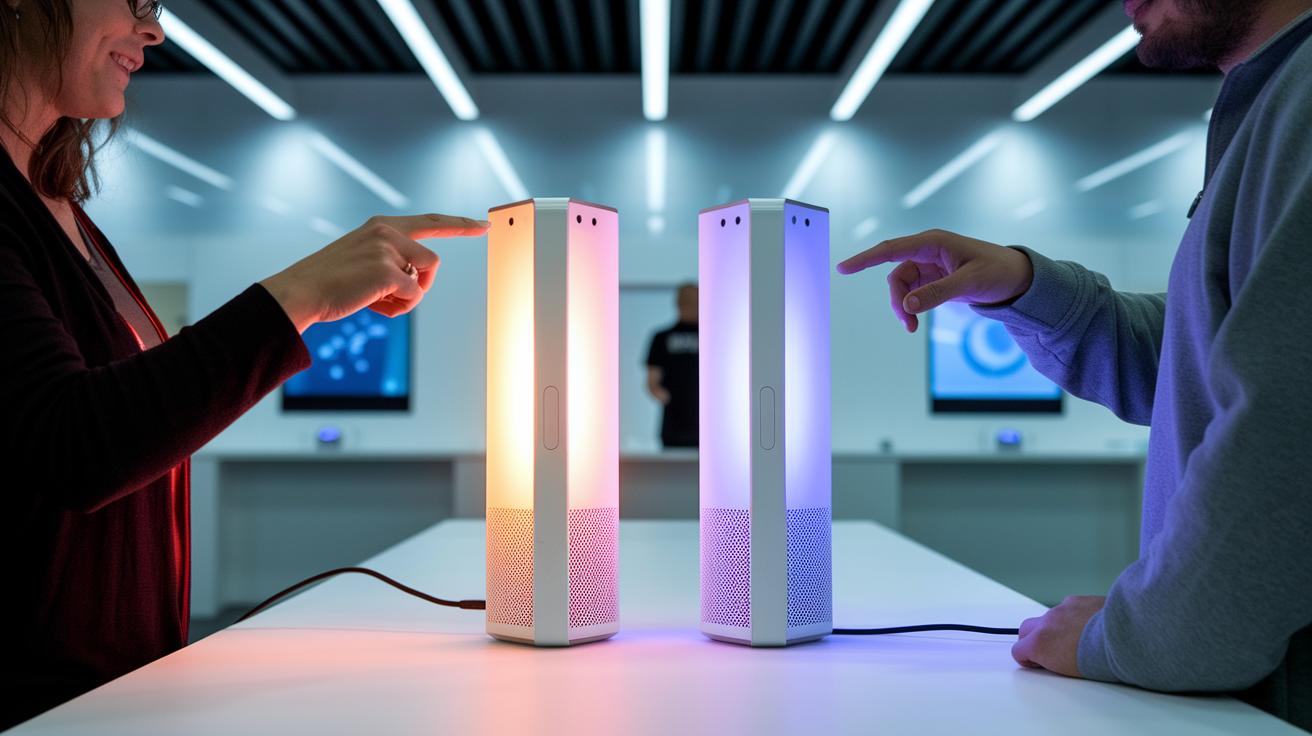
The Premium model is loaded with features meant for those who want top-notch control. It comes with a built-in microphone and speaker paired with Alexa, so you can adjust settings just by talking. Plus, it keeps an eye on your indoor air quality to help balance comfort and health. You can also add remote sensors to monitor the temperature in different rooms. While it sits at the higher end price-wise, advanced users will enjoy the extra flexibility it offers.
Essential Model
The Essential variant focuses on giving you the smart basics without extra add-ons. It handles scheduling and temperature adjustments through the app reliably. With no voice commands or remote sensors, it remains an affordable step up from older thermostats, perfect for those who just need straightforward, dependable smart home control.
ecobee3 Lite
The ecobee3 Lite model is a no-frills entry into smart thermostat technology. It offers solid app control and scheduling to help keep your home comfortable without any extra sensors or voice features. This option suits buyers on a limited budget, and it even qualifies for a $75 instant rebate along with Energy Star certification.
| Model | Voice Control | Remote Sensors | Air Quality | Price Range |
|---|---|---|---|---|
| Premium | Yes | Yes | Yes | $249-$299 |
| Essential | No | No | No | $179-$229 |
| ecobee3 Lite | No | No | No | $99-$129 |
Installing the Ecobee Smart Thermostat: A Step-by-Step Guide
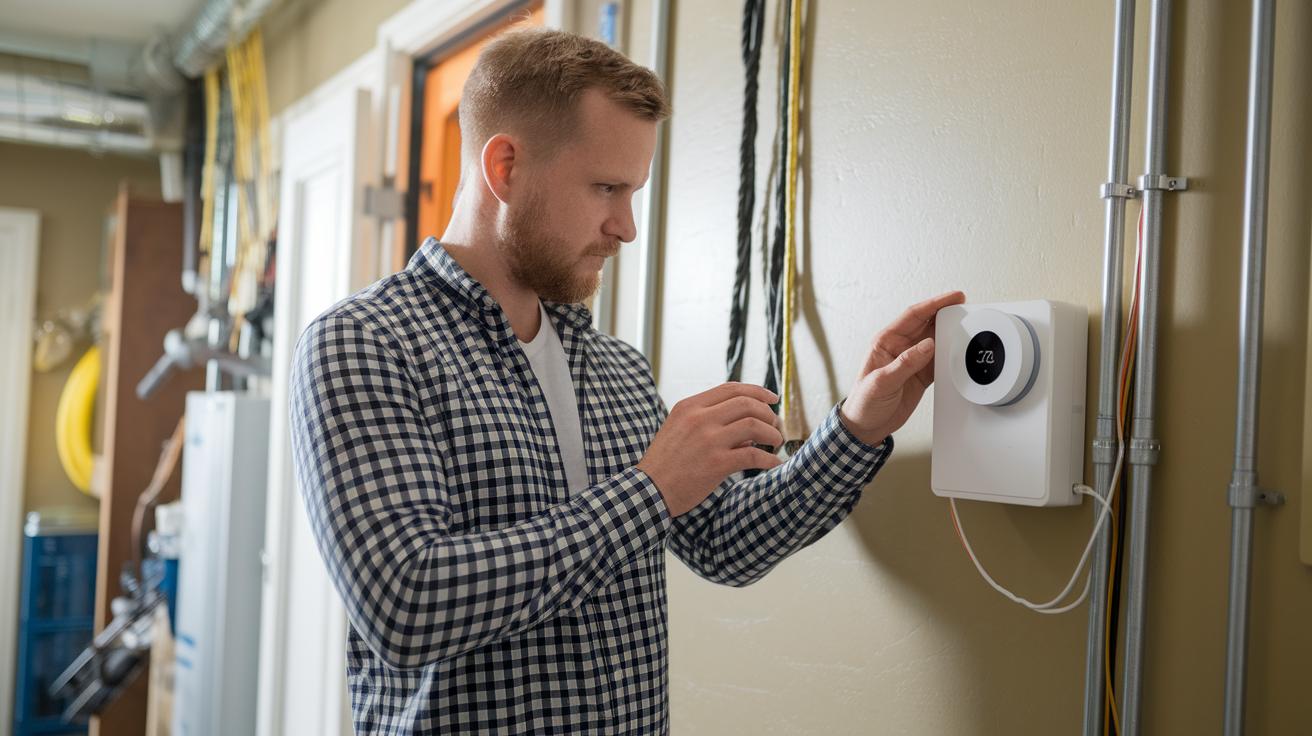
Before you begin, double-check that your HVAC system is compatible with the Ecobee thermostat. If your heating isn’t based on electric baseboard systems, make sure you have a common wire (C-wire) or plan to use the provided power extender kit. Use the online compatibility checker or call your local HVAC contractor to verify your wiring setup, whether it’s a simple two-wire system or a more complex one. This upfront check helps avoid delays during your roughly 30-minute DIY installation.
- Turn off your HVAC system by switching off the breaker.
- Remove your old thermostat and label each wire clearly.
- Mount the new backplate and pick the right wiring option, from a basic two-wire to a six-wire setup.
- Connect each wire to its matching Ecobee terminal or install the power extender kit if your system needs it.
- Attach the thermostat display and restore power.
- Follow the on-screen prompts to set up your Wi-Fi connection and location.
- Run the final compatibility check and update the firmware as the digital guide instructs.
If you hit any bumps along the way, check the wiring diagram in the user manual to ensure each wire is connected correctly. For wireless setups, you might see brief signal delays or registration errors; a quick reset and connection recheck usually clears that up. Stick to each step, from turning off the power to updating the firmware, to avoid sensor miscommunication or power issues. The digital guide is a handy reference if anything unexpected comes up. Once you finish, perform the final system test on-screen to be sure your Ecobee thermostat is fully integrated with your HVAC system.
Ecobee Smart Thermostat Smart Home Integration

Ecobee’s smart thermostat easily hooks up with your trusted smart home systems. It lets you adjust your home’s climate using simple voice commands and routines that match your day-to-day activities. With built-in Alexa, you can speak directly to your thermostat. For example, just say "Alexa, set the temperature to 72°F" and it responds right away, making your home feel truly connected.
Amazon Alexa
Getting Ecobee to work with Amazon Alexa is a breeze. Open the Alexa app, enable the Ecobee skill, and follow the prompts. Once it's set up, you can change the temperature or switch modes without even grabbing your phone. Try saying "Alexa, raise the heat" and see how easily your voice controls your environment.
Google Assistant
Linking your Ecobee with Google Assistant is just as straightforward. In the Google Home app, connect your Ecobee account and you’re all set. Then you can simply ask, "Hey Google, what’s the temperature?" and get real-time feedback. This smooth integration uses the thermostat’s strong cloud connection to make sure your commands are followed without delay.
Apple HomeKit
If you’re an Apple fan, adding the Ecobee thermostat to the Home app opens up handy Siri shortcuts. Once it’s connected, you can say, "Hey Siri, set my thermostat to eco mode" and it works like magic. This setup not only lets you control your thermostat with ease but also synchronizes it with your other HomeKit devices, creating a smart home that listens to you.
Energy Savings with the Ecobee Smart Thermostat
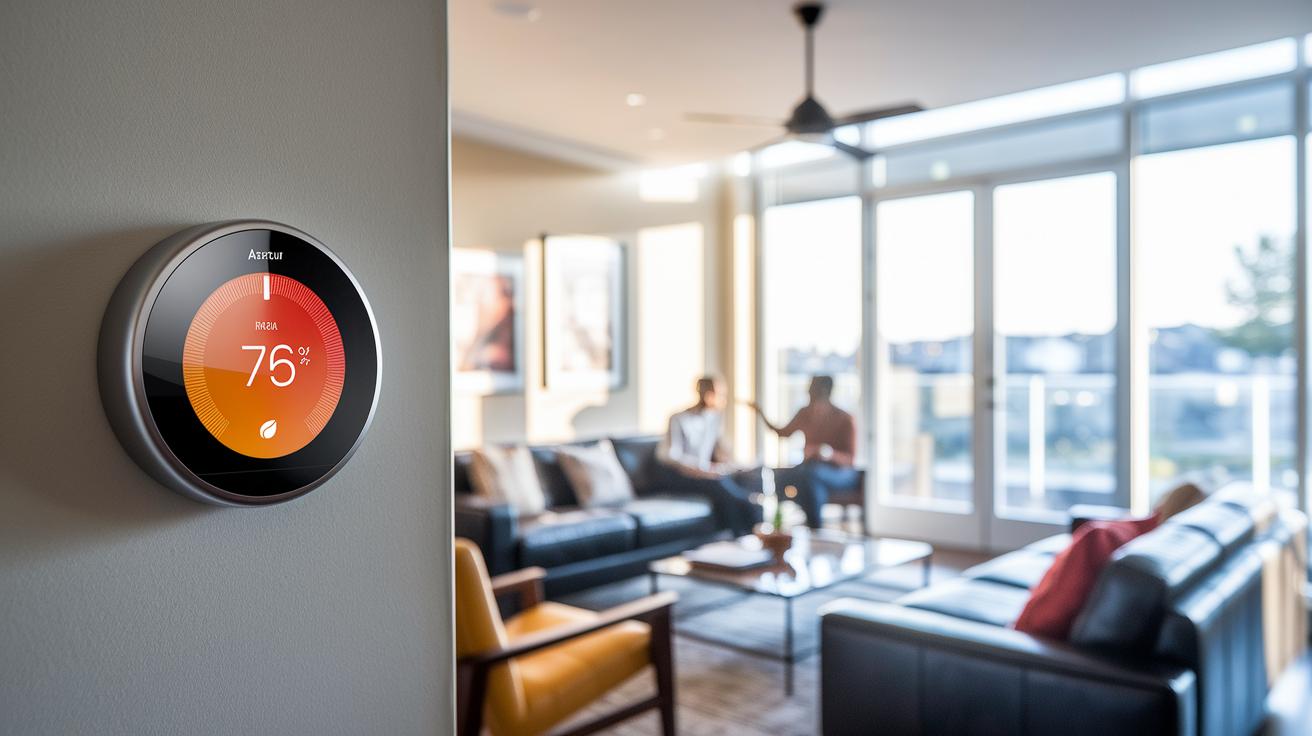
The Ecobee thermostat learns from your routine. It adjusts heating and cooling based on your habits, location, and the season while keeping comfort in mind. When you switch to Eco mode or set the thermostat to vacation mode while you're away, it automatically chooses more energy-efficient temperatures. This means you can lower your utility bills without compromising on comfort or security.
You can set up different temperature schedules for weekdays, weekends, or even different seasons. The user-friendly mobile app lets you choose cooler settings during work hours and a warmer environment for evenings and weekends. Seasonal scheduling makes sure your home stays cozy in winter and cool in summer while avoiding unnecessary energy use.
The mobile app also provides clear daily and weekly energy reports. These charts show how slight changes in your settings can lead to savings, allowing you to adjust the thermostat for the best efficiency.
Many users report saving between 8% and 26% on their utility bills. Even small adjustments during peak-demand periods can save you an extra $20 in the summer. Try experimenting with Eco mode and scheduled temperature changes to maximize your savings and take advantage of rebate incentives.
Ecobee Smart Thermostat vs Other Smart Thermostats
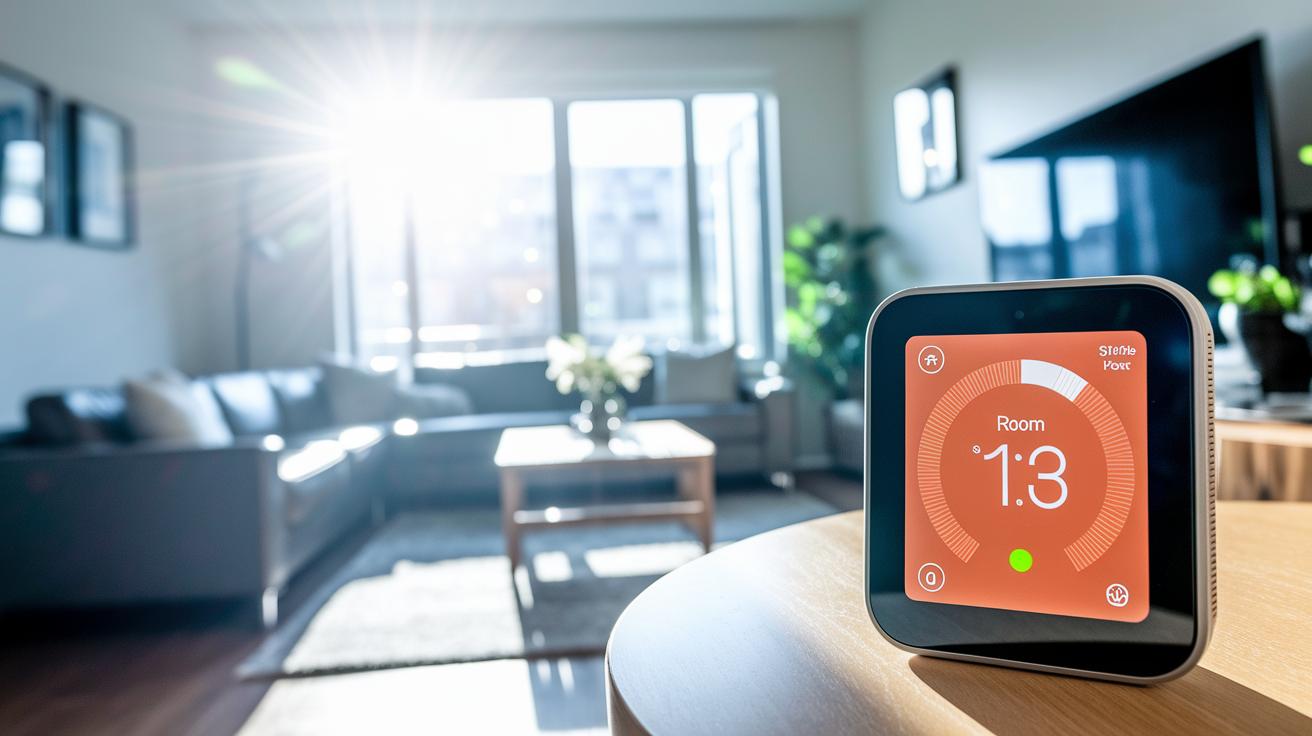
The Ecobee shakes up the smart thermostat game by using clever sensors that adjust your home's temperature based on room use and even the weather. Unlike the Google Nest Learning Thermostat (4th Gen), which leaves you to decide which room is more important, Ecobee handles it automatically for a cozier environment. It even offers built‑in voice control via Alexa and a detailed energy report, making it a smart pick for those who love hands‑on tech that really works.
If you're keeping an eye on your budget, you might consider the Amazon Smart Thermostat, which is easier on the wallet. However, its fewer sensors and simpler interface mean it lacks the advanced automation features that many find essential. While it covers the basics, its performance just doesn't match up to Ecobee’s robust and reliable ecosystem.
For setups with nontraditional HVAC systems, options like the Mysa Smart Thermostat (v2) come into play. It supports electric baseboard heating and even includes geofencing with an eco mode. But bear in mind that installing several Mysa units can quickly drive up costs. On the other hand, Ecobee offers flexibility with a dedicated C-wire or power extender kit. This makes installation smoother and ensures high performance across a variety of systems.
Troubleshooting the Ecobee Smart Thermostat

If your thermostat isn’t picking up the C-wire or gives you registration errors, start by checking that every wire is labeled correctly and securely in place. A loose or mislabeled C-wire can lead to these problems, and a quick reset might fix registration hiccups.
If the device struggles to connect to your network, review the setup steps in the user manual and be sure your Wi-Fi password is right.
Keeping your firmware up-to-date is key. The Ecobee app will alert you when there’s a new firmware version, and installing it can ease issues like unexpected temperature swings. You can also run the built-in diagnostic tools in the settings menu to check the system. If the diagnostics point to sensor miscommunication, a reset via the app usually puts things back on track.
If these steps still don’t resolve the issue, it’s best to reach out to Ecobee support or consult a qualified HVAC contractor using the online lookup tool. And remember, steer clear of unofficial websites that might pretend to be authorized service providers.
Final Words
In the action, we explored how the ecobee smart thermostat pairs smart features like built‑in voice control and integrated sensors with a straightforward 30‑minute DIY install. We broke down its energy savings, rebate program, and reliable performance over time while comparing different models. The review covered practical tips for setup and troubleshooting, making it clear how these functions benefit everyday use. This combination of smart design and energy efficiency offers a refreshingly practical option for anyone looking to improve home comfort and reduce utility bills.
FAQ
What features does the Ecobee Smart Thermostat Premium offer?
The Ecobee Smart Thermostat Premium offers built-in Alexa voice control, integrated remote sensors including air-quality monitoring, flexible scheduling, detailed energy reports, and smart automation options that deliver efficient and customized temperature management.
What distinguishes the Ecobee Smart Thermostat Enhanced from other models?
The Enhanced model maintains ease of use and smart scheduling while simplifying features by excluding advanced sensors and on-device voice control, making it a solid option for users seeking essential smart thermostat functions.
How do I install the Ecobee Smart Thermostat?
The Ecobee Smart Thermostat installs in about 30 minutes using a C-wire or the included power extender kit. Follow the step-by-step digital guide to connect wires correctly, set up Wi-Fi, and complete configuration.
What are common problems with the Ecobee Smart Thermostat?
The common issues include initial aggressive temperature swings and occasional registration or wiring challenges. Most users find these resolved with manual fine-tuning and firmware updates, resulting in stable long-term performance.
How do I use the Ecobee Smart Thermostat effectively?
Using the Ecobee Smart Thermostat involves setting up schedules, adjusting temperature via the touchscreen or app, using voice commands through built-in Alexa, and reviewing energy reports to optimize heating and cooling preferences.
Is the Ecobee thermostat compatible with all systems?
The Ecobee thermostat works with many HVAC systems but is not designed for electric baseboard systems. It requires a compatible wiring setup, including a C-wire or the power extender kit, to function correctly.
What distinguishes the Ecobee Smart Thermostat Essential?
The Essential model delivers core smart features like scheduling and app control at a lower cost, though it excludes premium sensors and built-in voice functionality, making it suitable for users with basic thermostat needs.
How does the ecobee Lite differ from the higher-end models?
The ecobee Lite offers basic app control and scheduling without bundled remote sensors or on-device voice features, making it an affordable option for users who require standard smart thermostat functions only.
How is the ecobee Power Extender Kit used?
The ecobee Power Extender Kit provides the necessary power when a C-wire is not available. It adapts your existing wiring to ensure reliable performance and proper operation of your Ecobee thermostat.
Is the Ecobee thermostat being discontinued?
Current information shows no plans for discontinuing the Ecobee thermostat. The brand continues to support its models with regular software updates and new feature integrations to keep them competitive in the market.