
Ever thought it might be as easy as sending a text to control your home devices? A Bluetooth smart plug lets you do just that by letting you switch your lights, coffee maker, and more from your phone. It skips Wi-Fi and cloud services in favor of a fast, local connection that stays active during outages. This means it not only makes your daily routine simpler but also helps save energy by turning off appliances when they aren’t needed. In this post, we explore how a Bluetooth smart plug can bring both convenience and efficiency into your home.
Bluetooth Smart Plug Boosts Home Convenience
A bluetooth smart plug lets you manage your home gadgets right from your phone. It connects locally via Bluetooth so you don't need Wi-Fi or cloud services, meaning you can control your devices even when your internet is down. This local connection protects your privacy and reacts instantly when you send a command.
By skipping the router, there’s no need for an extra hub, so setting it up is straightforward. For example, instead of depending on your coffee maker’s built-in timer, you can start brewing your coffee just by sending a command after waking up. It really makes your morning routine smoother, imagine saying, "Start my coffee," and it just happens.
You get hands-on control over everything from lamps to electric blankets. Plus, it helps monitor energy use by automatically cutting power to idle devices, which can lower your electricity bill and support eco-friendly habits.
In short, a bluetooth smart plug is a simple yet powerful addition to your smart home lineup. Its secure and easy local pairing makes automation hassle-free, letting you enjoy a more efficient and connected home.
Bluetooth Smart Plug Features to Look For
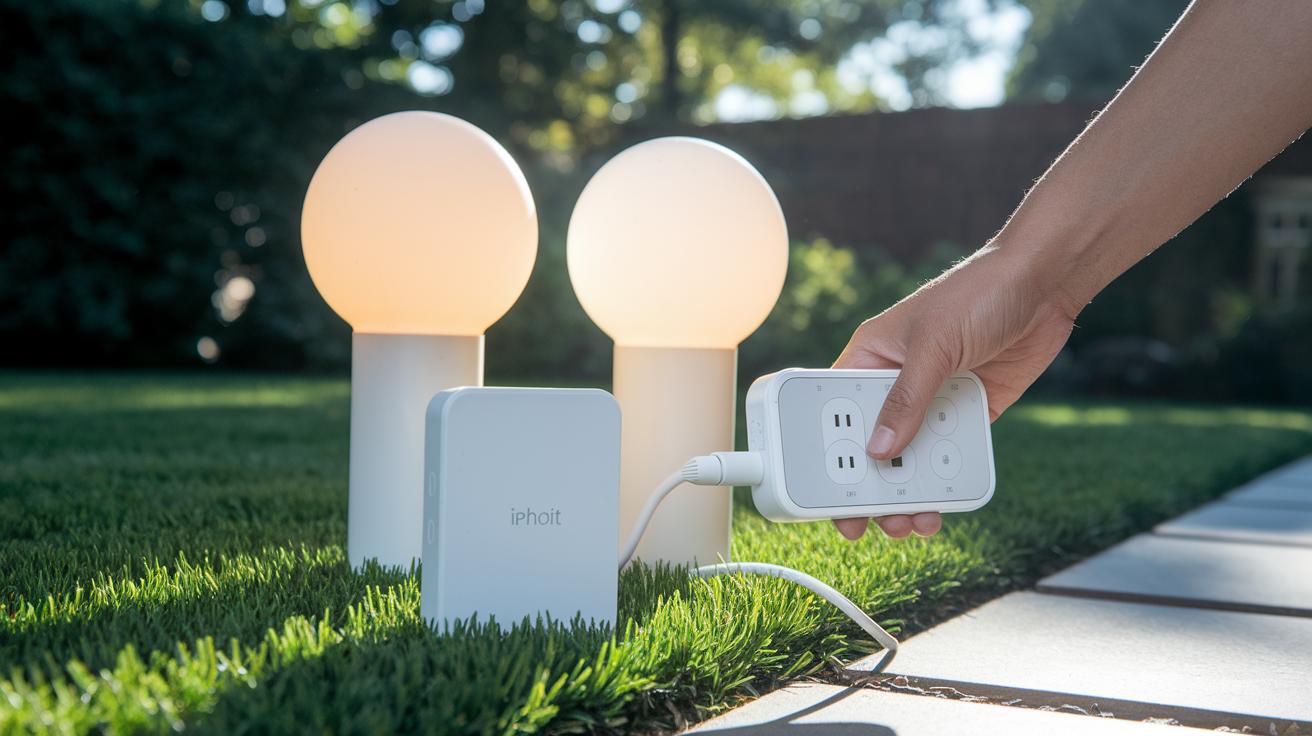
When shopping for a Bluetooth smart plug, check if it has energy monitoring. Many models, like the TP-Link Kasa Smart Wi-Fi Plug Slim (EP25), track energy in real time and even include an Away Mode to simulate occupancy when you're out. It comes in two- or four-packs, so plan ahead if you need several.
Weatherproofing is another must-have, especially if you plan to use the plug outdoors. Options like the Tapo TP25 boast an IP65 rating to resist rain and splashes. Even if some only track operating time (hours and minutes) rather than energy in kWh, this detail is important for outdoor security lights or garden appliances.
Consider mesh-enabled smart outlets if you need to link multiple plugs across a large property. Mesh connections help keep the network strong without relying solely on your main router.
For those short on space, compact plug designs are ideal. These smaller plugs hide easily behind furniture or in tight spots. Multi-outlet solutions like the HS300 strip turn one outlet into six smart sockets and even include USB pass-through, making it simple to manage several devices at once.
Compare these features, energy tracking, weatherproofing, pack options, mesh networking, and compact design, to find the Bluetooth smart plug that fits your setup best.
Bluetooth Smart Plug Setup and Pairing Guide
Connecting your Bluetooth smart plug is super simple. Most devices work without a hub, so you can control them straight from your phone while keeping everything local for improved privacy. Even if you're new to smart home gadgets, you'll have it up and running in just a few minutes. Picture plugging it in and watching the LED change right away, no confusing tech talk needed.
Follow these 5 simple steps to pair your plug:
- Plug it into the wall and make sure the power LED is off.
- Download the official app on your iOS or Android device, then log in or create an account.
- Press and hold the plug's button until the LED starts blinking blue.
- Open the app, tap "Add Device," choose the Bluetooth smart plug, and follow the instructions.
- Name your device, check for any firmware updates, and complete the setup.
Once you're done, your plug will sync with the app, letting you schedule commands and keep an eye on your energy use. The app will also update the firmware automatically so your plug stays efficient. Enjoy the hands-on control of your smart home!
Controlling Your Bluetooth Smart Plug: Apps and Voice Assistants
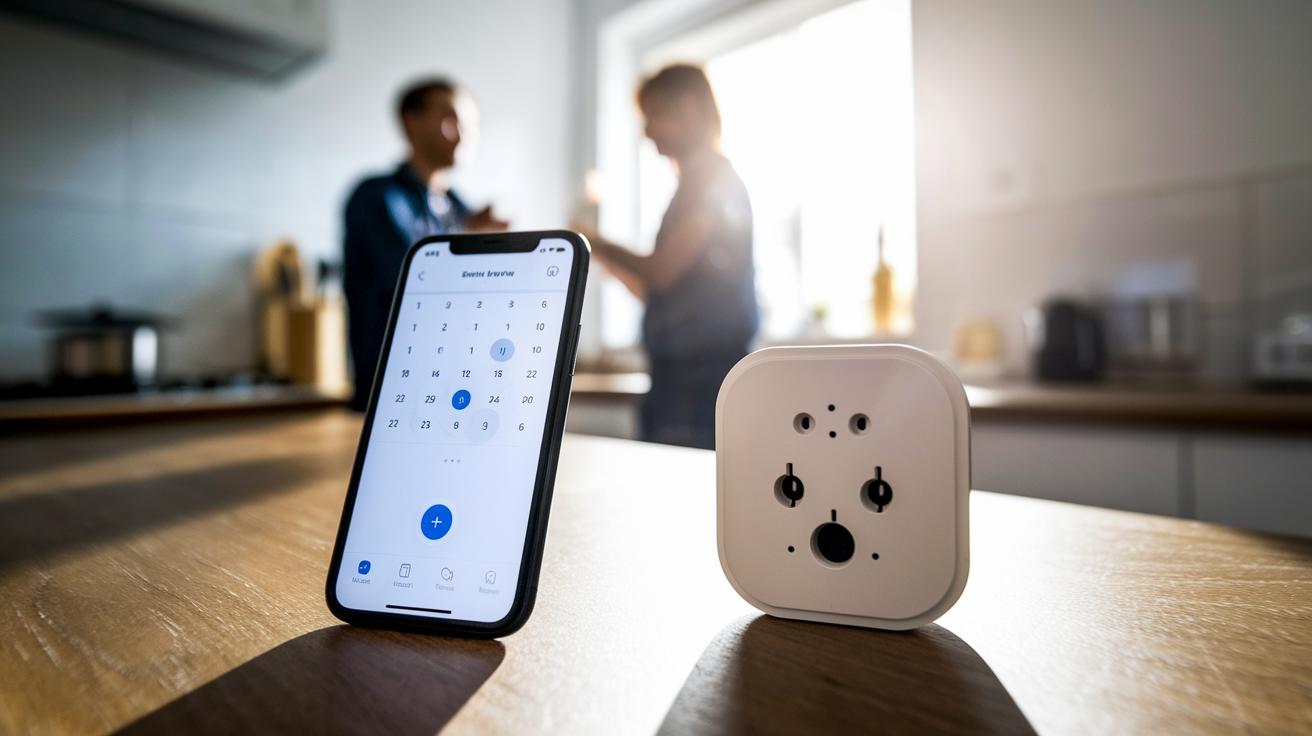
Using the smart plug’s mobile app makes control a breeze. The app works like a remote control for your power socket, letting you easily set schedules, timers, and scene routines. Want your coffee maker to start brewing at the same time every morning? Simply schedule it in the app. This method keeps things fast and secure without needing an internet connection.
Many smart plugs also work with voice assistants like Alexa and Google Home. With local-network bridging, you can just say, "Alexa, turn off the kitchen light" and the plug responds instantly. Google Home works in a very similar way, so whether you use Alexa or Google, your smart plug will always be ready to listen.
The app’s visual controls let you arrange recurring timers and schedules too. This means lights, appliances, and even outdoor fixtures can turn on and off automatically. Just be aware that full integration with Apple HomeKit remains rare for plugs that rely only on Bluetooth. If you depend on Apple’s Home app, you might need another option or a bridge device. Overall, combining the app’s features with voice control makes managing your devices both effortless and efficient.
Practical Uses for Bluetooth Smart Plugs in Your Home
Smart plugs do more than replace old-school timers. They help you automate everyday routines with greater flexibility and control.
For example, a smart plug can restart your router on its own when the connection drops. In my tests, using a remote app to schedule a router reboot cut downtime and kept the internet running smoothly.
You can also connect smart plugs to a garage door motor. Instead of checking it manually, a set schedule can trigger the motor at specific times. This simple trick boosts your home's security and ensures regular maintenance.
Wireless pet fountains are another great fit. By programming a set schedule, the smart plug keeps the fountain running automatically to make sure the water stays fresh. One user even mentioned that a routine like this halved their weekly maintenance time.
These examples show that advanced smart plugs offer more than the basics. They deliver energy-saving management, precise scheduling through apps, and creative home solutions that go well beyond traditional setups.
Bluetooth Smart Plug vs. Wi-Fi Smart Plug: Connectivity Comparison
Bluetooth smart plugs offer a simple, cloud-free way to control your devices directly from your smartphone. They connect on a local network, so you don’t have to worry about cloud services or routers. With a range of about 30 to 50 feet, they work great for everyday commands. For example, you can turn on your coffee maker in a small apartment almost instantly while keeping your data private.
On the flip side, Wi-Fi smart plugs let you manage your home devices from anywhere over the Internet. They blend well with voice assistants and larger smart home ecosystems, which gives you a broader range of automation options. However, they do depend on your home network’s stability. If your network suddenly goes down, your devices might not respond until the connection is restored.
Both options come with their own advantages. Bluetooth plugs keep things simple and reliable on a local scale, making them ideal if you want to avoid potential internet hiccups. Meanwhile, Wi-Fi plugs are better for those who need true remote access and a fully connected smart home experience.
How to Choose the Best Bluetooth Smart Plug for Your Needs
When shopping for a Bluetooth smart plug, start by weighing the price against the features. Basic models usually cost around $15 to $20 each, while buying a dual- or four-pack might cost up to $40. This makes it affordable to add smart automation to your home without spending a fortune. Also, check if the plug can receive firmware updates. Regular updates fix bugs and help the plug keep performing well over time.
Next, consider whether the smart plug can monitor energy use. A plug with energy monitoring shows you the real-time consumption of your devices, helping you cut down on energy waste. If you plan to hide the plug behind furniture or use it in a tight outlet area, look for a compact design that still packs strong functionality.
Sometimes extra features can be a big plus. For outdoor use, for instance, you might need a plug with a higher weather resistance rating to control garden lights or other exterior devices. Some plugs even allow you to connect with voice assistants for extra convenience. Also, think about how many plugs you need. Options range from individual outlets to multi-plug bundles, so you can build a smart home setup that fits your needs.
| Model | Price | Key Features | User Rating |
|---|---|---|---|
| Model A | $18 | Compact design, firmware updates, basic energy tracking | 4.2/5 |
| Model B | $20 | Dual-pack option, accurate energy monitoring, voice assistant integration | 4.5/5 |
| Model C | $15 each | Outdoor weather resistance, compact design, multi-plug configuration | 4.0/5 |
Troubleshooting Bluetooth Smart Plug Issues and Maintenance
When your Bluetooth smart plug isn’t working right, start by checking the most common issues. Make sure it paired correctly and that the LED is showing the right signals. Sometimes, simply unplugging it for 30 seconds and plugging it back in clears up the glitch. Also, keep in mind that you might lose connection if you are more than 30 ft away or if something is blocking the signal.
Try these steps to fix the pairing issues:
- Unplug the plug for 30 seconds, then plug it back in.
- Hold down the setup button until the LED flashes the reset pattern.
- Open the companion app and run the pairing wizard again. If you don’t see the expected blue blink from the LED, try resetting the plug.
- Check for firmware updates in the app’s menu, as outdated firmware can cause problems.
If these fixes don’t work, look at where the plug is placed. Devices or walls can sometimes interfere with the signal. Try moving the plug so it has a clear view of the device it’s connected to.
If the connection still drops often, refer to the troubleshooting guide in your app. Following the guide can help you adjust the plug’s position and settings for a more stable link. Regularly checking the plug with diagnostics, pairing tests, and firmware updates will keep it running smoothly.
Final Words
In the action, we broke down everything from what a bluetooth smart plug is all about to hands-on setup, practical uses around the home, and clear comparisons with Wi-Fi options. We explored key features that help you streamline tasks like coffee maker timers and router resets while keeping control local and straightforward.
This guide should help you make a solid choice that fits your needs and budget, leaving you empowered to enjoy smarter, reliable control. Stay positive and explore the simplicity of a bluetooth smart plug.
FAQ
What is a Bluetooth smart plug app?
The Bluetooth smart plug app acts as your control center, letting you set up, manage, and schedule your smart plug directly from your smartphone for simple, local control.
How does a Bluetooth smart plug work without Wi-Fi?
The Bluetooth smart plug operates by directly pairing with your phone using Bluetooth, eliminating the need for Wi-Fi and ensuring local, reliable control without cloud dependency.
Which is the best Bluetooth smart plug?
The best Bluetooth smart plug combines reliable pairing, ease-of-use, and useful features like energy tracking while offering a straightforward app experience without relying on Wi-Fi.
What should I know about Bluetooth smart plugs on Amazon?
The Bluetooth smart plugs on Amazon offer a range of options that vary in features and design, with many budget-friendly choices supported by customer reviews and clear product details.
How do I set up a Wi-Fi smart plug?
The Wi-Fi smart plug setup involves plugging in the device, downloading its companion app, connecting to your home Wi-Fi network, and following on-screen prompts to complete the installation.
What is a Bluetooth outlet adapter?
The Bluetooth outlet adapter converts a traditional outlet into a smart outlet, allowing you to control connected devices through your smartphone using local Bluetooth connectivity without extra hubs.
What are the features of a Bluetooth power outlet for outdoor use?
The Bluetooth power outlet for outdoor use is designed with weatherproofing and robust control features, letting you manage exterior devices reliably via Bluetooth even in challenging conditions.
How does a Bluetooth outlet switch function?
The Bluetooth outlet switch provides a simple on/off mechanism for connected devices, using direct Bluetooth pairing with your smartphone to offer immediate, localized control without a Wi-Fi network.
Are there Bluetooth smart plugs available?
Yes, Bluetooth smart plugs are available and they work by pairing directly with your smartphone, offering local control, energy management, and enhanced privacy without relying on Wi-Fi.
How do Bluetooth plugs work?
Bluetooth plugs work by establishing a direct connection with your smartphone using Bluetooth signals, allowing you to remotely control power to devices and set timers without needing an internet connection.
What are the disadvantages of smart plugs?
The disadvantages of smart plugs include potential connectivity limitations, especially with Bluetooth models’ range, added setup steps, and reliance on manufacturer updates for continued performance.
What is the benefit of using Bluetooth over Wi-Fi for smart plugs?
The benefit of using Bluetooth over Wi-Fi is that it offers local, cloud-free control, reducing dependence on network stability while cutting standby power consumption and enhancing user privacy.