
Imagine unlocking your door with just a tap on your phone. Bluetooth smart locks let you ditch bulky keys in favor of using your smartphone, fingerprint, or even a keypad for a quick entry. They work with short-range Bluetooth, which keeps your home safe from remote threats. This modern method shows that everyday security can be both reliable and simple. Get ready to see how these locks mix convenience with protection to change your daily routine.
bluetooth smart lock: Enjoy Secure Convenience
Bluetooth smart locks make it easy to secure your home with a smartphone, key fob, or security token. They connect using Bluetooth and only work when you're about 25 feet away. This close range helps keep your door secure by blocking long-distance hacks.
Most models let you unlock your door in several ways. You can use an app, a keypad, or even your fingerprint. Some smart locks can even detect your phone and unlock automatically. If you add a compatible hub, you can use your voice too. This mix of options means you can choose the method that fits you best.
Battery life is a big deal with these locks. They usually use batteries that last between 6 and 12 months, depending on how much you use them. Their low-energy setup helps extend battery life so you don't have to change them often. While Bluetooth locks don't let you unlock from far away like Wi-Fi versions, they reliably offer secure, hands-free access right at your doorstep.
Understanding Bluetooth Connectivity & Access Methods
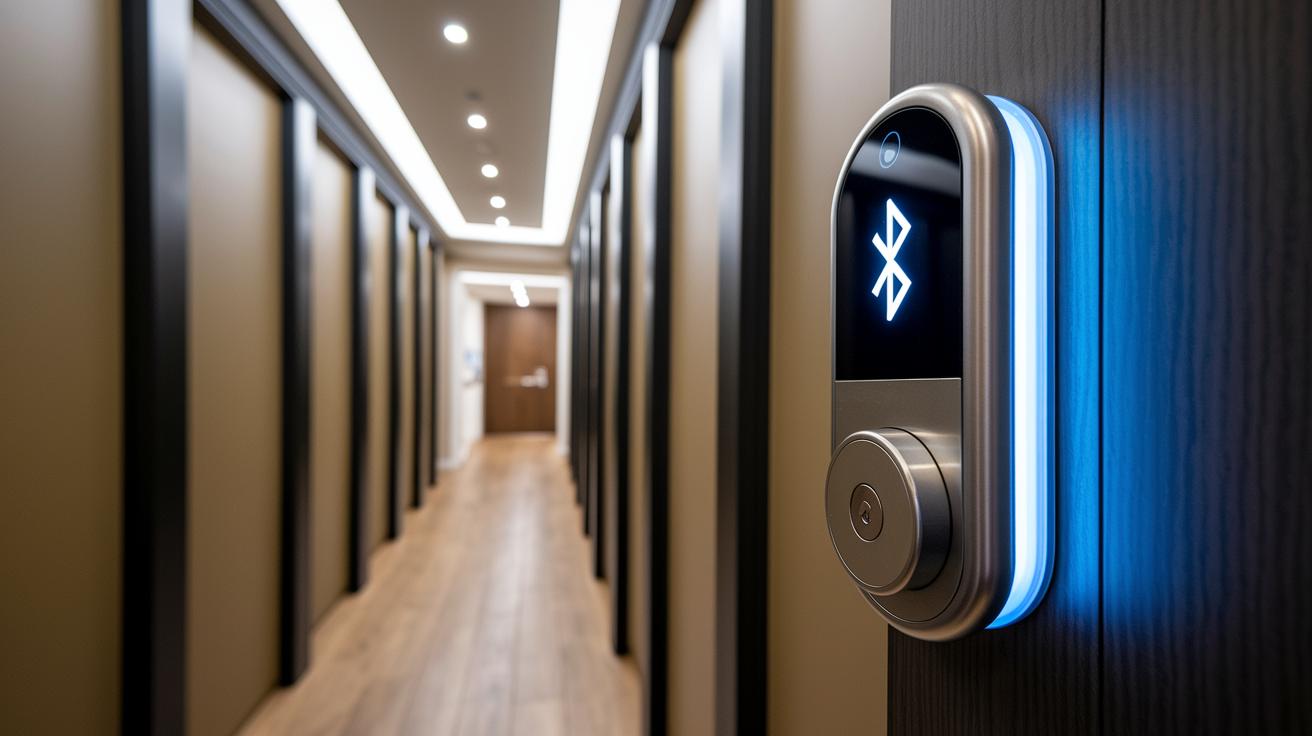
Bluetooth smart locks use Bluetooth Low Energy (BLE) to keep your door secure. With BLE, like Bluetooth 5.0, most locks work reliably within a range of 20 to 30 feet indoors. They consume very little power while staying connected through encrypted links using AES, so your data stays safe.
Pairing these locks is simple. Most let you set everything up through a mobile app that guides you through each step. Some models even let you tap your key fob or smartphone via NFC for quick pairing. And if you prefer a physical pairing method, dedicated key fobs are available as a backup.
When you need remote unlocking, some locks work with an extra hub. This hub connects the lock via Wi-Fi or Thread to let you control it from beyond the usual range. It adds convenience without compromising security. Overall, these locks deliver keyless entry, easy wireless pairing, and steady performance for safe, everyday access.
Bluetooth vs Wi-Fi Smart Locks: Performance & Range Comparison
Bluetooth and Wi-Fi smart locks each bring their own perks. Bluetooth options use low-energy tech to keep the battery going for 6–12 months, making them a solid choice if you usually stay close to your door since their range is about 25 feet. For unlocking remotely when you're away, you'll need an extra hub to keep things working.
Wi-Fi locks, on the other hand, connect directly to your network. This lets you unlock your door from nearly anywhere. However, you might see a shorter battery life of around 3–6 months and a setup process that takes a bit more time to handle network configurations.
| Feature | Bluetooth Lock | Wi-Fi Lock |
|---|---|---|
| Battery Life | 6–12 months | 3–6 months |
| Remote Access | Hub required | Native via Internet |
| Operational Range | Up to 25 feet | Anywhere with network |
| Setup Complexity | 30-minute install | May require network config |
Each type of lock provides handy remote unlocking, so your final choice will depend on whether you value longer battery life or the ability to manage your lock from any location.
Step-by-Step Installation & Mobile-Activated Setup Guide
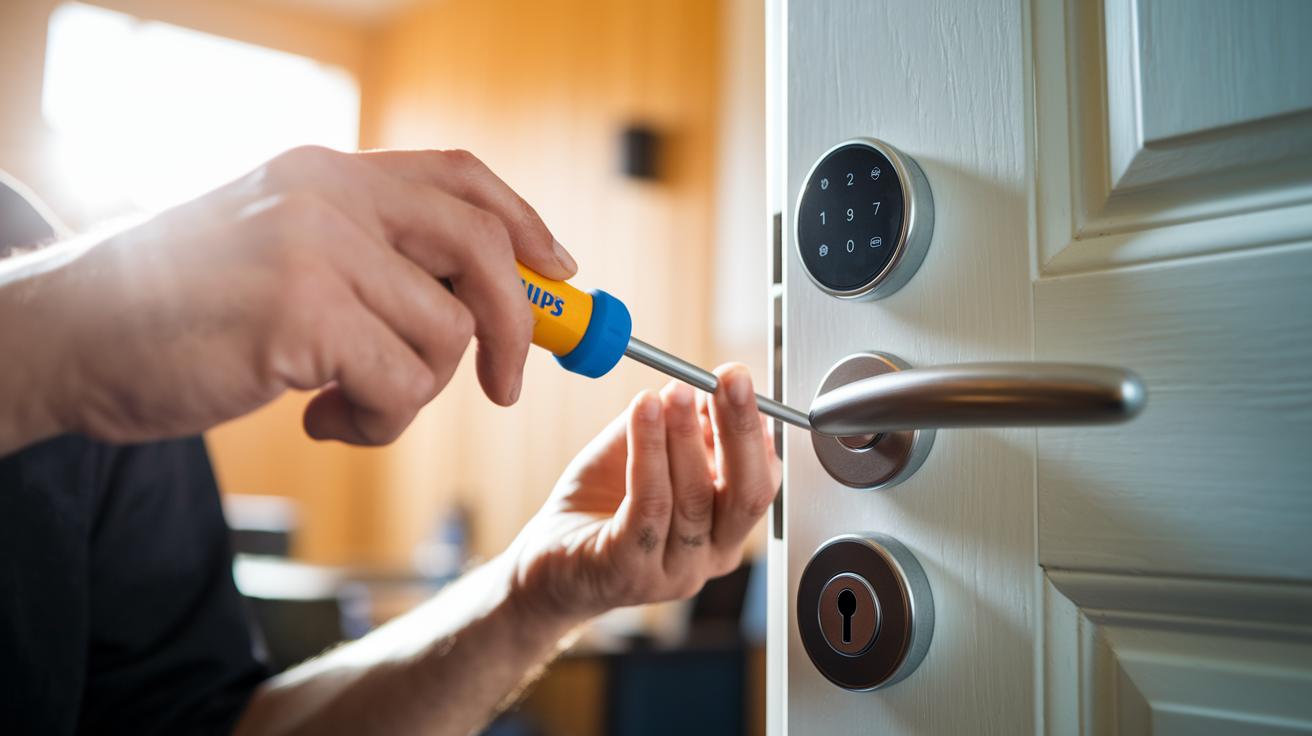
Setting up your Bluetooth smart lock is easier than it sounds. All you really need is a Phillips screwdriver and about 30 minutes of your time. Even if you're new to digital locks, our guide walks you through clear, simple steps to get your lock syncing smoothly with your phone.
- Remove your existing deadbolt hardware.
- Secure the mounting plate to the door.
- Install the exterior lock unit and attach the deadbolt.
- Mount the interior assembly along with the battery pack.
- Download the companion mobile app and pair it via Bluetooth.
- Set up user codes, fingerprints, and auto-unlock features.
Once you finish these steps, test the lock by switching between locked and unlocked states using the app. If you hit a snag, like pairing issues or if the lock seems unresponsive, double-check that the batteries are in place and your phone’s Bluetooth is active. A quick look at the app’s connection settings usually clears up any small hiccups. This straightforward process helps you enjoy both the convenience and security your smart lock offers right away.
Battery Performance & Maintenance Essentials
Most Bluetooth smart locks use four AA batteries, and you can expect them to last between 6 and 12 months. For example, the Wyze Lock Bolt runs on AA cells for about a year. On the other hand, the Nuki Smart Lock and Level Lock Pro come with a rechargeable cell that typically powers up to 12 months of regular use. Yale Assure Lock 2 Touch also relies on AA batteries and usually gives around 12 months of service, while the Schlage Encode Plus tends to last closer to six months.
You'll often see low battery alerts right in the lock's companion app, and some even emit a warning chime when they need attention. One user shared, "My lock sent a chime alert just a week before running low, prompting me to check and replace the batteries." To avoid any surprises, it's a great idea to keep an eye on these alerts and plan regular battery replacements.
Doing these routine checks not only keeps your lock operating smoothly but also ensures it uses power efficiently. Setting reminders for battery changes and periodically reviewing their performance means you can minimize disruptions and enjoy a secure, reliable entry system every day.
Security Protocols & Advanced Encryption for Secure Wireless Entry

Bluetooth smart locks protect your door by meeting ANSI/BHMA security ratings and building to Grade 1, 2, or 3 standards. They use AES-128 or AES-256 encryption to keep your data safe during wireless entry. Many models support multi-factor authentication with keypad codes, fingerprint sensors, and even geofencing auto-unlock. This means if one method fails, another is ready to keep your door secure.
A number of smart locks also come with tamper detection sensors. These sensors alert you via an app when they sense a forced entry. Meanwhile, audit logs keep track of every access event. The locks are built tough, with heavy-duty materials and strong deadbolts to help prevent physical tampering. Although remote hacking is still a risk, the strong encryption and multiple authentication methods significantly lower that threat.
In short, smart locks blend advanced digital security with solid physical protection for reliable home safety. Buyers get the benefit of stringent testing that meets industry standards and enjoy the ease of keyless entry. Regular firmware updates and proactive maintenance help keep these systems ready to face new challenges while ensuring optimal security.
Selecting the Best Bluetooth-Controlled Door Lock for Your Home
Matching a Bluetooth-controlled door lock to your lifestyle is key. If you're looking for an affordable yet secure option, the Wyze Lock Bolt is a strong pick. It offers Bluetooth 5.0, fingerprint access, and a keypad, all powered by AA batteries for around $100.
For those who stick with Apple, the Aqara Smart Lock U100 is worth considering. It supports NFC (a method that lets your phone talk to the lock with a quick tap) and Apple Home Key. It uses a six-digit PIN and AA batteries to give you modern convenience with everyday security.
If you need top-level security and smart home integration, check out the Schlage Encode Plus. This lock works with both Bluetooth and Thread/Wi-Fi networks, reaching ANSI Grade 1 security standards. It also connects seamlessly with voice assistants like Alexa and HomeKit, so remote entry is a breeze.
Another great option is the Level Lock Pro. It features Bluetooth, Thread, and even works with a Wi-Fi bridge. With a 12-month rechargeable battery and Matter support (a new standard for smart home devices), it’s perfect if you want long-lasting performance and smooth integration with other smart products.
Finally, the Nuki Smart Lock is an excellent choice if you need robust guest management. Combining Bluetooth with Wi-Fi and Matter-over-Thread, it lets you manage guest codes and keeps detailed audit trails to track access.
Final Words
In the action of testing a bluetooth smart lock, we experienced hands-on installation, evaluated battery performance, and checked robust security features. We walked through wireless entry methods, pairing setups, and maintenance tips in clear, step-by-step fashion. Each section showed how these locks blend convenience with reliable protection for your home. This review leaves us energized and confident about choosing a Bluetooth-controlled door lock that fits both your needs and budget, making everyday access smart and secure.
FAQ
What is a Bluetooth smart lock?
A Bluetooth smart lock is a door lock that uses low-energy Bluetooth signals for secure unlocking. It connects with devices like smartphones or key fobs to allow hands‐free, proximity‐based access.
What is a BLE smart lock?
A BLE smart lock uses Bluetooth Low Energy technology to pair quickly with your device, conserve power, and securely verify your proximity before unlocking.
How does a Bluetooth smart lock app work?
A Bluetooth smart lock app controls your lock settings, grants access, and unlocks the door via your smartphone, offering a convenient way to monitor and manage entry.
Is Wi‑Fi or Bluetooth better for smart locks?
Bluetooth locks generally offer longer battery life and quick, close‐range unlocking, while Wi‑Fi locks allow remote access without extra hubs, making the best option dependent on your usage.
How secure are Bluetooth door locks?
Bluetooth door locks use strong encryption like AES‐128 or AES‐256 and require close proximity for pairing, providing a secure entry method when used correctly.
What features does the August Smart Lock offer?
The August Smart Lock offers keyless entry via Bluetooth, the ability to grant guest access, and seamless integration with smart home systems for enhanced, user‐friendly security.
What is the best Bluetooth smart lock?
The best Bluetooth smart lock balances battery life, integration capabilities, and extra methods of access such as fingerprint or keypad, so choose one that best fits your security and convenience needs.
Can a Bluetooth smart lock be used on a door or gate?
Bluetooth smart locks are designed primarily for doors but some models offer versatile mounting options and backup access features, making them suitable for certain gate applications.
Do Bluetooth smart locks come with key options?
Some Bluetooth smart locks include backup key options or alternative unlocking methods, ensuring you retain access even if the app or Bluetooth connection isn’t available.
Are Bluetooth smart locks available on Amazon?
Many popular Bluetooth smart lock models are available on Amazon, offering a variety of options to suit different security preferences and home automation needs.