
Have you ever wondered if a smart doorbell could act as a reliable guard for your home? With safety more important than ever, we tested some top picks chosen for their clear video quality, quick alerts, and flexible power choices. From a high-end option like the Google Nest Doorbell to budget-friendly choices from Blink or Tapo, we rounded up the best smart doorbells for 2025. Read on to discover which one best fits your needs.
Top-Rated Smart Doorbells for 2025: Our Best Picks
We chose these doorbells because they pack exciting features like sharp video, smart alerts, and flexible power options. The Google Nest Doorbell (battery) stands out with its clear 2K video and reliable people and package alerts, so you never miss a visitor. Each option has been selected for its dependability and easy setup, whether you need top-tier performance or a solid budget pick.
We have something for every need. The Blink Video Doorbell with Sync Module 2 is a smart, affordable entry-level choice. If you’d rather skip cloud fees, the Eufy Video Doorbell E340 offers local storage instead. The Ring Battery Doorbell Plus provides a unique 1536×1536 view that captures full-body details, and the Tapo D225 brings crisp 2K video along with microSD storage for extra flexibility. See the table below for a quick side-by-side comparison of each model.
| Model | Power Type | Video Resolution | Subscription Requirement | Price Range |
|---|---|---|---|---|
| Google Nest Doorbell (Battery) | Battery | 2K | Cloud required | High |
| Blink Video Doorbell with Sync Module 2 | Battery | HD | Cloud required | Budget |
| Eufy Video Doorbell E340 | Battery | 2K | No subscription | Midrange |
| Ring Battery Doorbell Plus | Battery/Wired | 1536×1536 | Cloud required | Midrange |
| Tapo D225 | Battery | 2K | No subscription | Budget |
Blink and Tapo make great choices for budget-minded buyers. The Google Nest Doorbell fits well if you’re already part of the Google ecosystem, while the Eufy option is perfect if you want local storage without any ongoing fees.
Key Technical Features Every Smart Doorbell Should Have
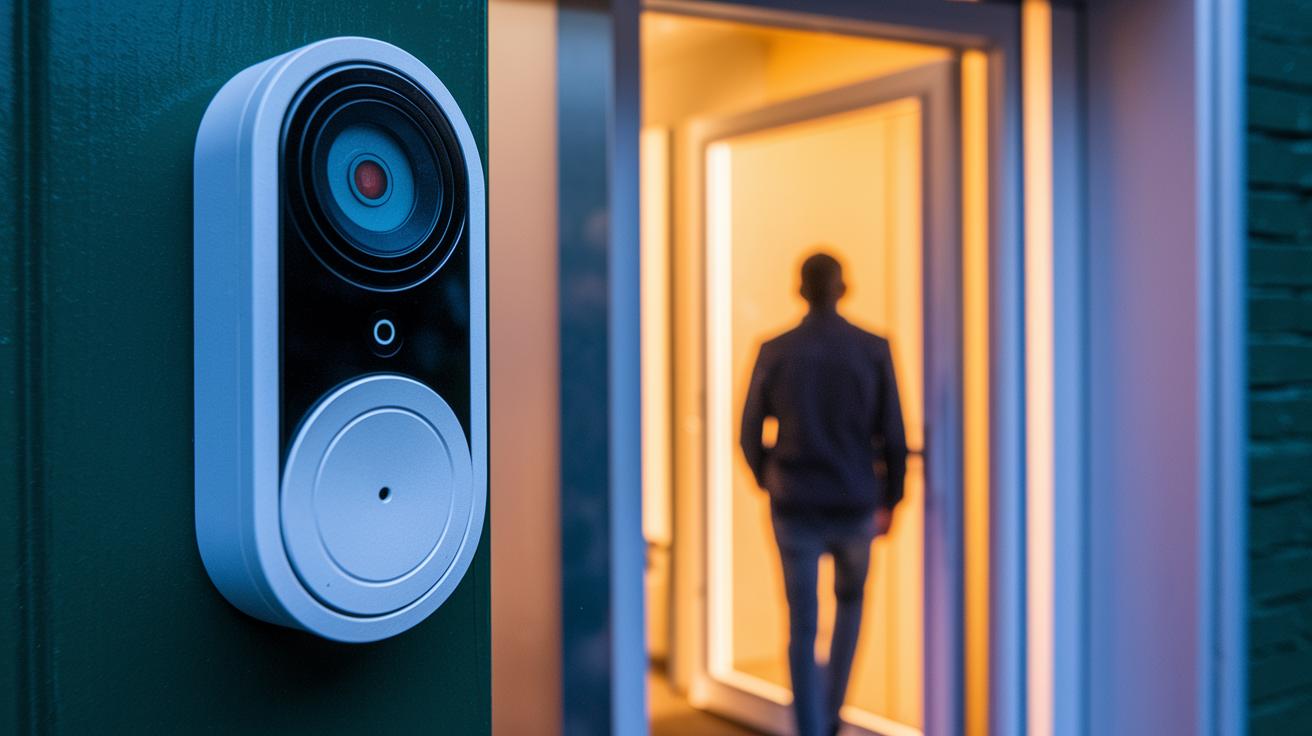
Smart doorbells now come packed with high-resolution video, 2K or above, and HDR imaging that captures every detail even in tricky lighting. Many models use a 1:1 aspect ratio to show you a complete view of your visitor. With built-in two-way audio, you can chat with guests directly through your mobile app. Picture this: when someone rings your door, you get a high-def alert and clear audio that feels like a face-to-face conversation.
These doorbells go beyond just sending video. They feature smart detection modes that can tell the difference between people and packages, reducing false alarms. You can also set up customizable motion and privacy zones so you only get alerts from the areas that matter. Plus, the monitoring app sends real-time push alerts and keeps an event history so you can review what happened even if you missed it live.
Connectivity is a key part of a smart doorbell. Most units use 2.4 GHz Wi-Fi, and some even have dual-band options for better performance. A steady network means you get instant video streaming and timely notifications, making sure your doorbell works reliably as a security tool no matter what.
Wired vs. Wireless Smart Doorbells: Installation & Power
Battery-powered doorbells keep things simple. They come with a mounting plate and need no tricky wiring. Their batteries last anywhere from one to six months, which is great if wiring is a challenge or you just want a totally wireless setup. Just keep in mind that you will need to recharge them sometimes and they might face a few connection hiccups compared to wired models.
Wired doorbells, on the other hand, plug into a low-voltage transformer. This connection lets them use your existing chime system and provides constant power. That extra power helps them work more reliably, although setting them up can be a bit more work. Many wired models now include drill templates, wall plugs, and even tools to check if they work with older chime systems. While you can install them on your own, some people might choose a professional when it comes to handling electrical wiring.
- Check your doorbell’s compatibility with your current chime system using the provided tools.
- Use the supplied drill template to firmly mount the doorbell, adding wall plugs as needed.
- For battery models, pick a spot that avoids extreme temperatures and makes recharging easy.
- For wired doorbells, double-check all wiring connections to ensure a safe, steady low-voltage supply and top performance.
Smart Doorbell Integration with Home Automation Platforms
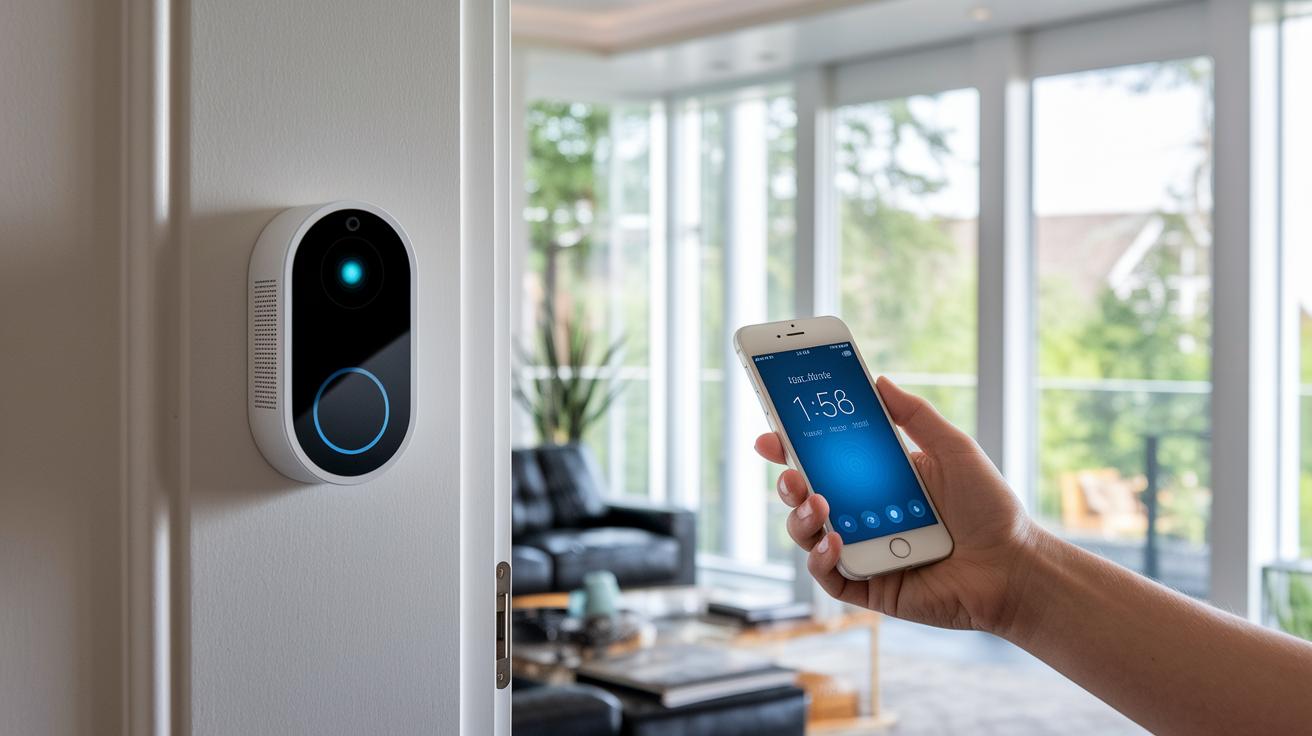
Today's smart doorbells work seamlessly with many home automation systems, allowing you to watch live video feeds and activate routines with a simple voice command. They easily connect with smart displays such as the Amazon Echo Show, Google Nest Hub Max, and HomeKit-enabled devices. This multi-platform support lets you control your doorbell and other entry gadgets together, making your home more secure and convenient. Whether you use voice commands to check who is at your door or set routines that turn on extra lights when someone rings, these integrations simplify everyday life.
Major platform compatibilities include:
- Amazon Alexa
- Google Assistant
- Apple HomeKit
Each pairing comes with its own strengths and drawbacks. Doorbells that work best with Alexa often support a wide range of smart devices and offer quick voice feedback, which is great if you’re already using an Alexa ecosystem. Meanwhile, Nest models shine with Google Assistant by sending timely alerts and blending smoothly into your daily routines. And if you’re invested in Apple products, a HomeKit-supported doorbell provides a smooth connection with your other devices, even if the choices are a bit more limited.
Subscription & Storage Options: Cloud vs. Local
Smart doorbells come with various storage choices that affect both your costs and how you access your video footage. Some let you keep recordings on a microSD card at no extra charge, while others require a small monthly fee for secure cloud storage. Your best choice depends on whether you prefer saving money or getting extended history and remote access.
| Option | Description |
|---|---|
| Free local | Uses a microSD card (like on the Eufy E340 and Tapo D225) with no ongoing fees. |
| Paid cloud | Requires a subscription (found in models like Nest and Ring) to view archived footage beyond the live feed. |
| Hybrid | Combines local network storage with an option to use cloud storage when needed, as seen with Blink and Reolink. |
| NAS | Stores videos on a network-attached system that can later be upgraded with cloud-like features. |
For those watching their budget, free local storage is a cost-effective choice with no recurring charges. However, if you need a detailed archive and the ability to access recordings remotely, a modest monthly fee for cloud storage might offer better long-term value.
Performance Testing & Reliability Ratings
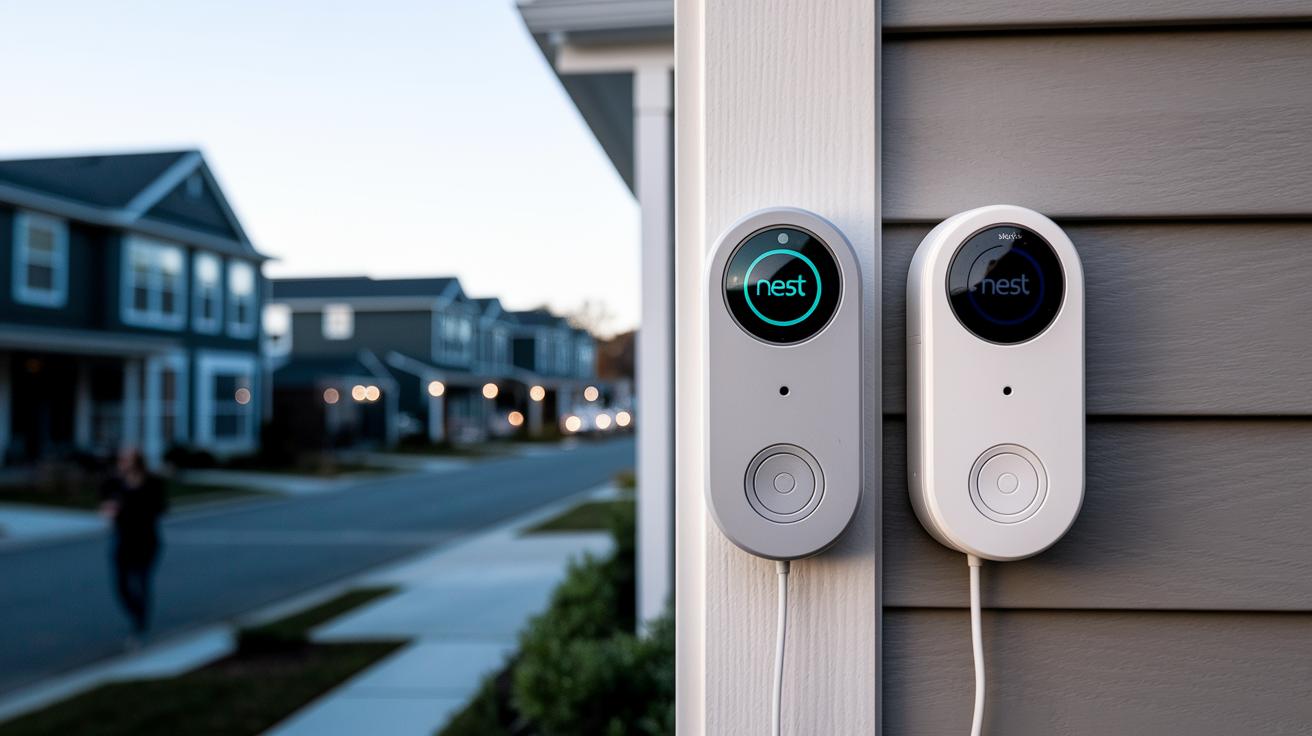
Over two weeks, we ran a series of side-by-side tests on several doorbells. We looked at how fast alerts arrive, how clear the video is in daylight and at night, how often the sensor triggers by mistake, and the quality of two-way calls. Each doorbell was tested in real home settings to show its true reliability. We kept conditions the same across different networks and environments to check signal strength.
In our tests, the Google Nest doorbell impressed us with its accurate detection, while the Ring model sent push alerts the fastest. Blink shone with long battery life even though its night vision wasn’t as strong. The Logitech Circle View delivered the best HDR image quality, making it a top high-resolution notifier. These results point out key strengths in each model and help us rate them simply on reliability.
We did find a few common issues like occasional drops in connectivity and minor firmware glitches that affected motion detection. Regular firmware updates fixed many of these problems, although we still saw brief signal interruptions. Overall, while no doorbell is perfect, steady software updates can make a big difference in performance and user satisfaction.
Price & Value Comparison for Smart Doorbells
If you're on a tight budget and need a smart doorbell that won't break the bank, consider options under $100 like the Tapo D225. It offers clear 2K video and local microSD storage, delivering the basic features you need to keep your home secure without any extra fuss.
Step up your game with midrange doorbells priced between $100 and $200. These models come with sharper image quality, smarter detection features, and smoother integration with your other smart home devices. They strike a great balance between enhanced functionality and cost, offering more reliable performance than entry-level alternatives.
If you’re after the very best in home security, premium doorbells over $200, such as some Nest models, bring top-notch features, robust durability, and seamless smart home integration. While you might face additional fees or subscription costs, these high-end options deliver advanced security and cutting-edge technology for those who demand more.
Frequently Asked Questions About Smart Doorbells
-
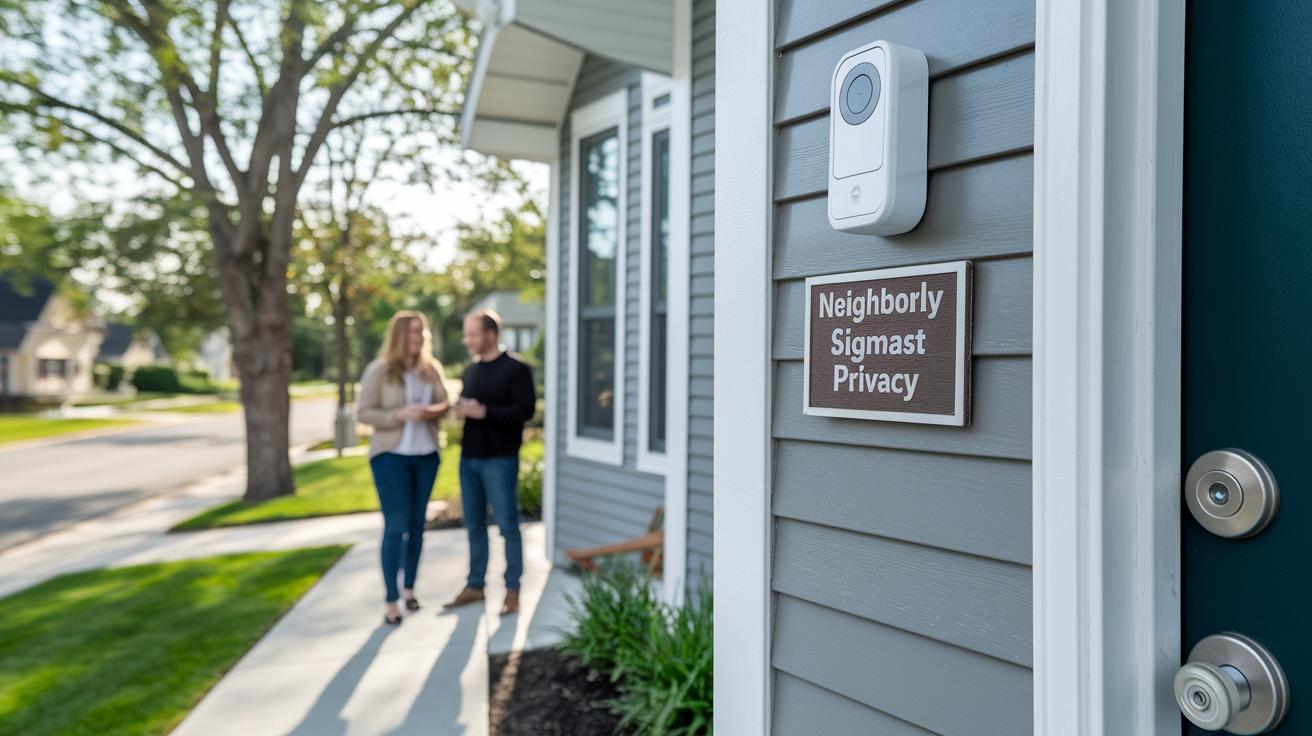
Q: Do local privacy laws affect smart doorbell recordings?
A: Laws change from place to place. In many areas, you need to display clear signs and sometimes even get consent from neighbors before recording audio or video. -
Q: Is homeowner consent required for smart doorbell installation in shared properties?
A: In community settings, property managers or associations often ask for written permission to install a smart doorbell. This helps address everyone's privacy concerns. -
Q: How could a smart doorbell affect homeowner insurance or liability?
A: Some insurance policies may change if you install security upgrades. It’s a good idea to review your current coverage to see if your liability or premium might be affected. -
Q: Must I obtain permits when installing a smart doorbell?
A: Depending on your local rules, permits or inspections could be needed for surveillance installations. Checking with your municipality beforehand is always a smart move. -
Q: What legal risks come with false motion alerts from smart doorbells?
A: False alerts are unlikely to cause legal trouble, but they might lead to neighbor complaints or extra attention from local authorities if they keep happening. -
Q: Are there legal differences between battery-powered and wired smart doorbells?
A: The law usually focuses on how recordings are handled rather than the power source. This means both battery-powered and wired doorbells need to follow the same local privacy rules.
Final Words
In the action, our review covered the top-rated smart doorbells for 2025, from battery-powered essentials to wired setups that integrate with home automation platforms. We highlighted each model's standout features, technical performance, installation tips, and storage options. This detailed side-by-side comparison helps you select a best smart doorbell that fits your budget and lifestyle.
Our honest advice gives you a clear picture to confidently upgrade your home security. Enjoy the improved peace of mind every day.
FAQ
What are some top smart doorbells recommended by Reddit and consumer reports?
Top recommendations from Reddit and consumer reports favor models like Google Nest and Ring, thanks to their clear 2K video, accurate detection features, and robust user experience that meets diverse home security needs.
Which doorbell cameras offer both subscription-free and subscription-based storage options?
Doorbell cameras vary in storage; models like the Eufy E340 and Tapo D225 provide local storage without fees, while options from Nest and Ring require subscriptions for extended cloud archives and advanced detection features.
What is the best wired smart doorbell option?
Wired smart doorbells, such as select Nest models, offer continuous power and integrate with existing chime systems, delivering reliable performance without concerns about battery life or frequent recharging.
Which doorbell camera works well for apartment living?
For apartment settings, doorbell cameras like Ring and Blink excel by offering compact designs, effective package monitoring, and easy installation that adapts well to limited space and existing building setups.
What benefits does the Eufy smart doorbell offer?
The Eufy smart doorbell stands out for its subscription-free local storage, clear 2K video quality, reliable motion detection, and an intuitive interface that appeals to budget-conscious users seeking smart security.
Which smart doorbell integrates best with HomeKit?
HomeKit-compatible doorbells, including some Nest and other select models, provide seamless integration with Apple devices, enabling voice control, automated routines, and secure, easily accessible video feeds.