
Ever wondered if you could upgrade your home's security without messy wires or long installations? Battery doorbells let you do just that in under 30 minutes. You can place the doorbell exactly where your Wi-Fi signal is strongest, and it sends quick alerts straight to your smartphone. They’re perfect for renters or anyone who wants a simple and flexible security solution. Enjoy straightforward use and dependable safety to make your home safer.
Battery Doorbell Empowers Your Home Security Upgrade
Battery doorbells let you boost your home security without dealing with messy wiring. You can put one anywhere your Wi-Fi reaches, and setup takes less than 30 minutes with simple tools. This makes them great for renters or anyone looking to avoid costly professional installs. It’s like a quick DIY project that keeps your home safe and connected.
Battery doorbells beat wired ones by freeing you from hardwiring and letting you choose the perfect spot by your door. They send smartphone alerts so you know right away if something unusual happens. Because they run on battery power and don’t depend on your home’s wiring, installation is a snap, just mount it and connect to your Wi-Fi. Many homeowners love this mix of simplicity and flexibility.
There are a few downsides, too. You’ll need to change or recharge the batteries every now and then. And if you set the doorbell too far from your router, weak Wi-Fi might slow down its alerts. In low battery or poor signal conditions, notifications may come a bit later than with wired models. Weigh these points carefully to choose a system that meets your security needs.
Wireless Installation Guide for Battery Doorbells
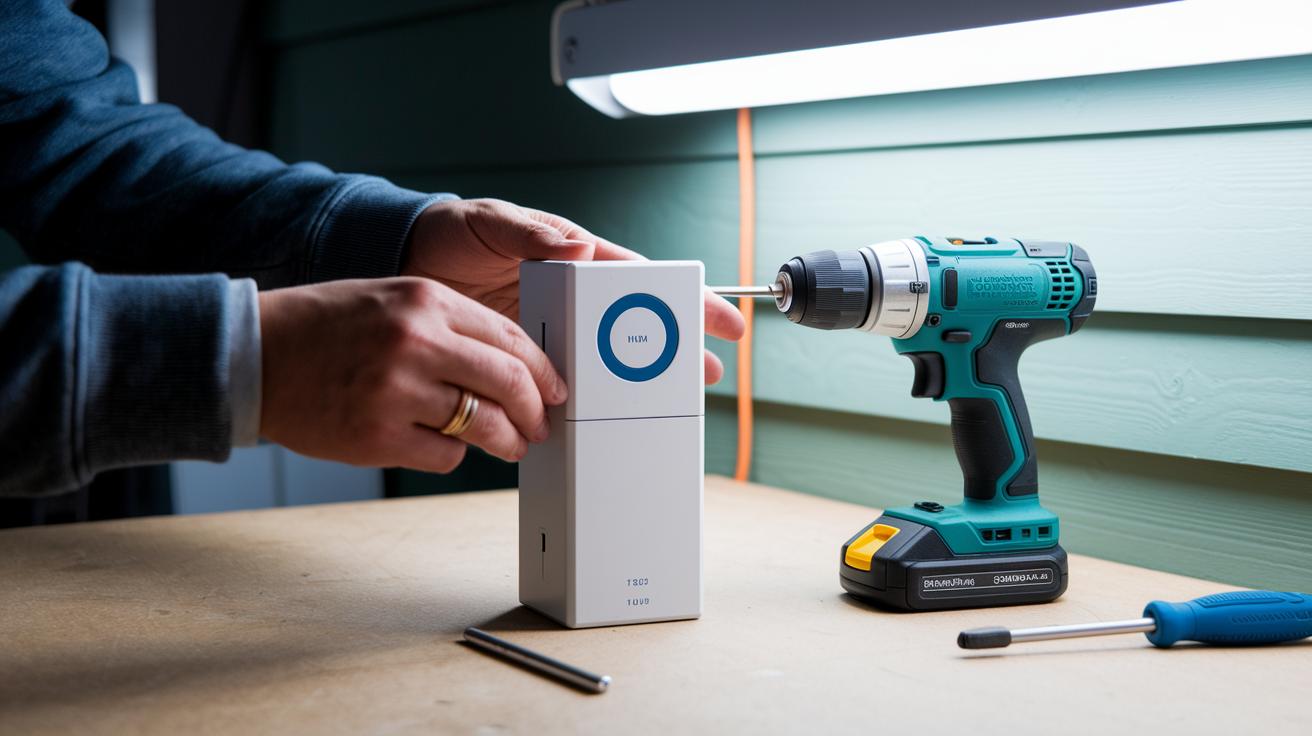
Start your wireless doorbell installation by gathering your tools and making sure your doorbell’s battery is fully charged. This DIY guide walks you through installing a cord-free doorbell without any permanent wiring. Before you begin, grab your drill, screwdriver, and mounting supplies, choose screws for siding, masonry anchors, or adhesive plates if you have smooth surfaces. Having these tools ready makes the process quick, usually under 20 minutes.
- Charge or insert the batteries to power up the doorbell.
- Mark and drill the holes at the spot you want.
- Secure the backplate with the provided hardware.
- Attach the doorbell to the backplate firmly.
- Install the chime adapter indoors so it connects with your current system.
- Connect the doorbell to your Wi-Fi network and run a quick test.
Be sure to measure carefully and drill with precision. Any small mistake like misaligned holes or using the wrong drill bit might slow you down later by forcing you to redo the work. Also, check that your doorbell’s battery fits the recommended specs and that your Wi-Fi signal is strong where you’re installing. Taking a little extra time with these steps ensures your battery-powered doorbell works reliably right from the start.
Battery Life Performance and Maintenance for Energy-Efficient Entry Alerts
Battery doorbells using Lithium-ion batteries can typically run between 3 and 12 months on one full charge. How long they last really depends on how often they get used. For instance, a doorbell in a quiet area with few visitors will likely need recharging less often than one mounted by a busy entrance.
Many doorbells now include power-saving options that help stretch that battery life even further. You can often set up specific motion zones to keep alerts to the more active spots and even schedule sleep modes when nothing much is happening. These settings help make sure the battery isn’t drained by unnecessary alerts.
To keep your doorbell running smoothly and reliably, it’s smart to check the battery level regularly using the companion app. Plan to recharge or swap out the battery when you see the level drop. A handy tip is to set a reminder based on your average usage, maybe every few months when your doorbell is moderately active. This simple routine helps you keep your energy-efficient entry alert system in top shape.
Technical Features and Smart Integration of Battery Doorbells

Video and Audio Capabilities
Battery doorbells deliver clear video in resolutions from 1080p up to 2K with HDR, ensuring images remain bright and sharp even when the light fades. Most models offer a wide view of your entrance with angles between 120° and 160°. They also feature infrared night vision, letting you see detailed images in the dark. Two-way audio is built in with noise reduction, so you can clearly hear and speak to visitors right from your phone. In a recent test, one doorbell provided voice quality almost on par with a traditional wired option.
Connectivity and App Integration
These doorbells typically work best on a 2.4 GHz Wi-Fi network, though some models support 5 GHz to handle interference in busy areas. The mobile app acts as your remote control, giving you a live view, event history, and instant alerts when motion is detected. You can choose either cloud storage or a microSD card for saving footage, based on your budget and needs. Many models let you set custom activity zones, and a few even feature person or vehicle detection to cut down on false alerts. Some options also support solar panel backups for extra uptime during low battery periods, making them a convenient, low-maintenance choice.
Setting up these smart doorbells is straightforward. The companion app guides you through every step with clear instructions, ensuring a smooth integration with your home security system. This combination of high-quality video and dependable connectivity makes battery doorbells a practical and modern security solution.
Top Battery Doorbells: Reviews, Pricing, and Performance Comparison
When choosing a battery doorbell, you mainly need to check three things: the cost, how long the battery lasts between charges, and the extra features that come with it. You'll want to know if you're getting clear video, reliable motion alerts, and smooth integration with your other smart home gadgets. The table below lays out four well-known models from trusted brands so you can easily compare their prices, battery life, and standout features like video clarity and detection capabilities.
| Product | Price | Battery Life | Key Features |
|---|---|---|---|
| Ring Battery Doorbell | $99 | ~6 months | 1080p, basic motion alerts |
| Arlo Essential Wireless | $129 | ~4 months | 1080p, person detection |
| Eufy Battery-Powered | $119 | ~180 days | 2K resolution, local storage with no monthly fee |
| Nest Hello Battery | $179 | ~3 months | 1080p, tight Google Home integration |
If you’re looking for a mix of quality and value, these models make it easier to decide based on what matters most to your home security setup. For those who need a longer battery life without breaking the bank, the Ring Battery Doorbell and Eufy Battery-Powered are great options. On the other hand, if you want extra smart features like advanced detection, consider the Arlo Essential Wireless. And if smart home connectivity is your top priority even with a shorter battery run time, the Nest Hello Battery might be just right for you. Each doorbell has trade-offs, so pick the one that best matches your budget and security needs.
Troubleshooting Battery Doorbells: Common Issues and Solutions
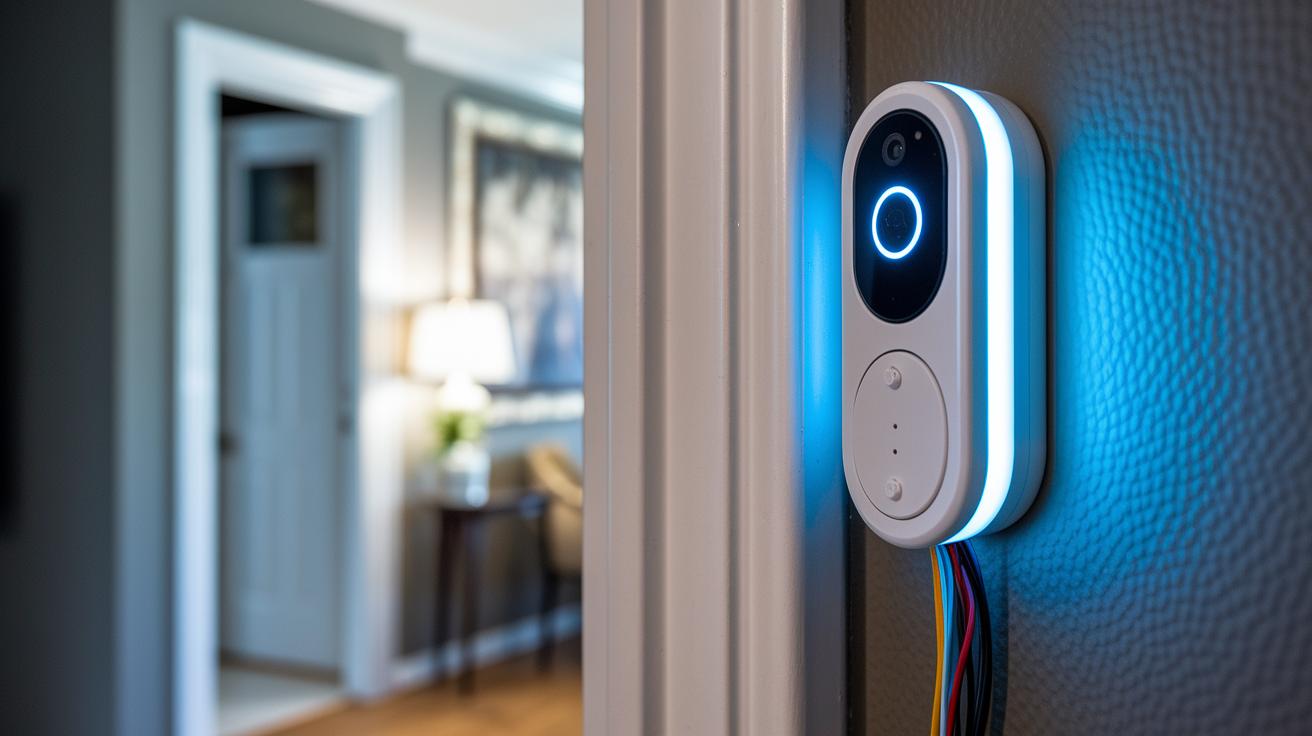
Battery doorbells are handy, but sometimes hiccups happen. Here's how to quickly fix common problems and get your doorbell back on track.
• No chime: First, check that the wires on your chime adapter are connected correctly. Then press the doorbell’s reset button. Finally, ensure the battery is charged.
• Weak Wi-Fi: Try moving your router closer or set up a mesh network to boost the signal. This helps your doorbell get a steady connection and alert you right away.
• Fast battery drain: Turn off extra motion alerts and shorten the video recording time in the doorbell’s settings. This saves battery power and means fewer charges between uses.
• App connection issues: Make sure your doorbell’s firmware is up-to-date and re-enter your network details if needed. This gets the app working properly again so you never miss a notification.
Taking a few moments for these fixes can keep your doorbell running smoothly and your home secure. Regular checks help you avoid interruptions when you need your doorbell the most!
Final Words
In the action, we compared smart-powered, easy-to-install battery doorbells with traditional setups. We covered installation tips, battery life details, and technical features like video quality and app integration.
Each section shed light on real use, clear benefits, and practical troubleshooting. This guide shows how a battery doorbell can boost your home alert system with convenience and performance. Enjoy enhancing your space with a choice that suits your needs.
FAQ
How do you install a battery doorbell?
The battery doorbell installation involves simple steps like charging the battery, drilling mounting holes, attaching the backplate, and pairing with Wi‑Fi. This process typically takes about 20 minutes using basic tools.
What benefits does a battery doorbell with camera offer?
A battery doorbell with camera provides clear video capture (1080p–2K), night vision, wireless convenience, and mobile alerts, improving home security without the need for hardwiring.
How do wireless battery doorbells compare with wired ones?
Wireless battery doorbells offer flexible placement and a fast, DIY installation without professional help, while wired doorbells guarantee continuous power but require more complex setup.
How long do batteries last in wireless doorbells?
Batteries in wireless doorbells usually last between 3 and 12 months per charge, with longevity influenced by settings, usage patterns, and model specifications.
Which battery doorbell is considered the best?
Top-rated battery doorbells from brands like Ring and Eufy combine clear video quality, dependable battery life, and essential smart features, though the ideal choice depends on personal budget and feature needs.
Is a battery Ring doorbell any good?
A battery Ring doorbell delivers clear video, reliable mobile alerts, and a setup process that fits most homes, making it a popular choice for those seeking simplicity and security.
Can you get a doorbell without wiring?
A doorbell without wiring is available in battery-powered models that allow for easy, wireless installation, offering placement flexibility as long as it stays within your home’s Wi‑Fi range.
What common issues arise with battery doorbells and how can they be fixed?
Common issues include missing chime, weak Wi‑Fi, or fast battery drain. These can often be resolved by checking connections, adjusting motion settings, relocating the router, or updating firmware.