
Ever thought a simple light could transform your day? Atomi Smart Lights do just that by letting you change the mood of any room with a quick tap on your phone. Whether you're looking at basic LED spotlights or models with added features like built-in fans, these lights give you total control over brightness and color. In this post, we take a close look at five top options that pair style with energy savings, showing you how a few smart lights can brighten your home, and even your life, in more ways than one.
Comprehensive Overview of Atomi Smart Lights
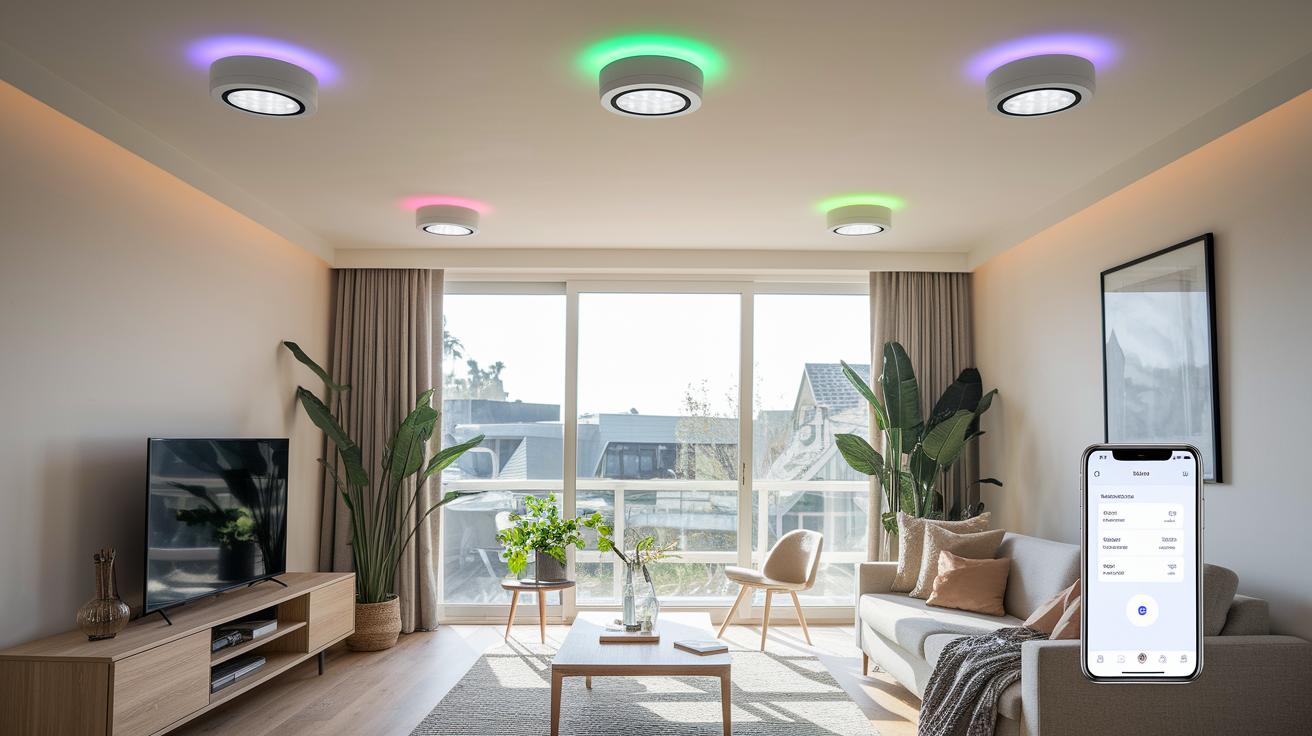
Atomi Smart Lights are offered in a few different styles, ranging from simple WiFi LED spotlights to models that mix lighting with a fan. They’re built for anyone who wants stylish lighting and easy smart home control. You can adjust their brightness and color right from your phone, making them a great fit for modern homes.
One popular option is a four-pack of WiFi LED Smart Spotlights, available exclusively at Costco and on Amazon. At Costco, the bundled deal is perfect for those who enjoy in-person shopping and trusted packaging. Meanwhile, Amazon shoppers get competitive pricing and occasional promotions. This choice lets you buy from the platform that suits your habits while still enjoying smooth app control and setup. Plus, these lights connect easily to your home network, cutting down on common WiFi issues and allowing remote adjustments and scheduling.
- Four-pack LED Smart Spotlights
- Indoor smart string lights
- Floodlight fixtures
These kits work well on their own or as part of a larger smart home system. Smart homeowners love how these lights combine energy efficiency with full remote control. Whether you're setting the mood for a family dinner or just automating daily routines, Atomi Smart Lights fit a wide range of needs. Their easy installation and intuitive control transform everyday spaces into interactive environments bursting with full-spectrum ambiance and energy savings.
Features and Specifications of Atomi Smart Lights

Atomi smart lights combine vibrant full-color illumination with the ability to adjust from a warm, cozy white to a bright, cool daylight. They use RGB-CCT LED technology to offer millions of colors so you can set the mood exactly right, whether you're looking to boost your energy with a lively hue or create a calm ambience. Some models even come with LED strings that transition through colors, adding an inviting touch to any space. For outdoor areas, select models include a floodlight mode that easily brightens up large spaces.
These lights are fully dimmable, which means you can smoothly switch from a bright setting for active tasks to a softer glow when it's time to unwind. They meet key energy-efficiency standards while delivering the brightness you need. The thoughtful design ensures low power consumption without compromising on performance, making them a stylish and practical choice for everyday use.
- Color Modes: Millions available using RGB-CCT technology
- Temperature Range: Adjustable from warm white to cool daylight
- Max Lumens: Delivers brightness that meets standard LED benchmarks
- Wattage: Designed for low power consumption
- Rated Bulb Life: Built to last in line with industry standards
App Control and Voice Assistant Integration for Atomi Smart Lights

The Atomi Smart mobile app is designed to get you started on your smart home journey effortlessly. After downloading and installing the app, you'll be guided through pairing each light with clear, step-by-step instructions. The app’s main screens feature a simple layout that makes it easy to explore different scene presets, set up custom schedules, and check for firmware upgrades. You can control your lights from anywhere, whether you're setting them to match your daily routines or planning for a festive occasion. Plus, if you prefer hands-on control, the included IR remote offers a quick alternative for making adjustments on the fly.
Voice Control with Alexa and Google Assistant
You can also connect your Atomi Smart Lights with voice assistants like Alexa and Google Assistant. Just open your voice assistant app, add the device, and follow the prompts. For example, you might say, "Alexa, set front spotlight to blue" to instantly adjust the light's color and brightness.
- Scene library access
- Group control for multiple devices
- Custom scheduling options
- Automatic firmware upgrades
With this dual control setup, Atomi Smart Lights bridge the gap between app-based management and voice control, making it a breeze for both tech fans and those new to smart lights.
Installation and Setup Guide for Atomi Smart Lights

Before you get started, take a moment to map out your layout and gather all the tools you'll need. Make sure to switch off the power at the circuit to keep things safe. Download the Atomi Smart app and spend a few minutes exploring the setup screens. You'll also want screwdrivers, mounting brackets, and a neat, clear workspace.
Step-by-Step Installation:
- Turn off the circuit and double-check that no current is flowing.
- Attach the mounting hardware to your wall or ceiling, following the instructions provided.
- Firmly secure each spotlight or floodlight onto its fixture bracket.
- Connect the wiring based on the diagram in the manual.
- Open the Atomi Smart app and scan the QR code on each fixture to register your device.
Connecting Your Smart Lights:
When it's time to hook your lights up to your network, use a strong, secure WiFi password and stick with a 2.4 GHz network. This band offers a steadier connection for these devices, making your setup smoother and more reliable.
Reset and Reconnect:
If you run into any pairing issues, simply reset the light by holding the power button for five seconds until it enters reset mode. Then, start the pairing process again using the Atomi Smart app. This clears up temporary glitches and lets the device reconnect with fresh settings.
Extending Coverage for Larger Areas:
For homes with bigger spaces or multiple zones, consider adding an optional wireless bridge. Install the bridge near your router to boost the signal, and then integrate it via the smart app. This extra step expands coverage throughout your home, ensuring your lights stay connected wherever they're placed.
Pricing, Purchase Options, and Retail Availability of Atomi Smart Lights

We've now gathered all the pricing info, buying options, and customer reviews into one handy section. This all-in-one overview cuts out repeated details and makes it easier for you to find everything you need in one spot.
Troubleshooting and Maintenance of Atomi Smart Lights
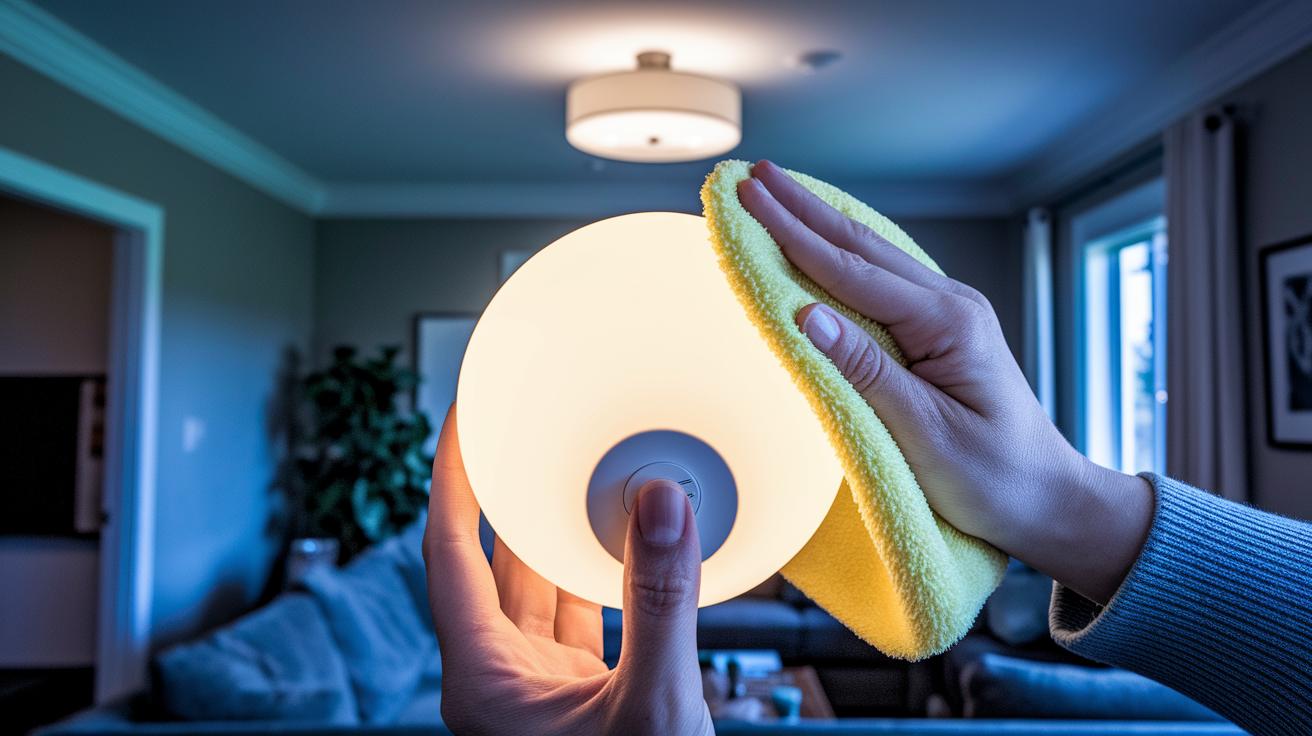
Regularly cleaning your Atomi Smart Lights goes a long way in keeping them in top shape. Dust them off and wipe the surfaces with a soft, dry cloth to prevent overheating and keep their brightness steady. Always switch off the power before handling a bulb to ensure safety.
- Check the WiFi connection to confirm a steady signal.
- Power cycle the lights to clear up minor glitches.
- Reset the fixture by holding the power button for five seconds.
- Inspect the wireless bridge if the lights remain unresponsive.
Firmware and Bridge Fixes
Open the Atomi Smart app and head to the firmware update section. If an update is available, download and install it so the lights can reconnect smoothly. Should the wireless bridge go offline, use the app’s on-screen prompts to re-link the device. This process often clears up connection issues and keeps your network stable.
For ongoing problems, you can order extra LED modules and replacement parts directly from the manufacturer. Keep warranty support contacts handy for additional advice. Following a routine of cleaning and checking connections every few months will help your Atomi Smart Lights stay at their best.
Final Words
In the action, we explored the setup, features, and smart home integration of Atomi Smart Lights. We broke down their control system, installation guide, and troubleshooting tips while comparing purchase options at Costco and Amazon.
The review balanced technical details with hands-on tips to help you make a clear buying decision. With strong control options through the app and voice assistants, atomi smart lights bring practical value to any home environment. Enjoy the brightness they add to your everyday life.
FAQ
Atomi Smart lights Costco
The Atomi Smart lights available at Costco come as a four-pack of WiFi LED spotlights. They offer energy-efficient operation and full app control, making smart home lighting both accessible and cost‑effective.
Atomi Smart lights app
The Atomi Smart lights app provides an intuitive interface to control power, brightness, and color settings. It also supports scene scheduling and firmware updates to keep your lights running smoothly.
Atomi smart lights manual
The Atomi Smart lights manual gives users clear installation steps and setup instructions. It explains configuration and basic troubleshooting to quickly get the system up and running.
Atomi smart lights troubleshooting and why are my Atomi smart lights not responding
The troubleshooting guide addresses issues like unresponsive lights by recommending a check of WiFi connections, a power cycle, and a device reset. These steps help restore normal operation.
Atomi Smart Lights Outdoor
The Atomi Smart Lights Outdoor options feature fixtures built to withstand weather conditions. They integrate with smart home systems to provide durable, energy‑efficient lighting for exterior spaces.
Atomi smart lights reviews
The reviews for Atomi Smart lights highlight reliable performance, user-friendly app control, and straightforward installation. Users also appreciate the competitive pricing and overall value for smart home setups.
Atomi Smart Bridge
The Atomi Smart Bridge extends your lighting network by managing multiple devices over larger areas. It ensures a stable connection so all your smart lights work seamlessly together.
Atomi Smart lights replacement parts
The replacement parts for Atomi Smart lights include LED modules and remote controls available from the manufacturer. These parts help maintain and extend the lifespan of your smart lighting system.
How do I connect my Atomi smart lights and get them to work?
The connection process for Atomi Smart lights involves plugging them in, scanning the QR code, and adding them to your 2.4 GHz WiFi network through the app. Follow the guided instructions for a smooth setup.
What is Atomi Smart?
Atomi Smart is a line of WiFi LED smart lighting products offering remote control, customizable color settings, and energy-saving features. They are designed to integrate easily into modern smart home environments.