
Ever thought a door lock could put a smile on your face? The Aqara smart lock boosts your home security with a modern twist. It stores fingerprints and multiple PINs, letting you grant temporary access with just a few taps on your phone. Plus, thanks to its smart connectivity and Apple HomeKit support, your home becomes more responsive to your needs. This sleek and tech-savvy lock makes protecting your home simple, reliable, and yes, almost joyful.
Aqara Smart Lock Overview: Key Features, Compatibility, Installation & Security
The Aqara U400 looks sleek and modern, setting it apart from typical deadbolts. Its larger size may not fit every door, but many homeowners appreciate its sturdy presence. It can store up to 50 fingerprints and 75 PIN codes, with each PIN ranging from 6 to 10 digits. I even set up a temporary PIN for a friend using the Aqara app, easy and effective.
It accepts multiple access methods, from NFC cards (sold separately) to a backup mechanical key. The lock connects using Thread (a network protocol), Matter 1.4, Bluetooth 5.2, NFC, and UWB, so you can unlock it without even reaching for your phone. Just remember that a Thread border router is required to use all these features.
Built with Apple HomeKit in mind, it fits right into the Apple ecosystem, allowing you to set up scenes automatically and use Siri voice commands. The setup is simple too, you just align the lock with your door and establish a steady connection. With strong access controls and several ways to verify your identity, it keeps your home secure while staying user-friendly.
Aqara Smart Lock Specifications & Design Analysis
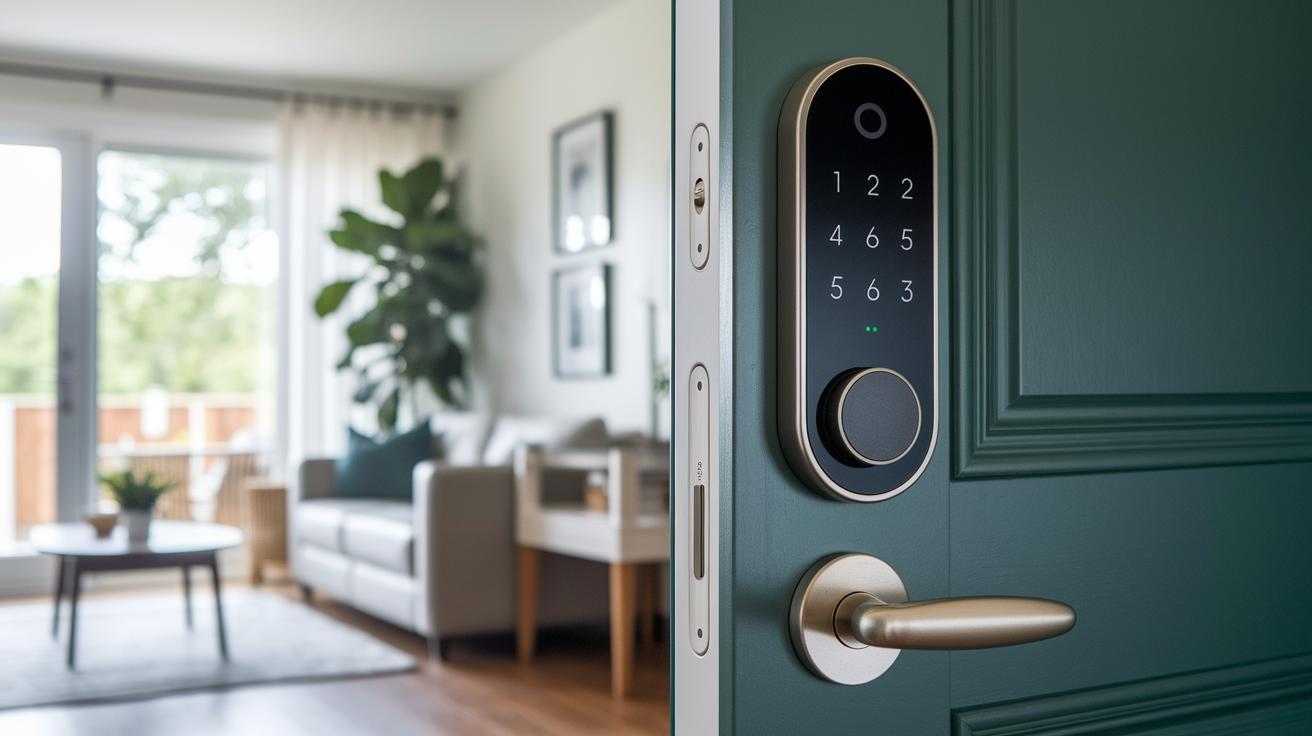
The Aqara U400 is built to handle day-to-day home use without breaking a sweat. Its metal body comes in either a matte-black or steel finish, giving it a modern look that still stands up to daily wear. Its exact size and weight match the official specs, so you’ll know right away if it fits your door. Plus, it’s designed to face outdoor weather challenges, meaning it will keep working well no matter what the day throws at it.
The fingerprint scanner is placed in a tough, reinforced spot to grab your biometric data quickly and reliably. This part is built for repeated use, even when the weather gets rough with rain or dust. Inside, a secure battery compartment powers the lock for up to 6 months under regular use, so you won’t have to worry about constant recharging.
You also get a mechanical key override if the digital methods ever fail. An integrated NFC reader lets you use a card for access if you prefer a physical backup. With these thoughtful design features, the Aqara U400 mixes sleek style with practical functionality, making it a smart and durable choice for upgrading your home security.
Installing & Setting Up the Aqara Smart Lock
Start by checking your door. Make sure the hole is the right size and the backset fits the recommended range. Use a level to ensure the mounting surface is even so the lock lines up properly. Your kit comes with a mounting bracket, screws, and a strike plate. Also, don't forget that to unlock all the smart features, you'll need a Thread border router.
Required Tools & Components
- Drill
- Screwdriver
- Level
- Mounting bracket, screws, and strike plate (from the kit)
Step-by-Step Configuration
- Press the designated button on the lock to start pairing mode. This turns on Bluetooth 5.2 and gets the lock ready for the app.
- Open the Aqara app and follow the fingerprint calibration process. This helps the sensor register your fingerprint accurately.
- Set your desired PIN and guest codes through the app. Each code should have 6 to 10 digits so that your lock stays secure.
- If you want to use NFC cards, enroll each one via the app. (Note: NFC cards are sold separately.)
- Lastly, add the lock to Apple HomeKit by turning on Matter binding in the app. This step lets you use Siri voice commands and connect the lock with your other smart home devices.
Following these easy steps and using the proper tools will help you set up the Aqara Smart Lock securely and smoothly.
Smart Home Integration with the Aqara Smart Lock

Advanced users can take advantage of Matter-based integration to add extra smarts to their home. In addition to using Thread and Bluetooth, upcoming Matter support promises even greater control over your smart home routines. For example, you can set your lock to share sensor data with apps like Home Assistant so your lights adjust automatically when someone enters.
To help with any connectivity issues, make sure your home hub firmware meets the latest Matter requirements. If problems come up, check that your border router is updated and that any custom automation settings do not conflict with your default HomeKit settings.
- Connectivity: Works with Matter (requires a Thread border router) and uses Bluetooth when needed.
- Voice Control: Pairs with HomeKit so you can use Siri commands and enjoy automatic scene updates.
- Third-Party Integration: Future Matter support will let you control the lock with platforms like Home Assistant.
Using these tips will make your smart home setup run more smoothly while cutting down on integration issues.
Security & Privacy Measures in the Aqara Smart Lock
The Aqara Smart Lock uses several ways to verify who can enter your home. It accepts fingerprint IDs, secure 6–10-digit PINs, NFC cards, and even a mechanical key if needed. This mix of options keeps unwanted visitors out while letting trusted users in quickly.
Your data is kept safe too. The lock uses end-to-end encryption with Bluetooth 5.2 and Matter protocols, ensuring that your information remains private during every transmission. Plus, your fingerprint data stays on the device and never goes into the cloud.
If someone tries to tamper with it, the lock sends you an alert in real time through the Aqara app. This way, you can take immediate action if you notice anything suspicious.
The lock even has an auto-lock feature that relocks the door after a set time, so you don’t have to worry about forgetting to secure your home. Combining strong encryption with easy-to-use features makes the Aqara Smart Lock a smart choice for keeping your home safe.
Troubleshooting & Maintenance Tips for the Aqara Smart Lock
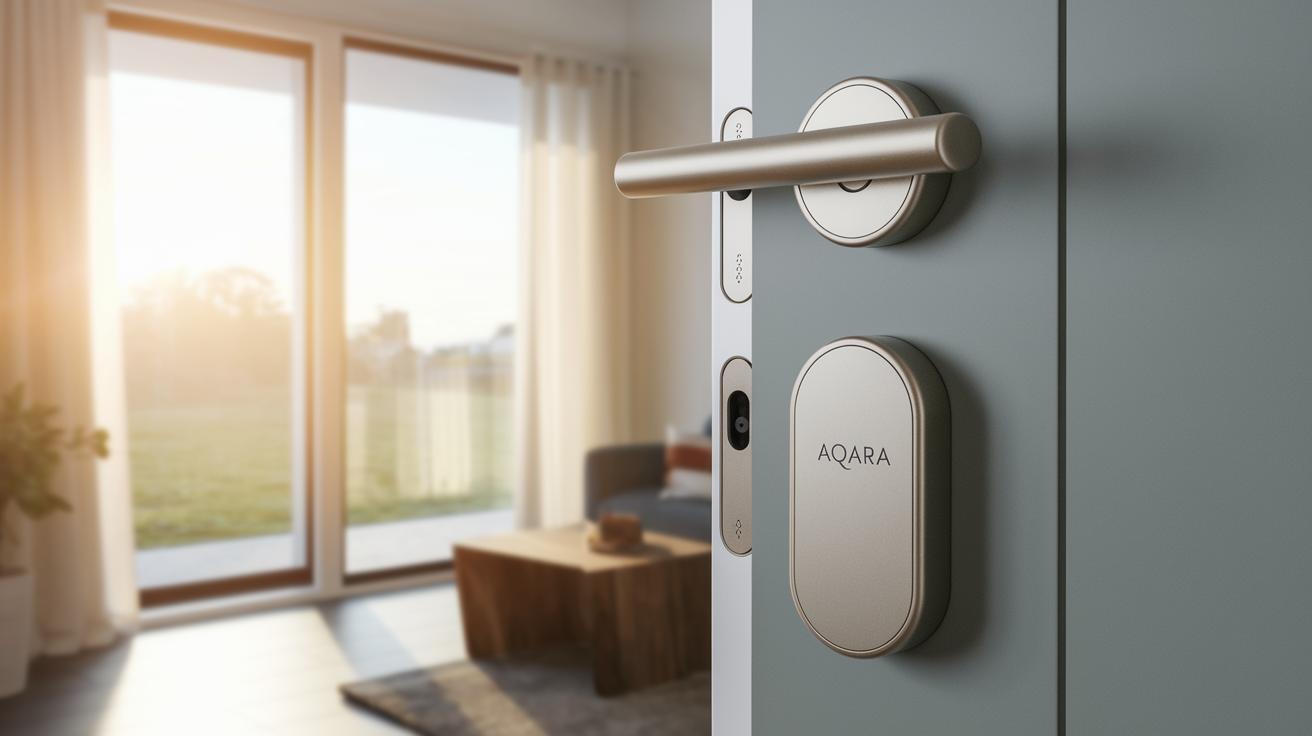
If your Aqara Smart Lock has trouble pairing, make sure your Thread border router is turned on and online. A common fix for fingerprint sensor misreads is to gently wipe the sensor with a soft cloth and then recalibrate it using the Aqara app. Also, watch for low-battery alerts in the app so you can replace the batteries before they run completely out.
When you need to update the firmware, follow these steps in the Aqara app:
- Open the app and go to your lock’s settings.
- Look for any available firmware updates.
- Follow the on-screen instructions carefully.
Error codes can give you clues about what’s wrong. For instance, E01 means the lock might be misaligned, so check that it is mounted correctly. If you see E02, it indicates a sensor error, and resetting the sensor calibration should help.
Regular maintenance, like checking battery levels and replacing them when needed, is key to keeping the lock reliable. The app provides battery usage stats to help you know when it’s time for a change. Taking care of these small issues helps ensure your lock works well day after day.
Aqara Smart Lock: Brings Joyful Home Security
Aqara Smart Lock stands out with advanced features and a sturdy build. It may be bulkier than other models, but its capacity to store 50 fingerprints and 75 PIN codes really helps when managing multiple users. Its unique UWB touchless unlocking offers a modern, quick, and hands-free entry that boosts your home security. With a price tag of around $249, it offers a distinct alternative to models like the Schlage Encode and Yale Assure. Designed specifically with Apple HomeKit in mind, it's a great pick if you’re already using Apple devices, unlike many options that rely on Zigbee or Bluetooth.
| Feature | Aqara Smart Lock | Schlage Encode | Yale Assure |
|---|---|---|---|
| Form Factor | Bulkier design | Sleek design | Compact footprint |
| Credential Capacity | 50 fingerprints, 75 PINs | ~100 user codes | ~100 user codes |
| Unlock Method | Exclusive UWB touchless unlocking | Standard keypad/app | Traditional keypad |
| Connectivity | Apple HomeKit-centric | Zigbee/Bluetooth | Bluetooth with hub option |
| MSRP | ~$249 | Market dependent | Market dependent |
This quick comparison shows that the Aqara Smart Lock is all about secure, contactless entry and deep integration with Apple devices. If you're after a smart lock that brings a modern touch with advanced biometrics and a futuristic unlocking experience, this option may be just right for you.
Final Words
In the action, we broke down the smart lock's stylish design, installation essentials, and seamless integration with home hubs. We looked at connectivity features, security measures, and maintenance tips that show how the system holds up in real use. The guide offers hands-on advice and straightforward troubleshooting, ensuring you know exactly what to expect. It’s a clear rundown that helps you decide if this setup works for your everyday needs. The practical value of the aqara smart lock leaves you with a smart, secure upgrade for your home.
FAQ
What are the different Aqara smart lock models?
The Aqara smart lock lineup includes models like U100, U200, U300, U50, B50, D200i, and A100 Zigbee, each offering unique features and connectivity options to suit varying smart home needs.
How does Aqara smart lock integrate with smart home systems like Home Assistant?
The Aqara smart lock integrates with smart home systems through Matter, Thread, and Bluetooth, supporting platforms like Home Assistant and Apple HomeKit for easy control and voice command functionality.
Does Aqara have a monthly fee?
Aqara smart locks do not have a monthly fee, providing users with a one-time purchase that offers ongoing smart home security without subscription costs.
Is the Aqara smart lock safe?
The Aqara smart lock is safe, using multi-factor access like fingerprints, secure PIN codes, and NFC along with robust encryption, ensuring your home remains secure with real-time tamper alerts.
What are the downsides of smart locks like Aqara’s?
Smart locks, including Aqara’s, may have downsides such as battery reliance, occasional connectivity challenges, and the need for proper alignment during installation, which can affect usability under certain conditions.
How long do Aqara smart lock batteries last?
The batteries in Aqara smart locks typically last up to six months under normal use, dependent on factors like usage frequency and environmental conditions.
How do I install the Aqara smart lock?
Installing an Aqara smart lock involves preparing your door, using the provided kit and mounting hardware, and following the app-based setup to calibrate fingerprints, program PIN codes, and integrate with your smart home system.