
Ever thought about telling your thermostat what to do and watching your energy costs drop? With Alexa-compatible thermostats, you can adjust your home’s temperature just by speaking a few words. These smart devices combine automated scheduling with hands-free control, and they might reduce your heating and cooling bills by as much as 26%. In this piece, we break down how these thermostats make everyday routines easier, improve energy efficiency, and keep your home comfortable. If you're curious about upgrading your smart home with simple voice control, read on to see how it could transform your living experience.
Key Benefits of Alexa Compatible Thermostats

Smart thermostats can help lower your energy bills by automatically changing the temperature. In many cases, they have cut heating and cooling costs by at least 8% and sometimes even by 26% each year.
They work with voice assistants so you can adjust the temperature just by talking. With built-in Alexa features like microphones and speakers, you can control your home’s climate without lifting a finger.
These devices come in many different styles. The high-end options often include extras like remote sensors and air-quality monitoring, while the budget models still offer basic voice assistant support. This variety makes it simple for anyone to find a thermostat that fits their needs.
- Energy savings up to 26% annually
- Built-in Alexa microphone and speaker for hands-free control
- Integrated air-quality monitoring for improved comfort
- Reliable digital thermostat features with voice assistant support
- Energy Star certification to ensure efficient operation
Choosing an Alexa-compatible thermostat can simplify your day-to-day routines. With smart scheduling and real-time adjustments, it blends energy efficiency with easy smart home integration for a practical and enjoyable experience.
Alexa Compatible Thermostat Elevates Smart Living
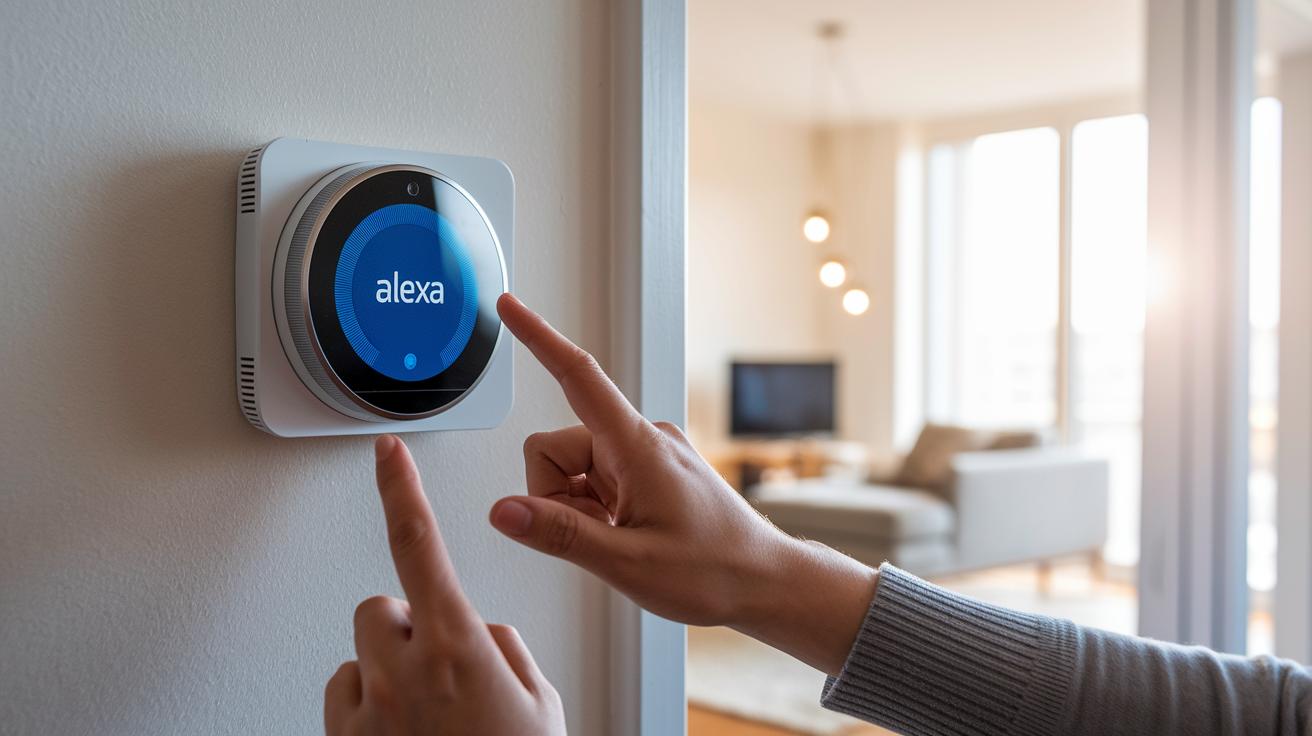
When shopping for a thermostat that syncs perfectly with voice assistants, it's smart to see how each model compares. We looked at some top options that connect with Alexa and offer features like built-in microphones, speakers, and energy-saving routines that help lower your bills.
| Model | Voice Features | Energy Savings | Price Range | Pros | Cons |
|---|---|---|---|---|---|
| Ecobee Smart Thermostat Premium | Built-in Alexa mic and speaker, with direct voice control | High, thanks to sensor-based adjustments | High | Excellent remote sensor and air-quality monitor | Premium price may not fit every budget |
| Ecobee Smart Thermostat Essential | Works with Alexa through the app | Offers reliable, efficient scheduling | Mid-range | Provides core smart features at a lower cost | Does not include a remote sensor or built-in mic |
| Google Nest Learning Thermostat (4th Gen) | Voice support via Google integration | Energy efficient with AI help | High | Sleek design and smart, AI-assisted setup | Can have occasional glitches, with manual room prioritization |
| Amazon Smart Thermostat | Simple Alexa integration with voice functions built in | Delivers good energy savings with basic scheduling | Budget-friendly | Great affordability and straightforward setup | Might produce noticeable switching noises, and offers basic features |
| Mysa Smart Thermostat v2 | Integrates with Alexa for controlling electric heating | Can save up to 26% annually with geofencing and Eco mode | High per-unit cost | Ideal for electric baseboard heaters with near-real-time usage reports | Cost adds up with multiple unit installations |
This side-by-side guide shows how each thermostat meets different needs. Whether you're looking for an advanced model packed with sensors or a simple, budget-friendly option, there's a smart thermostat here that can boost your everyday comfort and trim your energy bill.
Installation Steps for Your Alexa-Compatible Thermostat
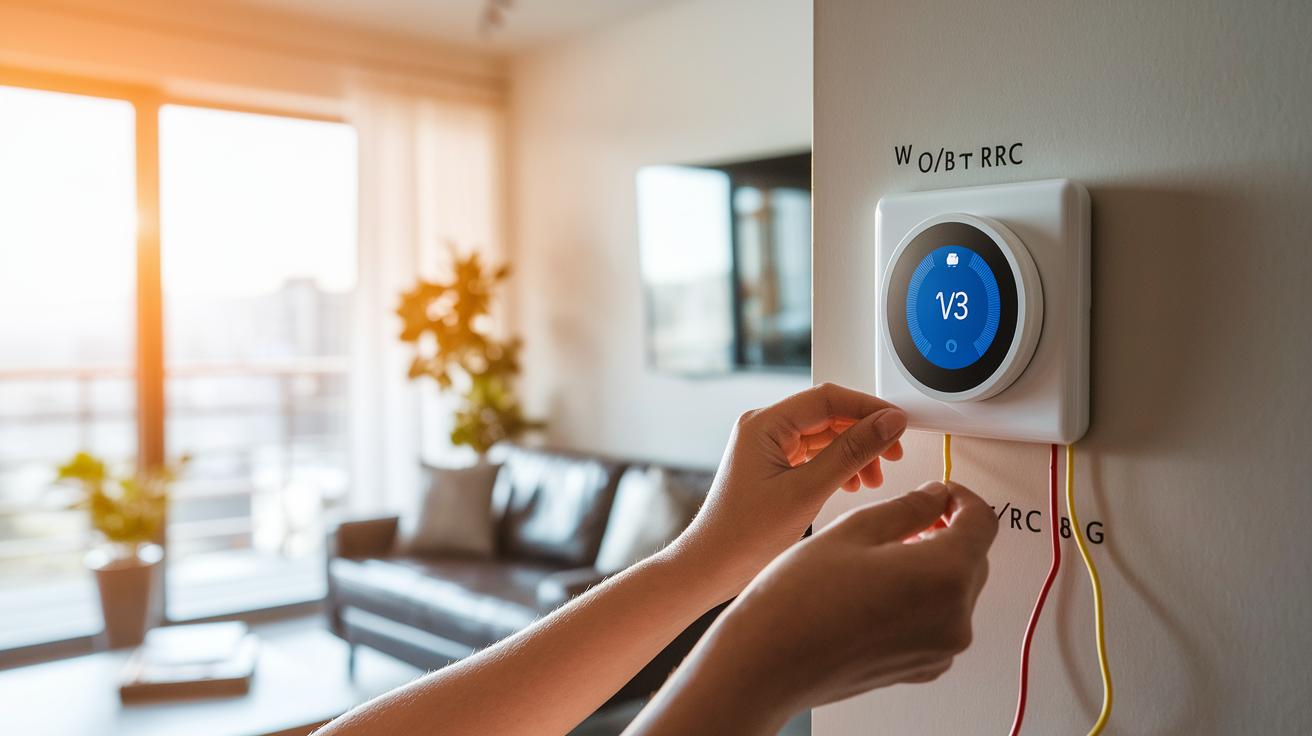
Get ready to upgrade your home automation with a smart thermostat that works with Alexa. Most homes run on a 24V low-voltage system, but if you have a line-voltage setup such as baseboard heaters, use extra caution. Begin by checking that your HVAC wiring, usually labeled W1, O/B, RC, C, and G, matches the new thermostat’s needs. Some brands, like Ecobee, provide a power extender if you lack a C-wire. For units like the Mysa, you must shut off the circuit breaker first. Follow these steps for a safe and smooth installation:
- Turn off your HVAC system by flipping the circuit breaker off.
- Remove the old thermostat from the wall and note how it was mounted and wired.
- Label each wire based on its terminal (W1, O/B, RC, C, G) and jot them down on paper.
- If your new thermostat requires extra power, install the provided power adapter.
- Connect each wire to its matching terminal on the new thermostat, checking against the manufacturer’s guide.
- Mount the device securely on the wall, ensuring it is level for optimal sensor performance.
- Restore power by switching the circuit breaker back on.
Before you pair with Alexa, confirm that your thermostat is connected to Wi-Fi so it syncs properly with your smart hub.
Voice Control Setup for Alexa-Compatible Thermostats
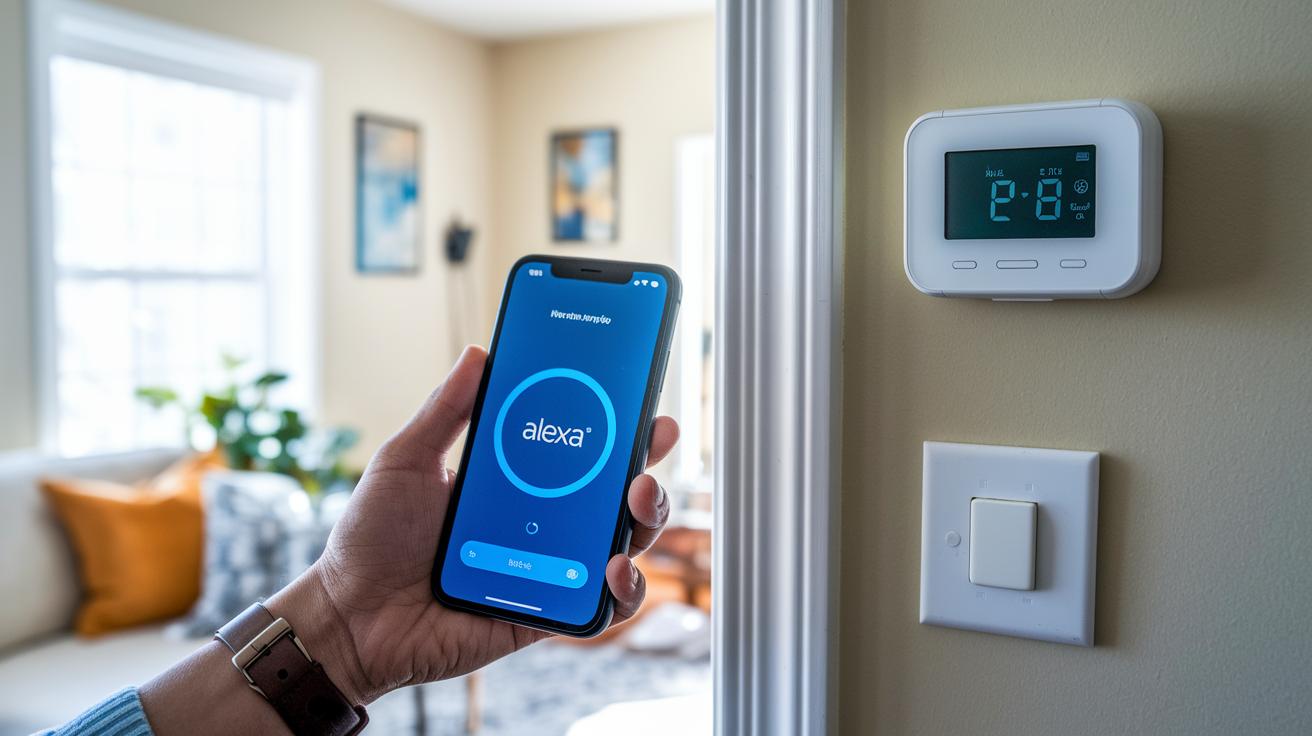
Once you've installed your new thermostat, it's time to set up voice control so you can change your home's temperature with simple commands. Start by opening the Alexa app on your phone and finding the specific thermostat skill. This links your thermostat with Alexa's voice features, letting you adjust the temperature without lifting a finger.
You might need to sign in and connect your HVAC account. For some models, like Nest, you'll also have to use a separate Google account to get everything working. Here's how to get started:
- Download and open the Alexa app on your mobile device.
- Enable your thermostat manufacturer's skill from the app store.
- Sign in and link your HVAC account using the instructions in the skill.
- Make sure your thermostat stays connected to reliable Wi-Fi.
- Try out commands such as "Alexa, set the temperature to 72 degrees" or "Alexa, what's my thermostat set to?"
- Test other voice features like Alexa Hunches or preset routines for automatic adjustments.
By setting up routines and using remote control options, you can make managing your home's climate even easier. With just a few tailored voice commands, you can schedule temperature changes and enjoy a hands-free smart home experience that fits your lifestyle.
Energy Savings with Alexa-Compatible Thermostats
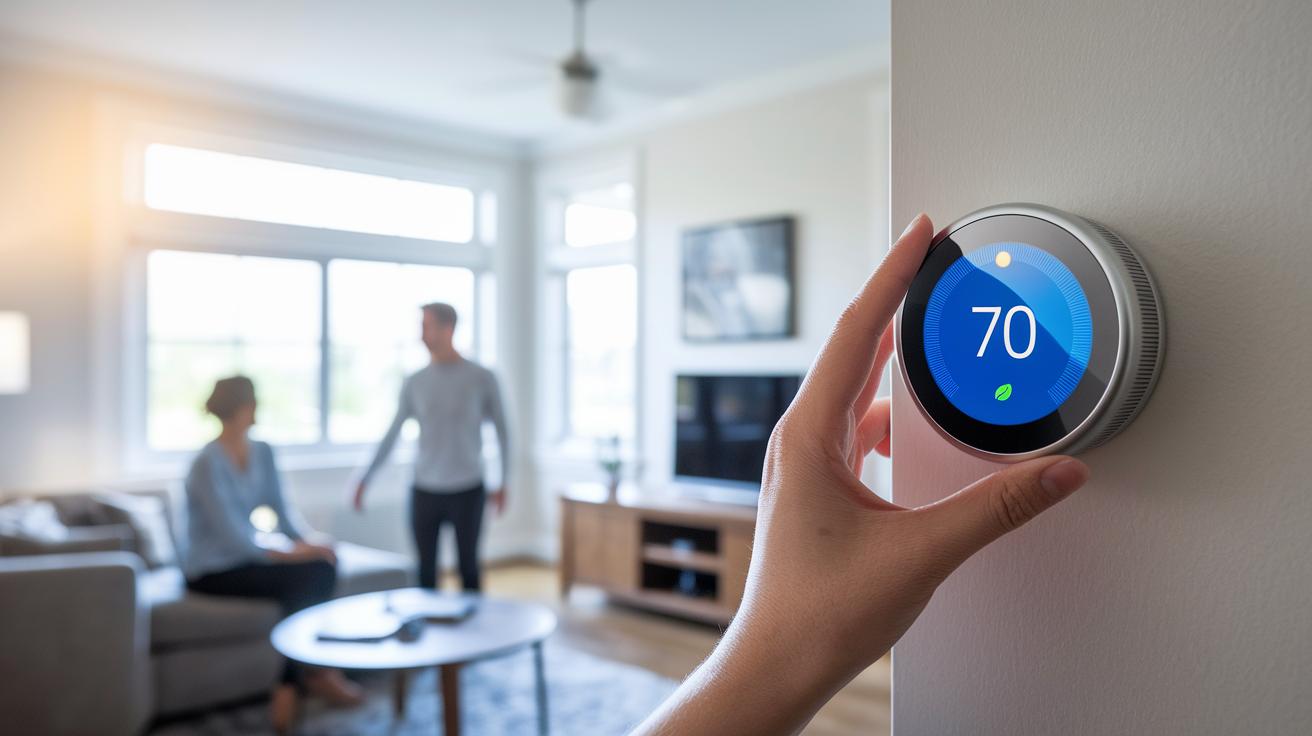
Smart thermostats can cut your home's heating and cooling use by 8% to 26% each year, all while keeping your space comfortable. They work by fine-tuning your HVAC system to avoid wasting energy. Here are the key features that make this possible:
- Geofencing: Changes the temperature based on whether you're home.
- Custom scheduling: Sets temperatures according to your daily routine.
- Eco modes: Saves energy when you don't need full heating or cooling.
- AI routines: Adjusts settings on the fly for maximum efficiency.
One homeowner recently found that these smart features helped pay off the thermostat faster and even lowered their carbon footprint.
Troubleshooting Alexa Integration on Smart Thermostats
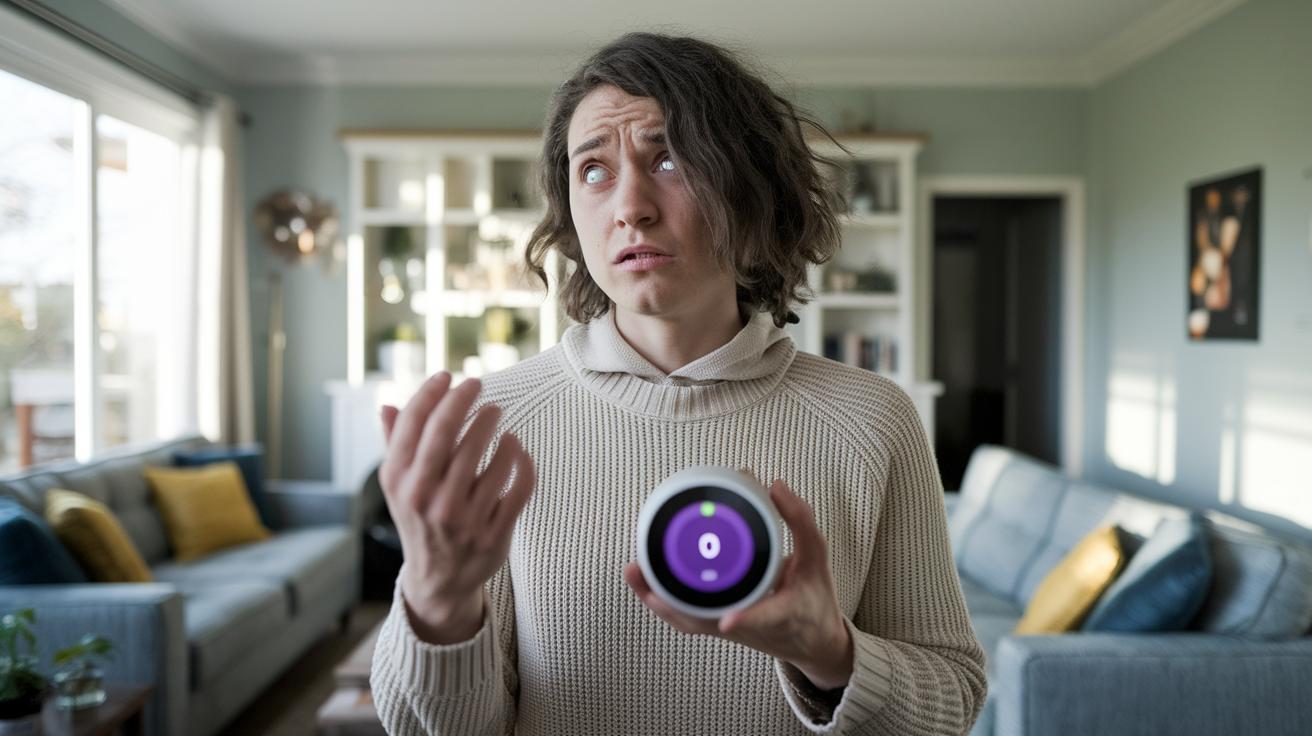
If you’re having trouble getting Alexa to control your thermostat, you’re not alone. Many people have experienced issues with different models. For example, some Nest Learning Thermostats sometimes misinterpret voice commands, and Honeywell T10 Pros may struggle with connectivity on newer Wi-Fi 6 routers until you update them using a legacy router. Meanwhile, certain Amazon thermostats emit clicking sounds that might disrupt a quiet room. Sinopé devices can also be tough to troubleshoot because they come with minimal software documentation, and early Wyze thermostats have been known to act unstable. These problems often pop up after system updates, network changes, or when the devices are part of a unique setup.
To help you get things back on track, try these steps:
- Update the thermostat's firmware to the newest version.
- Ensure your Wi-Fi network runs on WPA2 security.
- Disconnect and then reconnect the Alexa skill to refresh the connection.
- Power cycle both your thermostat and router to clear any temporary glitches.
- Check the manufacturer’s guide for any model-specific advice.
For more complicated issues, you might need to dive into advanced network settings or even make hardware tweaks. If none of these steps work, it could be a good idea to contact professional support for help with your specific situation.
Final Words
In the action, we broke down the key benefits, side-by-side comparisons, installation steps, and voice control setup for an alexa compatible thermostat. The post showed how these devices help trim energy costs while offering easy smart home integration.
We also tackled troubleshooting tips and highlighted energy-saving features that can lower heating and cooling bills significantly. Enjoy setting up your smart thermostat and watch your home become a more efficient, comfortable space.
FAQ
What does the Amazon Smart Thermostat offer?
The Amazon Smart Thermostat offers affordable smart control with easy setup through its app and manual. It supports Alexa voice commands for scheduling and temperature adjustments.
Which thermostats work with Alexa and can I connect one to Alexa?
Alexa supports various thermostats like Amazon Smart Thermostat, Nest Thermostat, Ecobee, Emerson Sensi, and Honeywell T9. Connecting them involves linking the device via the Alexa app and following the wiring instructions.
Is there a thermostat that integrates with both Alexa and Ring?
Certain models integrate with Alexa and Ring, providing synchronized voice control along with smart home security features for a more connected living setup.
What is the best smart thermostat for a home assistant setup?
Many users favor the Ecobee Smart Thermostat Premium because it offers built-in microphones, voice control features, and advanced sensors for precise temperature management in smart home systems.
How does the Google Nest Learning Thermostat compare to Ecobee?
The Google Nest offers AI-driven setup and a sleek display, while Ecobee provides robust remote sensor performance and built-in voice control. Your best choice will depend on your specific home management needs.
What can I expect from the Sensi Smart Thermostat ST55?
The Sensi Smart Thermostat ST55 delivers straightforward temperature control and hands-free voice access when paired with Alexa, making it an attractive option for budget-conscious users.
What features does the Emerson Sensi Touch Smart Thermostat offer?
Emerson Sensi Touch Smart Thermostat features an intuitive touchscreen interface, reliable scheduling, and smooth Alexa integration for easy voice command management.
How do I wire an Alexa-compatible thermostat correctly?
Wiring an Alexa-compatible thermostat requires matching your HVAC system’s wire labels (like W1, C, and RC) with the thermostat terminals. Some models include power adapter kits to complete the setup safely.
How do I set up voice control on my Alexa-compatible thermostat?
Setting up voice control involves installing the thermostat, enabling its manufacturer’s skill in the Alexa app, and issuing commands such as “Alexa, set the temperature to 72 degrees” for hands-free control.
How do smart thermostats help save energy?
Smart thermostats adjust temperature settings automatically using features like geofencing, scheduling, and AI routines, which can lower heating and cooling bills by optimizing energy use.