
Tangled wires getting in the way of your home theater setup? Wireless soundbars clear the clutter and bring rich, room-filling sound to your TV time. They connect quickly via Bluetooth, Wi‑Fi, or HDMI eARC, which makes setup a snap. In this review, we show how these devices can modernize any room and give your audio experience a real boost.
Wireless Soundbar: Thrilling Audio Upgrade
Wireless soundbars clear away messy cables and bring a modern look alongside quality sound. They offer a hassle-free setup that works well in any room, keeping your space neat without sacrificing great audio.
These soundbars hook up to your TV in several ways. Many use Bluetooth with codecs like aptX or LDAC for a quick and smooth connection. Wi-Fi lets you stream music and get firmware updates and even connect multiple rooms. HDMI eARC passes high-quality sound formats like Dolby Atmos and DTS:X without losing clarity. Sometimes you might even add Bluetooth speakers to boost your TV sound.
Key features include:
- Dolby Atmos support
- Built-in voice assistants
- Multi-room sync
- Wireless sub pairing
- App control
- Room correction
When it comes to performance, these sound systems balance ease of use with excellent sound quality. Basic models, generally between $200 and $300, offer essential features and sometimes a wireless sub. Mid-range choices, priced from $300 to $700, add better connectivity and richer sound. Premium options that cost over $700 include built-in subwoofers, Dolby Atmos, and advanced voice control for those who want an extra boost in audio quality.
| Price Tier | Features | Price Range |
|---|---|---|
| Budget | Basic features, wireless sub option | $200–$300 |
| Mid-Range | Enhanced features, improved connectivity | $300–$700 |
| Premium | Premium integrations, built-in sub, Dolby Atmos | $700+ |
Wireless Soundbar Connectivity Options: Bluetooth, Wi-Fi, and HDMI eARC

Bluetooth Pairing Process
When setting up your soundbar using Bluetooth, start by making sure your TV or audio source is discoverable. Most systems use codecs like aptX or LDAC (tools that keep sound sharp) during pairing. Sometimes, you might experience a slight delay of 50-100 ms because of interference. Turning off nearby Bluetooth devices can help smooth things out.
Wi-Fi Streaming & Network Setup
Connecting your soundbar over Wi-Fi makes it easy to integrate with your home network. This method supports features like AirPlay 2, Chromecast, and Spotify Connect, ensuring you enjoy high-resolution audio and effortless firmware updates. Plus, it enables multi-room audio so you can have seamless, synchronized playback throughout your space.
HDMI eARC/ARC Advantages
Using an HDMI eARC connection links your TV directly to your soundbar for a high-fidelity audio experience. This method supports lossless formats like Dolby Atmos and DTS:X with latency as low as 20 ms, making it perfect for movies or shows that depend on precise synchronization between sound and visuals.
Optical & Auxiliary Ports
For older TVs without ARC capabilities, optical and auxiliary ports offer reliable alternatives. While they deliver good sound quality, they lack the advanced features and near-zero latency of HDMI eARC. These connections remain a smart, practical choice when modern ports aren’t an option.
Seamless Wireless Subwoofer Integration for Enhanced Bass
Using a wireless subwoofer means you get rich, deep bass without dealing with tangled cables. With options like the Klipsch Flexus Core 300, which has a built-in sub transmitter, or the SVS SoundPath Wireless Audio Adapter, you can enjoy clear, CD-quality sound over a 2.4 GHz connection. This setup not only boosts overall performance but also gives you the freedom to place your subwoofer exactly where it works best in your room.
- Place the subwoofer in your chosen spot and plug it into power.
- Turn on both the soundbar and the subwoofer.
- Press the pairing or sync buttons on each device.
- Wait until the indicator light turns solid.
- Play some test tones to make sure the connection is solid.
Keep in mind that where you place the subwoofer can really change the feel of the bass. If you set it in a corner, you'll get a stronger, more dramatic impact. Moving it closer to the center gives you a more balanced sound. Using room calibration tools like Dirac can help fine-tune the low frequencies, ensuring that your subwoofer and soundbar work together smoothly for the best listening experience.
Step-by-Step Installation of Your Wireless Soundbar
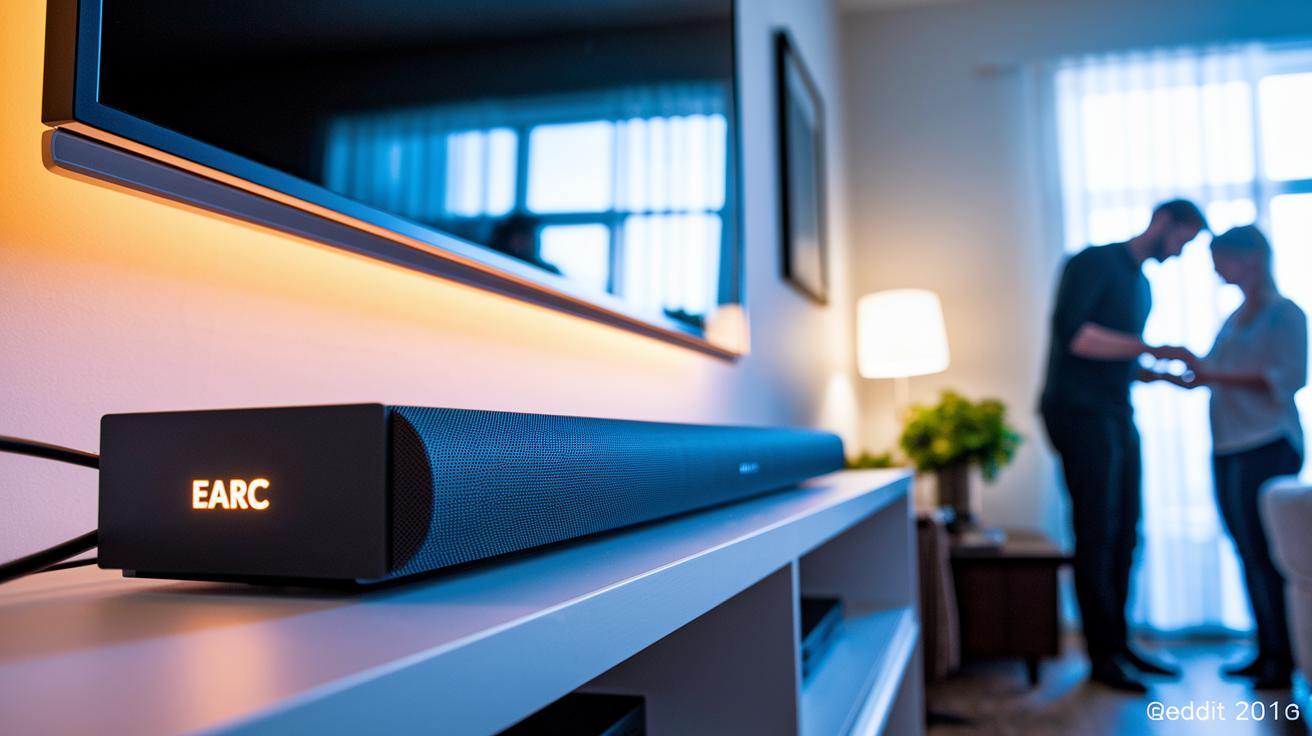
Start by choosing how you want to set up your soundbar. Whether you mount it on a wall bracket or use a tabletop stand, leave about 2–3 inches of space around the vents so it stays cool. Keep your power cables organized and within easy reach for a neat and safe connection.
Next, decide how to connect the soundbar to your TV. For the best sound quality, use an HDMI eARC cable if your TV supports it. If not, consider an optical cable or even Bluetooth for a quick setup. This helps keep the audio in sync with your video, giving you a more engaging viewing experience.
Once your soundbar is connected, fine-tune the audio using factory settings or an app-based calibration. Adjust the EQ (sound balance) and delay settings until voice clarity and overall sound feel just right for your room. This step ensures a balanced performance that suits your space perfectly.
If any issues come up, troubleshoot common problems like audio delays, dropouts, or pairing errors. Try tweaking the lip-sync settings, switching your Wi-Fi channel, or resetting the device if needed. These simple fixes can help you achieve smooth, hassle-free audio every time.
Comparing Wireless vs. Wired Soundbar Systems
Wired soundbars that use HDMI or optical cables offer a steady connection with almost no delay. They keep your audio and video perfectly synced, which is key when timing matters for movies or gaming.
On the other hand, wireless soundbars can introduce a lag of 50-100 ms, especially with Bluetooth. This delay might be noticeable during fast-paced films or when precision is required in gaming.
When it comes to sound quality, wired systems have an edge. They use lossless transmission via HDMI eARC, supporting advanced formats like Atmos with very low latency, usually under 20 ms. Although wireless setups are getting better with Wi-Fi and proprietary mesh networks, they depend on codecs like aptX and LDAC, which can sometimes fall short of the quality from a direct HDMI connection.
The look of your setup also matters. Wireless soundbars keep all the cables hidden behind your TV, giving your space a clean, minimalist look. Wired systems, however, require visible cables or some effort with cable management, which might clutter the look of your entertainment area.
Cost is another factor to consider. There are budget-friendly wireless bars available for under $300 that offer a simple solution, despite the potential for slight delays. In contrast, a top-notch wired system may need additional equipment like a receiver and could cost over $400. Your choice will depend on whether you prioritize cost, performance, or a clutter-free setup.
Top Wireless Soundbar Models: In-Depth Comparisons and Reviews

Klipsch Flexus Core 300
The Klipsch Flexus Core 300 delivers a powerful sound with deep bass that fills your room. It features Dirac room correction, which fine-tunes the sound to match your space so every note sounds balanced. Plus, you can choose either a 10" or 12" subwoofer for extra low-end punch. Its price makes it appealing to those who want top-tier features without a complicated setup.
SVS SoundPath + SB-1000 Classic
The SVS SoundPath teamed with the SB-1000 Classic keeps your space tidy by cutting down on cables while still offering CD-quality sound. It connects over a reliable 2.4 GHz wireless network, making it a breeze to install with your other home audio gear. Its clean design and straightforward connectivity are perfect for anyone who values simplicity and high-quality audio.
Samsung HW-Q90R
The Samsung HW-Q90R stands out with true Dolby Atmos support and wireless rear speakers that create a multidimensional sound experience. With a 7.1.4 channel setup, it builds a home theater vibe that pulls you right into your movies and music. The wireless design means less clutter, and its carefully arranged channels ensure that every sound is crisp and coordinated during action-packed scenes.
Sennheiser Ambeo
The Sennheiser Ambeo brings virtual 3D audio to your living room, simulating a multi-dimensional performance that feels studio-quality. With a price around $2,500, it targets audiophiles eager for detailed sound and impressive separation between audio layers. Its advanced digital processing creates a rich, immersive listening experience that sets a high standard for home audio.
Advanced Features and Control: Voice, App Sync, and Multi-Room Audio
The app makes it simple to adjust your sound. You can fine-tune the equalizer and group devices with ease. Firmware updates are handled right from the interface so you can tweak settings instantly without reworking your connections.
Multi-room sync uses Wi-Fi or its own mesh network to deliver smooth playback everywhere. Voice commands work well with HDMI CEC remotes, letting you control basics without any extra setup.
- Voice control using built-in assistants and HDMI CEC remotes
- App-based equalizer, grouping, and firmware management
- Multi-room synchronization over Wi-Fi or proprietary mesh
Final Words
In the action, we reviewed a hands-on overview of a cable-free audio setup that simplifies your home theater. We looked at connectivity types, subwoofer pairing, installation steps, and how performance balances between affordable and premium models.
This article laid out clear, real-world insights. It helps you decide on a system that fits your routine and room.
Step confidently into better audio with a wireless soundbar.
FAQ
What is a wireless soundbar with subwoofer?
A wireless soundbar with subwoofer delivers cable-free audio along with deep bass, enhancing your TV experience by removing clutter while pairing seamlessly with your home theater setup.
How do wireless soundbars connect to TVs?
Wireless soundbars connect to TVs using Bluetooth, Wi-Fi, or HDMI eARC, offering a cleaner setup and flexible audio transmission that improves sound quality without extra cables.
Which brands offer reliable wireless soundbars?
Leading brands like Samsung, LG, and Sonos offer wireless soundbars, each providing distinct features—from immersive surround sound to smart home integration—so you can choose one that fits your specific audio needs.
What are the key features of the best wireless soundbars?
The best wireless soundbars offer features such as built-in wireless sub pairing, Dolby Atmos support, multi-room sync, voice control, app management, and efficient room correction for a balanced sound experience.
Can a soundbar be completely wireless and how are they powered?
A soundbar can transmit audio wirelessly but still requires a power cord to stay active, ensuring it gets continuous power even as it delivers a clutter-free, cable-free audio connection.