
Ever wonder if a new soundbar could completely transform your movie nights? This guide helps you cut through the clutter and figure out what to look for before making a choice. We explain things like channel setups (how many speakers work together), available connectivity options, and even support for audio formats like Dolby Atmos (which creates a more immersive sound). Whether you're upgrading from basic TV speakers or designing a full home theater, our advice makes comparing options straightforward and smart. Get ready to boost your audio experience and turn everyday viewing into something remarkable.
Must-Check Criteria for Choosing a Soundbar
Before you spend your money on a soundbar, it's good to check a few key points to make sure you get great sound. Whether you're stepping up from basic TV speakers or building a home theater, this guide highlights the main features you need to compare.
- Channel configuration (such as 2.0, 5.1, or even 7.1.4 for surround sound)
- Connectivity options like HDMI ARC/eARC, optical, Bluetooth, or WiFi
- Support for modern audio formats like Dolby Atmos and DTS:X
- Size and compatibility with your TV setup
- Price range from budget options under $200 to premium models over $1,500
- Whether the subwoofer is built-in or comes as a separate unit
- Extra features such as auto-calibration, voice control, and app integration
These points offer a quick checklist to help you compare soundbars based on what matters most. For even more details on each feature, stick around for the upcoming sections.
Decoding Soundbar Channel Configurations
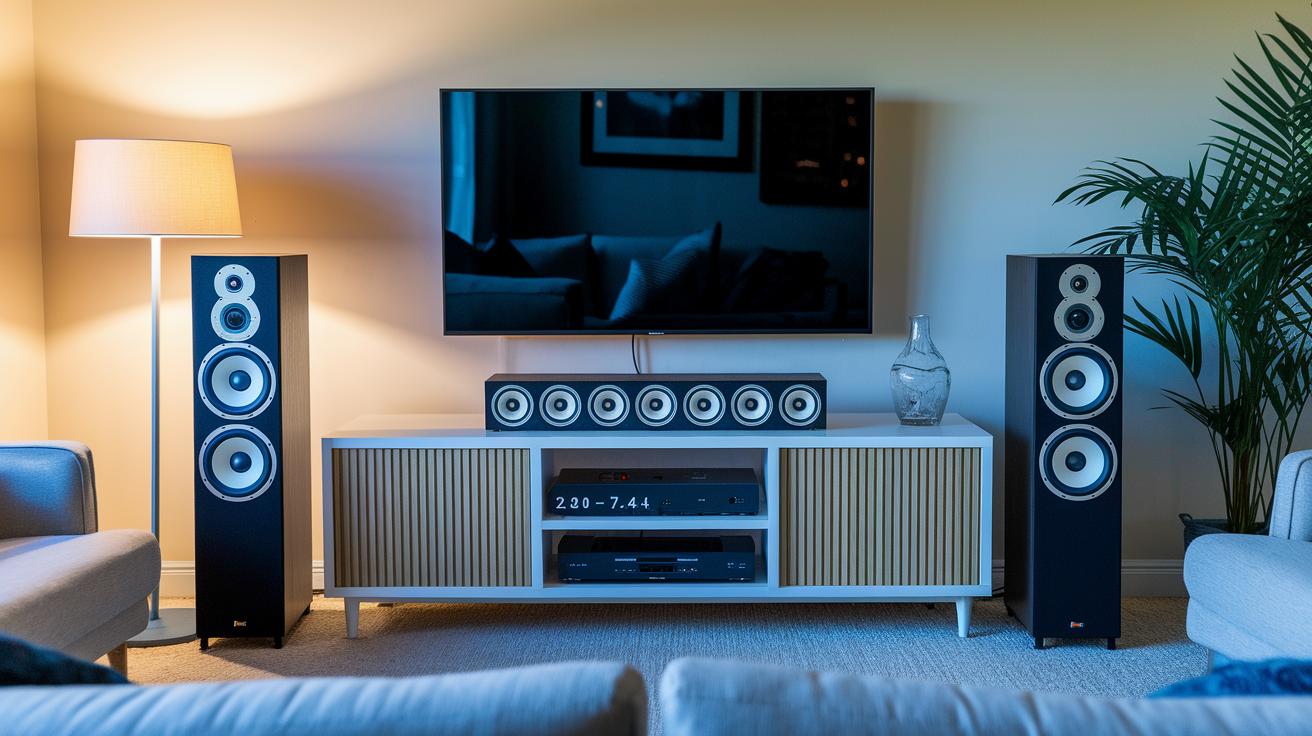
When choosing a soundbar, knowing its channel setup can really boost your listening experience. The number of channels tells you how sound fills your room, from basic left-right stereo to layouts that send sound from above for a true 3D feel.
Here’s a quick rundown:
- 2.0: Basic stereo with left and right channels.
- 2.1: Adds a subwoofer to bring out deeper bass tones.
- 3.1: Brings in a center channel, making voices and dialogue clearer.
- 5.1: Includes surround speakers that expand the sound stage.
- 5.1.2: Uses upward-firing drivers to add height effects with Dolby Atmos.
- 7.1.4: Provides a full, immersive system with extra surround and height channels.
When looking for a soundbar, think about your room’s size and how you use it. In a smaller space or for simpler setups, a 2.0 or 2.1 system might be all you need. But if you’re setting up a home theater or using it for movies and games, a 5.1.2 or 7.1.4 system can really bring the action to life with that extra layer of sound.
Connectivity Options Explained in Your Soundbar Buying Guide
Getting your soundbar to work perfectly with your TV and home network is essential for the best audio experience. Most modern soundbars offer several connection options that produce clear, high-quality sound. They also let you use your TV remote to control the volume if you connect using HDMI ARC or eARC, which even supports immersive formats like Dolby Atmos.
Here's how to set it up:
- Find the ARC/eARC port on your TV.
- Plug in an HDMI cable and turn on ARC in your TV settings.
- If your TV doesn't have ARC, use an optical cable instead.
- For wireless playback, pair the soundbar using Bluetooth or WiFi.
- Change your TV’s audio output to external speakers.
- Test the sound and adjust the volume levels until it suits your preference.
When you choose a connection option, think about the sound formats you want to enjoy. HDMI ARC/eARC is best for high-resolution audio and dynamic surround sound, which is perfect for enjoying Dolby Atmos. If you connect through an optical cable, it works well with older TVs but only delivers basic digital sound. Wireless options like Bluetooth and WiFi are convenient for streaming, though they might not offer the same clarity as a wired setup. Picking the right connection can really boost your overall audio experience, making every movie scene and gaming moment sound truly immersive.
Maximizing Bass: Subwoofer Integration Strategies
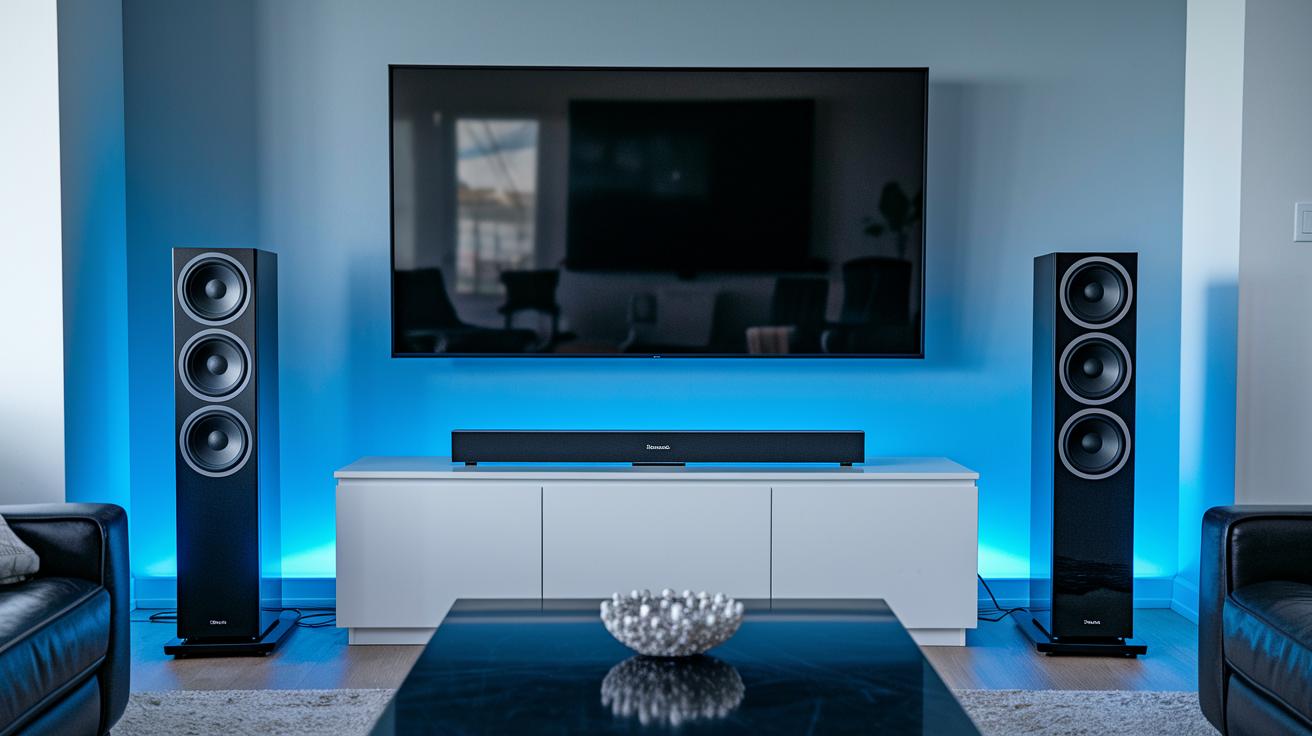
Most soundbars come with built-in bass drivers that work well for everyday listening. But if you want extra oomph for movies, games, or music, adding an external subwoofer is a smart move. External subwoofers, usually between 6.5" and 8", deliver richer, deeper low frequencies that built-in drivers can miss. While a basic 2.1 system might handle bass adequately, upgrading to a 3.1 or 5.1 setup with a dedicated subwoofer improves sound dynamics and clarity.
First, check if your soundbar supports a wireless subwoofer. If it does, simply follow the instructions to pair the two devices. For wired systems, make sure you use the correct cable to connect the subwoofer to the designated port. Place your subwoofer near your usual listening spot to get the best bass spread and avoid any dead zones.
Finally, fine-tune your setup by adjusting the crossover settings between 80 and 120 Hz. This ensures your subwoofer blends perfectly with the soundbar. Use the calibration tools provided by the manufacturer to merge both audio sources seamlessly.
Optimal Placement and Calibration in a Soundbar Buying Guide
Getting the most out of your soundbar starts with placing it in the right spot. The idea is to cover your room with clear dialogue and balanced bass, so try to mount your soundbar just below your TV or on the wall at ear level for the best sound clarity.
We recommend keeping your seating about 6 to 12 feet from the soundbar, centered right in front of it. If the bar is on a shelf or stand, a slight tilt helps the sound reach you better. Also, be sure nothing like furniture or other items blocks the soundbar's drivers, as that can spoil the overall experience.
Many modern soundbars have built-in calibration microphones and room correction software. These tools automatically adjust equalization, speaker levels, and delay settings to suit your room. Use these auto-calibration features first, then tweak the treble, bass, and center-channel settings to suit your personal taste and room acoustics. This approach helps ensure the sound fits your space perfectly.
Budget Breakdown: Pricing and Feature Trade-Offs for Your Soundbar Buying Guide
Soundbars come in many price ranges, and each level brings a different mix of features. For under $200, you usually find basic 2.0 or 2.1 systems that offer simple connectivity. These options improve your TV's sound compared to its built-in speakers but stick to the essentials without fancy extras.
When you move up to the $200–$600 range, things start to get interesting. You might see wireless subwoofers, HDMI eARC support, and sometimes even Dolby Atmos for a more immersive feel. These mid-range models give you a solid step up in sound without breaking the bank.
If you're aiming for top-notch quality, premium soundbars ranging from $600 to $1,000 and beyond offer the best features. Expect multiple channels, drivers that fire upward for added height in sound, auto-calibration, and even app control. Flagship models take it even further with full 5.1.2 or 7.1.4 setups, advanced tuning, and robust build quality that serious home theater fans will love.
As you decide, think about your priorities. An entry-level soundbar might be perfect for a small room or casual watching but may not deliver the deep, surround experience for long movie nights. Mid-range options strike a balance with enhanced audio features, though they might not offer much room to upgrade later. Meanwhile, premium models bring the most immersive audio and custom options but come with a higher price tag.
Consider these points when making your choice:
Advanced Features Spotlight in a Soundbar Buying Guide
Dolby Atmos takes your sound experience to a whole new level. It uses upward-firing drivers or smart virtualization to send sound from above, making you feel like you're in the middle of the action. Imagine watching a movie where the explosion sounds truly surround you, it's like having a mini cinema at home.
Voice control is another handy feature. Newer soundbars often have built-in assistants like Alexa or Google Assistant, or you can control them with a simple app. This means you can change the volume, switch inputs, or even search for your favorite song without ever grabbing a remote. It's convenience at your fingertips.
Keep an eye out for firmware updates and multi-room audio options as well. Regular updates can add new features and smooth out any performance bumps. Plus, with multi-room audio and lossless streaming, you can easily expand your system to cover your entire home. This way, your soundbar will grow with your needs over time.
Final Words
in the action, we explored key must-check criteria like channel configurations, connectivity essentials, and subwoofer integration. We broke down setup tips for physical placement and calibration while sizing features against different budgets. Each section in this soundbar buying guide offered clear, practical advice and a checklist to simplify your decision-making process. Keep these tips in mind, and feel confident in choosing a soundbar that meets your needs and fits your space. Enjoy finding the soundbar that truly amplifies your experience.