
Ever feel like your TV speakers just aren't cutting it when you're watching movies or listening to music? Self-powered soundbars might be the answer. They pack built-in amplifiers and several channels into one small, neat unit that clears up room clutter. You get crisp dialogue and rich sound effects without any extra hassle. Plus, with many connection options and a design that brings voices to the front while making sound effects pop, these soundbars transform regular viewing into an engaging, real-life experience.
Essential soundbar features: Pure Audio Perfection
Self-powered soundbars give you major benefits compared to older systems that needed separate amplifiers or receivers. They come with built-in amps so everything is in one unit. This design makes setting up easier and keeps your space free of extra clutter. In short, you simply plug it in from your TV and enjoy clear, powerful sound.
Today’s soundbars typically pack five channels into one compact system. You get a center channel for dialogue, left and right channels for your music and effects, and extra rear channels that create a true sense of space. This setup makes voices easier to hear and sound effects more vivid during movies and games. The built-in drivers work hard to keep the sound crisp and balanced.
These soundbars also offer plenty of connection options to work with nearly any TV. They usually include HDMI ARC or eARC ports, so you can enjoy advanced audio formats like Dolby Atmos and control everything with a single remote. If you prefer, you can use an optical cable for a steady digital link or stream wirelessly via Bluetooth from your smartphone or tablet. For the best experience, try sitting about 6–12 feet away while staying centered under or above the TV, which helps keep dialogue clear and sound effects immersive.
Key Connectivity Options in Essential Soundbars
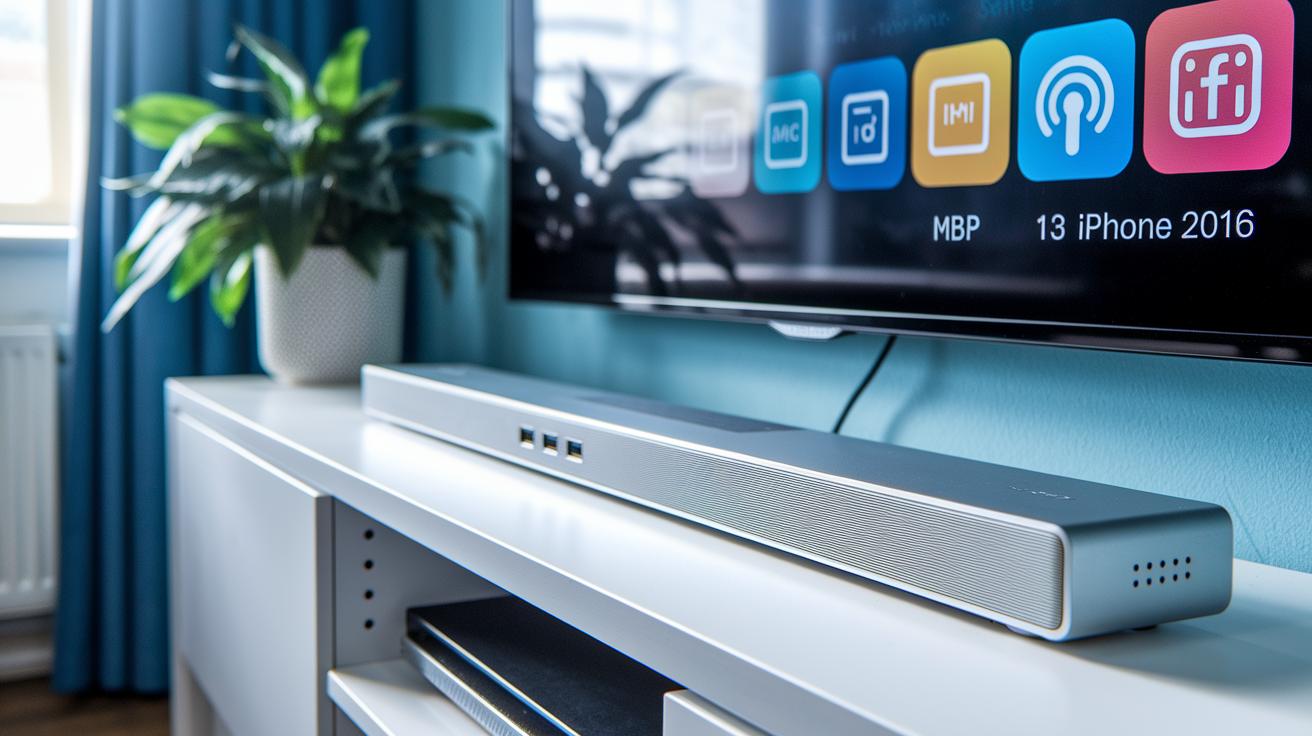
Modern soundbars come with a range of connection options designed to make your audio experience simple and enjoyable. HDMI ARC and eARC ports deliver multi-channel sound, including Dolby Atmos, while letting you control everything with one remote. They work smoothly with modern TVs. Optical ports provide a steady digital link too, although they might limit you to stereo or basic 5.1 audio.
Bluetooth streaming offers an easy way to play music from your phone or tablet. USB ports let you update the firmware and play audio files, while Ethernet and Wi‑Fi connections serve network streaming and multi‑room audio setups. And if you have older equipment, 3.5 mm AUX or RCA inputs still work great.
Here is a quick summary of the connectivity options:
| Connection Type | Feature |
|---|---|
| HDMI ARC/eARC | Multi-channel, high-resolution audio |
| Optical | Reliable digital sound |
| Bluetooth | Mobile streaming with aptX and AAC support |
| USB | Firmware updates and media playback |
| Ethernet/Wi‑Fi | Network streaming and multi‑room syncing |
| 3.5 mm AUX/RCA | Compatibility with legacy devices |
When choosing a soundbar, match its connectivity options to your needs. If you’re into immersive movies or high-definition gaming, HDMI ARC/eARC is the way to go. Optical and analog inputs can work well if you have older devices, while Bluetooth and network options are perfect for streaming music or setting up a smart home audio system.
Immersive Sound Technologies in Modern Soundbars
Dolby Atmos soundbars use drivers that fire upward or reflect sound off the ceiling to create real height channels. This design gives you a true 3D listening experience. On the other hand, virtual surround systems like DTS Virtual:X use digital processing to mimic rear and height sounds without adding extra speakers. In one test, an Atmos-enabled soundbar produced actual sound reflections that delivered overhead effects you could feel, while the virtual surround model had to digitally simulate the same effect. This approach creates a more engaging and lifelike soundstage that makes movies and games feel more immersive.
Many of today's soundbars include built-in subwoofers that offer a solid bass response on their own. If you crave even deeper lows, you can easily add a dedicated wireless subwoofer. These wireless setups, which connect via proprietary links or Wi-Fi, let you expand your system with extra bass or rear speakers to heighten the immersion. In practice, a model might start with good built-in bass performance, then transform your living room into a mini theater when you add a wireless subwoofer for those thrilling low-end hits.
Automatic calibration features and manual tuning tools take audio performance to the next level. Using built-in microphones, these systems measure your room’s acoustics and adjust equalization and delay settings on the fly. This ensures dialogue remains clear and sound effects balanced regardless of your room arrangement. In one test, a calibration system reset the settings in just minutes, making every spot in the room feel specially tuned for a great audio experience.
Smart Control and Update Features for Essential Soundbars

Many modern soundbars work with your TV remote through HDMI ARC or eARC. One tester even used the same remote for watching TV and adjusting the sound, making the setup much simpler.
Soundbars now offer firmware updates via USB or network connections. These updates refresh the audio drivers, fine-tune room correction settings, and keep your streaming apps up to date. It’s a straightforward process that fits right in with other smart connectivity features.
With Ethernet and Wi-Fi options, you can sync sound across various speakers. This ensures your TV, gaming console, and media player all deliver a coordinated, balanced audio experience.
Design, Placement, and Installation Insights for Soundbars
Modern soundbars bring a sleek, minimalist style that pairs perfectly with today’s TVs. Their slim, rectangular shape fits neatly with your TV's width, creating a cohesive look in your living room. Since these soundbars are self-powered, you skip the extra setup with amplifiers or receivers, keeping your space tidy. A soundbar that mirrors your TV's dimensions can make your media wall feel unified and uncluttered.
For the best audio experience, position your soundbar centered right below your TV. Use a reliable stand or the wall-mounting options provided in the package. Most are designed to sit flush with your TV, ensuring balanced sound and boosting the overall appeal. Mounting a soundbar above the TV is an option, but it may lower performance a bit. Always keep your room layout in mind so the soundbar is at the right height and angle for clear dialogue and immersive sound.
Before you install, take a look at the bracket layouts and mounting holes suggested by the manufacturer. This step is key, especially for older TVs that may have different connector styles or spatial restrictions. Measure your space and follow the installation guide tips carefully to ensure a secure fit and a hassle-free setup.
Final Words
In the action, we broke down the key aspects of audio performance, connectivity, and modern tech integration that make soundbars work seamlessly with your devices.
We reviewed self-powered designs, immersive surround options, and smart controls for a streamlined setup.
This guide underlines essential soundbar features that balance superior audio and user-friendly compatibility. It’s all about getting great sound without the fuss.
Enjoy the enhanced sound experience every day.
FAQ
What features should a soundbar have?
The essential soundbar features include built-in amplification for clear sound, multi-channel drivers to simulate surround sound, various connectivity options like HDMI ARC and optical, and enhancements such as Dolby Atmos and dedicated subwoofers.
How do I choose a soundbar for my TV?
Choosing a soundbar for your TV involves checking connectivity options including HDMI ARC, compatibility with your TV, and reading practical buying guides and Reddit feedback to weigh audio quality, design, and budget considerations.
What is the primary purpose of a soundbar?
The primary purpose of a soundbar is to upgrade TV audio by delivering clearer dialogue and immersive, simulated surround sound, eliminating the need for multiple speakers and receivers.
What should I consider when buying a budget soundbar with subwoofer or Dolby Atmos features?
Considering a budget soundbar means balancing cost with performance, ensuring a robust subwoofer for deep bass, clear sound output, and support for advanced formats like Dolby Atmos, with user reviews offering practical insights.
What are some recommended soundbar options?
Recommended options include the Yamaha SR-C30A 2.1, Samsung HW-Q990F, HW-Q600F, HW-Q800F, Samsung B-Series HW-B750F, and Sonos Beam Gen2, each providing varied channel configurations and feature sets to suit different needs.