
Ever been curious if your computer audio could pack more punch? Imagine watching your favorite game or movie with sound that makes you feel like you’re at a live concert right in your room. Computer soundbars offer crisp sound and deep bass in a compact, stylish design. They bring smart features and reliable performance without breaking the bank. In this guide, we take a close look at top models to show you how a simple upgrade can turn everyday computer use into a truly immersive experience.
Computer soundbar Elevates Your Audio Experience
Give your desktop a boost with a computer soundbar that fills your room with clear, powerful audio and connects easily. A compact design paired with deep, punchy bass can truly change how you experience your computer every day. For instance, the Creative Stage V2 2.1 packs an external subwoofer and two midrange drivers to deliver crisp, balanced sound, perfect for an immersive yet straightforward PC audio setup. Gamers will love the Razer Leviathan V2 Pro since its head tracking technology creates a surround sound feel that adjusts in real time. If keeping costs low matters, the Creative Stage Air brings strong bass and portability for under $50 USD. Those who enjoy smart features might prefer the Sonos Beam Gen 2, which offers HDMI eARC, Wi-Fi streaming, and voice assistant support. And for anyone after a basic yet reliable option, the Monoprice SB-100 provides adaptable subwoofer support, making it a practical choice for everyday use.
| Model | Price | Key Feature | Ideal User |
|---|---|---|---|
| Creative Stage V2 2.1 | $120 | Sleek design with external subwoofer | Mainstream users seeking clarity |
| Razer Leviathan V2 Pro | $199 | Infrared head tracking & Dolby Digital surround | Gamers craving immersive audio |
| Creative Stage Air | $50 | Portable bar with dynamic drivers | Budget users needing portability |
| Sonos Beam Gen 2 | $399 | HDMI eARC, Wi-Fi, voice assistant support | Smart home enthusiasts and streamers |
| Monoprice SB-100 | $80 | 2.1-channel with extra subwoofer option | Everyday users on a budget |
This table quickly compares top PC audio options, highlighting key features that fit different desktop setups without sacrificing performance or style.
Essential Features and Specifications of a Computer Soundbar
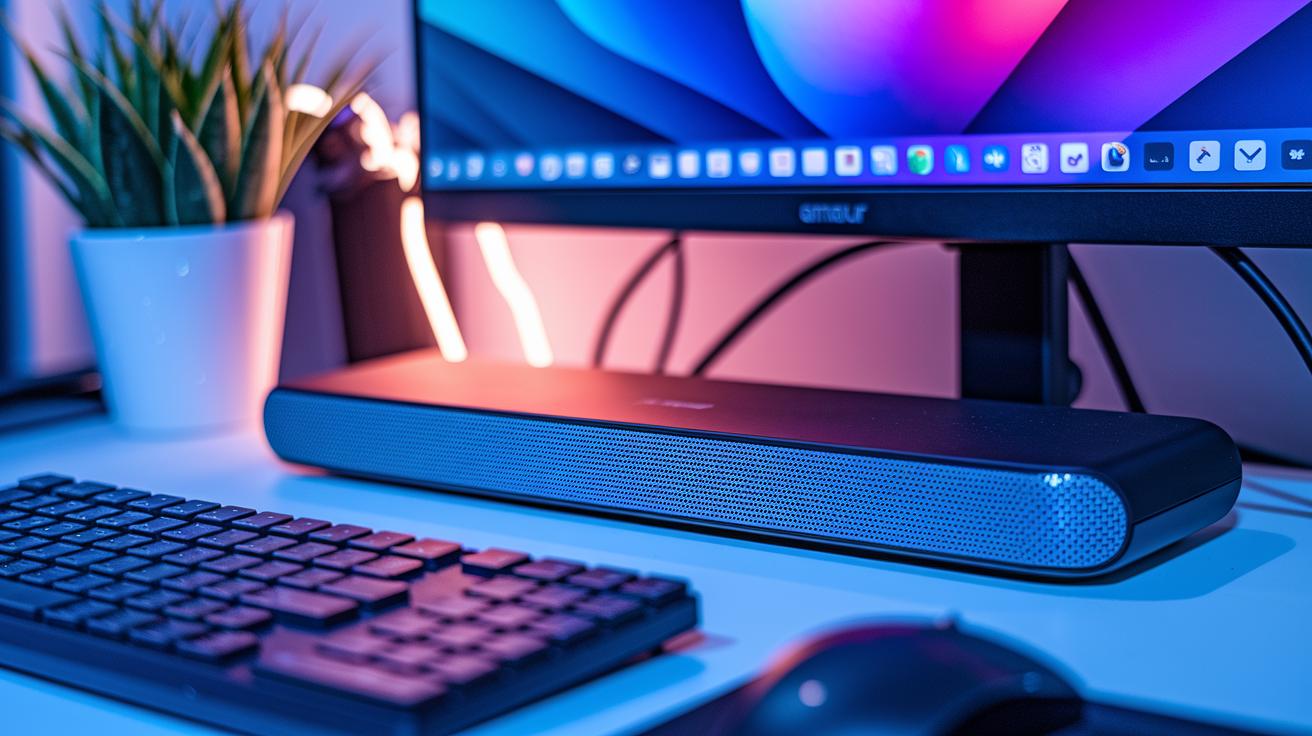
Modern computer soundbars offer easy USB plug-and-play along with advanced inputs such as HDMI eARC/ARC and optical-in. This means you can enjoy crisp, high-quality PC audio without a complicated setup. Many models also include Bluetooth, letting your soundbar double as a wireless speaker that connects seamlessly with other devices.
The way a soundbar is built is crucial. Most feature full-range drivers for clear mid-tones, tweeters for sharp highs, and sometimes passive radiators that boost bass. Some designs have a built-in subwoofer, while others let you attach an external one. This gives you a punchy audio experience perfect for gaming, movies, or music.
Audio formats also play an important role. Gaming-focused soundbars often process Dolby Digital, whereas higher-end options use Dolby Atmos for a more immersive feel. Some units even have voice assistant integration so you can control your playback hands-free. Form factors vary too; many models fit neatly under a monitor for a clean desktop look, and some are designed for wall mounting. Touch controls and RGB lighting features in certain models add extra style and ease of use.
Comparing Computer Soundbar Models for Gamers, Budget Users, and Smart Home Enthusiasts
Computer Soundbars for Gamers
For gamers looking to boost their sound, the Razer Leviathan V2 Pro and its earlier version deliver a noticeable upgrade. The V2 Pro features a large soundbar with a dedicated subwoofer that tracks your head movements for spot-on audio adjustments. Its Dolby Digital processing creates a rich 3D sound experience that goes well beyond basic surround setups. Meanwhile, the original Leviathan uses a smart virtual 5.1-channel design with two full-range drivers, two tweeters, and an external subwoofer. Many gamers have noted that it keeps the sound strong and steady, even during the most intense sessions.
Budget-Friendly Computer Soundbars
If you want better desktop audio without spending too much, check out the Creative Stage Air and the Monoprice SB-100. The Creative Stage Air comes in at under $50 and packs two dynamic drivers and a passive radiator, delivering punchy bass in a compact design. Testers found that it fills a small room with clear, balanced sound. On the other hand, the Monoprice SB-100 offers a straightforward 2.1-channel setup that emphasizes clarity and solid bass, making it a great choice for everyday PC use.
Smart Home-Integrated Computer Soundbars
For those whose PC audio needs are part of a broader smart home setup, the Sonos Beam (Gen 2) stands out. It connects easily with HDMI eARC, Wi-Fi, and AirPlay 2, ensuring smooth streaming and smart control. With built-in support for Alexa and Google Assistant, it transforms your space with voice commands. Users love its Dolby Atmos feature, which layers sound in a way that enhances movies, music, and everything in between, creating a truly connected audio experience.
Installation, Setup, and Compatibility of Computer Soundbars
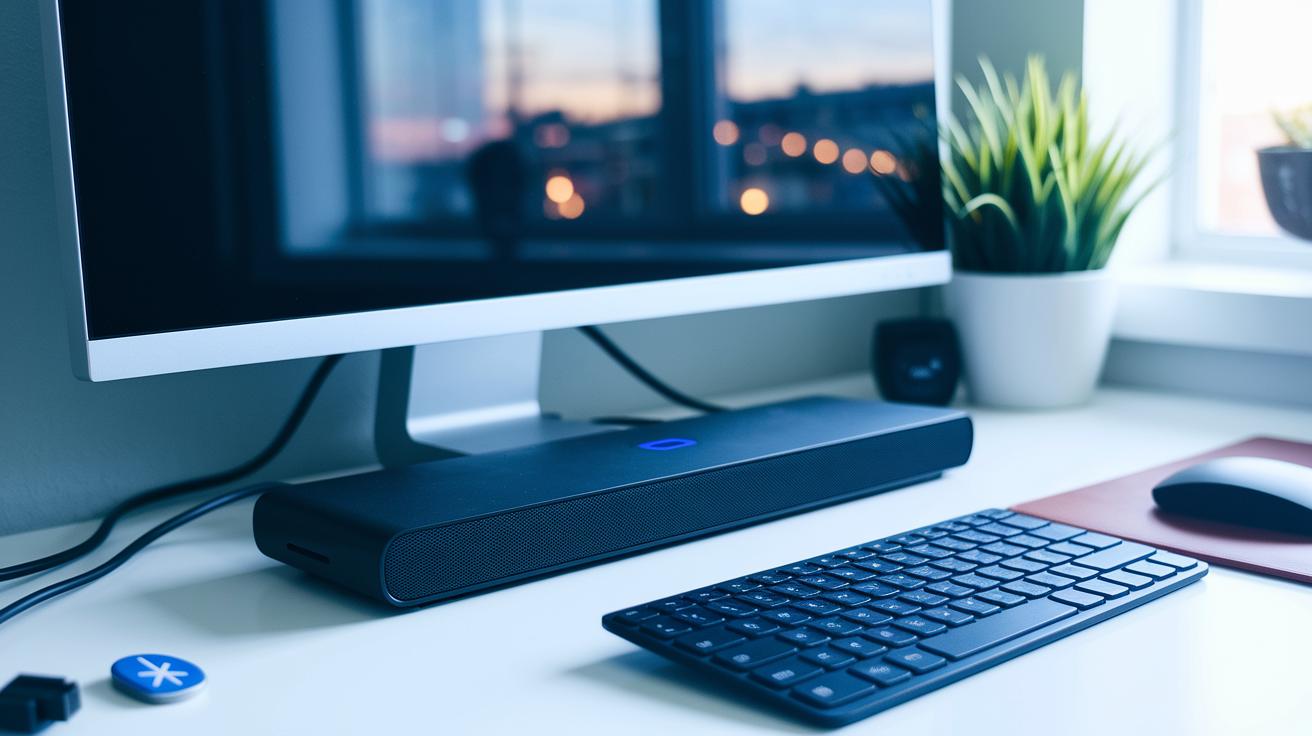
When you’re ready to add a soundbar to your computer, start with a USB plug-and-play connection. This method gets you up and running quickly because most systems automatically install the needed drivers on both Windows and macOS. Pairing via Bluetooth is just as simple, as long as your device supports common codecs like aptX or SBC for smooth, digital audio.
Place your soundbar under your monitor or on your desk to keep your setup neat and appealing. Some models even let you hang them on the wall, which frees up desk space while still delivering focused sound. Don’t forget to tidy up those cables by-routing your power and USB cords behind or along the desk. This not only cuts clutter but also helps prevent any interference with the audio signal.
For the best performance, here’s what you should do:
- Use the right type of cable, USB desktop sound modules may need extra drivers.
- Check that your computer supports the necessary Bluetooth codecs.
- Make sure your monitor upgrade kit meets the soundbar’s power needs.
- Try out any optional apps for RGB lighting and audio tuning to customize your sound experience.
Follow these steps, and you’ll have your soundbar seamlessly integrated into your desktop setup, offering you both convenience and improved audio quality.
Price Tiers and Value Recommendations for Computer Soundbars
We've put together a simple breakdown of each price tier so you can understand what you're really getting without all the extra details found in other sections.
For those on a tight budget, soundbars under $60, think Creative Stage Air and Monoprice SB-100, offer easy desktop upgrades with built-in subwoofers. They deliver a neat boost to your audio without any extra frills.
If you're ready to spend a bit more, mid-tier models in the $60–$200 range, like Creative Stage V2 2.1 and Razer Leviathan V2 Pro, pack in more power. Their larger design makes room for extra drivers and subwoofers, offering richer and more detailed sound.
For the best experience, premium soundbars over $200 such as Sonos Beam Gen 2 and Bose Smart Soundbar 900 come loaded with extras like Dolby Atmos and voice assistants. These features not only ramp up the immersion but also work great in a smart home setup.
| Price Tier | Key Models | Unique Benefits |
|---|---|---|
| Budget (< $60) | Creative Stage Air, Monoprice SB-100 | Built-in subwoofer for a simple, affordable upgrade |
| Mid Tier ($60–$200) | Creative Stage V2 2.1, Razer Leviathan V2 Pro | More drivers for richer sound and better bass |
| Premium (> $200) | Sonos Beam Gen 2, Bose Smart Soundbar 900 | Dolby Atmos, voice control, and immersive audio |
Pros and Cons of a Computer Soundbar vs. Traditional PC Speakers

Computer soundbars bring a modern, clutter-free look to your workspace. They sit neatly under your monitor, freeing up desk space and reducing cable chaos. Many models pack a built-in subwoofer that delivers a clear, deep bass for a more engaging listening experience. Plus, setting one up is as easy as plugging it in, and some even offer smart features like streaming options to boost everyday convenience.
Pros:
- Sleek under-monitor design that keeps your desk tidy
- Built-in subwoofer for a powerful, richer bass experience
- Plug-and-play setup makes installation super simple
- Added smart features and streaming support for extra functionality
Cons:
- Stereo sound may feel less wide compared to separate PC speakers
- Limited EQ and customization options when you want to tweak audio settings
- Some models integrate voice assistants, which might raise privacy concerns
- Generally comes with a higher price tag than basic PC speakers
This overview lays out the key points so you can decide if the simplicity and modern design of a computer soundbar outweigh the potential drawbacks in stereo width and custom settings.
Final Words
In the action, we put computer soundbars through real-world tests that cover design, connectivity, and audio performance.
We compared models for gamers, budget users, and smart home fans, focusing on clear desktop audio and easy setup.
Each review highlighted key features and trade-offs, so you can find the right balance of bass, smart capabilities, and value.
Enjoy a richer sound experience and make a confident upgrade to your setup that fits your budget and needs.
FAQ
What is the best soundbar for a PC?
The best soundbar for a PC blends clear audio, subwoofer support, and various connectivity options to deliver an enhanced listening experience for both work and play.
Can a soundbar work on a PC?
A soundbar works on a PC by plugging into USB, HDMI, or optical ports, allowing it to bypass mediocre built-in speakers and deliver clearer, more dynamic audio.
What is the best quality soundbar for a PC?
The best quality soundbar provides crisp audio, deep bass, and support for advanced formats like Dolby Atmos or Dolby Digital, ensuring immersive sound for multimedia use.
How do you get computer audio to play on a soundbar?
To play computer audio on a soundbar, connect via USB, HDMI, or Bluetooth and then select the soundbar as the primary output device in your computer’s audio settings.
Which sound system is best for a PC setup?
The best PC sound system depends on your needs; a soundbar works well for compact setups, while traditional speakers might offer wider channel separation for richer audio.
Do computer soundbars come with built-in microphones?
Some computer soundbars include built-in microphones for voice commands or calls, so it’s best to check the model specifications to ensure they meet your requirements.
What do users on forums like Reddit say about computer soundbars?
Users on forums like Reddit praise computer soundbars for their sleek design, straightforward setup, and effective bass performance, making them a popular upgrade choice.
| Model | Price | Key Feature | Ideal User |
|---|---|---|---|
| Creative Stage V2 2.1 | $150 | Compact design with external subwoofer | Everyday users seeking clear, powerful sound |
| Razer Leviathan V2 Pro | $200 | Gaming focus with head tracking and surround sound | Gamers needing immersive audio |
| Creative Stage Air | $50 | Portable bar with dynamic drivers and punchy bass | Budget users and students |
| Sonos Beam Gen 2 | $450 | Smart bar with HDMI eARC and voice assistant integration | Smart home enthusiasts seeking high-end audio |
| Monoprice SB-100 | $100 | Budget-friendly bar with optional extra subwoofer | Users seeking a compact, affordable upgrade |