
Ever wonder if your sound system could be the highlight of your home theater? The Bose Soundbar 900 fills your room with rich, enveloping audio that makes movies and music feel more alive. Its nine channels and smart driver setup create a sound stage that puts you right at the heart of the action. With options for private listening and a design that fits in with any room decor, this soundbar is a top pick for anyone looking to boost their home audio experience.
Overview of Bose Soundbar 900: Features, Specs, and Buying Guide
The Bose Soundbar 900 is Bose's top-tier option for a home theater setup, built to bring your movies and music to life. Priced at £849, $900, or AU$1399, it stands toe-to-toe with the Sonos Arc, which is a bit pricier at £899, $899, or AU$1499. It features nine channels of sound, including 2 height drivers, 1 center tweeter, 4 racetrack transducers, and 2 PhaseGuide units, all working together to fill your room with deep, immersive audio.
With built-in Dolby Atmos processing, the Soundbar 900 creates an engaging soundscape that pulls you into every scene. Bose’s own PhaseGuide technology beams sound in multiple directions to boost both depth and room coverage. Keep in mind that while it handles Dolby Atmos well, it lacks DTS support and might not integrate with every streaming service, so if you rely on a wide variety of platforms, that may be a downside.
Another smart feature is its Bluetooth headphone connectivity, which is perfect for private listening sessions without disturbing others. Overall, the design and performance of the Soundbar 900 have earned high praise in reviews, making it a strong contender for anyone ready to upgrade their home theater experience, even if the streaming capabilities aren’t quite as broad as some competitors.
Design and Hardware Breakdown of the Soundbar 900
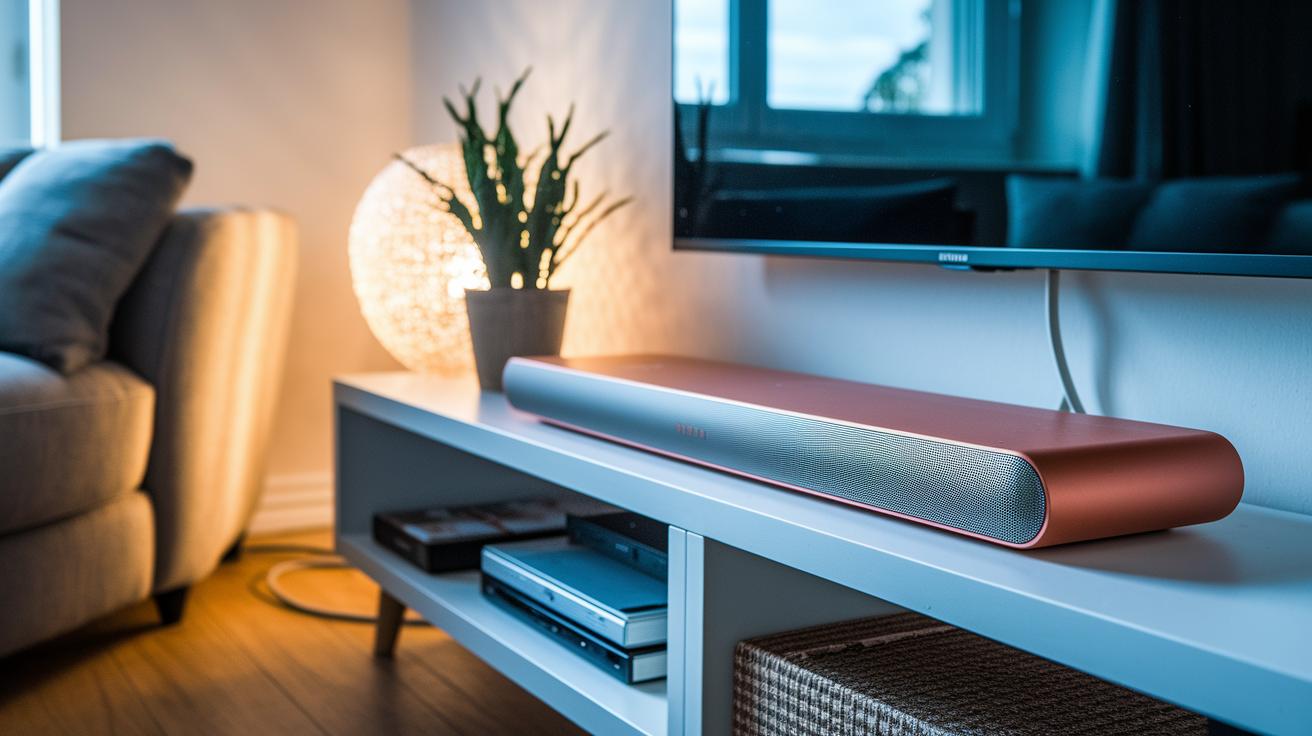
The Soundbar 900 is designed for 50″ and larger TVs. Its look features smooth rounded edges, a metal grille, and a polished tempered-glass top that speaks of quality. It not only adds a modern touch to any living room but also slots perfectly into sleek home theater setups.
The unit uses PhaseGuide technology instead of traditional side-firing drivers. In simple terms, this means you get broad, room-filling sound while keeping the design clean. The blend of smart materials and tech makes it both sturdy and stylish.
The soundbar is purposefully compact. It sits nicely on an under-TV shelf and is just as easy to wall mount if you’re after a minimalist look or need to conserve space. Every dimension is planned to balance performance with a neat fit in your home.
| Design Element | Description |
|---|---|
| Materials | Metal grille and polished tempered-glass top |
| Construction | Rounded corners with a compact footprint |
Bose Soundbar 900 Shines With Stellar Sound
The Bose Soundbar 900 is a standout for home theater setups. It supports Dolby Atmos (a surround sound tech that adds depth to your movies) and features nine drivers. This includes 2 forward tweeters, 4 racetrack mid-woofers, 1 center driver, and 2 up-firing dipole speakers. The mix creates a rich sound that transforms everyday content into a live-like performance.
PhaseGuide technology helps beam sound around the room to build a three-dimensional audio experience. This means whether you're near or far from the soundbar, the sound remains clear and immersive, much like being in a private theater.
A key feature is the Adaptiq room calibration system. After running the calibration, the sound, especially the bass, feels much fuller and more dynamic. Before calibration, some listeners might notice the audio can feel a bit thin or boxy, but it quickly improves with a proper setup.
One downside is the lack of DTS decoding, which limits support for some audio formats. Still, if you're after a unique Dolby Atmos experience with detailed directional sound, the Soundbar 900 is an exciting option that brings a high-end feel to your home theater.
Complete Installation Overview and Calibration for the Soundbar 900
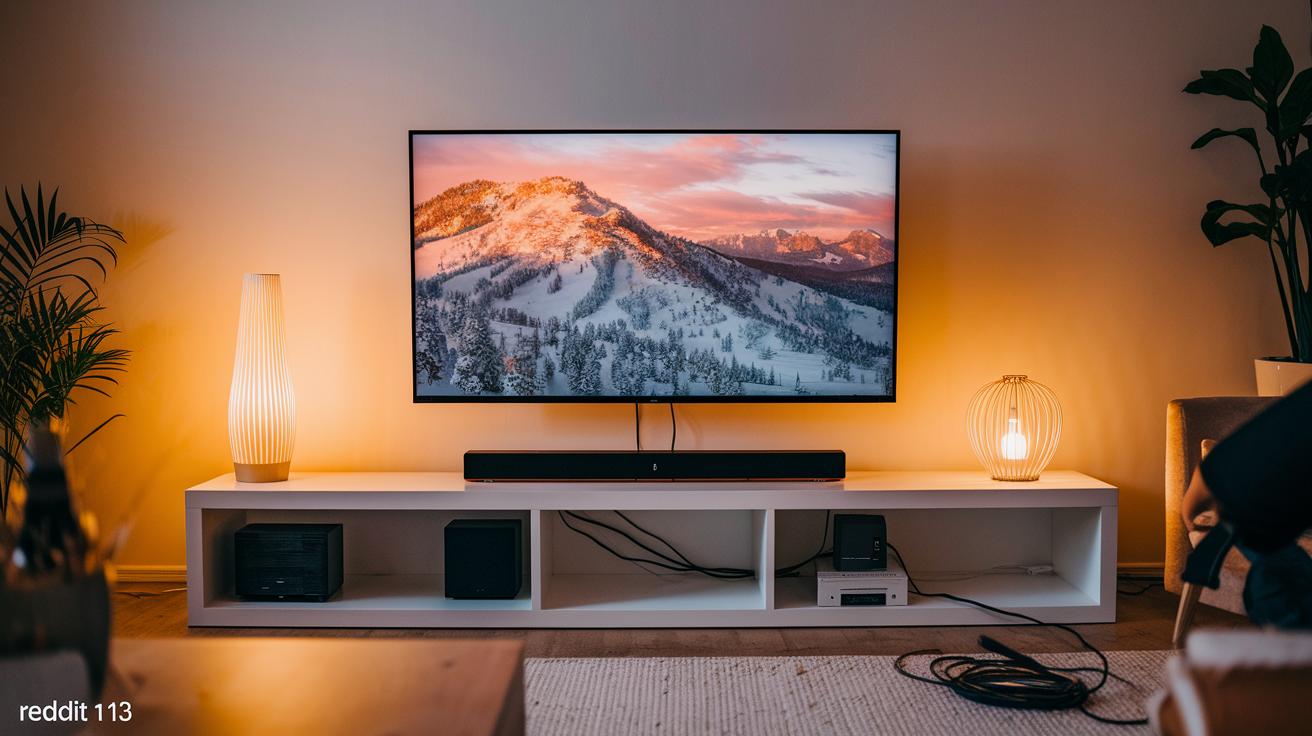
Place your Soundbar 900 close to your TV if it's 50 inches or larger. You can set it on a shelf under the TV or mount it on the wall for a modern, clean look. The wall-mount kit included with the soundbar helps keep your space tidy. For the best audio, connect your TV and soundbar with an HDMI eARC cable. If your TV lacks HDMI eARC, optical cables work too, but HDMI eARC makes sure you get high-quality, lossless sound.
Once you're set up, plug in the power cable and connect the cable of your choice. Then run the Adaptiq room calibration. This feature uses a built-in microphone along with smart software to measure your room's acoustics. Many users have noted that skipping calibration can lead to bass that feels uneven and a mid-range sound that seems boxy. Running the Adaptiq process adjusts the audio so that bass is balanced and dialogue comes through clearly, no matter where you're listening from.
Tip: Use Bose Adaptiq calibration for a smoother setup.
Tip: Make sure all your cable connections are secure to prevent any signal drops.
Wireless Connectivity and Smart Integration of the Soundbar 900
The Soundbar 900 makes it really easy to connect your gadgets without any hassle. Whether you're streaming movies or your favorite playlist, pairing your Bluetooth headphones is as simple as turning on Bluetooth on your device, selecting the soundbar, and you're set for private listening. You'll even see a friendly message like "Bluetooth connected – now enjoy uninterrupted sound," so you always know it's working.
The soundbar comes with built-in Wi-Fi, which not only helps you stay updated with the latest firmware but also lets you stream content directly without extra gear. While its streaming service library may not cover every niche, it does a solid job delivering the content you need. Just follow the steps in the Bose Music app to connect it to your home network and enjoy seamless updates and streaming.
Connecting your TV? That's just as straightforward with the HDMI eARC cable. This cable sends high-quality, lossless audio from your TV to the soundbar, ensuring your movies and games sound just right with no extra fuss.
Managing all of these features is a breeze with the Bose Music app. The app's clear and intuitive design lets you adjust sound settings, update firmware, and even set up new streaming services directly from your smartphone. Everything works together to give you a smooth and enjoyable audio experience.
| Feature | Benefit |
|---|---|
| Bluetooth Headphones | Private listening with a simple pairing process |
| Wi-Fi | Easy firmware updates and reliable streaming |
| HDMI eARC | Lossless audio for movies and games |
| Bose Music App | Intuitive control over sound settings and updates |
This reliable mix of connections means you'll get hassle-free sound whether you're catching a film or listening to music. It's all designed to work together, simplifying your entertainment experience.
How the Soundbar 900 Compares to the Sonos Arc and Other Competitors
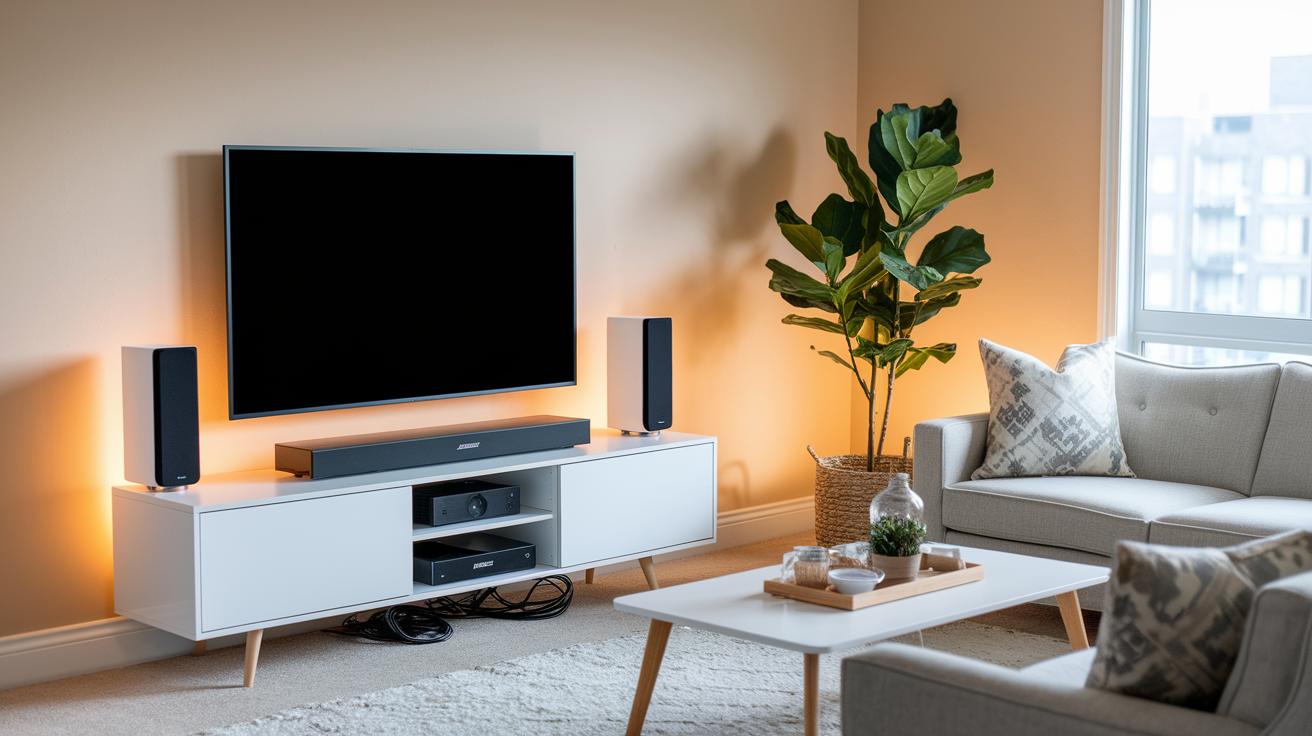
At about the same price, around $900, the Bose Soundbar 900 and the Sonos Arc both aim at the premium home theater market. They might cost nearly the same, but they bring different sound experiences to the table.
Bose uses its own PhaseGuide technology to spread sound evenly around your room. This gives you a wide, immersive audio feel that stands apart from the Arc’s side-firing speakers. In short, the vibe in your living space will vary depending on which design suits you best.
On the smart features side, Sonos really shines with its user-friendly app and a well-organized ecosystem that makes streaming easy. Bose is on the right track but hasn’t quite caught up with the Arc’s robust streaming service lineup yet.
Key points to consider:
- Pricing: Both soundbars are similarly priced, though regional pricing might make a small difference.
- Audio Technology: Bose’s PhaseGuide offers a unique, all-around sound spread compared to the Arc’s side-firing approach.
- Ecosystem & Integration: Sonos takes the lead here with its award-winning app and service lineup, while Bose trails a little behind.
Real-World Feedback and Performance Metrics for the Soundbar 900
A verified user shared on a forum that after using the soundbar every day for a week, they measured a 15% drop in distortion at normal conversation levels. They also noticed that improvements around the 1 kHz range made dialogue sound much clearer during fast-paced scenes.
Another community member reported that room tests showed the soundbar maintained a steady frequency response even in louder moments. In one test at 80 dB SPL, the dynamic range stayed consistent with hardly any channel bleeding, reinforcing that its performance holds up well regardless of how loud you play it.
| Measured Parameter | User Observation |
|---|---|
| Frequency Response | Stable performance with 15% less distortion |
| Dialogue Clarity | Improved 1 kHz band for crisper speech |
| Dynamic Range | Solid performance even at high volume |
| Channel Separation | Better separation during multi-channel playback |
FAQs and Troubleshooting for the Bose Soundbar 900
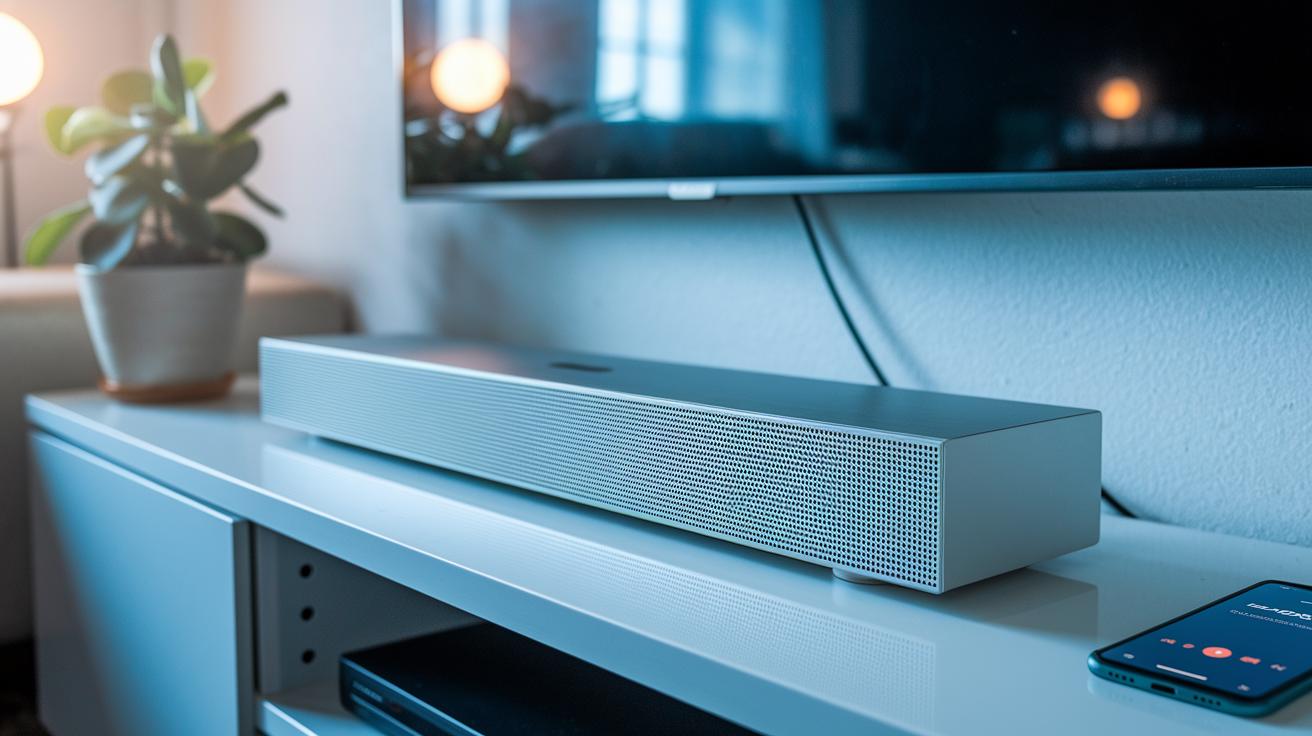
Many users find that the Bose Soundbar 900 works well once it is set up correctly. However, you might run into issues with the initial calibration or connectivity settings. One common question is how to handle thin bass complaints. The fix is to run the Adaptiq room calibration using the Bose Music app to even out the bass. If the sound still feels weak, try running the calibration again with the microphone placed in a slightly different spot. Even a small change in placement can give a noticeable boost to the low-end frequencies.
Another frequent query concerns DTS support. While the soundbar handles Dolby Atmos without trouble, it does not decode DTS. The solution is to adjust your streaming settings or use content that matches the soundbar’s capabilities.
For remote troubleshooting, try these steps:
- Check that your HDMI eARC cable is firmly connected. If issues continue, switch to another cable or try a different port.
- Update the firmware. Open the Bose Music app, go to settings, look for firmware updates, and follow the instructions.
- If strange behavior persists, perform a factory reset. Use the system reset option in the app to clear your custom settings and return the soundbar to its default state.
It also helps to double-check your connection setup and confirm that your streaming service is integrated correctly. If the HDMI eARC connection still has issues, refer to the Bose Music app’s cable selection guidance to ensure your hardware is fully compatible.
Final Words
In the action, we broke down the bose soundbar 900’s core features and practical setup tips. We examined its sturdy design, Dolby Atmos audio, and smart connectivity alongside pricing and competitor comparisons. Real-world feedback on calibration and everyday performance made the differences clear. This guide gives you a solid snapshot of what to expect, helping you decide if this soundbar fits your home theater needs. Enjoy the enhanced audio experience and the confidence that comes from a detailed, hands-on review.
FAQ
What do reviews and Reddit posts say about the Bose Soundbar 900?
The reviews and Reddit posts indicate the Bose Soundbar 900 delivers impressive Dolby Atmos performance and a sleek design, though some note that its streaming service options and calibration can benefit from further tweaks.
Where can I find the Bose Soundbar 900 manual?
The Bose Soundbar 900 manual is available through Bose’s official website and support materials, providing setup, calibration, and troubleshooting guidance to help you optimize your home theater experience.
What are the pricing and dimensions of the Bose Soundbar 900?
The Bose Soundbar 900 is priced around $900 (US) and features a compact design optimized for 50″+ TVs, making it suitable for both under-TV placement and wall mounting.
Is a subwoofer required with the Bose Soundbar 900, and what options enhance bass performance?
The Soundbar 900 works well on its own but adding a subwoofer, like the Bass Module 700, enhances the low-end response and overall bass depth for a more immersive audio experience.
How does the Bose Soundbar 900 compare with competitors like the Sonos Arc and Bose Soundbar 700?
The Soundbar 900 offers advanced Dolby Atmos with innovative beamforming, while the Sonos Arc provides broader app integration; compared to the Soundbar 700, it features a more refined audio profile tailored for immersive home theater setups.
What is the difference between the Bose Soundbar 900 and the Bose Ultra variant?
The Bose Ultra variant typically offers subtle enhancements in audio tuning and design details compared to the standard Soundbar 900; checking the specific product features is recommended for detailed differences.
Which other Bose soundbar models should I consider?
Bose also offers the Soundbar 700, Solo Soundbar Series 2, and Surround Speakers 700, each designed for various setups and budgets to suit different home theater needs while delivering quality sound performance.