
Ever notice how your TV’s sound sometimes falls flat? You shouldn't have to break the bank or deal with tangled cords to upgrade your audio. We tried out a bunch of soundbars, checking for clear dialogue, smooth HDMI ARC (that’s the connection for audio) setup, and solid performance across different budgets. Our guide highlights models that deliver rich, room-filling sound in any living room. If you're ready to turn your everyday TV time into an impressive audio experience, check out our top picks.
Find the Best Soundbar for TV with Our Top Picks
When you're picking a soundbar, we look at three key things: how it sounds, how it connects with your gear, and its price. We tested many models to find ones that fill the room with rich sound and make dialogue clear. We also favor soundbars that offer flexible options such as HDMI ARC/eARC, optical inputs, and Bluetooth so you can easily hook them up to your TV and other devices. No matter if you're after a high-end feel or a wallet-friendly option, our list spans different budgets while keeping sound quality in mind.
For those who want premium or midrange choices, the Sonos Arc Ultra and Polk Audio Signa S4 stand out. The Sonos Arc Ultra, at $1,099, brings immersive Dolby Atmos sound with upward-firing drivers that create a theater-like vibe at home. It also features smart room calibration and wireless audio streaming for a seamless experience. Meanwhile, the Polk Audio Signa S4, which runs about $550, delivers virtual surround sound that mimics the benefits of a high-end system without the hefty price tag. Its design is simple to set up and offers reliable connectivity.
For budget-minded buyers, the Ultimea Poseidon M60 is a real winner at just $99. Loved by 90% of users, it includes a dedicated center-channel driver, four edge-mounted drivers, and a 5-inch ported subwoofer for deep bass. With adjustable settings for bass, treble, and midrange, it proves that affordable soundbars can still bring great quality.
Premium Dolby Atmos Soundbars for TV Cinematic Audio
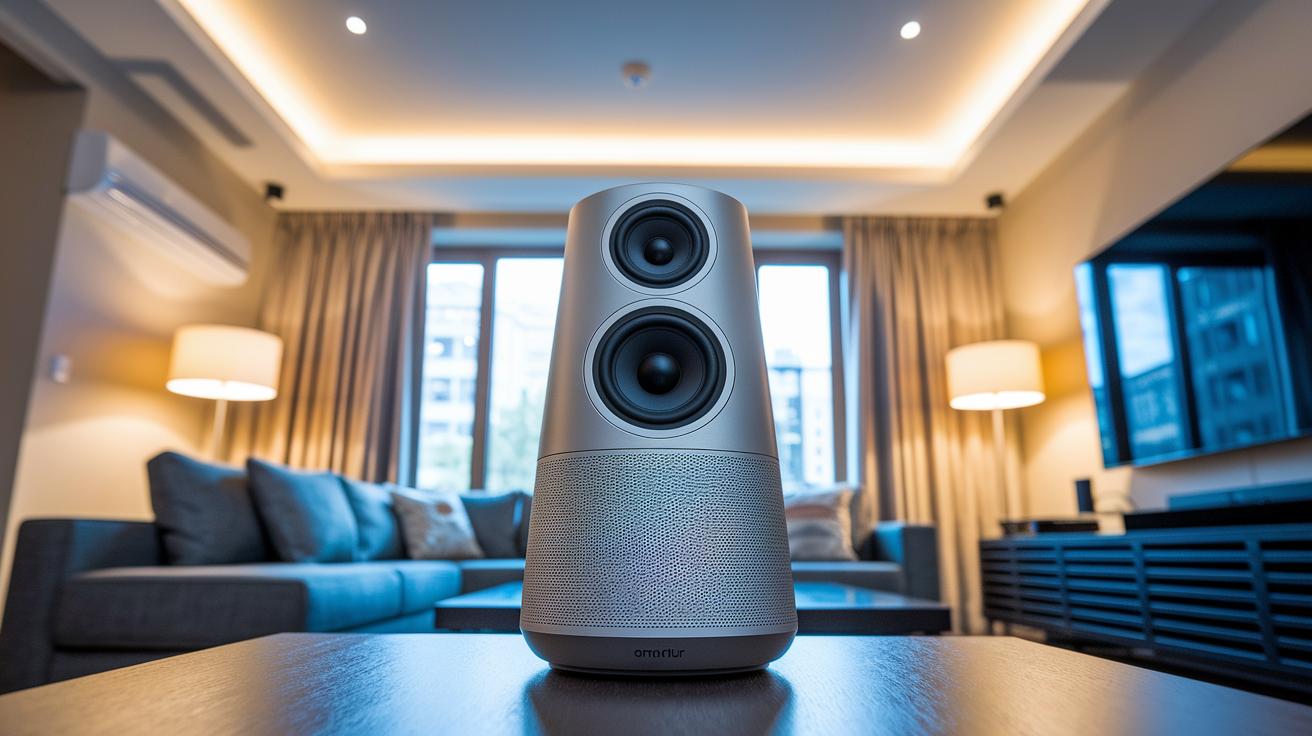
Height channels add an extra layer that makes movies and games feel more real. Upward-firing drivers bounce sound off your ceiling to create a sense of height, and built-in room calibration adjusts the output to suit your space. This means speech comes through crystal clear and background effects pop, all while delivering an enveloping sound that fills your room. Top models use multi-channel layouts to capture every detail and offer a range of connectivity options like HDMI eARC, optical, Ethernet, and wireless streaming for an easy setup.
| Model | Price | Channels | Connectivity | Room Calibration |
|---|---|---|---|---|
| Klipsch Flexus Core 200 | $1,299 | 5.1.2 | HDMI eARC, Optical, Ethernet, Wireless | Auto |
| Harman Kardon Enchant 1100 | $1,399 | 5.1.2 | HDMI eARC, Optical, Ethernet, Wireless | Auto |
| Sonos Arc Ultra | $1,099 | 5.1.2 | HDMI eARC, Optical, Ethernet, Wireless | Auto |
| Bluesound Pulse Cinema | $1,199 | 5.1.2 | HDMI eARC, Optical, Ethernet, Wireless | Auto |
| Devialet Dione | $1,499 | 5.1.2 | HDMI eARC, Optical, Ethernet, Wireless | Auto |
| KEF X10 | $1,199 | 5.1.2 | HDMI eARC, Optical, Ethernet, Wireless | Auto |
| Yamaha True X Surround 90A | $1,299 | 5.1.2 | HDMI eARC, Optical, Ethernet, Wireless | Auto |
Adding wireless surround speakers and a dedicated subwoofer can boost the experience even more. These extras expand the soundstage and deliver deep, punchy bass that makes both movies and music come to life. With a streamlined setup for extra speakers, your living room transforms into a true high-end audio zone that meets every need of your home theater system.
Top Budget-Friendly Soundbars under $100 for TV Upgrades
We put these soundbars to the test during our Prime Day sessions, checking how they deliver impressive sound without breaking the bank. We looked at connection types like HDMI ARC, optical, and AUX along with cool extras like removable designs and built-in bass boosters. Our goal was to find compact models that offer a solid punch in sound quality but keep both cost and size in check.
- Mzeibo Soundbar ($39): Comes with HDMI ARC, optical, and AUX inputs, plus Bluetooth for wireless streaming, though it doesn't include a separate subwoofer.
- Puxinat BT103 ($54): Offers a two-in-one detachable design with HDMI ARC, optical, AUX, RCA coax, USB, and Bluetooth connectivity, and it even features speaker towers for an enhanced sound setup.
- Geoyeao SD0151 ($55): Includes a front display and Dolby 5.1 support with HDMI ARC, optical, RCA coax, AUX, USB, and Bluetooth options, although it lacks an external subwoofer.
- Riowois SD6441 Pro ($58): Features a dedicated 5-inch ported subwoofer with optical, AUX, and Bluetooth, sacrificing HDMI ARC connectivity in the process.
- Saiyin SBP ($69): Delivers rich sound with two full-range woofers, two tweeters, and a 5-inch ported subwoofer, along with a detachable design and reliable HDMI ARC and optical connections.
In our hands-on tests, these soundbars proved to be great options for smaller spaces and tighter budgets. They’re easy to move around and fit neatly into a compact setup. However, if you’re after deep bass or a wider range of connectivity options, you might notice some trade-offs compared to pricier models.
Connectivity and Installation Techniques for TV Soundbars

Start by using an HDMI ARC or eARC cable to connect your soundbar to the TV. Find the HDMI ARC port on your TV and plug the cable into that port and the matching one on your soundbar. Then, go into your TV settings and switch on ARC mode so your TV remote can control volume and power.
If your TV does not have HDMI ARC, choose an optical cable (TOSLINK) instead. Connect one end of the cable to the TV's optical output and the other end to your soundbar's optical input. This setup delivers clear digital audio. After connecting, head to your TV’s menu and change the audio output to optical.
For a wireless option, set your soundbar to Bluetooth pairing mode and search for it on your TV or connected device. When your soundbar appears, select it to complete the pairing. You can check our guide on Bluetooth Speakers for TV for more detailed advice.
Finally, adjust the audio delay in your soundbar settings to ensure that the sound lines up perfectly with the video. When you use ARC, your TV remote will handle both volume and basic functions, making control simple and straightforward.
Key Factors for Choosing the Best Soundbar for Your TV
Room size matters a lot when picking out a soundbar. In a small room, a 2.1 or 5.1 setup can work great, while larger spaces might need an Atmos system that adds height channels to fill the room with immersive sound. Think of it like concert seating, more drivers mean a richer, fuller experience.
The design of the subwoofer is another key point. Soundbars with a built-in subwoofer are perfect for simple setups, but if you want deeper, more punchy bass, an external subwoofer is the way to go. A soundbar that pairs with a dedicated subwoofer can bring out low-end details, making music and movies feel more dynamic.
It’s also important to consider connectivity. Check that the soundbar works with your TV, whether it’s a Samsung, Sony, or another brand. Features like HDMI-CEC or ARC let you control everything with your TV remote and make setup a breeze.
Modern soundbars come with tuning features like auto EQ and dialogue enhancement to adjust sound based on the room’s acoustics. With built-in room calibration and support for firmware updates, they fine-tune bass, midrange, and treble in real time so every word feels clear.
Configuration, Calibration, and Troubleshooting for Ultimate TV Sound Performance
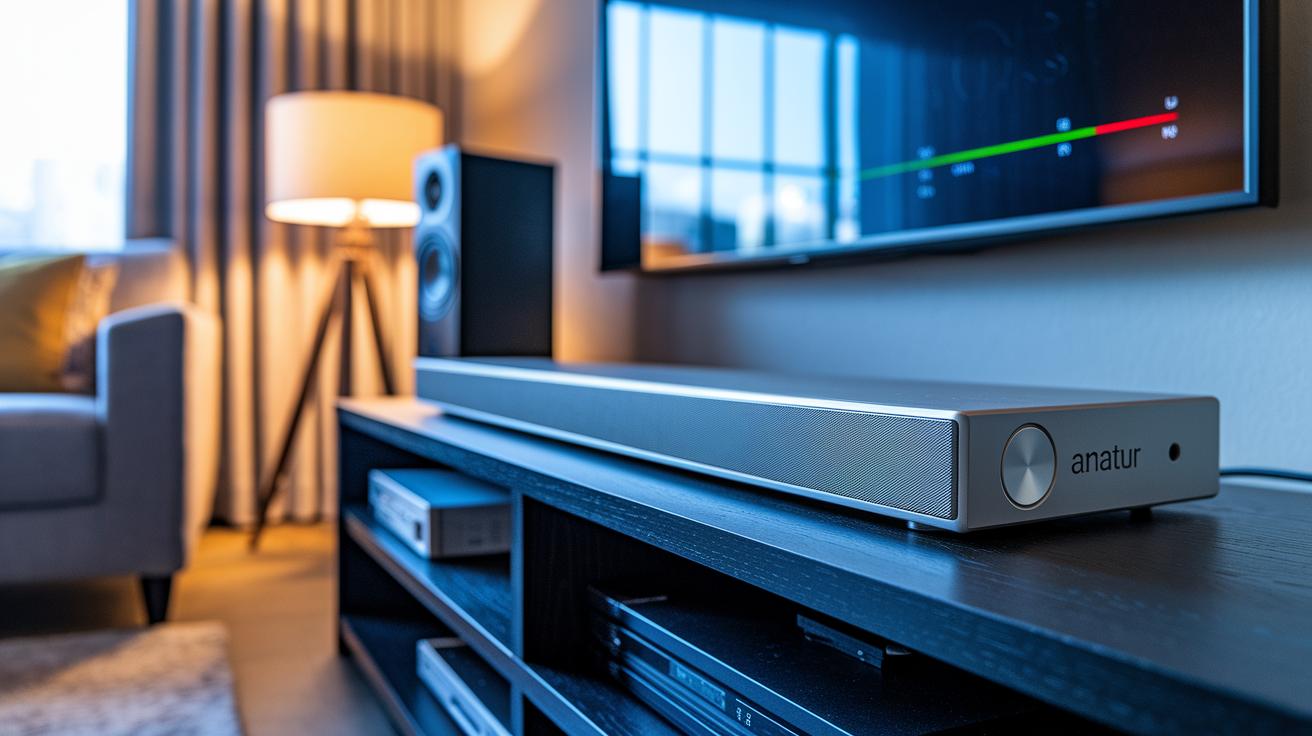
Start by running the auto calibration on your soundbar. It sends out test tones to balance the bass, midrange, and treble so your audio is perfectly suited to your room.
Connect your soundbar via USB or network to install firmware updates. Once updated, it restarts and applies improvements that enhance performance and make dialogue crisper for everything from movies to late-night shows.
For more precise control, adjust the EQ settings manually. Tweak the bass, treble, and midrange to better match your content. You can also turn on dialogue enhancement to make voices clearer while experimenting with audio delay settings to keep sound perfectly in sync with the visuals.
Dive into the detailed audio setup instructions to access tuning options tailored to your room. Try different presets, fine-tune delay settings, and toggle various sound modes to reduce lip-sync issues. Even small changes can lead to a big boost in performance and ensure consistently optimal sound.
Calibrating Soundbar EQ and Room Modes
Choose a preset that fits your room size and acoustics, adjust the bass and treble using the built-in controls, and run test tones to confirm the improvements. Once you’re satisfied, save your custom profile to ensure every sound element is reproduced accurately and consistently.
Final Words
In the action, we explored soundbars through performance, connectivity, and affordability. We compared premium choices featuring immersive Dolby Atmos, effective room calibration, and detailed connectivity options.
We also covered budget picks and shared clear tips for a smooth setup. Each recommendation was tested for real-world use from crisp dialogue modes to versatile installation steps.
Our aim is to help you score the best soundbar for tv that fits your setup and budget. Enjoy a richer audio experience and let your TV truly come to life!
FAQ
What is the best soundbar with subwoofer and all-in-one design for TV?
The best soundbar with subwoofer delivers integrated bass and streamlined design. Models like the Samsung HW-Q990D combine a built-in subwoofer, multiple channels, and wireless connectivity for a simple, immersive audio upgrade.
What is the best soundbar for music and home TV?
The best soundbar for music and home TV balances crisp vocals with rich, deep bass. Premium options such as the Sonos Arc Ultra offer clear, room-filling sound perfect for both movies and music.
What is the best soundbar for a Samsung TV?
The best soundbar for a Samsung TV is one that pairs well with its features and remote functions. Samsung models like the HW-Q930D ensure seamless connectivity and tuned sound for an enhanced viewing experience.
What is the highest recommended soundbar for TVs?
The highest recommended TV soundbar features advanced Dolby Atmos support and multi-channel layouts. Flagship options like Samsung HW-Q990F and others frequently earn high marks for delivering immersive, dynamic sound.
Is it worth getting a soundbar for TV?
It is worth getting a soundbar because it dramatically improves your TV’s audio clarity and bass response compared to built-in speakers, offering a richer, more engaging entertainment experience.
What are some budget-friendly soundbar options under $100?
Budget-friendly soundbars under $100, such as the Ultimea Poseidon M60, provide solid audio performance with dedicated drivers and a subwoofer, making them ideal for upgrading TV sound on a tight budget.
Which Samsung soundbars offer advanced channels and connectivity?
Samsung offers advanced models like the HW-Q990F, HW-Q930D, and HW-B650D, each designed with multiple channels, wireless options, and enhanced connectivity to meet various audio needs.