
Ever wondered if your TV’s sound could really match the action on screen? With an ARC HDMI soundbar, you can finally say goodbye to messy cables and off-sync audio. It creates a simple, one-cable connection between your TV and speakers, giving you clear, balanced sound every time. Imagine switching from movie night to gaming with just a tap, where every whisper and explosion sounds exactly right. This easy guide shows you how to set up your soundbar and boost your TV’s audio to a whole new level.
Understanding ARC HDMI Soundbar Functionality
HDMI ARC made its debut in 2009 with HDMI 1.4 to help simplify your home entertainment setup. Instead of juggling separate cables for audio and video, this feature lets your TV, Blu-ray player, and soundbar work together using just one cable. It’s all about cutting clutter and keeping your space neat.
ARC also handles two-way audio. This means your soundbar or AV receiver can send sound back to the TV on the same cable. Think of it as your devices giving a quick nod to one another when you switch from a movie night to a gaming session. With this setup, controlling the volume and inputs becomes straightforward.
Standard ARC supports uncompressed audio up to Dolby Digital, but when it comes to richer, higher-bitrate sound, the signal sometimes gets downmixed. Enter eARC, introduced with HDMI 2.1 in 2018. eARC offers a broader bandwidth pathway that transmits uncompressed formats like Dolby Atmos and DTS:X. In simple terms, eARC keeps every detail intact, from the softest whisper to the most powerful explosion, making your home theater experience truly immersive.
arc hdmi soundbar: Boost Your TV’s Audio

Setting up your TV and soundbar with HDMI ARC makes your home entertainment simple and clean. In this quick guide, we’ll show you how to link your devices with a single cable so you get clear, synced sound without the mess.
- Look for the HDMI ports labeled ARC on both your TV and soundbar.
- Insert a high-speed HDMI cable into these ARC ports.
- Turn on your TV and soundbar.
- Go into your TV’s audio settings and switch on the HDMI ARC option.
- Set your soundbar to the HDMI ARC input.
- Play something on your TV to check if the sound is working perfectly.
If the audio sounds clear without any delay, you’ve successfully set up your ARC connection. Enjoy a streamlined setup that delivers a better sound experience for your entertainment system.
Comparing ARC HDMI, eARC, and Optical Connections
Optical connections use Toslink cables to send audio one way. They only carry digital signals in compressed formats like Dolby Digital. This means you might not get the full, detailed sound of high-definition audio when using an optical cable.
On the other hand, standard HDMI ARC carries both high-definition video and two-way audio between your TV and sound system. With HDMI ARC, soundbars or AV receivers can send audio back to your TV using the same cable, which helps reduce clutter. However, HDMI ARC only supports up to Dolby Digital 5.1 and may downmix higher-quality sources. Imagine watching an action movie and missing some of the immersive sound depth because the audio was compressed, that’s a risk with optical cables, while HDMI ARC works better to keep the intended audio feel.
HDMI eARC goes even further by boosting the bandwidth over standard ARC. Introduced with HDMI 2.1, eARC supports uncompressed, high-quality formats like Dolby Atmos and DTS:X. This means the rich details in your audio are preserved without being downmixed. To get the most out of eARC, it’s best to use an Ultra High Speed HDMI cable, since most HDMI 2.0 cables might not handle eARC’s higher demands. Switching from ARC to eARC can reveal every subtle sound, even during quiet moments, making it ideal for anyone who wants a home theater that delivers true cinema-quality audio with an easy cable setup.
ARC HDMI Soundbar Compatibility Checklist
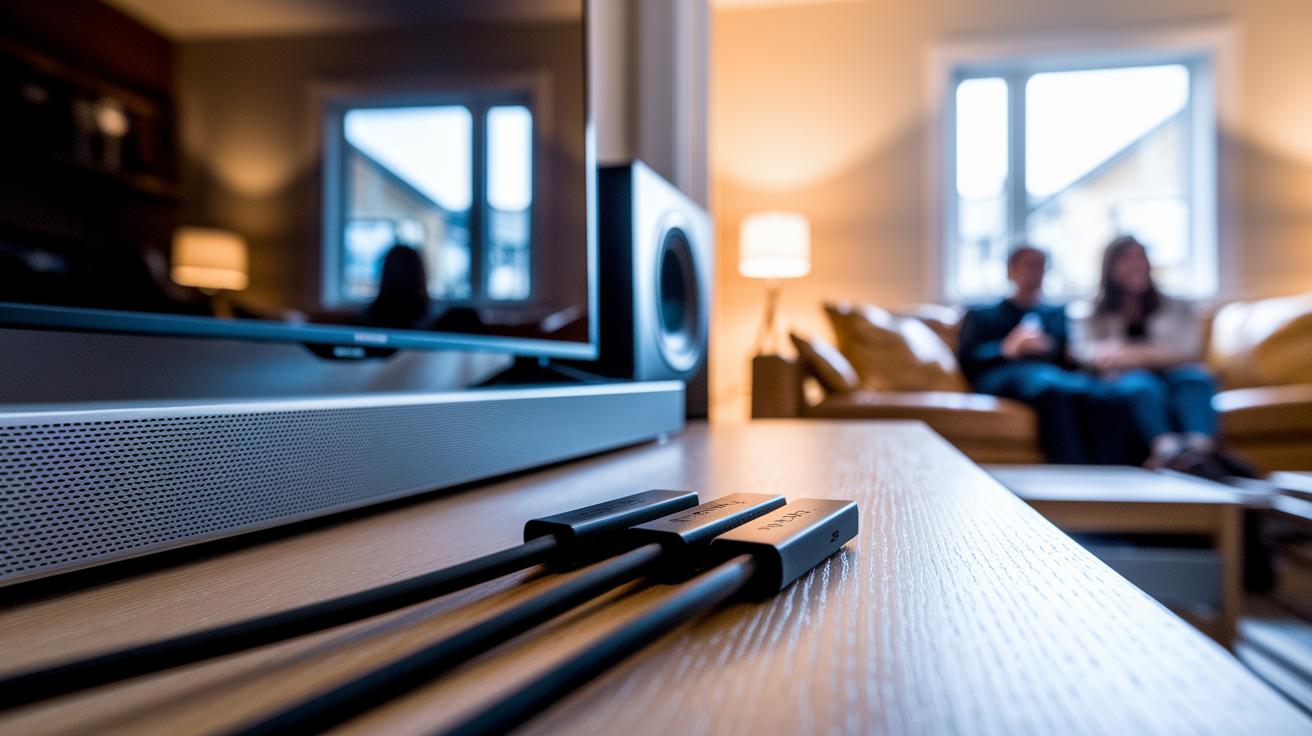
Before you connect your TV to your soundbar, double-check that both devices have HDMI 1.4 (or later) ports marked as ARC or eARC. These labels ensure the TV and soundbar can talk to each other properly, transmitting full, high-quality sound. If your gear lacks these specific ports, you might miss out on the two-way audio features you expect. In short, meeting this standard is key for enjoying clear and powerful sound, so be sure to use the right cables and update your firmware for a smooth experience.
Also, dive into your device menus to confirm that HDMI ARC is turned on. Many TVs offer a dedicated audio output section, make sure it isn’t accidentally set to optical or just the built-in speakers. Sometimes a quick firmware update is all it takes to iron out any ARC glitches or unlock extra features. Give a glance at the back of your TV and soundbar too; the labels there can offer fast clues about compatibility. By following these easy steps, you'll set up a hassle-free home theater that delivers a rich, engaging audio experience.
Top ARC HDMI Soundbar Models and Feature Comparison
Take a look at these standout ARC HDMI soundbars compared side by side. They cover a range of performance needs, with several models offering both ARC and eARC support. Higher-end options even include Ultra High Speed HDMI cables to unlock the full benefits of eARC, while more basic models come with standard High Speed HDMI cables that handle everyday ARC tasks with ease.
| Model | ARC/eARC Support | HDMI Version | Included Cable | Price Range |
|---|---|---|---|---|
| SoundX Pro | ARC & eARC | HDMI 2.1 | Ultra High Speed | $800 – $1,000 |
| CinemaBuzz | ARC Only | HDMI 2.0 | High Speed | $300 – $400 |
| HomeTheater Max | ARC & eARC | HDMI 2.1 | Ultra High Speed | $1,000 – $1,200 |
| BudgetBeat | ARC Only | HDMI 2.0 | High Speed | $150 – $250 |
| AudioWave Elite | ARC & eARC | HDMI 2.1 | Ultra High Speed | $500 – $600 |
Choosing the best soundbar really comes down to what you need. If you’re after a premium experience that supports rich, uncompressed audio formats like Dolby Atmos, you’ll want a model with both ARC and eARC paired with an Ultra High Speed HDMI cable. But if your audio needs are more basic, a soundbar with standard High Speed HDMI cables will still give you a clean and well-integrated sound setup.
Troubleshooting ARC HDMI Soundbar Connections

When ARC HDMI connections act up, you might find that your TV isn't sending sound to your soundbar, devices power on unexpectedly, or settings like Dolby Atmos or AI Sound Pro are grayed out. These signs point to a weak handshake between your TV and soundbar that stops audio from coming through.
Start by checking every cable and port. Make sure you use the correct High Speed or Ultra High Speed HDMI cables. Try switching ports to rule out a bad connection. Then, go into your TV and soundbar menus to confirm that ARC is turned on, and see if any firmware updates might fix the glitch.
If the issue continues, update the firmware on both devices. Swap out long or low-quality cables for shorter, higher-grade ones to reduce interference. If needed, test each device on different ARC ports or reset your audio settings to their defaults.
Audio Quality Benefits of ARC HDMI Soundbars
Using a single HDMI cable with ARC simplifies your setup and keeps sound in perfect sync with the video. By sending both audio and video together, the delay is reduced, making dialogue and sound effects match what you see on screen. Imagine watching a live sports game where every cheer and whistle aligns perfectly with the action. This streamlined connection cuts out extra cables and interference, ensuring a smooth viewing experience.
eARC takes things a step further by offering more bandwidth. It supports uncompressed audio formats like Dolby Atmos and DTS:X so that every detail, from deep bass to subtle notes, comes through clearly. In your living room, this means movies and shows burst with life, delivering crisp sound whether it's a quiet discussion or an explosive scene.
Final Words
In the action, we broke down HDMI ARC fundamentals, walked through a clear step-by-step soundbar setup, and compared different connectivity methods side by side. We even tackled common troubleshooting issues and reviewed audio quality benefits.
Each section aimed to simplify the ins and outs of an arc hdmi soundbar so you can make informed buying decisions. The hands-on insights and practical tips should leave you confident and ready to enjoy seamless audio integration with your devices. Keep exploring and enjoy your enhanced viewing experience.
FAQ
What is HDMI ARC on a soundbar?
HDMI ARC on a soundbar is an audio return channel that sends sound from your TV to the soundbar over a single cable, reducing clutter and simplifying connections.
How do I connect a soundbar to my TV using HDMI ARC?
Connecting via HDMI ARC involves using an HDMI cable from the TV’s ARC port to the soundbar and enabling ARC in the TV’s audio settings for proper audio routing.
How do I connect a soundbar to a TV using HDMI if the TV lacks ARC?
When a TV doesn’t support ARC, connect the soundbar using a standard HDMI cable to an available port and adjust the TV’s audio output settings to use an alternative connection.
How does HDMI ARC support Dolby Atmos on soundbars?
HDMI ARC can carry surround-sound formats like Dolby Atmos in compressed form, while upgraded eARC delivers uncompressed Atmos for improved sound detail.
Is HDMI ARC better than using an optical connection?
HDMI ARC is usually preferred over optical because it offers two-way audio communication and supports higher quality, uncompressed formats compared to the one-way compressed optical signal.
Which soundbar models offer HDMI ARC capabilities?
Popular models with HDMI ARC include the Samsung HW-Q990F, Sonos Beam, Sonos Arc Ultra, Hisense 3.1 Channel hs3100, Hisense AX5125H, and TCL S45HE, catering to various needs and budgets.
Why might my HDMI ARC connection not work properly?
HDMI ARC issues can result from cable quality, outdated firmware, or incorrect settings. Verify connections, update device firmware, and check that your TV’s audio output is correctly set to ARC.
How does an ARC HDMI setup differ from a standard HDMI connection?
An ARC HDMI setup combines audio and video transmission by using one cable and two-way communication, whereas standard HDMI usually transmits video only, requiring extra cables for audio.