
Ever wonder if your home lighting could do more than simply light up a room? A smart lights hub brings all your bulbs together so you can easily set the perfect mood or save energy with just a tap on your phone. It links lights across different rooms to work as one, giving you simple and unified control. This tidy setup not only smooths out your daily routine but also makes your home more energy efficient. Let's explore how this hub can boost your lighting experience and add a new level of convenience to your space.
Centralizing Your Smart Lighting Control with a Smart Lights Hub
Smart bulbs are LED lights that connect via Wi-Fi or Bluetooth and let you control them with your smartphone, voice commands, or through automation systems. While many bulbs work fine on their own for basic tasks, a dedicated smart lights hub is key when you want to group lights, create dynamic scenes, or schedule them down to the minute.
A smart lights hub acts as a central control unit, it plugs into your router and keeps your bulbs powered and connected so you can tweak them remotely from an app. We use these hubs to coordinate different lights across the house: from setting a warm mood in the living room to having your kitchen brighten right when you enter. It brings together bulbs of all shapes, like the common A19, so they all respond in harmony.
A neat benefit of using a hub is the boost in energy efficiency. LED bulbs can last up to 50,000 hours compared to only 2,000 hours for traditional incandescent bulbs. This means long-term savings on your power bill and fewer replacements. Plus, the remote control feature lets you fine-tune your lighting even when you’re away from home.
For a closer look at smart bulbs and how centralized controllers work, check out this link: what are smart lights.
Comparing Top Smart Lights Hub Models: Features and Specs
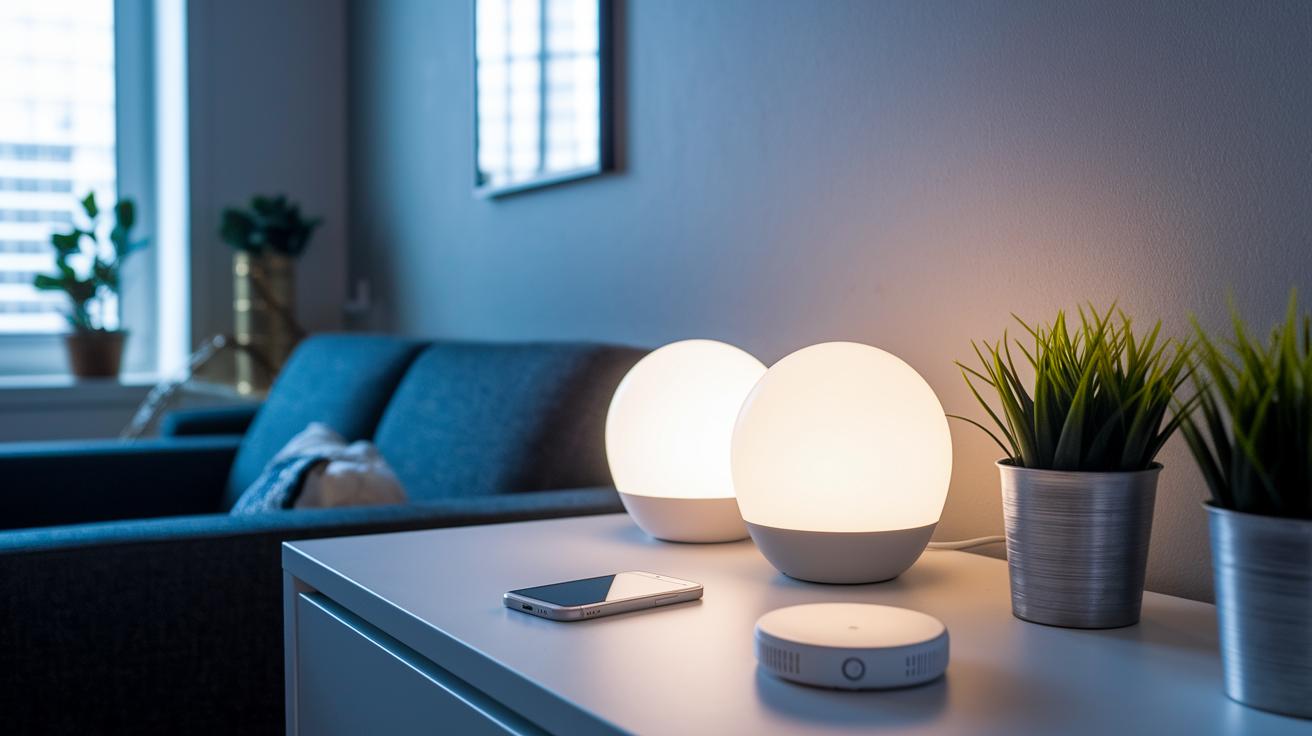
When looking at smart lights hubs, small differences can change your whole home lighting setup. Take the Philips Hue Bridge, for instance. It uses the Zigbee protocol to link up to 50 lights and costs about $59.99. Besides controlling your lights, it offers fun features like syncing your lights to your favorite movies or music.
The Samsung SmartThings Hub works with both Zigbee and Z-Wave protocols. It can handle up to 200 devices, making it a solid pick if you plan to add various sensors and other smart gadgets to your home.
Then there's the Wyze Sense Hub. This Wi-Fi-only hub comes in at around $35, making it a wallet-friendly option. However, its range might not be enough for larger homes or more tricky setups.
| Model | Protocol Support | Device Limit | Price | Standout Features |
|---|---|---|---|---|
| Philips Hue Bridge (philips hue smart lights) | Zigbee | Up to 50 lights | $59.99 | Entertainment sync, robust app control |
| Samsung SmartThings Hub | Zigbee, Z-Wave | Up to 200 devices | $65-$70 | Multi-protocol flexibility, wide device compatibility |
| Wyze Sense Hub | Wi-Fi only | Basic setups | $35 | Budget-friendly, simple controls |
When deciding on a hub, think about how its protocol support affects compatibility and future upgrades. Whether you’re after dynamic light syncing for movie nights, broad device control for a busy smart home, or a simple, budget-friendly start, this comparison helps you find the right match.
smart lights hub Elevates Home Illumination
Begin by installing your smart bulbs in fixtures that have constant power. For instance, choose table or floor lamps to ensure the bulbs remain on even when a wall switch is turned off. It’s just like putting in a regular lamp bulb, only now you get smart features.
Next, connect the hub’s Ethernet cable to your home router and power it up. This step turns the hub into the central control point for your lights, so you can manage them easily through the mobile app at all times.
Then, download the vendor’s app on your iOS or Android device and follow the pairing instructions shown on screen. The app will help you locate the hub and add your bulbs, usually with a prompt like “Press the pairing button on your device” followed by a confirmation message.
After pairing, organize your bulbs by assigning them to specific rooms or groups. This lets you create custom scenes and set schedules right from the app’s interface. For example, you can arrange for the bedside lamp to gradually brighten each morning or dim the lights when it’s time for a movie.
This setup approach keeps things simple and smart, letting you control your home lighting with just a few taps on your phone.
Smart Lights Hub Integration with Voice Assistants and Ecosystems
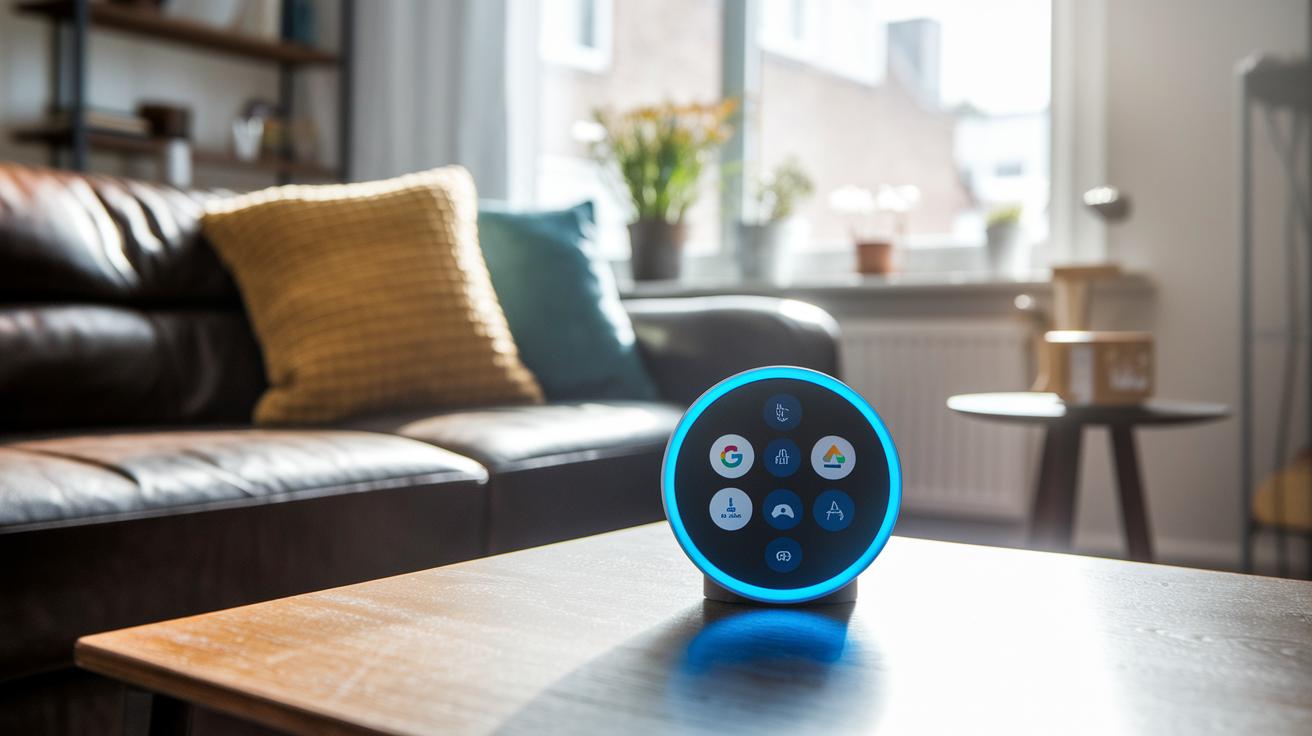
Your smart lights hub can hook up with popular voice assistants to let you control your lights without lifting a finger. Before you make a purchase, check that it works with Alexa, Google Home, or Apple HomeKit so it fits in with the devices you already own. Some hubs, especially those that use Zigbee (a wireless tech for smart devices), might ask you to enable a special voice skill in their app – for example, you could see a prompt to switch on the Alexa skill for quick, hands-free commands.
Bluetooth-only hubs are simple to set up but might limit your control when you're away because they rely on a direct connection and don’t support cloud features. This means you might miss out on remote access or advanced automation. Meanwhile, other hubs support platforms like IFTTT or Home Assistant, so you can create smart routines that connect your lights with other gadgets using voice commands.
With these integrations, you can easily set up routines or change your lighting just by speaking. Imagine telling your smart speaker, "Turn on the living room lights," and watching the mood of your space change instantly.
Troubleshooting Your Smart Lights Hub: Connectivity and Sync Issues
First, check that your bulbs are getting steady power and are located within your hub's range. If a bulb isn’t reacting, make sure its socket is supplying uninterrupted power since a loose connection can mess up the sync.
Next, restart your hub and router to clear any brief network issues. After rebooting, open the app’s device management page and re-pair any bulbs that lost connection. Often, a quick restart is all it takes to get everything back in sync.
Also, update the firmware on both your hub and bulbs whenever the app suggests it. These updates can fix bugs and boost performance, so keeping everything on the latest version is key.
Finally, review your network settings for any conflicts between 2.4 GHz and 5 GHz signals. Many hubs only work on the 2.4 GHz band, so ensure your bulbs aren’t caught up in a frequency mix-up. This way, your smart lights continue to perform reliably every day.
Smart Lights Hub Buying Guide: Quick Checklist

When shopping for a smart lights hub, start by setting a budget. Most models range from $35 to $60 if you’re after extra features like entertainment sync and support for several protocols.
Next, think about the number of smart devices you plan to control. Some hubs support around 50 devices, while others can handle over 200. This detail is important if you’re planning to grow your smart home.
Also, consider which communication protocol fits your setup. Options like Zigbee and Z-Wave offer a robust connection, while Wi-Fi or Bluetooth setups might be simpler. Choose the one that works best with your home layout.
Lastly, look for energy-saving benefits. A top hub will connect with LED smart bulbs and smart automation to help lower your energy use over time.
Final Words
In the action, this article shows how a smart lights hub streamlines your control over Wi-Fi or Bluetooth-enabled bulbs with voice commands, grouping, and routines.
We covered setup steps, troubleshooting tips, and a clear buying guide to help you pick the right device.
By comparing top models, we highlighted what matters most for both advanced users and everyday buyers looking for value and long-term reliability.
Enjoy the perks of a smart lights hub that lightens your setup and brightens your space.
FAQ
What do smart lights hub apps and smart light bulb apps do?
The smart lights hub app and smart light bulb app let you control and customize your lighting system from your phone. They manage pairing, grouping, and scheduling for a seamless home lighting experience.
What is the best smart lighting system for home use?
The best smart lighting system depends on your needs and budget. Popular choices like Philips Hue Bridge, Samsung SmartThings Hub, and Wyze Sense Hub offer different protocols, capacities, and features for a tailored home setup.
What is the price range for a smart lights hub?
The smart lights hub price typically ranges from around $35 to $60. This depends on features like protocol support and device capacity, allowing you to choose based on your specific lighting and budget requirements.
What is a hub for smart lights?
A hub for smart lights is a central device that connects and manages smart bulbs using Wi-Fi or proprietary protocols. It enables remote control, advanced grouping, and automated routines through a mobile app.
What are the disadvantages of smart lights?
The disadvantages of smart lights include potential connectivity challenges, higher initial costs compared to traditional bulbs, and dependency on a stable network, which can occasionally lead to compatibility or control issues.
What is the Hue Bridge Pro?
Hue Bridge Pro is an advanced hub from Philips that manages a large network of smart bulbs. It supports robust automation features, entertainment sync options, and reliable Zigbee connectivity for enhanced smart lighting control.
What is a LIFX smart light?
A LIFX smart light is a Wi-Fi-enabled LED bulb that connects directly to your network without needing a hub. It offers vibrant colors and scheduling features via its dedicated mobile app for easy, standalone operation.
Can I use an Ikea smart light without a hub?
Many Ikea smart lights work without a hub using Bluetooth connectivity. However, some advanced features and broader system integration may require a compatible hub for full functionality.