
Ever notice how controlling your lights used to be a real headache? Today’s smart lighting apps let you set the mood or sync your room with your favorite music in just a few taps. With Happy Lighting’s easy Bluetooth setup, Meross’ smooth Wi‑Fi connection, and MiBoxer’s precise voice controls, these apps do more than just turn your lights on and off. They add convenience and a modern twist to your daily routine, making it simple to brighten up your world exactly the way you want.
Top Smart Lights Apps for Quick Download and Easy Management
Happy Lighting is a budget-friendly way to control your lights using Bluetooth. You can easily set on/off schedules, switch colors, and even sync your lights with music. Before smart apps, syncing lights to music was a real hassle, but Happy Lighting does it all automatically without needing a hub.
Meross offers a more integrated experience with Wi-Fi control that covers not just lights but also thermostats, sensors, and plugs. The app even has built-in troubleshooting tools, though it does collect some basic details like your email and login info. Plus, it's Matter-certified, which means it works smoothly in unified smart setups.
MiBoxer (formerly MiLight) gives you flexible connectivity through Wi-Fi or a gateway. It’s designed to adjust color temperature (CCT), color, and brightness, and it works seamlessly with voice assistants like Amazon Alexa and Google Home. This app is perfect if you want detailed control settings and smooth voice integration.
Open-Lit uses both Bluetooth and Wi-Fi to create a simple pairing process, especially for LED strip kits. That dual compatibility makes it a practical choice if you're looking to design ambient lighting without a complicated network setup.
Tuya Apps come in two flavors, “Smart Life” for home use and “Tuya Smart” for business. They support nearly 3,000 devices ranging from bulbs to locks, allowing you to manage a wide variety of smart devices from one convenient platform.
- Happy Lighting: Uses Bluetooth and requires no hub.
- Meross: Relies on Wi-Fi and is Matter-certified.
- MiBoxer: Connects via Wi-Fi or gateway for advanced control.
- Open-Lit: Offers dual connectivity ideal for LED strips.
- Tuya Apps: Supports nearly 3,000 devices for homes and businesses.
Key Features of Smart Lights Apps: Intelligent Lighting Control
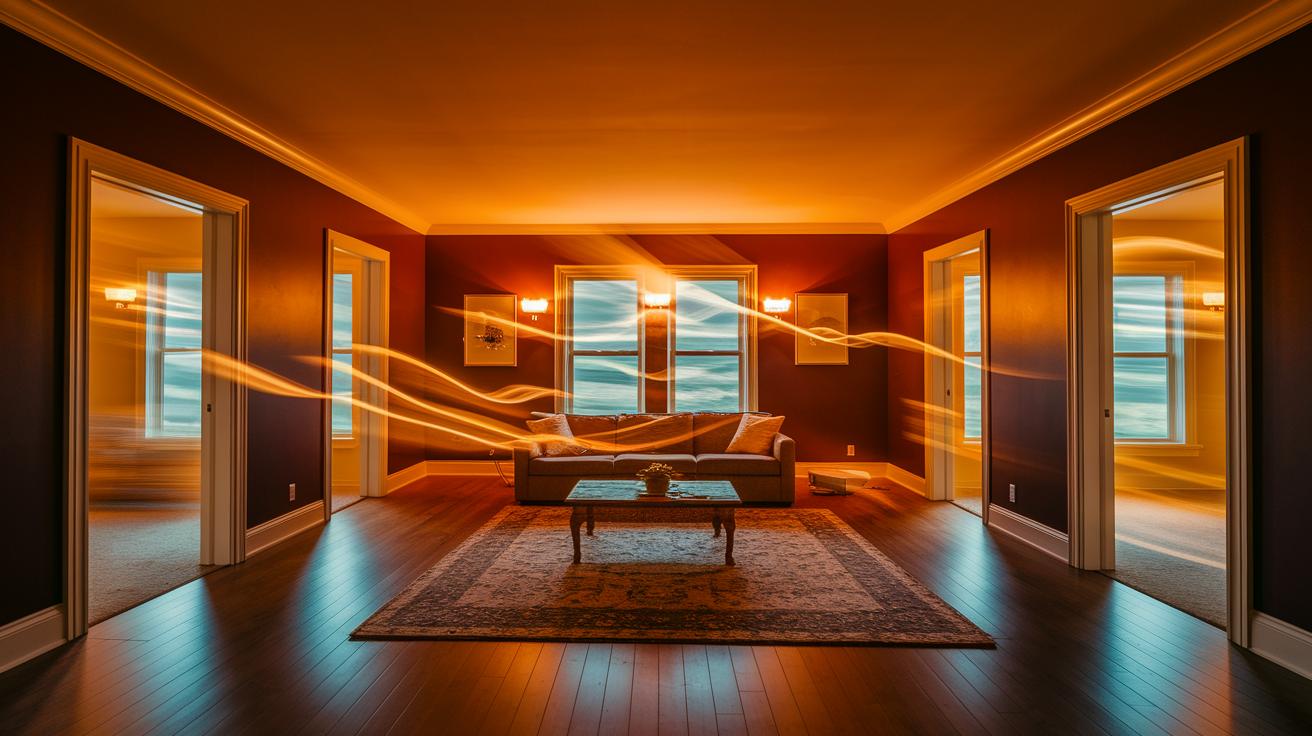
Some apps now offer ways to customize your lighting experience that go beyond simple on/off controls and scheduling. For instance, take occupancy simulation, where the lights mimic someone being home. One app smoothly changes the brightness and color to resemble natural movement, while another mixes up the patterns randomly to give the impression that activity is going on, which can help keep intruders at bay. Picture this: you arrive home and see lights gently flickering in different rooms, making it look like someone’s around even when you’re not there.
Another neat feature is music syncing. With this, your lights can pulse to the beat of your favorite song. You can even tweak the sensitivity and timing so that the LED strip dances in perfect harmony with your tunes, creating a mood that feels just right. These smart light enhancements show a clear shift from basic controls to systems that truly respond to your lifestyle.
3 smart lights app light up your world
- Before you get started, make sure your LED bulb is compatible with Wi‑Fi and runs on a 2.4 GHz network. Screw it into the socket and power it up. This step is critical for a smooth pairing process.
- Launch your smart lights app, like the Smart Life App on Android or iOS, and tap the plus icon at the top right of the dashboard. This begins the pairing process that usually takes just a few seconds.
- On the pairing screen, choose the Wi‑Fi network linked to your bulb. Once the app detects your device, it will connect on its own. If you get a confirmation prompt, simply follow what appears on your screen.
- After pairing, give your device a new name to work better with voice assistants. Naming it something like “Living Room Light” helps when you control it with Alexa or Google Assistant.
- Next, use the app’s dashboard to power your light on or off, adjust brightness, or even change its color if your bulb supports that. You can also set schedules or create custom scenes to match different moods.
- Finally, try out a quick command, say "Turn the living room light to 50% brightness", and watch your setup come to life in seconds.
Bluetooth vs. Wi-Fi in Smart Lights Apps and Hub Requirements
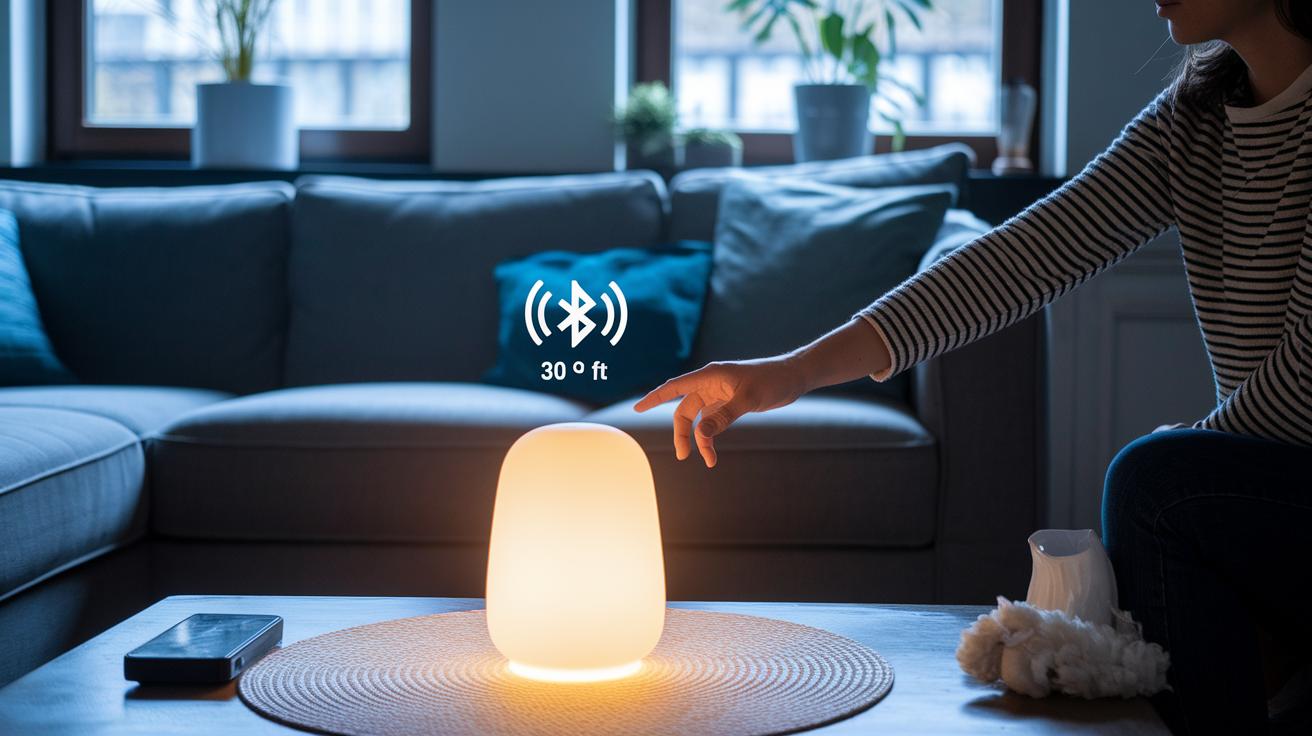
Bluetooth is great for controlling lights in a single room. It works over a distance of about 30 feet without needing an internet connection. You can switch your lamp on or off from your couch without a hub. For example, you could use a Bluetooth light organizer to instantly adjust your bedroom lighting during movie night. It is simple and perfect for local control.
Wi-Fi, on the other hand, lets you control your lights from far away and covers a larger area. Many smart lights use Wi-Fi so you can change your lighting even when you are not home. Some models need a hub to create a mesh network that spreads across a big property. This kind of setup works well in a spacious house or office where steady connectivity matters.
In short, if you have a small space or just need local control, Bluetooth is a straightforward choice. But if you want remote access or need to manage many lights over a wide area, a Wi-Fi smart lights app is a more powerful solution.
Smart Lights App Integrations: Ecosystem Compatibility and Matter Support
The best smart lights apps do more than simply adjust brightness. They listen to your voice commands through Alexa, Google Assistant, or Siri. Just say, "Alexa, set the living room lights to blue," and your lights instantly change color, giving you a smooth, connected home experience.
Matter certification takes integration to the next level. It lets your smart lights chat with over 1,000 certified devices from different brands without extra setup. This means your lights can work hand in hand with smart locks, thermostats, and more. Imagine arriving home and having your lights, locks, and thermostat all set perfectly for your return.
Unified automation makes controlling your home even easier. With one app, you can create routines that adjust multiple devices at once. A single command might dim your lights, lower your thermostat, and lock your doors, setting the perfect mood for movie nights, dinners, or quiet evenings.
Whether you're at home or away, this cross-platform system ensures that your lighting stays in harmony with your entire smart home ecosystem.
Troubleshooting Your Smart Lights App: Common Issues and Fixes
Connectivity Problems
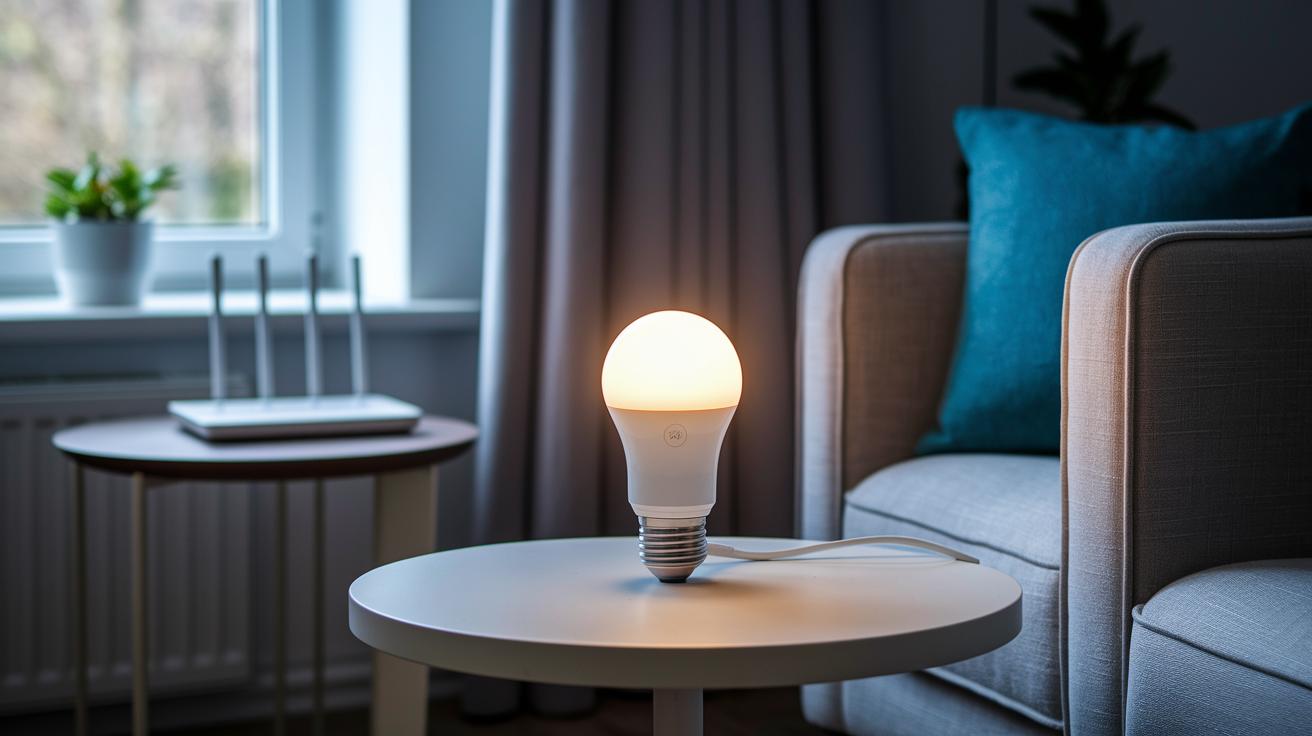
When your smart lights aren’t connecting properly, first make sure the bulb is powered on and using a 2.4 GHz Wi-Fi network. If your app can’t find the bulb, try rebooting your router and the light. It also helps to check that the bulb is screwed in correctly and that your network signal remains steady. These simple steps often fix the glitch and get your lights back on track.
App Errors
If your smart lights app starts acting up, clear the cache and update to the latest firmware. For example, using Meross’s in-app troubleshooting can fix lag or unresponsiveness. A quick reset or even reinstalling the app can restore stability and improve its performance.
Integration Failures
When voice commands or scene activations aren’t working right, try re-linking your smart-assistant services. Make sure two-factor authentication is set up correctly in apps like GE Cync, then re-authenticate your assistant skills. This will help your smart lights app sync smoothly with other devices in your smart home system.
Final Words
In the action, we covered everything from download and setup to troubleshooting your smart lights app. We explained how Bluetooth and Wi‑Fi differences affect control and explored integrations with Alexa, Google Home, and Matter-certified devices. We also showed you step-by-step how to install, configure, and fix common issues.
This review helps you quickly decide which smart lights app suits your needs while offering real-world tips. Enjoy setting up your space and brightening your routine with a smart lights app that works for you.
FAQ
How do I download free smart lights apps and smart bulb apps?
The phrase “smart lights app free” suggests these apps come at no cost. Many brands, including Smart Life, allow free downloads from major app stores, letting you easily install and control your smart bulbs.
Which devices support smart lights apps?
The inquiry about smart lights app for iPhone, Android, or PC indicates that these apps are available across various platforms. Developers design them to work on iOS, Android devices, and even PCs for a versatile smart home experience.
What is the best smart lights app?
The idea behind “best smart lights app” varies with your needs. Popular choices like Smart Life and Tuya Smart offer reliable control, extensive integration with voice assistants, and broad device compatibility for a solid smart home setup.
How do you connect a smart light to an app?
The question “How to connect smart light to app?” means you usually need to power on your bulb, install the app, and follow the pairing prompts on a 2.4 GHz Wi-Fi network to achieve a quick and smooth setup.
Can you control smart lights with your phone?
The query “Can you control smart lights with your phone?” confirms yes. After downloading the app, you can easily toggle power, adjust brightness, and change colors directly through your mobile device for instant management.
Is there a universal app for smart bulbs and smart devices?
The questions about a universal smart bulb and smart device app point to platforms like Smart Life and Tuya Smart. They allow you to control thousands of devices across different brands using a single, unified app.