
Have you ever thought about making your lights a part of a smart home setup? Smart HomeKit bulbs let you control your lighting with ease and add a creative twist to your everyday routine. All it takes is scanning an eight-digit code and tapping your iPhone to adjust brightness, switch colors, or set up custom scenes with Siri. Our guide walks you through how to set up these smart bulbs and compares the best models, showing you an easy way to create a brighter, more connected home.
Smart Lights for HomeKit: Compatibility, Setup and Performance
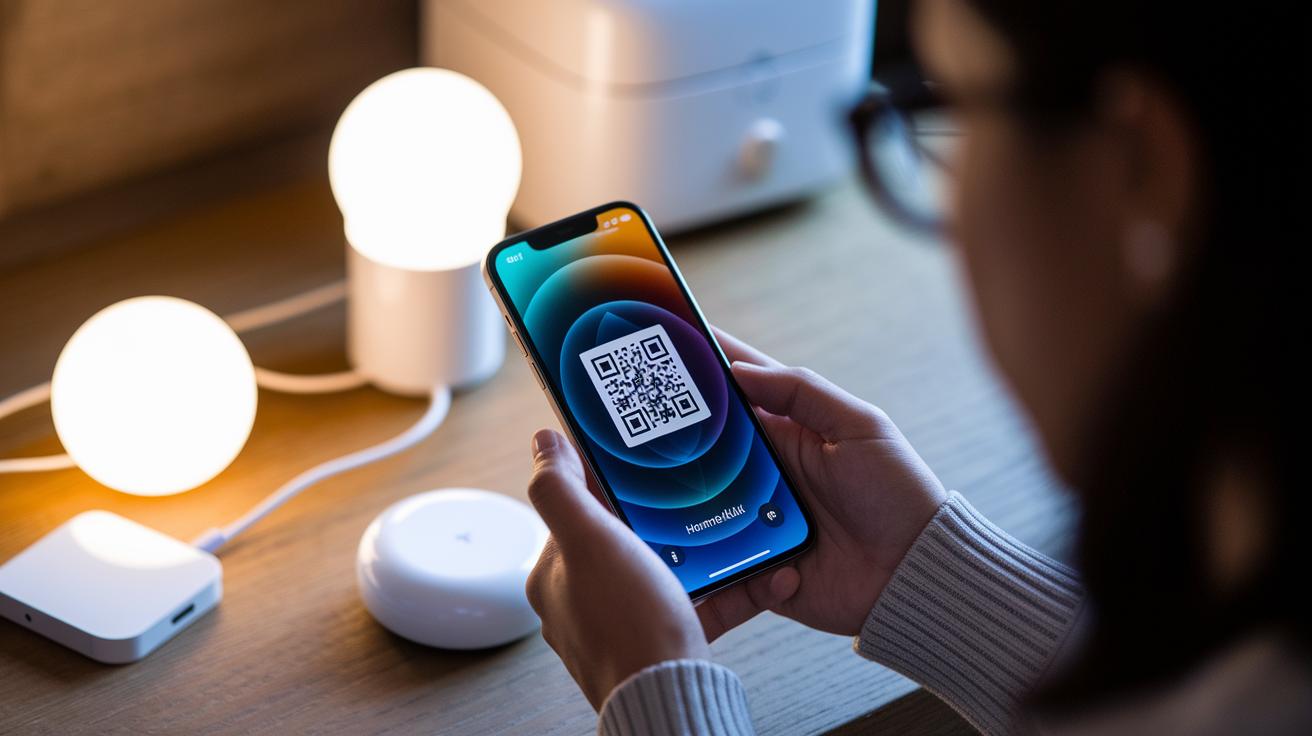
Adding a smart light to HomeKit is simple. Open the Apple Home app and scan the eight-digit HomeKit code found on the packaging. You can use devices like HomePod, HomePod Mini, Apple TV (3rd gen or newer), or an iPad as your hub. If you're just getting started, take a moment to see what smart lights are all about.
Once the code is scanned, the app connects with your smart light automatically. Well-known models such as Philips Hue, Meross MSL120, and Nanoleaf Essentials Matter A19 show up on your device list when they are connected via Wi‑Fi, Bluetooth, Matter (a standard for smart home devices), or their own bridges. Just follow the on-screen instructions for a quick and easy setup.
After pairing, assign each smart light to a specific room in the Home app. Grouping them into areas like bedrooms, living rooms, or kitchens makes it easier to manage and create custom lighting scenes that fit your daily routine.
Lastly, give your setup a test run by using Siri. Ask Siri to turn your lights on or off, adjust brightness levels, or even change colors. Thanks to features like adaptive lighting that adjusts color temperature throughout the day, models such as TP-Link Tapo L535E and WiZ 60W A19 work brilliantly without the need for a separate hub.
Smart lights for homekit Glow with Brilliance
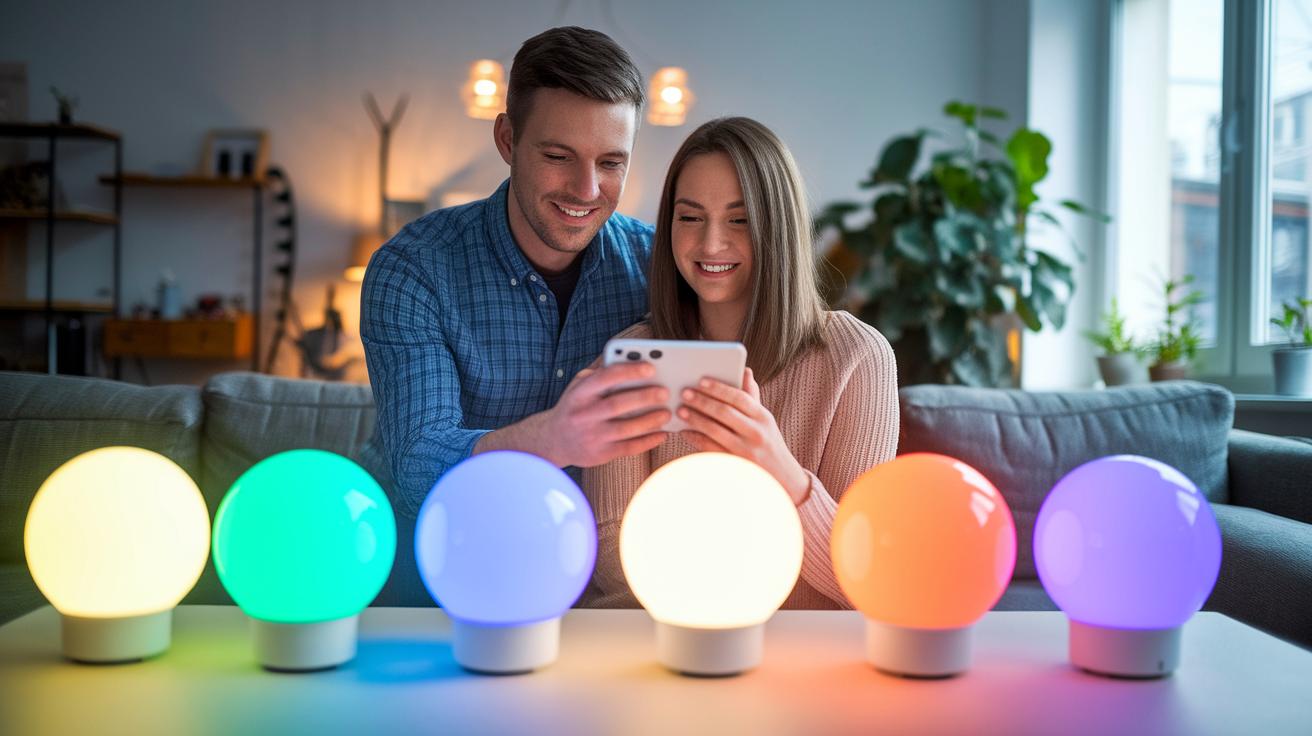
When picking smart bulbs for HomeKit, it's best to compare a few key features. Look at things like color options, connectivity, energy use, and cost to see what works for you. Philips Hue offers a broad range of colors with a tunable white from 2,700 K plus 16 million shades for creative setups. Meanwhile, TP-Link Tapo brings Matter-certified performance and easy pairing right out of the box. Meross bulbs let you enjoy millions of colors and adjustable whites all without a hub, and Nanoleaf Essentials Matter A19 connects directly using Matter over Bluetooth , although its app can sometimes be a bit unstable. For those after a simple, budget-friendly option, the WiZ 60W A19 is set up for easy Siri Shortcuts control.
Check out the table below for a quick side-by-side look at these top HomeKit bulbs. Whether you're open to adding a Hue Bridge for extra customization or prefer a hub-free solution from Meross or WiZ, this comparison can help you decide which lighting setup fits your needs best.
| Product | Color Modes | Connectivity | Wattage/Lumens | Price | Hub Required |
|---|---|---|---|---|---|
| Philips Hue White & Color Ambiance A19 Starter Kit (Gen 3) | 2,700 K tunable white + 16 M colors | Hue Bridge | 9.5 W / 806 lm | $69 | Yes |
| TP-Link Tapo L535E | Tunable white | Matter-certified Wi-Fi | 9 W / 806 lm | $15 | No |
| Meross MSL120 Smart Wi-Fi LED Bulb | Millions of colors + tunable whites | Wi-Fi | 7 W / 806 lm | $25 | No |
| Nanoleaf Essentials Matter A19 | Standard colors | Matter over Bluetooth | 9 W / 806 lm | $20 | No |
| WiZ 60W A19 Color LED Smart Bulb | Full color via Siri Shortcuts | Wi-Fi | 9 W / 806 lm | $12 | No |
Hub Free Smart Lights for HomeKit
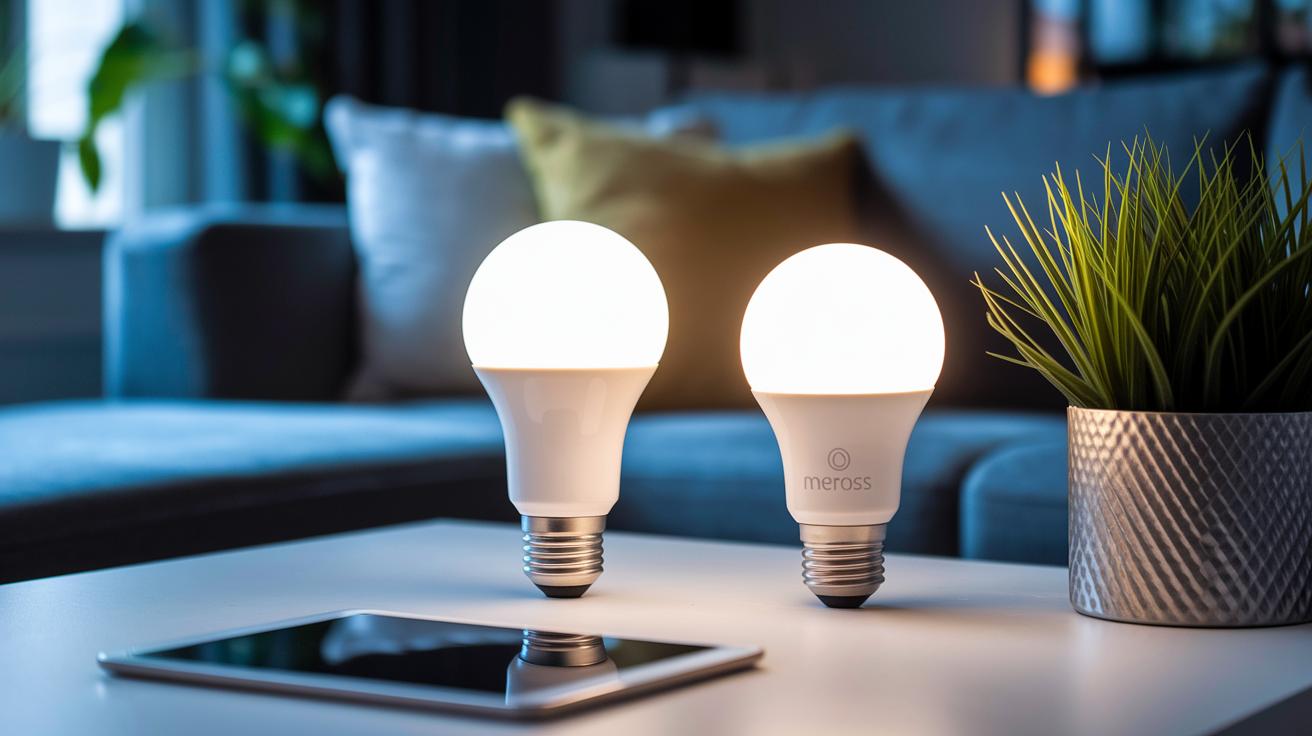
These smart lights work directly with HomeKit so you can skip the extra hub. They offer different ways to connect and provide unique user experiences. We've picked each product to show off its standout features like speedy performance, easy setup, or special functions.
| Product | Connectivity | Key Differentiator | Price |
|---|---|---|---|
| WiZ A19 | Wi-Fi + Siri Shortcuts | Fast voice command response with HomeKit | $12 |
| Meross MSL120 | Wi-Fi (direct HomeKit access) | Millions of colors to set a vibrant mood | $25 |
| Nanoleaf Essentials Matter A19 | Bluetooth/Matter | Sleek design with Matter support, though the app can sometimes lag | $20 |
| TP-Link Tapo L535E | Matter-certified Wi-Fi | Affordable tunable white lighting with direct HomeKit compatibility | $15 |
| GE Cync Full Color A21 | Bluetooth | Easy Bluetooth pairing with a clear interface for basic HomeKit control | $18 |
- The WiZ A19 reacts quickly to voice commands.
- The Meross MSL120 fills a room with a wide range of colors.
- Nanoleaf Essentials Matter A19 sports a modern look with Matter support, though you might notice occasional app delays.
- The TP-Link Tapo L535E delivers steady, adjustable white light at a friendly price.
- GE Cync Full Color A21 offers simple Bluetooth pairing, making it ideal if you favor ease of use over extra features.
Integrated Light Control and Creative Automation in HomeKit
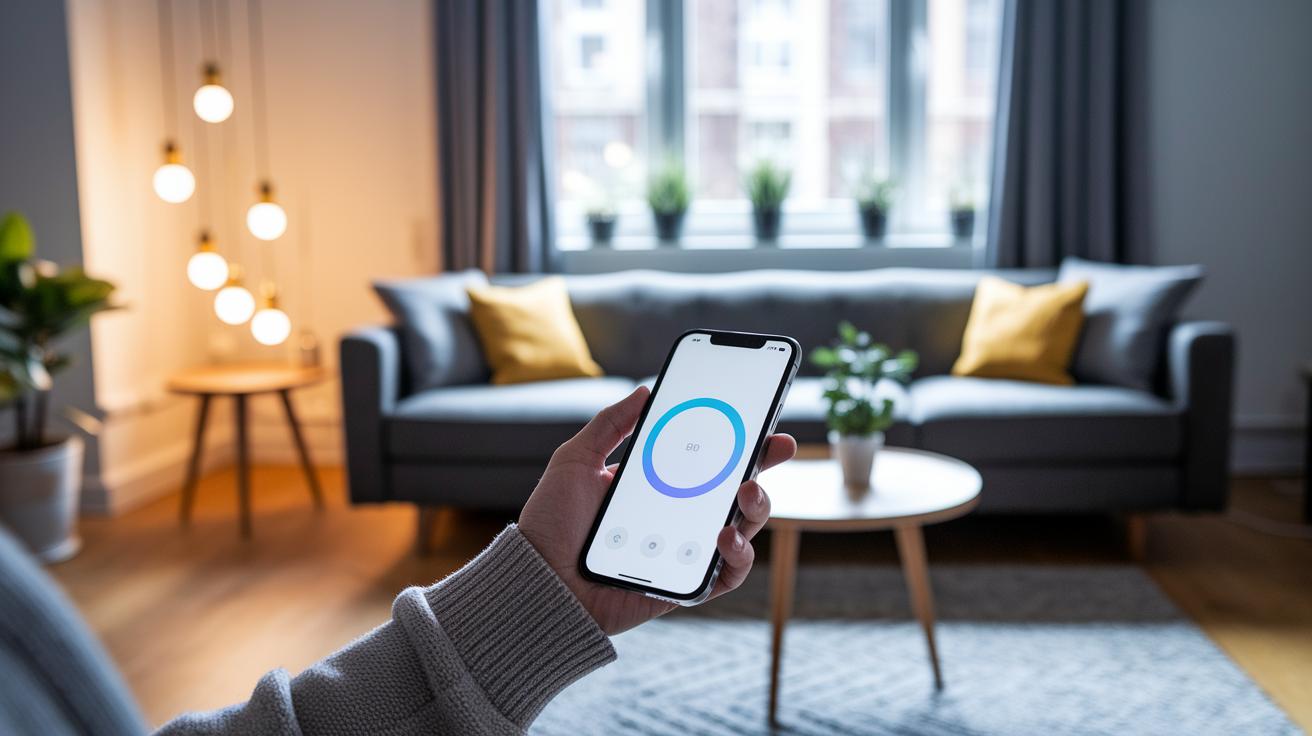
Apple’s adaptive lighting changes your bulbs from cool to warm as the day goes on, making your home feel naturally in tune with time. You can simply tell Siri to turn the lights on or off, dim them, or pick a specific color. With the Home app, it's easy to match lighting across different rooms, combine bulbs into neat scenes, and set up scheduled changes. Just say something like “set movie mode” or “prepare dinner” to let your lights adjust right away.
In the Home app, creating custom scenes is a breeze. Start a new scene, choose the bulbs you want to include, and adjust the brightness or color using simple sliders. You can even group rooms together and schedule these lighting changes to manage everything from one convenient spot.
Imagine a sunrise wake-up routine where your lights slowly brighten from 200 lm to 600 lm over 30 minutes. Set this automation in the Home app to start at your chosen wake-up time, so you wake up naturally and feel refreshed for the day ahead.
For relaxed evenings, try a movie mode where every bulb dims to 10% warm white for an inviting screen-time vibe. Or set up a dinner ambiance with a cozy 300 lm warm white and a subtle gradient effect. Tweak these settings in the scene editor and set them for your evening routine to create the perfect cozy environment.
Troubleshooting Connectivity and Firmware Updates for HomeKit Lights
Sometimes your smart bulbs like Nanoleaf Matter and Meross drop connection unexpectedly. When that happens, Siri might not respond and the Home app could feel laggy when switching scenes. A quick fix is to power the bulb off and on three times, then add it back using the Home app. If several bulbs misbehave, it might be the app slowing down rather than the bulbs themselves. A simple power reset usually gets things back on track without further hassle.
Firmware updates can really boost performance too. For instance, apps from Philips Hue or Nanoleaf offer firmware patches that improve color accuracy, reduce disconnect issues, and fix security holes. Keeping your bulbs up to date is a smart move for smooth operation. Just remember that some manufacturers may collect data during updates, so it’s a good idea to review your privacy settings before upgrading. Regular maintenance like this helps ensure your HomeKit lights stay reliable and secure.
Energy Monitoring and Sustainable Smart LED Solutions in HomeKit
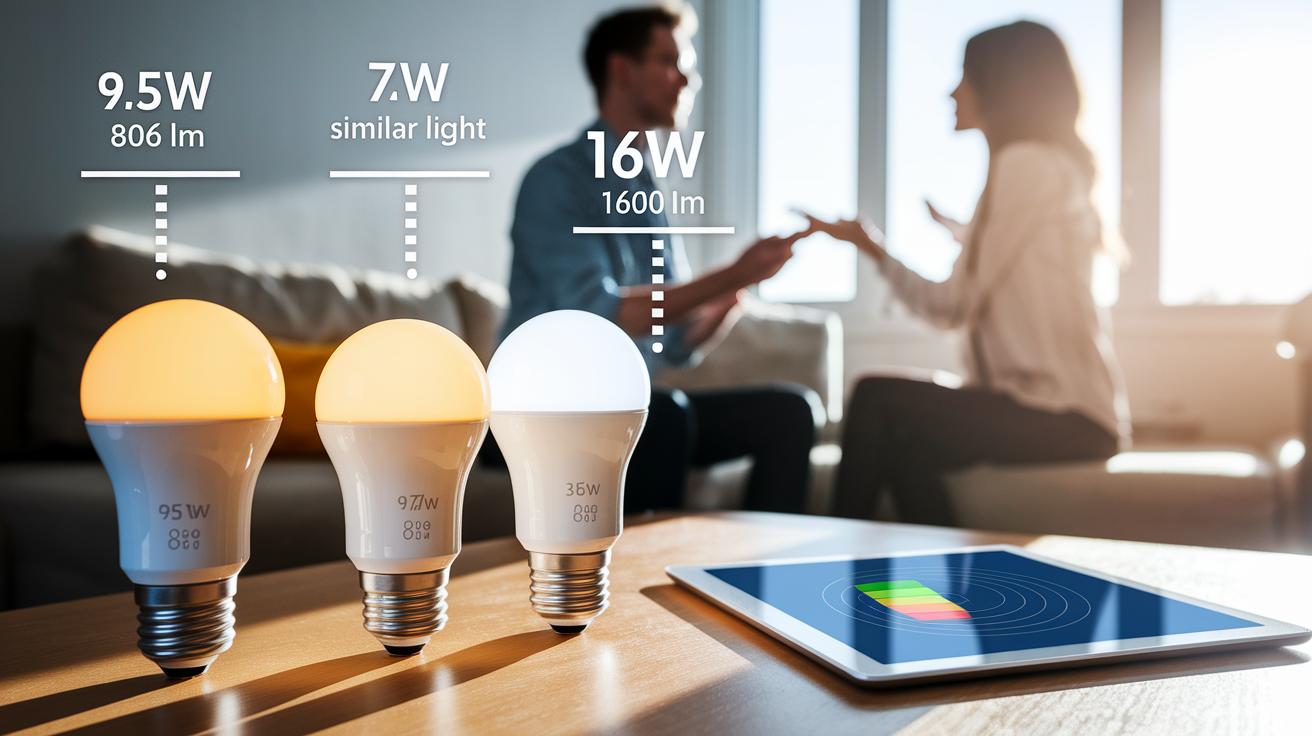
If you're balancing energy savings with bright lighting, these smart bulbs help you see the difference. The Philips Hue A19 uses 9.5 W to give you 806 lm, while the Meross MSL120 delivers about the same brightness for only 7 W. For those who need a stronger light, the GE Cync A21 burns 16 W to produce 1,600 lm. This clear breakdown helps you choose between saving energy and getting extra brightness. Plus, with tools like the Hue app and some third-party options, you can check the energy each bulb uses right at your fingertips.
Another perk of these LEDs is their long life. Many smart bulbs are built to last over 25,000 hours, meaning you'll replace them less often and waste less. And thanks to Matter-enabled technology, they draw under 0.5 W on standby, so even when they're off, your bill stays low. This mix of efficiency and durability makes them a smart, eco-friendly choice for your HomeKit setup.
Final Words
In the action, we explored smart lights for HomeKit from setup to performance, comparing top-rated bulbs and hub-free options. We broke down installation steps, creative automation, and troubleshooting tips to help you get the best experience with these devices. Energy monitoring and sustainable choices rounded out our discussion, so you can shop confidently and use your lights smartly every day. Enjoy a brighter and more connected home with reliable, practical lighting solutions.
FAQ
Frequently Asked Questions
What are the best smart lights for Apple HomeKit according to Reddit?
The best smart lights for Apple HomeKit recommended on Reddit include Philips Hue, TP-Link Tapo L535E, Meross MSL120, and Nanoleaf Essentials. These bulbs offer reliable integration, adaptive lighting, and budget-friendly options.
Which HomeKit bulbs work without a hub?
HomeKit bulbs like the Meross MSL120, TP-Link Tapo L535E, WiZ A19, and Nanoleaf Essentials connect directly through Wi-Fi or Matter, eliminating the need for an additional hub and simplifying installation.
What features does the Meross smart bulb offer for HomeKit?
The Meross smart bulb provides millions of colors and tunable whites, and it connects directly via Wi-Fi. It offers an affordable, versatile option for users looking for seamless HomeKit integration without extra hardware.
Are there HomeKit-compatible smart bulbs in E12/E14 sizes?
HomeKit-compatible smart bulbs in E12 and E14 sizes are available for compact fixtures. They offer reliable HomeKit integration, energy-efficient performance, and the same convenient controls as standard bulbs.
How does Wirecutter rank smart bulbs for Apple HomeKit?
Wirecutter reviews smart bulbs for HomeKit by comparing brightness, ease of setup, pricing, and overall performance. Their evaluations help users choose between premium options like Philips Hue and more affordable alternatives.
What smart lights work with Apple HomeKit?
Apple HomeKit supports smart lights such as Philips Hue, TP-Link Tapo, Meross, Nanoleaf Essentials, and WiZ. These bulbs provide adaptive lighting, direct connectivity, and robust control through the Home app.
What are the disadvantages of using HomeKit?
The disadvantages of HomeKit include a more limited range of compatible devices, higher prices in some cases, and occasional connectivity issues that may affect smooth operation for certain users.
How do you add smart lights to Apple Home?
Adding smart lights to Apple Home involves scanning the eight-digit HomeKit code with the Home app, assigning each bulb to a room, and testing Siri commands to confirm proper setup and control.
What is considered the best smart home lighting system?
The best smart home lighting system depends on your needs. Philips Hue is favored for its robust features, TP-Link Tapo for its affordability, and Meross for its cost-effective hub-free operation.