
Ever wish your home could handle itself? Imagine being able to control your lights, heater, and TV with just a tap or a simple voice command. Smart plugs let you link your everyday devices to your WiFi, so you can manage them from anywhere. You can also set timers to mimic occupancy and even track your energy use in real time. This practical gadget makes managing your home simpler and adds a welcome boost to both security and comfort.
Key Features of Home Automation Smart Plugs
Smart plugs bring everyday appliances into your smart home network. With these WiFi-enabled devices, you can easily turn gadgets on and off using an app that shows a timeline of actions and offers handy alerts. You can check device status and manage your appliances from anywhere, keeping your home both cozy and secure.
One great feature is scheduling. You can set timers so that your lights turn on and off at specific times, making it seem like someone is home even when you're away. This builds in an extra layer of security. Many models also include parental controls that let you limit screen time on TVs, gaming consoles, and more. Some plugs even allow you to remotely disable appliances like stoves or heaters to reduce fire risks.
Voice control makes managing your devices even more convenient. Many smart plugs work with assistants like Alexa, HomeKit, and Google Assistant, so you can command your home with just your voice. You can also set up different zones by linking small heaters in various rooms, ensuring that each space stays comfortable without wasting energy.
Another helpful feature is real-time energy monitoring. For example, smart plugs such as the Eve Energy Smart Plug show you detailed power usage right in the app. This lets you track consumption and manage energy costs more effectively.
Installing and Setting Up Your Home Automation Smart Plug
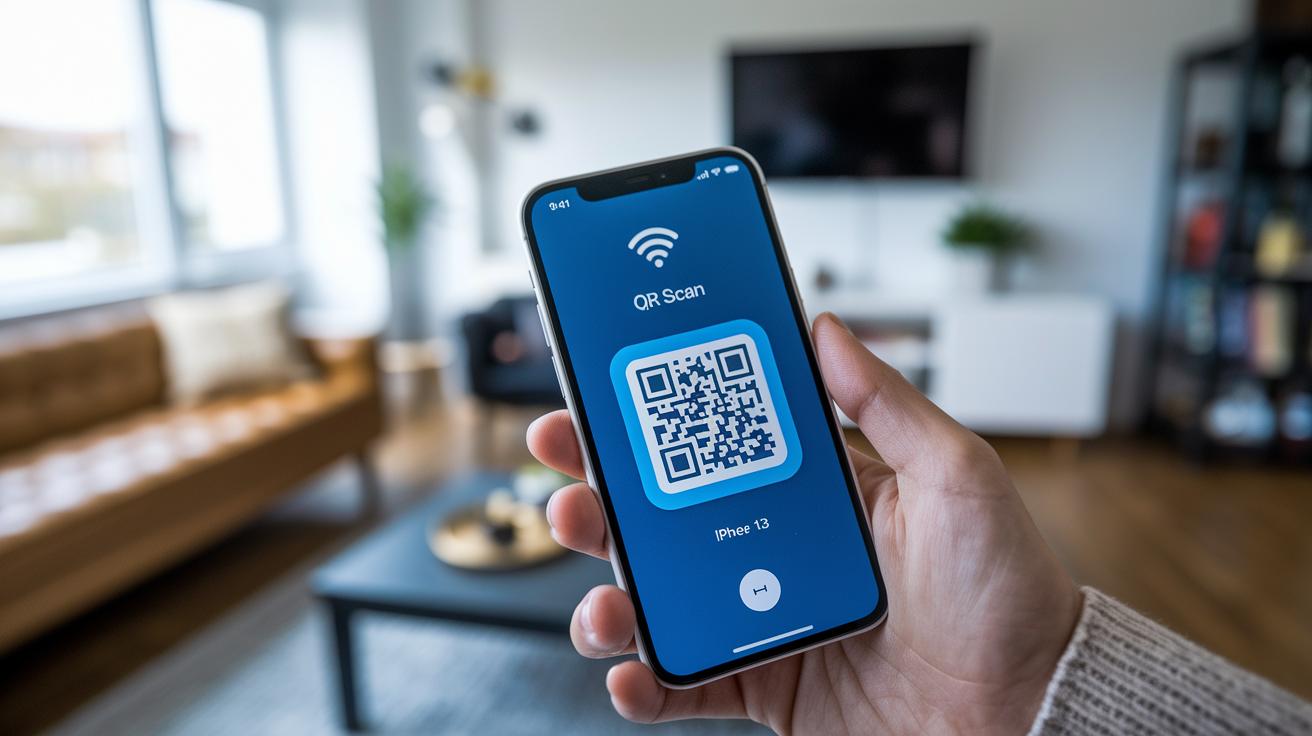
Start by plugging your smart plug into any available outlet. Open the vendor’s app and either scan the QR code or enter the device ID manually. Be sure the plug connects to your 2.4 GHz Wi-Fi network for the best performance.
Once it’s connected, the app will walk you through adding the plug to your smart home hub, whether that’s Homey Cloud, Homey Pro, or a self-hosted server. Then, run a quick network test to make sure everything is stable.
Next, give your plug a clear name. For example, if it powers a lamp in your living room, call it “Living Room Lamp.” This makes it easy to find later. After naming it, assign the plug to the proper room in the app, which helps keep your devices organized when you have several connected pieces.
Finally, set up a basic on/off schedule. You might choose to have the plug turn on your coffee maker every morning at 7 a.m.
- Plug the smart plug into an available outlet.
- Scan the QR code or manually enter the device ID.
- Connect the plug to your 2.4 GHz Wi-Fi network.
- Add it to your preferred smart home hub.
- Run a network test, name the plug, assign it to a room, and set up a schedule.
These simple steps help you get your smart plug up and running in under ten minutes, making your home setup smarter and more convenient.
Compatibility of Home Automation Smart Plugs with Major Ecosystems
Smart plugs easily integrate with popular voice assistants like Alexa and Google Assistant. All you need to do is enable the right skill in the app and allow the plug to securely connect with your network.
For example, you might have to turn on the Alexa skill in the plug's app and give permission for control and notifications. Many smart plugs also work with Apple HomeKit, so you can add them to your Home app for managing everything from one place. If you're running a more advanced setup, you might choose third-party hubs like Homey Cloud, Homey Pro, or even your own self-hosted server. In those cases, you'll verify device IDs and adjust privacy settings to manage what data is shared between devices.
Think about a homeowner asking Google Assistant to "turn on the living room lamp" , it shows how simple and hands-free smart plugs can be. No matter the ecosystem, the focus is on making connections secure and control seamless.
- Enable the required skill in the ecosystem's app.
- Set up secure socket permissions.
- Adjust privacy settings to manage data sharing.
These straightforward steps help ensure you have a reliable and secure smart home network.
home automation smart plug Elevates Cozy Home Living
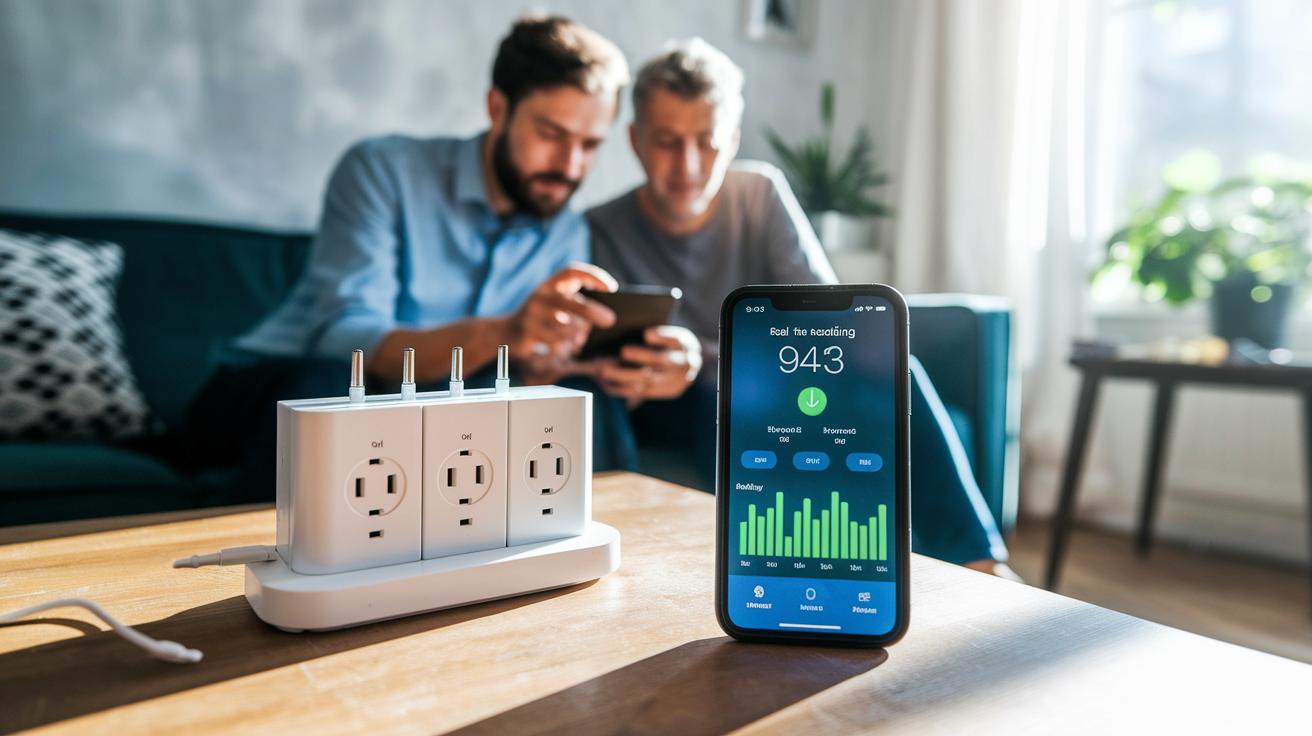
Energy-monitoring smart plugs let you track your appliances' power draw in real time. They keep an eye on energy use around the clock and alert you when consumption drops below 1 W – perfect for knowing when your washer has finished a cycle. This constant monitoring not only keeps you updated on device status but also helps you spot issues early, like a refrigerator that suddenly stops working. With these insights, you can adjust your usage patterns, such as delaying high-power devices during peak energy hours. For example, you could schedule your dehumidifier to shut off when its tank fills up, saving energy and avoiding unnecessary run time.
Another handy feature is scheduled power cycling. You can set routines that shift power loads to off-peak hours, which can really trim your utility bills. Imagine a scenario where your smart plug turns off a noisy appliance during expensive hours and restores power later at night when rates drop – simple and effective. Plus, these plugs let you view a detailed breakdown of your daily energy consumption, so you can easily pinpoint which devices are the biggest power users.
- Monitor real-time consumption down to 1 W.
- Schedule devices to run during off-peak times.
- Get alerts for unexpected drops in power usage.
This level of control helps you save energy, lower costs, and create a cozier home by ensuring your devices run efficiently.
Top Home Automation Smart Plug Models Compared
We looked at smart plugs that offer strong remote control, clear energy tracking, and smooth integration with your smart home setup. Each plug adds its own benefit to daily routines while keeping an eye on power use. For example, the Eve Energy Smart Plug works with HomeKit, Alexa, and Assistant. It even shows detailed power data so you can see exactly how much energy your device uses and adjust schedules when needed.
The TP-Link Kasa HS110 is another great option. It lets you control devices remotely through its own app and provides detailed energy monitoring with smart scheduling. That way, you can easily plan when your coffee maker starts while keeping track of its power draw.
If you value a simple, hassle-free setup, the Amazon Smart Plug might be the right fit. With native Alexa support, you can quickly pair the plug and control your devices with voice commands. Meanwhile, the Gosund Mini Smart Plug offers the basics like on/off control and scheduling at a budget-friendly price, making it ideal for beginners in smart home tech.
| Model | Compatibility | Energy Monitoring | Approx. Price |
|---|---|---|---|
| Eve Energy Smart Plug | HomeKit, Alexa, Assistant | Yes, detailed usage stats | $50 (US) |
| TP-Link Kasa HS110 | Alexa, Google Assistant | Yes, advanced scheduling | $45 (US) |
| Amazon Smart Plug | Alexa | No | $25 (US) |
| Gosund Mini Smart Plug | Alexa, Google Assistant | No | $20 (US) |
- Integrated voice assistants make control easy.
- Energy monitoring helps you manage device efficiency.
- Prices vary so you can choose a plug that fits your budget.
Troubleshooting Common Issues with Home Automation Smart Plugs
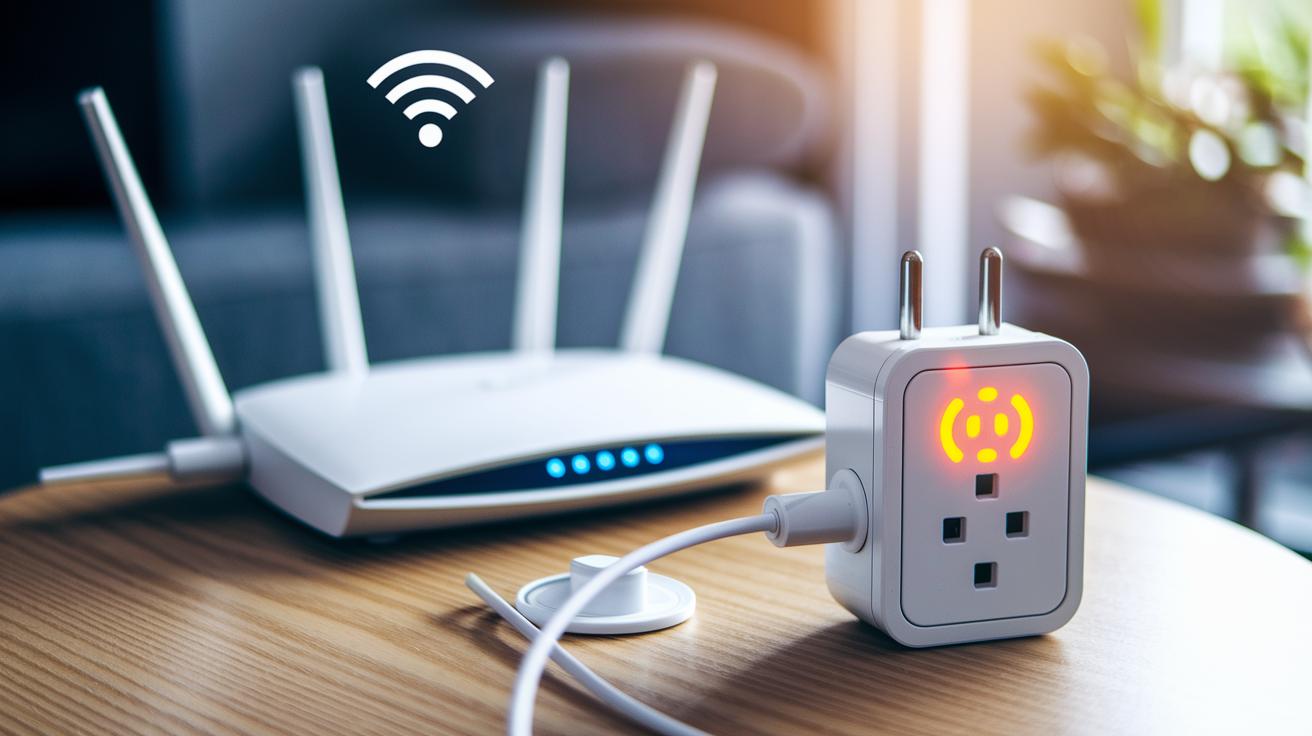
If your smart plug stops responding, it might be due to Wi-Fi dropouts, pairing problems, or firmware glitches. Start by checking your network with a diagnostics tool to make sure your plug is connected to the 2.4 GHz Wi-Fi network.
If the vendor app doesn’t pair your plug properly, try unplugging it for a few seconds and then plugging it back in. This simple power-cycle often fixes the problem. At times, a firmware update may cause your plug to lose connection or miss important notifications, in which case updating the firmware again or performing a full reset can help.
Key troubleshooting steps:
- Run network diagnostics to check connectivity.
- Power-cycle the plug by unplugging and then plugging it back in.
- Update firmware via the vendor app and do a full reset if needed.
Following these steps should help your smart plug become a reliable part of your connected home system.
Buying Guide for Home Automation Smart Plugs
When picking a smart plug, start by checking if it has built-in energy monitoring. This feature lets you see appliance power use in real time and may help you save on your bills. Also, check that it works smoothly with voice assistants and hubs like Alexa, Google Assistant, and HomeKit. That way, you can use voice commands for hands-free control whether you're busy or just kicking back.
Next, take a close look at the plug’s design and build quality. A sturdy unit means you’re less likely to run into issues with your devices, and a weatherproof model is a bonus if you plan to use it outdoors. It also pays to compare warranty lengths and how user-friendly the interface is. Don’t forget to see if there are extras, like multi-packs or extension cords, that add extra value.
Other important features include app-driven scheduling and remote control, which can simplify your daily routines. Decide if you need any extra certification or specific compatibility with your smart home ecosystem.
- Built-in energy monitoring for managing costs in real time
- Certification with popular voice assistants
- Weatherproof design for outdoor use
- Extras like multi-packs to boost value
These tips help you choose a smart plug that not only makes your home more convenient but also fits perfectly with your lifestyle.
Final Words
In the action, we covered the key features of a home automation smart plug, from remote control and energy monitoring to easy setup and seamless voice integration.
We walked through quick installation tips and highlighted how these plugs work with top ecosystems. We also tackled common issues and offered smart buying guidance.
This article shows that choosing the right smart plug adds safety, savings, and convenience to your daily routines. Enjoy a smarter, more efficient home experience.
FAQ
Frequently Asked Questions
What is a smart plug?
A smart plug is an internet-connected outlet adapter that lets you remotely control power using a mobile app or voice assistant. It also helps you set schedules and monitor energy usage for connected devices.
Which home automation smart plugs receive the best reviews?
Home automation smart plugs are rated based on features like energy tracking, voice control, and scheduling. Reviews often highlight models from top brands such as TP-Link, Amazon, and Eve for their reliability and practical functions.
How do I set up a WiFi smart plug?
A WiFi smart plug is installed by plugging it into an outlet, scanning its QR code or entering its device ID in the app, connecting it to a 2.4 GHz network, and configuring settings like room assignment and schedules.
Do smart plugs work with Google Home?
Smart plugs that integrate with Google Home operate with voice commands once you enable the appropriate skill and link your account. They allow you to control power and create routines directly through the Google Assistant.
What is a Roku Smart Plug?
A Roku Smart Plug is designed to work with Roku devices, enabling remote control of connected power outlets through intuitive app settings and voice commands, simplifying the control of your entertainment setup.