
Ever wondered if a single smart plug could simplify your home setup? Matter smart plugs let devices from various brands talk to each other without the usual confusing setup process. They display real-time energy use so you can easily see what’s driving up your bill. In our hands-on review, we explain how these plugs streamline device control while boosting home safety and cutting energy costs. If you want a quick and effective home upgrade, a Matter smart plug might be just what you need.
How a Matter Smart Plug Enhances Your Smart Home
Matter smart plugs use a universal wireless standard that makes it easy for devices to connect. They work with a range of voice assistants and home hubs so you can mix and match brands without any fuss. This means your smart gear can work together in a smooth, coordinated way.
A big plus with these plugs is energy management. Many models show real-time power reports that let you see which appliances draw the most energy. You can set timers for devices like slow cookers or heaters so they only run when needed. This cuts wasted energy and helps keep your bills in check.
In everyday use, Matter smart plugs prove very handy. You can schedule your appliances, control lights to mimic someone being home, and even handle outdoor devices like garden sprinklers or fans. They also add a safety feature by letting you turn off items such as hair tools from afar, which helps reduce fire risks.
Matter Smart Plug Features and Protocol Integration
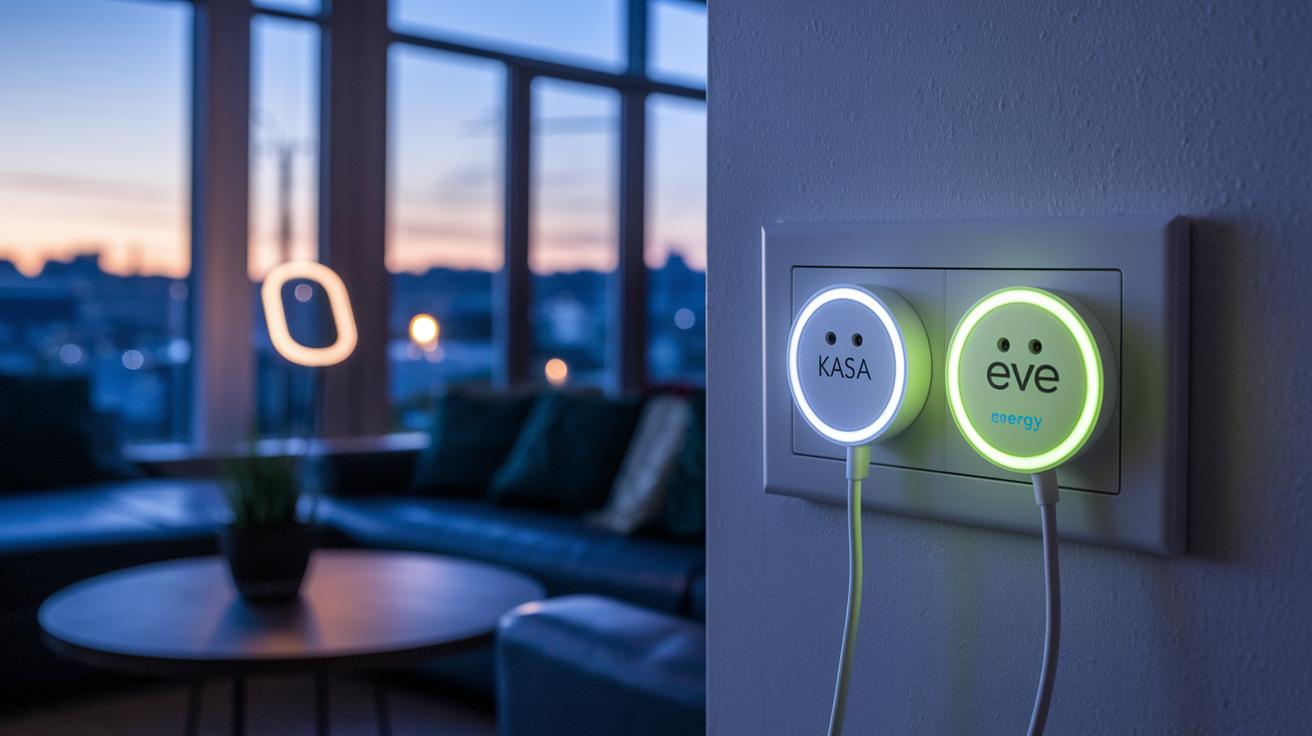
Matter smart plugs make controlling your home easier by letting different devices work together with both Matter and Thread protocols. This means your gadgets can talk in real time across many smart home systems.
For example, the TP-Link Kasa Smart Wi‑Fi Plug Slim (KP125M) not only supports Matter but also gives detailed energy reports. These reports show you how much power your devices use, which can help you save energy and cut down on your bills.
The Eve Energy Outlet goes a step further by mixing Matter with Thread technology. It has two separate outlets rated at 15 W/1800 A. This lets you control each connected device independently. Just keep in mind that Eve Energy needs a hub for remote access and full cross-platform support, making it best for more complex setups.
Then there's the AiDot Linkind Matter Smart Plug. It works with major voice assistants like Alexa, Google Assistant, HomeKit, and SmartThings. Its native Matter compatibility means it slips into your favorite smart home ecosystem without any fuss.
Lastly, the TP-Link Tapo Mini Smart Wi‑Fi Plug offers a compact design and works well with voice commands. However, it doesn’t provide energy usage reports, which might matter if you like keeping a close eye on how much energy your devices consume.
These options show that Matter smart plugs can balance energy management, device control, and connectivity to suit different needs in today’s smart homes.
Step-by-Step Matter Smart Plug Setup Instructions
- Start by taking the smart plug out of its box and plugging it in.
- Download and install the manufacturer’s app on your smartphone or tablet.
- Switch on the smart plug and wait until its LED lights up to show it is ready.
- Follow the instructions in the app to join the smart plug to your home Wi-Fi network.
- Use the app to pair the plug with Matter, which allows it to work across different platforms.
- Give your smart plug a name and assign it to a specific room for easier management.
- Set up schedules or routines within the app to match your daily needs and automate your devices.
After finishing these steps, you can add voice commands and link the plug with other smart home products. If you have a HomeKit-compatible plug, remember you will need a HomePod, Apple TV, or an iPad to use its remote features.
If you ever need to reset the smart plug, press and hold its button for 5 to 10 seconds until you see the LED flash. This flash tells you the plug has entered reset mode, so you can pair it with your network or another system again. Once reset, open the app and follow the setup steps again. Assigning the plug to the correct room in your floor plan helps keep your home automation running smoothly.
Matter Smart Plug Compatibility with Smart Home Ecosystems
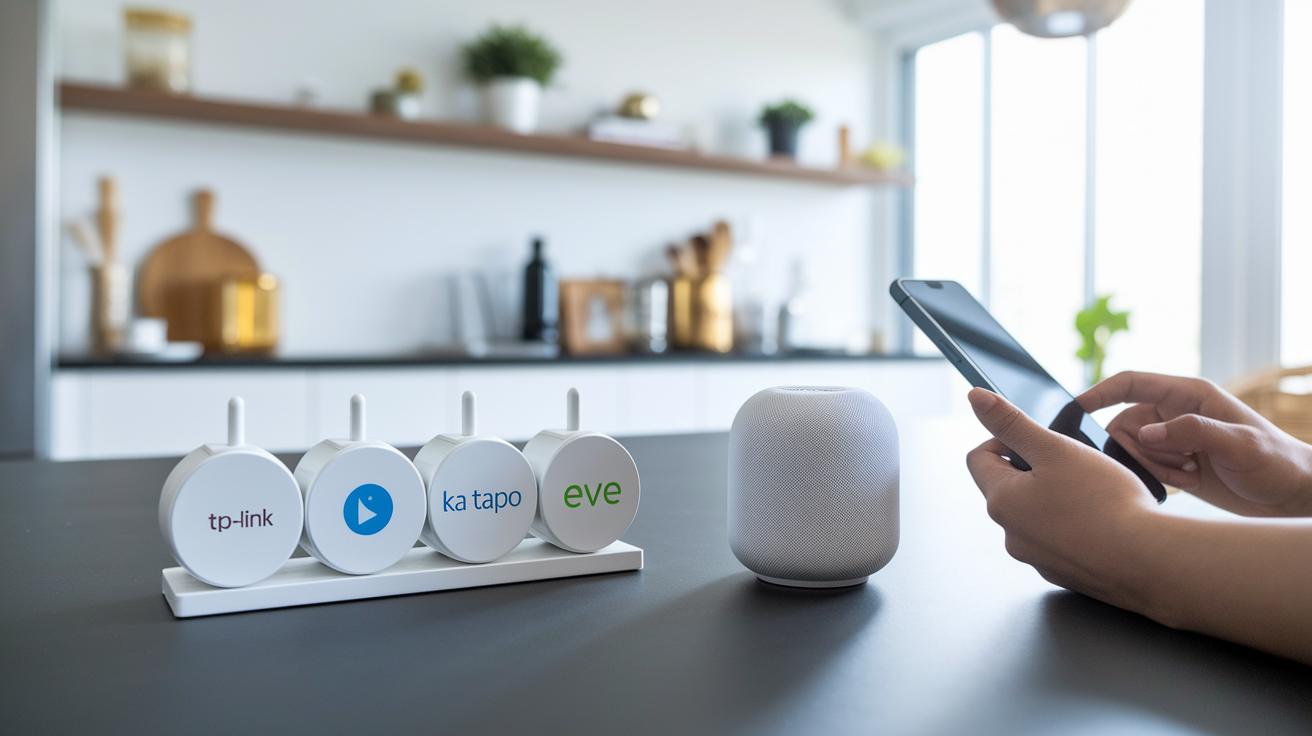
Matter works like a common language that helps smart plugs from brands such as TP-Link Kasa, Tapo, AiDot Linkind, and Eve Energy connect seamlessly across different platforms. This means you can control them using Google Home, HomeKit, Alexa, or SmartThings without any extra fuss.
With a Google Home setup, you can easily use voice commands, say "turn on the porch light" or "set the plug for 9 PM", and get immediate feedback.
HomeKit users should keep in mind that certain plugs, like the Eve Energy outlet, need an extra Thread border router (usually a HomePod Mini or Apple TV) to work remotely.
In contrast, the Amazon Smart Plug is built to work only with Alexa. If you want a plug that plays well with different smart home systems, Matter-enabled models are the way to go.
Comparing Top Matter Smart Plug Models
| Model | Matter Support | Key Feature | Price Range |
|---|---|---|---|
| AiDot Linkind Matter Smart Plug | Yes | Works smoothly with major voice assistants | Mid-range |
| TP-Link Kasa KP125M | Yes | Tracks energy use and supports Matter | Mid to high |
| Eve Energy Outlet | Yes (with Thread) | Dual-outlet setup with power tracking | High |
| TP-Link Tapo Mini | Yes | Compact design with steady voice control | Budget |
| Kasa Smart Wi-Fi Outdoor Plug EP40A | Yes | Rugged, weatherproof design for outdoors | Mid to high |
These smart plugs cover a range of needs for your modern home. For indoor spaces, the TP-Link Kasa KP125M offers Matter support alongside energy tracking, making it great for anyone who wants clear insights into power use while staying connected with their favorite smart home systems.
If you need separate control for two devices in one room, the Eve Energy Outlet is worth a look. With its dual-outlet design and support for both Matter and Thread (a wireless networking protocol), it helps you manage connected appliances independently.
Budget-minded users will appreciate the TP-Link Tapo Mini. It delivers solid Matter connectivity and reliable voice control in a small package, even though it skips energy monitoring to keep the price low.
For those who want a versatile option that plays well with multiple platforms like Alexa, Google Assistant, HomeKit, and SmartThings, the AiDot Linkind Matter Smart Plug is a solid pick thanks to its easy setup and cross-platform performance.
When it comes to outdoor use, the Kasa Smart Wi-Fi Outdoor Plug EP40A stands up to the elements with its IP64 weatherproof rating. It's perfect for controlling garden lights or other outdoor equipment while integrating with your smart home network.
Maintaining and Troubleshooting Your Matter Smart Plug

Keeping your Matter smart plug running well means staying on top of firmware updates. The manufacturer's app delivers these updates along with fresh features and stability improvements. When an update shows up, just follow the app’s prompts to download and install it. This helps reduce bugs that might cause connection issues.
Sometimes changing your router settings can lead to Wi-Fi dropouts. If that happens, you'll likely need to re-pair your plug with your network. A simple power cycle usually resets the connection, but if things are still off, take a look at the app's error logs for clues.
Your plug’s LED lights are there to guide you. Different blinking patterns tell you what’s going on. For example, a steady blink might mean a connectivity hiccup, while a rapid flash could indicate the plug is in reset mode. To do a reset, press and hold the button until you see the LED flash in its reset pattern.
It also helps to give your plug a regular once-over. Check for loose connections or any signs of wear. Remember to avoid overloading the plug and keep its security patches up-to-date so it runs safely and efficiently.
Final Words
In the action, the blog post outlined how a matter smart plug can bring practical benefits to your smart home setup. We explored its cross-platform integration, energy monitoring features, and real-life scheduling capabilities. The guide broke down setup steps, compared top models, and tackled maintenance tips, making the choices clear and actionable. This hands-on review shows that using a matter smart plug can simplify your daily routines while boosting energy efficiency. Enjoy the ease and convenience it adds to your living spaces.
FAQ
What is a Matter smart plug app?
The Matter smart plug app helps you set up, control, and monitor your smart plug using an intuitive interface, managing schedules and energy usage across different smart home systems.
What Matter smart plug options does IKEA offer?
IKEA offers Matter-compatible smart plugs that work seamlessly with other devices following the Matter protocol, ensuring smooth integration with major smart home ecosystems.
What does a Matter smart plug manual include?
The Matter smart plug manual provides clear instructions for device setup, pairing, scheduling, and troubleshooting, offering a reliable guide for effective device management.
How do you reset a Matter smart plug?
Resetting a Matter smart plug typically involves pressing and holding the reset button for 5–10 seconds until the LED indicator flashes, allowing you to re-pair it with your network.
What is the best Matter smart plug available?
The best Matter smart plug often depends on your needs; popular models like TP-Link Kasa KP125M and Linkind offer robust energy monitoring, voice control, and cross-platform compatibility.
How does a Matter smart plug integrate with Home Assistant?
A Matter smart plug integrates with Home Assistant by pairing through its manufacturer’s app, then connecting via Matter protocols to allow seamless automation and remote control within your smart home setup.
How do you set up a Matter smart plug?
Setting up a Matter smart plug involves plugging the device in, downloading its app, connecting to Wi-Fi, pairing through the app, naming the device, and then configuring schedules or routines.
Does the Linkind Matter smart plug work with Home Assistant?
The Linkind Matter smart plug works with Home Assistant by using the Matter protocol, enabling integration via native pairing through its app for smooth smart home control.
What is a smart plug with Matter?
A smart plug with Matter is a power control device that uses the Matter protocol to ensure interoperability across various smart home platforms, making device management straightforward and reliable.
How do you connect a Matter smart plug?
Connecting a Matter smart plug involves powering the device, following the in-app pairing instructions to join your Wi-Fi network, and integrating it into your chosen smart home ecosystem.
Does Kasa support Matter?
Some Kasa models, like the KP125M, support Matter, enabling them to work seamlessly with a wide range of smart home systems while delivering energy monitoring and voice control capabilities.
What smart home devices are compatible with Matter?
Many smart home devices—including plugs, bulbs, thermostats, and security products—are now Matter-compatible, allowing for cross-brand and cross-platform integration across major ecosystems.
What are the features of TP-Link Kasa Smart Wi-Fi Plug Slim with Energy Monitoring?
The TP-Link Kasa Smart Wi-Fi Plug Slim offers Matter compatibility, detailed energy monitoring, voice control integration with Alexa and Google Assistant, and a sleek design for modern smart home setups.