
Ever thought about how your everyday devices could save you time and money with a bit of smart tech? Smart plugs add a mini computer to your outlet so you can control your devices right from your phone or with a simple voice command. In just a few minutes, you can set schedules, keep an eye on energy use, and even help prevent overloads to boost safety. This post explains how smart plugs work and why they’re a great mix of convenience and energy efficiency for your home.
How do smart plugs work: Simply Smart Efficiency
A smart plug is a small device you plug into your wall outlet, then plug your appliance into it. It works like your regular plug but adds smart features that let you control your device with your phone or a smart home hub like Amazon Alexa, Google Home, or Apple HomeKit. It usually takes about five minutes to set up, so you can quickly add automation to items you’ve always used manually.
Using a smartphone app or voice commands, you can turn your device on or off from anywhere. Here are some key features:
| Feature | Description |
|---|---|
| Remote Power Switch | You can turn devices on or off even when you’re not home |
| Scheduling | Set times for your appliances to switch on or off automatically |
| Energy Monitoring | Track how much electricity your devices are using in real time |
| Voice Commands | Control your appliances easily using your voice |
| Safety Cutoff | Automatically shut down power to prevent overloads |
By automating your traditional appliances, smart plugs offer both convenience and energy savings. They let you control lights, fans, or other devices on a schedule, reducing the need to manually check each one and lowering your overall energy use. And if you forget to turn something off, the smart plug can step in as a safety net with its built-in scheduling and control features.
Internal Circuitry Dynamics of Smart Plugs
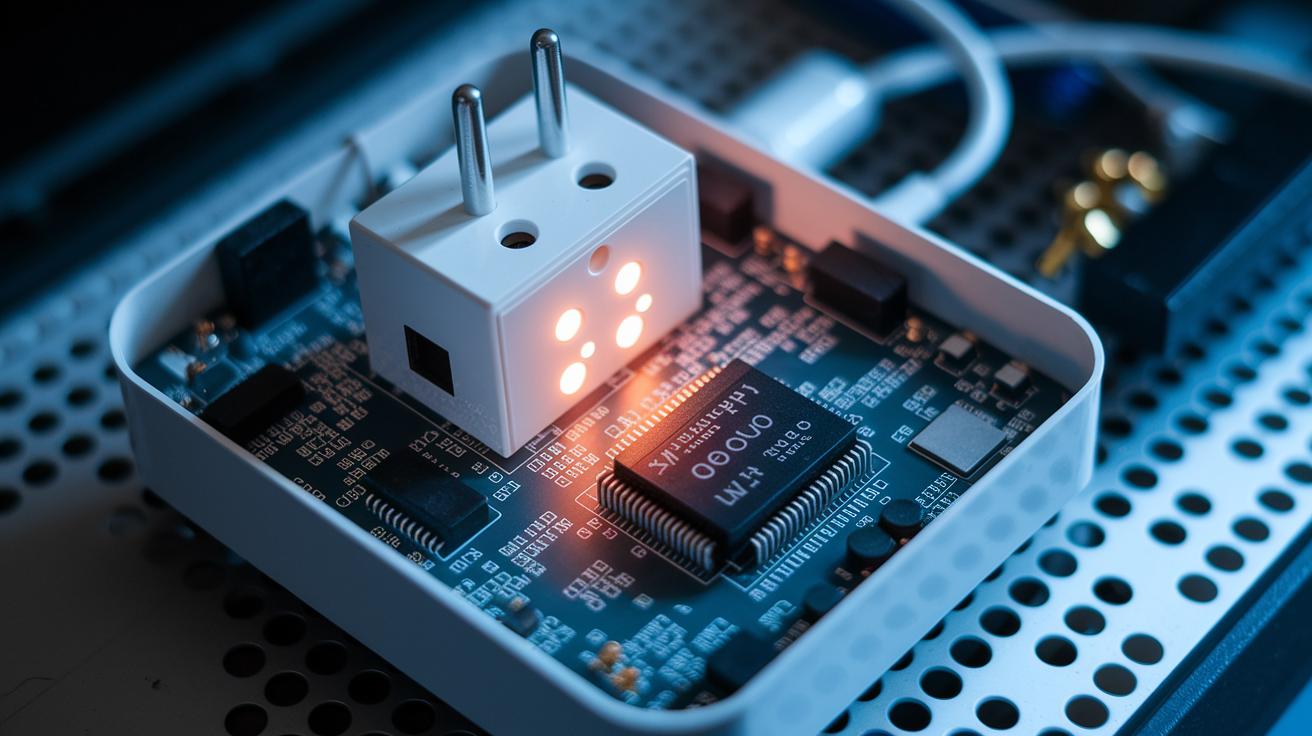
Inside a smart plug, you'll find a mini computer called a microcontroller that handles the power with great care. It works with a small relay system that functions like a gatekeeper, opening or closing the electrical path as needed. When you use your smartphone app or a hub, the microcontroller quickly tells the relay to either let the electricity flow or cut it off. This relay does its job much like the mechanism in a travel power adapter, managing the connection in a compact yet efficient design.
The plug also comes with built-in safety features to prevent overloads and fire risks. It monitors the electrical current and will shut down automatically if the flow exceeds safe levels. This means the smart plug meets strict safety standards just like traditional plugs. The combination of smart control and robust safety measures ensures that your devices are not only automated easily but also protected from dangerous surges.
Wireless Connectivity Guide for Smart Plugs
Most smart plugs connect using your home Wi‑Fi, so you can control them and set schedules straight from your phone no matter where you are. Because they link directly to your router, you won't need extra hubs for setup, which makes everything simple and hassle‑free.
These plugs work using trusted network protocols that make sure commands from your smartphone or voice assistant get through without a hitch. They usually protect your data with WPA2 encryption, keeping unwanted access at bay. Most smart plugs stick to the 2.4 GHz frequency since it covers a wider area and moves through walls better. This lower frequency also faces less interference compared to the higher bands. When you're setting up your plug, remember that many models only work on 2.4 GHz to provide a steady connection for both remote control and real‑time energy updates.
Some models also include Bluetooth options, mostly to help with the initial pairing or as a backup. Just make sure any Bluetooth connection uses modern encryption to keep your network secure.
Integrating Voice Assistants with Smart Plugs
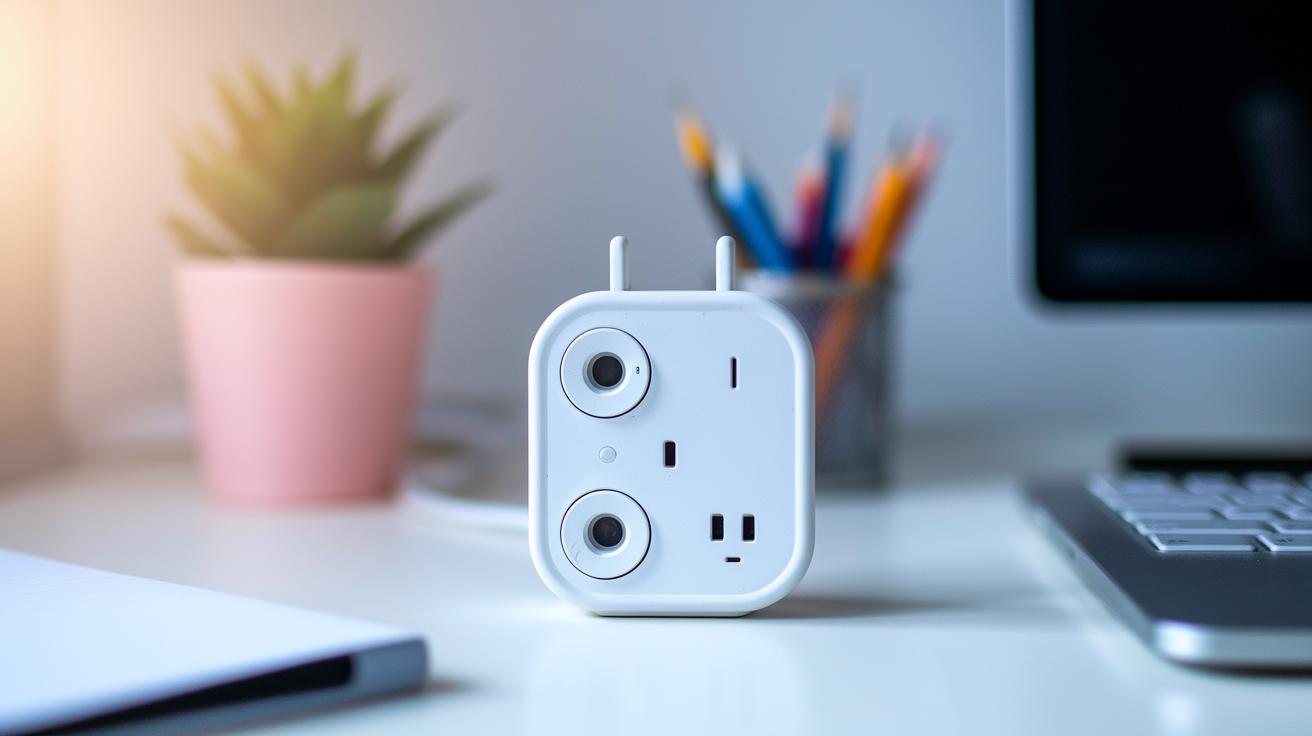
Setting up your smart plug for voice control is simple. The US version of the Aqara Smart Plug works with popular voice assistants, letting you control your devices using just your voice. Here’s how to connect it to each assistant.
Alexa integration:
- Open the Alexa app on your phone.
- Tap "Add Device" and then choose "Plug" from the list.
- Follow the app instructions to find your smart plug using its unique ID.
- Link your Aqara Smart Plug to your Alexa account to start using voice commands.
Google Home setup:
- Open the Google Home app on your mobile device.
- Tap the "+" icon and select "Set up device" then "Works with Google."
- Look up Aqara and sign in to your Aqara account when asked.
- Let the app find your smart plug and finish the pairing process with Google Home.
HomeKit pairing:
- Open the Home app on your Apple device.
- Tap the plus icon and choose "Add Accessory."
- Use your camera to scan the HomeKit code on the smart plug.
- Confirm the accessory details and follow the prompts to finish setup.
With these steps, you can easily control your lights, fans, or other appliances using just your voice, all to help make your home a bit smarter and more efficient.
Setup Process and Mobile Configuration for Smart Plugs
Setting up your smart plug is easy and usually takes about five minutes. First, plug it into a wall outlet. Next, press the pairing button on the device to put it in pairing mode. Then, open the mobile app and connect the plug to your home Wi-Fi network. Give your smart plug a name so you can spot it easily in your smart home setup, and finally, save the settings and test the remote control.
For the best performance, place your smart plug in an area with a strong Wi-Fi signal. If you run into any pairing issues, try keeping your phone close to the plug during the setup and double-check that you're using the correct network password. These simple steps ensure your smart plug works smoothly with your smart home system.
Automating Your Home with Smart Plugs: Scheduling and Scenes

Smart plugs come with built-in scheduling features that let you set devices to power on or off at your chosen times. You can program them for daily, weekly, or one-time events. The mobile app interface is clear and simple, so you can easily plan tasks like starting your heater in the early morning or switching off your entertainment system after your favorite show. Some models even adjust to your local time, making the process both straightforward and flexible.
Cloud connectivity takes things a step further. When combined with other smart sensors, your plugs can respond to events around the house. For example, if a door sensor notices movement, it can prompt connected lights to switch on. Using third-party apps, you can link several devices to create custom automation scenes that work together seamlessly. On top of scheduling, these systems can also show you electricity usage stats, which helps you keep an eye on energy consumption and manage costs. In short, your smart home devices come together for easy, remote control throughout your home.
Picture a lamp that turns on automatically at sunset – a simple way to ensure your space feels inviting as daylight fades.
Power Usage Analytics and Energy Efficiency of Smart Plugs
Smart plugs are more than just a way to turn devices on or off from afar. Now, they also track your energy use in real time. They show clear, easy-to-read charts right in the app so you can see exactly how much power each device uses. This helps you spot which gadgets are using too much energy and when your power use spikes. By checking these stats, you can tweak your schedule or settings to cut waste and save money on your bills.
| Feature | Benefit |
|---|---|
| Real-time usage tracking | Instant view of power use |
| Energy usage reports | History of electricity consumption |
| Automated energy-saving routines | Set times to turn devices off |
Regularly checking these power stats gives you the insights needed to cut down on wasted energy and lower your carbon footprint. You can easily spot energy-hungry appliances and adjust how often you use them. This smart tracking not only saves you money on your electricity bill, but it also supports a more sustainable way of living.
Troubleshooting Connectivity and Ensuring Safe Smart Plug Operation
Smart plugs sometimes suffer from little hiccups like sudden Wi-Fi drops or pairing errors, making them unresponsive when you're trying to control them remotely. You might notice brief connection losses or glitches during setup. While these issues can be annoying, a few simple steps will likely get things back on track.
Here’s a quick checklist to try:
- Reboot the plug.
- Double-check your network password.
- Make sure your router is using the right band.
- Reset the plug to its factory settings.
- Reinstall the mobile app.
It’s also a smart move to keep your plug updated. Open the mobile app now and then to look for firmware updates. These updates fix small glitches, improve performance, and tighten up security to meet the latest safety standards. Sticking with regular updates can help you keep a steady connection and avoid future issues.
Final Words
In the action, we reviewed smart plugs from their basic insertion into outlets to the smart setups that deliver room-by-room automation. We broke down the internal circuitry, wireless connectivity, and voice-assistant integrations. Each part, from troubleshooting common issues to tracking real-time energy use, shows how these devices combine safety with convenience.
If you're wondering how do smart plugs work, this deep dive offers clear, practical answers to power your everyday tech. Enjoy harnessing smart home control for a smoother routine.
FAQ
How do smart plugs work reddit
Smart plugs work by sitting between your wall outlet and appliance, allowing remote control via a smartphone app or home hub. They connect through Wi‑Fi and use internal relay switches to toggle power.
How do smart plugs work with Alexa and on Android
Smart plugs connect to your Wi‑Fi network so you can use Alexa for voice commands or an Android app for remote control. This setup lets you easily toggle devices on and off and set schedules.
How to connect a smart plug to WiFi
Connecting a smart plug involves plugging it in, activating its pairing mode, and following the manufacturer’s app instructions to join your home Wi‑Fi network for remote control.
Do smart plugs save energy
Smart plugs save energy by allowing you to schedule appliance use and monitor power consumption, ensuring devices run only when needed and reducing unnecessary electricity usage.
What is the Amazon Smart Plug
The Amazon Smart Plug is a compact device crafted for Alexa integration. It offers remote power control, scheduling, and voice commands, making it a straightforward way to automate your home devices.
What is a smart plug
A smart plug is a device that fits between an outlet and an appliance, enabling remote control and automation through a mobile app or voice assistant. It allows for scheduling, energy monitoring, and easy switching of devices.
Are smart plugs safe
Smart plugs are safe as they undergo standard electrical safety tests and include features like overload protection. Look for products with UL or CE certification for added assurance.
What are the disadvantages of smart plugs
Disadvantages of smart plugs include potential Wi‑Fi connectivity issues, reliance on periodic updates, limited compatibility with high‑power devices, and a higher cost when compared to traditional plugs.
What should you not plug into a smart plug
Do not plug in high‑power devices like heaters, air conditioners, or microwaves since these can exceed the plug’s capacity and risk triggering overload protection or damaging the device.
How far away does a smart plug work
Smart plugs typically operate within your standard home Wi‑Fi range, usually around 30 feet indoors. Signal strength can vary based on your router’s power and any physical obstacles present.
Do smart plugs use electricity when off
Even when turned off, smart plugs consume a minimal amount of standby power to maintain connectivity and quickly respond to commands. This standby draw is very small compared to the overall energy savings.