
Ever wonder how you can keep your home safe without spending a fortune? Today, smart doorbell subscriptions give you a range of affordable plans designed for different needs. Whether you simply want basic recording or extra smart features, there is a package that works for your budget. Top brands like Arlo, Blink, Google Nest, and Eufy have shown that you only pay for what you actually use. In this post, we compare pricing and features side by side so you can decide which plan fits your home security best.
smart doorbell subscription Offers Smart, Affordable Options
Smart doorbell plans come in a variety of options to fit different needs and budgets. Providers break their offerings into levels that cover both basic recording and extra smart features. For instance, Arlo Secure offers three levels that start with coverage for one camera and go all the way to unlimited options. Blink keeps it simple with a lower-priced Basic plan and a more full-featured Plus plan. Google Nest offers two straightforward tiers, Standard and Advanced, that cover all your connected Nest devices if you’re already in the Google family.
Pricing depends not just on the monthly fee but also on the features bundled in each plan. Ring shows this with affordable entry options alongside higher-priced tiers that include extra monitoring add-ons. Eufy, on the other hand, bundles cloud backup and monitoring at a competitive starting price. This means you can choose a plan that perfectly matches your device setup and security needs without paying for extras you don’t need.
| Brand | Plan Name | Monthly Cost | Annual Cost | Device Coverage |
|---|---|---|---|---|
| Arlo Secure | Single-Camera | $9.99 | $95.88 | Single Camera |
| Arlo Secure | Unlimited Devices | $19.99 | $215.88 | Unlimited |
| Arlo Secure | Premium Unlimited | $29.99 | $299.88 | Unlimited |
| Blink | Basic | $3.99 | $39.99 | Per Camera |
| Blink | Plus | $12 | $120 | Unlimited Cameras |
| Google Nest | Standard | $10 | $100 | All Nest Devices |
| Google Nest | Advanced | $20 | $200 | All Nest Devices |
| Ring | Basic | $4.99 | $49.99 | Single Device |
| Ring | Premium (Incl. Add-on) | $19.99 (+$5 add-on) | $199.99 | Unlimited Devices |
| Eufy | Cloud & Monitoring Bundle | Starting at $3.99 | Starting at $39.99 | Per Device |
smart doorbell subscription features and benefits comparison
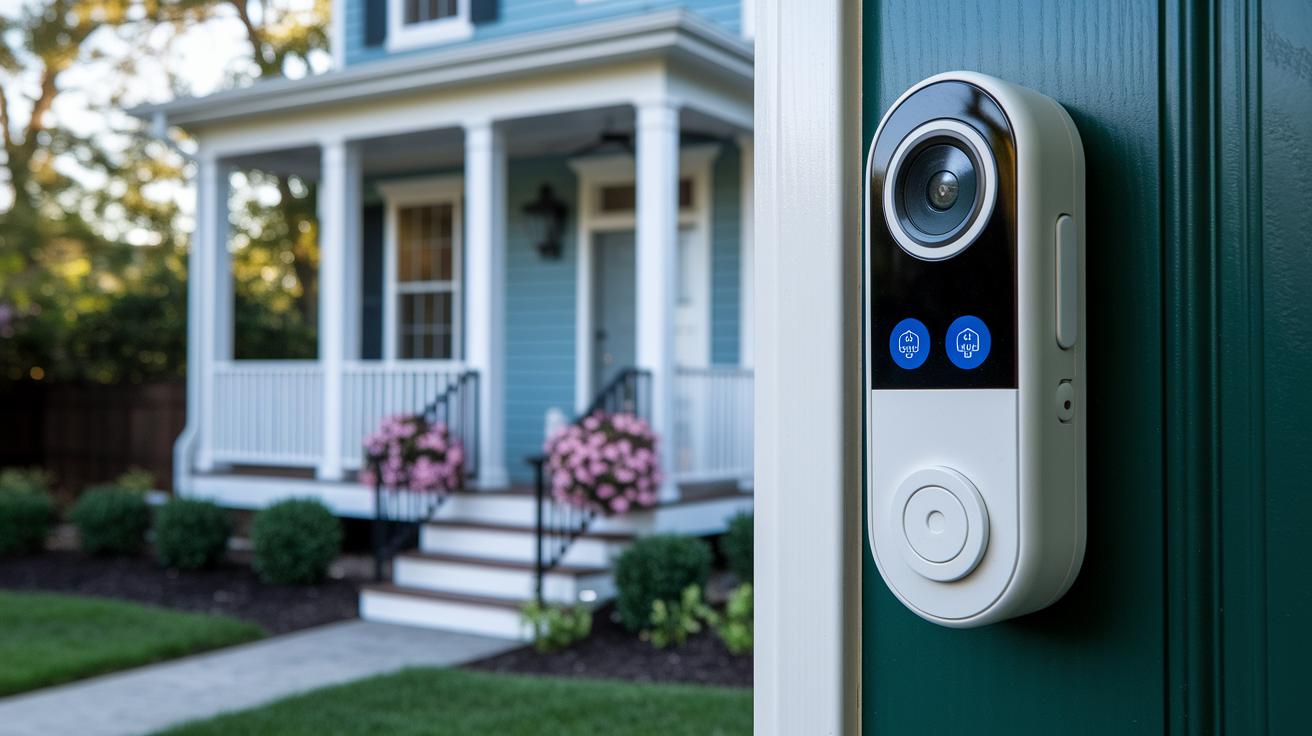
Smart doorbell subscription plans let you pick the right security features for your home without paying for extras you don't need. Some plans only capture short, 10-second clips, while others deliver nonstop 24/7 cloud recording paired with smart alerts that keep you informed at all times. A fun fact: homeowners with premium continuous recording never miss a key moment, unlike those using brief, time-sensitive clips.
Take Google Nest premium, for example. It offers uninterrupted cloud recording and uses Gemini-powered alerts to keep you updated. Ring’s plans let you set advanced motion zones and use People Detection to fine-tune notifications. And if you're after deeper smart-home integration, Arlo’s top-tier plan even throws in professional monitoring. On the other hand, providers like Aqara offer affordable options at $5 per month with 12-second clips, but those may sometimes miss motion events or face performance hiccups.
Keep in mind, lower-tier plans may limit clip length and lack continuous protection. They might also fall short when it comes to encryption or require extra hardware. It all comes down to whether you value longer clips, AI detection, or professional monitoring enough to pay a little extra while staying true to your smart home setup.
smart doorbell subscription contract terms and cancellation policies
Many smart doorbell plans come with both monthly and yearly billing. Paying upfront for a year typically saves you 10–20% compared to the monthly rate. For example, when you opt to pay annually for services like Arlo, Blink, Eufy, or Ring, you get a better per‑month deal while keeping your doorbell actively monitored.
Canceling or switching to a lower plan is easy as long as you do it before the auto‑renewal date. Providers usually require you to cancel before the renewal period to dodge the charge for the next cycle. In some cases, you'll even get a pro‑rated refund for the time left on an annual contract. This clear process means you can adjust your subscription without any extra fees.
Managing your subscription online is a breeze. Most services offer web portals and mobile apps that let you upgrade or downgrade, change your payment method, download invoices, and check your billing history. This self‑service setup empowers you to stay in full control of your smart doorbell plan.
smart doorbell subscription compatibility and smart home integrations
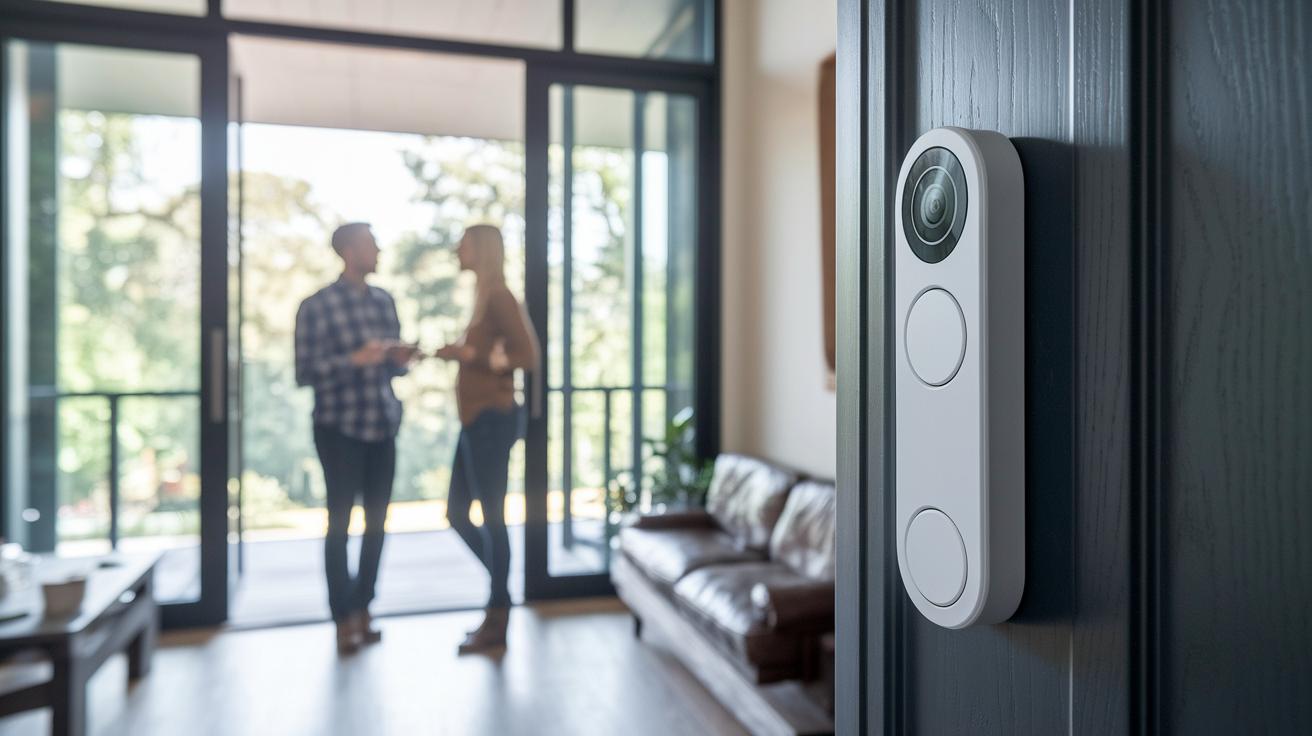
Smart doorbell subscriptions work well with popular voice assistants and smart home platforms. For example, Ring easily pairs with Alexa, Google Assistant, and IFTTT. Note that its built-in alerts need extra Ring Chime hardware to work properly. Google Nest Doorbell connects right away with Google Home, Chromecast, and other Matter-enabled devices for a smooth setup on your Matter network. This is similar to how smart locks, like those from Yale, work with Matter. Arlo is a good choice if you’re an Apple user since it supports Apple HomeKit along with some other third-party systems. Meanwhile, Eufy lets you set up your doorbell locally without fees, though you’ll need a paid plan to watch remotely or get alerts. Lastly, Aqara syncs with Xiaomi Home but it might not work with every platform. It’s a good idea to check the details if you’re considering Aqara for your setup.
Setting up these devices is simple with easy-to-follow mobile enrollment processes that let you use remote features based on your subscription. These subscriptions do more than just basic functions, they give you full remote control and real-time alerts across your connected devices. Just sign up using a mobile app to link all your doorbells, cameras, and other smart gadgets under one account. This unified management makes your smart home run smoothly, keeping alerts, live feeds, and system updates quick and reliable.
smart doorbell subscription alternatives and no-fee setups
Many smart doorbells, like several Eufy models, let you record video directly to a microSD card or a local network video recorder. You can also use systems such as Home Assistant, Synology, or even a Raspberry Pi to capture motion-activated clips straight to your hard drive or USB stick. This local setup means you can avoid ongoing cloud fees while keeping full control of your data.
A DIY solution with a USB drive or NAS can capture video clips without any monthly costs. Keep in mind that you won't get extras like AI-powered detection or automatic backups. These self-hosted systems also take more technical effort during setup and maintenance. You'll need to manage software updates and monitor your storage by yourself. While this method saves money over time, missing features like remote access and real-time alerts may not suit everyone.
This approach is best for users who are comfortable handling tech setups and value long-term savings over convenience. If you enjoy tinkering with your devices or have the know-how for a hands-on setup, local storage offers an affordable way to keep your smart doorbell system running without monthly fees.
smart doorbell subscription decision guide for homeowners
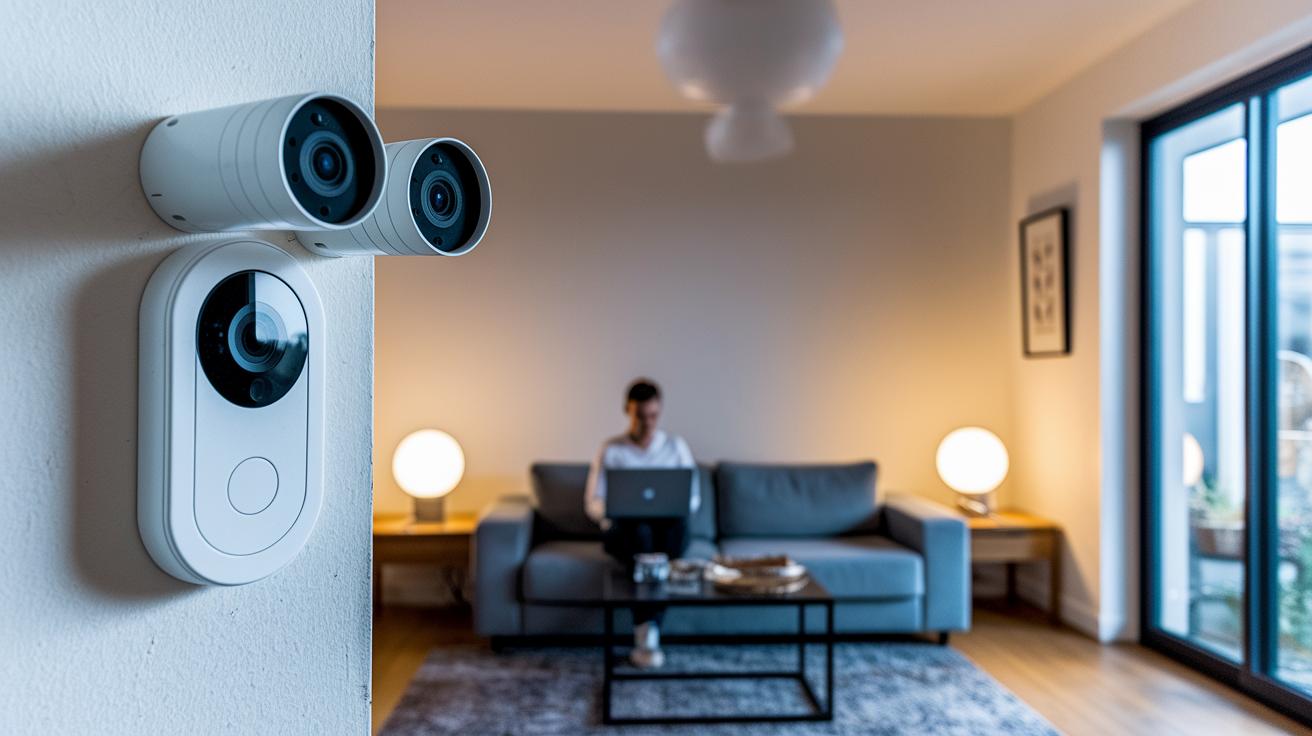
When you’re picking a smart doorbell plan, start by checking your current setup. How many cameras do you have and do you need longer video clips to review events closely? If you want automated alerts for visitors or packages, go for a plan that supports AI features. Make sure your device works with your favorite voice assistant or smart hub. These details tell you whether a basic plan is enough or if you need a more robust option for a larger property.
It’s also important to balance cost with benefits. Annual plans can save you up to 20% compared to paying monthly. Higher-tier subscriptions might include always-on recording, advanced analytics, or even professional monitoring. Some plans even add features like smoke or carbon monoxide alerts, so choose one that fits both your security needs and your budget.
Take a close look at your existing device ecosystem, try out different plans if you can, and choose a subscription that aligns with your security goals and long-term spending priorities.
Final Words
In the action, we broke down smart doorbell subscription pricing, features, contract terms, home integrations, and cost-free alternatives. You saw how each plan fits different usage, from basic cloud storage to pro monitoring.
We highlighted practical cost comparisons and plan benefits to help you weigh immediate needs with long-term value. Picking the right smart doorbell subscription now feels less daunting, setting you up for a smooth, secure home experience. Enjoy making a choice that works perfectly for your setup.
FAQ
What is the smart doorbell subscription price and cost?
The smart doorbell subscription price varies by brand and plan. For example, Ring plans range from $4.99/mo basic to $19.99/mo premium, while others like Nest offer subscriptions at $10/mo or $20/mo.
What are the details of the Nest Doorbell subscription and Nest Aware subscription?
The Nest Doorbell subscription, known as Nest Aware, provides two main options: Standard at $10/mo and Advanced at $20/mo, both offering benefits such as extended clip storage and enhanced recording features.
What is the Ring annual subscription cost and how much is a Ring doorbell subscription?
The Ring doorbell subscription cost depends on the plan selected, with annual options ranging roughly from $49.99 for basic plans to about $199.99 for premium plans, each offering different levels of cloud storage and alert features.
How does a Ring doorbell work without a subscription?
A Ring doorbell without a subscription still allows live viewing and basic alerts but does not support recorded video storage or advanced motion detection features, which many users find important.
What does a wired Google Nest Doorbell mean?
A wired Google Nest Doorbell means the device draws continuous power from the home’s electricity, ensuring consistent performance, though a subscription is available to access extended recording functionalities.
Is a Ring Doorbell worthless without a subscription?
A Ring Doorbell works fine without a subscription by providing live view and immediate alerts; however, users lose out on cloud storage and advanced recording features that the subscription offers.
Why are some people getting rid of Ring doorbells?
Some users are moving away from Ring doorbells due to recurring subscription fees, privacy concerns, or a preference for models with local storage that avoid dependency on cloud-based services.
Which doorbell is available as a subscription-free option?
Some models, such as select Eufy doorbells, offer local storage capabilities via microSD or home NVR systems, making them a subscription-free alternative for those who prefer no recurring fees.
Does a Google doorbell need a subscription for full functionality?
A Google doorbell works on its own, providing core functions without a subscription; but joining the subscription plan unlocks benefits like longer event histories and continuous recording options.