
Ever thought your doorbell could also serve as a smart watchdog? Picture this: you watch your visitors and unlock your door with one tap on your phone. Linking your smart doorbell with a smart lock not only simplifies your setup but also keeps you informed with real‑time alerts and secure access. This combo cuts down on extra wiring while closing gaps that could leave your home exposed. We break down how these systems work together to form a smooth, user-friendly control center so you can manage your entryway easily and safely.
Achieving Complete Doorbell-Lock Integration with Your Smart Home
Imagine combining your video doorbell, smart lock, and deadbolt into one simple system. With this setup, you don't have to handle separate devices for watching visitors and securing your door. Instead, you get one easy-to-use unit that makes installation simpler by cutting down on extra wiring and reducing the chance of security gaps. Picture a single device that not only shows you who’s at the door but also offers options like fingerprint scans, PIN codes, or smartphone prompts to unlock. This is what modern home integration brings to the table.
With just one app, you can watch a live video feed, unlock your door remotely, and check that it's securely locked, all from a single place. The companion app becomes your control center for monitoring visitors, receiving instant alerts, and verifying your door's status. For example, when a visitor presses your doorbell, you can immediately see their image and choose to unlock the door if needed. It makes managing your entry system a completely hassle-free task.
This type of integration streamlines the whole process. Your door works as one smart system, eliminating the need for multiple apps and keeping compatibility issues at bay. It also provides various unlocking methods to suit your preference, whether you rely on biometric scans or a PIN code. All of these features come together to boost your home security while keeping things simple.
Compatibility Standards for Smart Doorbell and Smart Lock Pairing
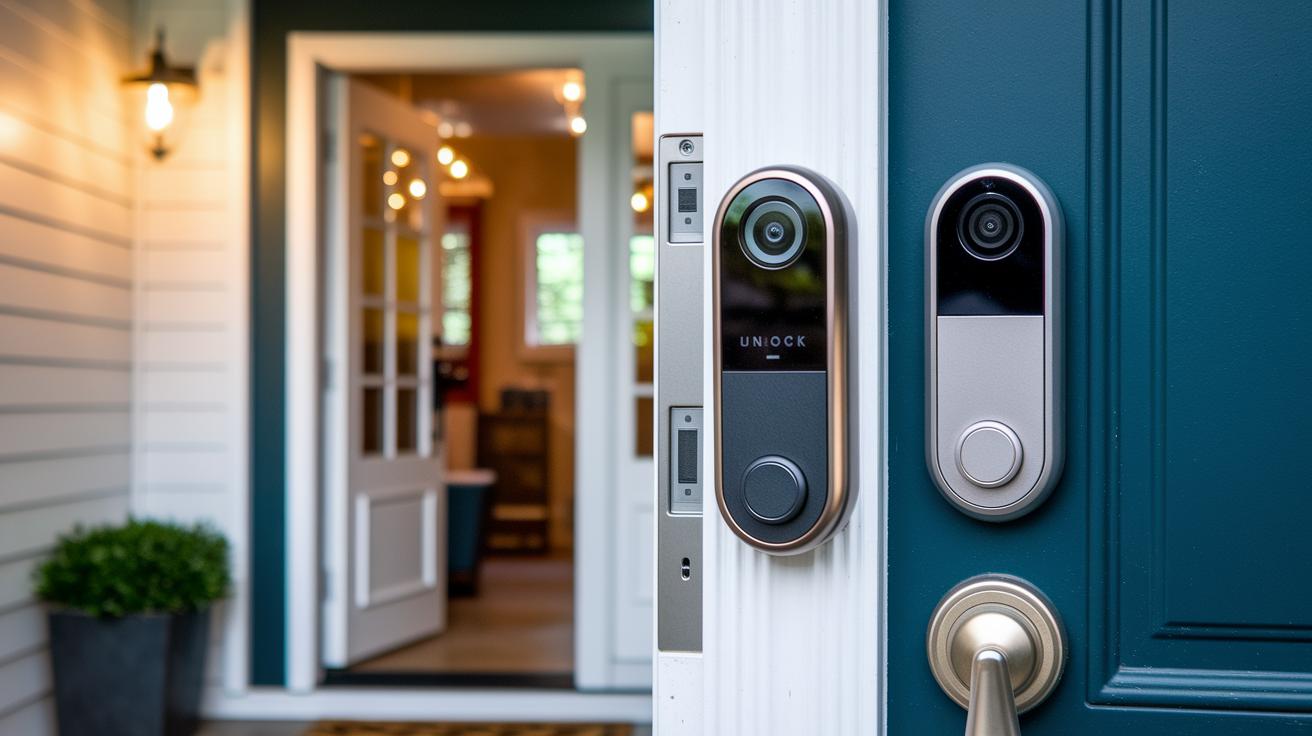
Native integration means your doorbell and smart lock from the same brand or a trusted partner work together as one system. When you press your doorbell or get a motion alert, you can unlock the door right on the live video screen without any lag.
Third-party options such as Amazon Alexa, Google Home, or IFTTT allow you to combine different brands. However, these alternatives often add extra steps and delays, which might slow down the process when you need quick access.
Solid pairing depends on good communication methods like Wi‑Fi, Bluetooth, and Matter. Matter is an open standard that lets devices, like a Yale smart lock with Matter support, connect smoothly. To keep everything running well, update your firmware regularly, check that your network is strong, and control your devices with a single app. This approach helps ensure fast, reliable, and secure interactions between your doorbell and smart lock.
Step-by-Step Setup: Wireless Entry Chime Systems and Remote Unlocking Solutions
Setting up your wireless entry system is a breeze when you follow these straightforward steps. First, position your video doorbell and smart lock just right to ensure the best coverage. You can manage both devices remotely through Wi‑Fi or Bluetooth using your smartphone or home hub. This simple setup not only cuts down on clutter but also lets you keep an eye on everything from different protocols.
Mounting and Power Setup
Begin by securing your devices with the hardware recommended by the manufacturer. For your video doorbell, check that the surface is clean and level before attaching it. When installing your smart lock, decide if you prefer a wired power source or battery operation. Use a multimeter to confirm the right voltage, and follow the suggested torque settings to avoid overtightening. Take a moment to review all wiring for safety, ensuring a lasting and secure installation.
App-Based Device Pairing
Next, fire up the companion app on your smartphone and scan the QR code found on your devices. You may need to enter specific device IDs or PINs as prompted. This quick process links your video doorbell and smart lock to your network. Once paired, the app will confirm success with a message like "Device paired successfully – system ready for remote control," giving you peace of mind.
Configuring Alerts and Notifications
Now, customize your system by setting up motion-detection zones and choosing chime patterns that work for you. Use the app to enable push notifications so you'll know when someone is at your door. You can also schedule auto-lock at certain times, making sure your entry system fits your daily routine and strengthens your home’s security.
With mounting, pairing, and configuration all in place, your system is set up for live monitoring and remote access. Just double-check the app to ensure all components are properly connected and communicating without any issues.
Enhancing Home Security: Connected Access Security and Biometric Devices
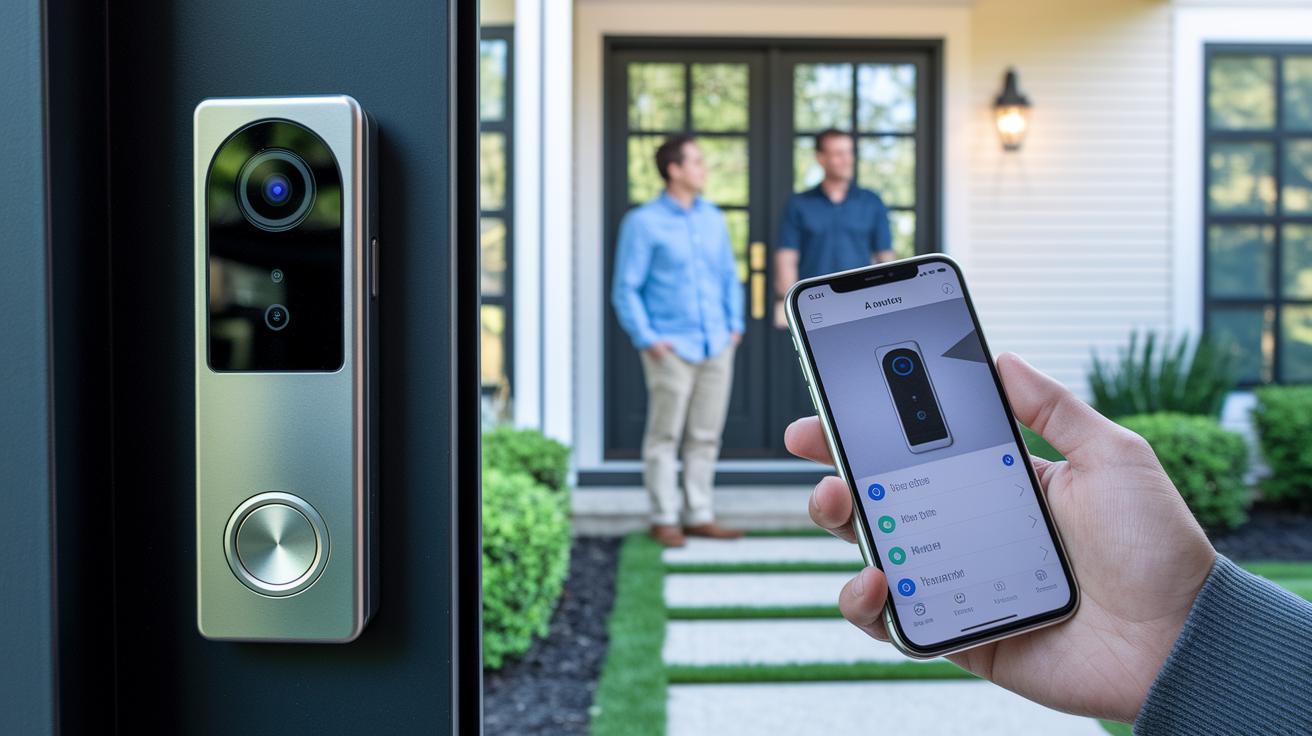
Live video feeds paired with a doorbell-lock combo and an auto-lock option help keep unwanted guests and package thieves at bay. With instant access on your smartphone, you can see who’s at your door as it happens. The system also unlocks remotely and sends alerts, making it harder for intruders to get in.
Fingerprint scans and facial recognition add a personalized layer of protection to your home. Night vision with infrared lights lets you see clearly up to 15 feet away, even in the dark, while detailed logs record every entry and exit. Together, these features form a smart, connected security setup that continuously monitors and safeguards your home.
Troubleshooting Entry System Pairing and Connection Safety
Smart doorbells and locks sometimes run into pairing and connection hitches, which can delay your ability to check or unlock your door when you need to. Often, the problems stem from issues like network interference, firmware mismatches, or simple setup mistakes.
- Network interference stopping the devices from pairing
- App delays that slow the unlock process after a doorbell press
- Firmware versions that don’t match between the doorbell and the lock
- Incorrect Wi-Fi details or a weak signal right at the entry point
- Full local storage or an expired subscription blocking video access
To fix these issues, start by checking your Wi-Fi strength, making sure both your doorbell and lock have the latest firmware, and verifying your network settings. If problems continue, try resetting your connection or contact support for a deeper look. Keeping your firmware up to date and monitoring local storage can help maintain a smooth, secure system without unexpected interruptions.
Top Smart Doorbell and Smart Lock Combos: Reviews, Promotions, and Recommendations
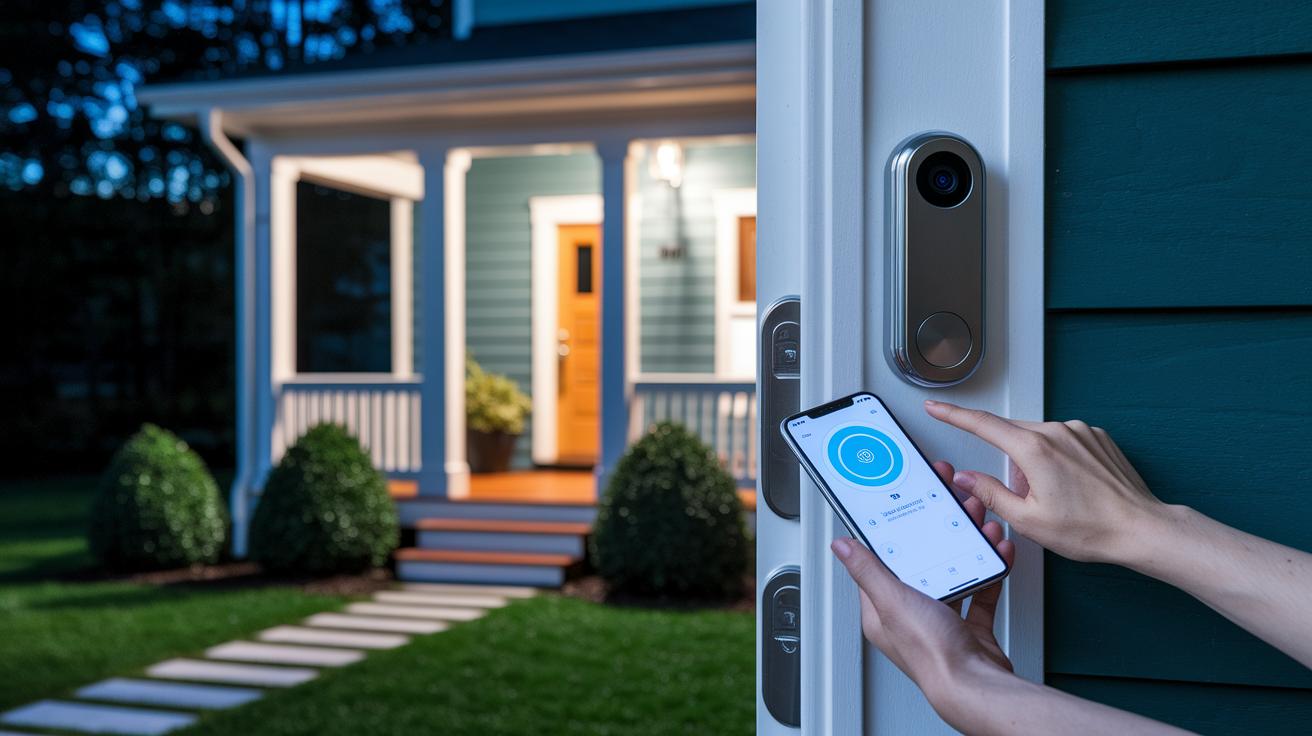
If you're upgrading your home entry, picking the best smart doorbell and smart lock combo really matters. These systems not only open doors automatically but also let you watch video feeds clearly and control entry from your phone. Right now, you can get bundles with up to 30% off, free shipping on orders over $50, and a 30-day money-back guarantee so you can boost your security without overspending. The top five combos we're reviewing offer video quality from 1080p to 2K, smart AI detection for people, packages, and vehicles, plus infrared night vision that works up to 15 ft.
| Video Doorbell | Smart Lock | Integration Type | Key Features | Price Range |
|---|---|---|---|---|
| Botslab Video Doorbell 2 Pro (R811S) | Built-in Lock Module | Native | 1080p clarity, advanced motion detection, infrared night vision | Mid-Range |
| Google Nest Doorbell | Nest x Yale Lock | Native | 2K resolution, AI-powered alerts, seamless pairing | Premium |
| Ring Doorbell | Schlage Lock | Partnership | Flexible unlocking methods, automated notifications, solid design | Mid-Range |
| Wyze Video Doorbell Pro | Wyze Lock | Native | 1080p video, budget-friendly, no subscription for recording | Budget |
| Eufy Doorbell | Eufy Lock (Nuki Smart Lock alternative) | Native | 91 hrs local storage, infrared night vision, detailed audit logs | Affordable |
These combos cover a wide range of budgets and feature needs. If you’re after a premium setup with smooth integration and advanced detection, the Google Nest Doorbell paired with the Nest x Yale Lock is a standout choice. For those who want to keep costs low without sacrificing key features like subscription-free recording, the Wyze and Eufy systems are a great pick. And if you need flexible unlocking options paired with reliable performance, the Ring combo might be the best fit.
Final Words
In the action, we broke down how a full smart doorbell-smart lock integration blends a camera, lock, and deadbolt into one seamless system. We explored unified app control, setup steps, and smart connectivity protocols that make your entry system easier to manage.
We also looked at pairing options, troubleshooting fixes, and real-world tips that save time and enhance security.
Smart doorbell and smart lock integration offers streamlined access and reliable protection for any home. Enjoy the added convenience and peace of mind that comes with it.
FAQ
What do smart doorbell and smart lock integration reviews, including the myQ Secure View 3-in-1 Smart Lock review, reveal?
The integration reviews reveal performance details, ease-of-use, and practical testing of how doorbell, camera, and locking functions work together to offer smooth, unified entry control.
What is considered the best smart doorbell and smart lock integration?
The best integration combines robust connectivity with single-app control, offering seamless control over video feeds and unlocking methods, along with reliable device performance for secure home entry.
How does the smart doorbell and smart lock integration app work?
The app centralizes live video monitoring and unlocking commands, allowing users to review entry activity, receive alerts, and manage both devices from one straightforward platform.
How can I find smart doorbell and smart lock integration systems near me?
Local retailers and smart home installers typically offer integrated systems. They often display these solutions both online and in physical stores, ensuring buyers have support and localized service options.
What features define a smart lock and doorbell combo?
A combo unit unites a camera, smart lock, and deadbolt into one system. It supports multiple unlocking methods—like biometric, PIN, and smartphone prompts—providing a comprehensive, streamlined entry solution.
What information does the Eufy S330 Video Smart Lock manual provide?
The manual explains step-by-step installation, mounting, power setup, app-based pairing, and troubleshooting, ensuring users can confidently set up and manage the Eufy S330 Video Smart Lock for secure home access.