
Ever imagine if your doorbell did more than just ring? Smart doorbell chime systems let you see and speak with visitors no matter where you are. They come with high-definition video, real-time alerts, and two-way audio so you can greet guests even when you’re away. No more wondering if someone missed your call at the door. With clear visuals and instant mobile notifications, you’re always in the know. Upgrade your home entry with a smart doorbell chime and never miss a visitor again.
Key Benefits of Smart Doorbell Chime Systems
These smart doorbell chime systems are much more than your standard doorbell. They pack high-quality video, interactive sound, and steady connectivity into one neat package. With options starting at 1080p and some pushing up to 4K, you get a clear view of every visitor. For example, the eufy Security S220 not only works with your existing door chime but also delivers a crisp 2K display in a 4:3 ratio, providing a complete head-to-toe look.
They also come with motion-triggered alerts that you can adjust so you’re only pinged when it matters. Instead of just a ring, you receive real-time mobile alerts complete with live video and two-way audio. Imagine hearing the doorbell and instantly chatting with a delivery person even if you’re deep in another room. It’s a huge step up from the days when doorbells were merely a simple chime.
The connectivity is a game changer too. Thanks to stable Wi-Fi or Ethernet, these systems send video signals and notifications reliably. Homeowners appreciate that they integrate seamlessly with existing chime setups, so you don’t need to rewire your home. Plus, you can customize alert sounds, set motion zones to your liking, and even talk directly to visitors through built-in speakers and microphones.
Key benefits include:
- High-definition video streaming: 1080p minimum, up to 4K
- Robust infrared night vision for clear, all-day viewing
- Two-way audio for immediate communication
- Adjustable motion detection with instant mobile alerts
Altogether, blending sharp video, real-time audio, and smart connectivity makes these doorbell systems a clear upgrade over traditional setups, boosting your home's security and convenience effortlessly.
Comparing Top Smart Doorbell Chimes: Specifications and Performance
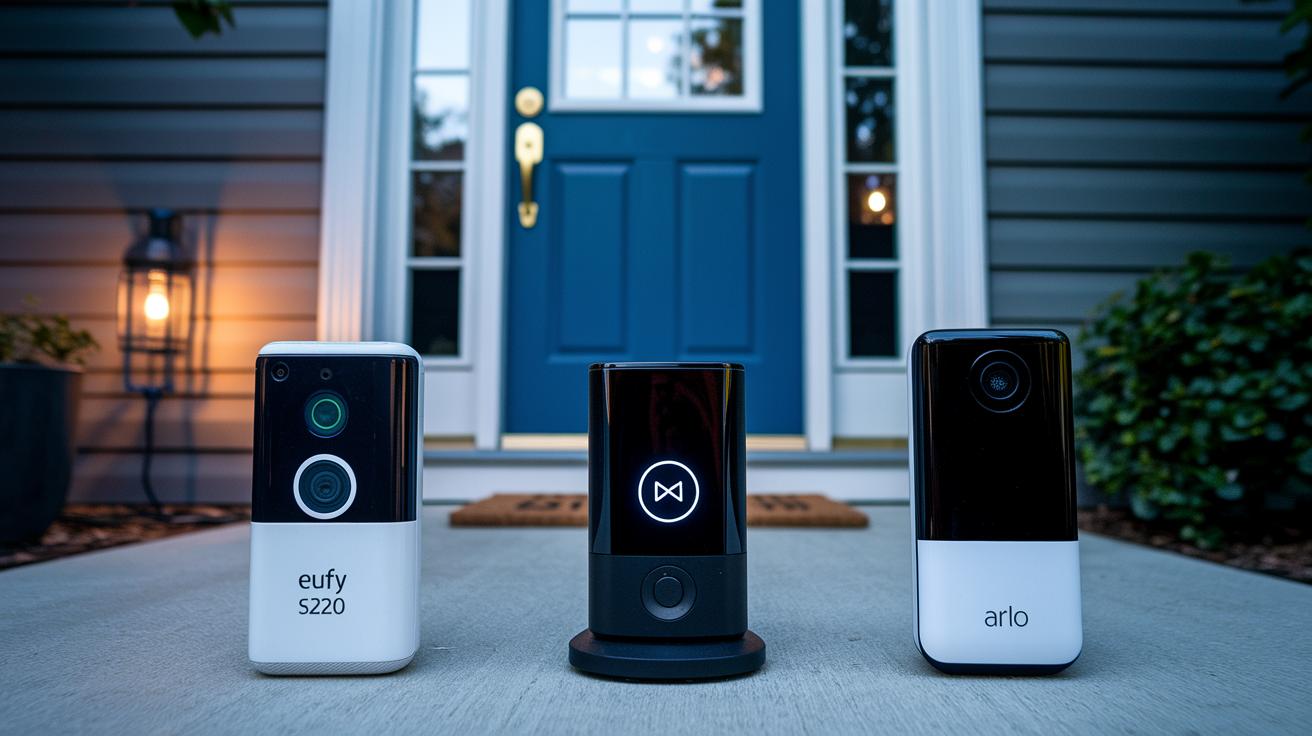
Smart doorbells aren't one-size-fits-all. Each model is built with different features to match various installation needs and preferences. For instance, the eufy Security S220 delivers crisp 2K HD video in a 4:3 format and runs on battery power with a supporting hub, making it a breeze to integrate with your existing mechanical chime systems.
On the other hand, the Ring Wired Doorbell Pro offers advanced 3D Motion Detection along with a unique bird's-eye view of activity. It does require a wired connection and uses encryption both when sending notifications and while storing them.
The Arlo Essential Video Doorbell is another notable option. It covers a wide 180° field of view, captures HD video with HDR, and even features Arlo Foresight, a pre-roll function that records a few seconds before motion is detected. Best of all, it works without the need to deal with complicated wiring.
If ease of installation is a top priority, the Wyze Wireless Video Doorbell Pro comes in with a 1440×1440 sensor that boosts clarity by about 33% compared to regular HD. Its design makes wireless mounting simple and keeps the whole experience hassle-free.
Lastly, the Google Nest Doorbell (Wired, 2nd Gen) offers 2K HDR video with a generous 166° view. It also provides intelligent alerts that can tell the difference between visitors, packages, or even vehicles, although continuous 2K video viewing does require a subscription starting at $10 per month.
| Model | Resolution | Field of View | Power Source | Storage | Chime Compatibility | Subscription |
|---|---|---|---|---|---|---|
| eufy Security S220 | 2K HD (4:3) | Not specified | Battery + Hub | Local | Works with mechanical chimes | None |
| Ring Wired Doorbell Pro | HD | Not specified | Wired | Local & Cloud | Requires accessory for chime | Yes |
| Arlo Essential Video Doorbell | HD with HDR | 180° | Battery (Wireless) | Cloud | Not required | Optional |
| Wyze Wireless Video Doorbell Pro | 1440×1440 | Not specified | Battery (Wireless) | Local | Simplified mounting | None |
| Google Nest Doorbell (Wired, 2nd Gen) | 2K HDR | 166° | Wired | Cloud | Integrates with chime setups | $10/mo |
DIY Installation Guide for Smart Doorbell Chime Units
Upgrading to a smart doorbell chime is a practical way to enhance your home without a major overhaul. It works whether your system is wired or battery-operated. First, find out if your unit uses a digital style or an old-school mechanical chime. Some doorbells, like the Arlo Essential, skip all the wiring, while others, such as the Ring Wired Doorbell Pro, might need an extra chime accessory for sound. Battery-operated models like the eufy Security S220 even come with a built-in hub, making mounting quick and simple.
Here’s a straightforward six-step process to get your sound-alert system up and running:
- Check your existing chime’s compatibility. Look up the manufacturer’s guide to see if it’s mechanical or digital.
- Safety first: turn off the power at the breaker and remove your old doorbell.
- Mount the new bracket. For wired setups, connect the wires; for battery models, mount and pair the hub.
- Turn the power back on and connect your device to Wi-Fi through the mobile app, it’s key for dependable alerts.
- If your model needs an extra indoor chime module, like the Ring Wired Doorbell Pro, install that accessory now.
- Test the doorbell ring and motion alerts. Tweak the settings until you’re satisfied with its performance for the best security.
Enjoy the convenience and peace of mind that comes with your new smart doorbell chime system.
Smart Doorbell Chime Integration and Compatibility
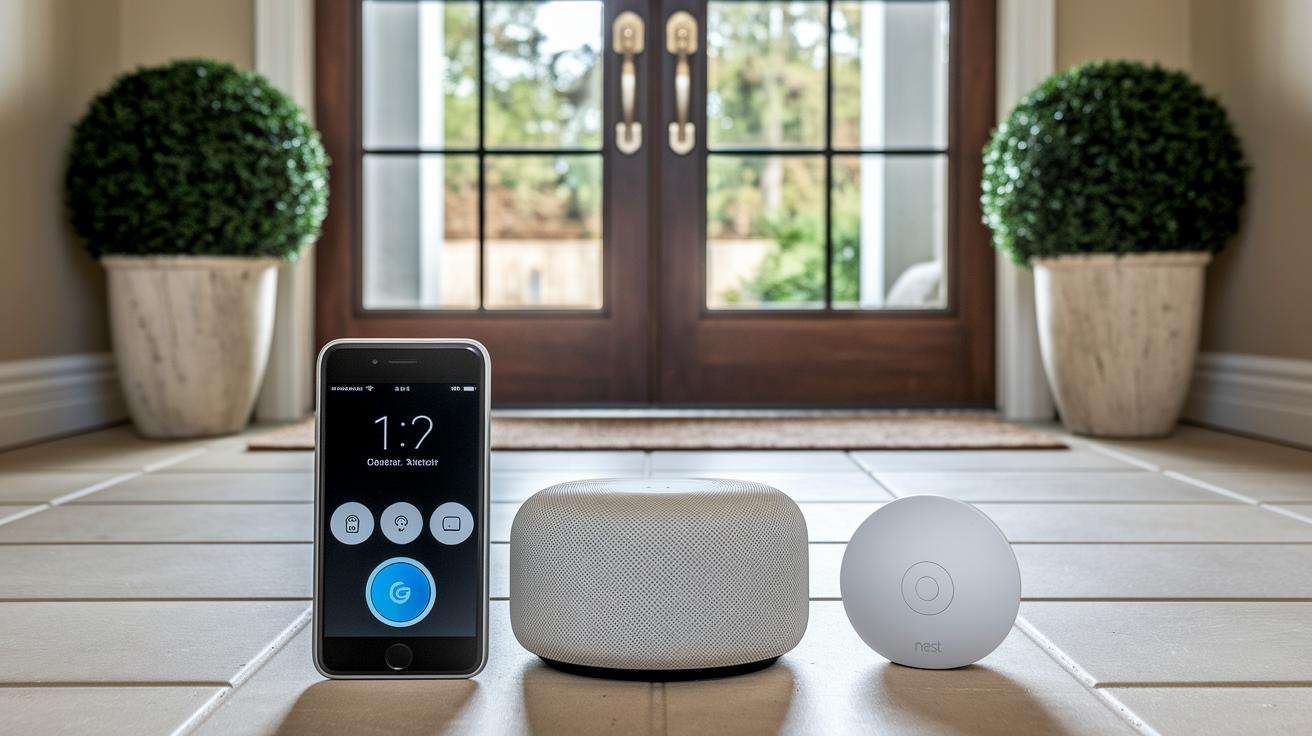
Today's smart doorbell chime systems serve as your home's friendly digital helper. They work with Amazon Alexa and Google Home, so you can greet visitors without lifting a finger. For example, the Ring Wired Doorbell Pro and Google Nest Doorbell let you control the chime with simple voice commands, letting you customize sounds and routines that make every knock feel welcoming.
Most installations connect directly to your smart home hub with no extra gear needed. Still, some systems might require a special accessory, like the Ring Chime Pro, to work with older mechanical speakers. This way, even if you're not fully modernized, you'll still get smart, digital notifications.
The integration goes even further with features like the Ecobee Smart Doorbell Camera. It pairs with Ecobee thermostats, so you can watch doorbell footage, tweak your HVAC settings, and even manage smart locks from one dashboard. Whether you're all in on Google Home, favor Alexa, or use both, these systems create a connected network that keeps your home secure and warmly inviting.
Troubleshooting Common Smart Doorbell Chime Issues
If your smart doorbell misses a motion trigger, you’re not alone. This happens most often with models like Aqara and Logitech, usually because the sensor isn’t calibrated right. Try a manual firmware update using the mobile app and adjust the sensitivity settings to fix it.
Sometimes, network issues can stop notifications from coming through. Make sure your doorbell is on the correct Wi-Fi band. Many devices work better on a 2.4 GHz network instead of 5 GHz, so check your router settings and ensure the signal is strong.
If you’re not hearing audio alerts, there might be a voltage mismatch between your doorbell and its mechanical chime. This can affect the transformer’s output. Look at the manufacturer’s chime compatibility list and measure the transformer output to spot any problems.
Occasionally, a firmware glitch can stop notifications altogether. In these cases, a manual update followed by a quick power cycle using the app usually gets everything back on track.
Smart Doorbell Chime Buying Guide: Choosing the Right Model
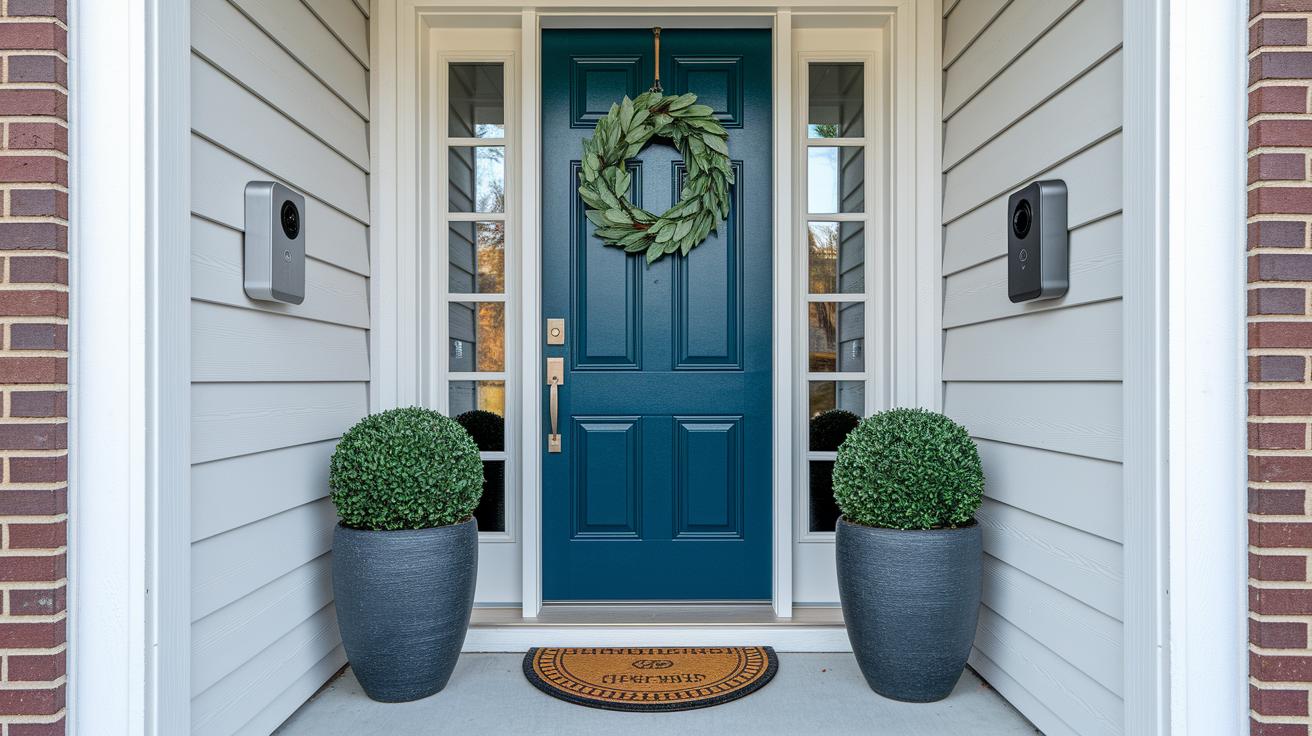
When looking for a smart doorbell chime, start by deciding between a wired or battery-powered model. Wired doorbells like Google Nest or Ring Pro hook up to your existing doorbell system and provide constant power. On the other hand, battery-powered options such as the eufy S220 or Arlo Essential let you place them almost anywhere and make installation a breeze.
Video quality is another big factor to consider. We recommend choosing a doorbell that records in at least 1080p. If you want even better detail, some premium models offer 2K resolution and wider views (up to 166°), capturing more of your surroundings, much like switching from a basic lens to one that catches every important detail.
Storage options also play a role in your decision. With some models like those from eufy, you get free local storage. Others, including Google Nest and Ring, usually require a cloud subscription that starts at around $10 each month. Additionally, check whether your chosen doorbell chime will work with your current chime setup. Certain systems can connect directly to your existing mechanical or digital chime, while some may need an extra accessory like the Ring Chime Pro.
Budget is an important consideration as well. Here’s a quick breakdown:
- Entry: Under $50 for basic models
- Mid-range: $100–$200 for solid performance and features
- Premium: Over $200 if you want advanced AI alerts and extra features
This guide helps you match the doorbell chime’s features to your home and budget so you can choose the right model for your needs.
Final Words
In the action, we covered key benefits, compared top models, stepped through a DIY installation guide, and explored how these systems integrate with your smart home. We also worked through common troubleshooting tips to keep your alerts working reliably.
Each section provided practical advice on selecting a smart doorbell chime that fits your budget and needs. It’s encouraging to see how these systems can simplify security while blending into your everyday home setup. Enjoy the peace of mind that comes with a smart doorbell chime working just right.
FAQ
What is a smart doorbell chime app?
A smart doorbell chime app lets you remotely manage settings, view live video, and receive notifications to stay connected with your doorbell system.
Which one is the best smart doorbell chime?
The best smart doorbell chime combines clear HD video, strong connectivity, and smooth integration with traditional systems, often highlighted by top models from Ring and Google Nest.
What does a wired smart doorbell chime mean?
A wired smart doorbell chime uses your home’s existing circuits for power and integration, providing steady performance and compatibility with mechanical chime systems.
What do reviews say about smart doorbell chimes on Amazon?
Reviews on Amazon emphasize sharp video quality, reliable motion alerts, and easy setup, with many users satisfied with models from brands like Wyze and Ring.
What are the options like Night Owl and universal wireless doorbell chime boxes?
Options like Night Owl and universal wireless doorbell chime boxes offer both wired and wireless setups, giving you flexible audio alert solutions for various home configurations.
Do smart doorbells need a chime?
Smart doorbells work on their own, but integrating a chime can make indoor alerts easier to hear and allow them to work alongside traditional doorbell systems.
What are the disadvantages of a smart doorbell?
Smart doorbells can face connectivity drops, raise privacy concerns with cloud storage, and may require extra subscriptions for enhanced features.
How can I hear my Ring doorbell inside my house?
To hear your Ring doorbell indoors, connect a Ring Chime or use a compatible smart speaker, so audio alerts are amplified throughout your home.
Is there a monthly fee for the Ring doorbell?
The Ring doorbell hardware requires no monthly fee, though additional features like cloud storage or extended video history may need an optional subscription.