
Ever wondered if setting up a smart doorbell could actually be easy and secure? You might think upgrading your home security is a big, complicated project, but the Eufy doorbell proves otherwise. This guide walks you through everything, from deciding between a wired system and a wireless one to gathering the right tools for a smooth install. We share practical safety tips and mounting advice to help ensure a solid setup. With just a few simple steps, you can turn your front door into a modern, secure entryway.
Step-by-Step Eufy Doorbell Installation Guide
First, decide whether you want a wired or wireless setup based on your home's needs. For wired installations, make sure you have a power drill, screwdriver, screws, anchors, wire connectors, and a doorbell transformer (this device converts 120 V household power to between 16 and 24 V). If you choose a wireless model, check that the battery is fully charged or that you have a fresh battery pack and charging cable on hand. Gather all your tools before you start so you can confidently follow the guide step by step.
Before you start, put safety first. For wired models, switch off the power at the breaker box and use a voltage tester to double-check that no live current is present. This precaution keeps you safe and helps prevent damage to the doorbell. For wireless models, confirm that the rechargeable battery is fully charged since it may need several hours to power up using the provided charger. Stick to the manufacturer’s instructions during every step of the wiring setup for a smooth installation and optimal performance.
Once you have the safety precautions in place, move on to mounting and connecting the doorbell. Mount it at a height between 48 and 56 inches to ensure a clear field of view. Use weatherproof anchors to secure the doorbell if necessary. For wired setups, attach the wires with care, and for wireless setups make sure the doorbell maintains a steady connection to its power source. Then, activate the doorbell using the Eufy app to ensure that it pairs correctly and the live view works. Test the system by pressing the doorbell button and checking that the camera lights up to welcome visitors, confirming that everything is ready for reliable use at your front door.
Tools and Parts Required for Eufy Doorbell Installation
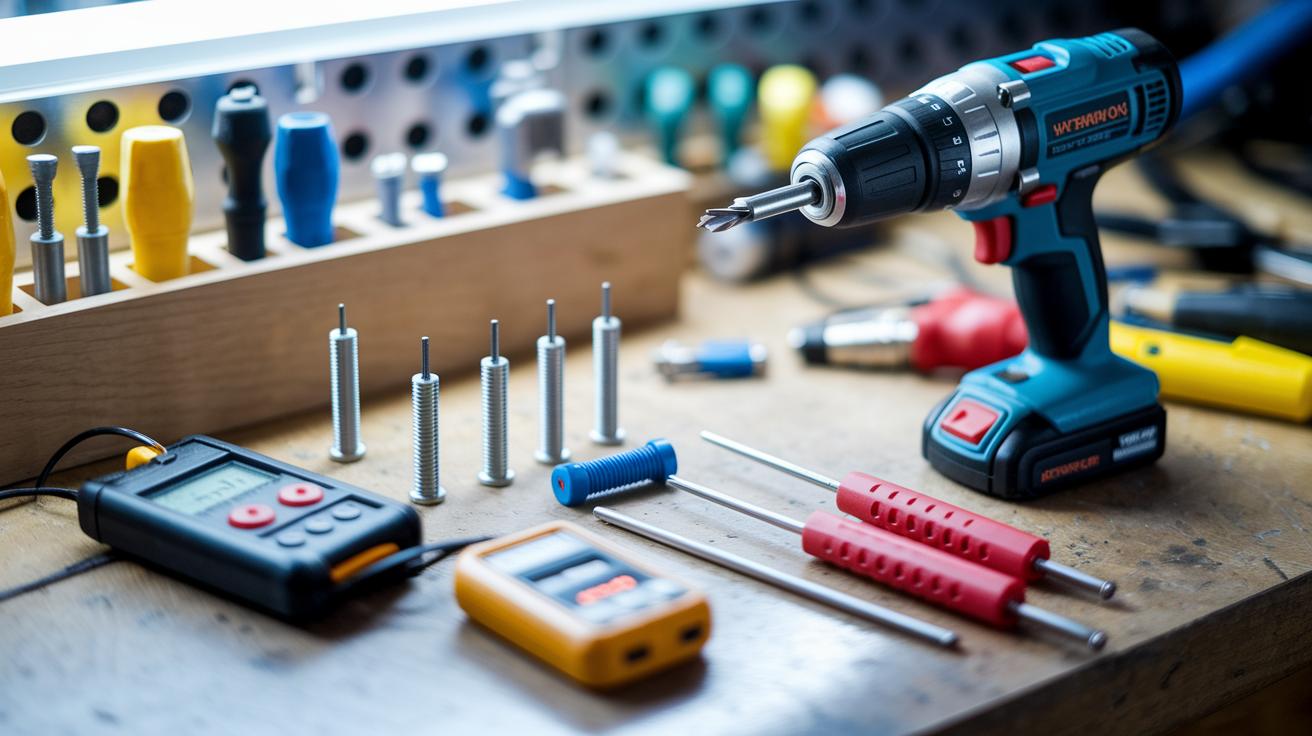
Before you start, here’s a quick rundown of the essential tools and parts you’ll need. This list adds extra details to what we covered in our main installation guide.
- Power drill: Use a drill with the right bit for your wall material so you can create clean, smooth holes.
- Screwdriver: Pick a screwdriver that fits your screws well to keep everything secure.
- Screws and anchors: Double-check that your screws and anchors match your mounting surface, especially if it’s brick or concrete.
- Wire connectors: These help you neatly bundle and secure wires when doing a wired setup.
- Voltage tester: Always use a voltage tester to make sure the power is off before you handle any electrical connections.
For wired setups, you’ll need the doorbell transformer to change 120 V to between 16 and 24 V. If you’re going wireless, just grab a fresh battery pack and the charging cable that comes with the doorbell.
Before you begin, make sure all parts are in good working order.
Wired vs Wireless Eufy Doorbell Installation Methods
When setting up your eufy doorbell, you can choose between a wired installation or a wireless setup. A wired installation plugs the doorbell directly into your home’s electrical system, giving it a steady, continuous power supply. This is a solid choice if you want to skip the hassle of changing batteries often. In contrast, a wireless setup runs on rechargeable batteries which means you have more freedom when placing it. This method works great if your home doesn’t have doorbell wiring already or if you prefer a simpler, no-fuss installation. You can even update an old doorbell system with a plug-in transformer if needed.
| Installation Type | Key Difference |
|---|---|
| Wired | Connects directly to your home’s electrical system for continuous power. Requires handling electrical components safely, like turning off the breaker and using a voltage tester. |
| Wireless | Runs on rechargeable batteries, giving you flexible placement without major wiring changes. |
Deciding which method is best really depends on your home’s layout and what you need. A wired doorbell is reliable if you like knowing your device is always powered, and you’re comfortable with the extra steps to safely handle the electrical work. On the other hand, a wireless doorbell is fast to install and ideal if you don’t have pre-existing wiring. Keep in mind battery life and how easy it is to maintain or access the doorbell when making your decision. Both options send secure alerts and work well, so choose the one that fits your comfort and home setup.
Mounting and Mechanical Chime Integration for Your Eufy Doorbell

For best performance and security, mount your doorbell between 48 and 56 inches off the ground. This height gives you a clear view of visitors. Use weatherproof anchors and sealant to keep the doorbell secure over time, even in rain or heavy dew. For example, if you’re mounting on stucco, drill into a stud using the proper anchors. This helps the unit stay firmly in place through changing weather.
When setting up your mechanical chime, attach the wires carefully to the existing chime unit. Follow the manufacturer’s instructions and test the connection as you go to ensure a steady signal. If you prefer a different approach, try surface-mount brackets or recessed housings in exterior walls. These alternatives work well with various wall types while keeping the wiring safe and ensuring smooth chime integration.
Configuring Eufy Doorbell Settings and App Integration
Start by connecting your doorbell to a reliable 2.4 GHz Wi-Fi network. Make sure your router is set to 2.4 GHz for better device connectivity and range. Stay close to your router while setting up and double-check your network name and password for any typos to avoid connection issues.
Launch the Eufy Security app to begin the pairing process. The app will walk you through connecting your doorbell, setting up a live view, and customizing motion alerts. Follow the on-screen instructions to add your device and adjust settings such as notification preferences and motion sensitivity. This step-by-step approach makes it easy to tailor your doorbell for your everyday needs.
Once your doorbell is connected, use the app to check for firmware updates. These updates often bring new features, improved performance, and important security enhancements. Simply navigate to the device settings in the app and select the update option to install the latest firmware version. Keeping your firmware current helps ensure smooth and reliable operation on your secure Wi-Fi network.
Troubleshooting Common Eufy Doorbell Installation Issues
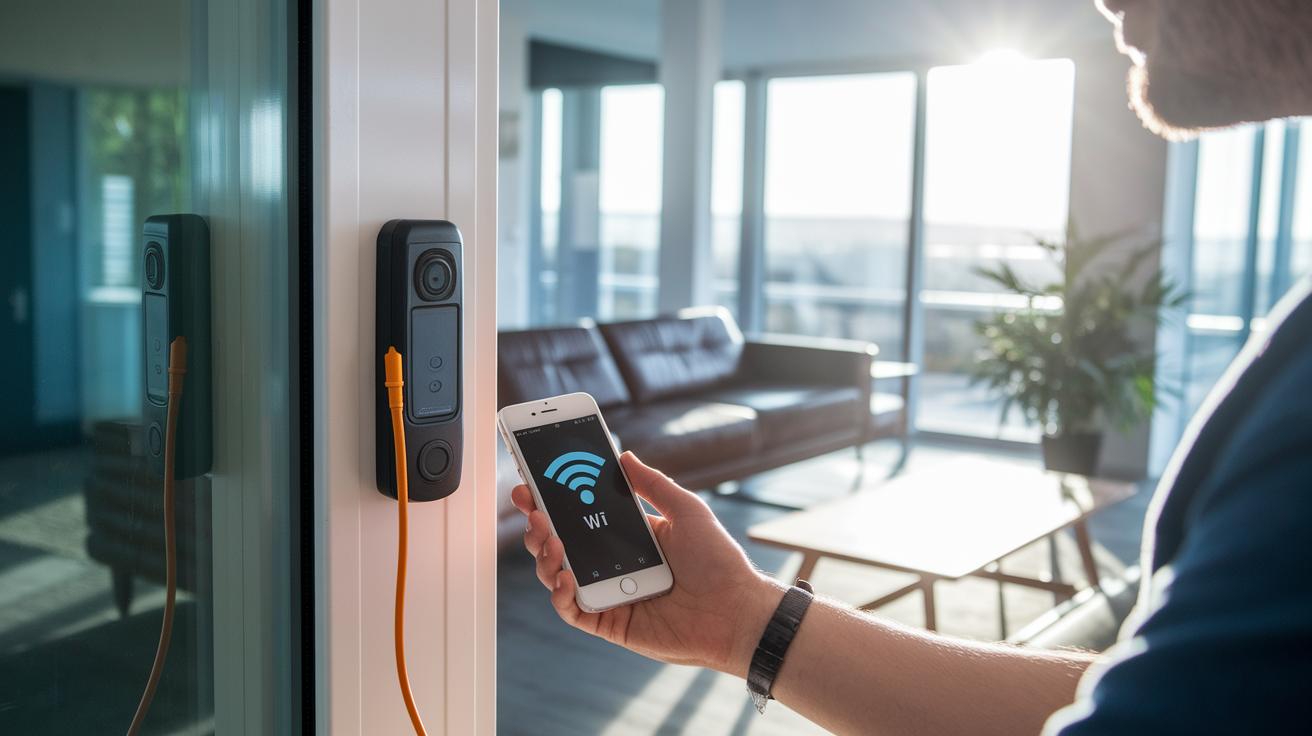
If your doorbell doesn’t turn on, first check your breaker and use a voltage tester to make sure the power is off. It could be a loose wire or a bad connection causing the problem. For wireless setups, confirm that the battery is fully charged since a drained battery can keep the doorbell from working properly. If you're having trouble connecting via the app, it might be due to a weak Wi-Fi signal or the wrong network details. Make sure your router is on a steady 2.4 GHz channel and that you’ve entered the correct network name and password in the app. Often, a quick review of these steps clears up the issue.
If the doorbell still won’t connect after checking all these basics, try doing a system reset following the manufacturer’s instructions. This usually means holding down the reset button until the LED blinks, which tells the doorbell it’s time to reboot and try pairing again. If that doesn’t work, it might be time to call in a professional technician. Ongoing problems could point to more complex issues with the device’s hardware or firmware that need expert attention.
Checklist and Pro Tips for Optimizing Your Eufy Doorbell Installation
Ensure your firmware is current, every cable is securely fastened, and the live view test works smoothly. Double-check all connections, from the power wiring to digital alert signals, to avoid later issues. Run a quick checklist: confirm that the doorbell shows a clear, responsive live view, test that all LED indicators function, and make sure the mechanical chime wires are properly attached. Press the doorbell button to check that both smart notifications and the mechanical chime activate reliably. This quick step catches any loose connections or configuration hiccups.
For added reliability, position your doorbell away from direct sunlight and harsh weather. Placing the camera under shelter helps reduce glare and improves image clarity. Finally, test the digital alerts once more and verify the doorbell responds quickly to motion or button presses. These extra measures ensure your doorbell installation works reliably and keeps your entry system as secure as possible every day.
Final Words
In the action from safety checks to mounting and app configuration, we laid out a clear, step-by-step guide covering both wired and wireless setups. Each stage, from assembling the right tools to handling chime integration, aims to demystify the process and prevent hassle.
This guide simplifies eufy doorbell installation, helping you achieve a secure, efficient, and user-friendly setup. Enjoy the peace of mind that comes with a well-installed doorbell and a smarter home setup.
FAQ
Frequently Asked Questions
How do I install an Eufy doorbell?
The Eufy doorbell installation involves choosing between wired and wireless setups. Follow the manual, video, or diagram to properly connect the device, ensuring safety steps like using a voltage tester and switching off the breaker for wired models.
How do I install an Eufy doorbell without drilling?
Installing an Eufy doorbell without drilling uses alternative mounting methods such as adhesive strips or leveraging existing doorbell wiring. This approach lets you secure the device while avoiding permanent holes in your wall.
Do I need to turn off the breaker for my doorbell?
Turning off the breaker is essential for safety when installing a wired Eufy doorbell. It prevents electrical shocks and damage, so always verify that power is off using a voltage tester before beginning installation.
What is the lawsuit against Eufy?
The reference to a lawsuit against Eufy points to legal matters reported through external sources. For the most accurate and current details, review recent news updates and official disclosures from Eufy.
What are the drawbacks of Eufy?
The drawbacks of Eufy doorbells include potential connectivity challenges and ongoing maintenance considerations. Reviewing detailed comparisons and user feedback can help determine if these trade-offs fit your needs.
How does the Eufy doorbell compare with other models like Google Nest Doorbell?
Eufy doorbell models offer various features with wired or wireless options and specific chime integrations, while the Google Nest Doorbell has its own ecosystem and design focus. Comparing battery life, connectivity, and app functions can guide your choice.