
Are you fed up with paying monthly fees for your video doorbell? Some models now offer reliable security without any hidden costs. Imagine a doorbell that gives you clear video capture and sends smart alerts, all without a subscription fee.
In this review, we take a close look at doorbells that come with local storage and proven performance, so you save money while keeping your home safe. We break down the top fee-free options available and show that you don't have to give up great features to avoid extra charges. Let's explore the best models that offer solid protection without the monthly bills.
Best Video Doorbells Without Subscription: Top No‐Fee Picks for 2025
Skipping subscription fees can mean big savings over time. Instead of paying a $3 fee each month, which adds up to about $36 a year or $180 over five years, you can enjoy smart security without any recurring costs. These doorbells pack all the essential features you want without locking you into expensive subscriptions.
- Eufy Video Doorbell E340 – Priced competitively, this model features two cameras (one facing forward and one angled downward) to capture complete views and boost your security.
- Eufy Video Doorbell 2K (Wired) – At $150, it offers clear 2K resolution with a 4:3 aspect ratio, giving your porch a wider and more detailed display.
- Reolink Video Doorbell WiFi – With a competitive price, its battery-powered design and resolution of 2560 x 1920 (2K+) deliver detailed images and let you choose where to install it.
- Aqara Video Doorbell G4 – For $149.99, this doorbell comes with local face recognition and works with HomeKit Secure Video, which is great if you already use an iCloud plan.
- WUUK Wired Smart Doorbell Y0110 – Also competitively priced, this option offers non-stop 24/7 recording with local storage, keeping your security system simple and reliable without any extra fees.
These models show that you don’t have to sacrifice quality to avoid monthly payments. They combine solid video quality, flexible power options, and smart features like face recognition and continuous recording, perfect for homeowners who want modern security benefits without the extra long-term cost.
Subscription-Free Video Doorbell Features: What to Look For
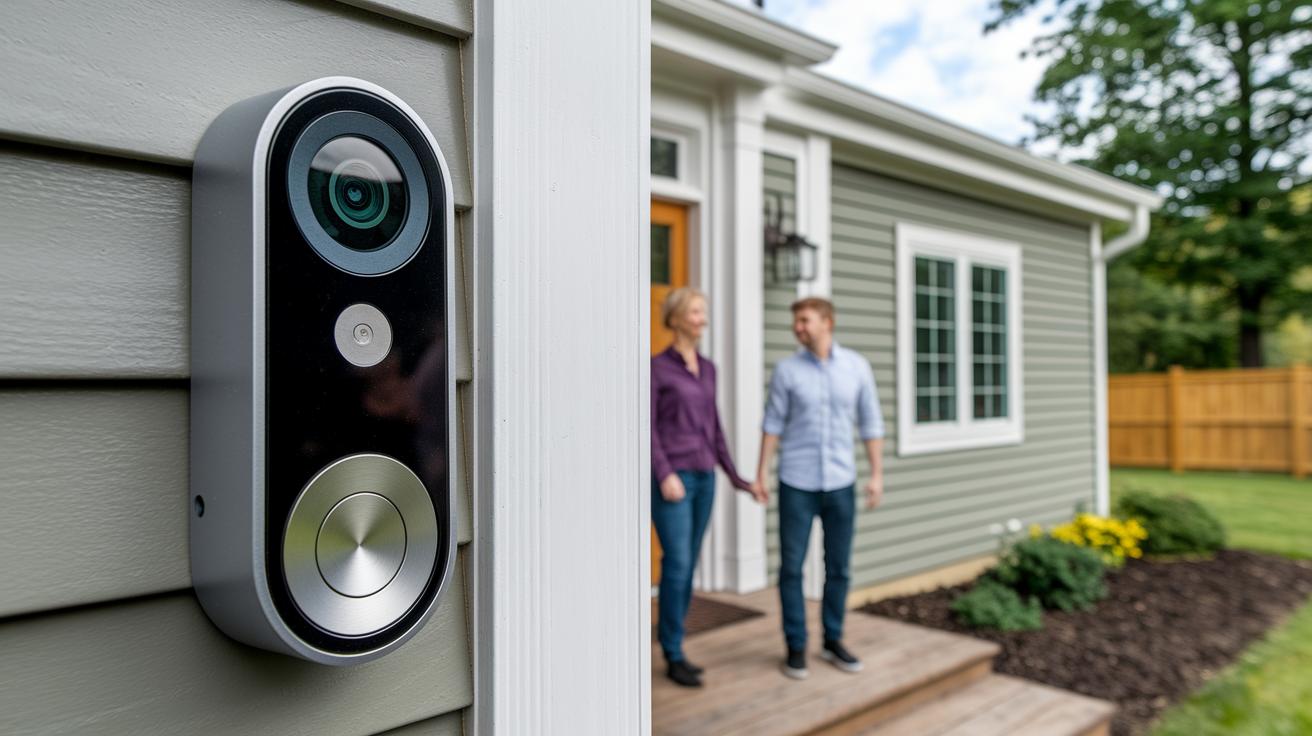
When you ditch cloud plans, your doorbell has to handle everything on its own. That means it needs strong built-in hardware, crisp image quality, and plenty of local storage to keep your footage safe without the extra fees.
With a fee-free doorbell, every detail matters. The core functions must work seamlessly without leaning on cloud storage, so features like resolution and smart detection become real game-changers.
- Resolution: A 2K sensor offers clear, detailed images that beat basic 1080p, making it easier to recognize faces.
- Storage: Local storage usually goes from 32GB to 64GB for clips, while continuous recording might need 128GB or more.
- Power: You can choose a wired setup with a 16-24 VAC transformer or opt for the convenience of battery-powered models that use USB-C charging.
- Detection: AI-driven person and vehicle recognition helps cut down on false alerts while catching the important moments.
- FOV: A field of view between 150° and 180° covers a large area at your entry point.
- Integrations: Compatibility with Alexa, Google, and HomeKit means it easily fits into your smart home system.
Keep these essentials in mind and you’ll be set for a doorbell that offers reliable security and performance, without those pesky monthly fees.
Local Storage Options for No-Subscription Video Doorbells
Doorbells without subscription fees rely on offline storage to keep your videos safe. When you avoid monthly charges, your doorbell needs a dependable way to save footage right on the spot. This means you can review clips immediately without relying on a remote cloud service. It's a great choice if you want full control over your video backups, save money, and keep your privacy intact.
| Storage Option | Capacity Range | Pros | Cons |
|---|---|---|---|
| microSD | 16–512 GB (typically 32–64 GB for clips) | Affordable, easy setup, no monthly fees | Less durable in extreme weather |
| NAS | Varies with setup | High capacity, versatile storage options | More complex installation and higher upfront cost |
| NVR | Designed for continuous recording with large capacities | Supports power over Ethernet (PoE), reliable high-quality recording | Needs dedicated hardware and can be expensive |
For most people looking for a simple, effective solution, microSD cards are the way to go. They offer a plug-and-play approach that keeps things straightforward, saves you money on subscriptions, and provides enough room for your motion-triggered clips.
Installing Your Fee-Free Video Doorbell: Wired and Wireless Methods
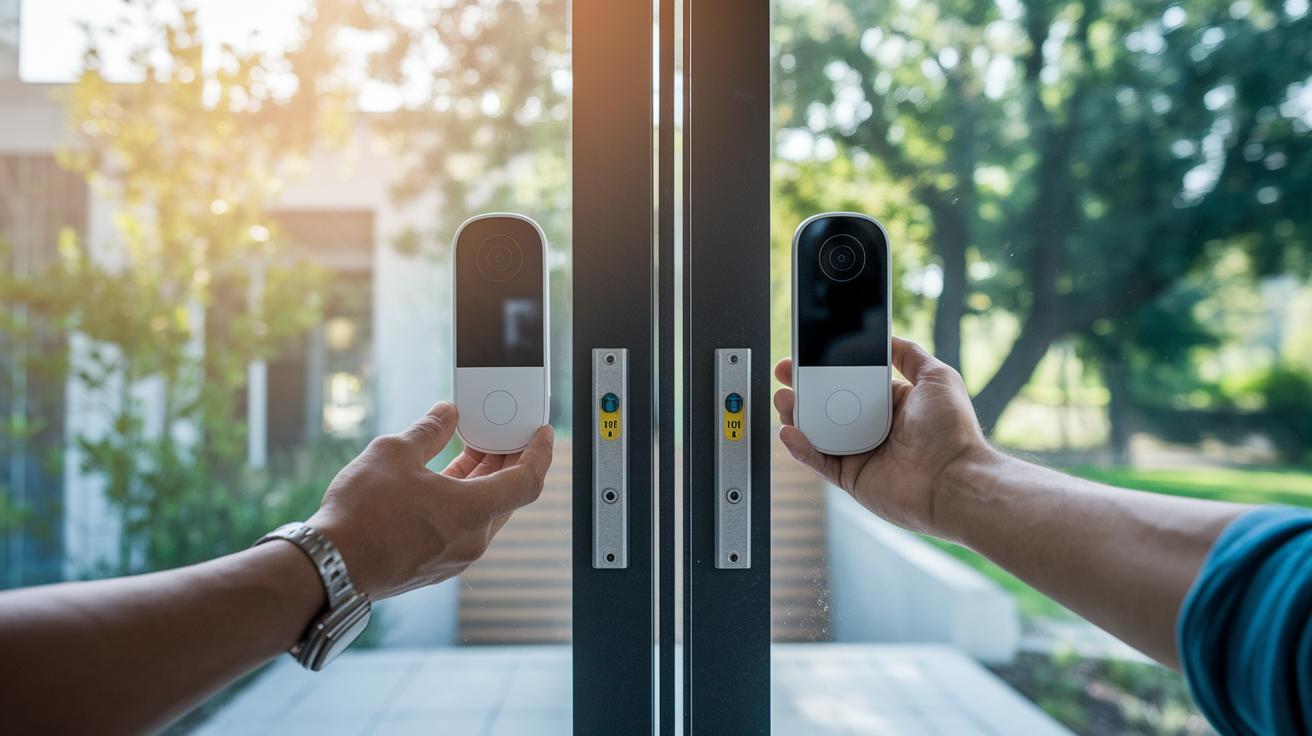
If you're looking to boost your home's security with a fee-free video doorbell, you have two options: wired or wireless. The wired setup uses your home's 16–24 VAC transformer to deliver steady power. This method means you attach the wires and mount the doorbell at about 48 inches high (it can vary between 42 and 54 inches) using simple tools like a drill, level, and screwdriver. This approach is best if you value a consistent, reliable connection.
On the other hand, the wireless option gives you more flexibility without having to deal with electrical wiring. You simply insert the battery, charge it with a USB-C cable, and make sure your Wi-Fi signal is strong enough for fast alerts and live video streaming. Most wireless installations take about 20–45 minutes, making it a great DIY project if you want to avoid modifying your existing setup.
- Pick a spot that offers clear camera coverage.
- Mount the bracket at a height that captures faces and packages.
- Connect the power for wired models or install the battery in a wireless unit.
- Set up your doorbell using the app.
- Test the live view and alerts to be sure everything works.
- Secure the doorbell firmly in its final position.
- Check that your Wi-Fi signal is strong to avoid drops.
- Keep an eye on battery performance in wireless models to prevent sudden power cuts.
- Make sure your door chime is compatible if you're using a wired doorbell with an external chime.
Comparing Subscription-Free Doorbell Cameras: Specs at a Glance
When shopping for doorbell cameras that don't require subscriptions, you need to look at a few key details. Consider how they get power, the quality of the video, where the footage is stored, the price, and any standout features. Below is a table that lays out these basics and offers extra insights from both users and experts.
| Model | Power | Resolution | Storage | Price | Unique Feature | Performance Insight |
|---|---|---|---|---|---|---|
| Eufy E340 | Wired/Wireless compatible | HD dual-camera | Local storage | Competitive | Dual camera coverage | Reliable in varied placements |
| Eufy Video Doorbell 2K (Wired) | Wired | 2K (4:3) | Local storage | $150 | Wider, clear view | Optimized for fixed setups with crisp clarity |
| Reolink Video Doorbell WiFi | Battery | 2560×1920 (2K+) | Local storage | Competitive | Excellent image detail | Flexible installation; battery performance may vary |
| Aqara Video Doorbell G4 | Wired | HD with smart processing | Local storage | $149.99 | Face recognition with HomeKit | Boosts smart home security with integrated facial recognition |
| WUUK Wired Smart Doorbell Y0110 | Wired | HD clarity | Continuous recording | Competitive | 24/7 local recording | Delivers non-stop monitoring for continuous coverage |
From this table, we notice that the Eufy models lean on wired setups for steady performance with clear dual-camera views. The Reolink doorbell gives you battery-powered freedom, though battery life might change with use. The Aqara option steps up your security with smart processing and facial recognition, while the WUUK doorbell is built for those who need constant, round-the-clock recording. Choose the one that best fits your home and security needs.
FAQ: Subscription-Free Video Doorbell Questions Answered
-
Q: Why choose a video doorbell without a subscription?
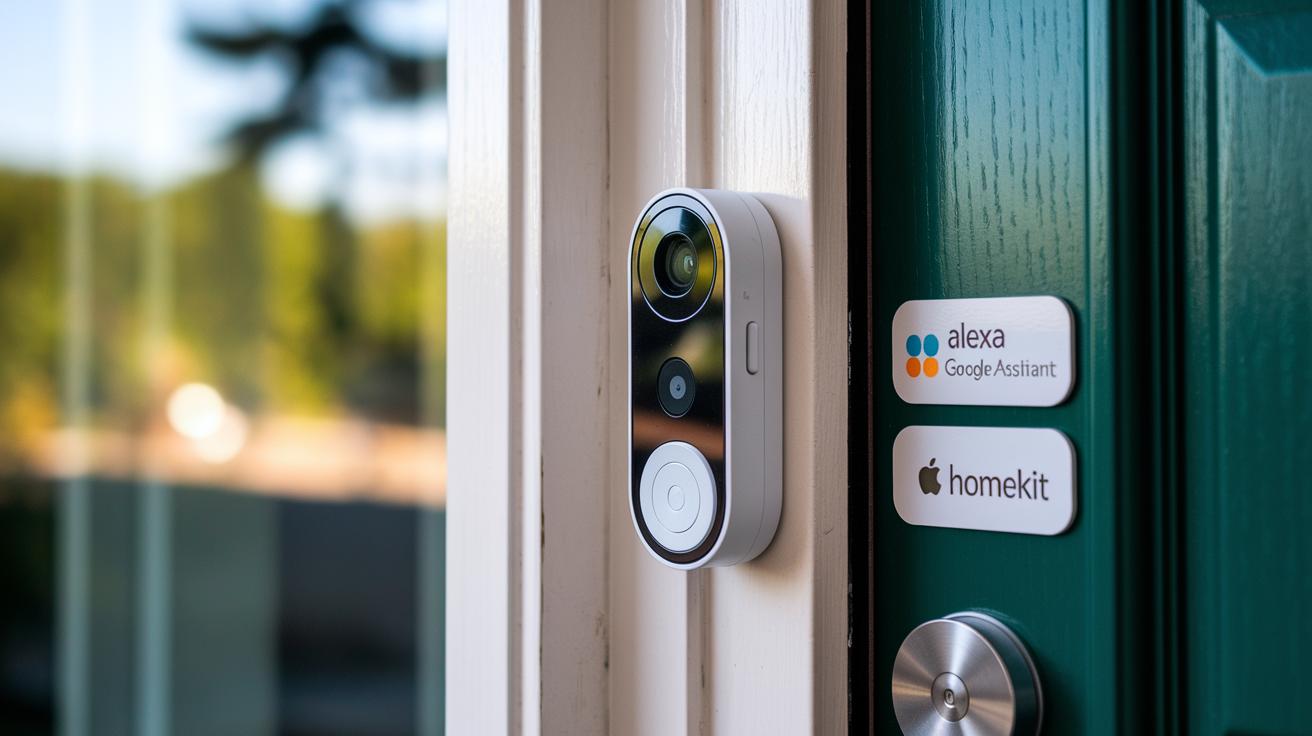
A: You get local storage and instant mobile alerts without any monthly fees. Plus, it works with Alexa, Google, and HomeKit so you always have full control over your recordings. -
Q: What can I expect in terms of local storage duration?
A: A 32GB microSD card typically holds weeks of motion-triggered clips, while a 128GB card can store recordings for months. This gives you plenty of backup without needing cloud storage. -
Q: Do these doorbells work with popular smart assistants?
A: Yes, they integrate smoothly with Alexa, Google, and HomeKit. This makes managing alerts and controlling your device as simple as using your voice. -
Q: How reliable are the motion alerts on these devices?
A: They send immediate mobile notifications to keep you informed of any movement in real time, which is essential for maintaining security. -
Q: Can a visible doorbell really deter intruders?
A: Studies show that 60% of intruders leave when they see a doorbell camera installed. This added visibility offers a strong layer of deterrence.
Final Words
In the action, we broke down everything from key features and installation tips to storage options and side-by-side comparisons. We examined how each model performs in real-world setups so you can weigh the trade-offs confidently.
This guide aims to cut through the chatter, helping you pinpoint the best video doorbell without subscription that fits your needs. The tests were hands-on and practical, ensuring you walk away with clear, actionable advice and a positive outlook on your next purchase.
FAQ
Q: What are top-rated subscription-free video doorbells according to Reddit, Consumer Reports, and Amazon?
A: The top-rated models mentioned on Reddit, Consumer Reports, and Amazon include options like Eufy and Aqara doorbells, which offer clear, high-resolution video and reliable local storage without recurring fees.
Q: Which wireless doorbell camera offers subscription-free operation and hassle-free installation?
A: The wireless models, such as the Reolink Video Doorbell WiFi, provide easy installation, high-quality video, and immediate mobile notifications without the burden of subscription fees.
Q: Which subscription-free video doorbell provides excellent local storage?
A: The subscription-free doorbells, like Aqara Video Doorbell G4 and many Eufy models, stand out by offering substantial local storage that securely records video without the need for cloud subscriptions.
Q: Which is the most affordable option for a fee-free doorbell camera?
A: The most affordable fee-free doorbell cameras, including select Eufy and Aqara models, deliver solid performance and effective local storage at a lower upfront cost without hidden subscription fees.
Q: What features characterize the Eufy doorbell camera line?
A: The Eufy doorbell cameras are known for their high-resolution video, dependable local storage, and smart home compatibility, all delivered without the ongoing fees associated with cloud storage.
Q: How does a doorbell camera with a subscription compare to a subscription-free model?
A: Doorbell cameras with a subscription typically offer cloud storage and additional features like offsite backups, while subscription-free models focus on local storage and have no recurring fees.